
Stemz: AI Tool for Musicians - Music creation & remixing
Elevate your music game with powerful AI tools for isolation, remixing, & endless practice opportunities in one app.

- 1.06.00 Version
- 2.8 Score
- 522K+ Downloads
- In-app purchases License
- 3+ Content Rating


Are you in search of the ideal instrumental accompaniment for your practice sessions?
This app is designed for singers, guitarists, pianists, drummers, bass players, dancers, and all musical talents! Now you can perform alongside your favorite artists!
Stemz: AI Tool for Musicians provides fresh opportunities for a whole generation of music enthusiasts.
This innovative music application is driven by state-of-the-art AI technology.
Unlock your musical imagination like never before with Stemz and its groundbreaking Vocal and Instrument Separation features. This allows you to easily extract vocals and instruments from any track, enabling you to create captivating remixes. Gain control over your preferred songs by isolating individual instruments with the Instrument Separation tool, allowing you to rework melodies and beats. Explore a realm of endless possibilities as Stemz expands new avenues for music lovers, producers, and DJs alike—powered entirely by AI. Enhance your music-making journey and immerse yourself in the next wave of AI-driven musical advancements with Stemz.

Stemz encompasses a comprehensive array of features:
# Practice using your personal selections
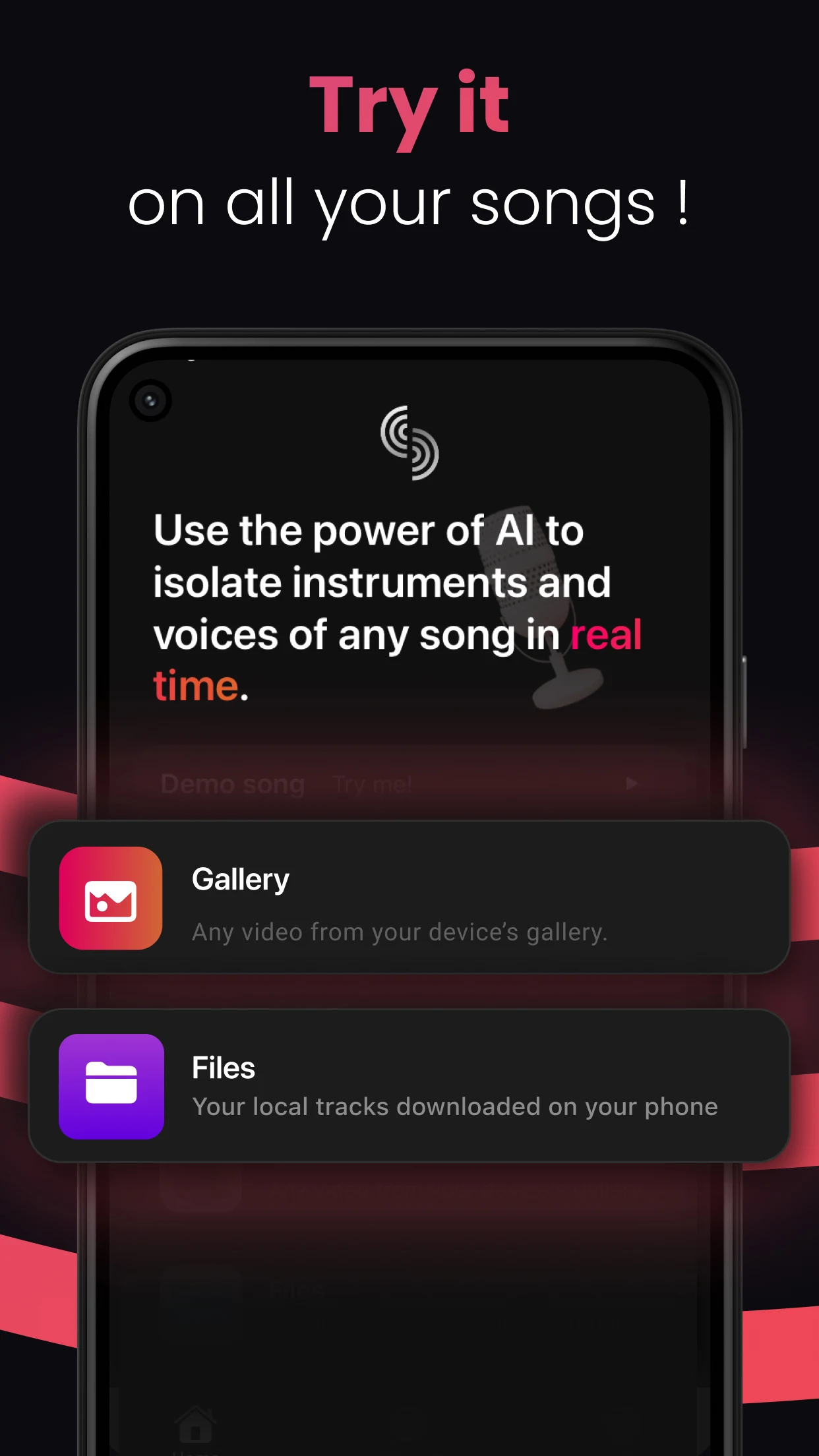
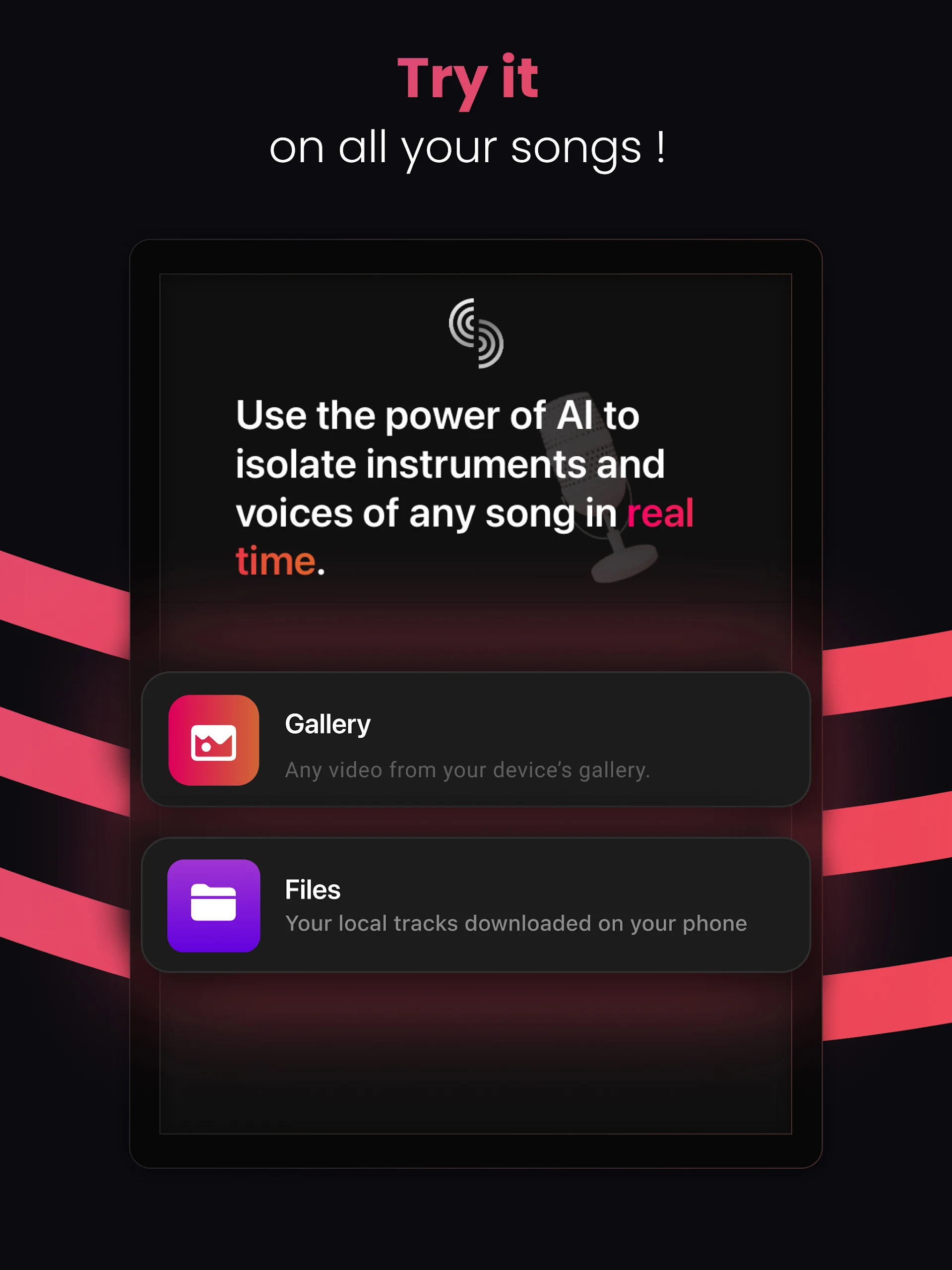
- Import any tracks via Files apps: iCloud, Drive, Dropbox, etc.
- Extract audio from videos stored in your Camera Roll
# Advanced AI source separation technology
- Choose the tracks you wish to modify
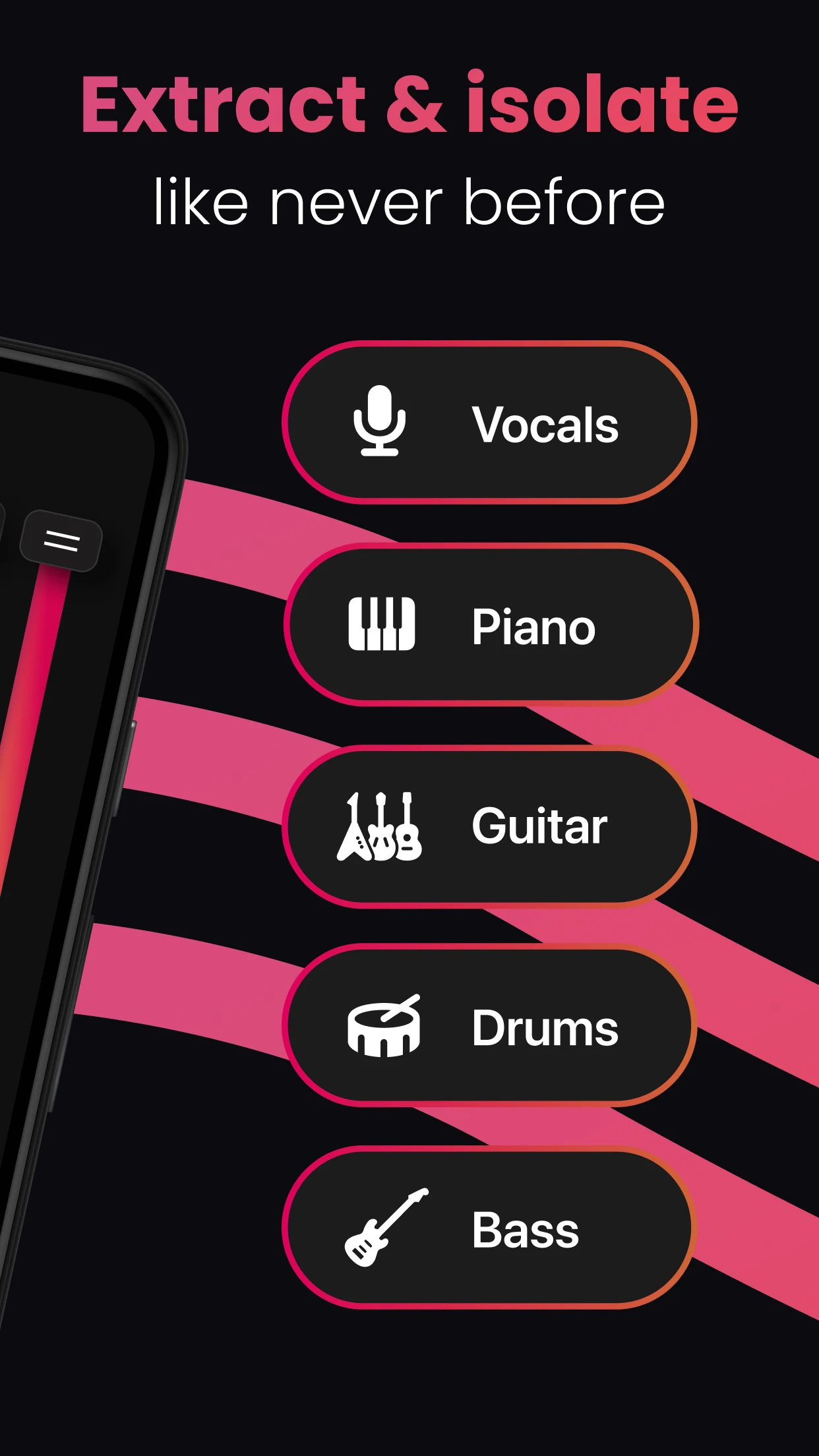
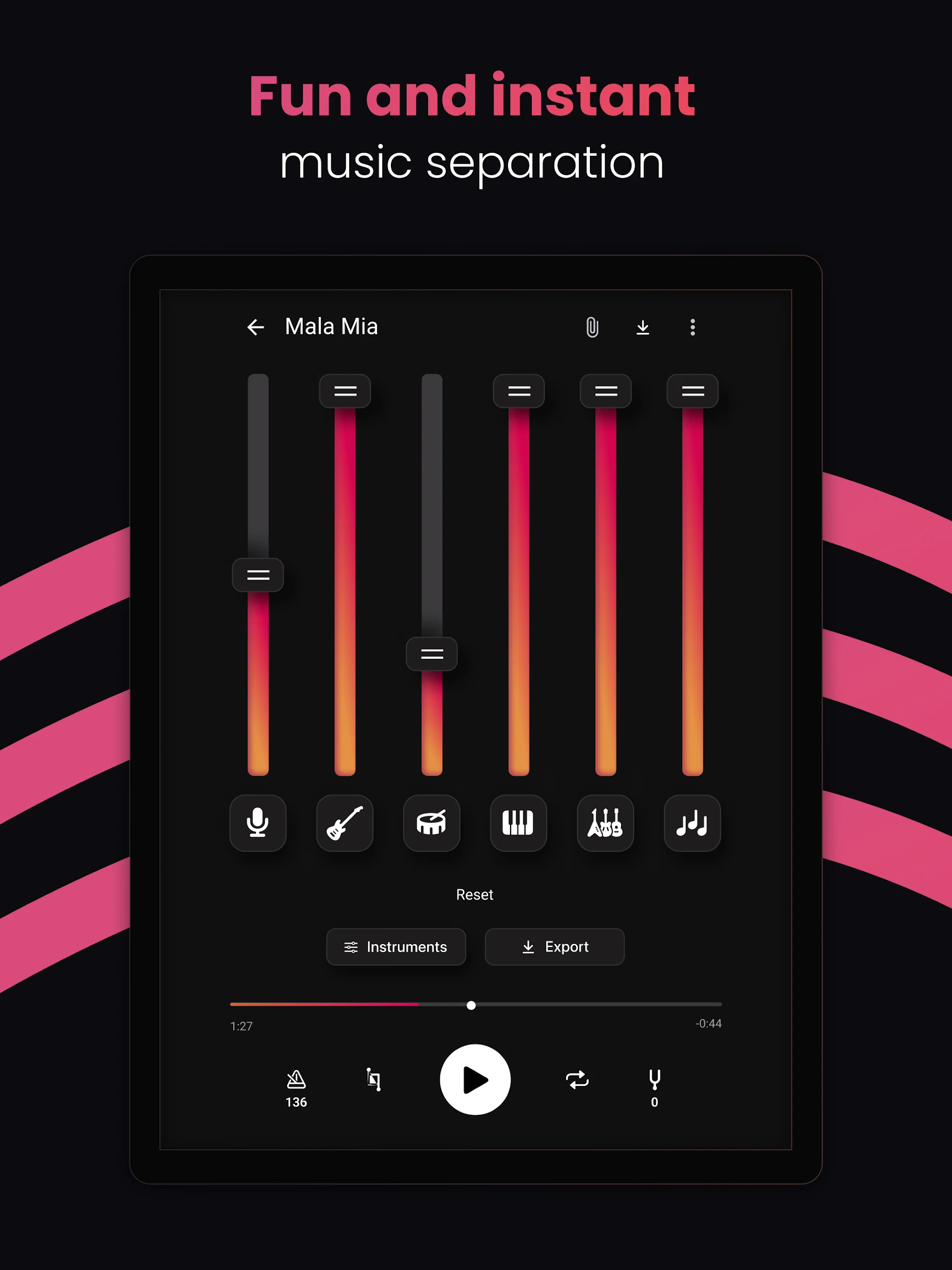
- Extract, separate, and isolate all musical elements: vocals, guitar, piano, drums, bass
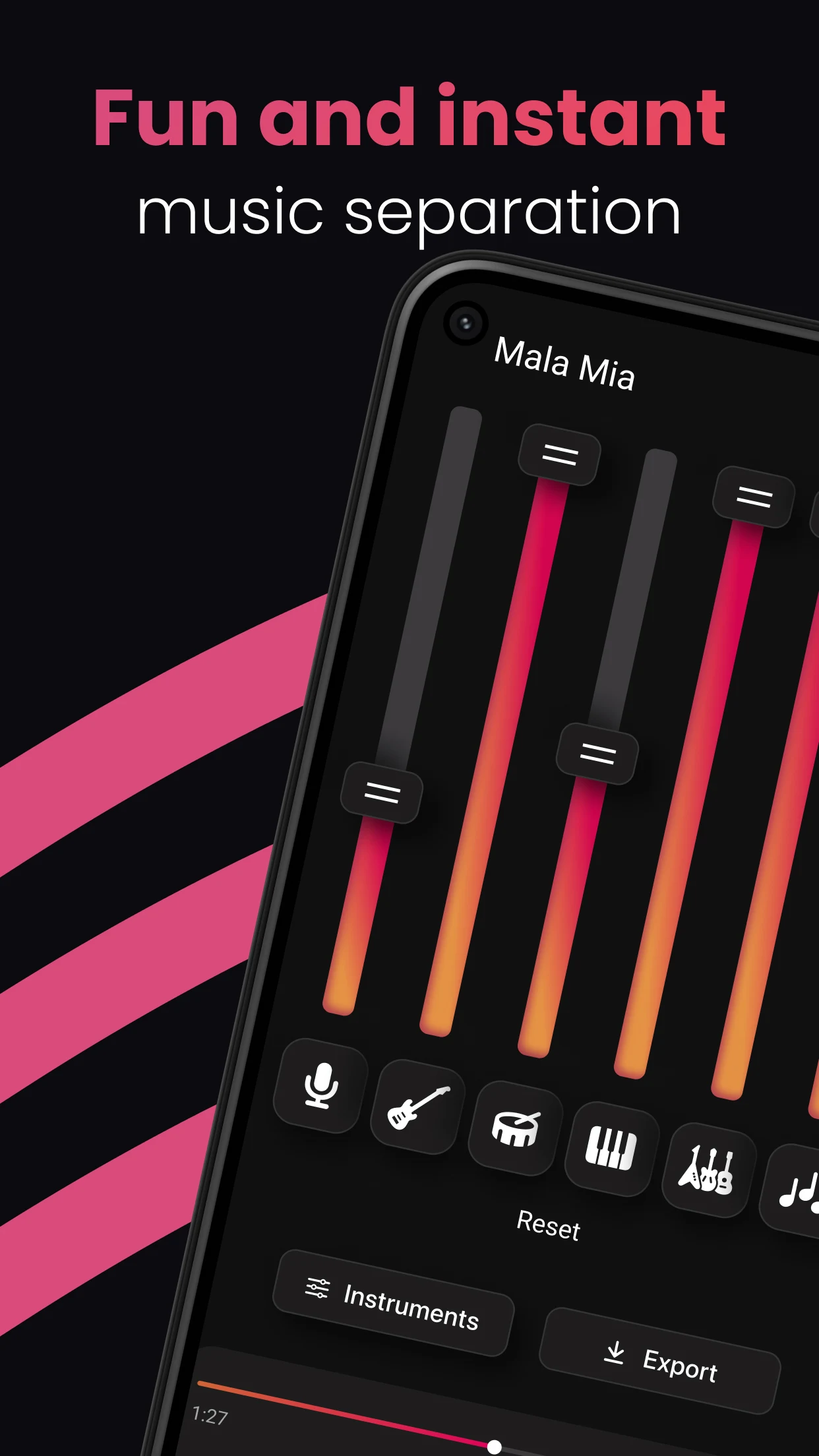
- User-friendly separation interface for remixing and editing your music tracks
- Adjust each stem individually with sliders or cut stems quickly
- Pick the optimal set of stems that fit your track
# Share your creations
- Present your music mixes to friends
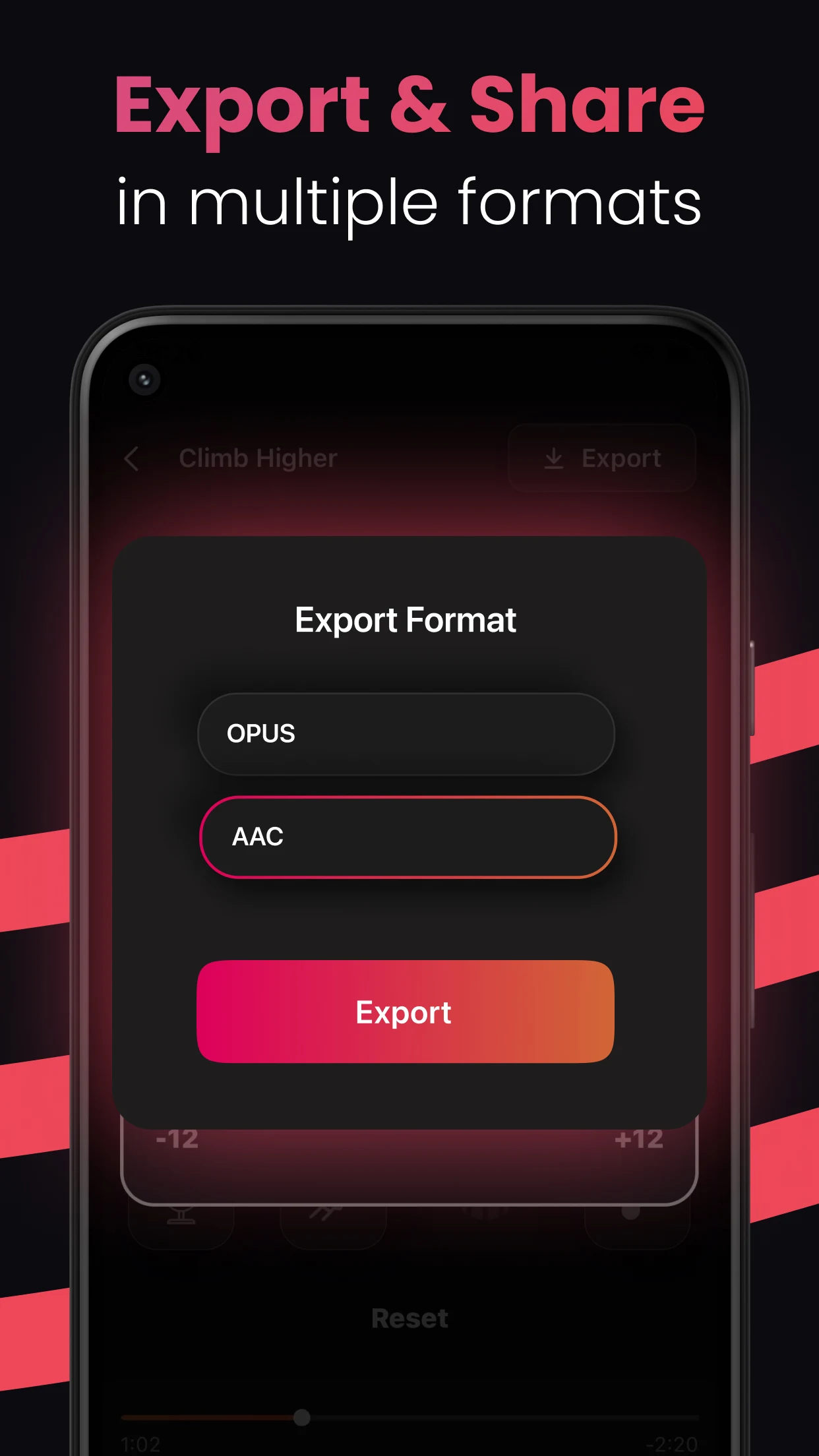
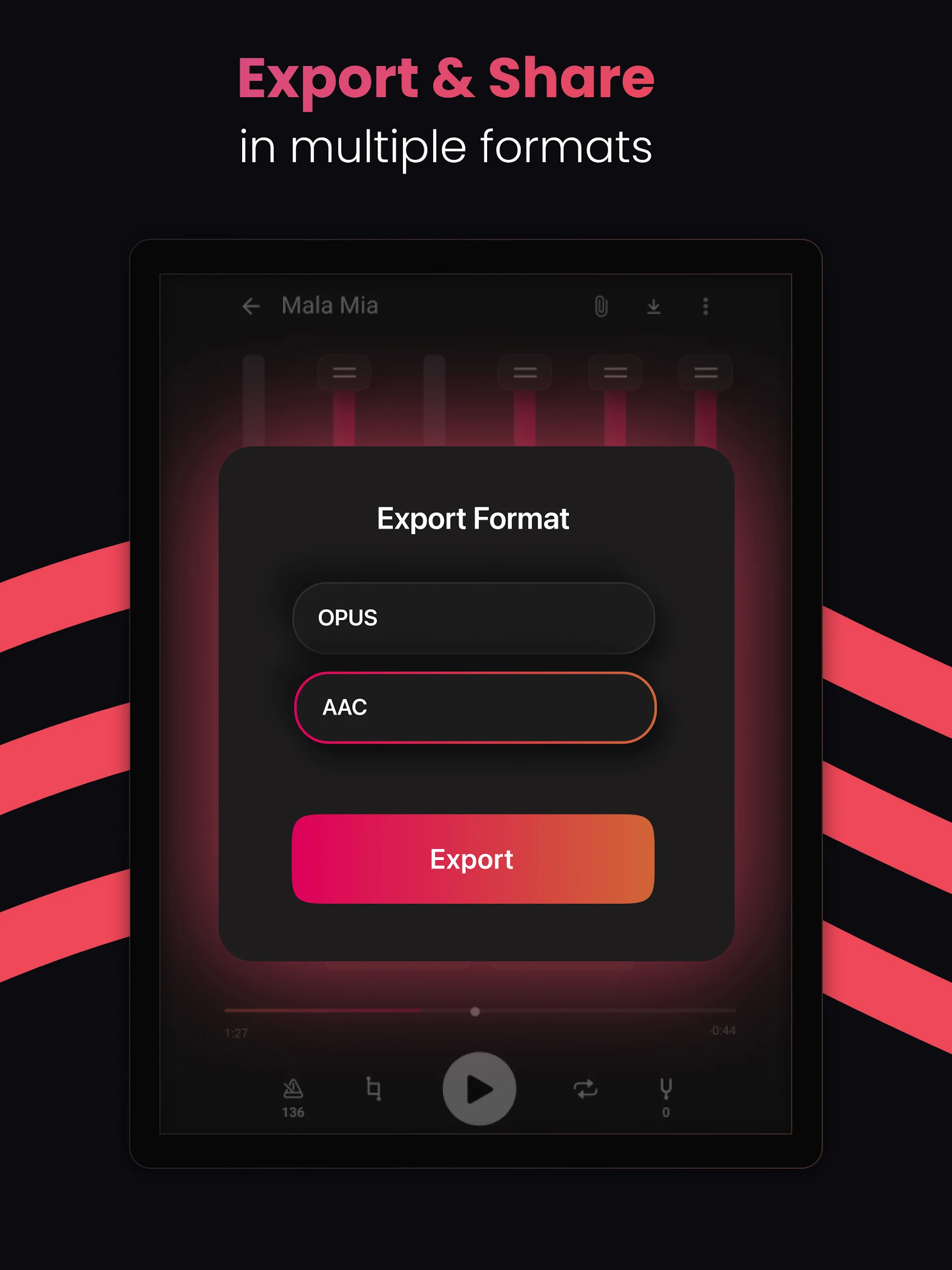
- Supported formats: M4A, CAF
Creating your own unique performance has never been simpler! This application is ideal for drummers, music educators, producers, vocalists, bassists, pianists, guitarists, dancers, as well as beginners and seasoned professionals!
Stemz is brought to life by a dedicated team of musicians and engineers.

Q&A
**Q: What is Stemz?**
A: It’s an AI music app that separates vocals and instruments from any song.
**Q: Who is it for?**
A: Singers, guitarists, pianists, drummers, bassists, dancers, producers, and beginners.
**Q: What can it separate?**
A: Vocals, guitar, piano, drums, bass.
**Q: How to import music?**
A: Import from iCloud, Drive, Dropbox, or extract audio from videos.
**Q: How to edit?**
A: Use sliders to adjust each stem individually, easy interface.
**Q: What export formats?**
A: M4A and CAF.
Related Questions and Answers
- **Q**: Who is the Stemz app designed for?
- **A**: Stemz is designed for singers, guitarists, pianists, drummers, bassists, dancers, and all musical talents.
- **Q**: What are the main technical advantages of Stemz?
- **A**: Stemz uses cutting-edge AI technology. Its AI source separation algorithm can extract, separate, and isolate all vocals and instruments from any track, such as vocals, guitar, piano, drums, bass, and more.
- **Q**: What types of audio can users import through Stemz?
- **A**: Users can import any track from file apps (such as iCloud, Drive, Dropbox, etc.), and can also extract audio from videos in their phone's camera roll.
- **Q**: Is the Stemz audio editing interface complex to use?
- **A**: It's not complex. It has a simple and easy-to-use separation interface. Users can manipulate each track individually using sliders, edit tracks instantly, and select track groups that best suit the track.
- **Q**: In what formats can users share their remixes?
- **A**: Users can share their remixes in M4A or CAF formats.
- Version1.06.00
- UpdateSep 29, 2026
- DeveloperMWM - AI Music and Creative Apps
- CategoryMusic & Audio
- Requires AndroidAndroid 5.0+
- Downloads522K+
- Package Namecom.mwm.stems
- Signatureea4de9facf498abefe184ec79d26833b
- Available on
- ReportFlag as inappropriate
-
NameSizeDownload
-
29.97 MB
-
29.97 MB
-
27.07 MB

















Quick processing time for audio separation
Suitable tool for DJs and musicians
User-friendly interface and functionality
Ability to create custom stems from favorite songs
Impressive clarity in audio separation
Convenient for karaoke and practicing performances
Simple to mute vocals or change instrument levels
Potential for improvement with future updates
Limited to one free song before subscription
High monthly fee perceived as unreasonable
Technical issues and app crashes reported
Misleading trial information and paywall confusion
Difficulty in canceling subscriptions
Ineffective vocal separation leading to audio distortion
Requires uploading songs instead of offline usage
Lack of clear value compared to other free options