
Spanish keyboard 2019 - Bilingual typing made easy
Transform your typing experience with stylish themes, emojis & smart suggestions on this bilingual keyboard for seamless communication.
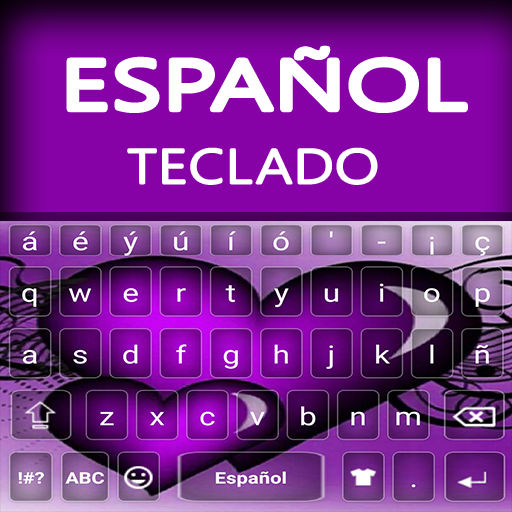
- 2.4 Version
- 2.1 Score
- 149K+ Downloads
- Free License
- 3+ Content Rating




Spanish Keyboard
1. App Overview
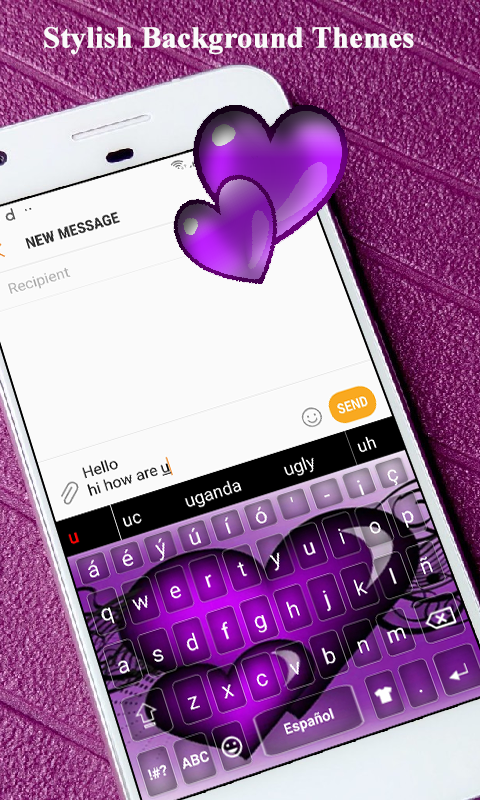
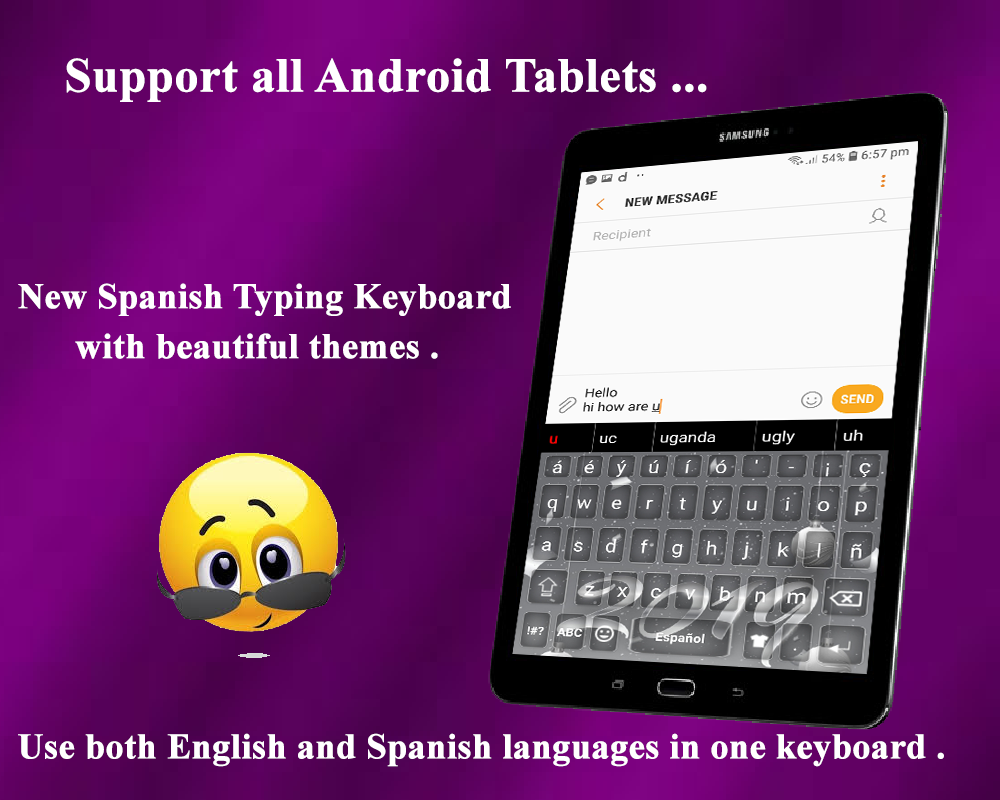
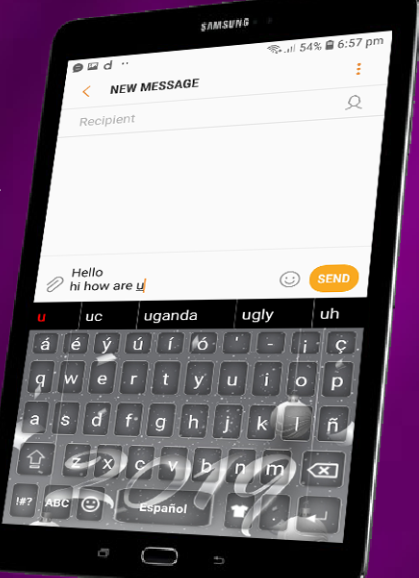
Spanish Keyboard is an Android keyboard app for users who regularly type in Spanish, English, or both languages. It combines bilingual text input with predictive text, word suggestions, and automatic spelling correction, helping users write messages and other content without switching between separate keyboards.
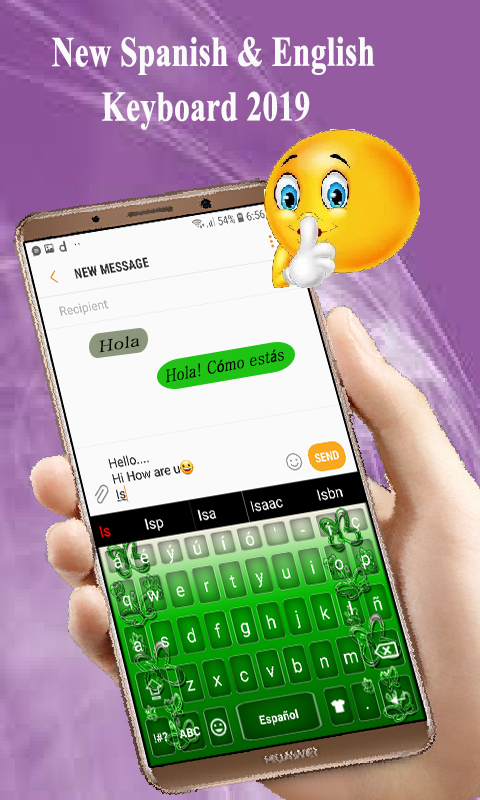
Once enabled as the default input method, the keyboard can be used across Android applications that support text entry, including messaging apps, SMS, and email clients. Users can switch between Spanish and English directly from the keyboard, making it suitable for everyday communication and bilingual writing.
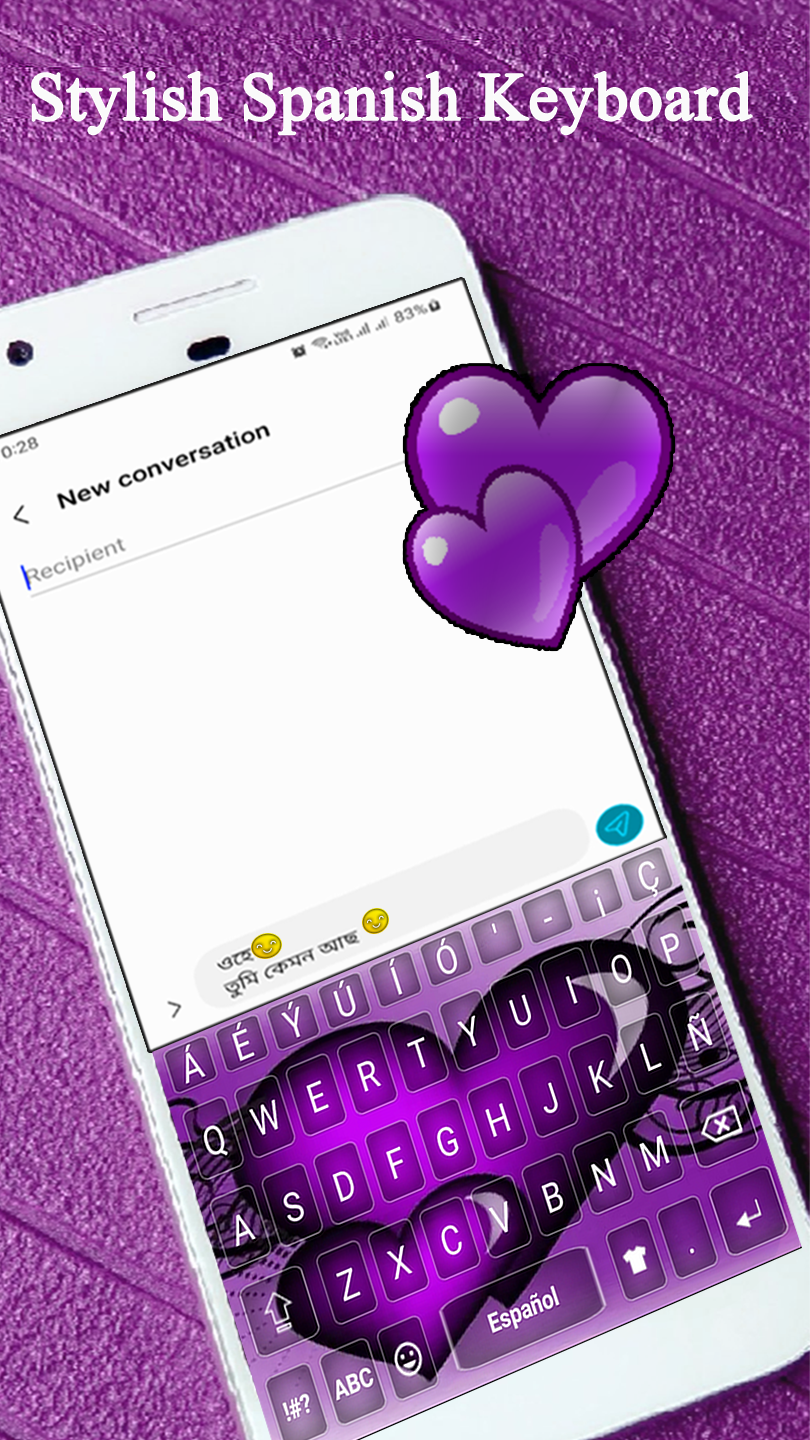
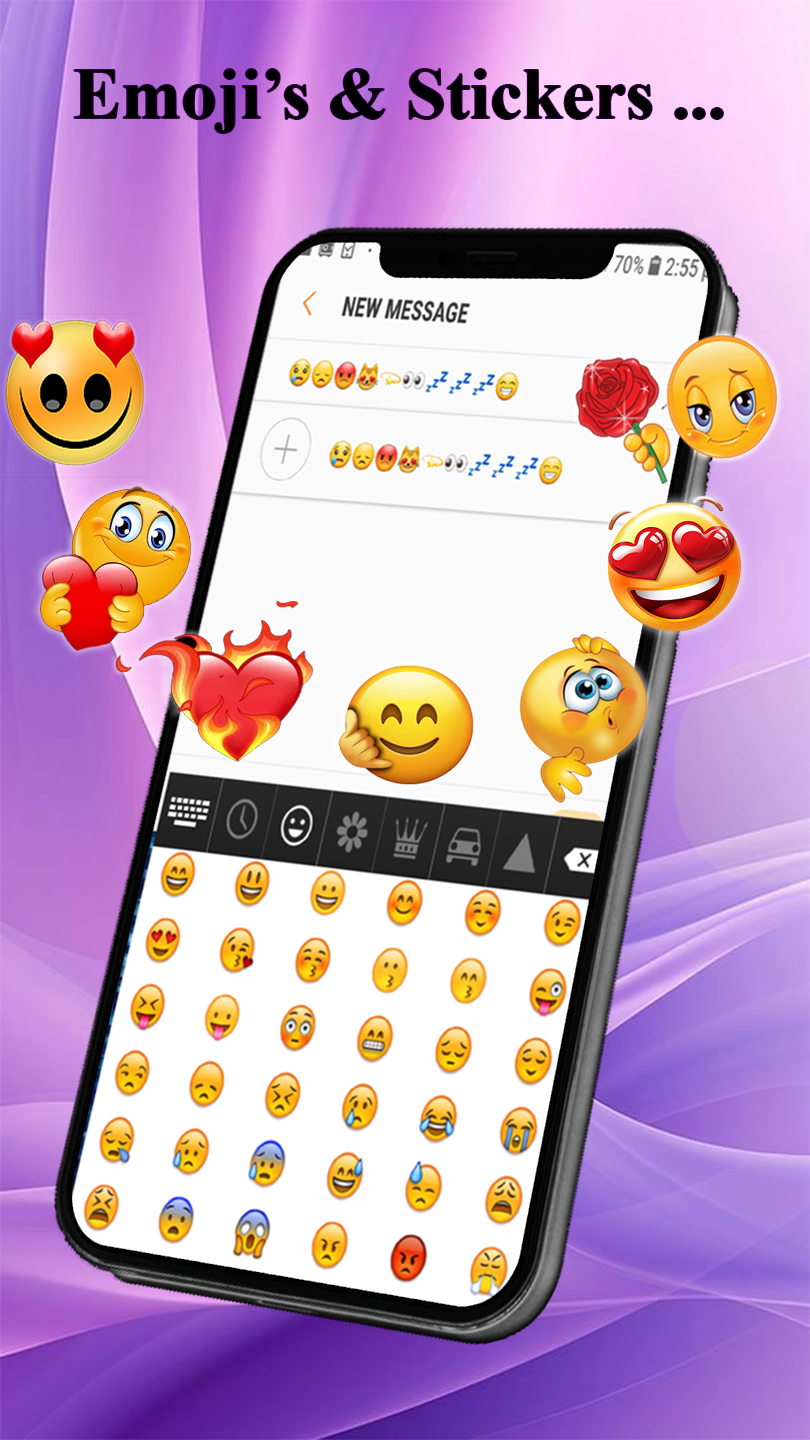
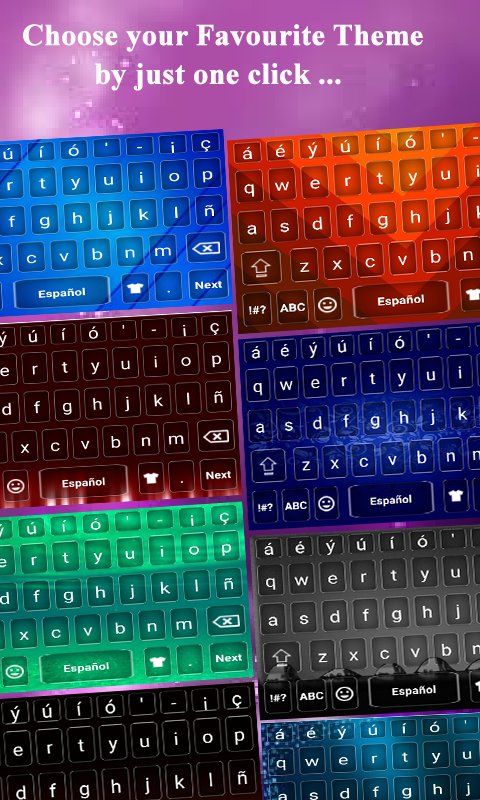
In addition to its typing tools, the app offers several customization options. Users can choose different keyboard themes and font styles, insert emojis, and adjust typing sounds and vibration feedback. A built-in Spanish dictionary provides vocabulary and spelling suggestions to assist with Spanish text entry.
2. Key Features
Spanish and English Input: Supports both languages and allows users to switch between them directly from the keyboard.
Predictive Text: Suggests words as users type to help complete sentences.
Auto-Correction: Detects and corrects common spelling and typing errors.
Spanish Dictionary: Provides vocabulary and spelling suggestions for Spanish input.
Keyboard Themes: Offers different themes to customize the keyboard's appearance.
Font Styles: Includes alternative fonts for personalizing the typing interface.
Emoji Support: Provides emojis for use in messages and other text.
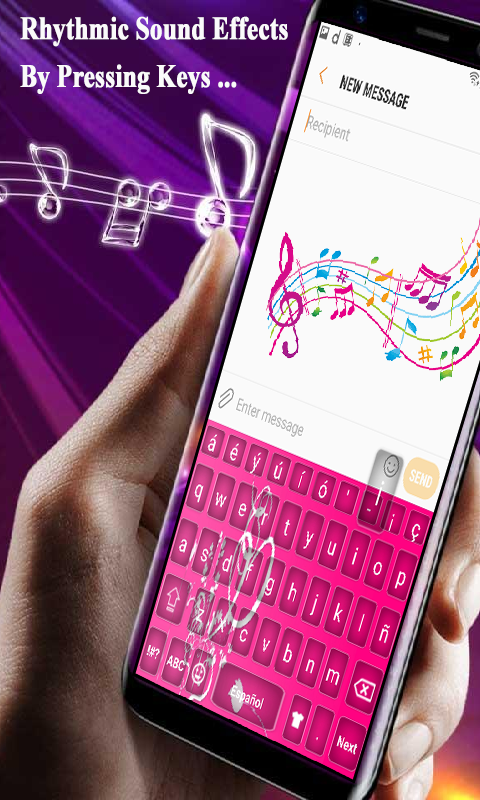
Sound and Vibration Settings: Allows users to customize typing feedback or turn off sounds and vibration.
3. How to Use

Install and Enable the Keyboard: Download Spanish Keyboard and follow the on-screen instructions to enable it through your Android device's language and input settings.
Set It as the Default Keyboard: Select Spanish Keyboard as your default input method so it appears when you tap a text field.
Start Typing: Open a messaging app, email client, or another application that supports text input. Enter Spanish or English text and select suggested words when needed.
Switch Languages: Tap the globe or language-switch key to change between Spanish and English. Some layouts may require you to long-press the key to select a language.
Customize Keyboard Settings: Open the keyboard settings to change themes and fonts, configure auto-correction, and adjust typing sounds and vibration.
4. Frequently Asked Questions
Q1: Can I use Spanish Keyboard without an internet connection?
Yes. The keyboard supports offline typing after installation, allowing you to enter Spanish and English text without an active internet connection.
Q2: How do I switch between Spanish and English?
Tap the globe or language-switch key on the keyboard. Depending on the layout, you may need to long-press the key to select the other language.
Q3: Can I turn off automatic spelling correction?
Yes. Open the keyboard settings and disable auto-correction if you prefer to type without automatic spelling changes.
Q4: How can I change the keyboard theme or font?
Open the keyboard's customization settings and select your preferred theme or font style. You can also adjust typing sounds and vibration feedback in the settings.
Q5: Can I use Spanish Keyboard in other Android applications?
Yes. Once enabled and selected as the default input method, it can be used in Android applications that support text entry, including messaging apps, SMS, and email clients.
- Version2.4
- UpdateNov 09, 2026
- DeveloperAlpha Keyboards
- CategoryProductivity
- Requires AndroidAndroid 5.0+
- Downloads149K+
- Package Namecom.alpha.spanish.keyboard
- Signaturee2e5f07eb96f6af0b2144a88cb477417
- Available on
- ReportFlag as inappropriate
-
NameSizeDownload
-
7.94 MB
-
7.67 MB
-
7.32 MB











Supports seamless switching between Spanish and English, and can be used offline;
Offers a rich selection of themes, fonts, emoticons, and key sounds/vibrations for high personalization;
Built-in Spanish dictionary with auto-completion and error correction for convenient daily input;
User-friendly interface, suitable for Spanish learners and users who value a superior typing experience.
Some users have reported that the accuracy of autocorrect/associative input is average, and it lacks support for complex words or word conjugations;
Themes and effects may affect smoothness, causing lag on some models;
There are many advertisements and in-app purchase prompts (more noticeable when connected to the internet);
There may be compatibility issues with certain input methods or applications, requiring manual settings adjustments.