
Khmer keyboard: Cambodia Voice - Khmer & English typing
Type effortlessly in Khmer & English with voice support, powerful translation, and customizable themes for a unique experience.
- 1.22 Version
- 3.2 Score
- 219K+ Downloads
- Free License
- 3+ Content Rating

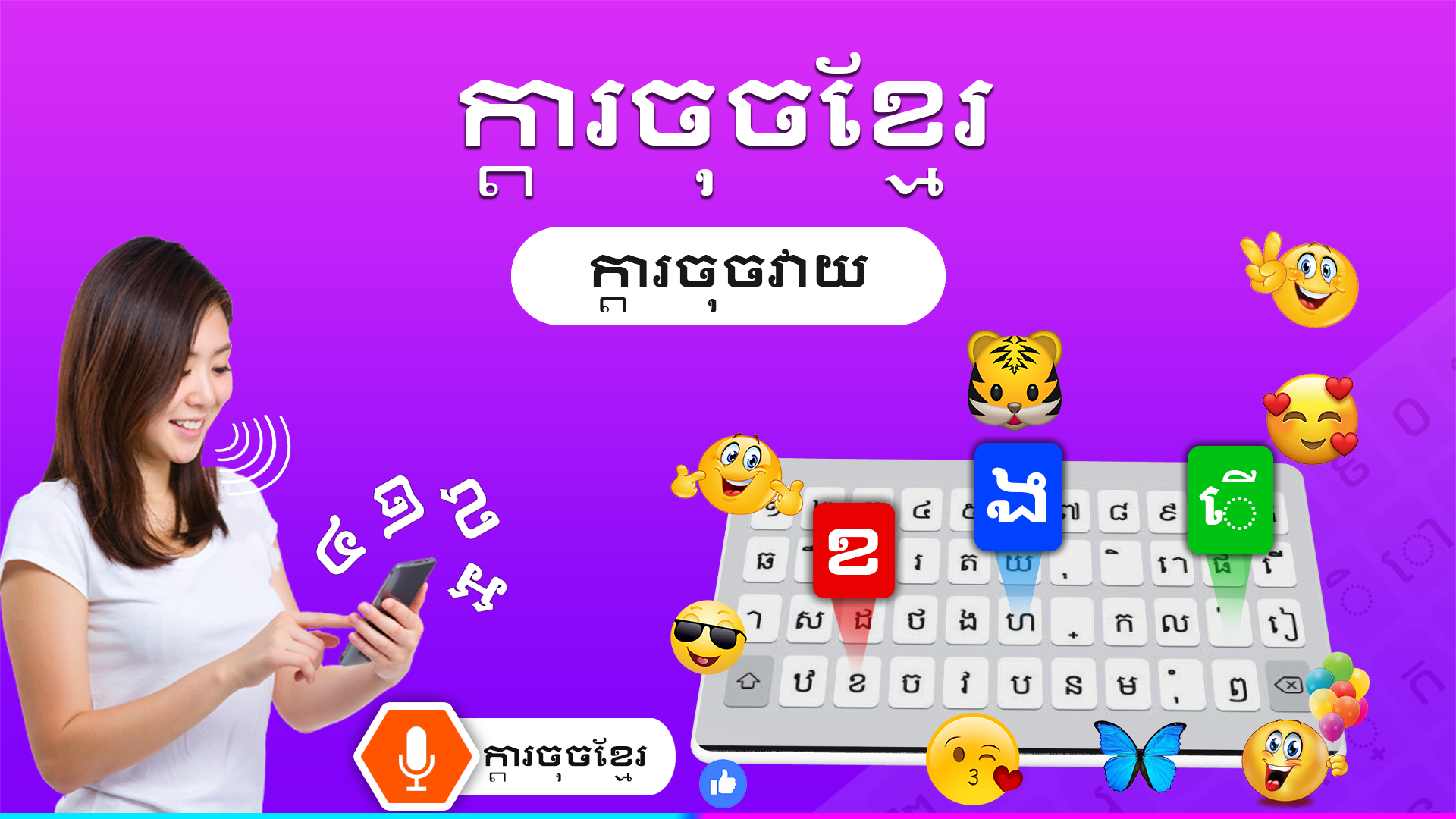



Khmer Keyboard
1. App Overview
Khmer Keyboard is a bilingual keyboard app that allows users to type in Khmer and English on their mobile devices. It provides a dedicated language-switching key, so users can move between the two input languages without changing their device's system language settings. The keyboard can be used for everyday tasks such as sending messages, writing emails, composing notes, and posting on social media.
In addition to bilingual typing, the app includes several language tools for communication and vocabulary lookup. Its translation feature supports more than 100 languages, helping users understand and translate text in different languages. A built-in Khmer-English dictionary provides word definitions, while voice input converts spoken words into text. The conversation feature offers additional support for communicating across language barriers.
The app also includes keyboard customization options. Users can choose from available themes, add emojis and emoticons to their messages, and adjust keypress sounds and vibration feedback. By combining Khmer and English input with translation, dictionary lookup, and voice typing, Khmer Keyboard brings several everyday language and typing tools together in one application.
2. Key Features
Khmer and English Typing: Switch between Khmer and English directly from the keyboard without changing system language settings.
100+ Language Translation: Translate text between more than 100 languages for multilingual communication.
Khmer-English Dictionary: Look up word meanings and check unfamiliar vocabulary in either language.
Voice-to-Text Input: Convert spoken words into written text using voice input.
Conversation Mode: Access multilingual conversation tools to communicate with speakers of other languages.
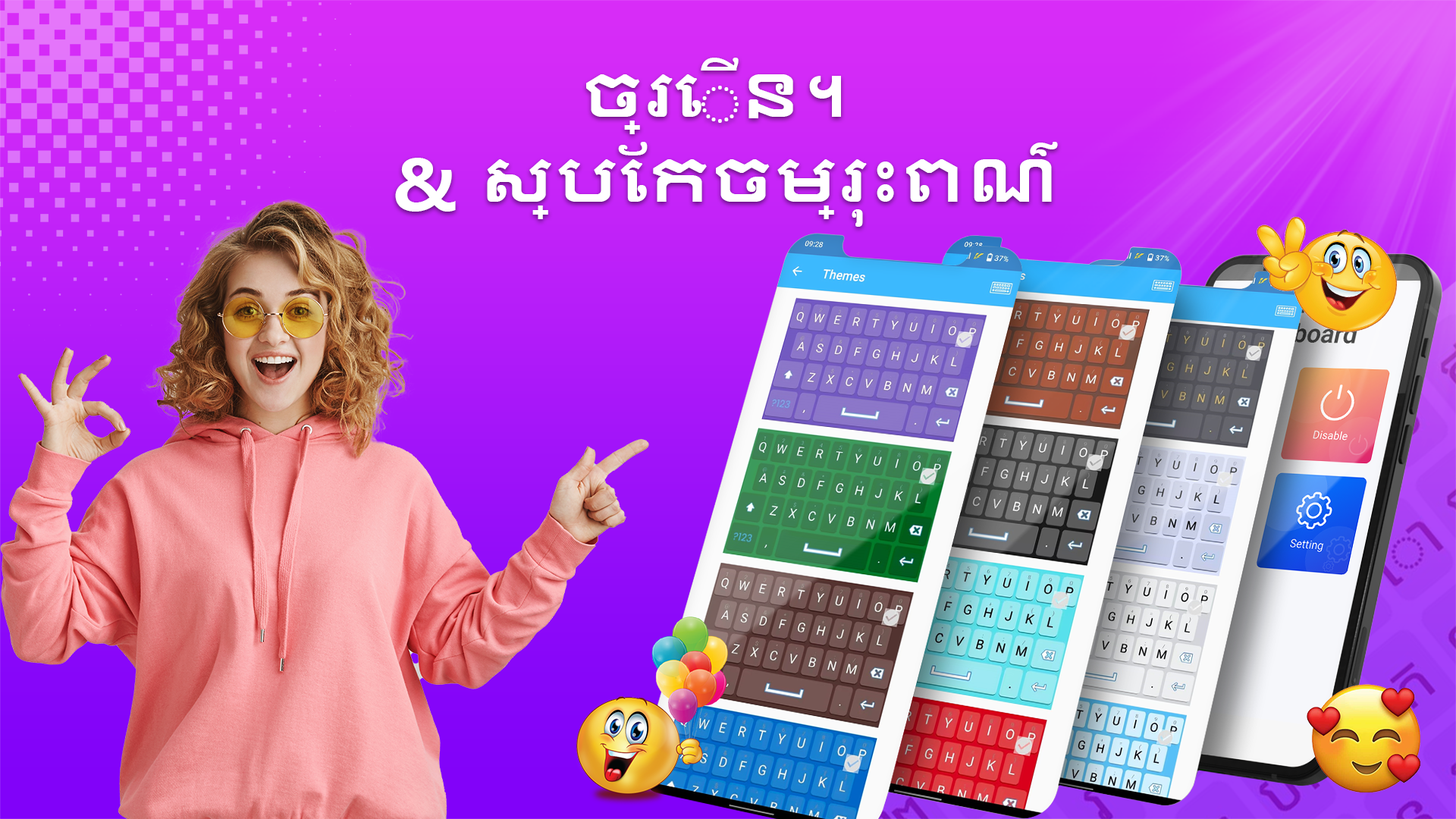
Custom Keyboard Themes: Choose from different keyboard designs to personalize the typing interface.
Sound and Vibration Settings: Enable or disable keypress sounds and vibration feedback.
Emojis and Emoticons: Insert emojis and emoticons into messages, chats, and social media posts.
3. How to Use Khmer Keyboard
Download and install Khmer Keyboard from Google Play.
Open the app and follow the on-screen instructions to enable it in your device's keyboard settings.
Select Khmer Keyboard as your active input method.
Open a messaging app, email client, or any other application with a text field.
Tap the language-switching key to alternate between Khmer and English.
Open the theme section to browse and apply an available keyboard design.
Access the settings to adjust typing sounds, vibration, and other preferences.
To use the additional language tools, open the corresponding sections within the app. Select the translation tool to translate text, use the dictionary to look up word meanings, or activate voice input to convert speech into written text.
4. Common Use Cases

Everyday Messaging
Write messages in Khmer or English and switch between the two languages as needed. Emojis and emoticons are available for adding expression to personal conversations.
Work and Document Writing
Compose emails, notes, and other written content in either language without repeatedly changing the device's input settings.
Khmer Language Learning
Look up unfamiliar vocabulary with the Khmer-English dictionary and use the translation feature to understand words and phrases in other languages.
Multilingual Communication
Use the translation and conversation tools when communicating with people who speak different languages, including during everyday interactions and travel.
Personalized Typing
Choose a keyboard theme and adjust sound and vibration settings to customize the keyboard's appearance and feedback.
5. Frequently Asked Questions
Q1: Can I type in both Khmer and English with this keyboard?
Yes. Khmer Keyboard supports both languages and includes a dedicated switching key, allowing you to change input languages while typing.
Q2: How do I activate Khmer Keyboard?
After installing the app, open it and follow the on-screen instructions to enable the keyboard in your device's language and input settings. Then select Khmer Keyboard as your active input method.
Q3: Does Khmer Keyboard support languages other than Khmer and English?
Khmer and English are its primary typing languages. The built-in translation tool supports more than 100 languages.
Q4: Can I type using my voice?
Yes. The voice-to-text feature converts spoken words into written text. An internet connection may be required.
Q5: How can I change the keyboard's appearance?
Open the theme section and select an available design. You can also adjust keypress sounds and vibration feedback in the settings.
Q6: Can I use Khmer Keyboard without an internet connection?
Basic Khmer and English typing can be used offline. However, online translation and voice typing may require an internet connection.
- Version1.22
- UpdateNov 06, 2026
- DeveloperHinam Corner
- CategoryProductivity
- Requires AndroidAndroid 7.0+
- Downloads219K+
- Package Namecom.hinam.khmer.keyboard
- Signatureb738f989f7c139f0d2aebea40fbac56e
- Available on
- ReportFlag as inappropriate













Convenient bilingual input
Practical and feature-rich functions
Personalized and customizable
Low learning curve
Interference from advertising and in-app purchases
Insufficient technical compatibility
Limited feature depth