
Electrical Cost - Energy Cost Calculator
Discover how to manage your electricity bills effortlessly with customizable tracking & insightful analytics built just for you!

- 4.1.1 Version
- 3.1 Score
- 168K+ Downloads
- In-app purchases License
- 3+ Content Rating

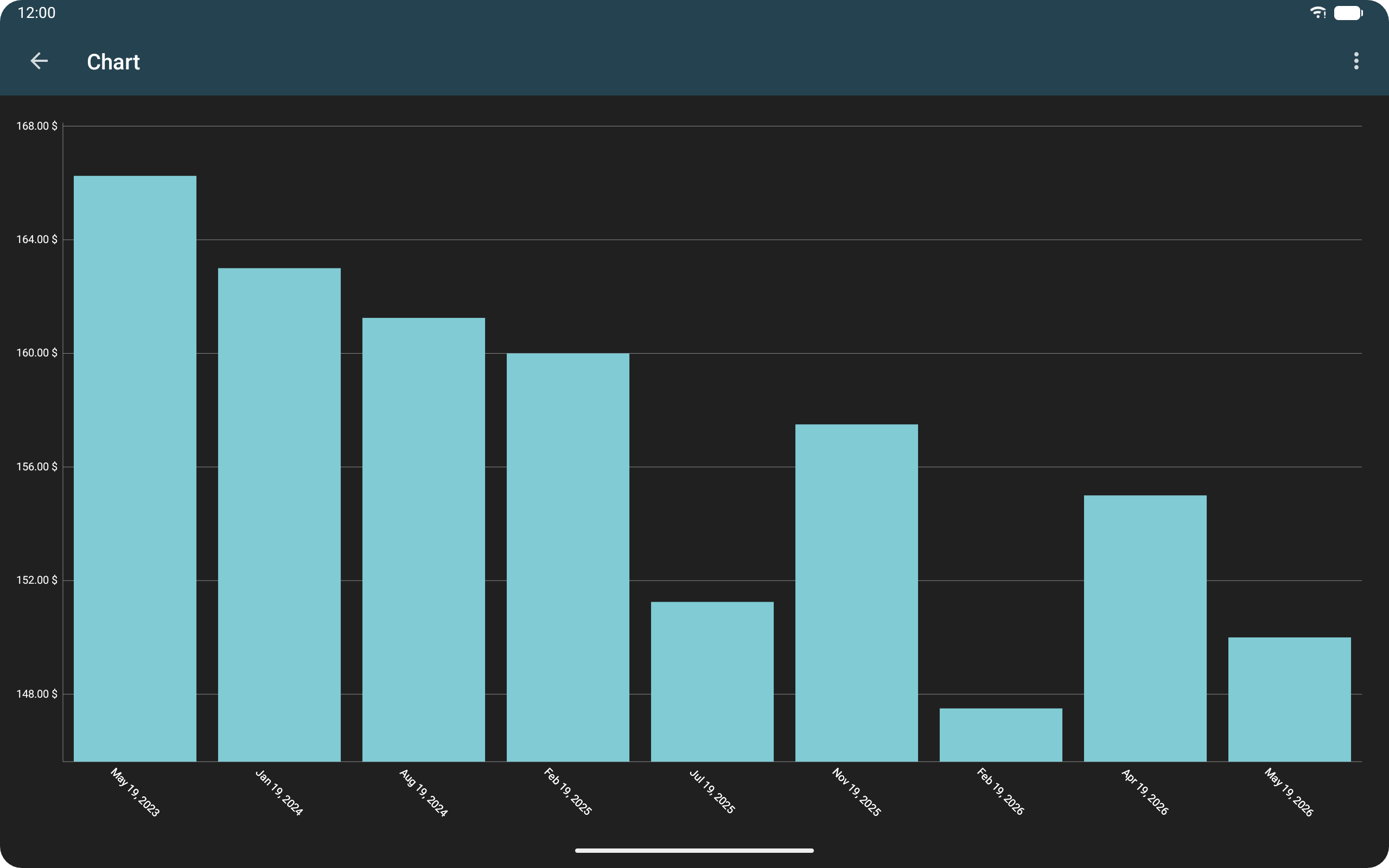
Electricity Expenditure – App Overview and User Guide
1. App Overview
Electricity Expenditure helps users estimate household electricity consumption and calculate the operating costs of individual appliances.
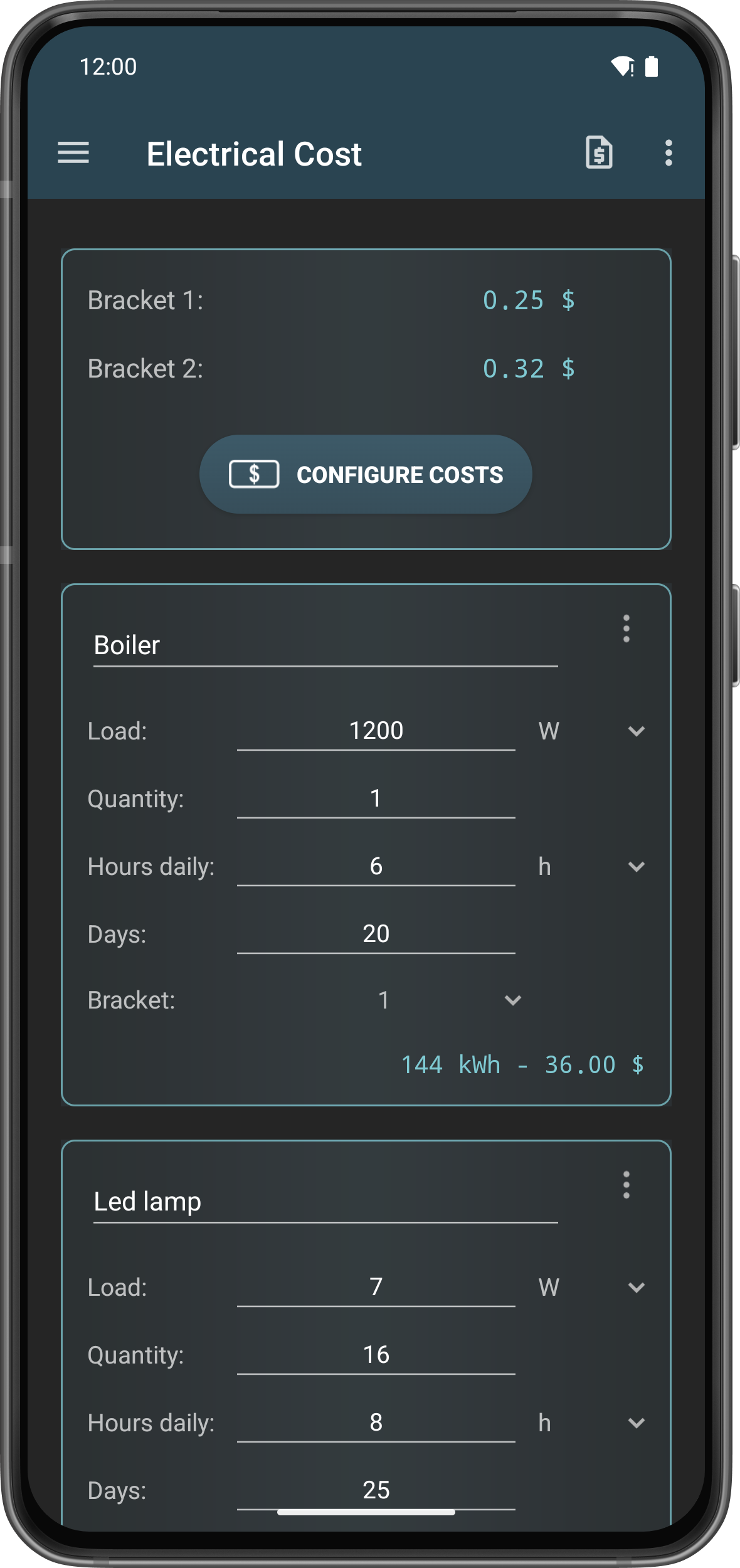
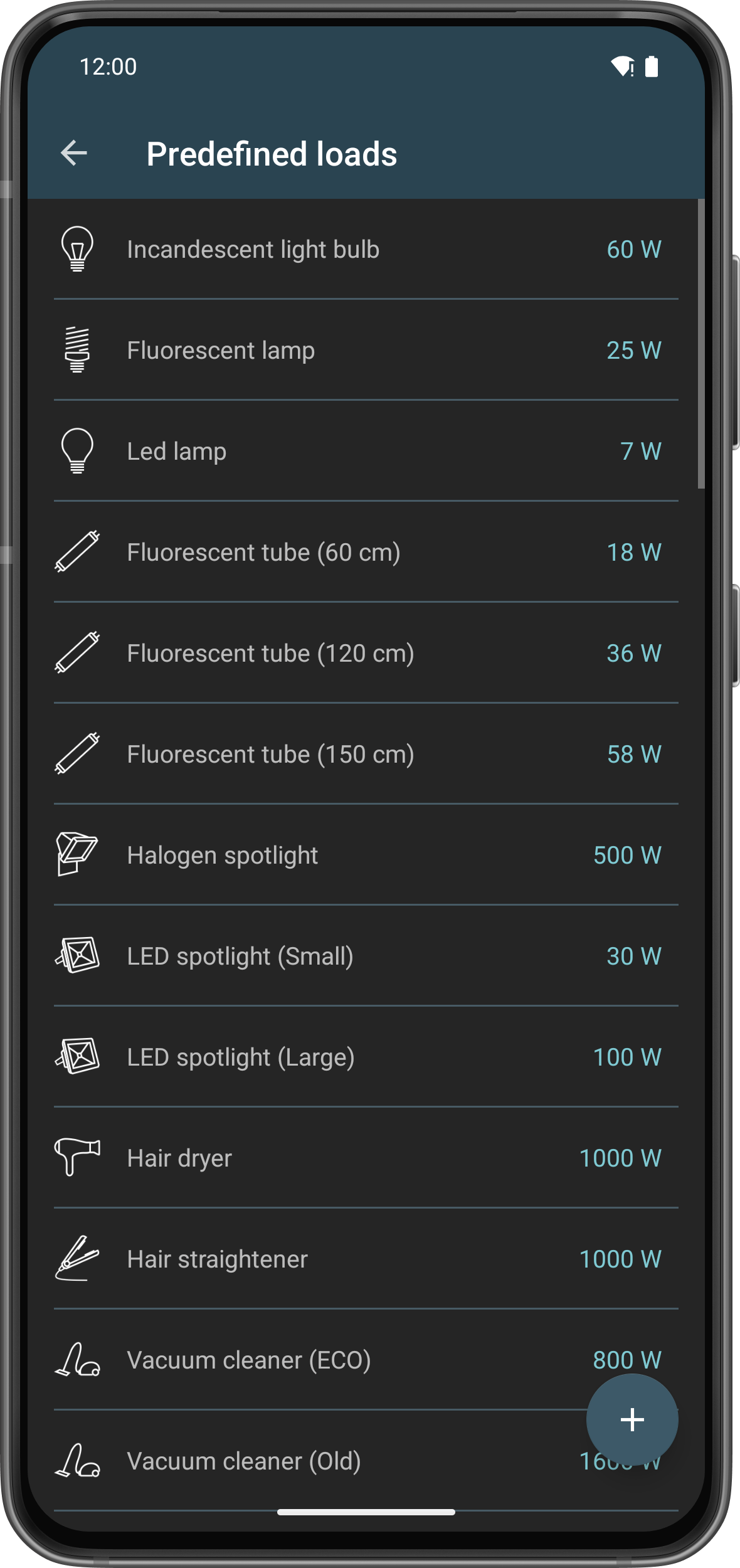
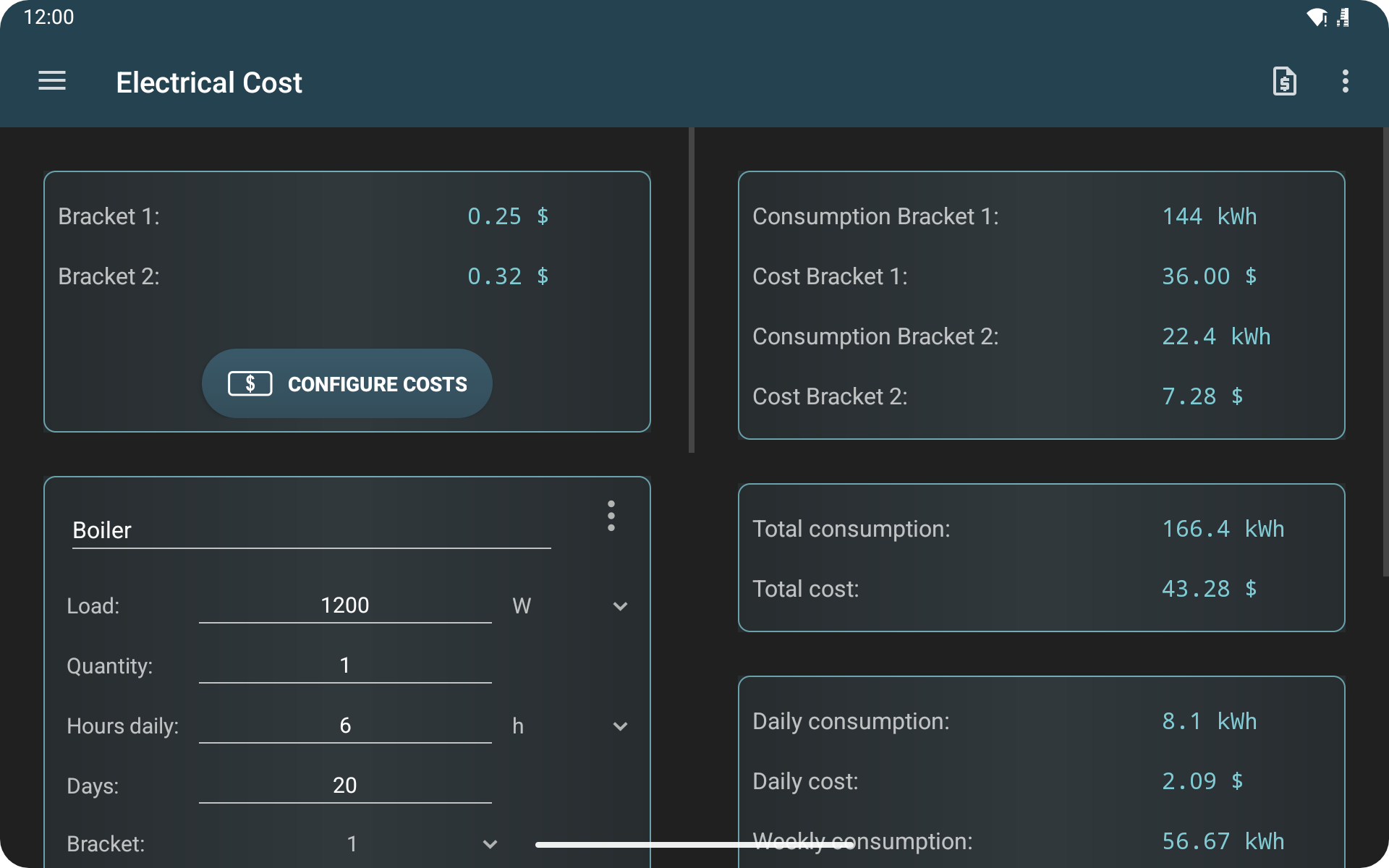
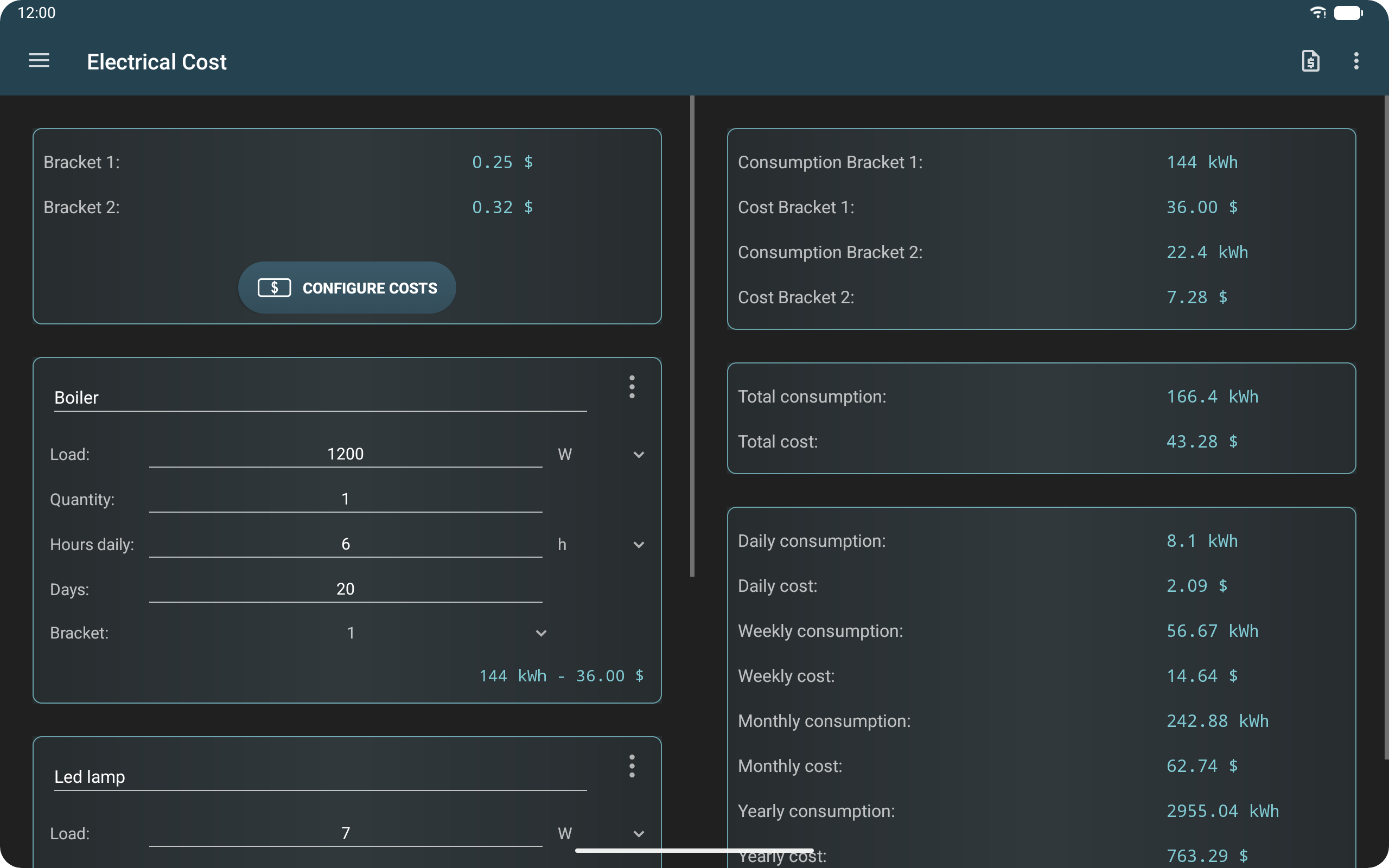
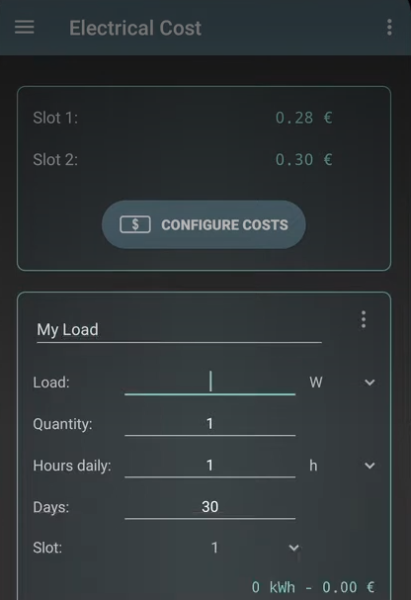
Users can select appliances from the built-in list or enter their specifications manually, including power ratings and daily operating hours. Based on these details and the configured electricity rates, the app calculates estimated energy consumption and running costs.
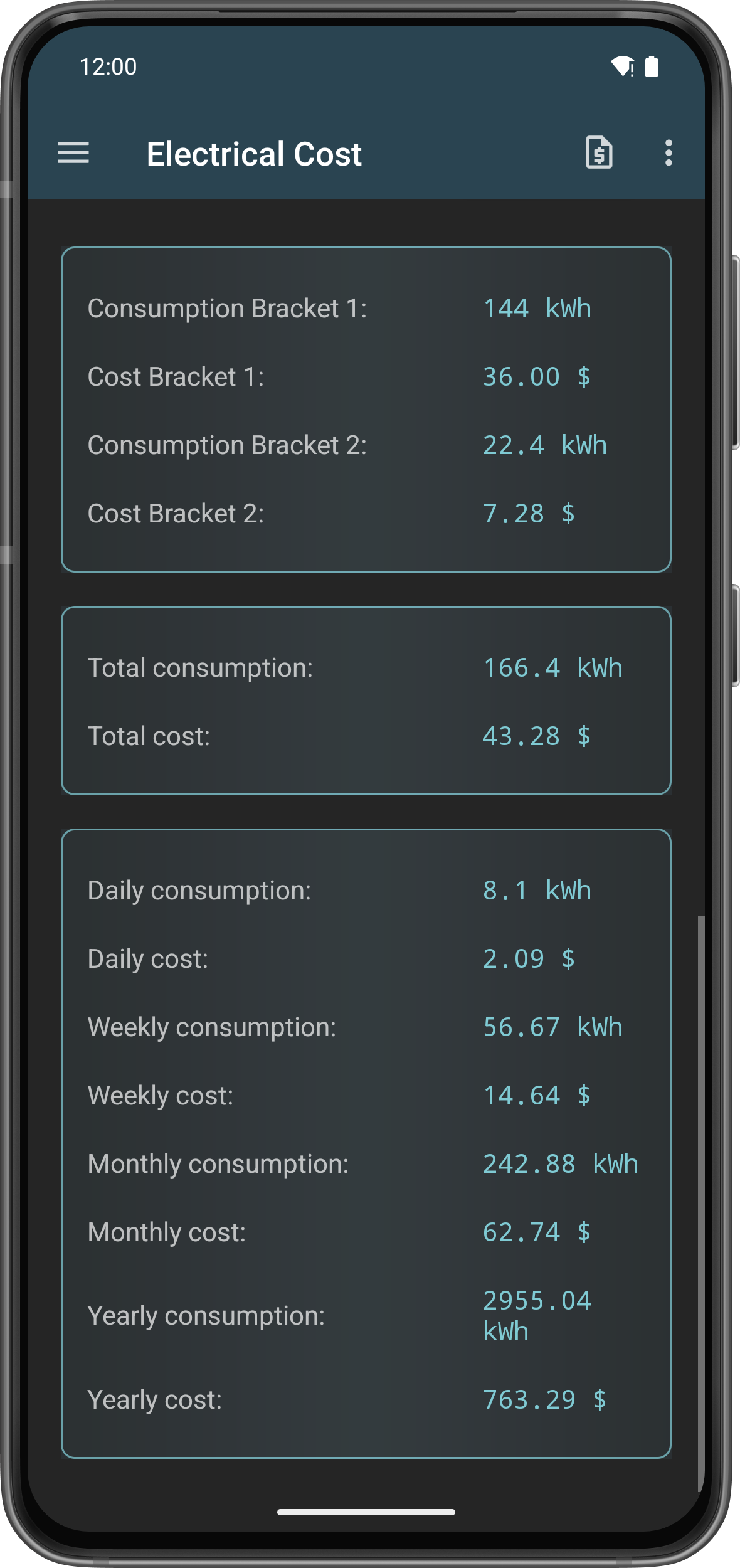
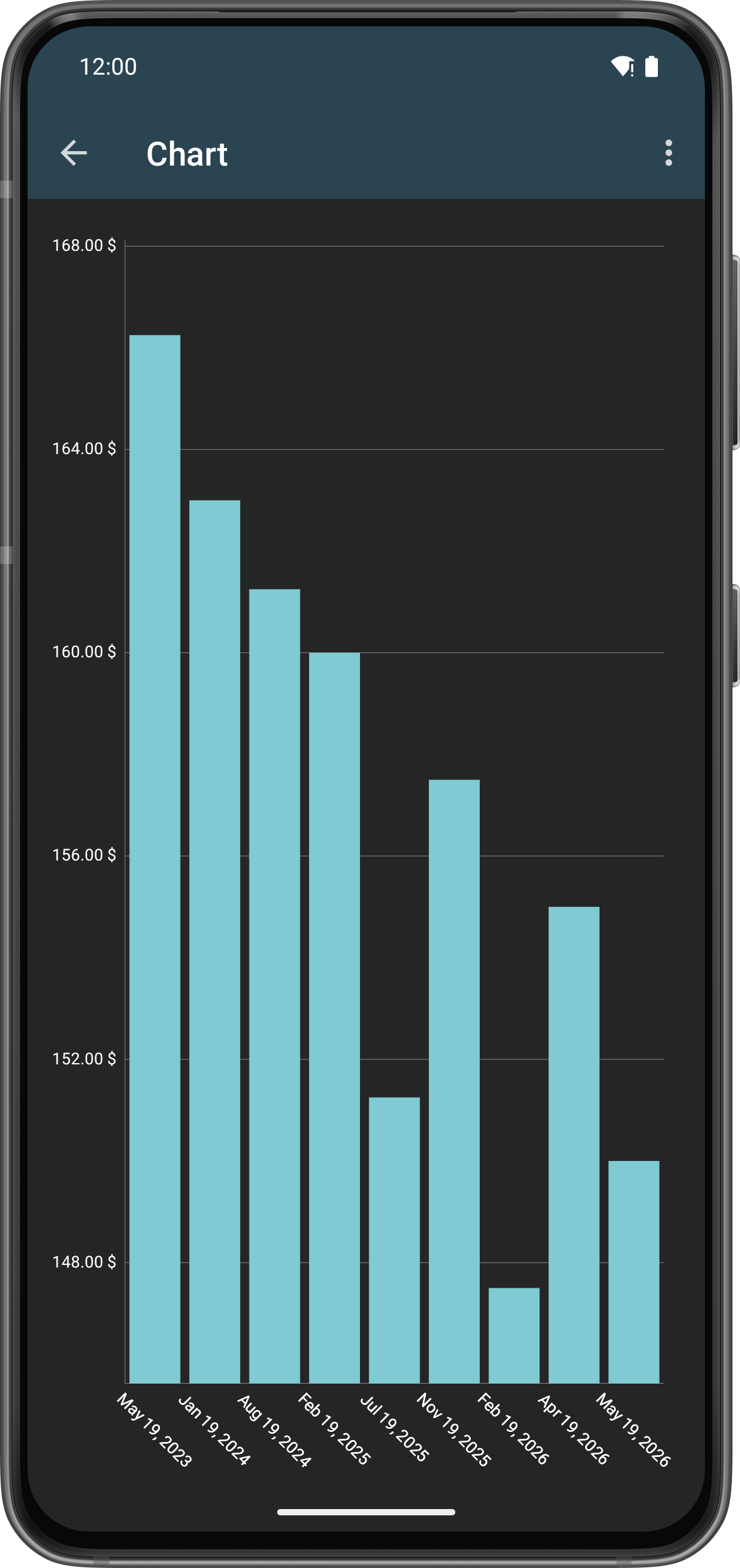
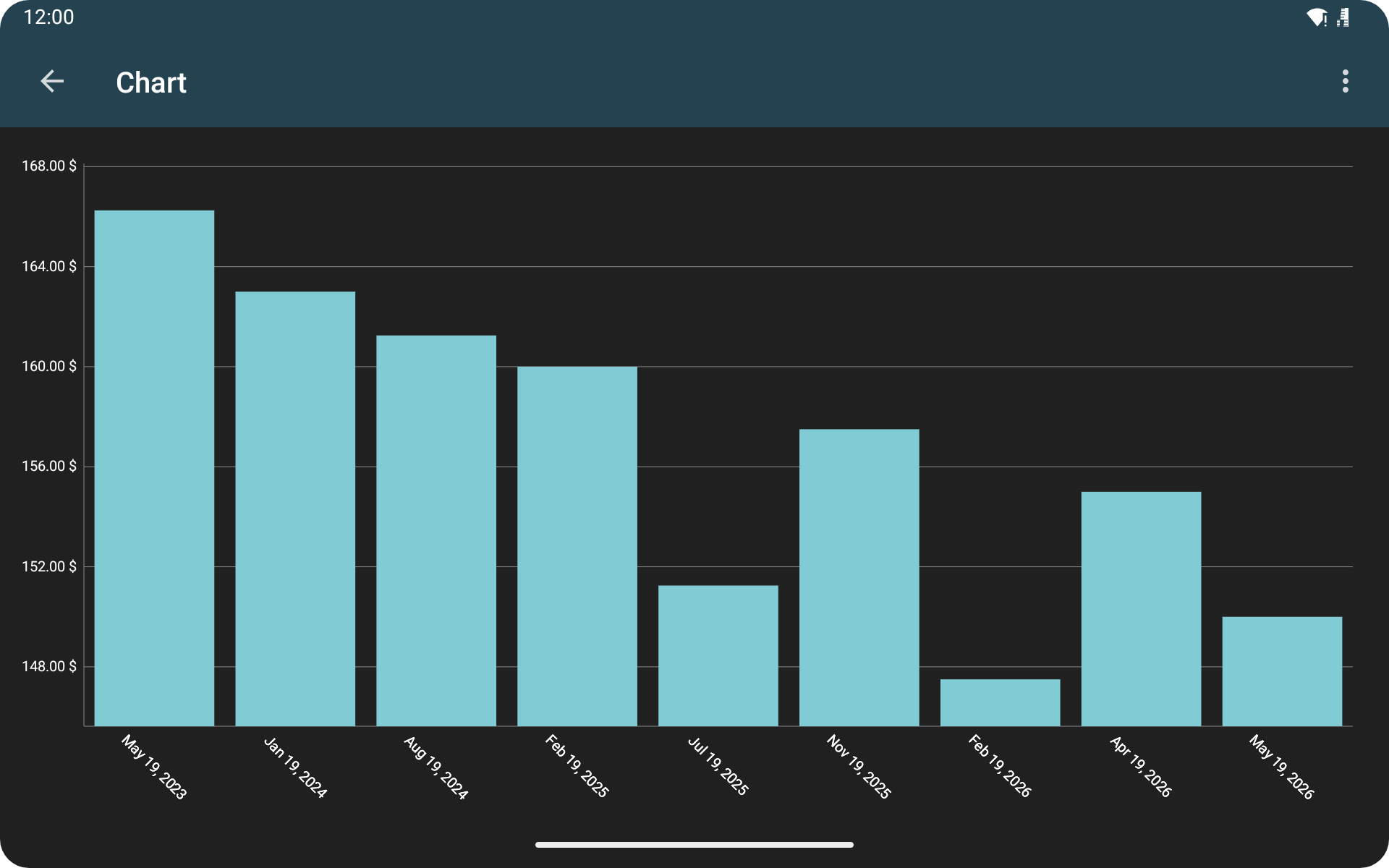
The app supports multiple currencies and separate peak and off-peak electricity rates. It also provides daily, weekly, monthly, and yearly reports with charts to help users track changes in energy consumption and expenses.
The PRO version removes advertisements and unlocks additional features, including reusable appliance templates and text-file exports.
2. Key Features
Ad-Free Experience (PRO): Remove advertisements by upgrading to PRO.
Currency Selection: Choose a preferred currency for cost calculations.
Flexible Input Options: Enter appliance details using simple slots or consumption-based slots.
Usage and Cost Reports: Review estimated electricity consumption and expenses across different periods.
Appliance Templates (PRO): Save appliance configurations for reuse.
Data Export (PRO): Export electricity consumption and cost records as text files.
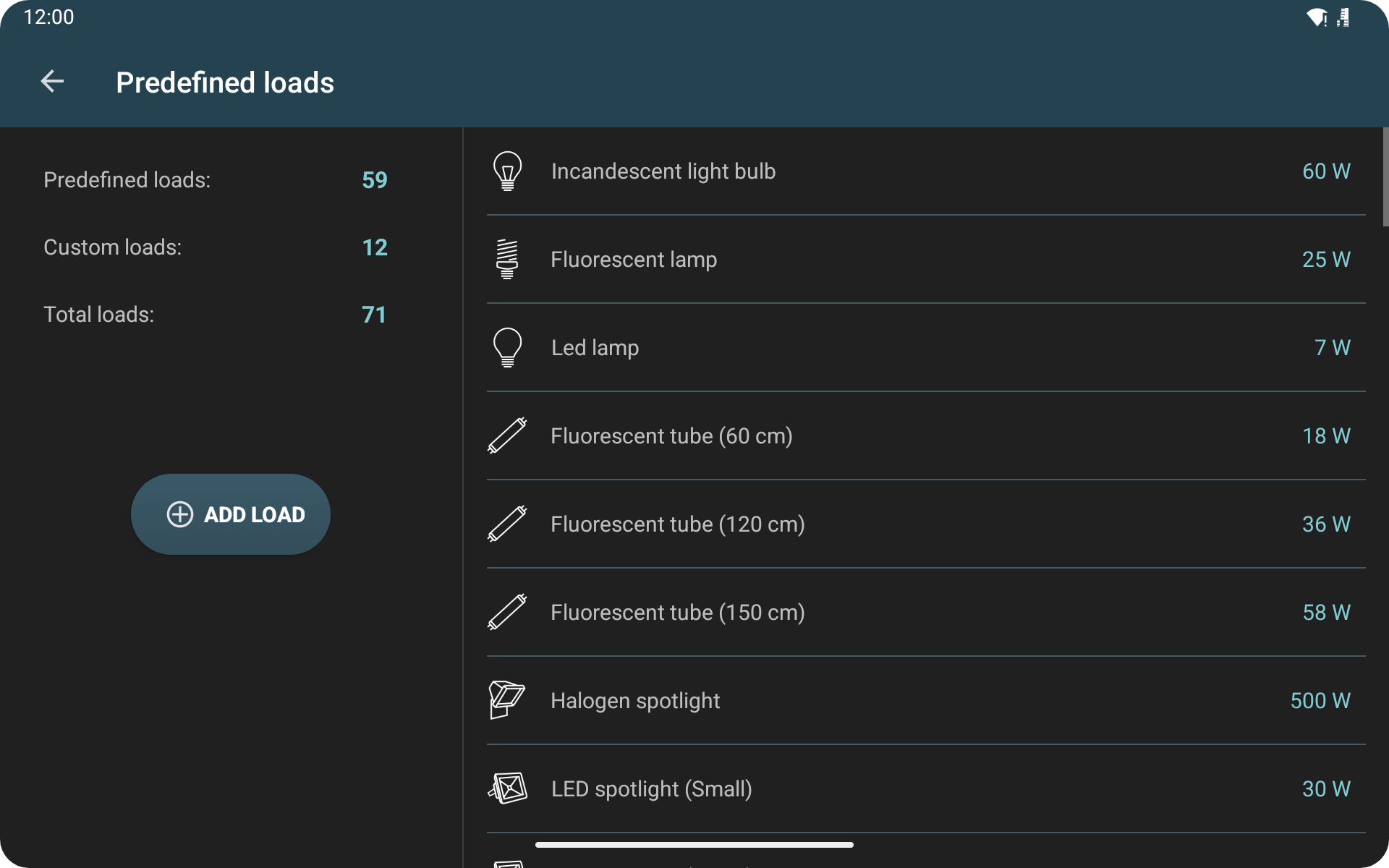
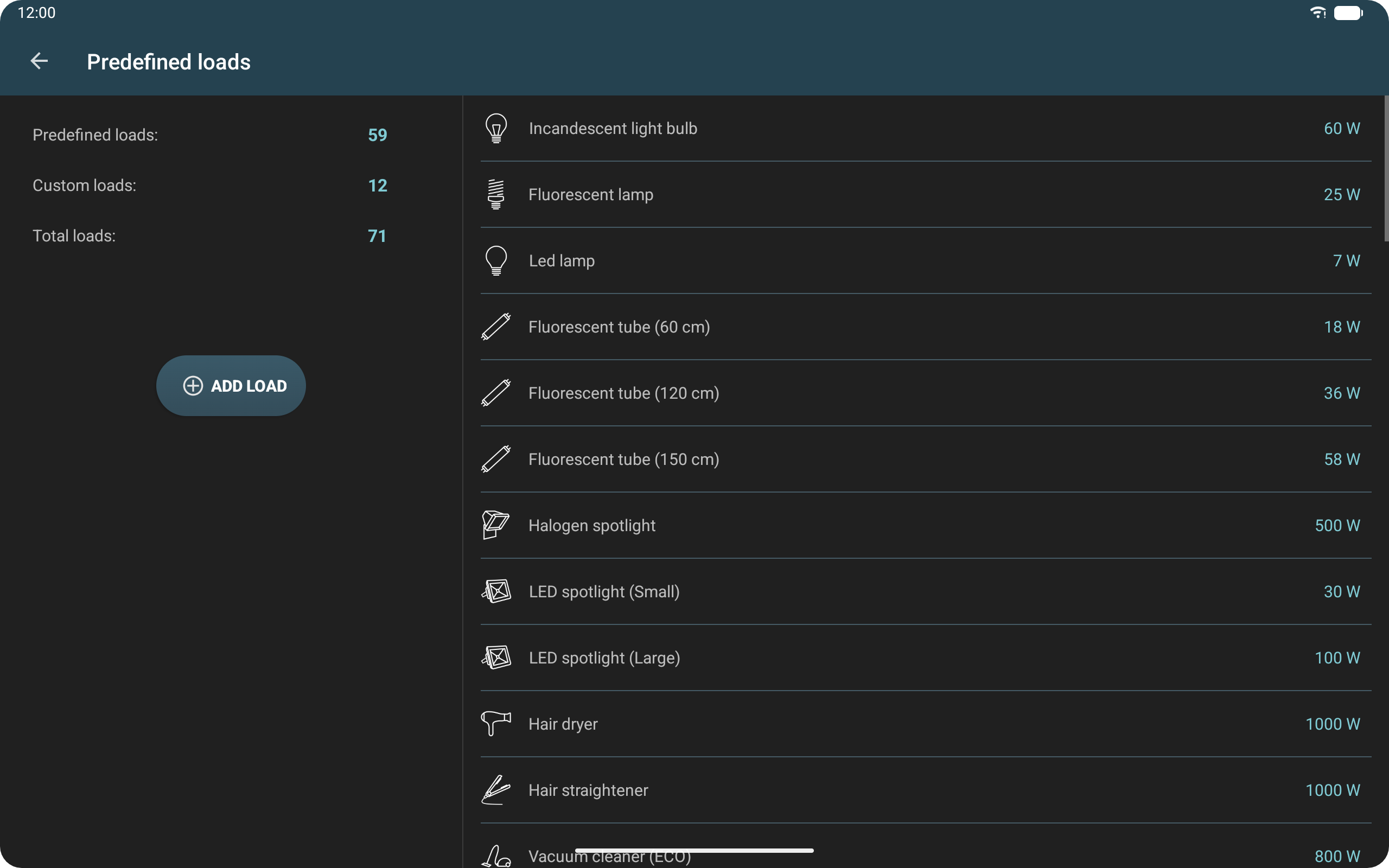
Preset Appliance List: Select common household appliances or enter specifications manually.
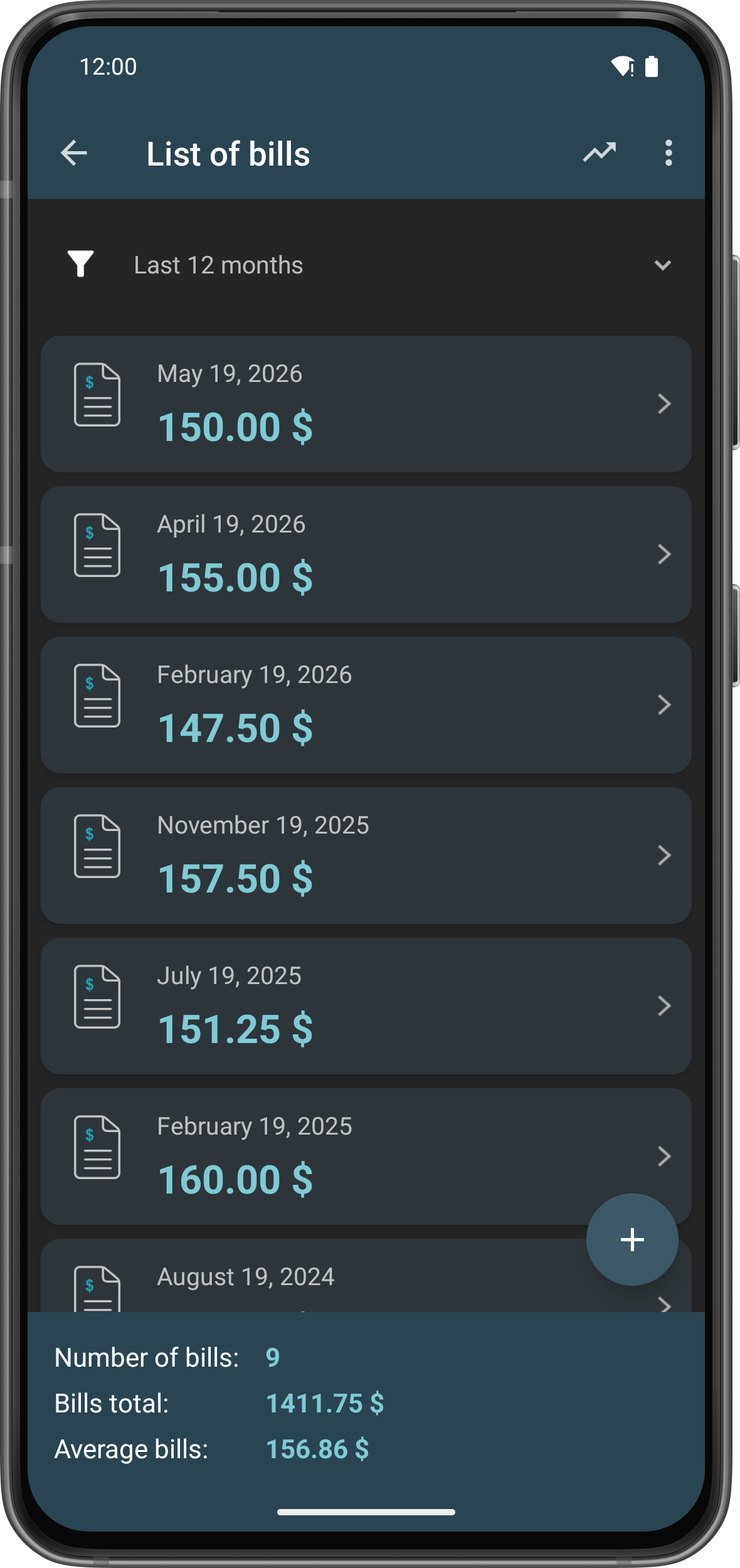
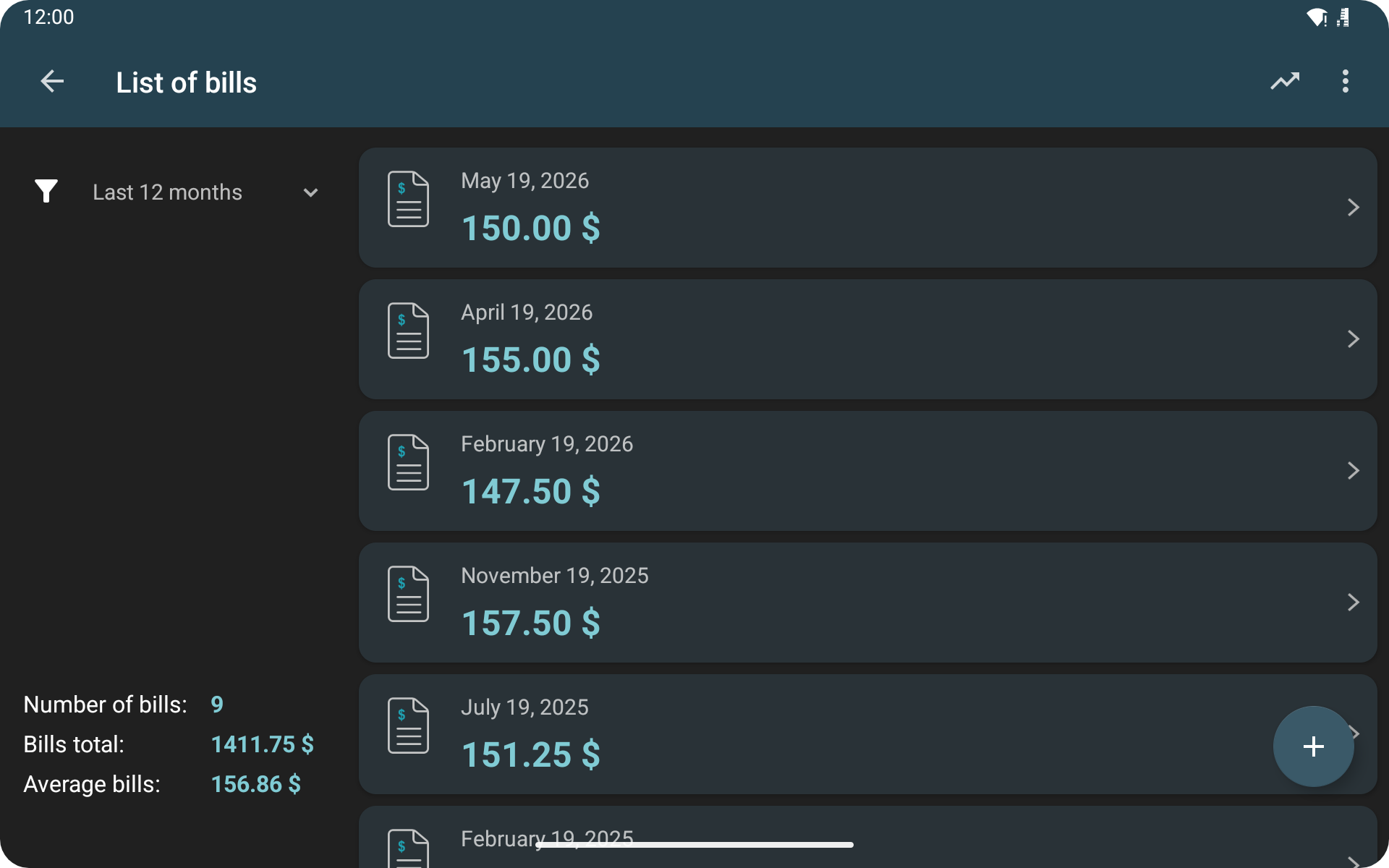
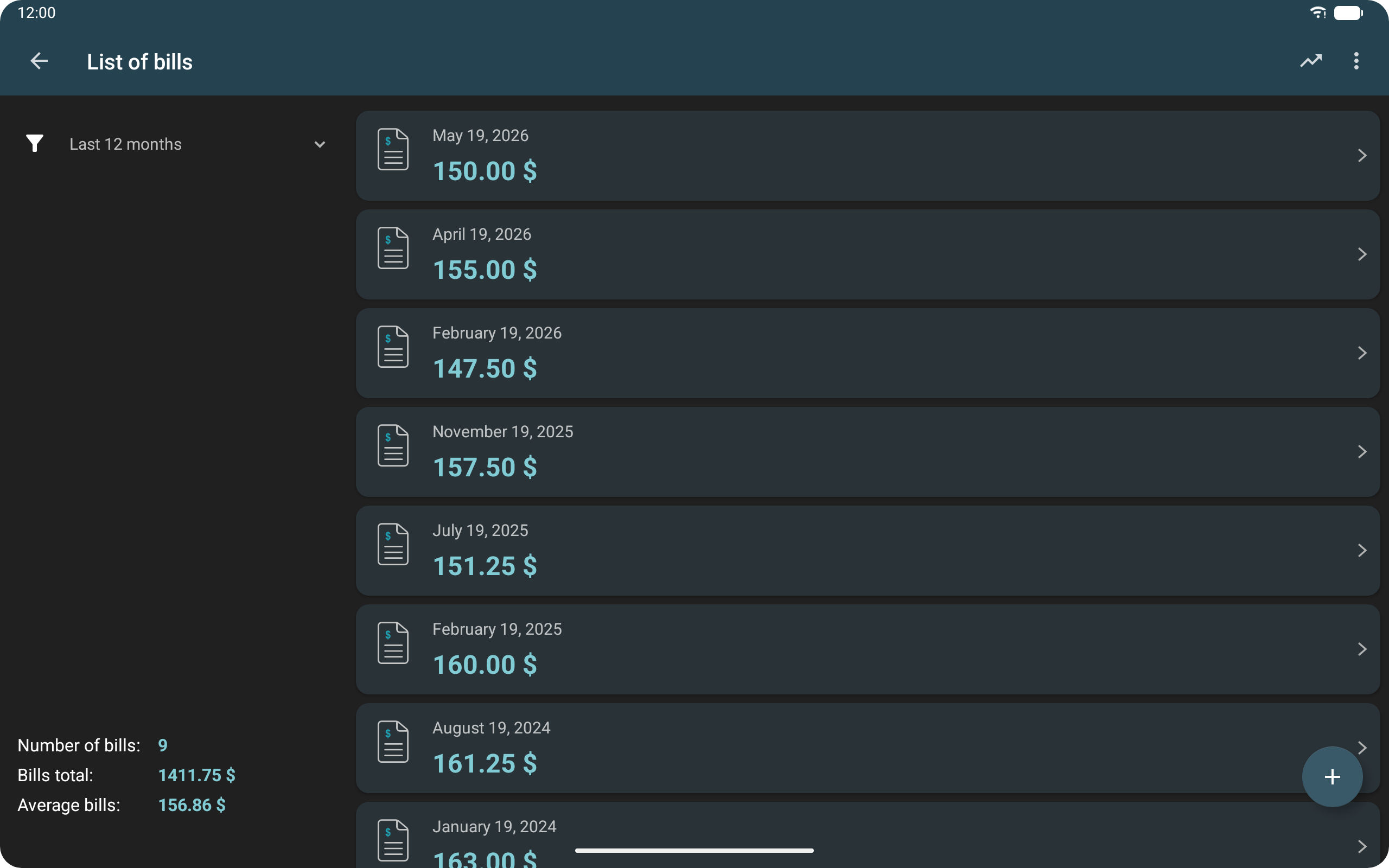
Bill Management: Record and organize actual electricity bills.
Charts and Statistics: View graphical summaries of energy consumption and operating costs.
3. How to Use the App
Step 1: Set Your Electricity Rates
Open Settings and select your preferred currency. Enter the electricity rate charged by your provider.
If your provider uses different rates during peak and off-peak hours, enter each rate separately.
Step 2: Add Household Appliances
You can add appliances in two ways:
Select a Preset: Choose a common household appliance from the built-in list.
Enter Details Manually: Provide the appliance name, power rating, and average daily operating hours.
Once added, the appliance information is used to estimate its electricity consumption and operating costs.
Step 3: Review Usage Reports
Open the main screen and select a reporting period:
Daily
Weekly
Monthly
Yearly
The app displays estimated electricity consumption and expenses for the selected period. Charts help you compare figures and identify changes in household energy usage.
Step 4: Manage Bills and PRO Features
Use the bill management section to record and organize actual electricity bills.
With PRO, you can also save appliance configurations as reusable templates and export electricity records as text files. Upgrading removes advertisements as well.
4. App Experience
Electricity Expenditure provides appliance-level cost estimates, making it easier to identify which household devices consume the most electricity and contribute most to running costs.
The combination of preset appliances and manual input accommodates different types of household equipment. Users can also review consumption patterns across daily, weekly, monthly, and yearly reports.
The bill management feature keeps actual payment records organized alongside calculated estimates. For households with time-based electricity pricing, separate peak and off-peak rates provide a more accurate basis for cost calculations.
PRO adds convenience for users who regularly enter similar appliance information or need to export records for reference.
Overall, the app combines electricity cost estimation, appliance tracking, usage reports, and bill management in one place.
Helpful Tip: Check each appliance's power rating before entering its details. Power consumption is usually listed in watts (W) on the appliance label. For operating hours, enter the actual time the device is running rather than the entire time it remains plugged in or on standby.
5. Frequently Asked Questions
Q1. Do I have to enter every appliance manually?
No. The app includes a built-in list of common household appliances that you can select directly.
If an appliance is not listed, you can add it manually by entering its name, power rating, and average daily operating hours.
Q2. Can I set different electricity rates for peak and off-peak hours?
Yes. The app supports separate electricity rates for peak and off-peak periods.
Enter both rates in the electricity settings to account for different unit prices. The accuracy of the estimates depends on the information and usage details supported by the app.
Q3. What does the Save Template feature in PRO do?
Save Template lets you store appliance configurations so you can reuse them without entering the same details again.
For example, you can save configurations for kitchen, living room, and bedroom appliances and load them when needed.
Templates are stored on the current device and are not automatically synchronized across multiple devices.
Q4. Can I compare estimated costs with my actual electricity bills?
Yes. The bill management feature allows you to record and organize actual electricity bills.
You can compare these records with the app's estimates for corresponding periods to see how calculated expenses differ from actual payments.
Keep in mind that estimates depend on the accuracy of the appliance specifications, operating hours, and electricity rates entered. Actual bills may also include taxes, service fees, and other charges that are not included in the app's calculations.
- Version4.1.1
- UpdateNov 05, 2026
- DeveloperEttore Gallina
- CategoryProductivity
- Requires AndroidAndroid 5.0+
- Downloads168K+
- Package Nameit.Ettore.spesaelettrica
- Signatureb05ce78119b9f381b7b7afa87b2dfa78
- Available on
- ReportFlag as inappropriate
-
NameSizeDownload
-
5.36 MB
-
4.01 MB
-
3.80 MB














Accurate calculations and comprehensive application scenarios
Flexible and easy-to-use operation
Highly customizable
Core features are hidden in the PRO version
Requires manual input