
Soundbox France - Soundboard selection & personalization
Discover a vast collection of sounds, customize your experience, and enjoy daily updates for endless fun.
- 7.9.0 Version
- 1.7 Score
- 214K+ Downloads
- Free License
- 16+ Content Rating

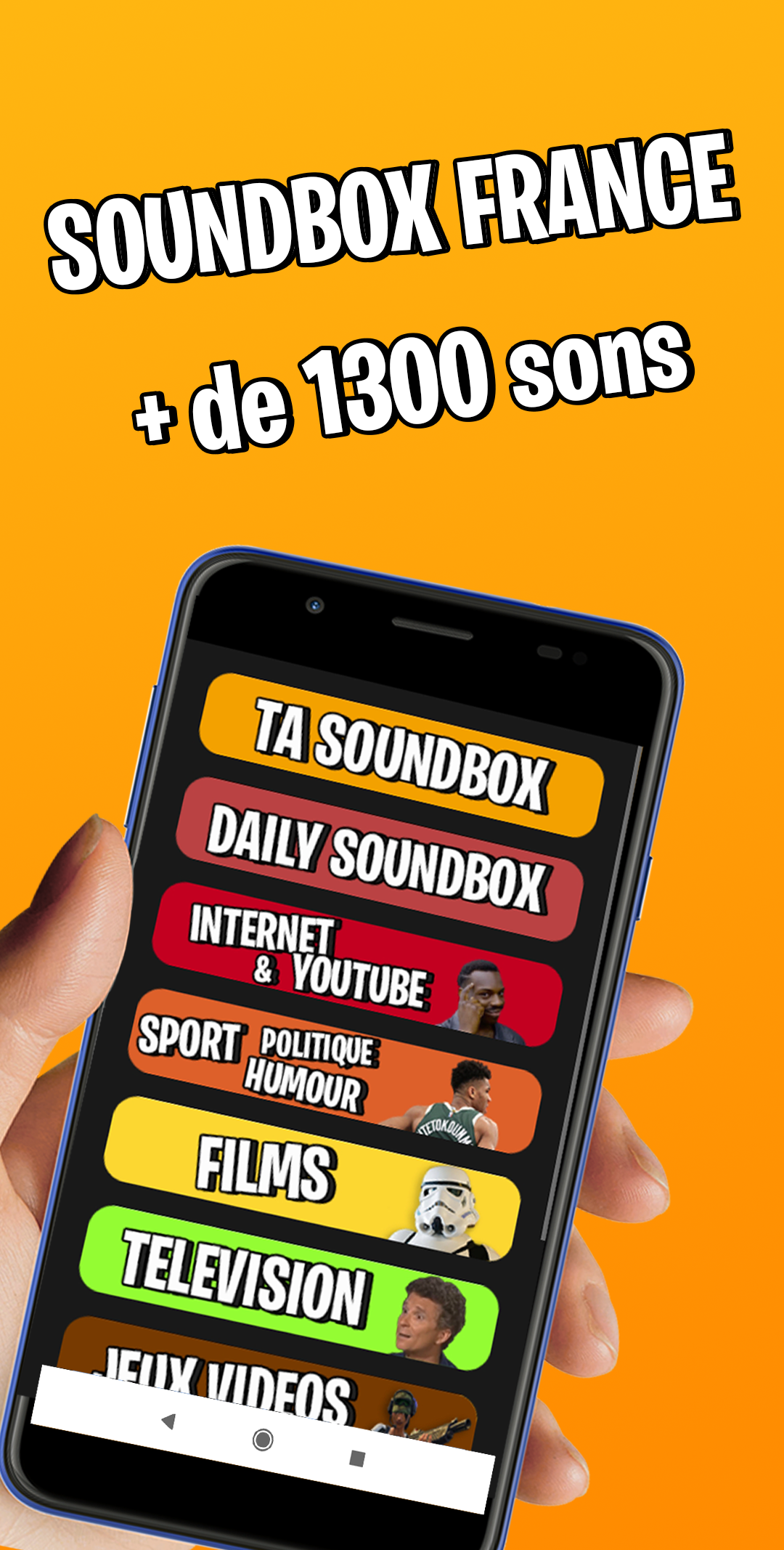
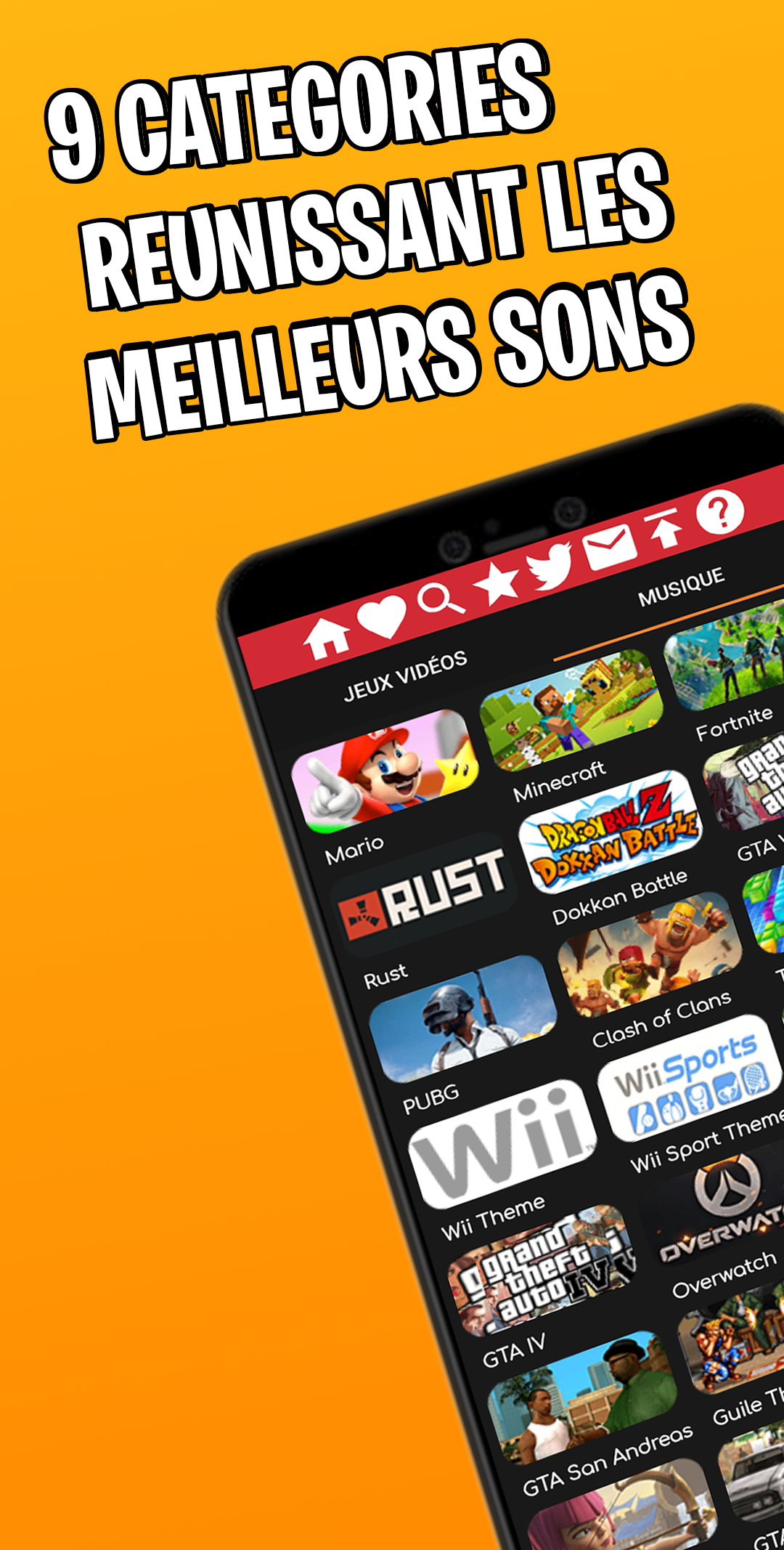
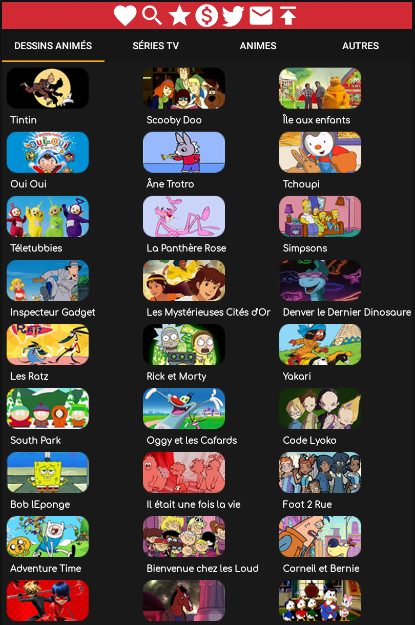
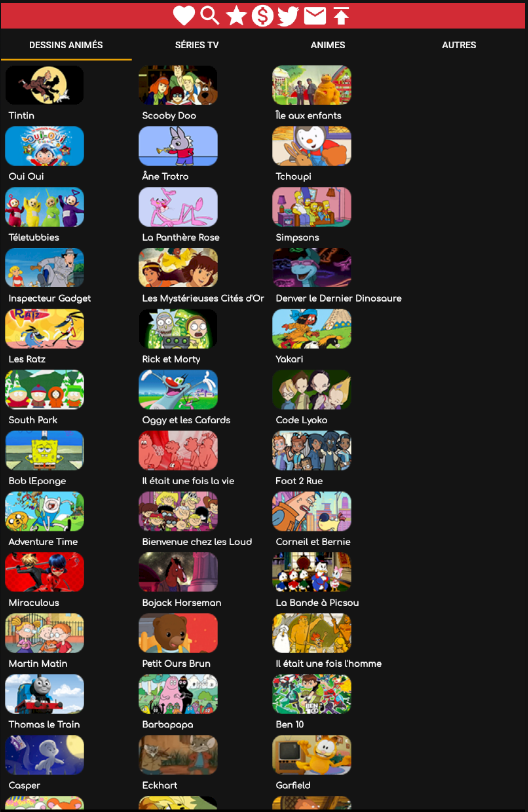
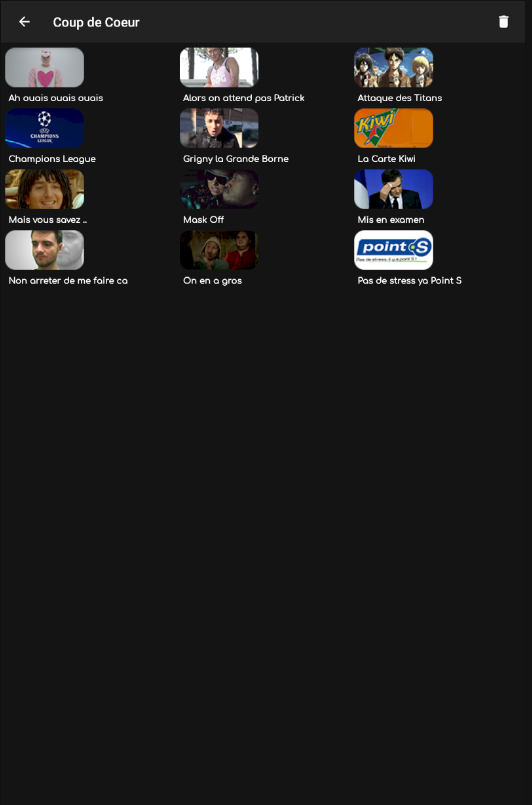
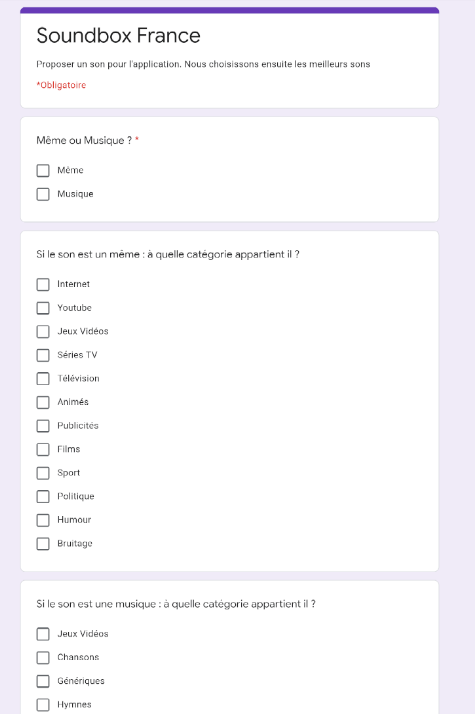
The biggest Soundboard in France is now available!

Key Features
- Access to 1300 different sounds (including generic sounds and songs)
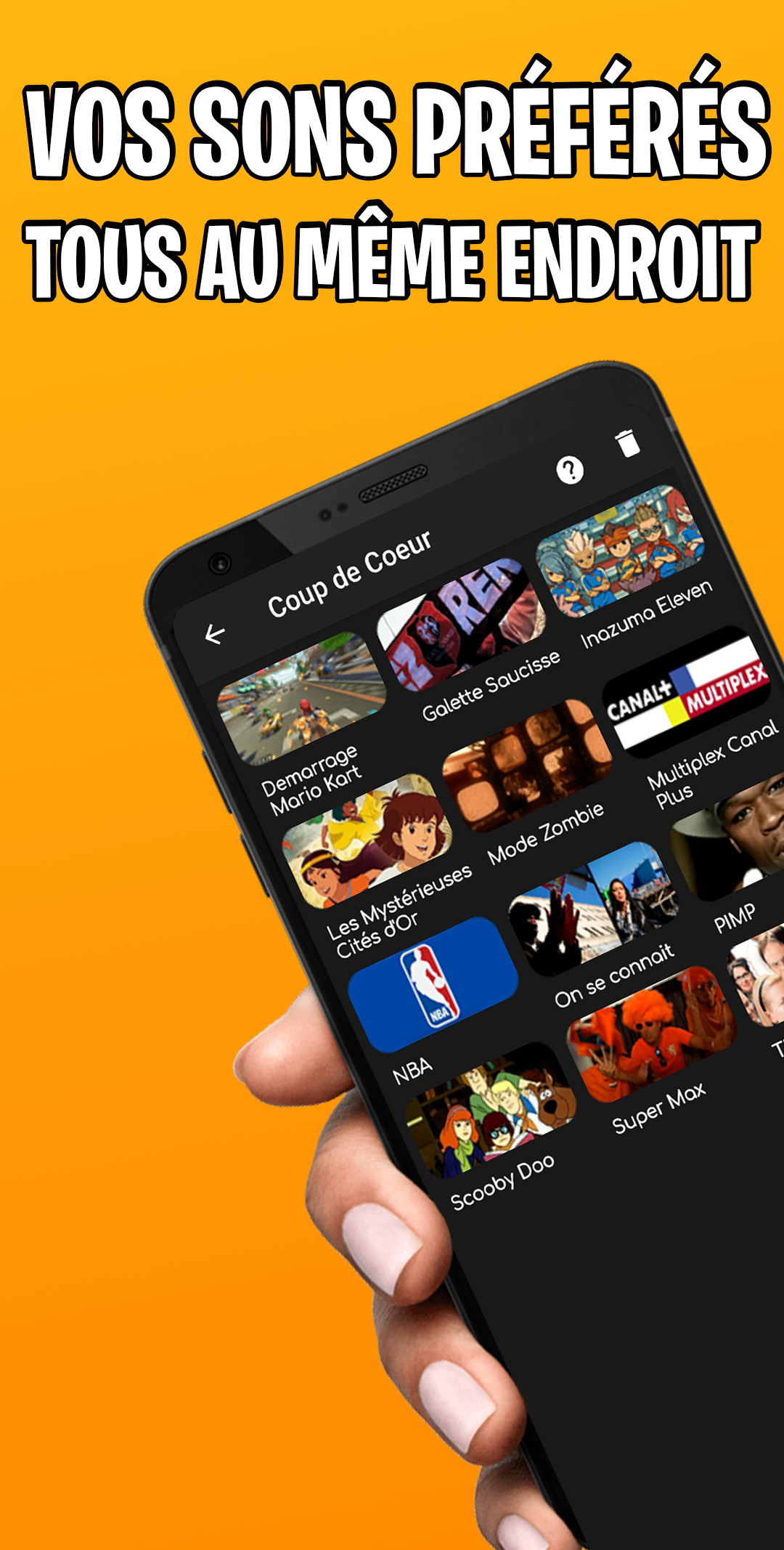
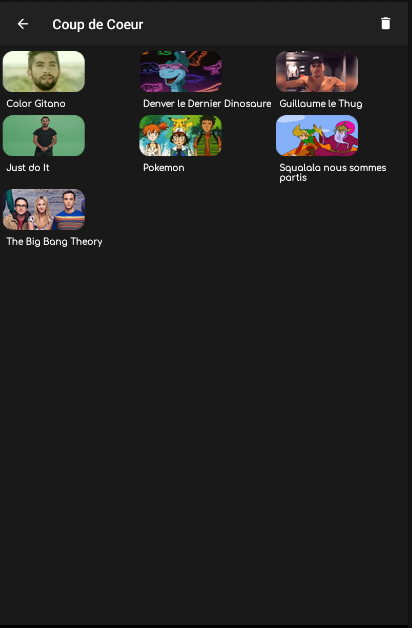
- A "Favorite" section for easy access to your preferred sounds
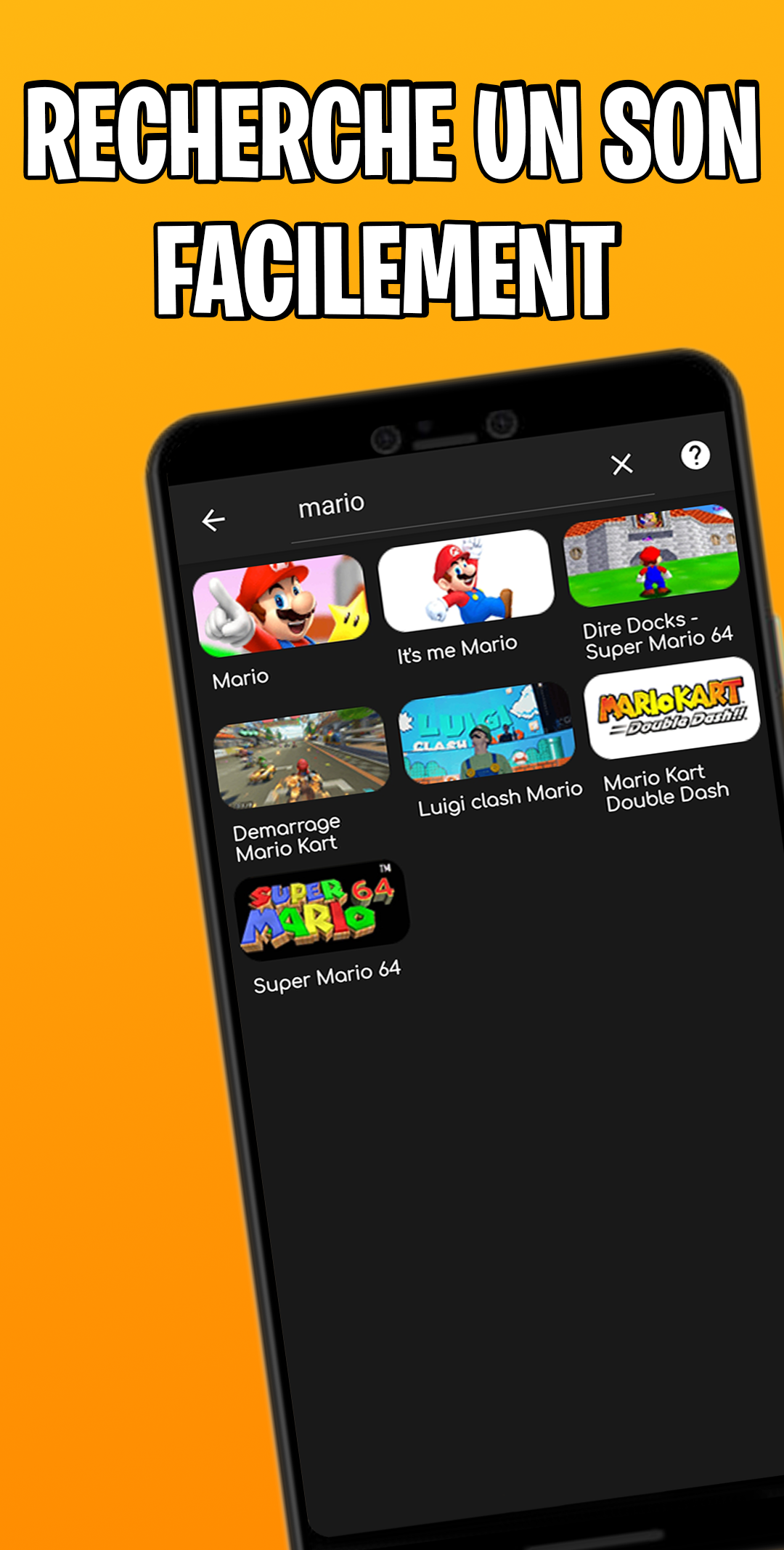
- A search feature for quick sound discovery
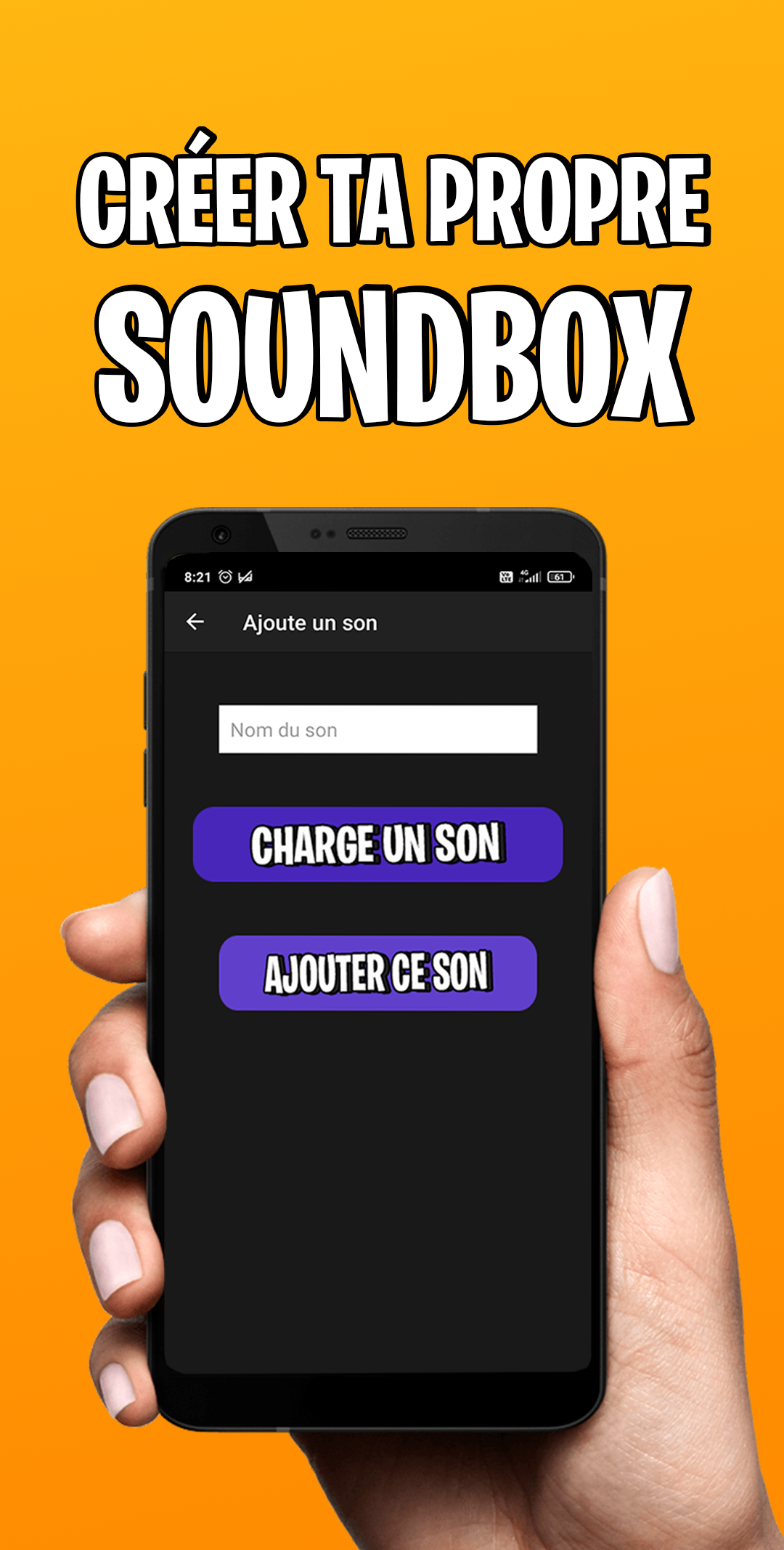
- A customizable soundbox where you can upload your own sounds
- A daily updated soundbox with new sounds added each day
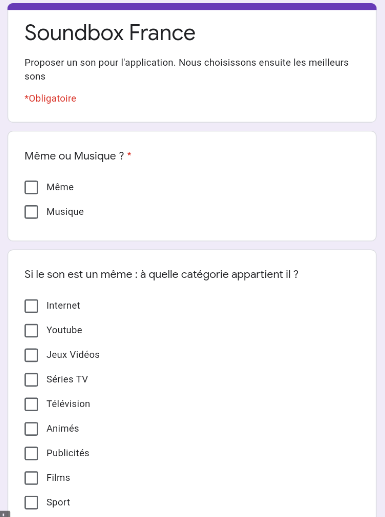
- An option to contribute your own sounds!
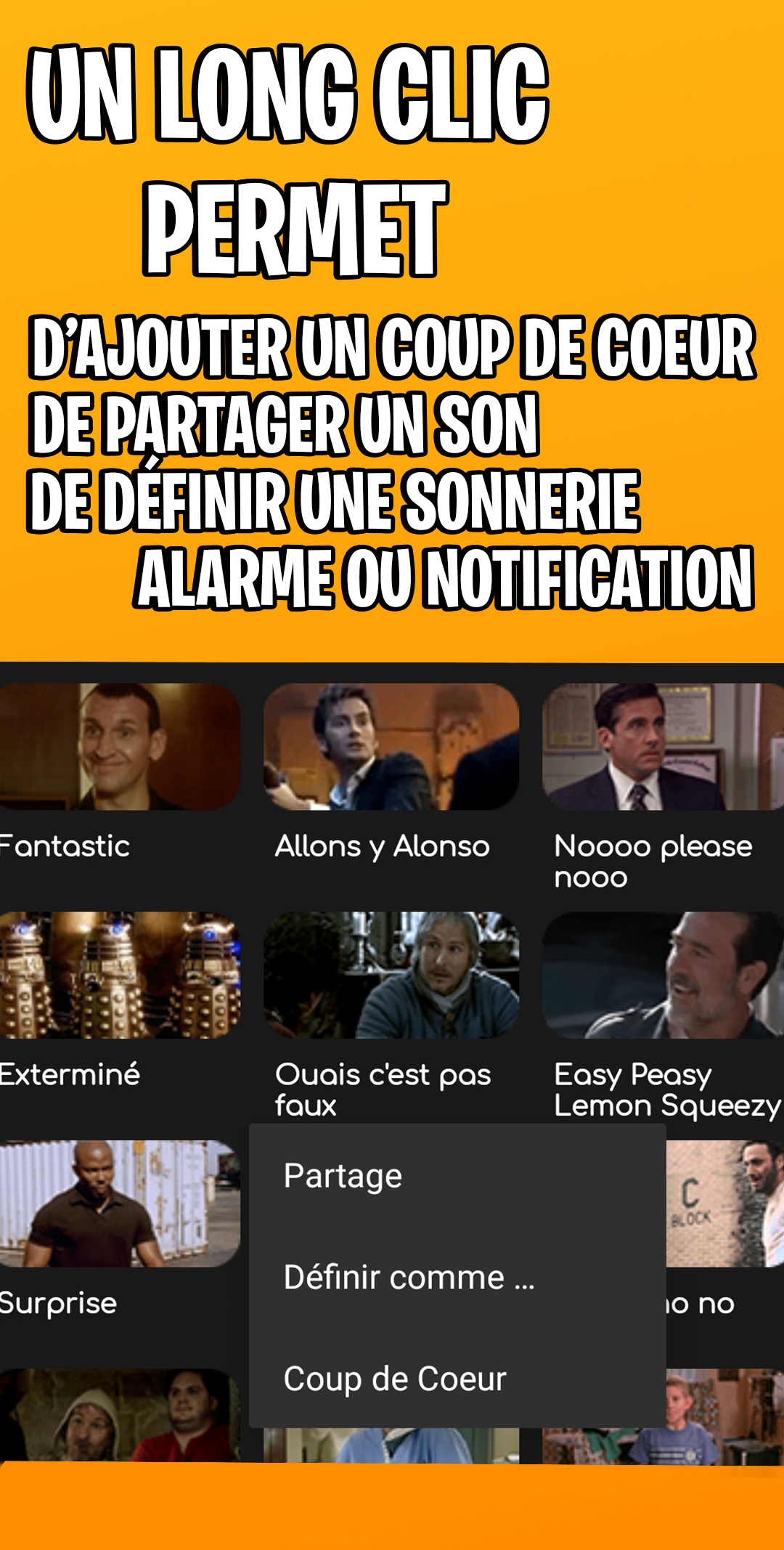
- Capability to set any sound as a ringtone, notification, or alarm
- Each sound comes with an accompanying image and description.
Every update includes at least ...
- Approximately thirty new sounds
- Bug fixes
- Monthly updates
How to Use ?
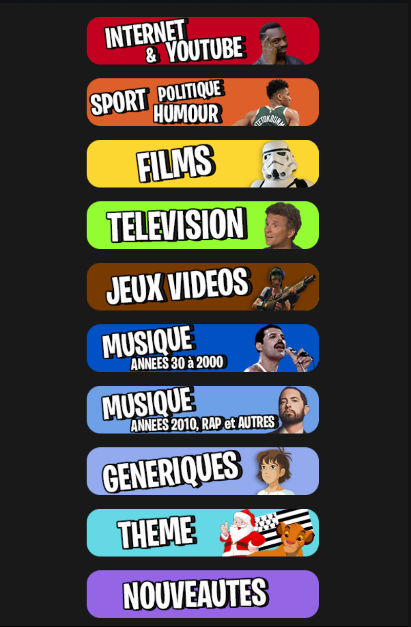
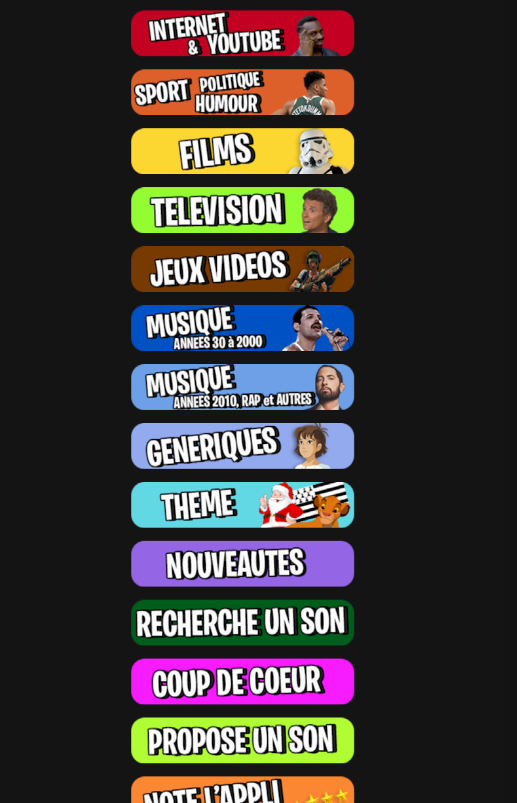
- **Browse Sound Effects**: After opening the app, you'll see numerous sound effect categories. Swipe across the screen to browse the sound effects within each category. Each sound effect is accompanied by an image and description, making it easy to quickly understand the sound effect.
- **Search for Sound Effects**: If you already know the name or keyword of the sound effect you're looking for, you can use the in-app search function. Tap the search icon and enter the keyword in the search box to quickly filter for relevant sound effects.
- **Add Sound Effects**: When you find a sound effect you like, long-press the corresponding button to add it to your "Favorites" section for quick access later.
- **Set Sound Effect**: Select the sound effect you want and tap the "Set" button to set it as your phone's ringtone, notification tone, or alarm.
- **Upload Sound Effect**: If you have your own sound effect you'd like to add to the app, you can submit it through the in-app function. There's usually a "Contribute Sound Effect" or similar option. Tap it and follow the prompts to upload your sound effect.
- **Share Sound Effect**: Find the sound effect you want to share and click the share button to share it with your friends through instant messaging apps such as Messenger, WhatsApp, etc.
Join us for an enjoyable experience on Soundbox France!
Review:
This French sound effects panel is incredibly useful! It has over 1300 built-in sound effects and music tracks, updated daily, with a very comprehensive selection. The interface is simple and easy to use; you can save your favorite sound effects or search directly, finding what you need in a second. Most practically, you can set sound effects as ringtones, notification sounds, or alarms, and even upload your own, offering a high degree of customization.
The app runs smoothly, is updated and optimized monthly, and all features are free to use. It's perfect for everyday entertainment, creating fun moments, and building atmosphere. If you like sound effects panels, you definitely need to try it—it has a wealth of content, a great user experience, and is truly a great deal!
Related Questions and Answers:
- **Q**: Is the Soundbox France app free?
- **A**: The Soundbox France app can be downloaded for free.
- **Q**: What devices is the app compatible with?
- **A**: The app is primarily compatible with Android devices running Android version 4.4 or higher. It can also be run on Windows PCs and laptops using Android emulators such as BlueStacks and LDPlayer.
- **Q**: Are the sound effects in the app copyrighted?
- **A**: Some sound effects in the app may be derived from videos, but typically do not exceed 10 seconds or 1% of the original work. The authors retain the original copyright. Users should comply with relevant copyright regulations when using them and avoid commercial use or other infringements.
- **Q**: How do I set a sound effect as a ringtone, notification tone, or alarm?
- **A**: Select the sound effect you want and click the corresponding setting button to set it as your phone's ringtone, notification tone, or alarm.
- **Q**: How can I get support if I encounter issues with the app?
- **A**: Currently, there is no official support channel information available. However, users can report issues through the App Store's Comments section or find the app developer's contact information and attempt to resolve the issue directly with them.
- Version7.9.0
- UpdateSep 29, 2026
- DeveloperOkaria Studio
- CategoryMusic
- Requires AndroidAndroid 7.0+
- Downloads214K+
- Package Nameautomation.test.soundboxfrance
- Signature21d381a3228b09e109e158fc131d0d7a
- Available on
- ReportFlag as inappropriate
-
NameSizeDownload
-
96.86 MB
-
91.25 MB









Rich sound effects
Easy to use
Customizable
Frequent updates
The interface design may not be aesthetically pleasing
Lacks advanced features