
SilverCrest Watch - Activity tracking & notifications
Stay connected & active with real-time stats, call alerts, & sleep monitoring right on your wrist.
- 1.2.7 Version
- 1.2 Score
- 251K+ Downloads
- Free License
- 3+ Content Rating

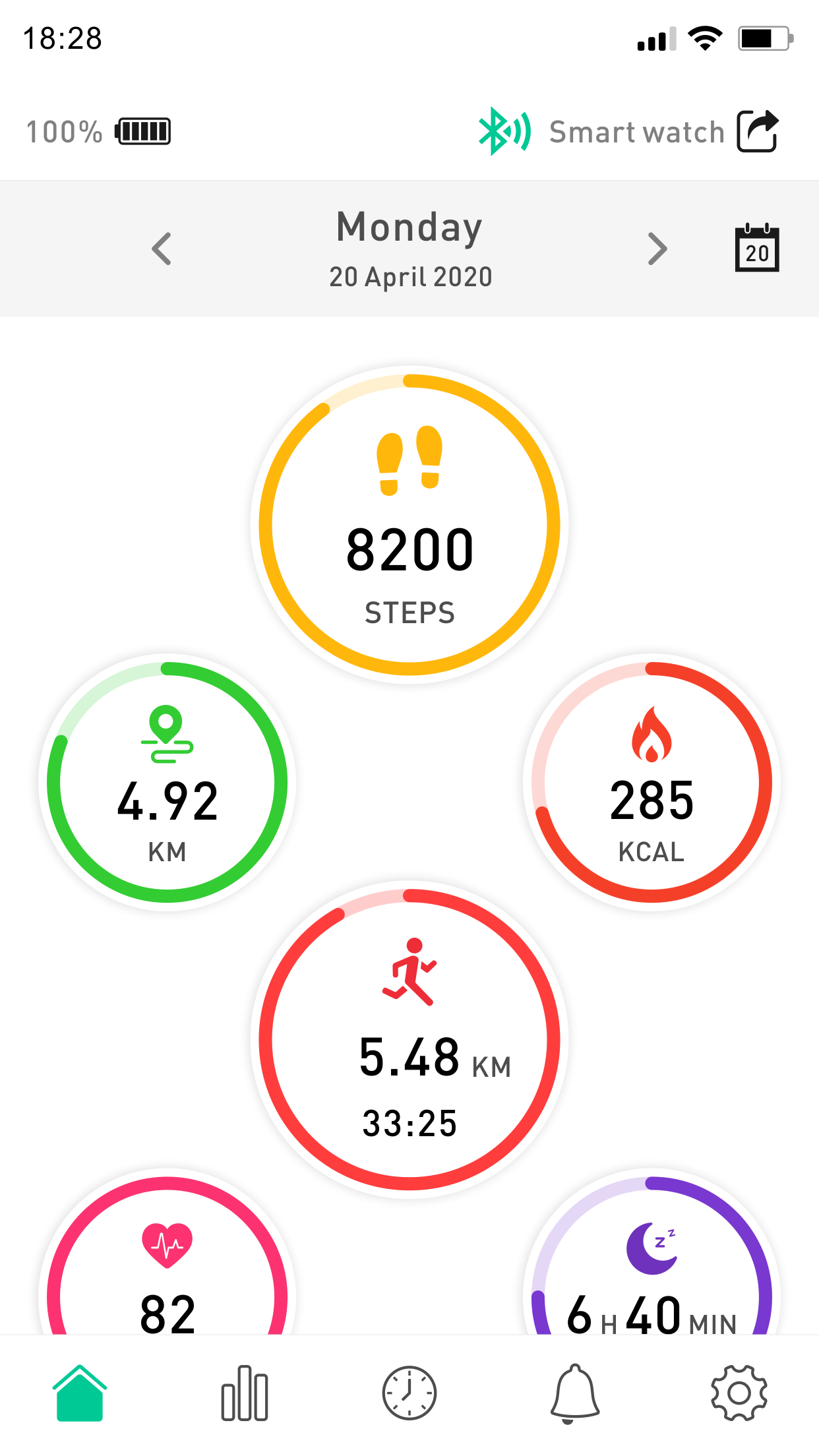
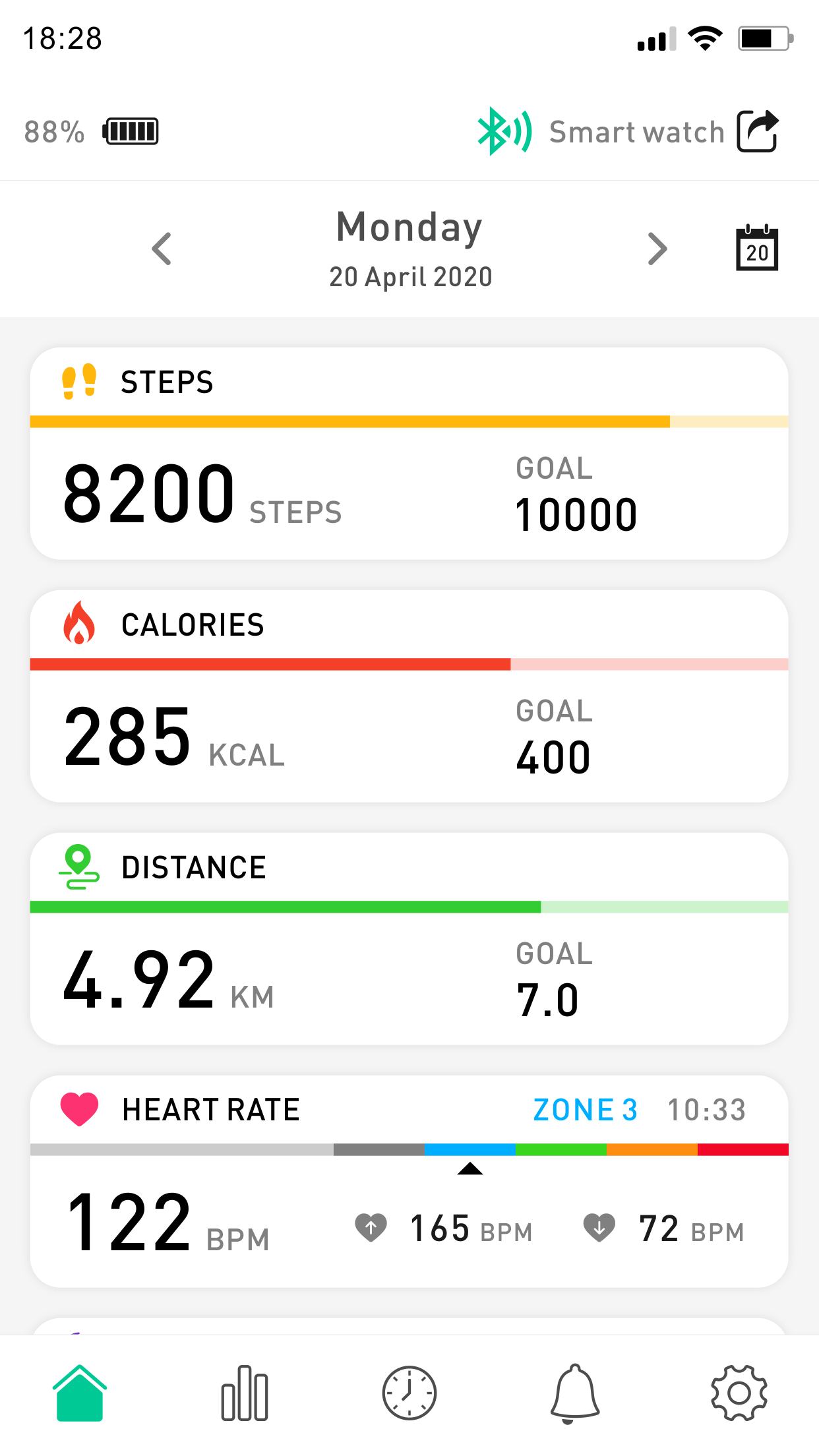
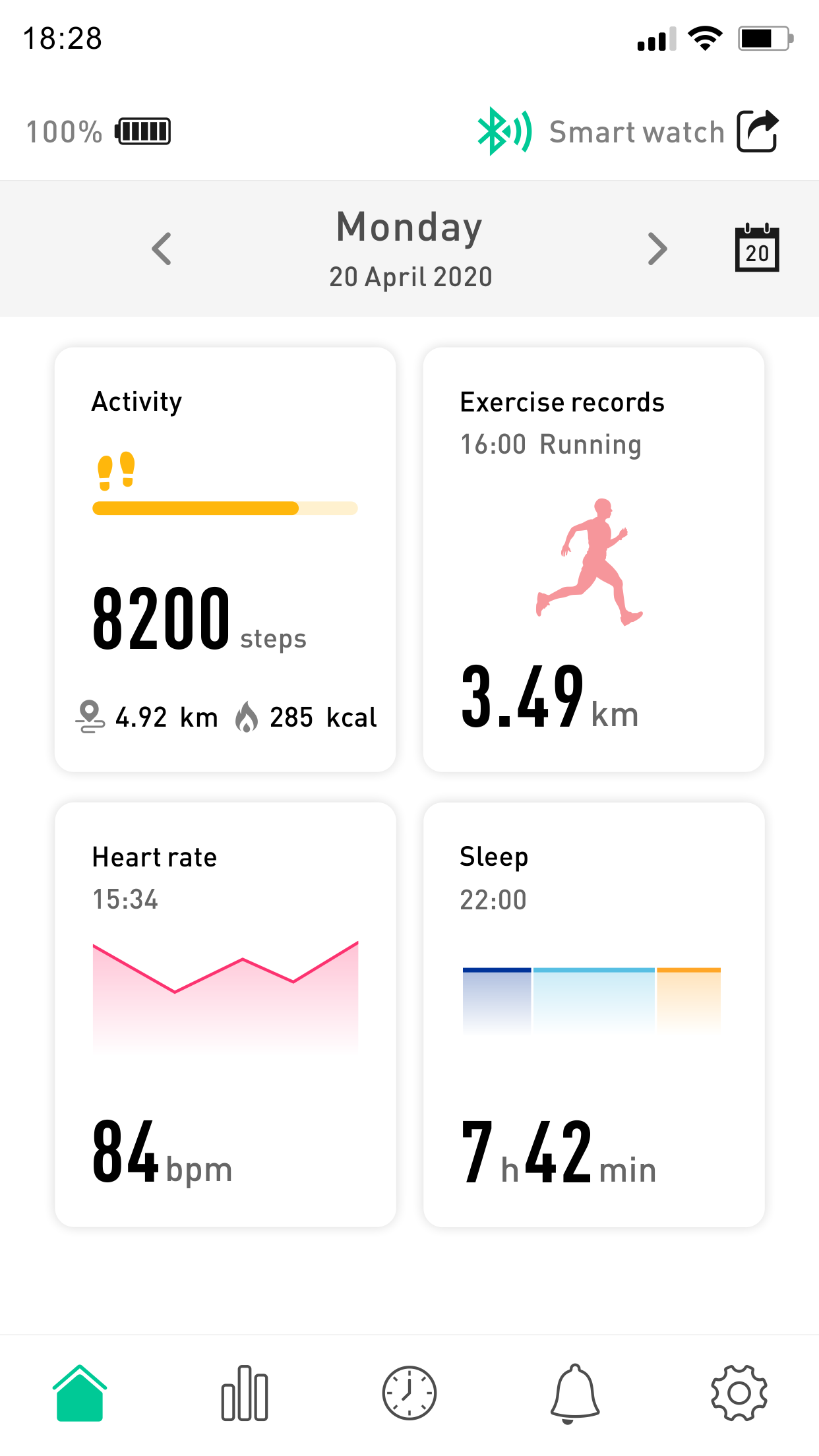
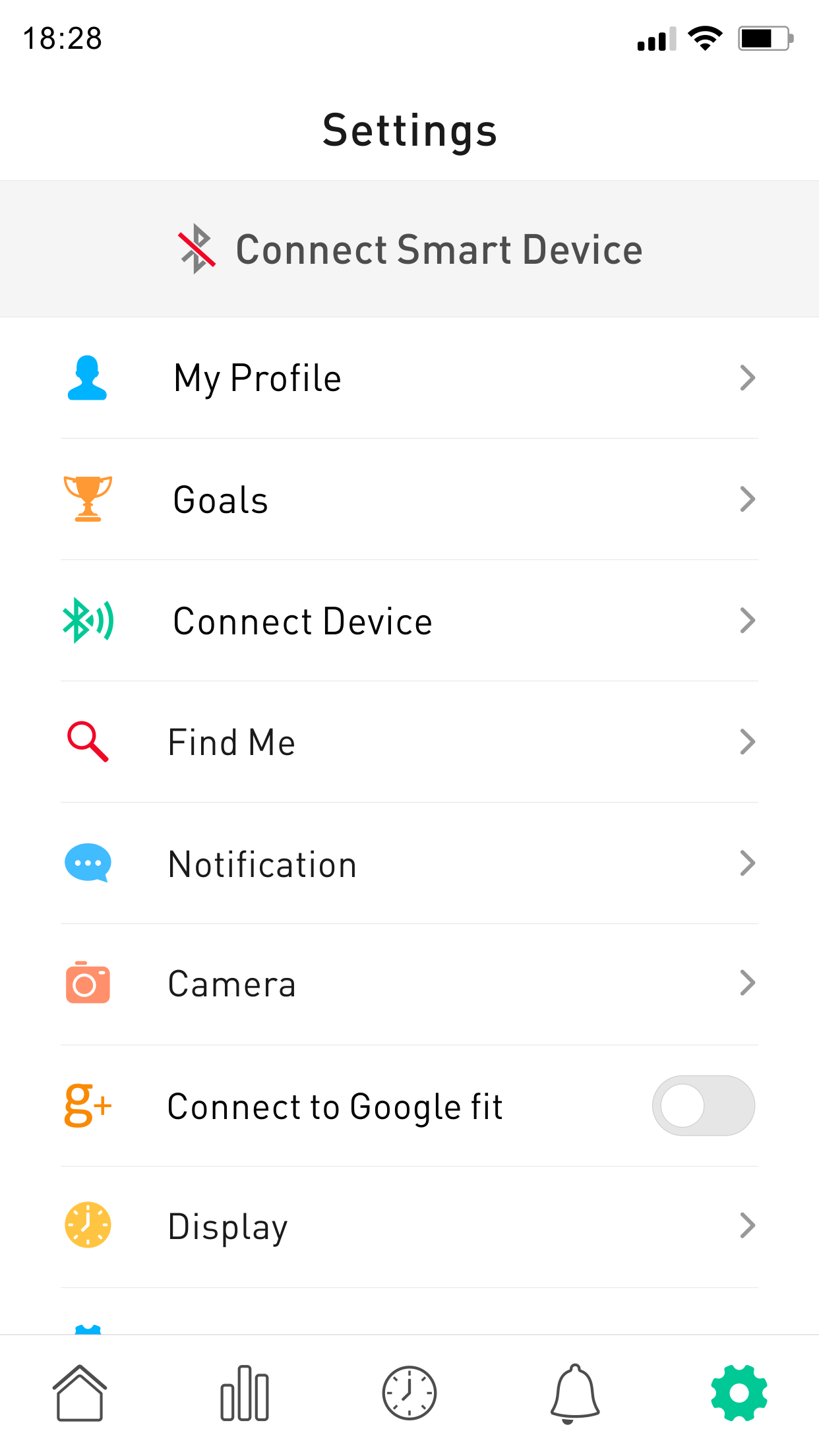
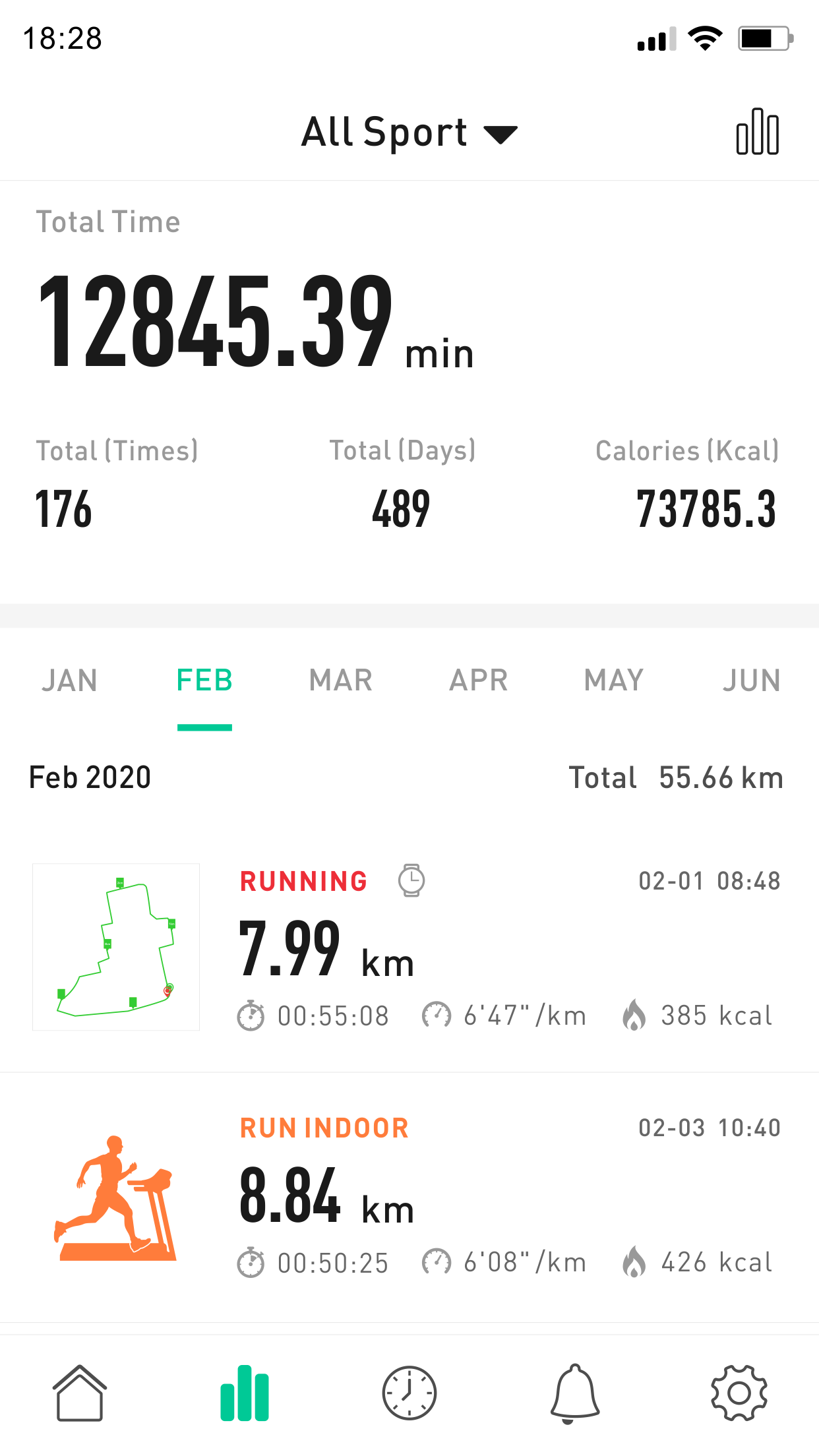
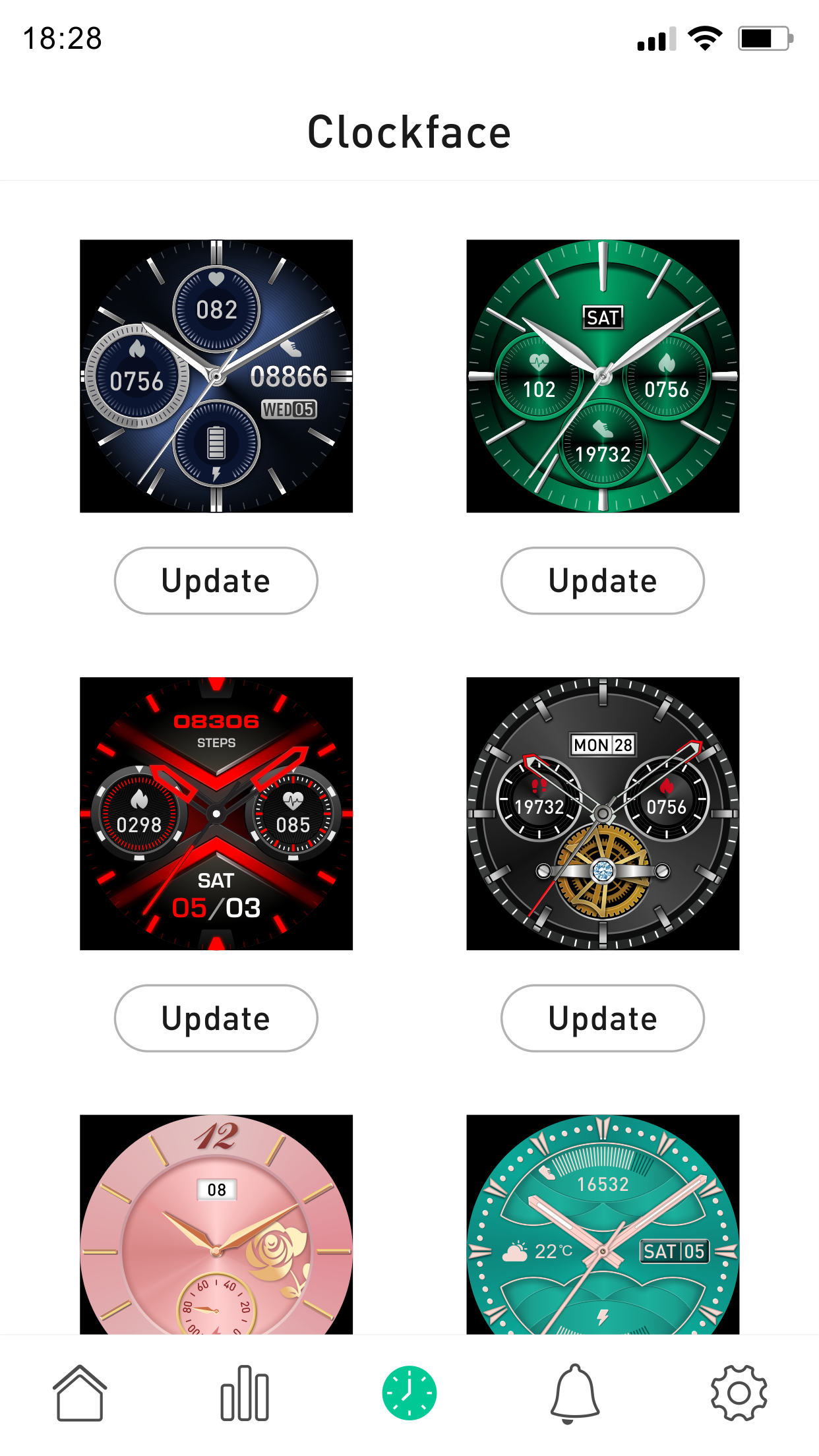
The SilverCrest Watch app serves as the dedicated companion to the SilverCrest SAT90A1 Activity Tracker and the SilverCrest SSG 500-1 Sport Watch.
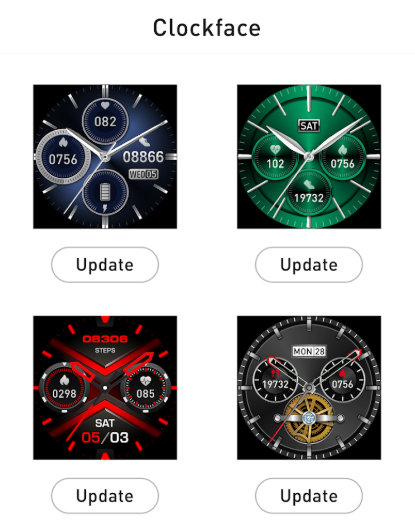
Features:
- Together, the app and the smartwatch deliver a comprehensive array of information directly from your wrist. Additionally, it alerts you for incoming calls, text messages, and notifications from social media platforms.
- Designed to blend seamlessly with your style, our sport smartwatch functions not only as a typical smartwatch but also as an advanced sports computer, allowing you to monitor your performance in real-time while also receiving text messages and notifications from your mobile device.
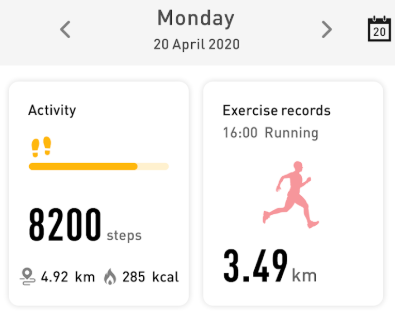
- A built-in pedometer keeps track of your steps, distance traveled, and calories burned.
- An integrated sleep monitor assesses the quality of your sleep.
- A heart rate sensor is included for monitoring your heart rate (ensure that your device includes a Heart Rate Sensor).
- Equipped with multi-sport capabilities, our sport smartwatch enables you to select from various activity types, including running, cycling, walking, hiking, and trail running.
Usage Process:
### Download and Installation
### Registration and Login
- Open the SilverCrest Watch app, read the Privacy Policy, and tap "Agree."
- Follow the app's prompts to set your personal information, such as name, gender, birthday, weight, height, stride length, and goal.
### Device Pairing
- Make sure your SilverCrest SAT90A1 activity tracker or SilverCrest SSG 500-1 sports watch is turned on by connecting it to a USB port.
- Turn on Bluetooth on your phone.
- In the app, tap "Connect Device" or a similar option to search for available devices.
- When "SilverCrest SAT90A1" or "SilverCrest SSG 500-1" is found, tap it to connect.
- Following the app's prompts, you may need to confirm the pairing process on your watch, such as double-tapping the top area near the LED light, to complete the pairing process.
FAQs:
1. **Which devices does this app support?**
This is a dedicated app for the SilverCrest SAT90A1 fitness tracker and the SilverCrest SSG 500-1 smartwatch, supporting only these two devices.
2. **What functions can the app perform after connecting to the device?**
It can provide notifications for incoming calls, SMS messages, and social media notifications; the device can also monitor steps, distance, calories burned, sleep quality, and heart rate in real time (the device must have a heart rate sensor), and supports performance recording for various sports modes such as running, cycling, and hiking.
3. **How do I pair the app with my smart device?**
First, turn on the fitness tracker/watch, then turn on your phone's Bluetooth; open the app, tap "Connect Device," search for the corresponding model, tap to connect, and finally confirm on the device as prompted (e.g., double-tap the area near the LED light) to complete the pairing.
4. **What preparations are needed for first-time use of the app?**
**After downloading and installing the app, you need to read and agree to the privacy policy, then fill in your personal information such as name, gender, date of birth, height, weight, stride length, and exercise goals as prompted, before pairing your device.**
5. **Will the heart rate monitoring function always work?**
**Not necessarily.** This function requires your device to be equipped with a **heart rate sensor**. Without this hardware, the heart rate monitoring function cannot be used.
- Version1.2.7
- UpdateOct 27, 2026
- DeveloperSynergy Innovations Group Limited
- CategoryHealth & Fitness
- Requires AndroidAndroid 8.0+
- Downloads251K+
- Package Namecom.oplayer.silvercrestwatch
- Signatured35c9b5b9753f36b62d59f34d501b6fc
- Available on
- ReportFlag as inappropriate
-
NameSizeDownload
-
102.96 MB
-
102.51 MB
-
102.21 MB















Affordable and good design
Excellent connection for notifications
Sufficient for basic activity monitoring
User-friendly app interface
Practical features for gym and fitness tracking
Good layout with low budget options
Step counting and calorie tracking capabilities
Option to pair multiple devices
Frequent disconnections from watch
App requires manual reconnection every time
Inadequate notification control options
Limited customization for watch faces
Laggy and unresponsive app performance
Hard to find user settings (like wallpaper)
Privacy concerns regarding personal data
No support available for troubleshooting issues
Basic functions fail occasionally (e.g., sleep tracking)