
Siddiq Al Minshawi Full Quran - Quran Recitation & Offline Access
Experience the beauty of Quran recitation by Sheikh Mohammed Siddiq Al-Minshawi anytime, anywhere with offline access.

- 3.6 Version
- 1.6 Score
- 165K+ Downloads
- Free License
- 3+ Content Rating

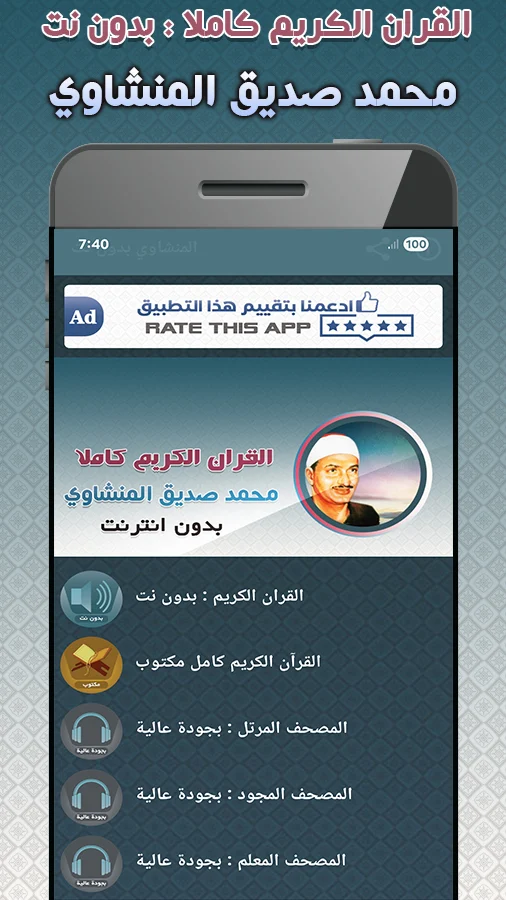
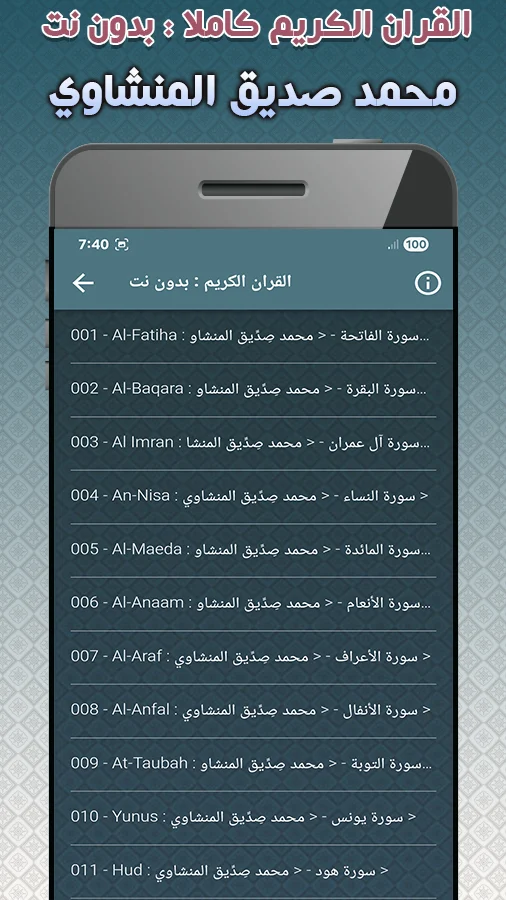
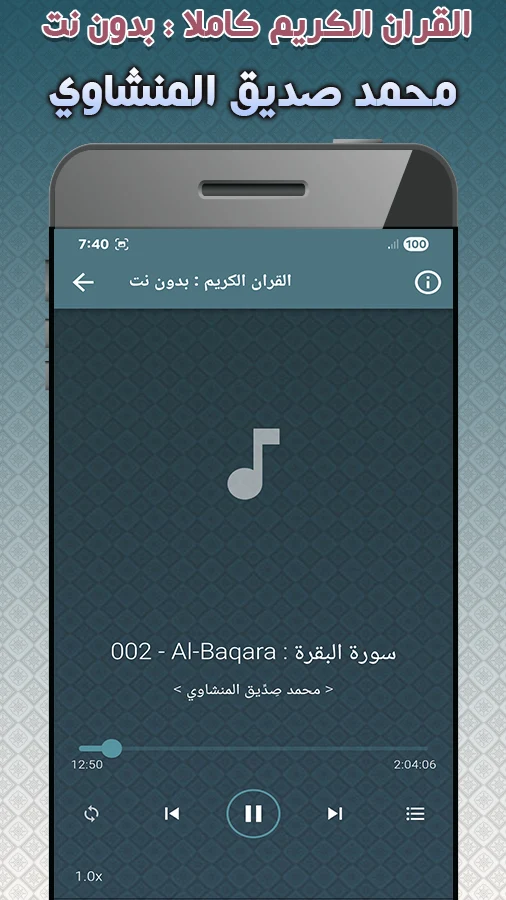
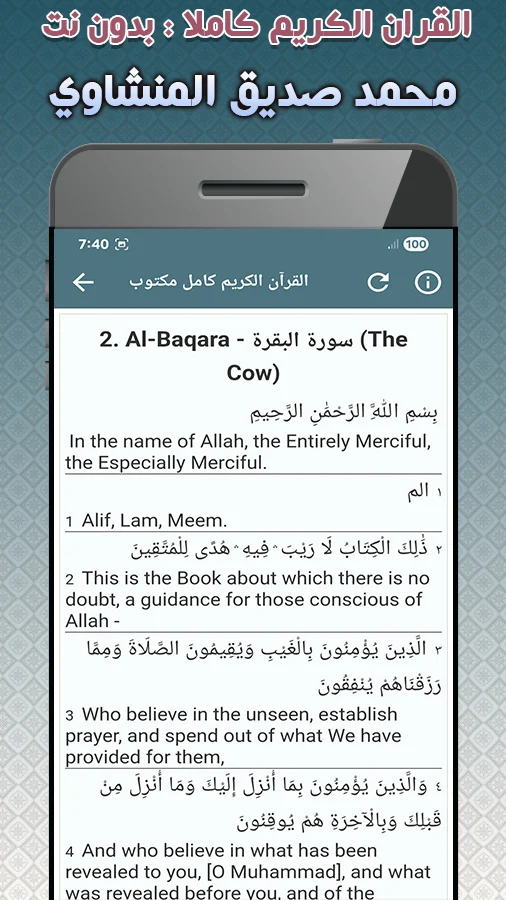
Quran by Sheikh Mohammed Siddiq Al-Minshawi
1. Overview
Quran by Sheikh Mohammed Siddiq Al-Minshawi is a Quran audio app featuring recitations by the renowned Egyptian Quran reciter Sheikh Muhammad Siddiq Al-Minshawi. The complete audio collection is available offline, allowing users to listen to the Quran without an internet connection or downloading individual chapters.
The app is designed for both regular listening and Quran study. Users can select individual chapters, adjust playback settings, and follow the Arabic text while listening. Some versions also include English translations, making it easier to follow the meaning of the verses. Whether used during daily worship, personal study, or quiet moments of reflection, the app offers convenient access to Al-Minshawi's distinctive recitation.
2. Key Features
Quran Recitations by Al-Minshawi: Listen to the Quran recited by Sheikh Muhammad Siddiq Al-Minshawi, known for his expressive and widely appreciated recitation style.
Complete Offline Audio: The Quran audio is built into the app, so no additional downloads or internet connection are needed for playback.
Adjustable Playback: Choose sequential or random playback, skip forward or backward by 10 seconds, and change the playback speed.
Arabic Text Display: Follow the original Quranic text while listening, with an Ottoman-style script similar to that used in the Madinah Mushaf.
English Translation: Some versions provide English translations alongside the Arabic text.
Background Playback: Continue listening while using other apps or when the screen is turned off.
Additional Islamic Content: Certain versions include Adhan audio and Islamic supplications.
Reading-Friendly Settings: Night mode and simple chapter navigation make it easier to read and listen for extended periods.
3. How to Use
Open the App: Once installed, launch the app and access the Quran audio collection. No separate audio downloads are required.
Select a Surah: Choose a chapter from the homepage or open the chapter list to find the one you want to hear.
Control Playback: Use the playback controls to pause, resume, skip forward or backward by 10 seconds, and adjust the speed.
Follow the Arabic Text: Enable synchronized text display to read the verses while listening. If your version includes translations, you can also follow the English meaning.
Adjust Listening Settings: Enable background playback, automatic repeat, or night mode according to your preferences.
4. Listening Experience
The app centers on Sheikh Al-Minshawi's Quran recitation, making it suitable for users who enjoy listening to his distinctive vocal style. Having the audio available offline is particularly practical for commuting, traveling, or listening in places with limited internet access.
The synchronized Arabic text adds a reading element to the listening experience, while playback speed and repeat options are useful when practicing recitation or memorizing verses. Background playback also allows users to listen without keeping the app open on the screen.
5. Frequently Asked Questions
Q1: Can I listen to the Quran without an internet connection?
Yes. The complete audio collection is included in the app after installation, so an internet connection is not required for playback.
Q2: Can I listen to individual Surahs?
Yes. You can select a specific Surah from the chapter list rather than playing the entire Quran from beginning to end.
Q3: Does the app include an English translation?
Some versions display English translations alongside the original Arabic text. Availability depends on the specific app version.
Q4: Can I listen while using other apps?
Yes. Background playback allows the recitation to continue when you switch to another app or turn off your screen.
Q5: Can I adjust the recitation speed or repeat verses?
The playback controls include speed adjustment and repeat options. You can also skip forward or backward by 10 seconds. The exact repeat controls may vary between versions.
Q6: Can I use headphones to listen to the recitation?
Yes. The app supports audio playback through headphones, making private listening convenient at home or while traveling.
- Version3.6
- UpdateNov 10, 2026
- DeveloperislamwayApps
- CategoryMusic & Audio
- Requires AndroidAndroid 4.1+
- Downloads165K+
- Package Namenet.manhajona.MedElMinshawi
- Signature0dc81cb449953e8aecca61fa568ec5d3
- Available on
- ReportFlag as inappropriate
-
NameSizeDownload
-
96.60 MB
-
96.55 MB
-
99.71 MB
















The recitation is authoritative and moving.
The operation is simple and easy to use.
Platform restrictions and in-app purchases
Large installation size
Free version includes ads