Flauta Dulce: toca melodias - Flute simulation & learning
Unlock your musical potential with an easy-to-use app that simulates real flute sounds for fun & practice.

- 1.0.6 Version
- 1.1 Score
- 146K+ Downloads
- Free License
- 3+ Content Rating

1. App Overview
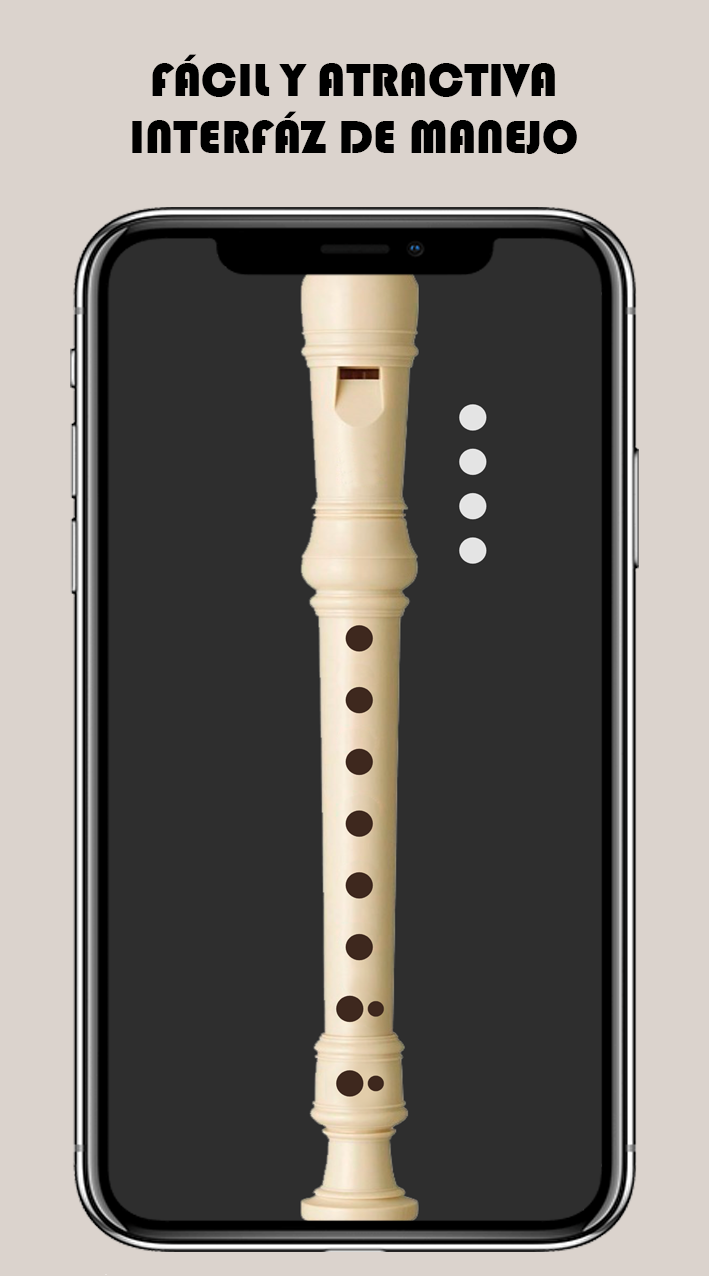
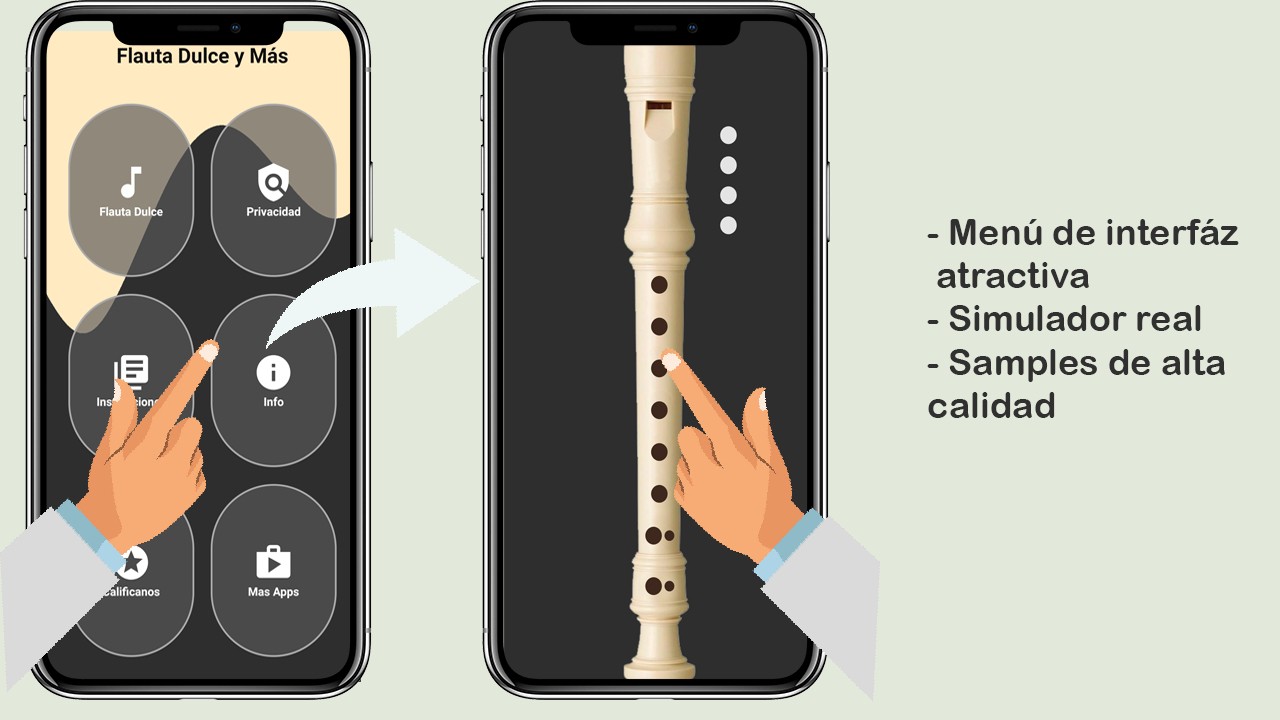
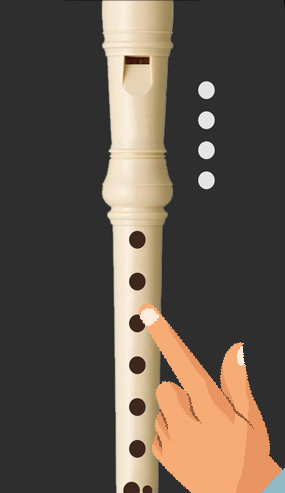
Flauta Dulce: toca melodias is a virtual recorder app that simulates a traditional recorder on a mobile screen. Its interface displays the instrument body and finger holes, which serve as touch controls for producing recorder sounds. Users can play directly on the screen without needing a physical instrument.
The app focuses on basic instrument interaction and casual music playing rather than structured music lessons. According to the developer, it uses high-quality sound samples and supports overlapping notes, allowing multiple notes to sound simultaneously. A built-in instruction section provides guidance on using the virtual recorder.
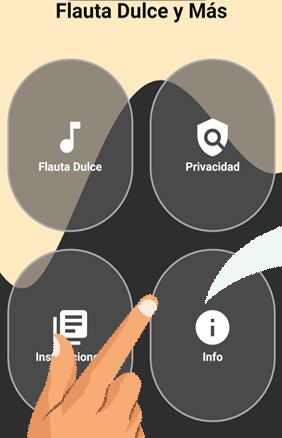
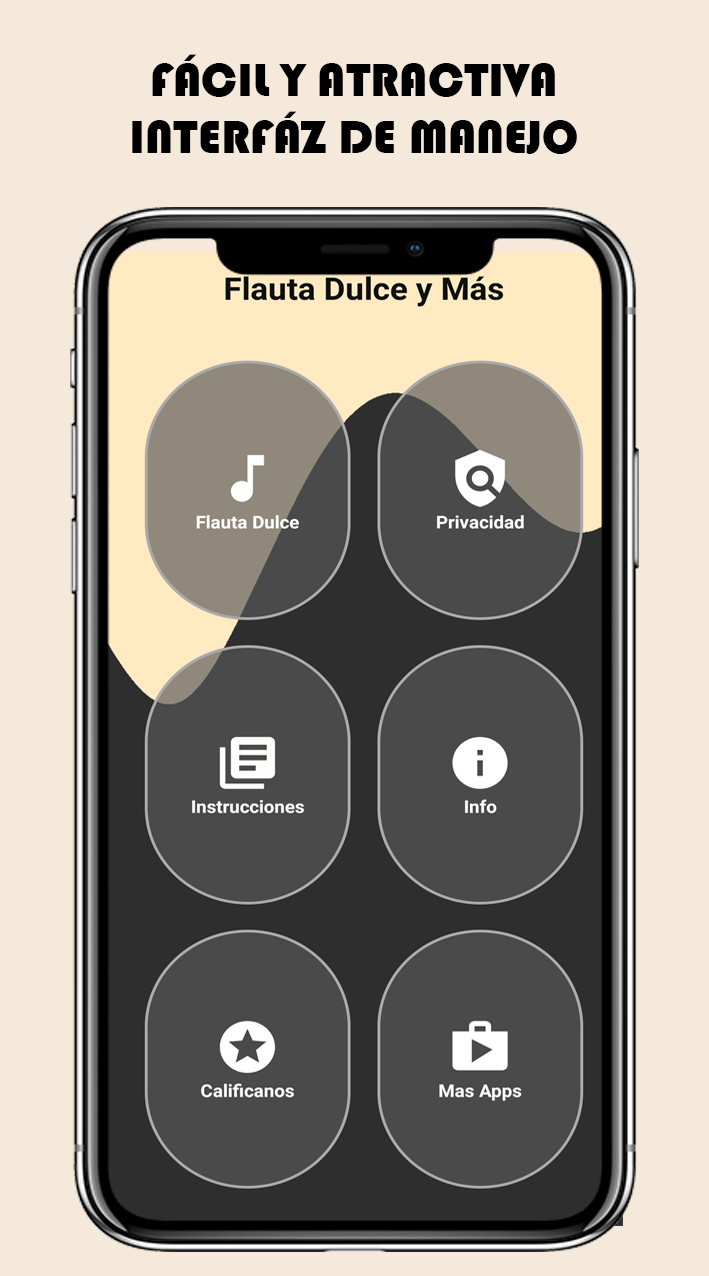
The home screen includes separate sections for the instrument, operating instructions, app information, privacy details, ratings, and other applications from Apps Studio CC. These options provide access to the app's supporting information without being part of the main playing interface.
Flauta Dulce: toca melodias is intended for beginners, students, and casual users interested in experimenting with recorder sounds. It provides a digital version of a single instrument rather than a comprehensive music-learning course or multi-instrument production tool.
2. Key Features
Virtual Recorder Interface: Displays a traditional recorder with finger holes that function as touchscreen playing controls.
Sample-Based Audio: Uses dedicated sound samples to reproduce recorder notes.
Overlapping Notes: Supports multiple notes playing simultaneously, according to the developer's description.
Touchscreen Instrument Controls: Allows users to interact directly with the virtual recorder instead of using a physical instrument.
Built-in Instructions: Includes an instruction section covering the basic operation of the virtual instrument.
3. Main Functions
Access the Recorder: Select Flauta Dulce from the home screen to open the virtual instrument.
Play Notes: Touch the finger-hole areas on the instrument interface to produce recorder sounds.
Read Instructions: Open the Instructions section for guidance on using the app.
View App Details: Select Info to access application information.
Check Privacy Information: Open the Privacy section to review the available privacy details.
Access Ratings: Select Ratings to open the app's rating option.
Discover Other Apps: Use Más Apps to browse other applications published by Apps Studio CC.
4. Frequently Asked Questions
What is Flauta Dulce: toca melodias?
It is a virtual recorder app that simulates a traditional recorder on a mobile screen, allowing users to produce recorder sounds through touchscreen controls.
Do I need a physical recorder to use the app?
No. The app provides a digital instrument that can be played directly on a mobile device.
Is the app suitable for beginners?
Yes. It is intended for beginners, students, and casual users. The built-in instructions explain how to operate the virtual instrument, although the app does not provide a comprehensive music course.
Can multiple notes play simultaneously?
Yes. The developer's Google Play description mentions support for overlapping notes, although it does not explain the feature's technical implementation.
Is Flauta Dulce: toca melodias free?
Yes. The app is available as a free download on Google Play and contains advertisements.
Is there an iOS version?
An official iOS version has not been confirmed. The verified listing is for Android on Google Play.
- Version1.0.6
- UpdateNov 26, 2026
- DeveloperApps Studio CC
- CategoryMusic & Audio
- Requires AndroidAndroid 5.0+
- Downloads146K+
- Package Namecom.appsstudiocc.flautavirtual
- Signaturee5dd454db594352943a1572e27042b25
- Available on
- ReportFlag as inappropriate
-
NameSizeDownload
-
10.62 MB
-
10.55 MB
-
9.68 MB