
Smart voice recorder - editor - Voice recording & editing
Capture conversations & music effortlessly with unlimited recording time, custom categories & cloud upload features.
- 25.11.03 Version
- 1.6 Score
- 261K+ Downloads
- Free License
- 3+ Content Rating

1. App Overview
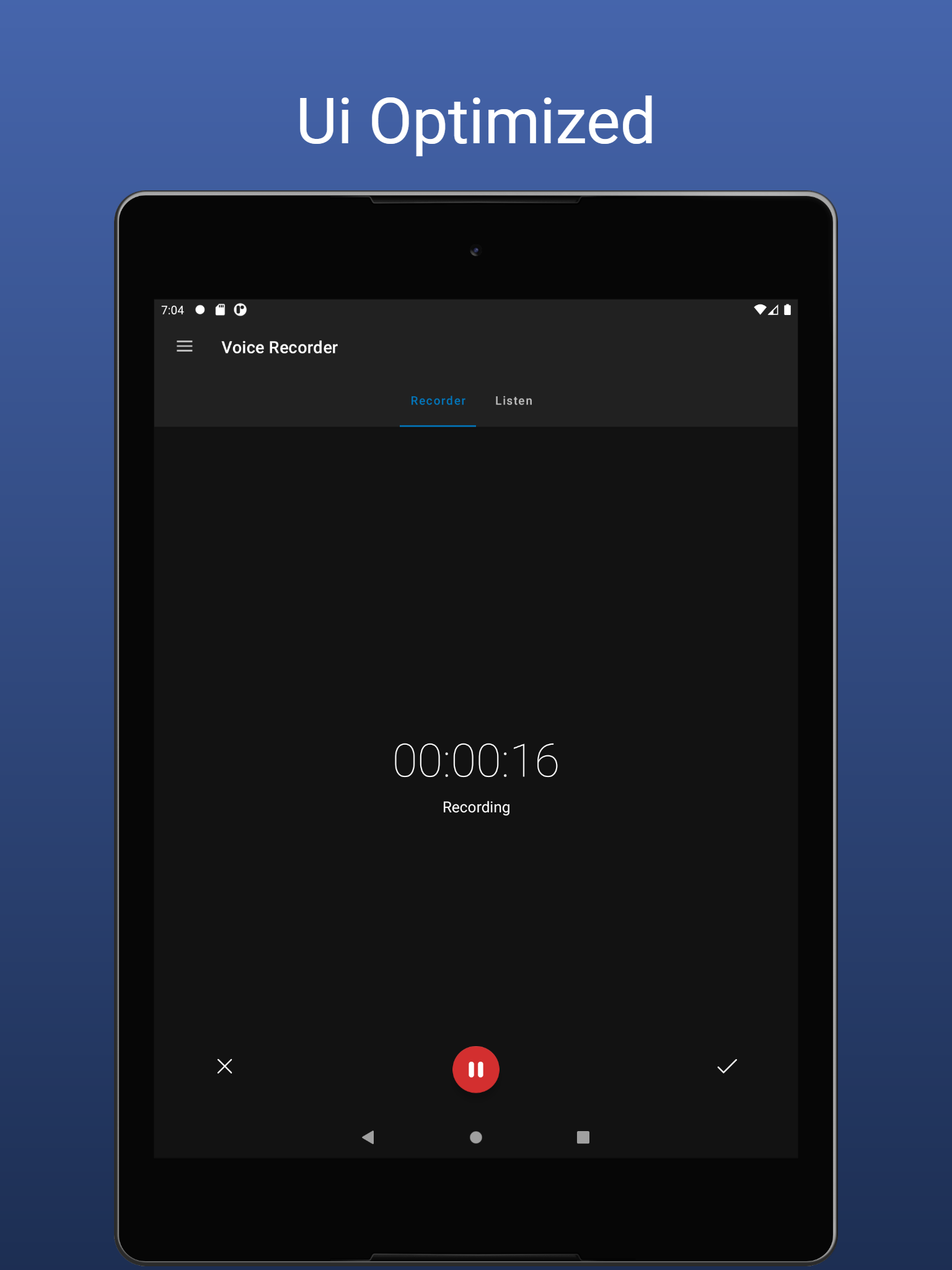
Meet Voice Recorder & Audio Editor is an Android app for recording, editing, and managing audio files. It can capture voice memos, lectures, meetings, music ideas, and other sounds directly through your phone's microphone. Recording starts with a single tap, and background recording allows you to continue capturing audio while using other apps or with the screen turned off.
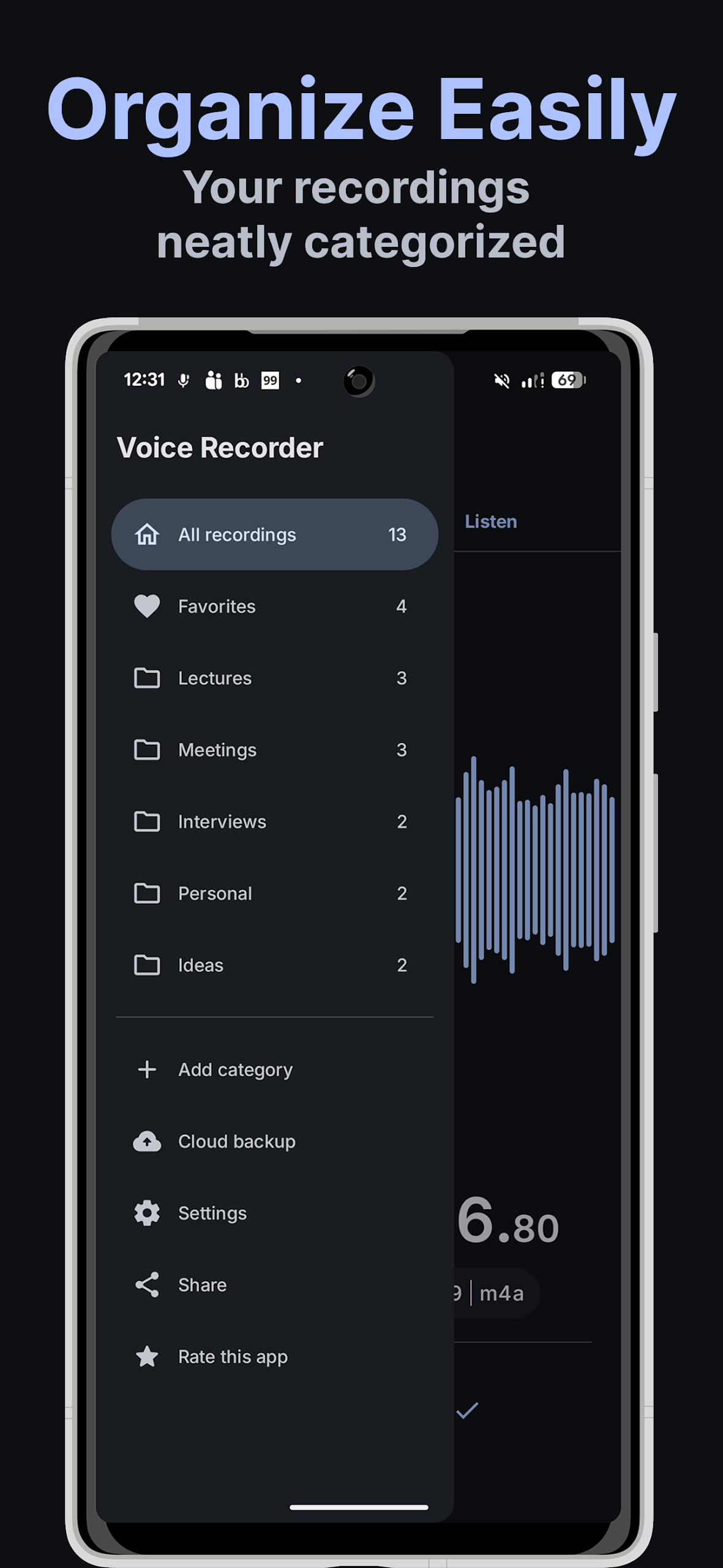
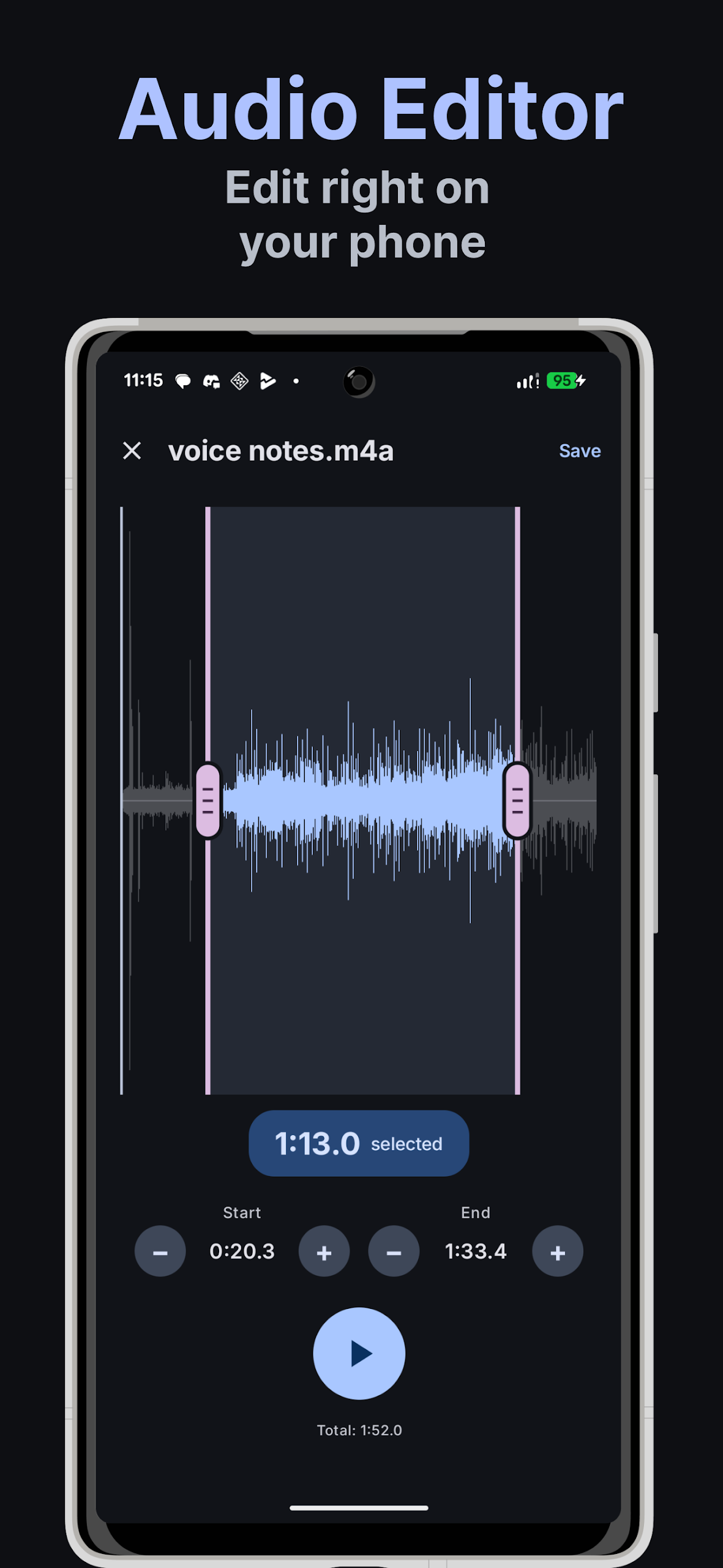
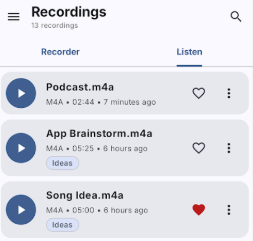
The app includes a built-in audio editor for trimming unwanted sections and adjusting the start and end points of recordings. Edited files can be saved in M4A, MP3, or WAV format. To keep recordings organized, you can create custom categories, mark important files as favorites, and sort them by name, date, or duration.
Recording settings include stereo audio, front and rear microphone selection, and sample rates of up to 48 kHz. Files can be stored in internal memory or a custom SD card folder. Google Drive integration provides manual uploads and automatic backup options, while the sharing function lets you send recordings through messaging apps, email, Bluetooth, and other compatible services.
Meet Voice Recorder & Audio Editor is free to use and has no recording time limits, although available storage space determines how long you can record. It also includes light and dark themes and a real-time waveform display.
2. Key Features
Background Recording: Record audio with the screen off or while using other apps.
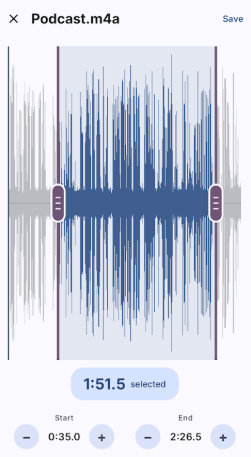
Audio Editing: Trim unwanted sections and adjust recording start and end points using the waveform editor.
Multiple Audio Formats: Save recordings in M4A, MP3, or WAV format.
Flexible Storage: Choose internal memory or a custom SD card folder for saving files.
Custom Categories: Create unlimited categories to group recordings by subject or purpose.
Favorites and Sorting: Mark important files and sort recordings by name, date, or duration.
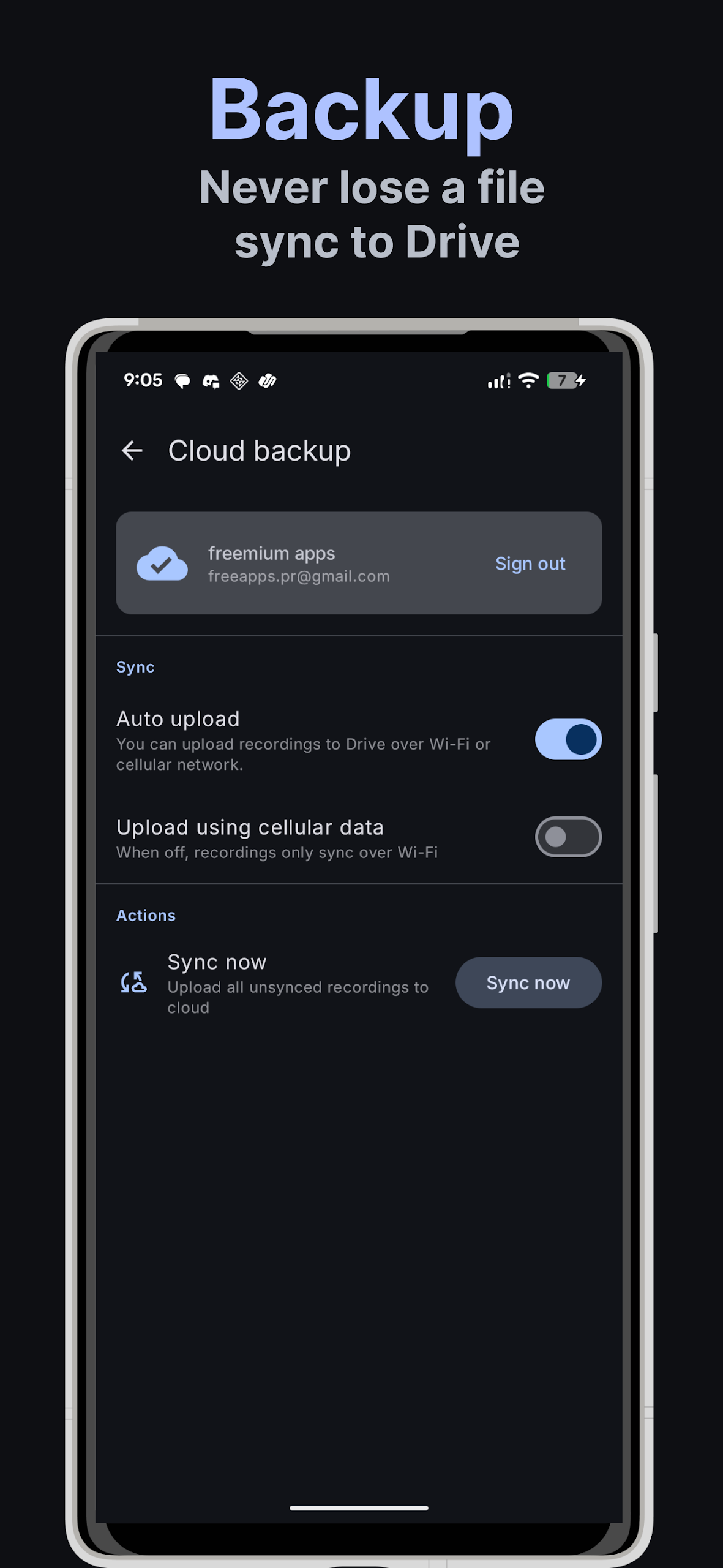
Google Drive Backup: Upload recordings manually or enable automatic uploads.
Recording Quality Settings: Use stereo recording, switch between front and rear microphones, and select sample rates up to 48 kHz.
Real-Time Waveform: View audio activity while recording.
Light and Dark Themes: Switch between two interface themes.
3. Main Functions
Record Audio
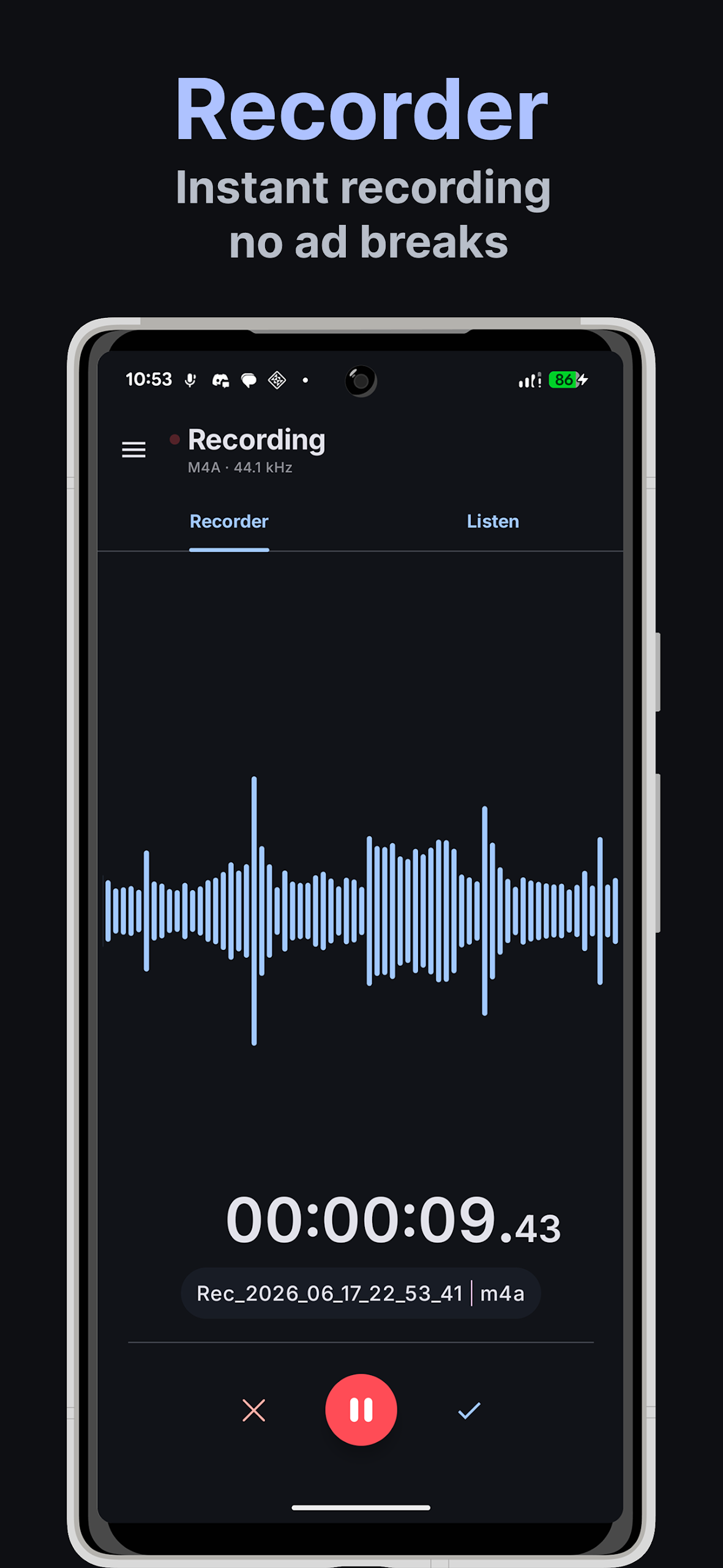
Tap the recording button to start capturing sound. The waveform display shows audio activity as you record. You can leave the app or turn off the screen without interrupting background recording.
Play and Edit Recordings
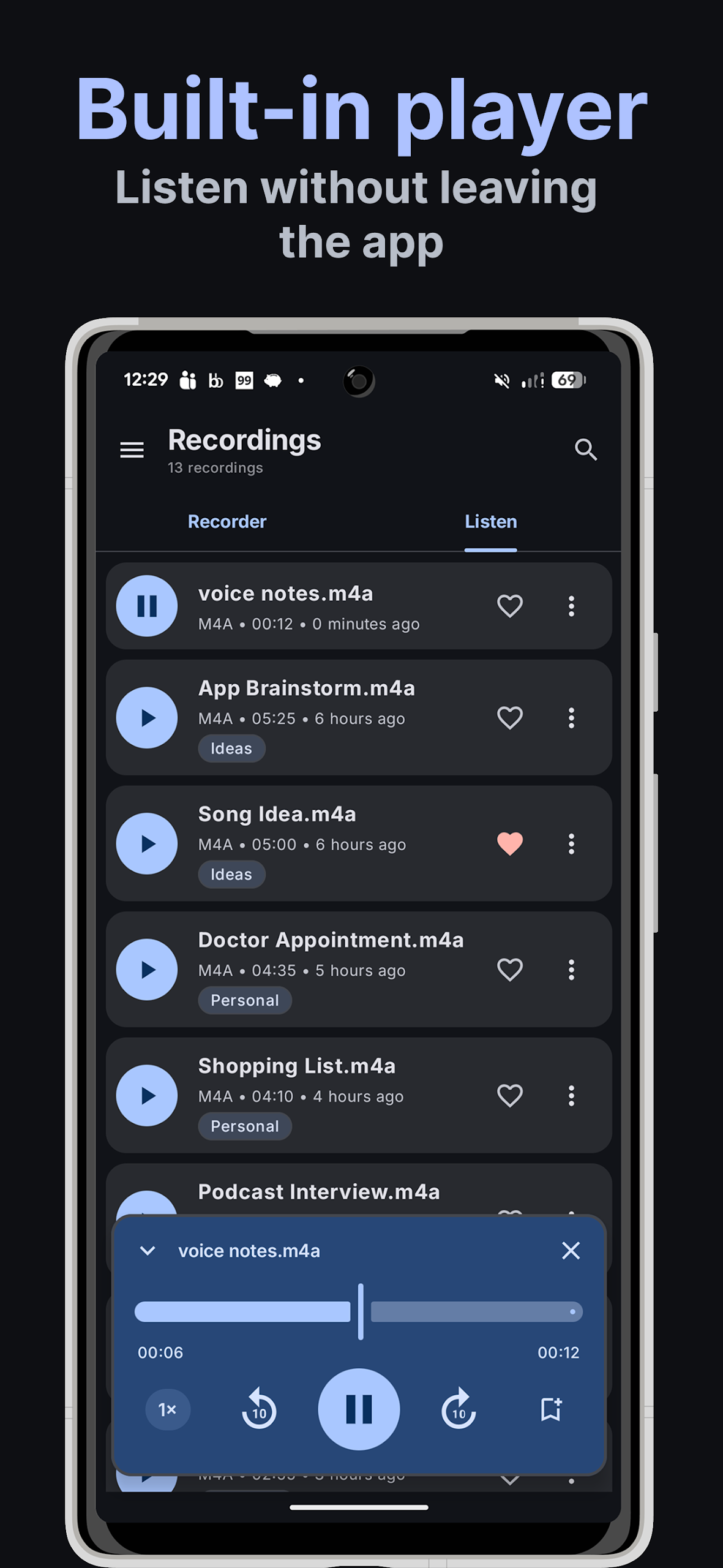
Open a saved file in the built-in audio player. To remove unwanted sections, use the waveform editor to select the portion you want to keep. Adjust the trimming handles or enter specific start and end times, then save the result as a new file or overwrite the original.
Organize Audio Files
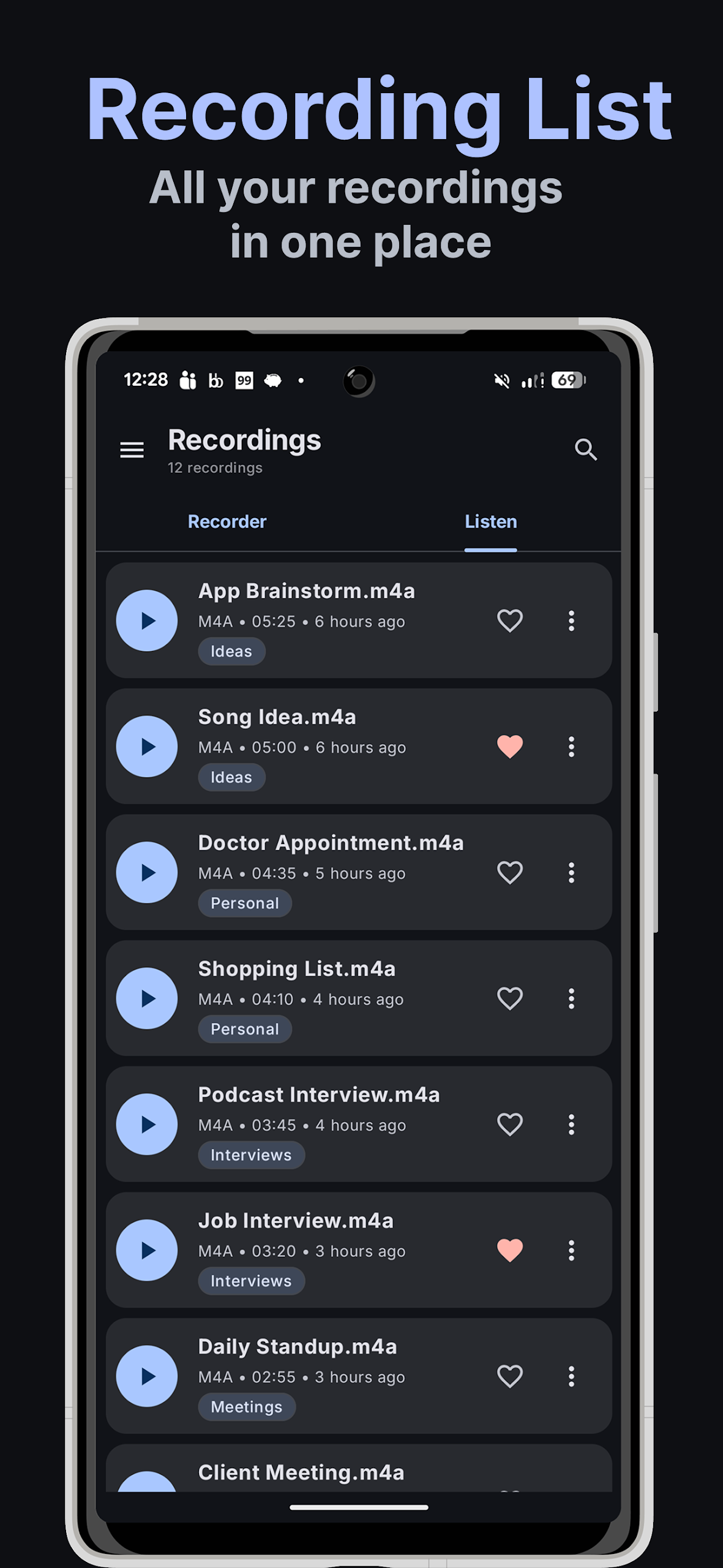
Create categories for different recording types, such as lectures, meetings, and personal notes. Assign recordings to the relevant categories, mark frequently used files as favorites, and sort them by name, date, or duration.
Save and Back Up Recordings
Set your preferred storage location to internal memory or a custom SD card folder. You can also connect Google Drive to upload recordings manually or configure automatic uploads.
Share Audio Files
Select a recording and use the sharing function to send it through WhatsApp, email, Bluetooth, or another compatible app. Choose an available audio format when preparing the file for sharing.
4. Permissions
Microphone: Required to capture audio.
Storage: Used to save and access recordings in internal memory or on an SD card.
Network: Needed for online features, including Google Drive uploads.
Meet Voice Recorder & Audio Editor does not include call recording functionality. It does not require access to photos, videos, or contacts according to the provided permission information.
5. FAQs
Is Meet Voice Recorder & Audio Editor free?
Yes. The app is free to use, with no recording time limits or watermarks. The actual recording duration depends on the available storage space.
Can I record audio while using other apps?
Yes. Background recording continues when you switch to another app or turn off your phone's screen.
Can I trim recordings without using another app?
Yes. The built-in waveform editor lets you select the sections to keep, adjust the start and end times, and save the edited audio.
Which audio formats does the app support?
Recordings can be saved in M4A, MP3, and WAV formats.
Can I back up recordings to Google Drive?
Yes. You can connect your Google Drive account to upload recordings manually or enable automatic uploads.
Does Meet Voice Recorder & Audio Editor support call recording?
No. The app records sound through your phone's microphone and does not provide a call-recording feature.
- Version25.11.03
- UpdateNov 24, 2026
- DeveloperFreemium apps
- CategoryMusic & Audio
- Requires AndroidAndroid 8.0+
- Downloads261K+
- Package Namecom.prasanna957.soundrecorder2
- Signature8a67808b1eedb5236f83213b1f2e7045
- Available on
- ReportFlag as inappropriate
-
NameSizeDownload
-
7.04 MB
-
6.78 MB
-
6.81 MB












No intrusive privacy access
High-level sound quality
Simple and straightforward interface
Ability to share recordings easily
Excellent blend and clarity of voice
Minimal ads presence
Good performance without issues
Improved recording features
Screen always turns off during use
Disturbances with call audio while recording
Lack of pause/resume option in recordings
Issues with editing and recovering lost files
Requires saving to OneDrive for alarm functionality
No SD card support for storage
Cannot play recordings in phone's file manager due to unknown formats