
Railway 12306 - Train ticket booking & travel services
Effortlessly book train tickets & explore travel options with real-time updates for a stress-free journey across China.
- 5.9.4.1 Version
- 2.9 Score
- 392K+ Downloads
- Free License
- 3+ Content Rating

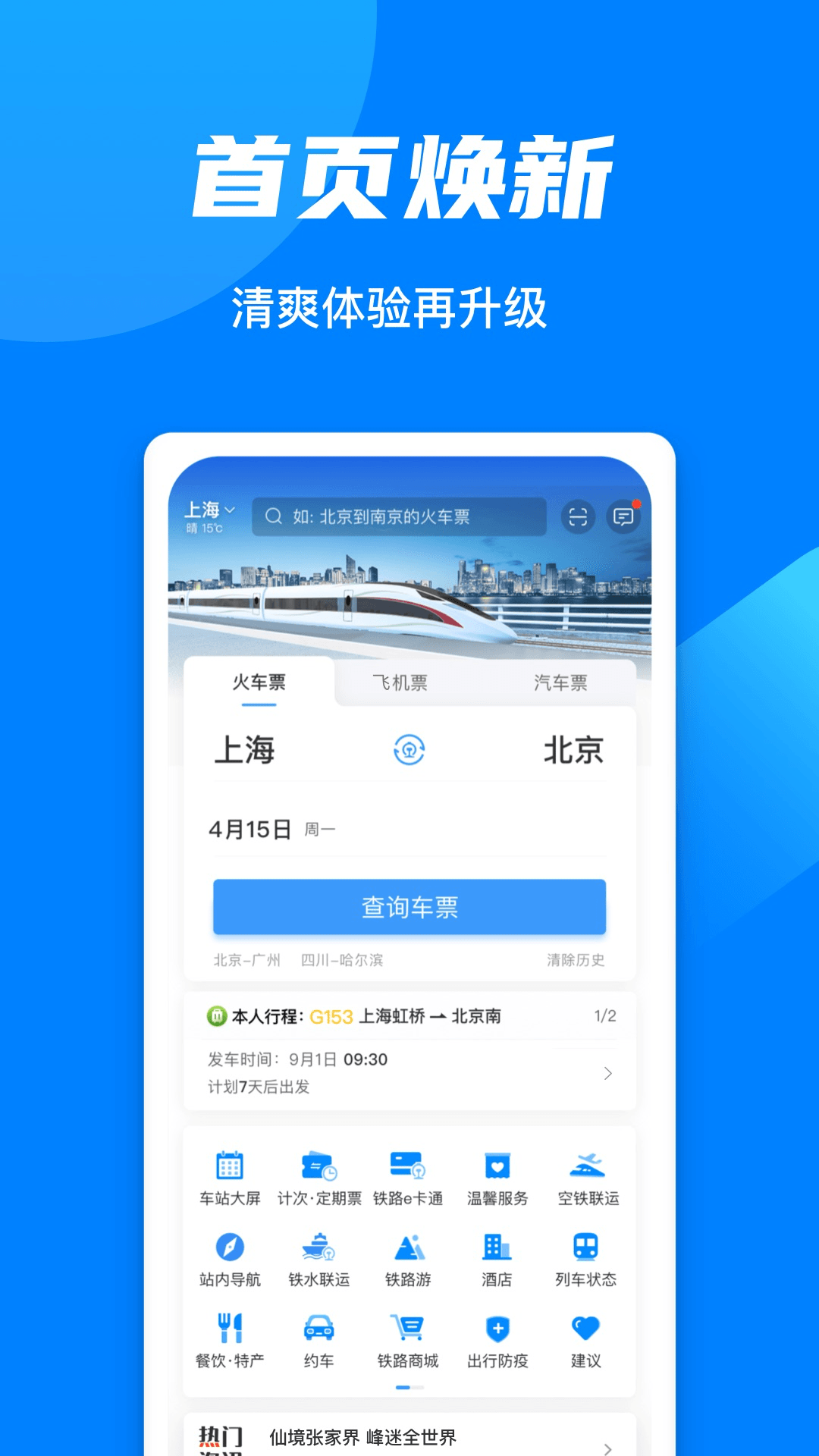
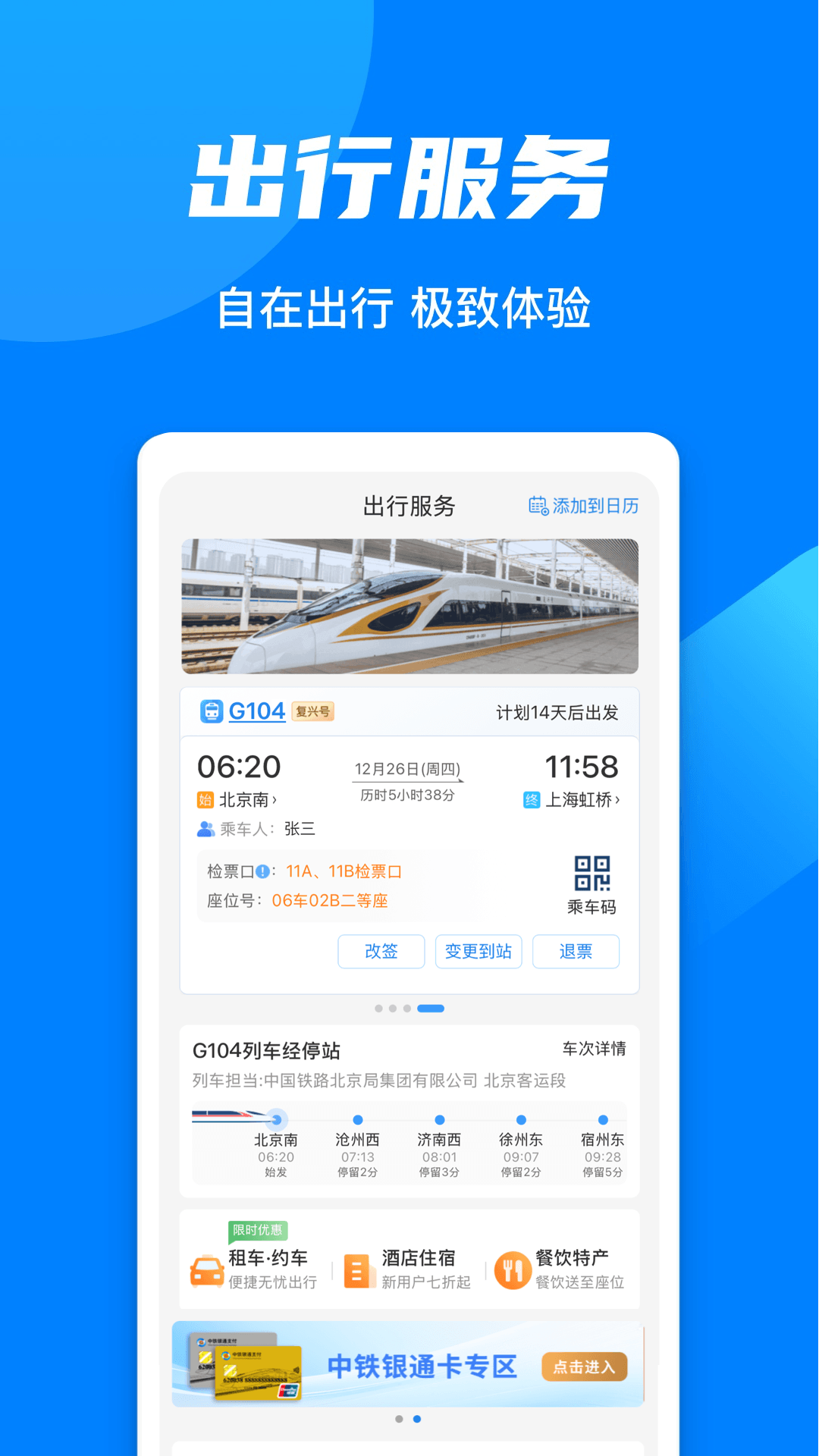
Manufactured by China Railway, People's Railway is dedicated to serving the public with train tickets available through Railway 12306!
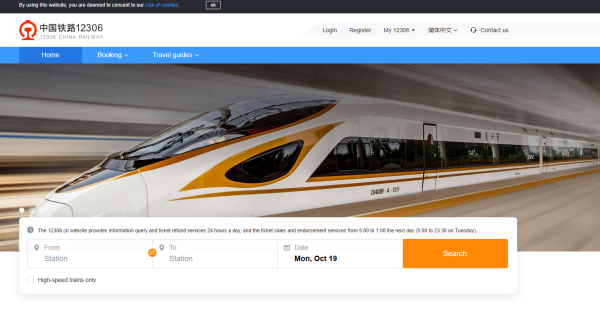
The Railway 12306 platform (including its mobile application) serves as the sole official online ticketing service for train travel in China and has not permitted any third-party sites to sell tickets.
Key Features:
Transparent pricing: Enjoy ticket purchases without surcharges, bundled insurance sales, or membership fees, ensuring a stress-free buying experience.
[Timely Updates] Receive the latest information regarding delays, service interruptions, train schedules, and carriage details promptly, so you can travel with confidence.
[Comprehensive Services] Discover nearly a hundred features encompassing train tickets, air travel, bus services, online orders, hotel bookings, and travel planning for your convenience.
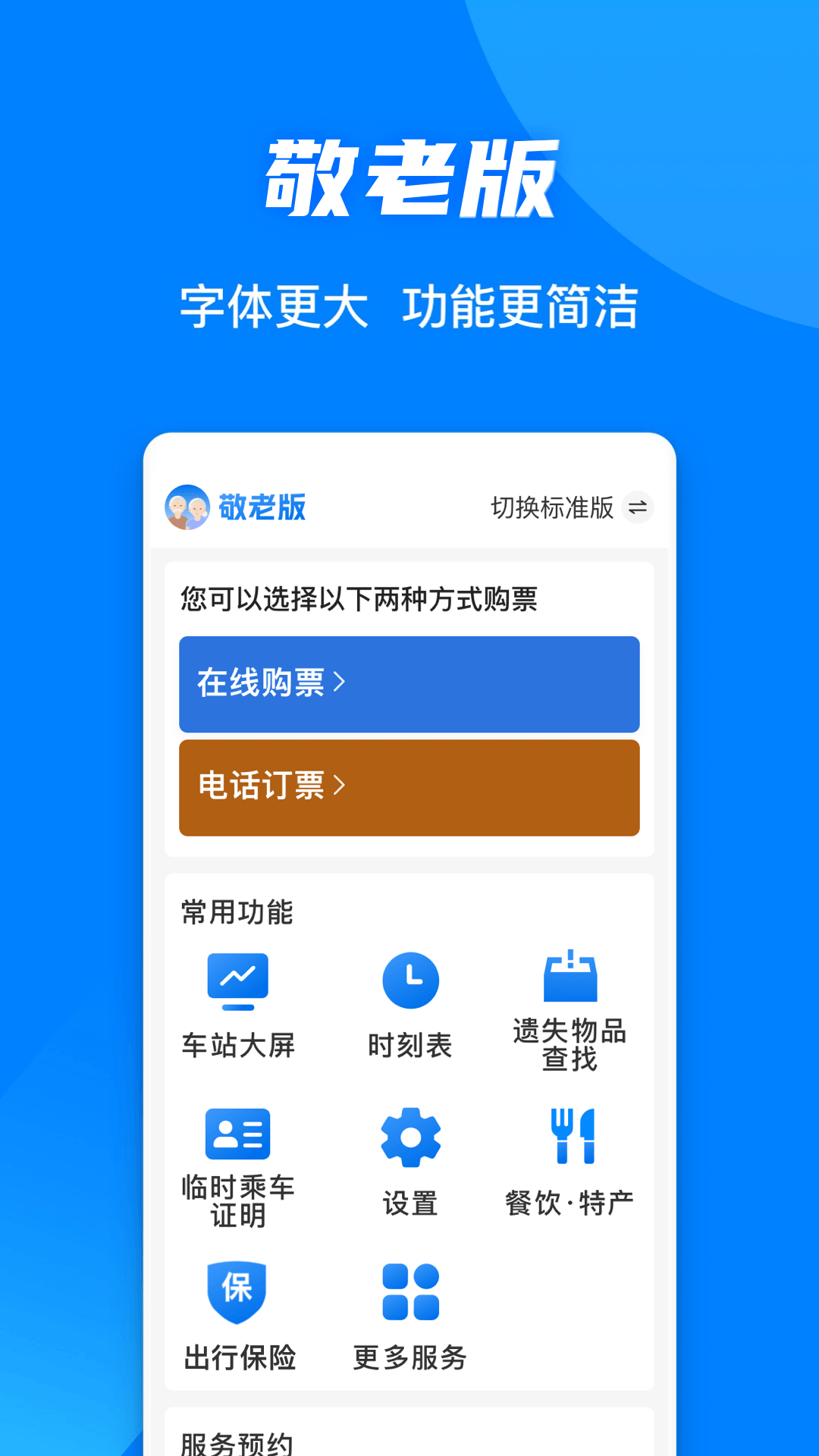
[User-Friendly Assistance] Access a larger font option designed for seniors and an accessible version tailored for individuals with visual impairments to enhance usability.
Main Offerings:
[ Train Ticket Reservations ]
1.No waiting for tickets. If tickets are sold out, don't worry! Submit a standby request, and we will notify you when tickets become available due to refunds or changes.
2.Seat and bed preferences. Whether you prefer a window seat for the view or an aisle seat for convenience, easily select your preferred option with just one click.
3.Smart transfer options. No direct route? Our intelligent service will recommend transfer plans to suit your travel needs.
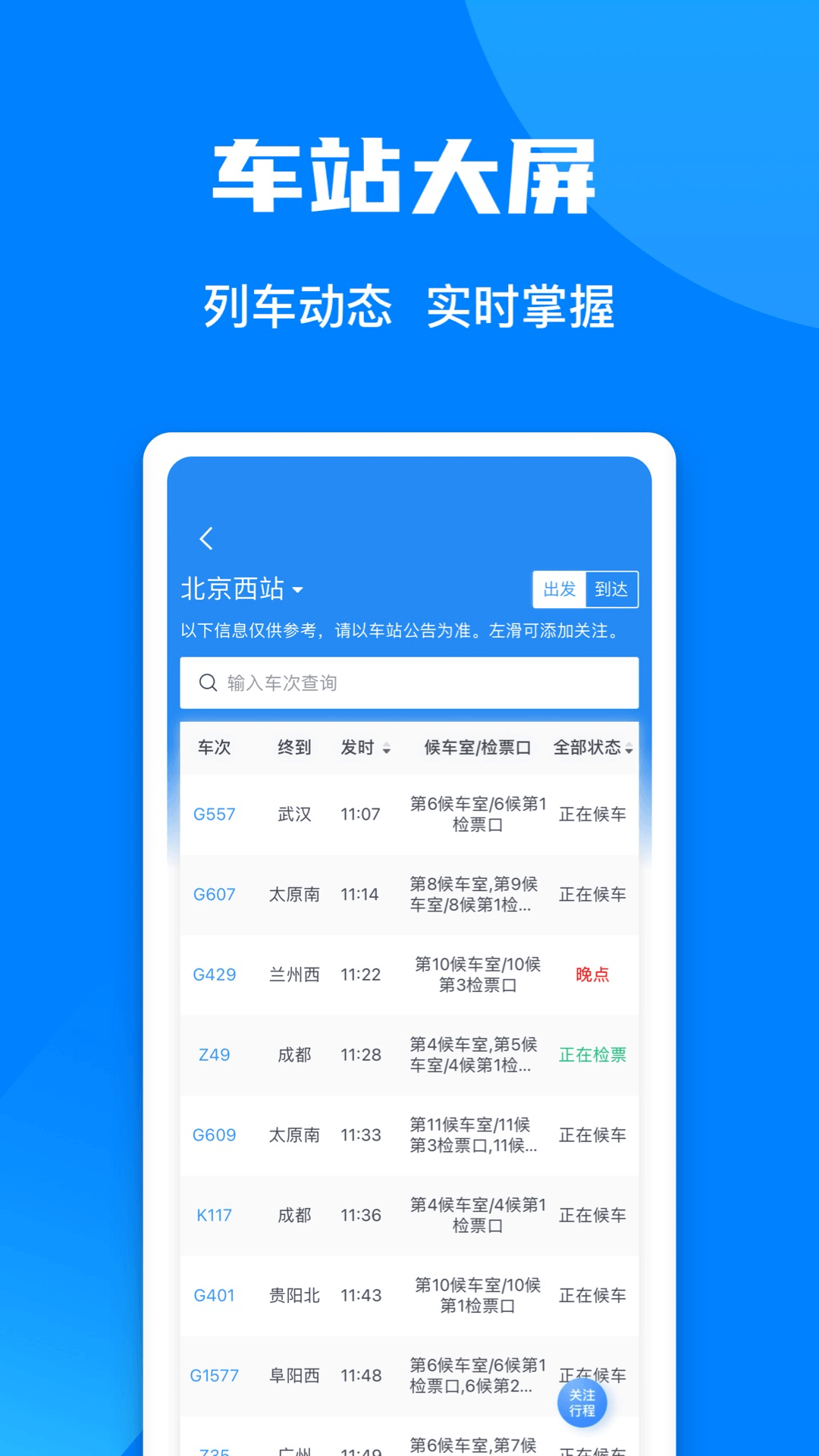
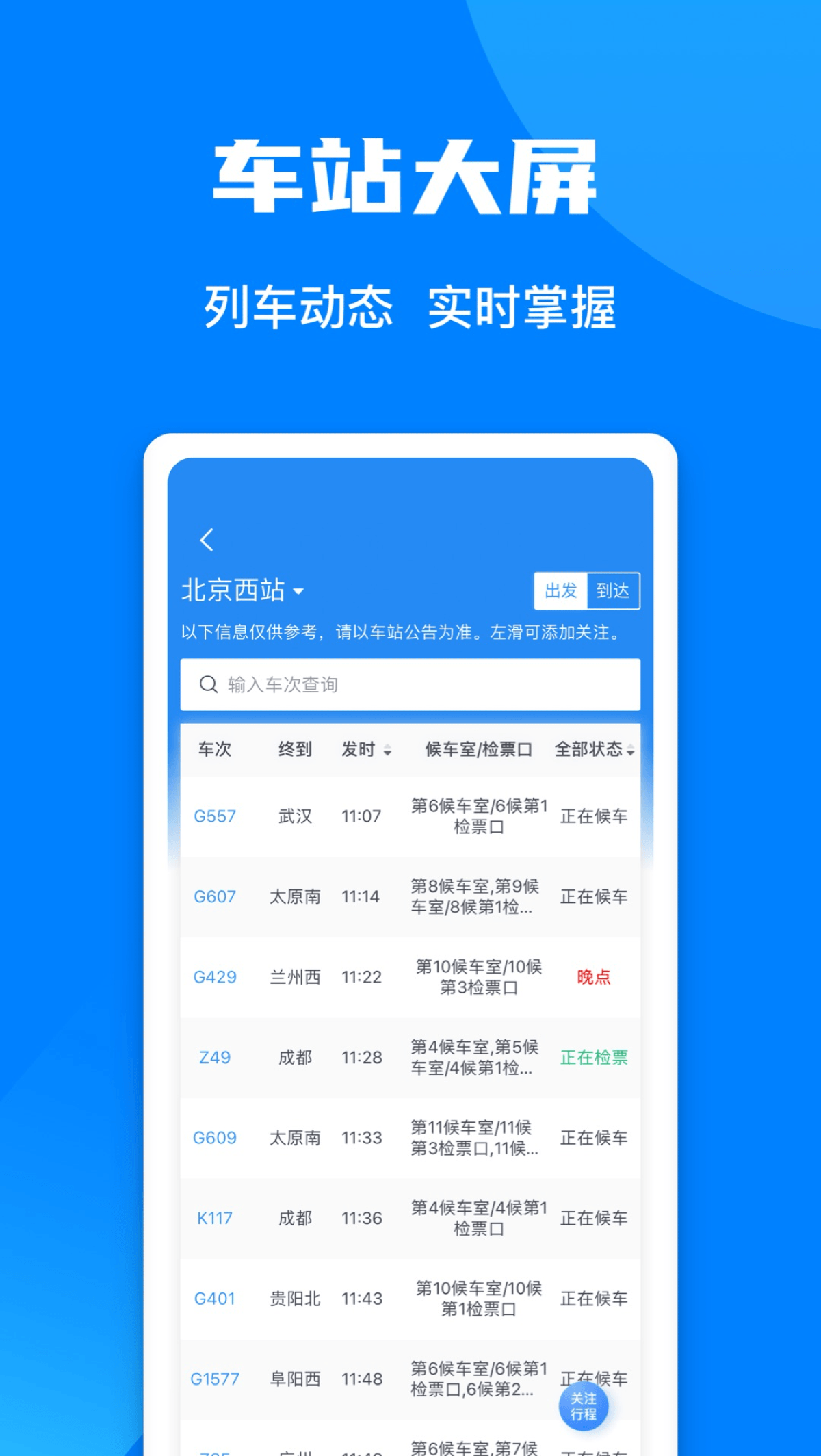
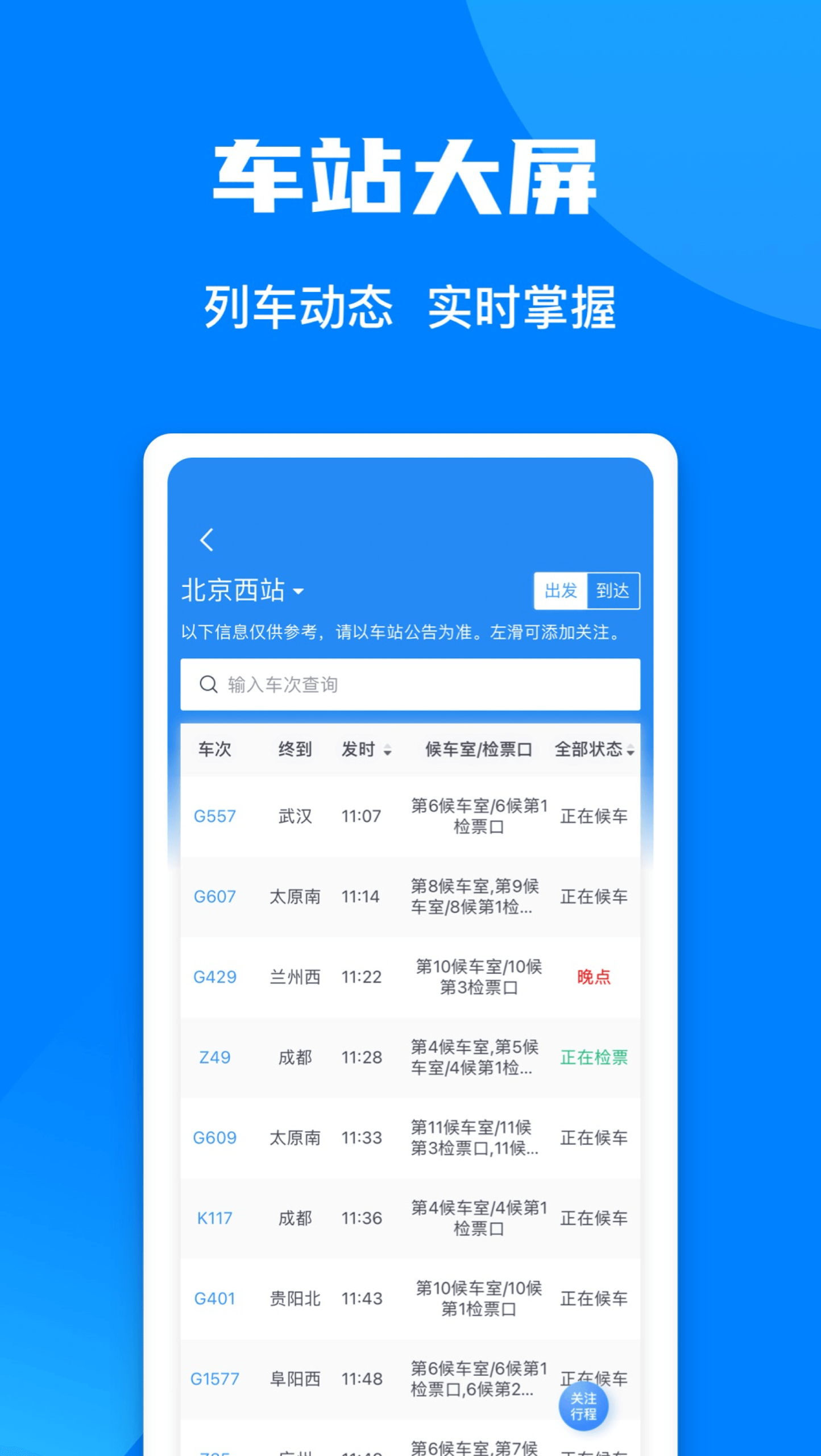
4.Station display. Monitor train departure and arrival updates to stay informed about your journey, facilitating pick-up and drop-off at the station.
[Ticket Booking]
The airline's officially operated outlet has been integrated, providing trustworthy ticket services for responsible purchasing and enhanced travel security.
[Bus Ticket Reservations]
Nationwide coverage allows you to travel anytime! Access domestic highway transportation details, bus terminal information, schedules, and booking options.
[Integrated Transportation Solutions]
We offer a single source for ticketing and information pertaining to air, rail, public, and maritime transport modes, making travel seamless and offering diverse alternatives.
[Travel Amenities]
Services include high-speed rail meal pre-orders, hotel reservations, vehicle pick-up and drop-off coordination, guided railway tours, attraction ticketing, shopping options, and travel insurance, tailored to fulfill all your travel requirements.
[Personalized Assistance]
Enjoy services like temporary boarding passes, special passenger reservations, and lost item retrieval to ensure a worry-free journey.
[Membership Perks]
Take advantage of membership benefits that allow the redemption of points for tickets and additional related services.
For further inquiries, please follow our official channels.
Usage Process:
[Registration and Login]
1. Download and Install: Open your mobile app store, search for "Railway 12306," identify the official app, click "Download," and install.
2. Register an Account: Open the 12306 app, click "Register," follow the prompts to enter your mobile number and password, and complete real-name verification.
3. Login: After successfully registering, log in using your mobile number and password. You can also set up fingerprint login for quick and easy login.
[Ticket Purchasing Process]
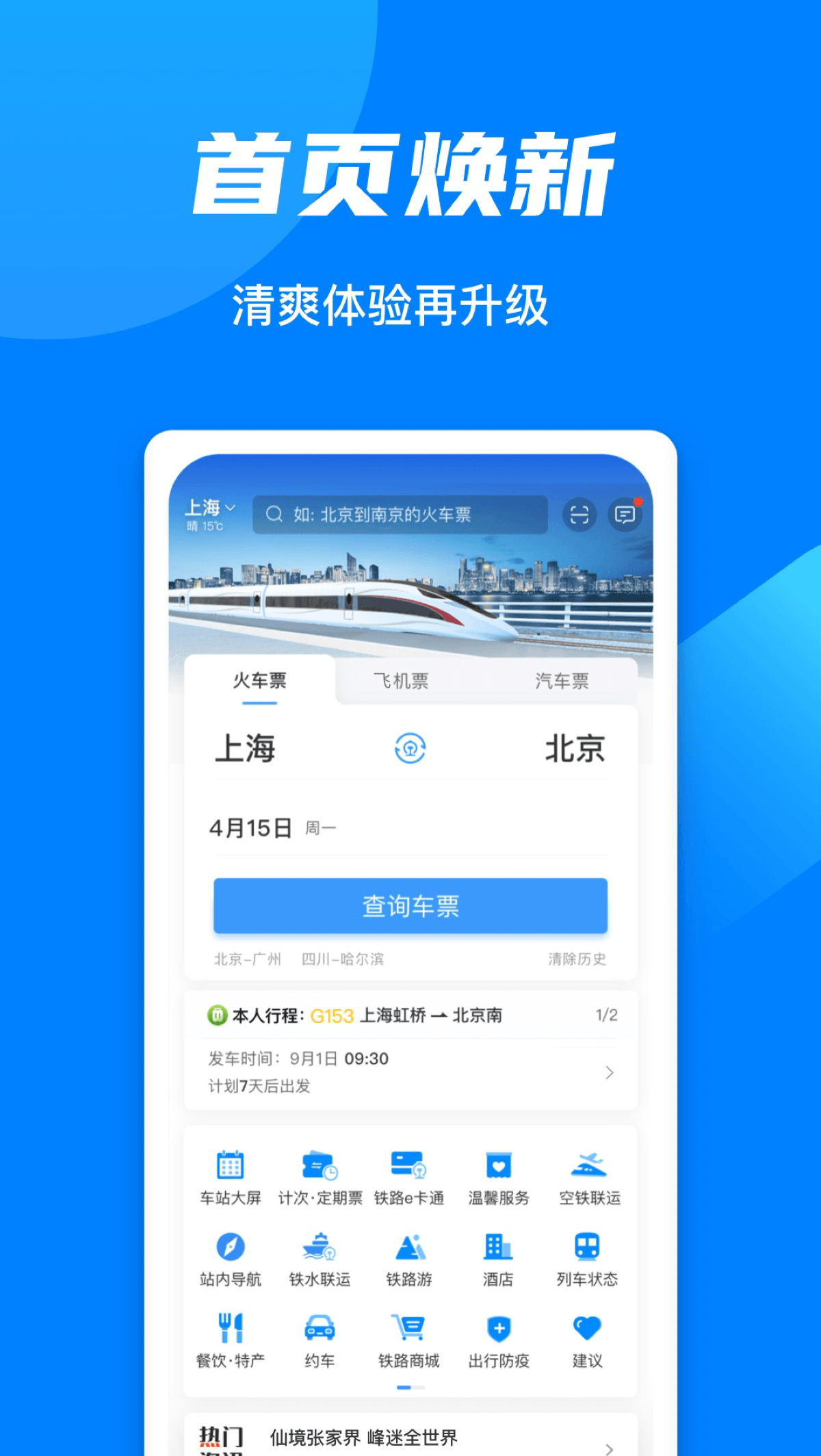
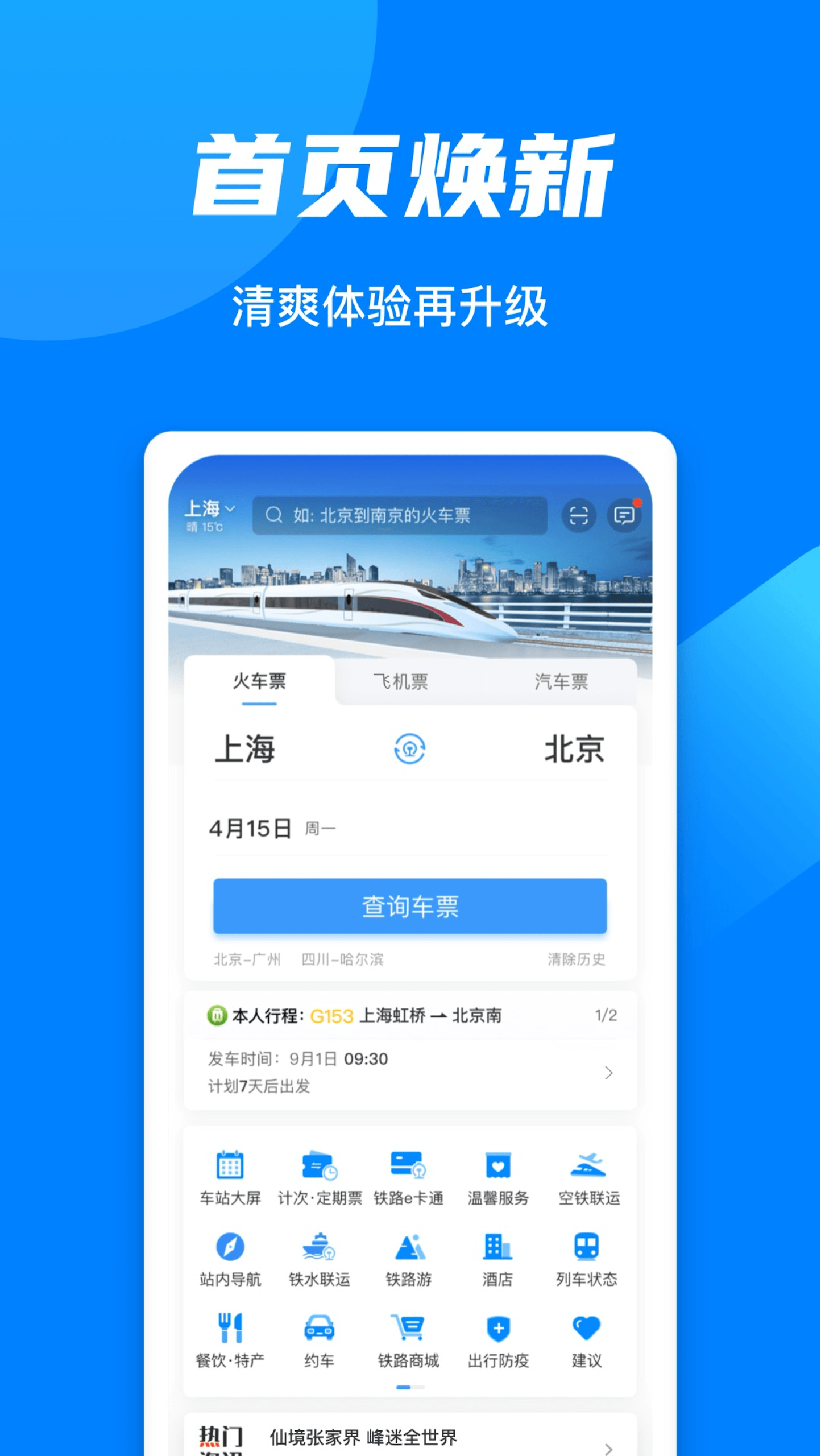
1. Select Departure and Destination: Enter your departure and arrival cities on the homepage and select your departure date.
2. Check Train: Click "Check Tickets." The system will display eligible trains.
3. Select Train and Seat: Select the appropriate train based on time, fare, and other factors. Click to enter seat type selection to select your preferred seat, such as window or aisle.
4. Add Passengers: Click "Add Passenger" and enter the passenger's name, ID number, and other information. 5. Submit Order: After confirming the information is correct, click "Submit Order."
6. Pay Ticket: Select a payment method and complete payment within the specified time to successfully purchase your ticket.
[Other Function Usage Process]
1. **Standby Ticket Purchase**: If tickets are sold out, click "Standby" on the ticket purchase screen and add different seat types and train numbers as needed. If a refund or change is needed, the system will automatically purchase a ticket for you.
2. **Check Train Information**: On the homepage, click "Station Screen." Train status information will be synchronized with the station waiting room screen. You can view arrival and departure information by clicking "Departure" and "Arrival," respectively.
3. **Temporary Travel Identity**: Find "Temporary Identity" in "My Account." Follow the prompts to submit the relevant information and wait for review by the railway public security authorities. Once approved, the generated electronic ID can be used for railway travel.
4. **Food Ordering Service**: Click the "Food & Specialties" option, enter your train number and time, click "Start Ordering", select your departure and destination, and you can search for food along the way. Select a delivery station and place your order.
Key Questions & Answers:
1. **Q: Is 12306 the official ticketing platform?**
A: Yes, it is the only official online ticketing platform for China Railway. There are no third-party authorizations, and there are no additional fees or bundled insurance for ticket purchases.
2. **Q: What if tickets are sold out?**
A: You can submit a waitlist request. The system will automatically try to buy tickets, and you will be notified and the purchase will be completed when there are any refunded or rescheduled tickets available.
3. **Q: What other services can I do besides train tickets?**
A: You can book plane and bus tickets, check real-time train schedules, book meals and hotels on high-speed trains, apply for temporary travel identification, and handle lost and found matters.
4. **Q: How do I choose a window or aisle seat?**
A: During the ticket purchase and seat selection process, simply check your preferred seat type (window/aisle) with one click.
5. **Q: What if there are no direct trains?**
A: The system will intelligently recommend transfer options and help you plan suitable transit routes.
6. **Q: Are there any services for special groups?** **
A: Yes, we offer large-print versions, versions suitable for the elderly and visually impaired, and priority passenger booking services.
7. **Q: What can I do with my membership points?**
A: Membership points can be redeemed for tickets and related travel services, allowing you to enjoy exclusive benefits.
- Version5.9.4.1
- UpdateOct 19, 2026
- Developer中国铁道科学研究院集团有限公司
- CategoryAuto & Vehicles
- Requires AndroidAndroid 6+
- Downloads392K+
- Package Namecom.chinarailway.globalticketing
- Signature3ed3c2dde7b6b86f759f2ddf23250182
- Available on
- ReportFlag as inappropriate
-
NameSizeDownload
-
113.94 MB
-
77.20 MB
-
77.20 MB











User-friendly design and interface
Supports English language for non-Chinese speakers
Helpful for travelers in China
Facilitates ticket booking process
Allows adding passengers easily
Offers APK download for compatibility issues
Provides multiple attempts for identity verification
Passport verification system frequently fails
App is slow and often unresponsive
Difficult for foreigners to get verified
Network errors during critical processes
Frustrating login experience with account issues
Not user-friendly for overseas customers
Limited customer support options
Confusing navigation and language settings