
Proximity Sensor Screen Lock - Proximity sensor control
Easily toggle your screen using the proximity sensor with versatile settings for ultimate convenience and efficiency.
- 1.11 Version
- 1.0 Score
- 184K+ Downloads
- In-app purchases License
- 3+ Content Rating

TUTORIALS:
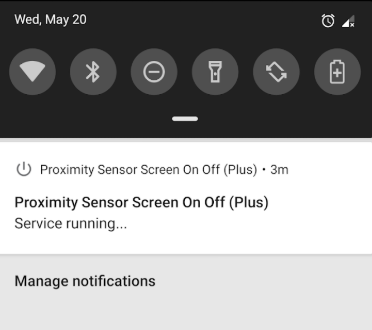
- TROUBLESHOOTING
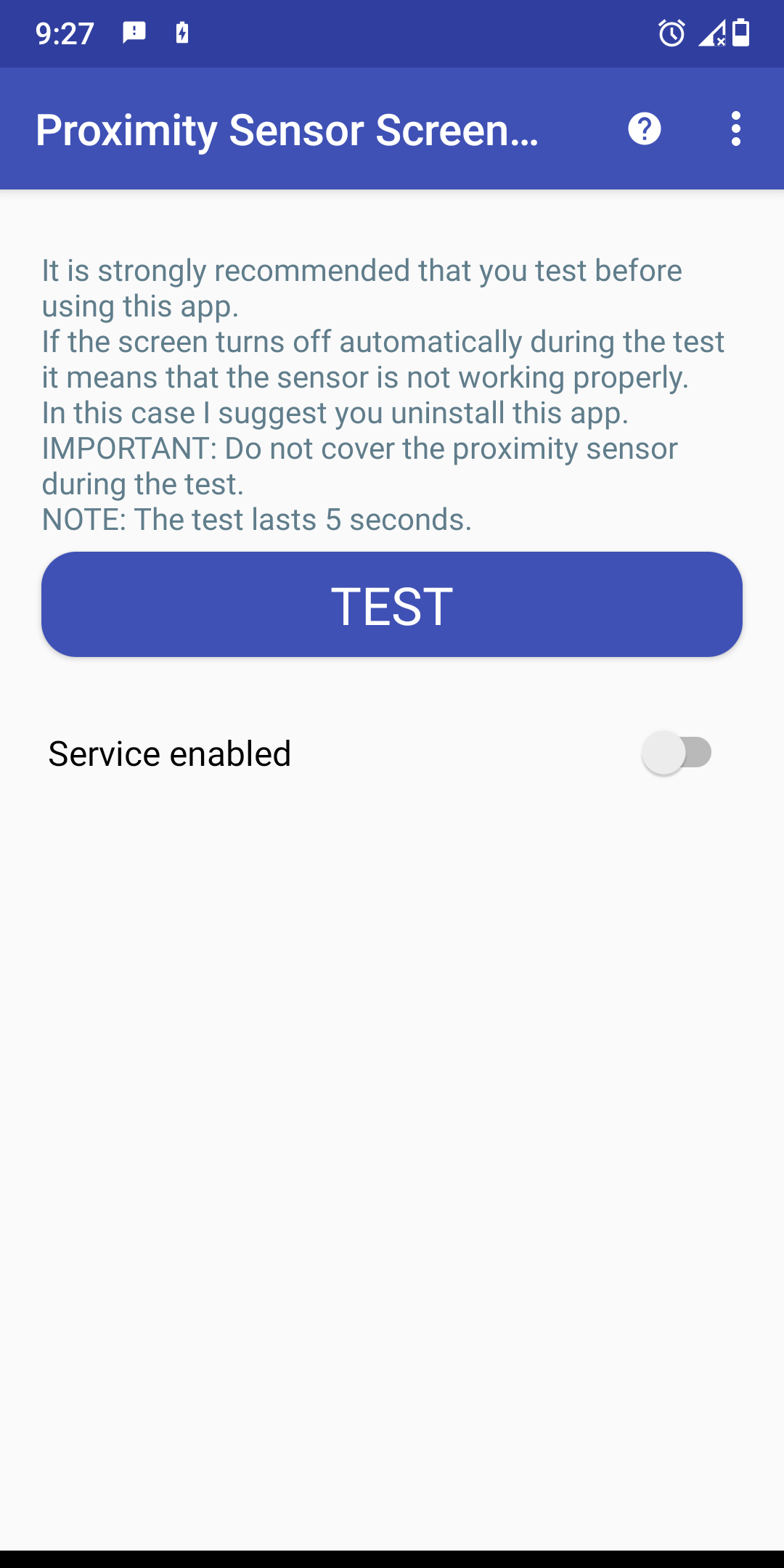
- TEST THIS APP BEFORE ENABLING THE SERVICE
- It is highly advisable to perform a test before utilizing this application.
- Simply click on the "TEST" button to initiate a new trial.
- If the display deactivates on its own during the test, it indicates that there might be an issue with the sensor.
- In such instances, I recommend uninstalling this application.
IMPORTANT: Ensure that the proximity sensor is not obstructed during the testing phase.
NOTE: The duration of the test is 5 seconds.
HOW TO UNINSTALL:
- Device administration needs to be turned off prior to uninstallation.
- Just press the button at the top and select the "Remove active admin" option.
- This application permits you to control the display using the proximity sensor.
- Simply cover the proximity sensor to toggle the display on or off.
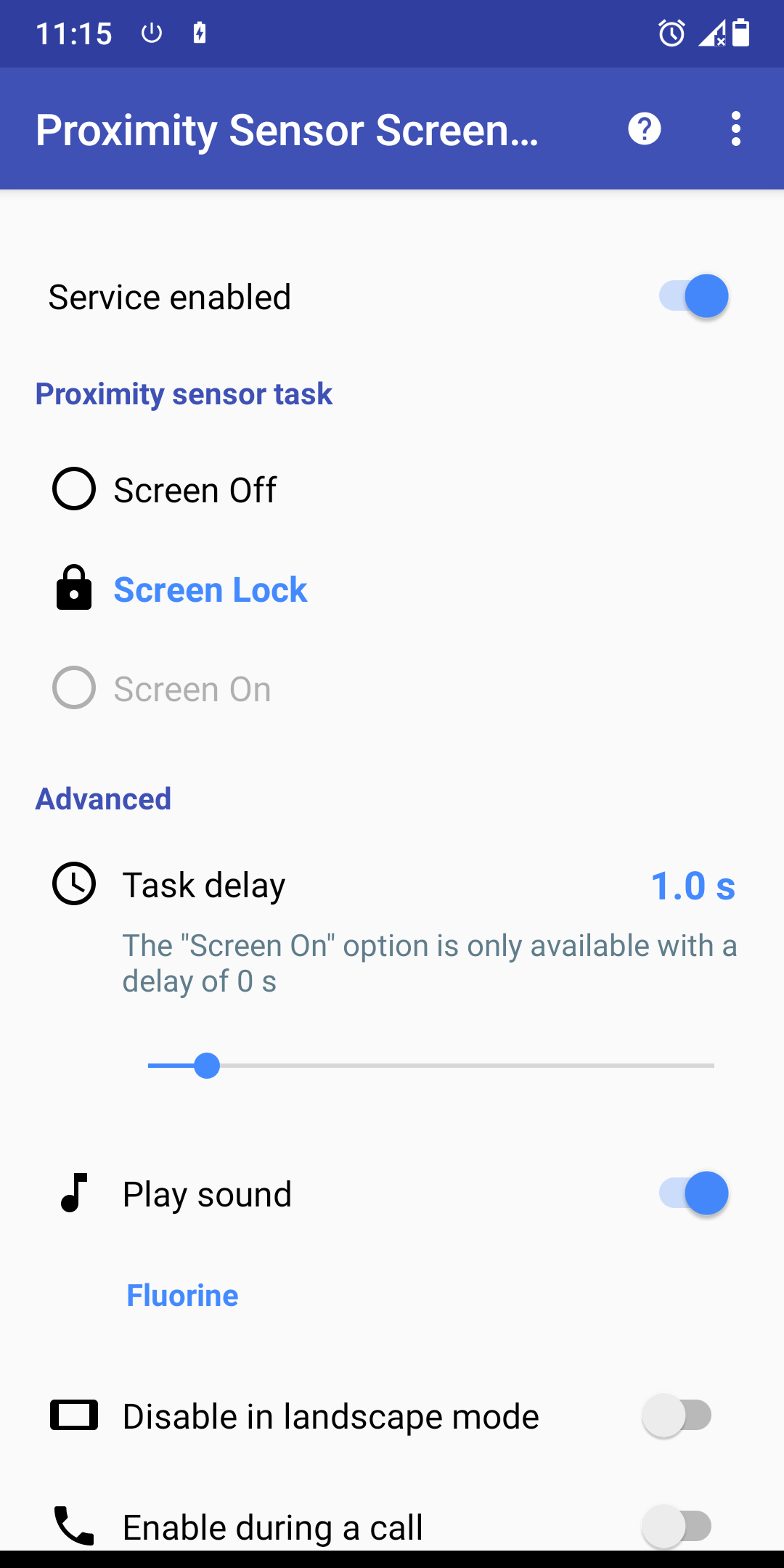
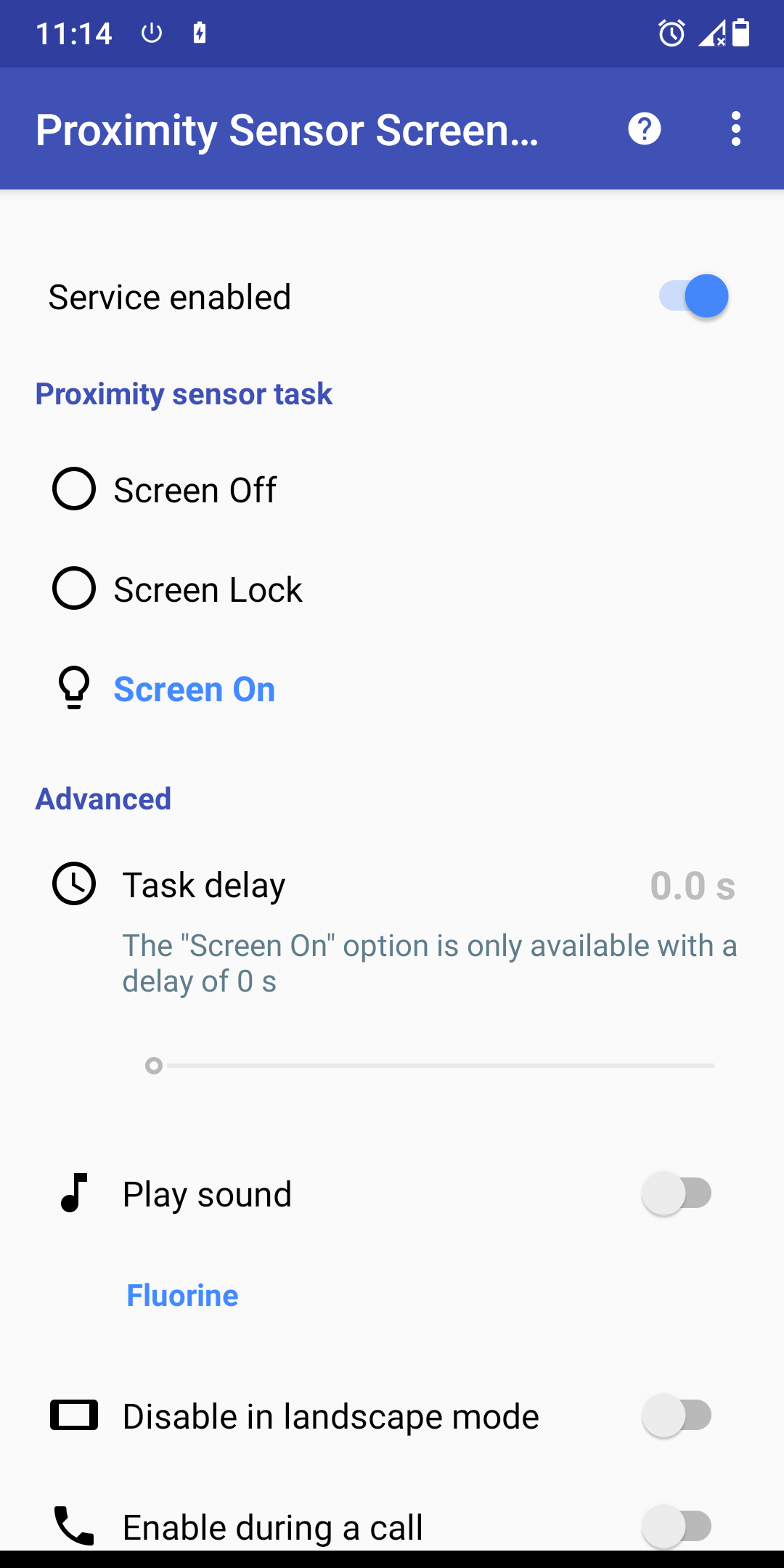
- You can access advanced settings for each mode.
- There is also an option to restrict the service's operation to specific situations.
NOTE: The proximity sensor is typically located near the top speaker.
FEATURES AND BENEFITS:
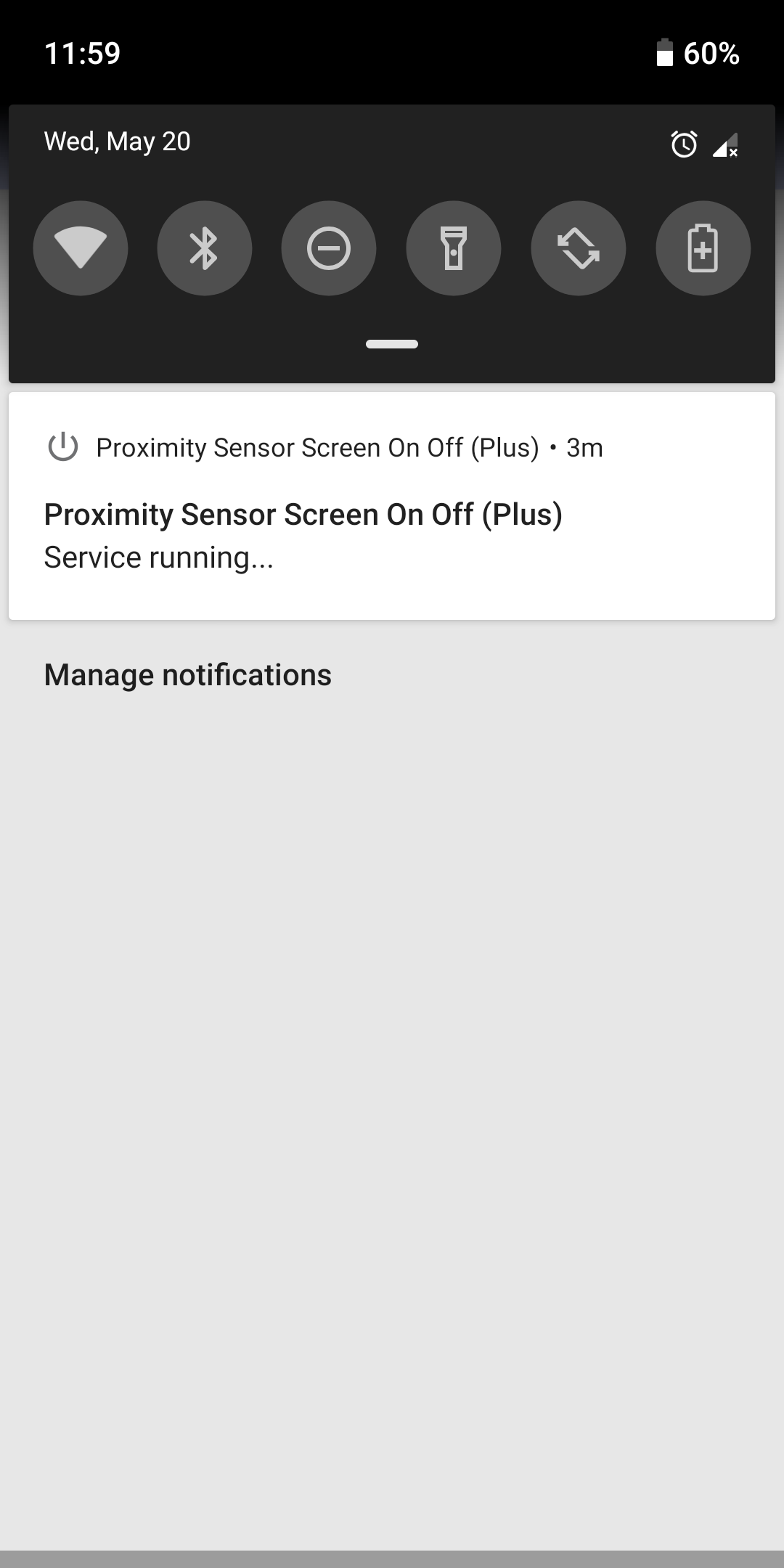
• Continuous service: Operates in the background
Automatically begins on startup and after updates
• Option to set a delay
• Ability to play audio notifications
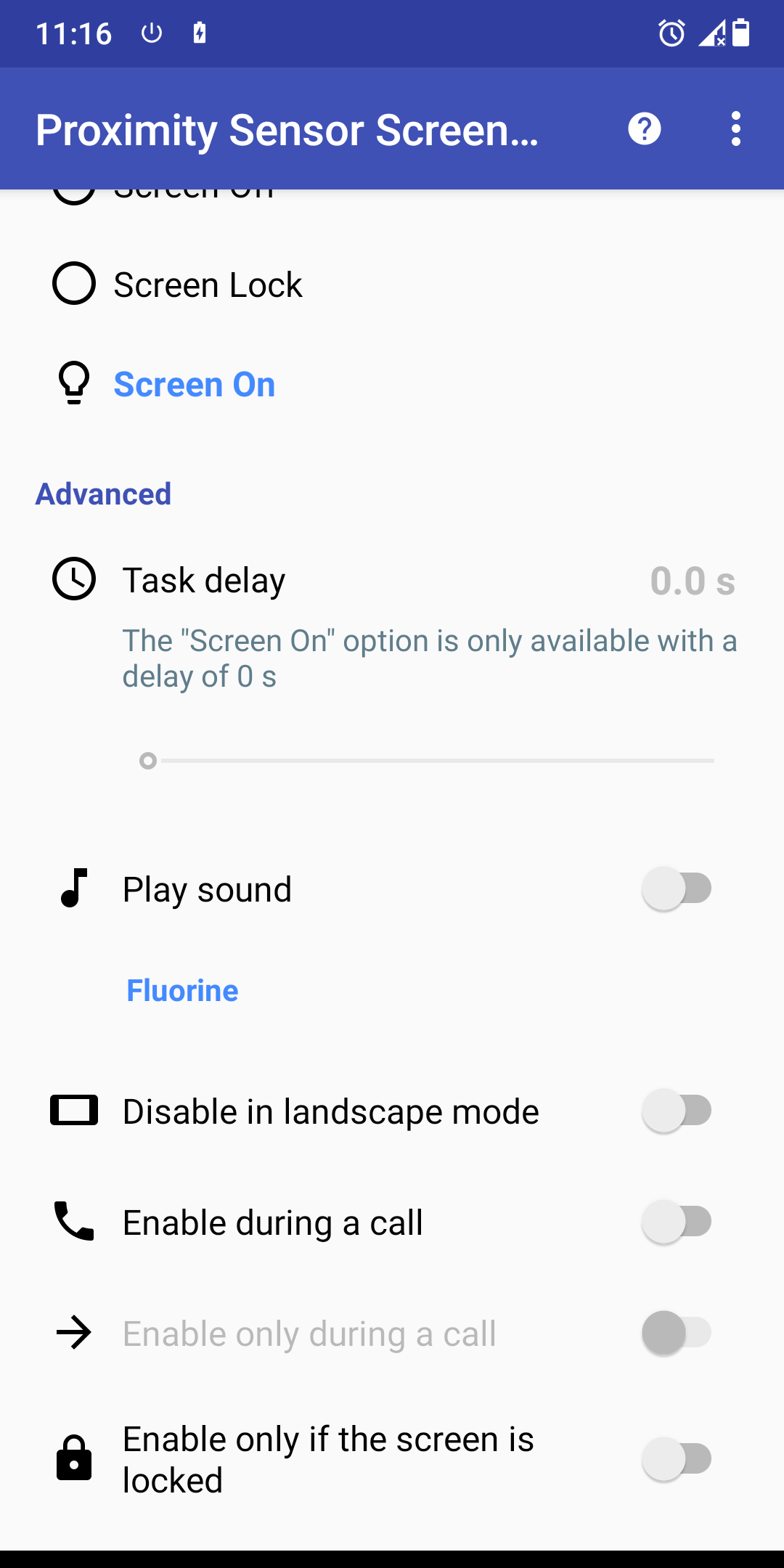
• Option to disable the service when in landscape orientation
• Capability to activate the service during phone calls
• Option to enable the service exclusively during phone calls
• Option to activate the service only when the screen is locked
• No need for root access
• User-friendly
OPTIONS:
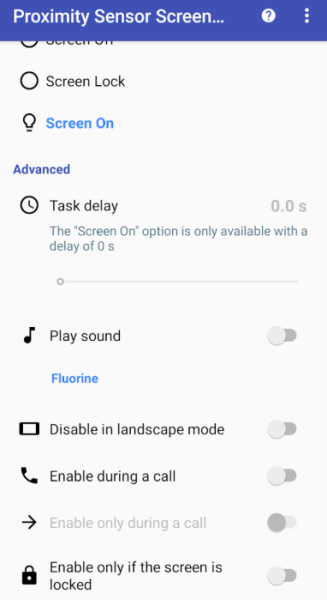
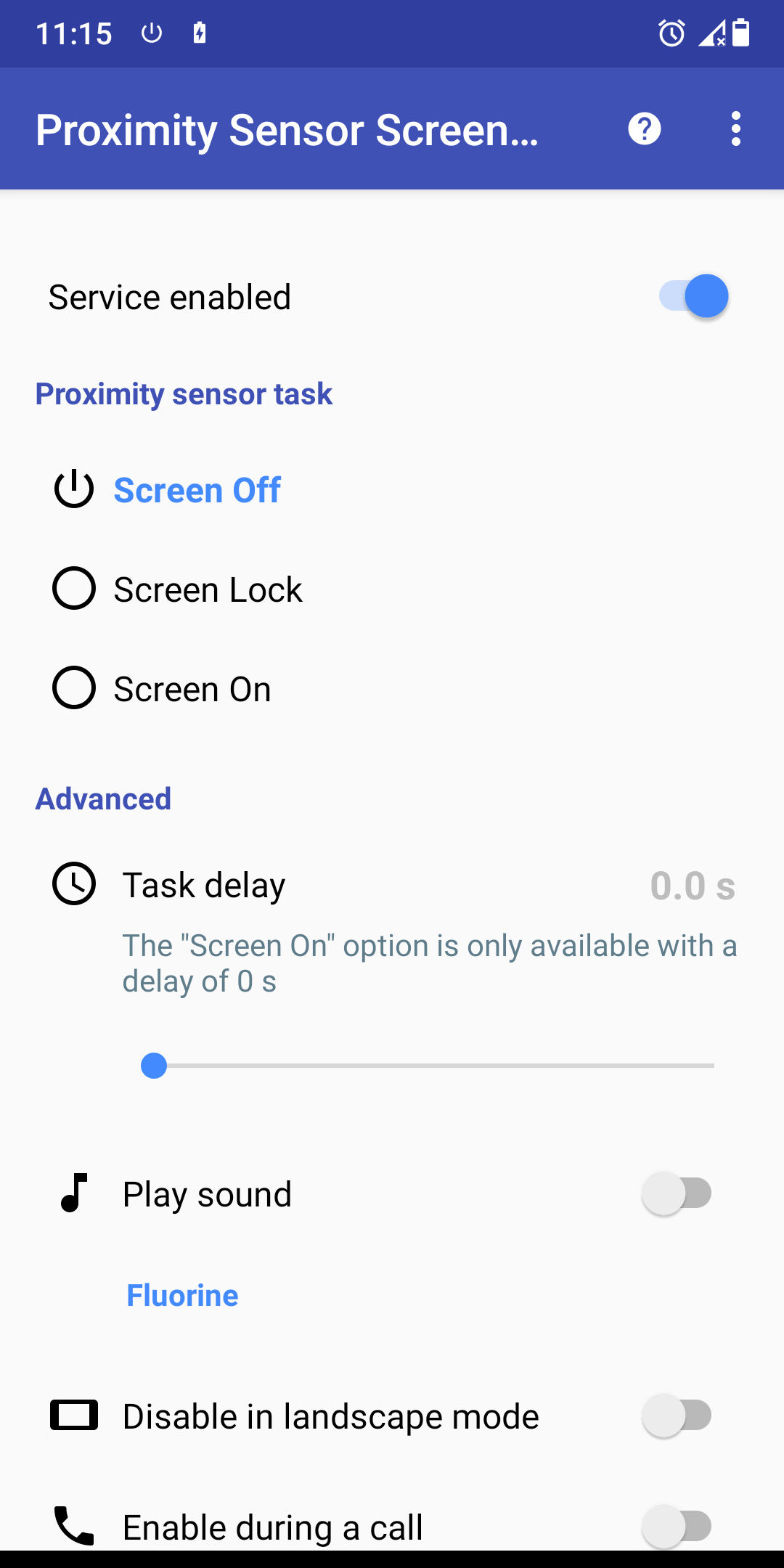
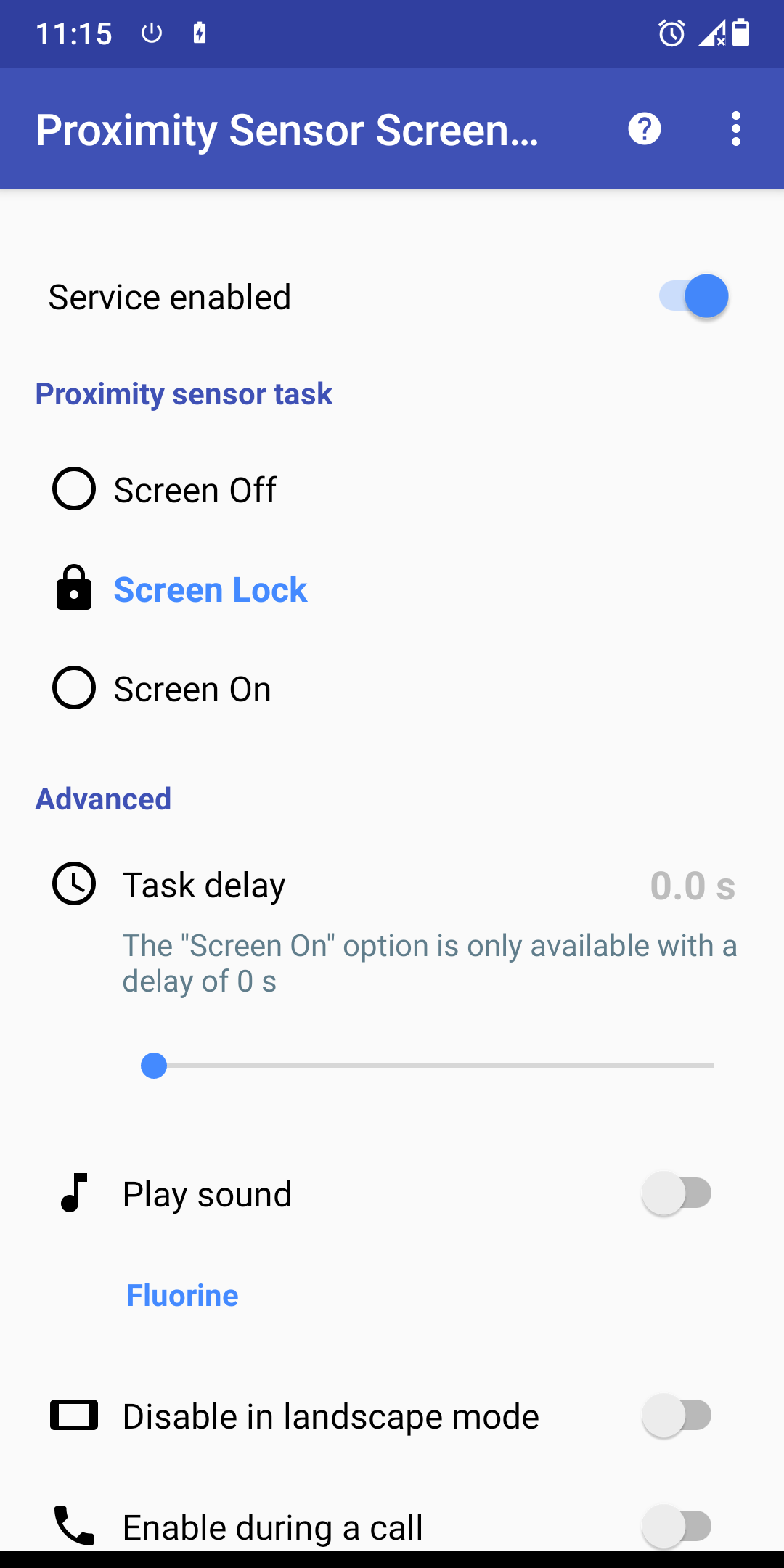
• Turn Screen Off
• Lock Screen
• Turn Screen On
APPLICABLE SCENARIOS:
1. **Quick Screen Control During Calls**
When on a call, bring the phone close to your cheek; the sensor automatically turns off the screen, preventing accidental disconnections or dialing. Remove the phone, and the screen automatically turns on, eliminating the need for manual operation and improving call convenience.
2. **One-Handed Phone Operation**
When using the phone with one hand, simply cover the sensor to quickly lock/turn off the screen, eliminating the need to press the power button. This is especially suitable for users of large-screen phones.
3. **Dedicated Screen Control for Specific Scenarios**
The function can be set to only be enabled when the screen is locked to prevent accidental touches while unlocked. It can also be limited to use only during calls to prevent abnormal screen switching caused by sensor obstruction during daily use.
4. **Situations Where Pressing the Power Button is Inconvenient**
When the phone's power button is faulty, worn, or when operating the phone while wearing gloves in winter, covering the sensor allows for easy screen control, replacing the function of the physical button.
FAQs:
1. **Q**: If the screen automatically turns off during testing, do I absolutely need to uninstall the app?
A: You most likely need to uninstall it. This usually indicates a problem with the proximity sensor, which is crucial for the app's functionality. A sensor failure can cause subsequent functions to malfunction, and retaining the app could lead to further issues. Therefore, uninstalling the app is recommended.
2. **Q**: I want to uninstall the app, but I can't find the "Remove active admin" option. What should I do?
A: First, go to "Security & Privacy" or "Device Management" (the name may vary depending on the brand) in your phone's "Settings." Find the device administrator privilege for the app, manually disable it, and then go back to the app list to uninstall it. If you still can't find it, find the app in "Application Management" in your phone's settings and try "Force Stop" before uninstalling it.
3. **Q**: Can this app be used only during calls?
A: Yes. The app has a dedicated settings option, allowing you to select "Enable service only during calls." This allows the proximity sensor to control the screen only when you're on a call; the service won't run at other times, preventing unnecessary interference.
4. **Q**: Will the app automatically disable when the phone is in landscape mode?
A: Not necessarily; it depends on your settings. The app has an option to "Disable service in landscape mode." If you enable this option, the service will automatically disable in landscape mode. If you disable it, the app will still function normally in landscape mode using the proximity sensor.
5. **Q**: Do I need root access to my phone to control the screen with this app?
A: No. The app was designed with user-friendliness in mind. You don't need to root your phone; simply complete the normal device administrator settings to use the proximity sensor to control the screen. It's very user-friendly.
6. **Q**: I accidentally blocked the sensor during testing, causing the screen to turn off. Do I need to uninstall the app?
A: No. Testing explicitly requires that the sensor not be blocked. Your situation is due to a user error, not a problem with the sensor itself. You can try again, making sure you're not blocking the sensor. If the screen works, the app should work.
- Version1.11
- UpdateOct 19, 2026
- DeveloperArgon Dev
- CategoryTools
- Requires AndroidAndroid 5.0+
- Downloads184K+
- Package Namecom.argonremote.proximitysensorplus
- Signatureab1c9796de238077b1b1e8bca73ad965
- Available on
- ReportFlag as inappropriate



















Effective screen control during calls
Saves power while playing media
Does not lock the screen when turned off
Well-designed and user-friendly interface
Auto-starts with the phone
Task Delay option enhances usability
Fixes proximity sensor issues
Helps users with physical button problems
Compatibility issues with certain devices
Software bugs causing non-proper functioning
Sound feedback can be annoying if played multiple times
Does not support Smart Lock features properly
Transition from paid ad-free to free ad-supported is disappointing
Initial setup requires adjustments for optimal performance
Occasional crashes or faults after updates