
Princess Toy Computer - Educational fairy adventure
Engage with enchanting challenges while developing essential skills through fun puzzles & games for young learners.
- 1.15 Version
- 2.1 Score
- 1M+ Downloads
- Free License
- 3+ Content Rating

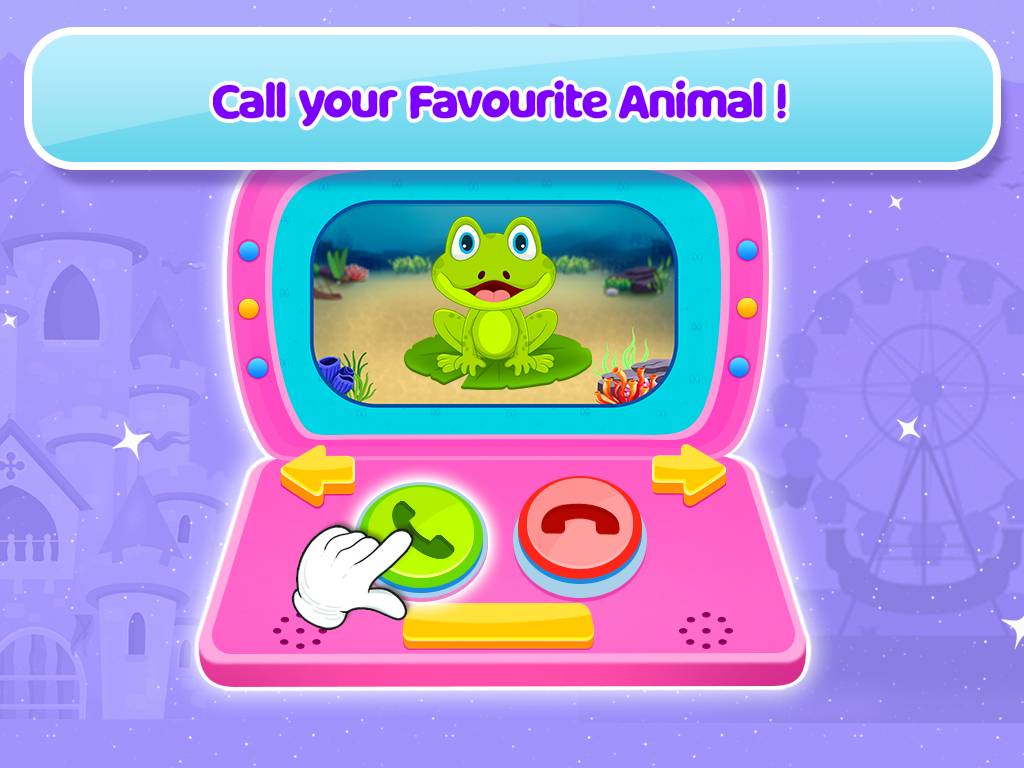
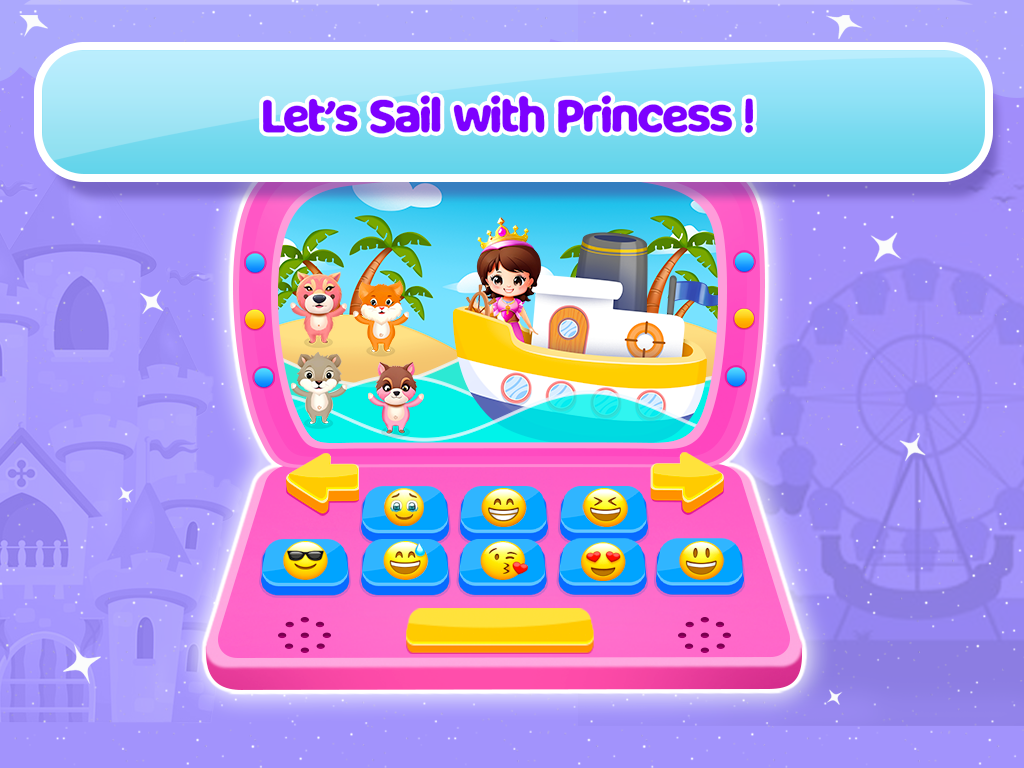
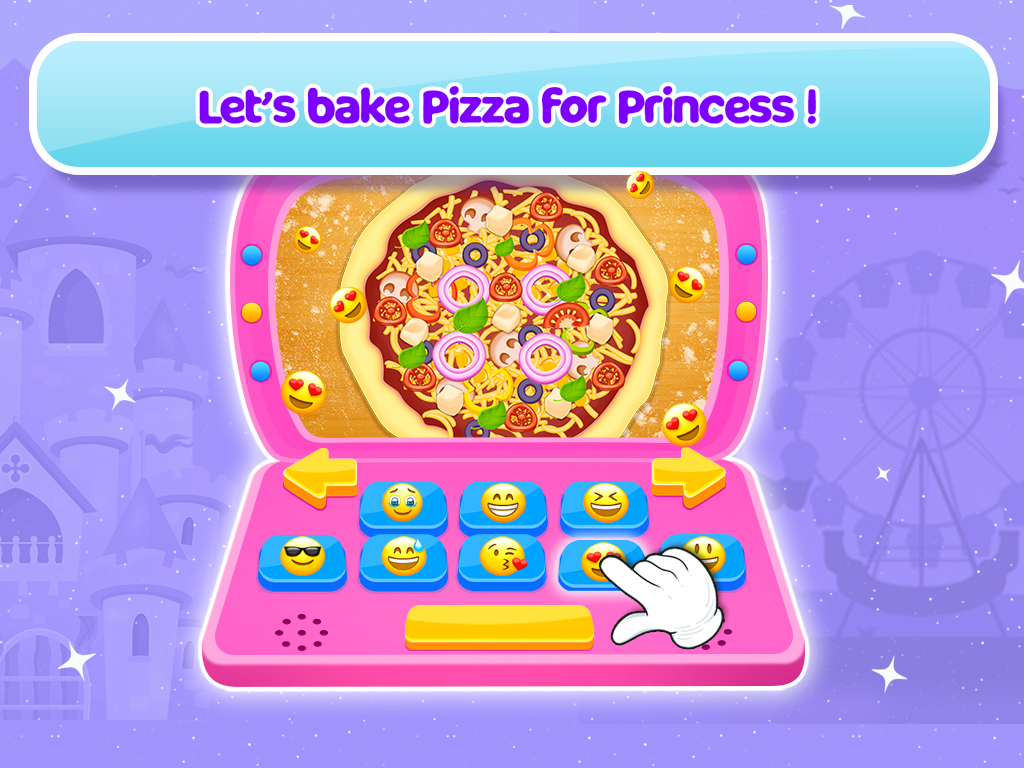
Princess Toy Computer
1. Game Overview
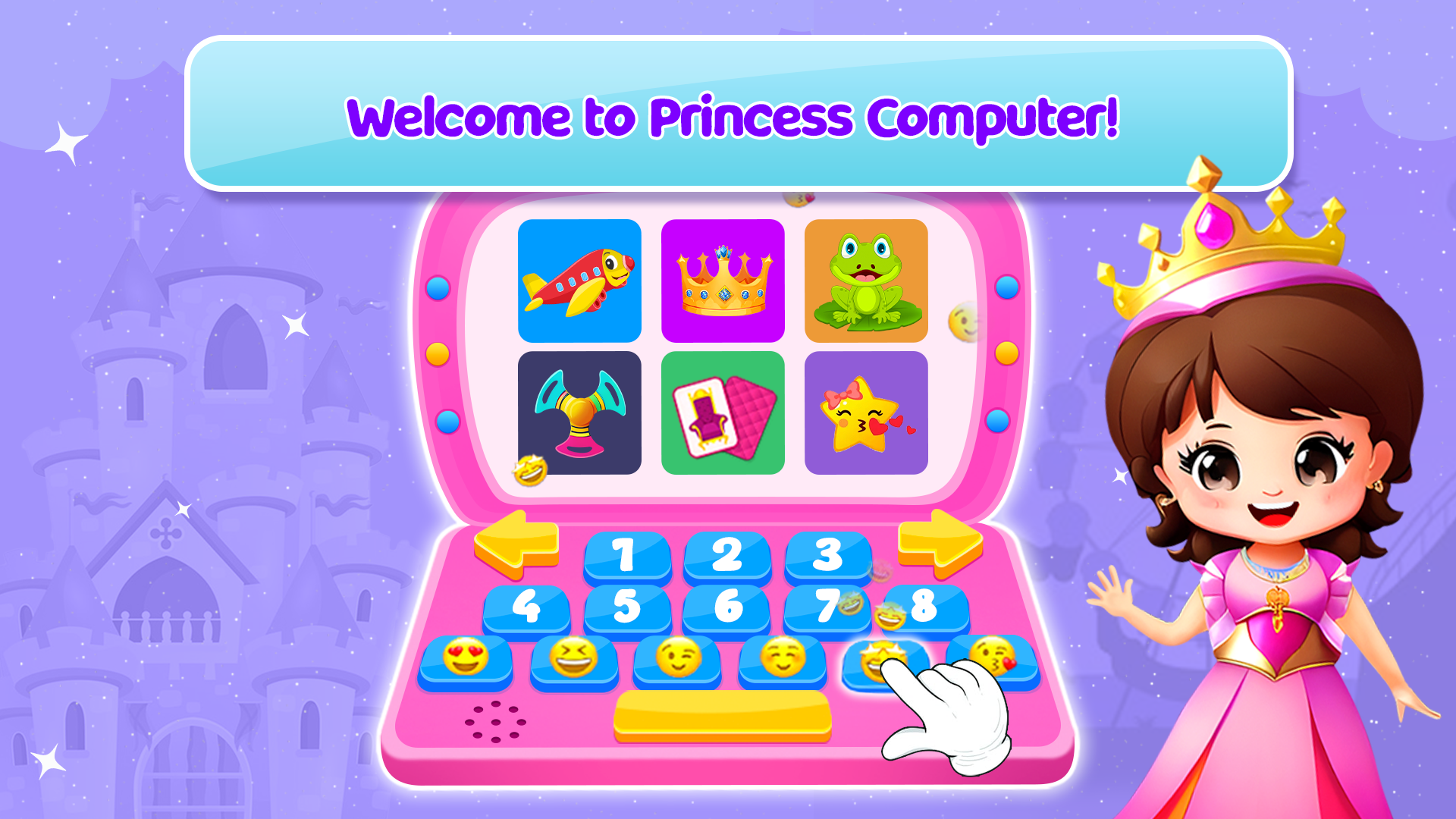
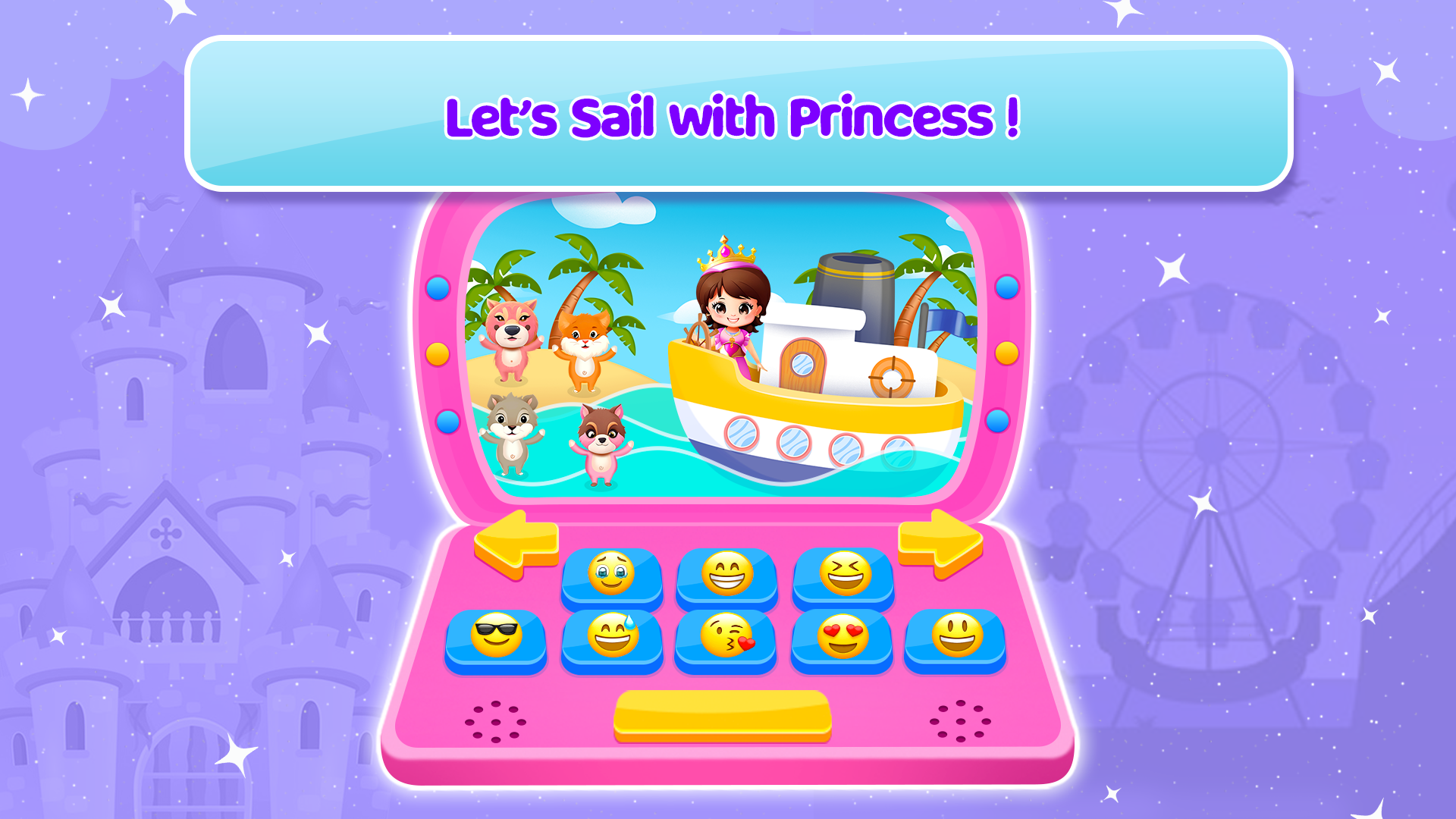
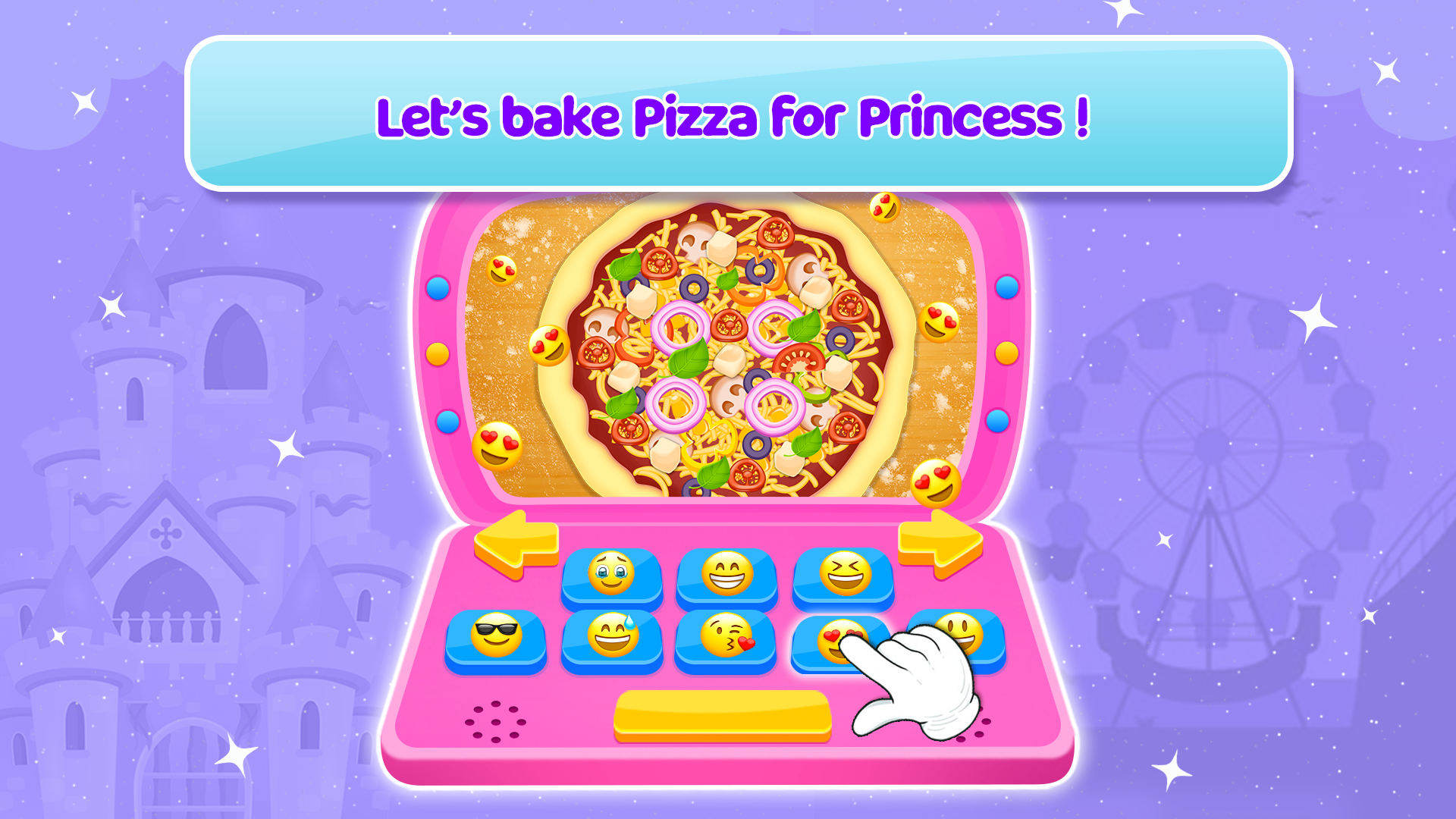
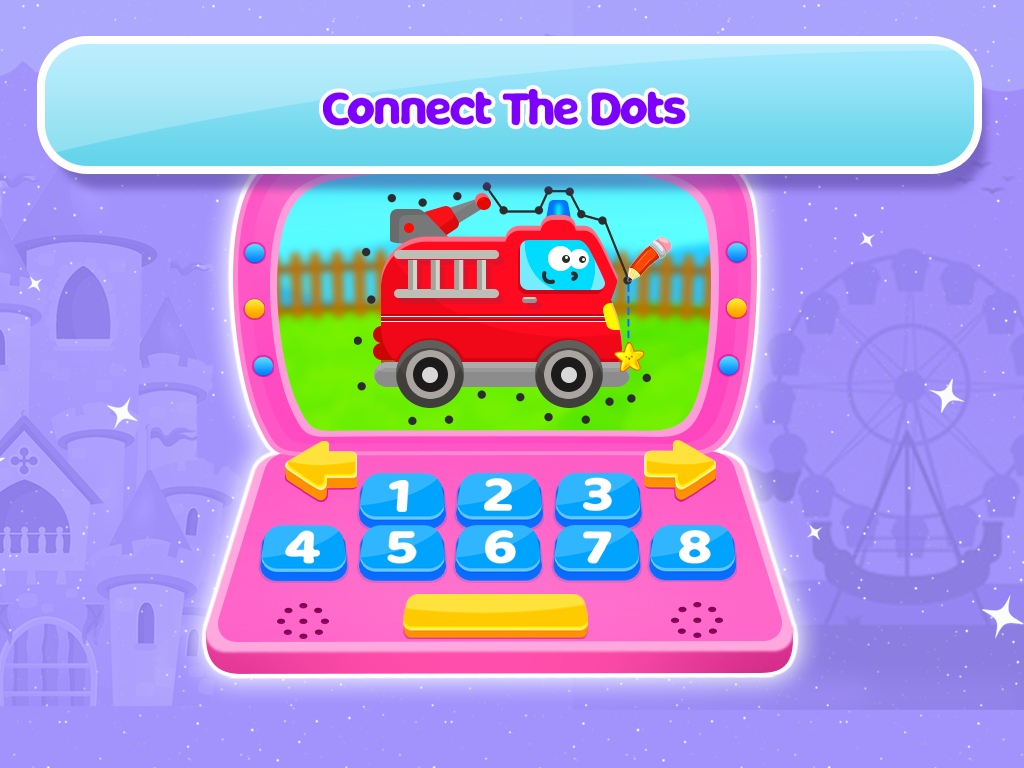
Princess Toy Computer is an educational game for young children featuring a virtual princess-themed computer and a collection of interactive mini-games. Its activities include puzzles, memory challenges, and matching games, all presented in a colorful fairy-tale setting.
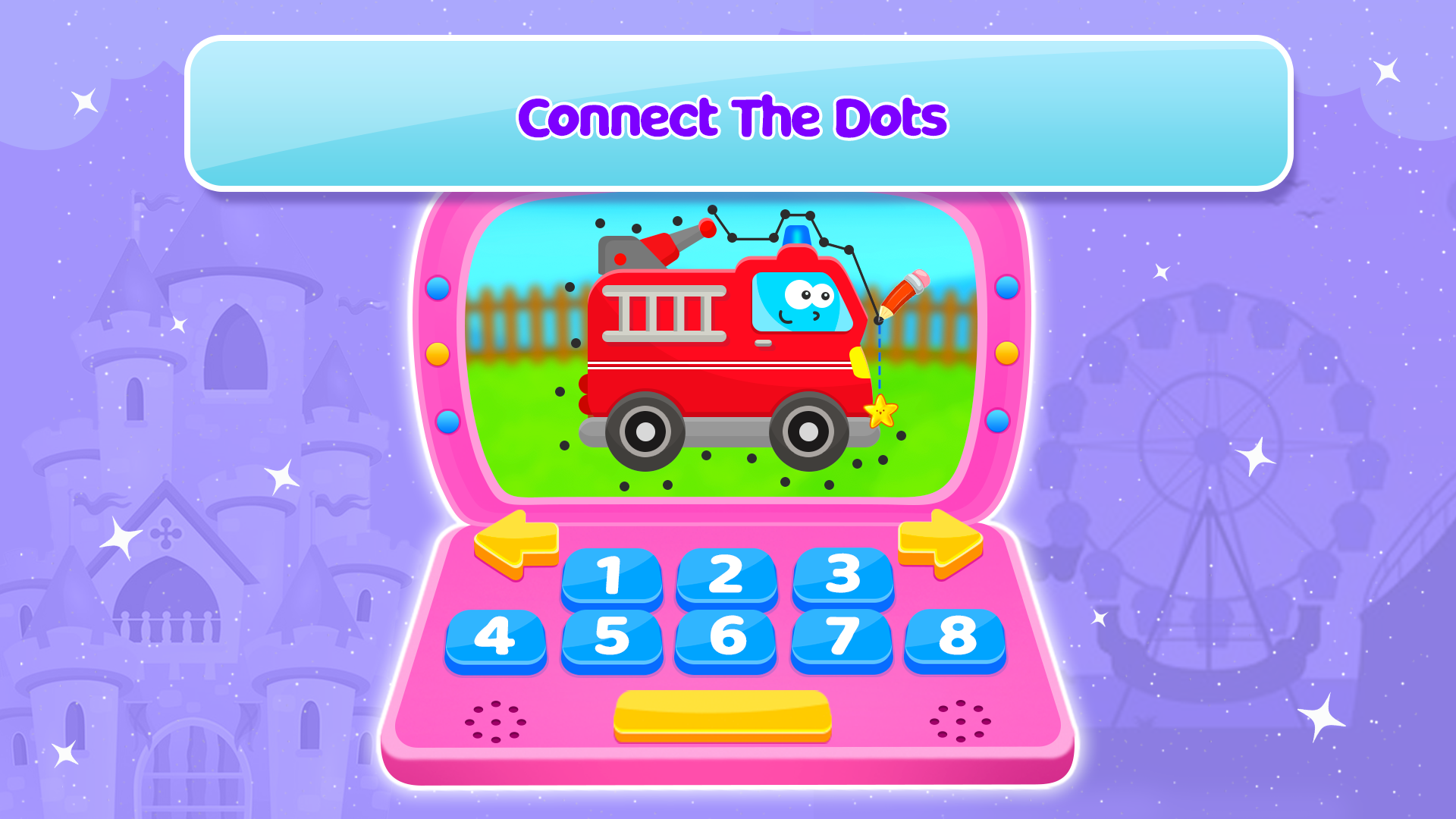
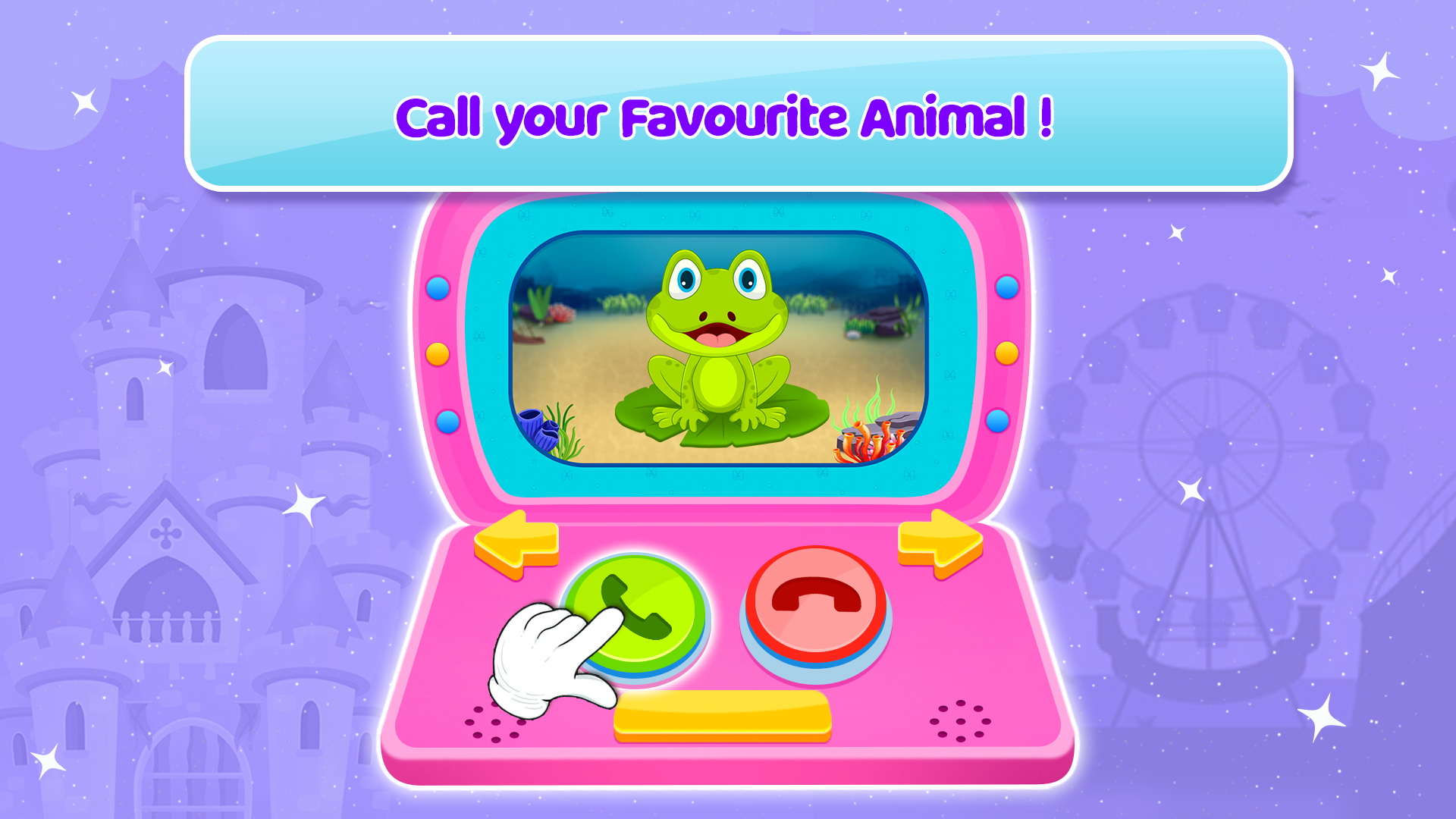
Each mini-game has a different objective. Children can match similar objects, remember visual patterns, solve simple puzzles, and select items to complete tasks. The activities focus on basic skills such as memory, visual recognition, pattern identification, and problem-solving.
The game is designed primarily for younger players and uses simple touch-screen interactions. Its princess-themed graphics and variety of short activities make it suitable for children who enjoy fairy-tale characters and casual learning games. It is available for Android smartphones and tablets.
2. Key Features
Princess Theme: Colorful backgrounds, princess characters, and fairy-tale-inspired visuals
Puzzle Games: Simple puzzles involving object recognition and arrangement
Memory Challenges: Activities that test the ability to remember patterns and visual details
Matching Games: Exercises based on identifying similar objects and pairing related items
Simple Touch Controls: Tap, select, and move objects to complete different tasks
Learning Activities: Mini-games involving memory, visual recognition, and basic reasoning
3. How to Play
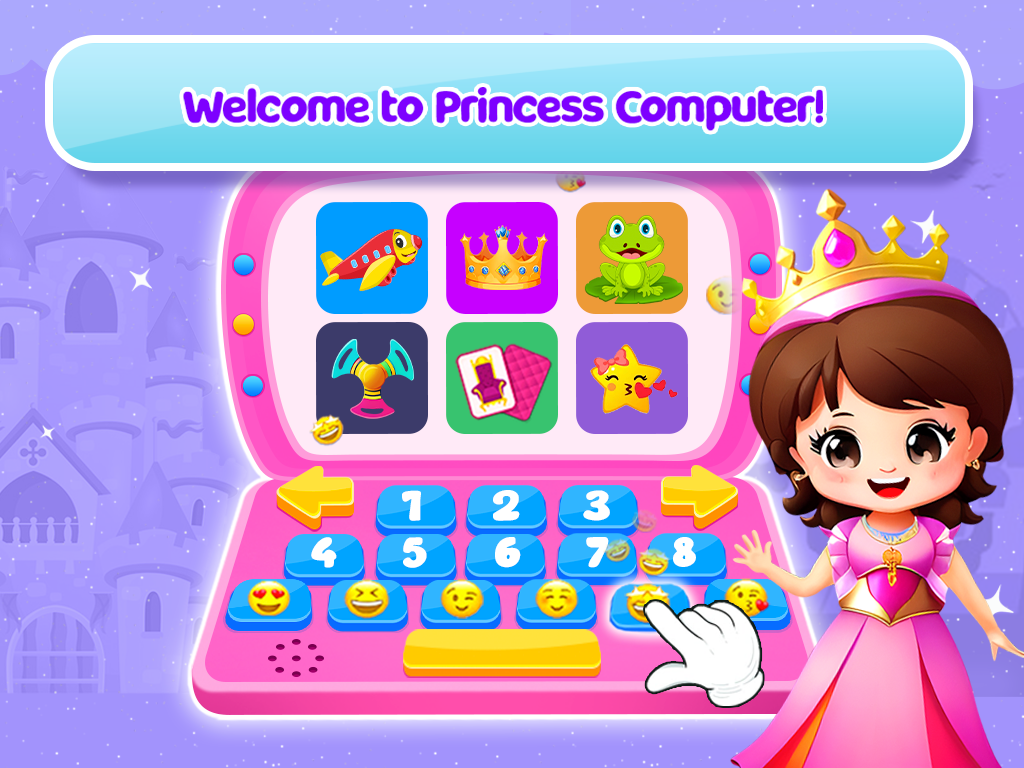
The mini-games are accessed through the virtual toy computer. Children can choose an activity from the game menu and follow the on-screen prompts.
Open the Game Menu: View the available mini-games on the virtual computer
Choose an Activity: Select a puzzle, memory game, or matching challenge
Read or Follow the Instructions: Check the task requirements before playing
Complete the Challenge: Tap, select, match, or arrange objects according to the objective
Choose Another Game: Return to the menu to try a different activity
Younger children may need help understanding the instructions or completing their first few challenges. Parents can demonstrate the controls and explain the objectives before letting them play independently.
4. Game Experience
Princess Toy Computer offers a collection of short mini-games rather than a continuous story or adventure. Each activity has its own objective, allowing children to switch between different types of challenges without following a lengthy progression.
The princess-themed graphics give the game a consistent visual style, while the mix of puzzles, memory exercises, and matching tasks provides variety. The straightforward touch controls are suited to young players who are still becoming familiar with mobile games.
The game is best suited to children who enjoy princess characters, simple puzzles, and visual matching activities. Parents can also join in to explain the rules or work through challenges together.
5. Frequently Asked Questions
Q1: What age group is Princess Toy Computer suitable for?
The game is intended primarily for young children who enjoy princess-themed mini-games and simple interactive activities. Check the store listing for the developer's recommended age range.
Q2: Do children need reading skills to play?
Some activities may include on-screen instructions. Children who cannot yet read independently may need help understanding the tasks.
Q3: Can Princess Toy Computer be played offline?
Offline availability has not been confirmed. Check the game's store description or launch it without an internet connection to see which activities remain accessible.
Q4: Is Princess Toy Computer compatible with Android tablets?
The game is available for Android devices, including compatible smartphones and tablets. Check the download listing for specific device and operating system requirements.
Q5: Can parents play with their children?
Yes. Parents can participate by explaining the rules, demonstrating touch controls, and helping children complete puzzles and memory challenges.
- Version1.15
- UpdateNov 10, 2026
- DeveloperAuraEffects
- CategoryRole Playing
- Requires AndroidAndroid 5.0+
- Downloads1M+
- Package Namecom.aurora.princess.computer
- Signaturef76d924ea9a13095f6415ba2e415a068
- Available on
- ReportFlag as inappropriate









Educational and entertaining
Eye-catching theme
Very low barrier to entry
The gameplay is too simplistic.
Its compatibility is limited.
The difficulty level is not well-suited for all situations.