
Porty - Rentable powerbank sharing
Stay charged on-the-go with convenient rentals & quick charging—just scan, rent & return at thousands of locations!

- 2.2.8 Version
- 3.1 Score
- 198K+ Downloads
- Free License
- 3+ Content Rating

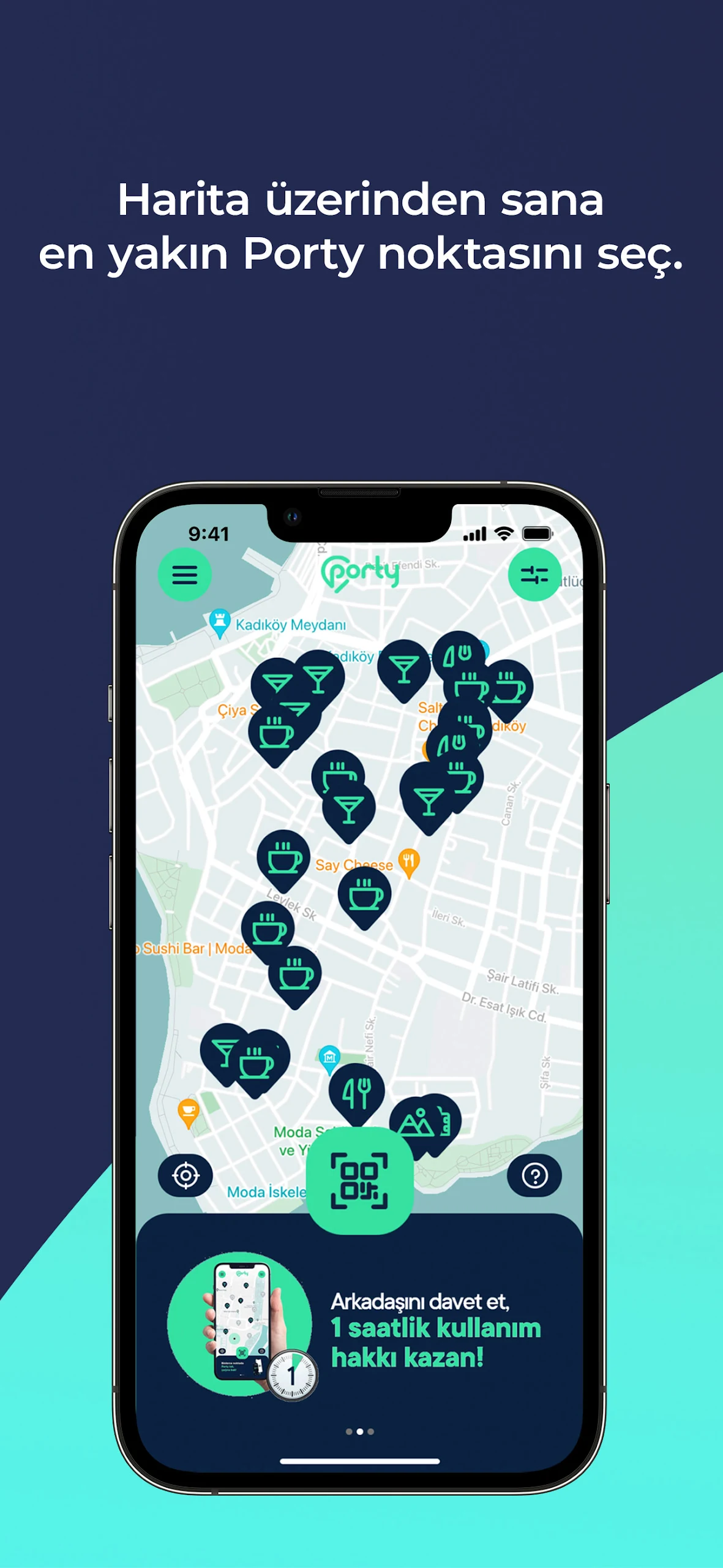
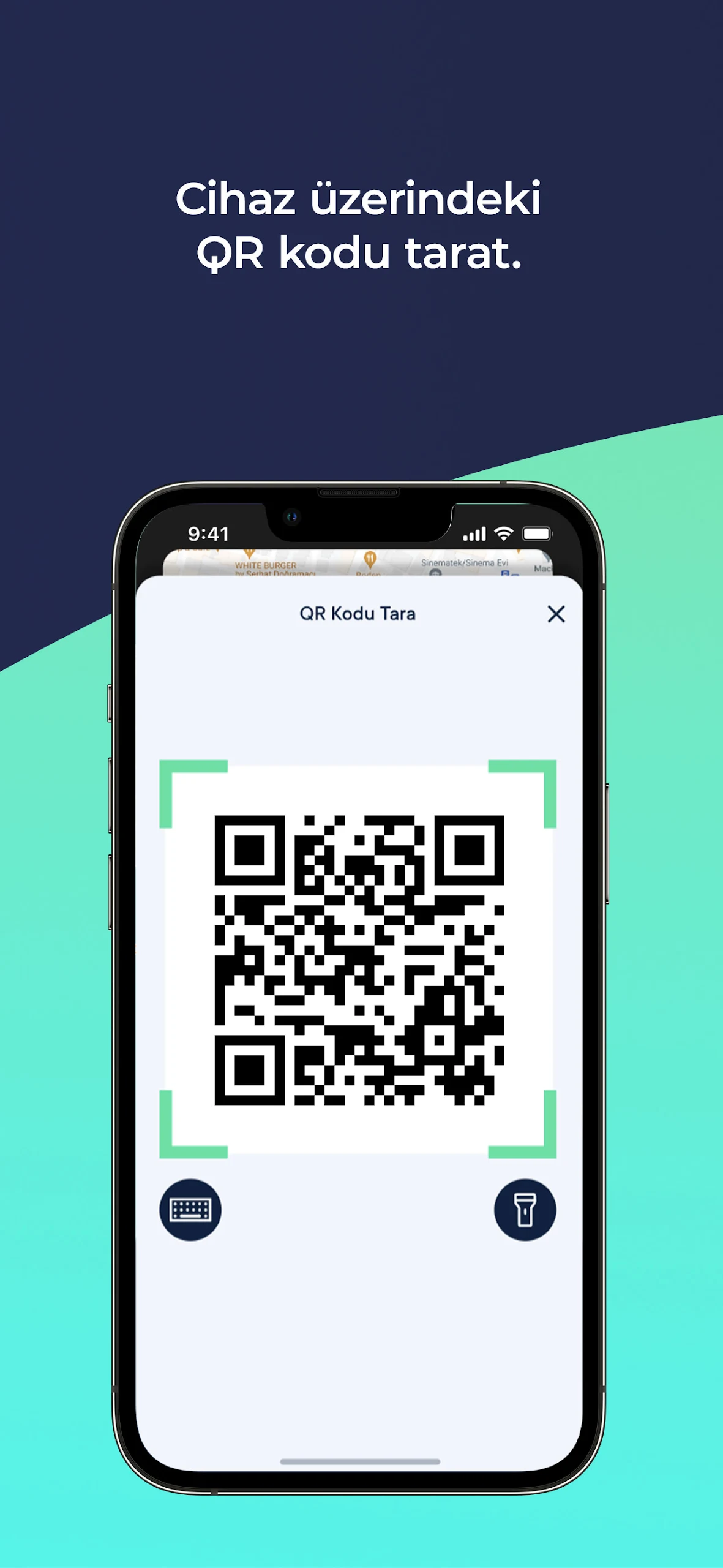
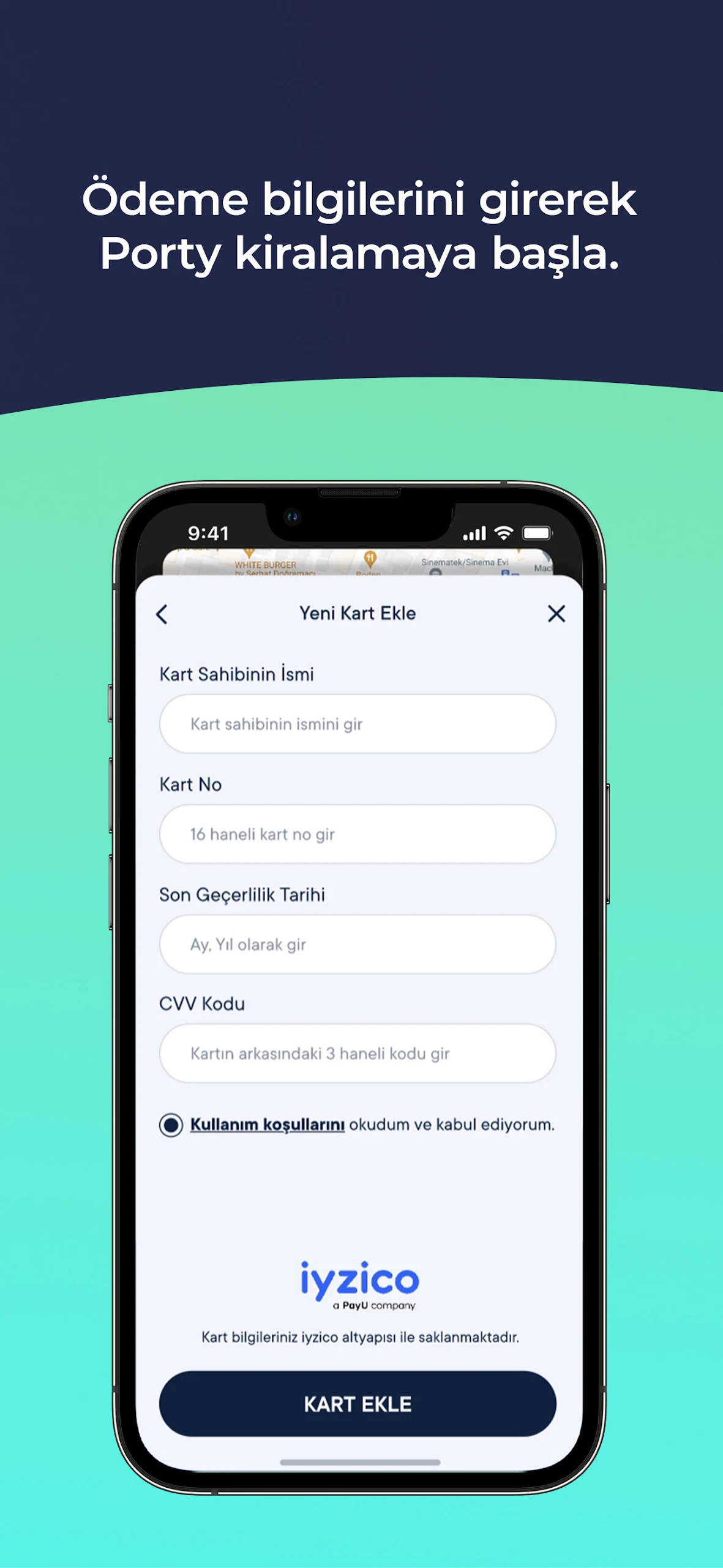
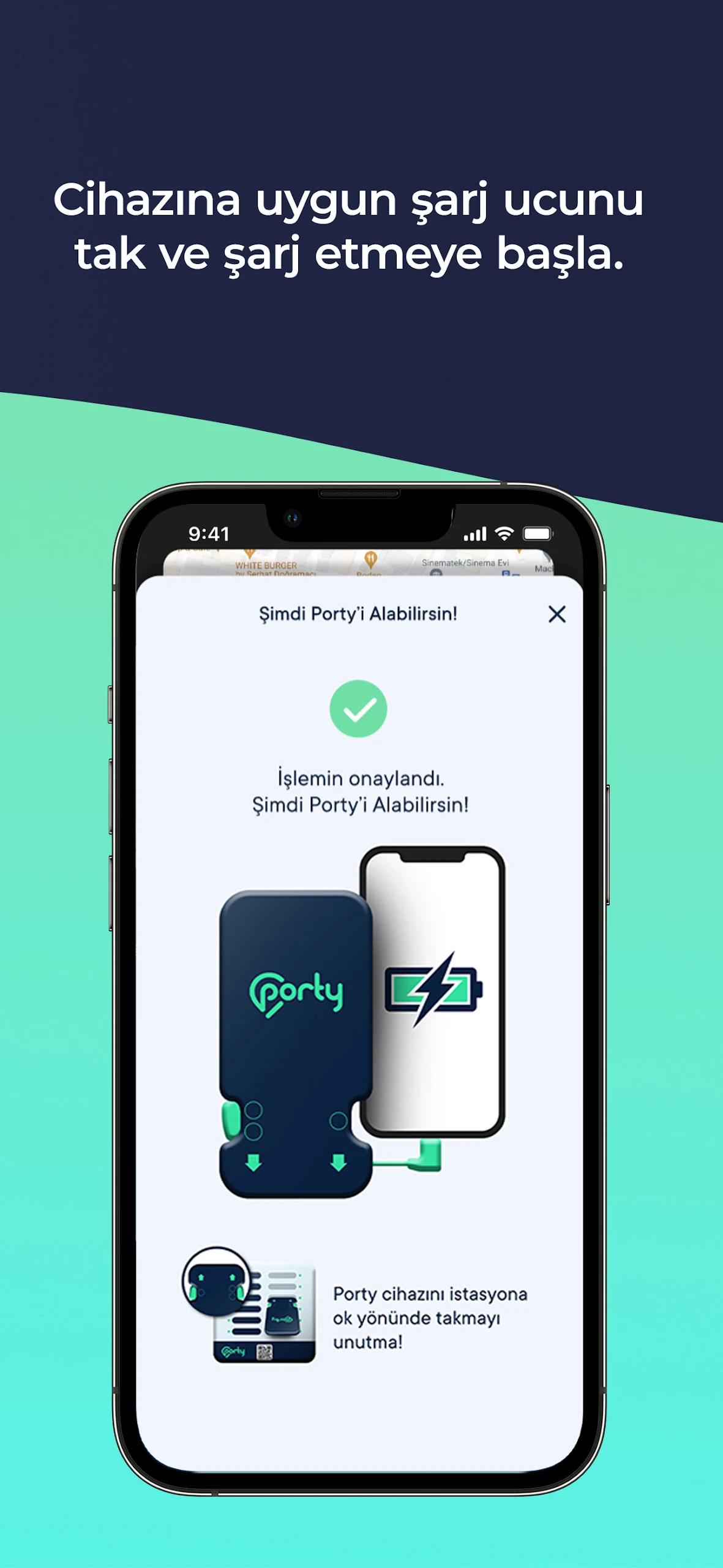
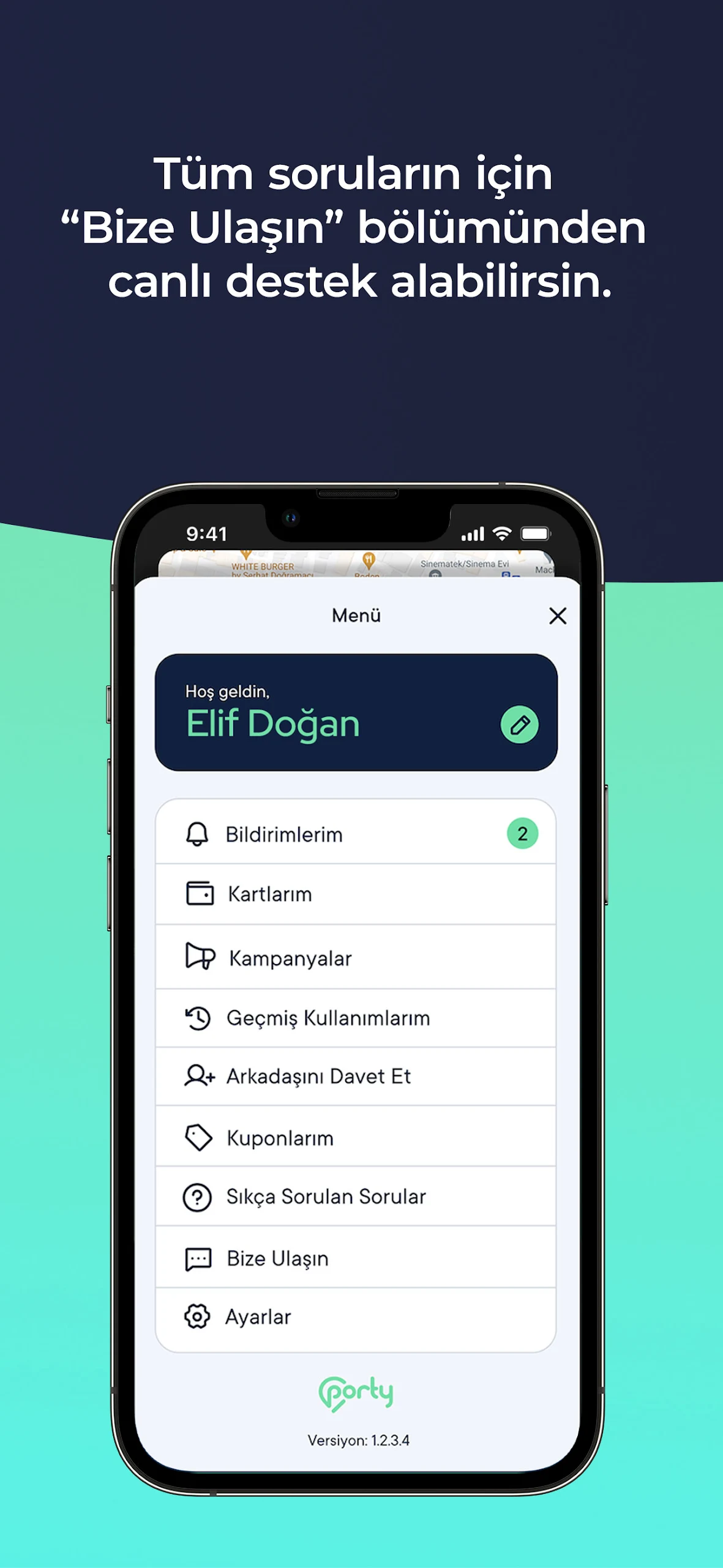
Porty Rentable Powerbank Service
Porty is the pioneering portable power bank rental service in Turkey, created to address the increasing mobility needs of individuals in our technology-driven sharing economy. This service alleviates the inconveniences caused by low battery levels in daily life by allowing users to recharge their electronic devices quickly and securely, particularly when they are away from home, work, or educational institutions.
Beginning its journey in Istanbul, Porty has expanded to 61 provinces, partnering with over 75 corporate entities and establishing more than 3,000 locations including establishments like Gloria Jeans, Big Chefs, NumNum, Simit Sarayı, Mado, Acıbadem Hospital, Türk Telekom, Midpoint, Caffe Nero, Tchibo, Jolly Joker, and The Hunger.
What are the Features of Porty Chargers?
The Porty charger is a reliable and easily portable option for charging mobile devices efficiently, equipped with lithium-ion batteries for safe usage. It features Type-C, Micro USB, and Apple USB-C Lightning cables, allowing users to recharge their devices without needing to carry their own chargers.
Designed with a capacity of 5000 mAh, the Porty power bank offers rapid charging at a rate of 5.0V and 2.0A. Thanks to its energy-efficient, eco-friendly lithium-ion battery, it can boost your phone's charge from 1% to 50% within just 30 minutes; however, this duration may vary based on the model and condition of your device.
You can rent a power bank conveniently in three straightforward steps by visiting Porty kiosks situated in various locations such as cafes, restaurants, transit hubs, universities, healthcare facilities, shopping centers, beaches, ski resorts, convention venues, gyms, supermarkets, and hotels. Once your rental period ends, you can simply return the charger at the nearest Porty location.
How to Use Porty Rental Powerbanks?
1- Download the Porty app from the App Store.
2- Complete the registration process along with credit card verification.
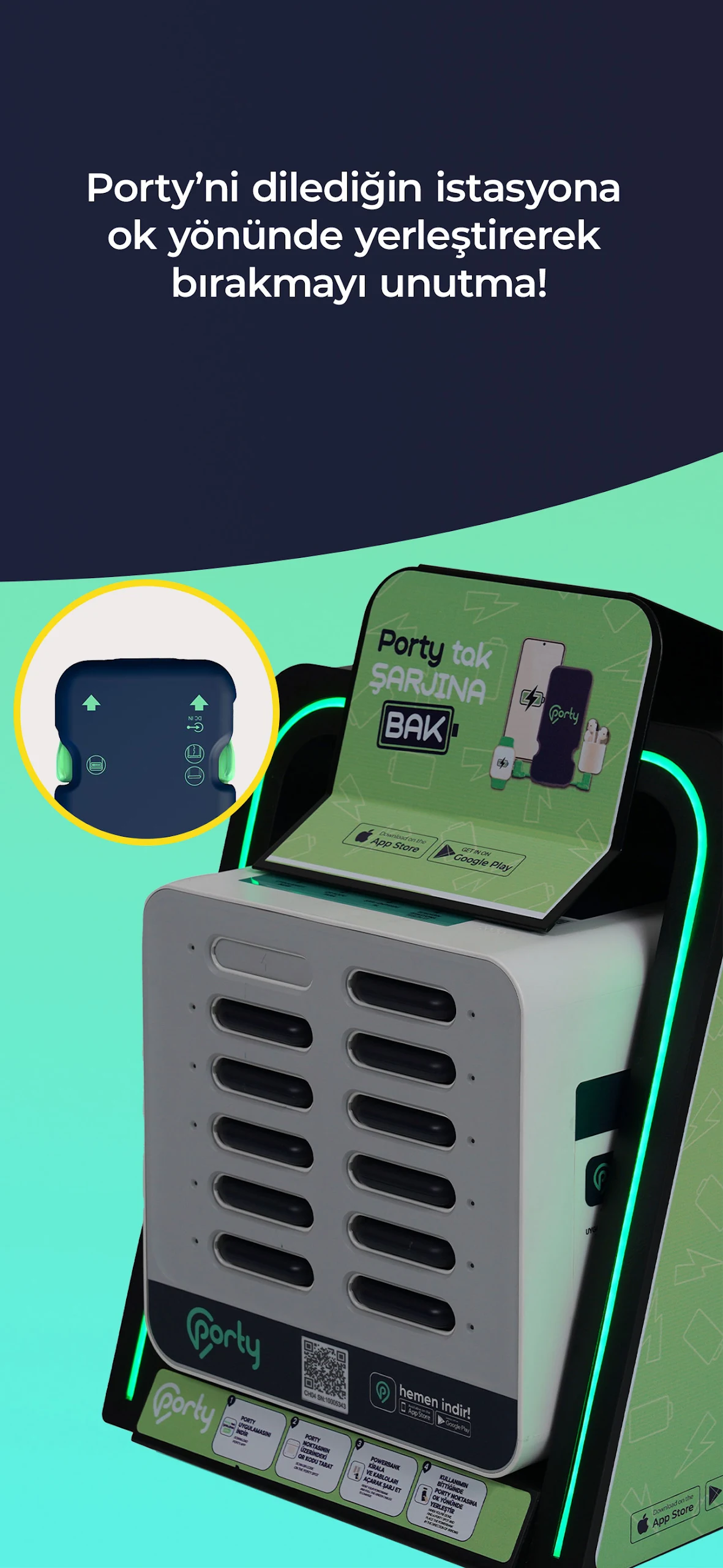
3- Begin your rental by scanning the QR code at your selected Porty charging stations found on the app’s map or located nearby.
To finish your power bank rental, just return the device to any Porty charging point indicated by the arrow, concluding the transaction in one seamless step.
Frequently Asked Questions
What is Porty?
Porty is Turkey’s first powerbank rental service. It is an innovative solution that will completely change the charger ecosystem.
With technological developments, smart mobile phones have become an indispensable element of human life as they carry a task beyond communication. During instant sharing via smartphones (such as e-mail traffic, photo and video shooting, social media use), charging problems occur due to intensive use, which negatively affects business and private life. Due to charging problems, people have to carry their chargers with them all the time or entrust their phones to unsafe environments. This also means that they cannot reach their phones when needed. They even leave the place they are in before they plan due to the aforementioned problem. Porty, designed to eliminate the problem, aims to be beneficial to users and businesses with this understanding.
How does Porty differ from other similar products?
It is a portable product. For this reason, when you want to charge your electronic device, your device is charged nearby and safely.
You can leave the place where you use it and deliver it to the Porty point in another location.
You do not need to look for coins for payment. Payments are made digitally via the app.
Why should I use Porty?
Porty is an environmentally friendly, economical, reliable, easily accessible and portable charger. In particular, it is distinguished from other products by allowing you to charge your mobile devices on the go.
Is my personal data safe with Porty?
Your personal data is under the protection of Porty. Your data in accordance with KVKK(Personal Data Protection Law);
To ensure that personal data is not processed unlawfully,
No unlawful access to personal data,
In order to protect personal data, it takes necessary measures to ensure the appropriate level of security and implements policies for this purpose and all personal data is secured over the internet with SSL (Secure Socket Layer) certificate.
Where can I view Porty Packages?
You can find package information and terms of use for all Porty packages in the "Porty Packages’’ tab in the Porty application. You can purchase the package you want by reading the details, price information and terms of use of the existing Porty packages.
How do I buy a Porty Package?
The "Porty Packages’’ tab in the Porty application contains the content and price information of the available Porty packages. Select the package you want to purchase and click the "Continue" button. If your payment method is registered, you can select the card you will pay. If your payment method is not registered, you can purchase the package you want by adding your card information.
- Version2.2.8
- UpdateSep 18, 2025
- DeveloperPORTY SMART TECH
- CategoryTools
- Requires AndroidAndroid 6+
- Downloads198K+
- Package Namecom.sharing.porty
- Signature5d22378e6de5b96dc93c000dc4f98f2a
- Available on
- ReportFlag as inappropriate
-
NameSizeDownload
-
83.86 MB
-
83.76 MB
-
34.73 MB

















Easy to use and understand
Quick connection between devices
Affordable pricing compared to expectations
Ability to return power banks at different locations
Eliminates the need to search for charging outlets
Solves the problem of transporting power banks
Reduces anxiety about device battery life
User-friendly interface
Issues with account verification and code receipt
Limited availability of power bank stations (often full)
Additional charges without clear communication
Lack of support in multiple countries
No option to delete accounts or remove payment methods
App interface compatibility issues with certain devices
Confusion around returning power banks when no nearby station is available
Difficulties in securing discounts offered by the app