
Peet's Coffee: Earn Rewards - Order coffee & food
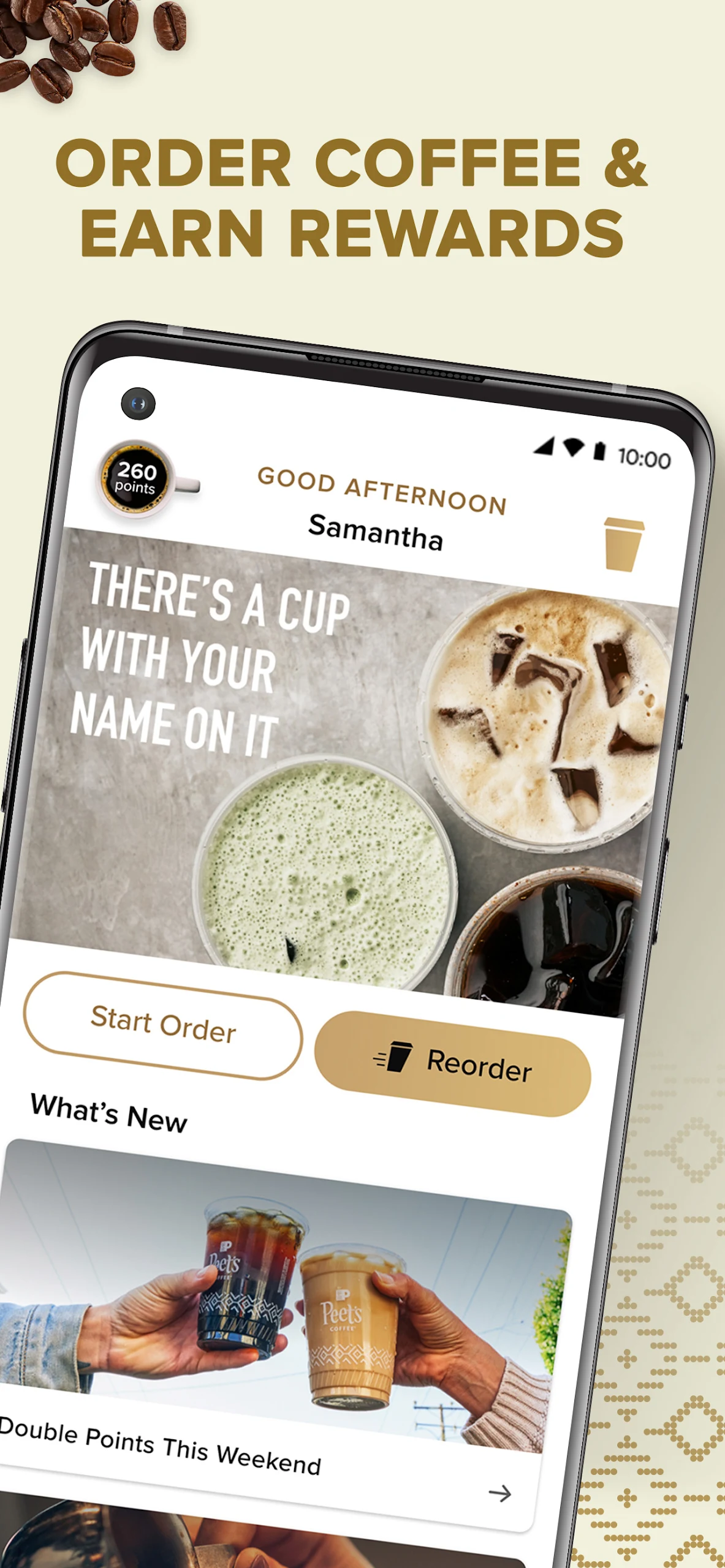
Easily customize & order your favorite coffee or food for delivery or pickup, all while earning rewards!

- 24.8.0 Version
- 3.2 Score
- 241K+ Downloads
- Free License
- 3+ Content Rating



About Peet's Coffee: Earn Rewards:
Peet's Coffee: Earn Rewards is the official loyalty and mobile-order app by Peet's Coffee, Inc., built around the Peetnik Rewards program. The Peet's Coffee app is not a general food-delivery aggregator — it is the brand app for browsing the menu, customizing drinks, ordering ahead for pickup or app delivery, scanning in-store for points, and managing Peetnik Rewards balances.

The Peet's Coffee app connects directly to participating Peet's Coffeebars, so members can skip the line, save favorites, send eGift cards, tip baristas, and redeem points inside the Rewards Store.
Store-ready features:
Peetnik Rewards login inside the Peet's Coffee app
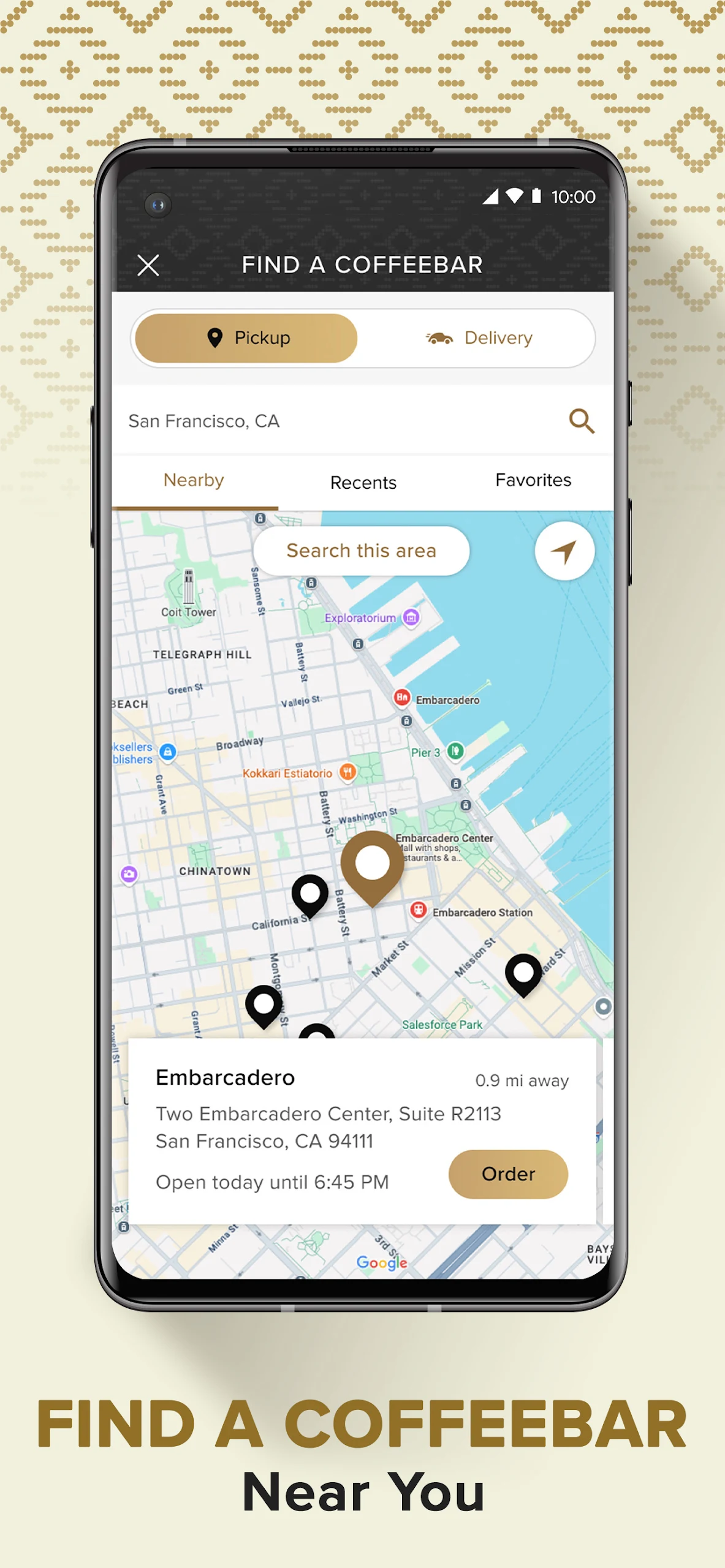
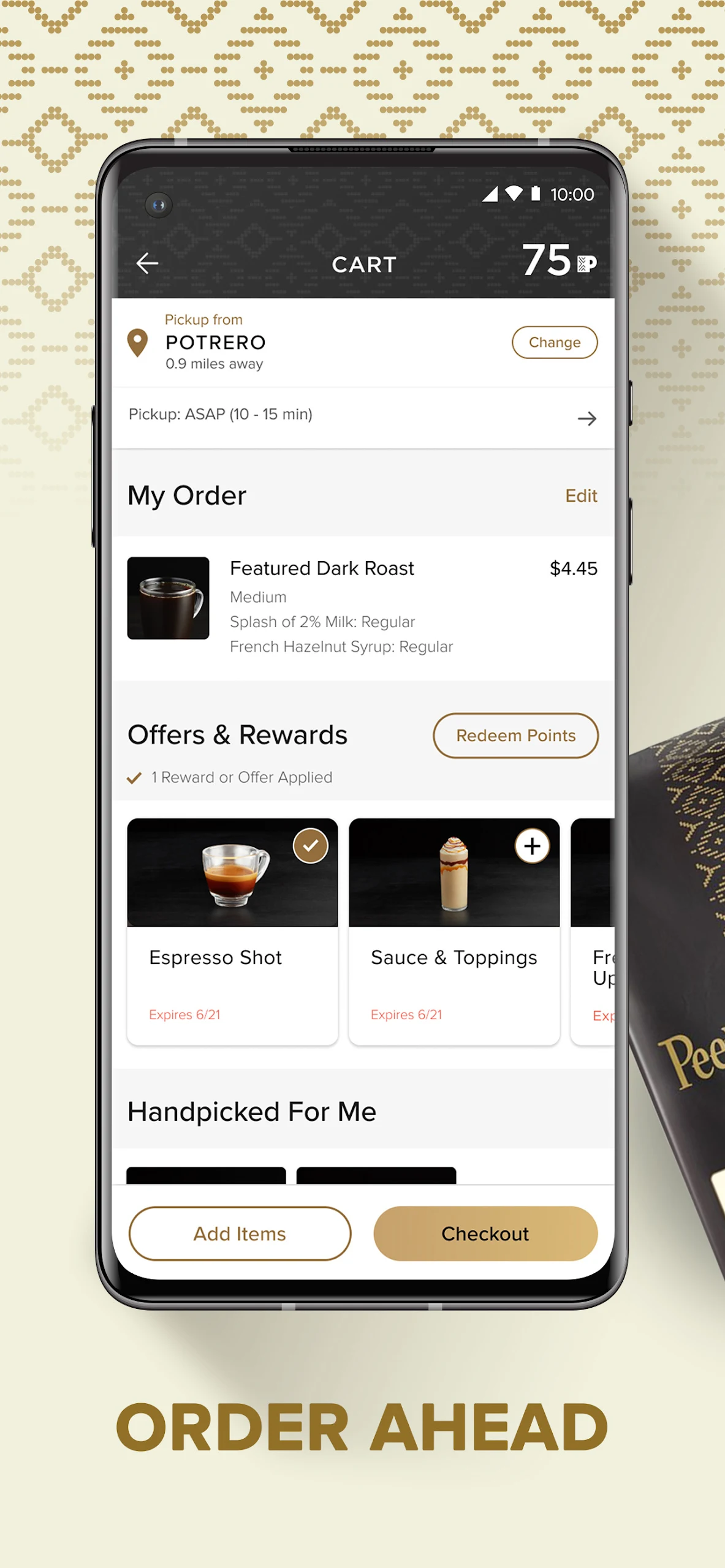
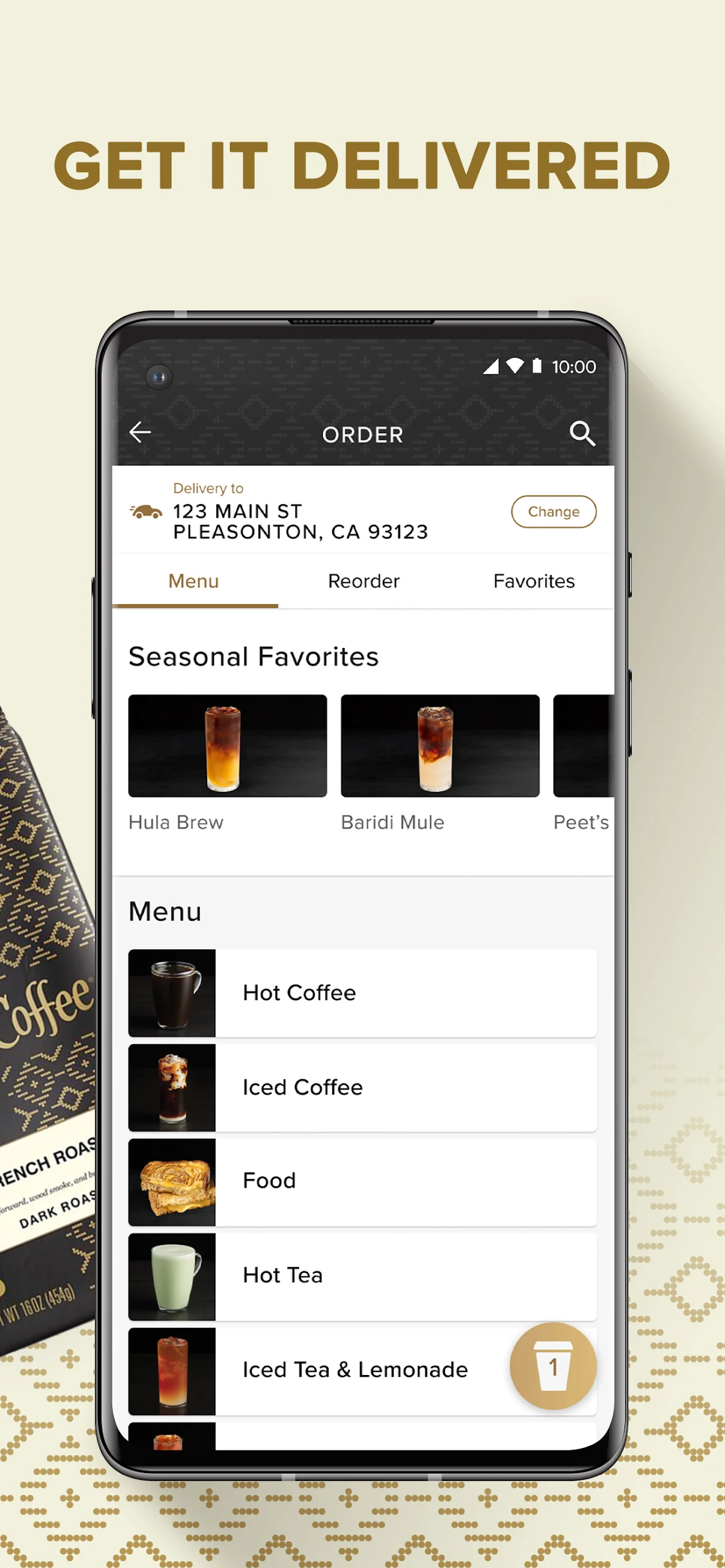
Order ahead for Coffeebar pickup or in-app delivery
Full menu access with drink customization
Milks, syrups, sauces, toppings, sweetness, temperature controls
Scan-to-earn QR at participating registers
Points tracking after qualifying purchases
Rewards Store redemption for drinks, food, beans, upgrades
Saved favorites for orders and locations
Order & transaction history
Peet's Card / eGift Cards in the app
Contactless tipping
Members-only offers, bonus-point challenges, early menu access
How to Use the Peet's Coffee App:
The Peet's Coffee app runs on a loop: log in → customize order → order ahead → scan in store → earn points → redeem rewards.
Quick guide:
Install Peet's Coffee: Earn Rewards from Google Play.
Create or log into your Peetnik Rewards account in the Peet's Coffee app.
Browse the menu and customize a drink — milk, syrup, toppings, size, temperature.
Choose pickup at your preferred Coffeebar or use the delivery option.
Pay with Peet's Card, credit, or debit if you are a member; guests can use credit/debit.
At the store, scan your Peetnik QR code or give your phone number to earn points.
Watch points post — they usually appear within 24 hours; refresh the Peet's Coffee app to update balance.
Open the Rewards section to redeem points for drinks, food, beans, or upgrades.
Save favorite orders and locations for one-tap reorder.
Send a Peet's eGift card or add a tip from the order screen.
Points tips:
Mobile Order Ahead through the Peet's Coffee app always counts as qualifying.
Peets.com, DoorDash, grocery licensed stores do not earn points.
Redeeming a reward still earns points on the amount paid after discount.
Peet's Coffee App FAQ:
Who develops the app?
Peet's Coffee, Inc. — official Peet's app on Google Play.
What is Peetnik Rewards?
Peet's free loyalty program inside the Peet's Coffee app. Members earn points on qualifying purchases and redeem them for food, drinks, beans, and upgrades.
How do I earn points?
1 point per $1 spent when you scan the app QR, give your phone number at checkout, or place a Mobile Order Ahead through the Peet's Coffee app.
Where do points NOT count?
Peets.com, Order.Peets.com, DoorDash, Proudly Serving Peet's locations, licensed partners, grocery/airport/campus stores, gift-card purchases, taxes, tips, and fees.
What do points redeem for?
25 points = syrup/topping/extra shot/size upgrade
50 points = drip, cold brew, tea, baked good, or $1 off
120 points = handcrafted drink or warm food, or $3 off
200 points = $5 off
400 points = 1 lb coffee beans or Ultra Coffee Concentrate
What welcome perks are included?
125 bonus points after first qualifying purchase, free birthday drink, and 25 points on Peetnik anniversary — if account stays active.
Do points expire?
Points do not have a fixed earn cap, but they expire after 6 months of account inactivity.
Can I use points on Peets.com?
No. Points and rewards are for in-store purchases or mobile orders through the Peet's Coffee app.
Why Install Peet's Coffee: Earn Rewards:

Install the Peet's Coffee app if you visit Peet's often and want Peetnik points instead of paying without rewards.
Best-fit users:
Regular Peet's Coffeebar customers
Commuters who order ahead for pickup
Peetnik Rewards members tracking points
Users customizing lattes, cold brew, teas, matcha
People sending Peet's eGift cards
Shoppers who want birthday/anniversary perks
App-delivery users at participating stores
- Version24.8.0
- UpdateOct 21, 2026
- DeveloperPeet's Coffee, Inc.
- CategoryFood & Drink
- Requires AndroidAndroid 7.0+
- Downloads241K+
- Package Namecom.paytronix.client.android.app.peetsapp
- Signaturef00b122d974e81cda1f1e10be3222a96
- Available on
- ReportFlag as inappropriate














Easy ordering and pick-up functionality
Ability to earn and track rewards
Convenient for daily coffee runs
User-friendly interface design
Offers promotions and discounts
Allows online menu browsing
Digital gift card features
Option for contactless payments
Provides updates on store availability
Frequent app malfunctions and errors
Inconsistent reward point accumulation
Issues with order accuracy at store locations
Difficulties adding payment methods or reloading funds
Poor customer service response times
Glitches while trying to redeem rewards
Limited customization options for drink orders
Notifications not displaying correctly
Complicated navigation between different account functions