
Note Everything - Note taking & organization
Organize thoughts, ideas, tasks with this versatile note-taking app.
- 4.11.2 Version
- 4.6 Score
- 3M+ Downloads
- In-app purchases License
- 3+ Content Rating

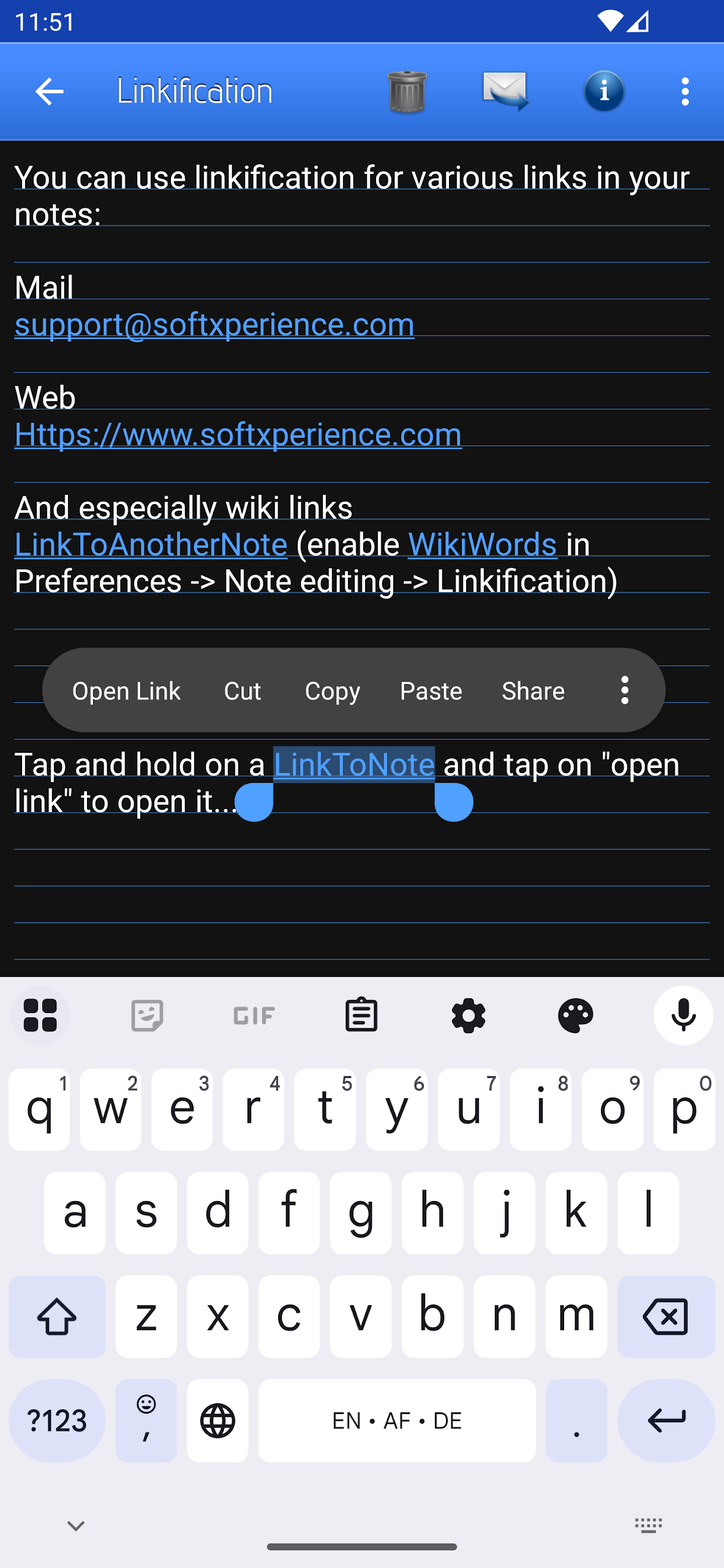
App Overview
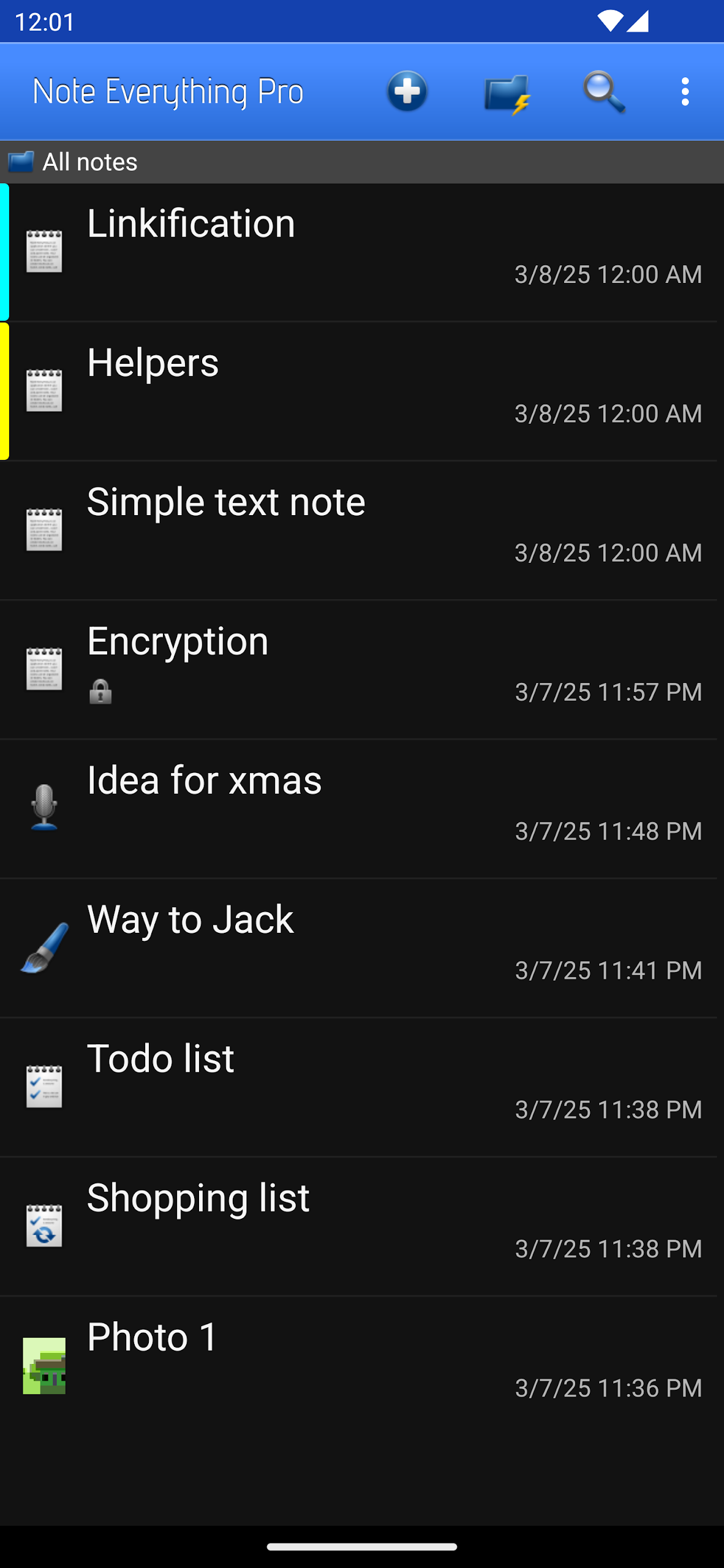
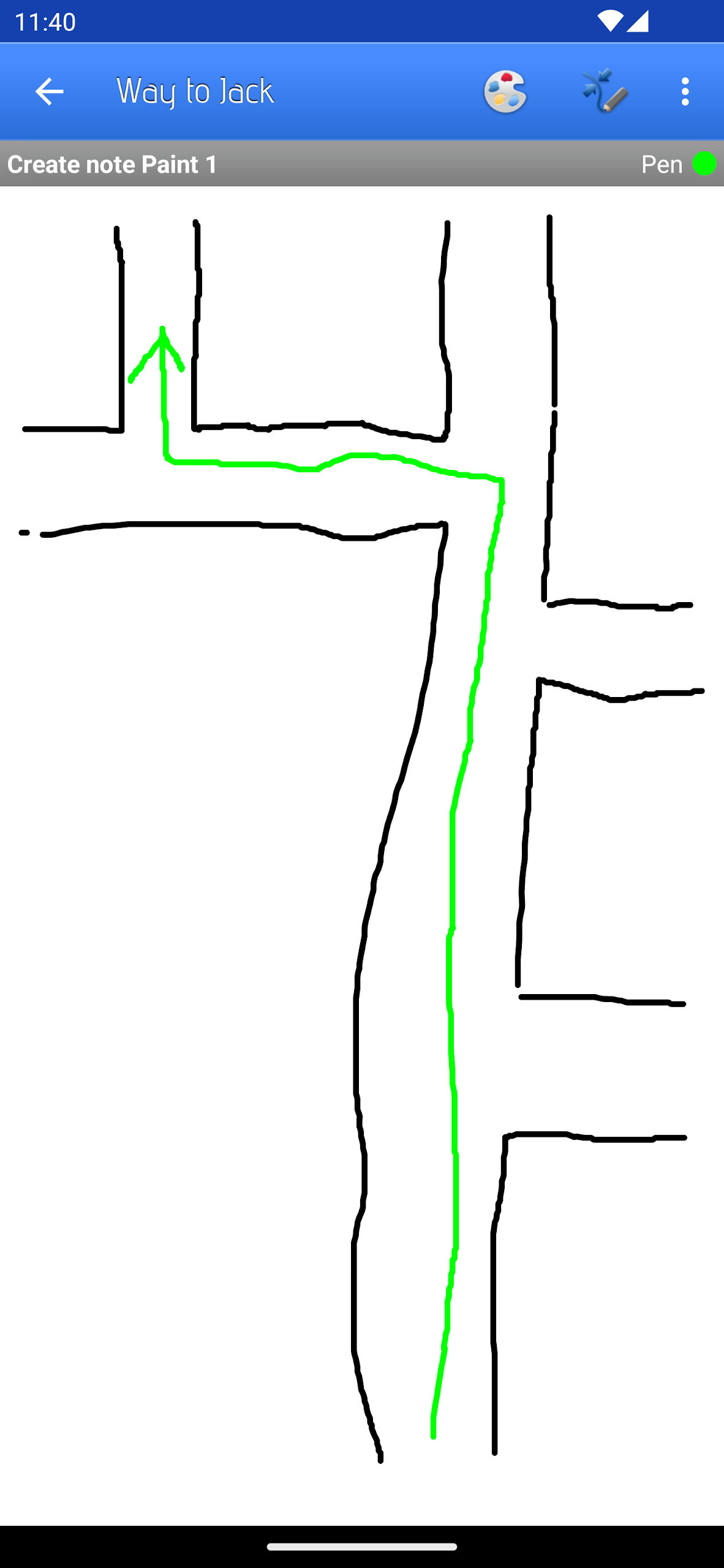
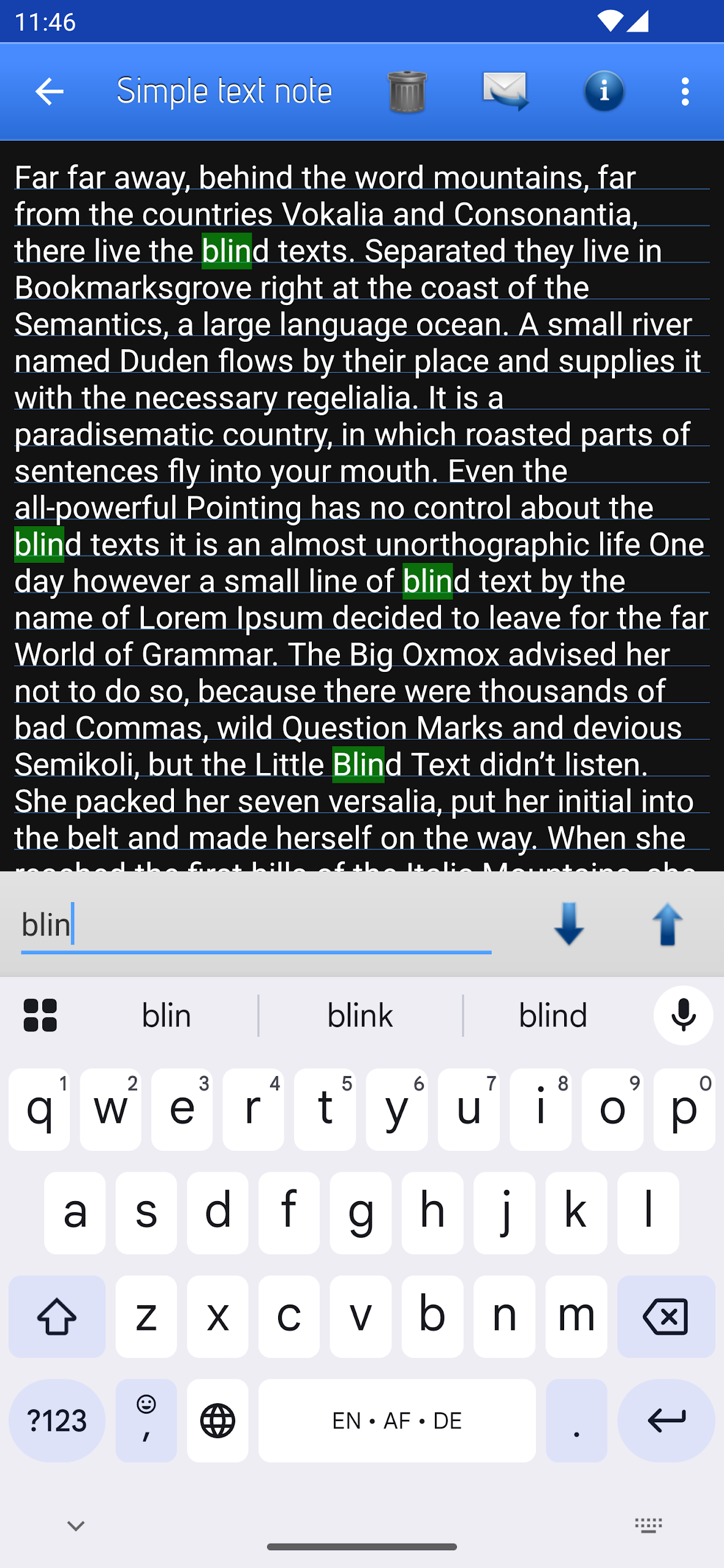
This note-taking app lets users capture information as text notes, voice recordings, or sketches. Notes can be organized into folders, shared individually, and accessed through shortcuts on the device's home screen.
The app also includes live folders for managing note collections and supports importing existing memos from Palm and Microsoft Outlook. An optional Pro Add-On is available for users who want additional functionality.
Key Features
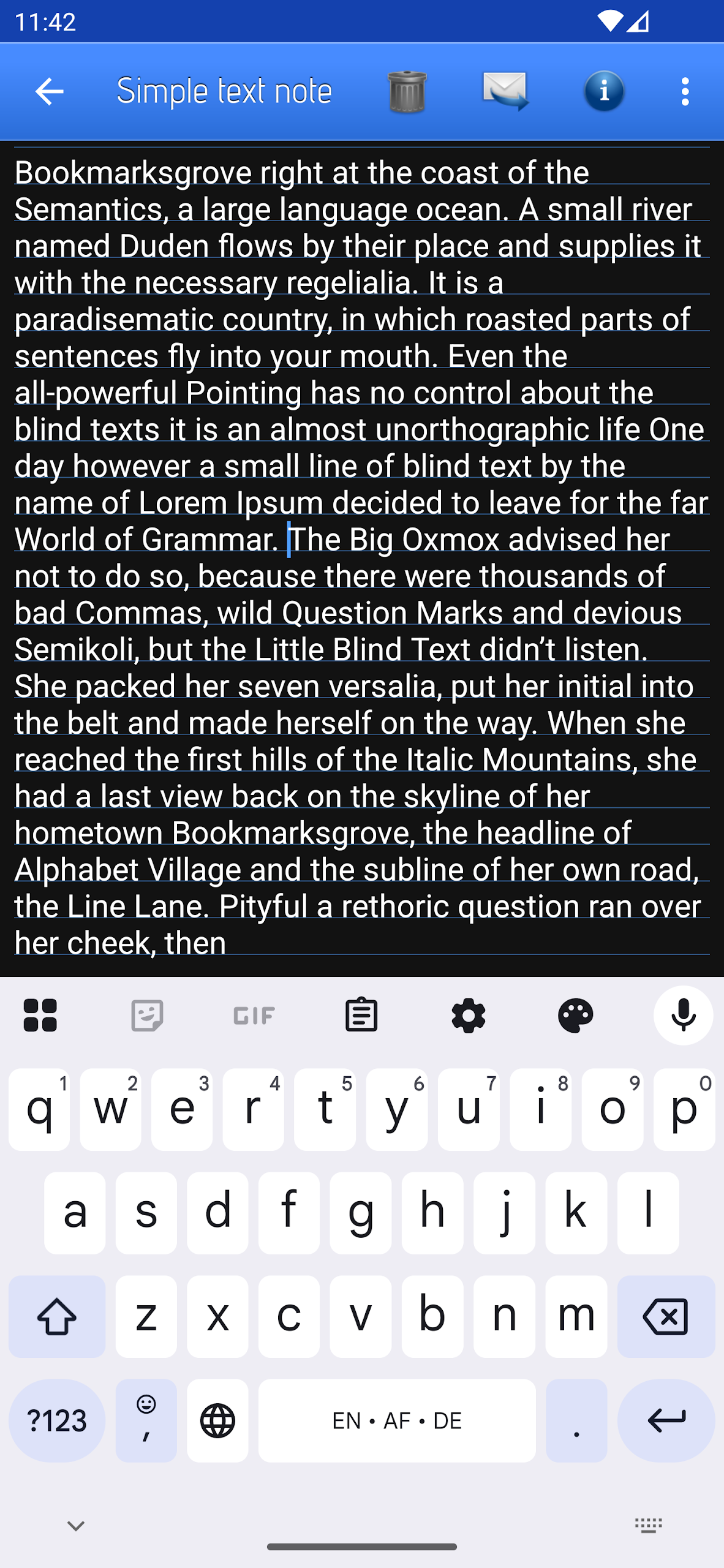
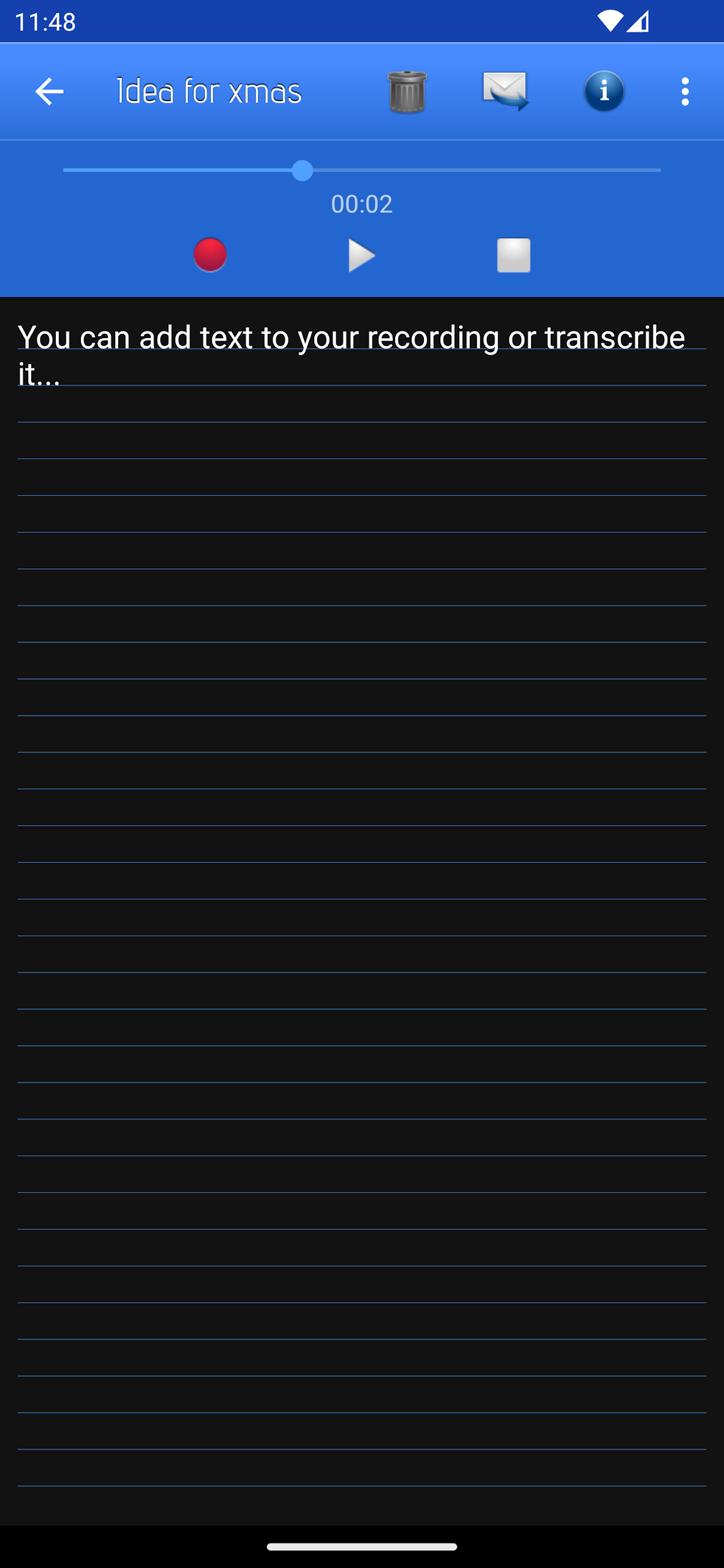
Multiple Note Formats: Create text notes, record voice memos, and draw sketches.
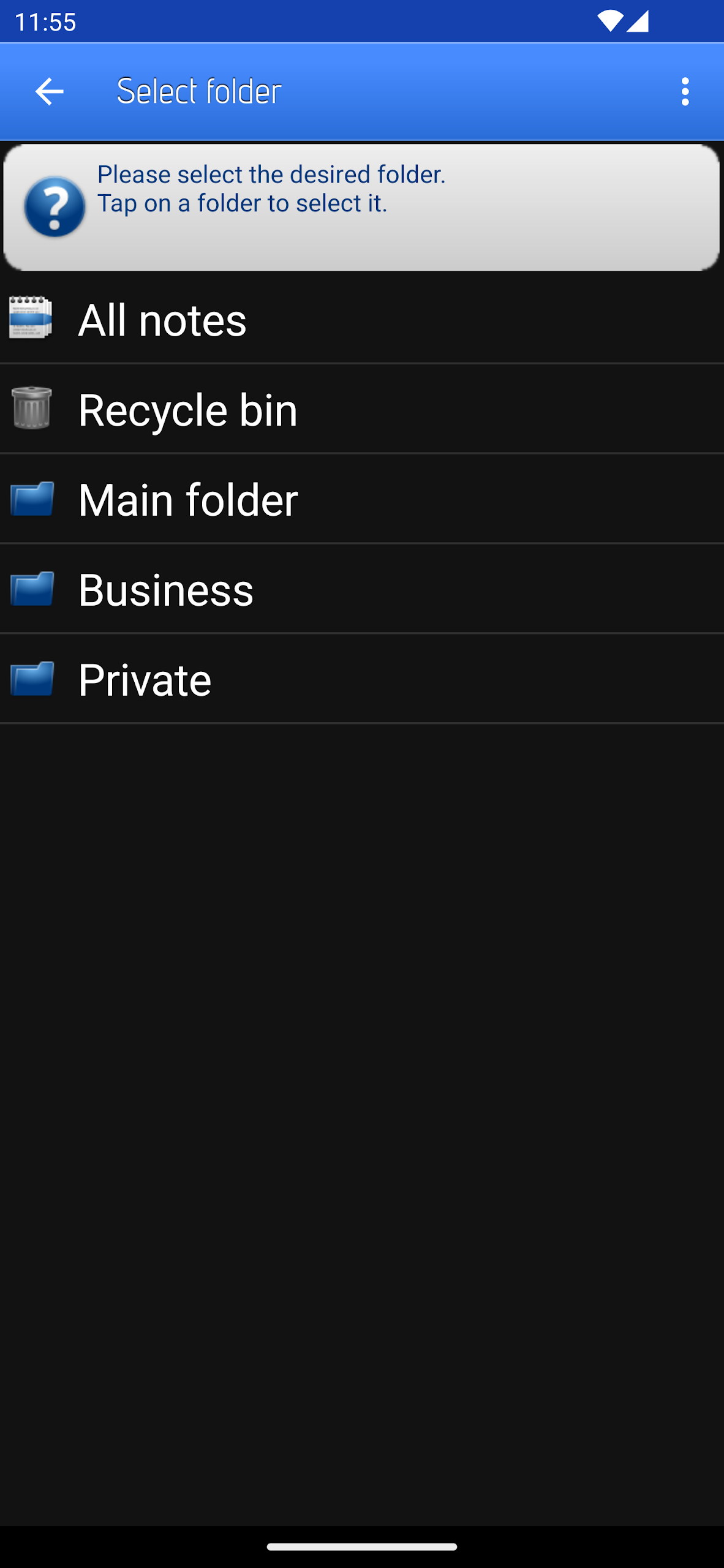
Folder Management: Group related notes into folders.
Home Screen Shortcuts: Add direct shortcuts to individual notes.
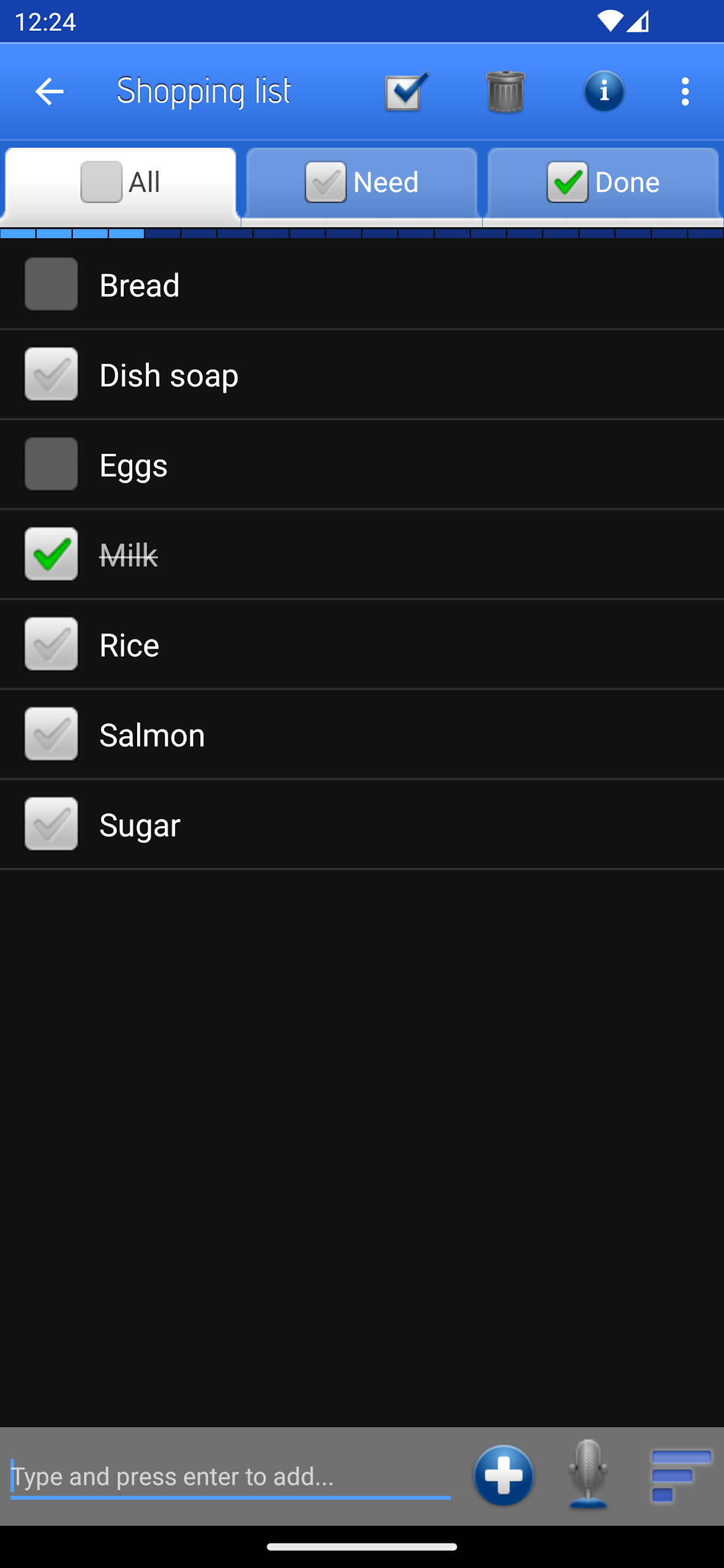
Live Folders: Manage collections of notes through live folders.
Note Sharing: Share individual notes with others.
Memo Import: Import existing memos from Palm and Microsoft Outlook.
Pro Add-On: Purchase additional functionality through an optional upgrade.
How to Use the App
Open the app and select the desired format to create a text note, voice recording, or sketch. Save the entry and place it in a folder if you want to keep related notes together.
You can add a shortcut to an individual note from the available options, or select a saved note to share it with someone else. To transfer existing memos, use the import function for Palm or Microsoft Outlook.
The standard features are available without purchasing the Pro Add-On. Additional functions can be unlocked separately through the optional upgrade.
App Experience
The app combines different note-taking methods without requiring separate tools for writing, recording, and drawing. Its folder and live folder options provide two ways to manage saved content, while home screen shortcuts offer direct access to frequently used notes.
Support for importing Palm and Microsoft Outlook memos is particularly relevant to users moving older notes into the app. The optional Pro Add-On also allows users to decide whether they need functionality beyond the standard version.
Frequently Asked Questions (FAQs)
Q: Is the Pro Add-On required to use the app?
A: No. You can use the standard note-taking functions without purchasing the Pro Add-On.
Q: Can I add a shortcut to an individual note?
A: Yes. The app allows you to place shortcuts to specific notes on your device's home screen.
Q: Which memo formats can I import?
A: The app supports importing memos from Palm and Microsoft Outlook.
Q: Can I share individual notes?
A: Yes. You can share selected notes without sharing an entire folder.
Q: Can I create handwritten notes?
A: The drawing function lets you create sketches in addition to text notes and voice recordings.
Q: What are live folders used for?
A: Live folders provide an additional way to manage collections of saved notes.
- Version4.11.2
- UpdateNov 13, 2026
- DeveloperSoftXperience.com
- CategoryProductivity
- Requires AndroidAndroid 7.0+
- Downloads3M+
- Package Namede.softxperience.android.noteeverything
- Signature212c5c437ab7d5084b1ff454bdd9396f
- Available on
- ReportFlag as inappropriate
-
NameSizeDownload
-
74.93 MB
-
74.93 MB
-
74.93 MB












gives you the ability of taking notes via text, voice note, drawing, or QR code
Cloud options save well across devices
Note editing is very unstable
Not accessible in portrait mode