
HTTP Internet Infinito - VPN Bypass & Security
Unlock any content with fast, secure VPN access while safeguarding your online privacy effortlessly.

- 1.2.6 Version
- 2.6 Score
- 404K+ Downloads
- Free License
- 7+ Content Rating


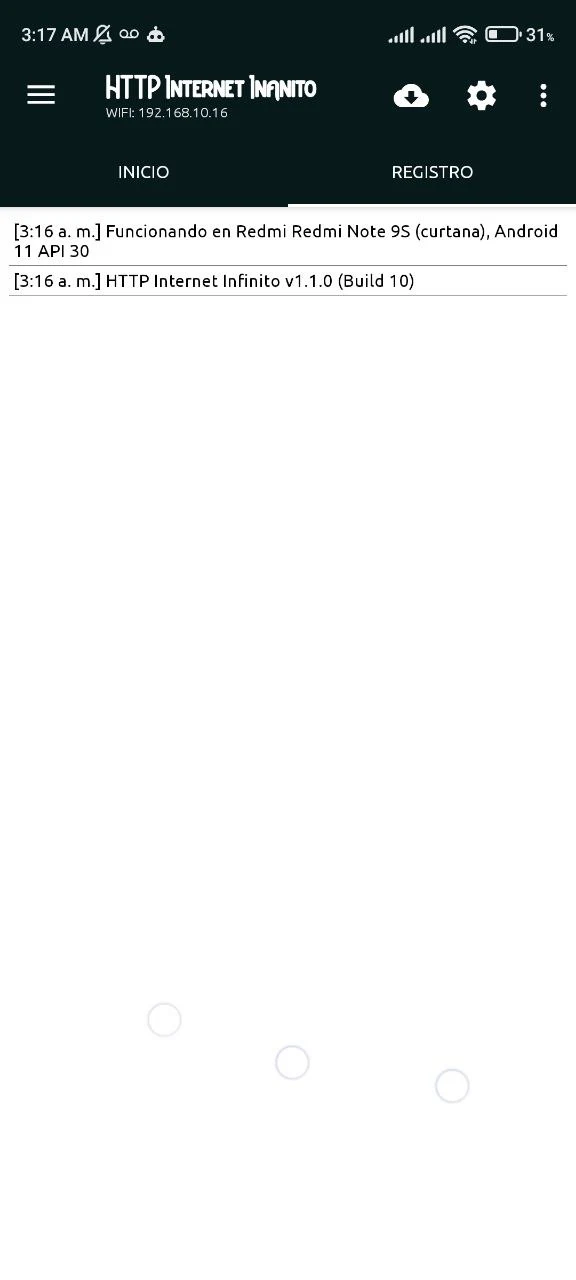
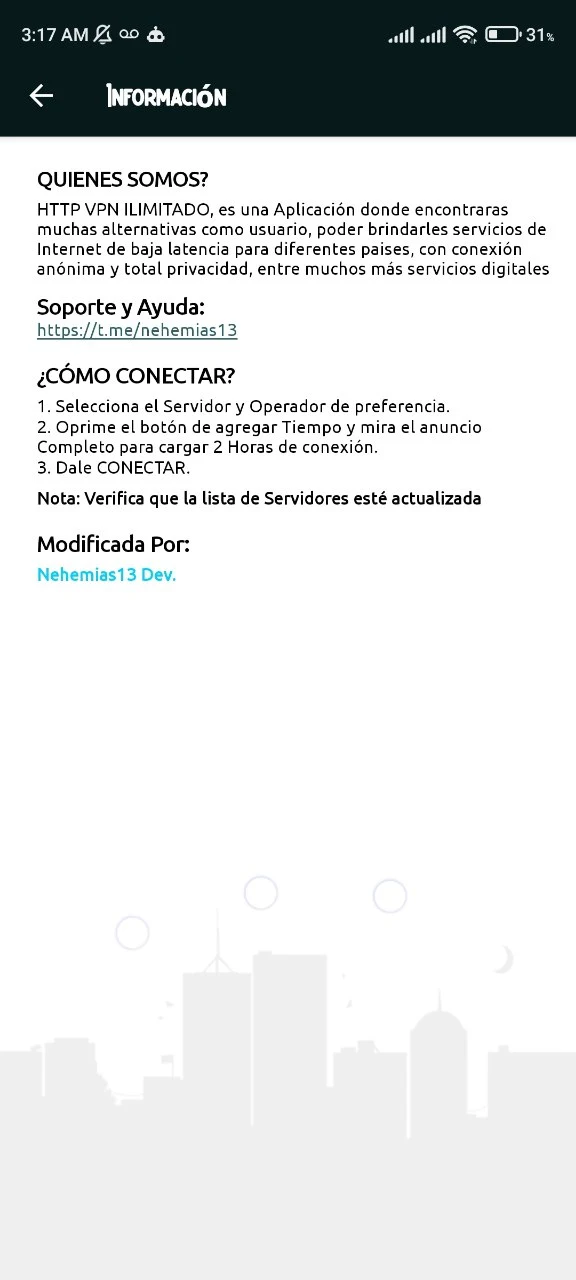
1. App Overview
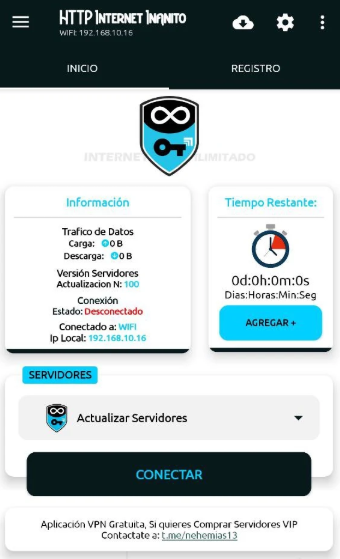
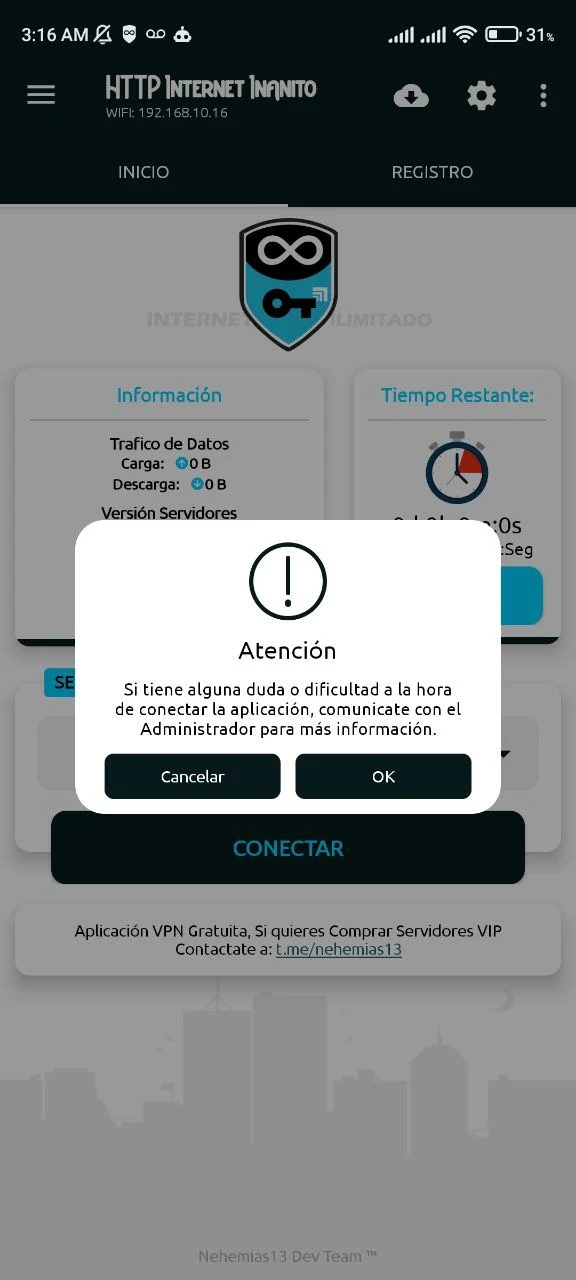
VPN App routes internet traffic through servers in different regions, allowing users to connect via alternative network locations. It is designed for accessing overseas websites, region-specific applications, and streaming services that may not be available in the user's current location.
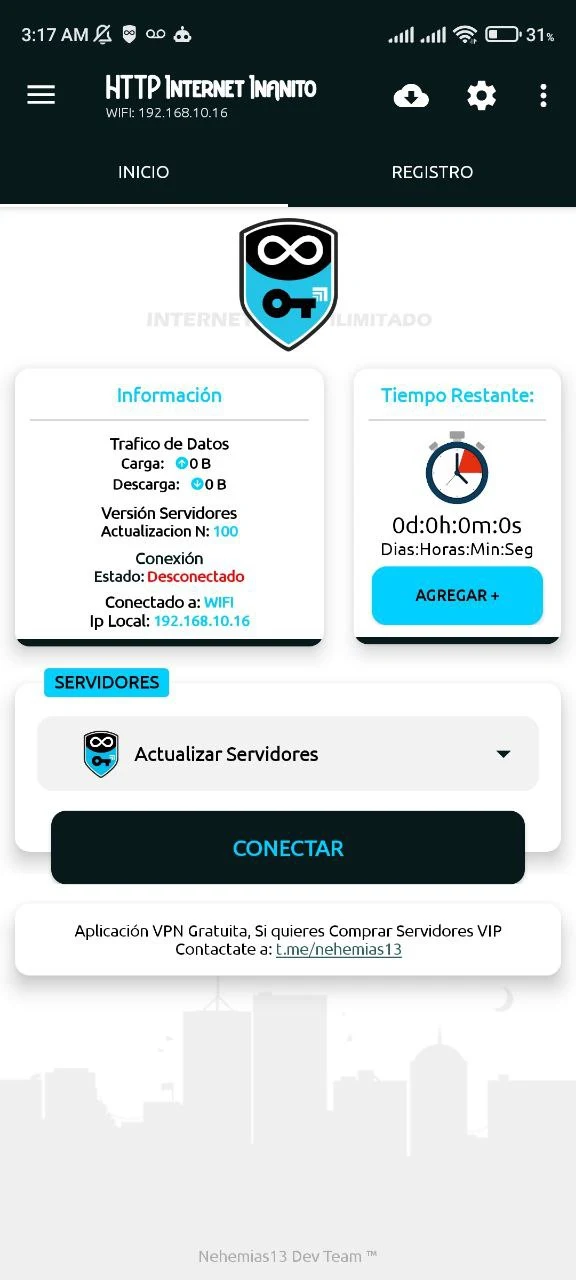
The app uses HTTP-based connections and supports Wi-Fi and 4G/5G mobile networks. Users can select from available server locations and switch between regions to change their connection route. Its main functions focus on server selection, VPN connectivity, and cross-regional internet access.
2. Key Features
• Multiple Server Locations: Choose from available regional servers to connect through different network locations.
• HTTP-Based Connections: Uses HTTP-based networking for VPN traffic routing.
• Wi-Fi and Mobile Data Support: Works with Wi-Fi and 4G/5G mobile networks.
• Server Switching: Disconnect from one server and select another available location.
• Cross-Regional Connectivity: Provides alternative connection routes for accessing international websites, streaming platforms, and region-specific applications.
3. How to Use
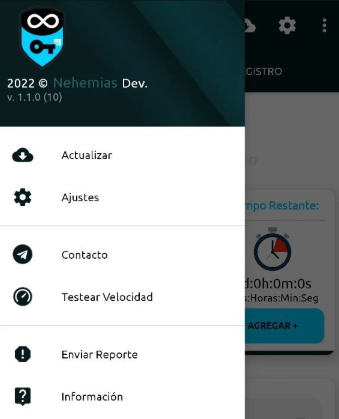
1. Open the App: Launch VPN App after installation.
2. Choose a Server: View the available server locations and select a preferred region.
3. Establish a Connection: Tap Connect and grant the VPN permission requested by Android.
4. Access Online Services: Once connected, open a browser or another application.
5. Switch Servers: Disconnect from the current server, select a different location, and reconnect.
6. Disconnect: Tap Disconnect in the app when you finish using the VPN.
4. Frequently Asked Questions
Q1: Can VPN App connect to websites in other countries?
The app allows users to route traffic through servers in different regions. Access to specific websites and services depends on server availability and the restrictions imposed by those platforms.
Q2: Does VPN App support mobile data?
Yes. It supports both Wi-Fi and 4G/5G mobile network connections.
Q3: Why can't I connect to a server?
The selected server may be unavailable, or your internet connection may be unstable. Try another server or switch between Wi-Fi and mobile data.
Q4: Can I switch server locations while using the app?
Yes. Disconnect from the current server, select another available location, and reconnect.
Q5: Do I need to register an account?
Account registration requirements are not confirmed. Check the app's initial screen to see whether login or registration is required before connecting.
- Version1.2.6
- UpdateNov 10, 2026
- DeveloperNEHEMIAS MERCADO
- CategoryProductivity
- Requires AndroidAndroid 5.0+
- Downloads404K+
- Package Namecom.internetinfinito.http
- Signature97f842e8754c6144f390b1b5fc414d63
- Available on
- ReportFlag as inappropriate
-
NameSizeDownload
-
69.77 MB
-
68.18 MB
-
24.56 MB












Precise core functionality
Flexible network adaptation
Practical scenario coverage
Limited functionality
Stability is questionable
Low information transparency