
Beit QRcode(Accurate Read) - QR Code Scanner & Creator
Scan codes effortlessly & create your own with a sleek interface and lightning-fast speed for ultimate convenience.
- 1.0.8 Version
- 1.9 Score
- 1M+ Downloads
- Free License
- 3+ Content Rating

Beit QRcode
App Overview
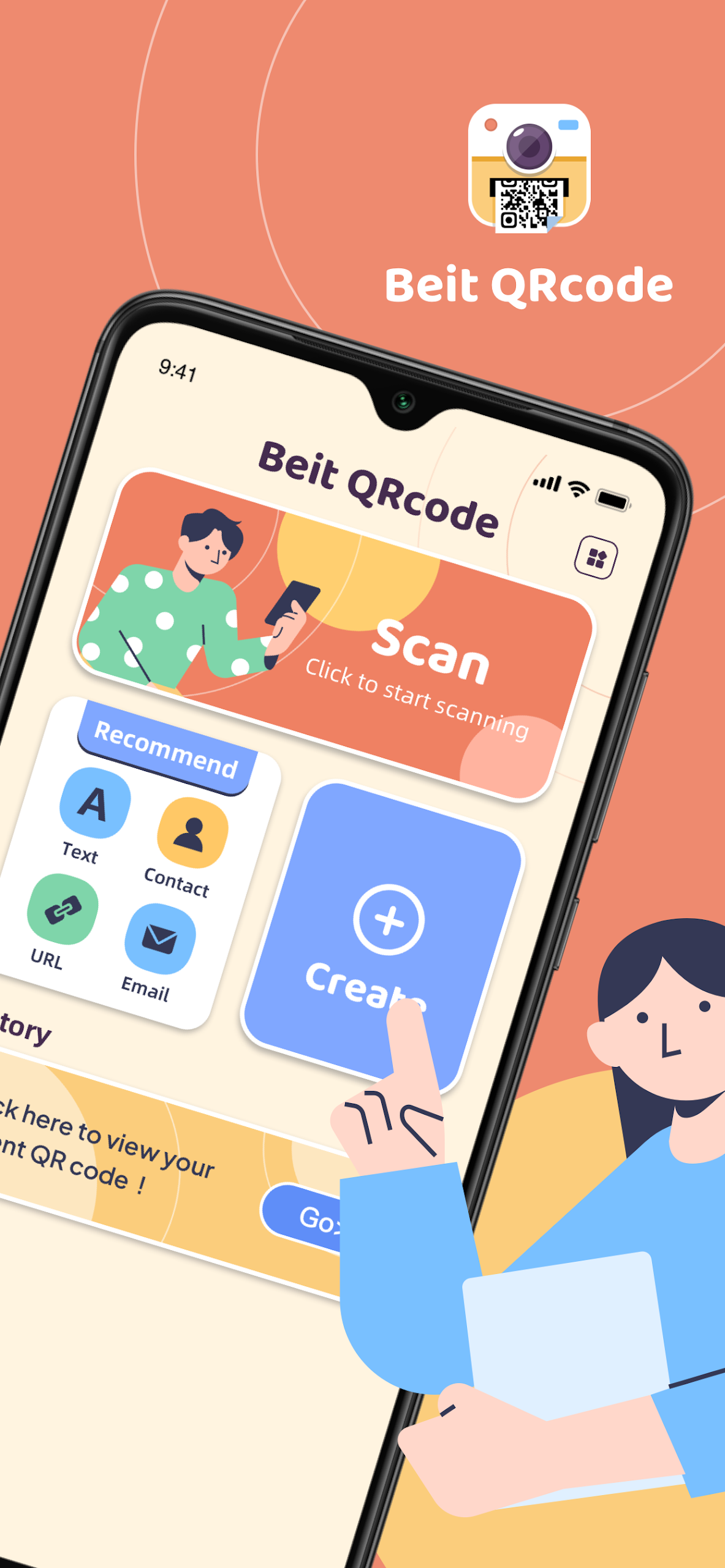
Beit QRcode is a mobile app for scanning and generating QR codes. Users can scan codes directly with their phone's camera or recognize them from images saved in the photo album. The app also creates QR codes from text and other supported content, allowing users to save the results as images or share them through other apps.
It handles both printed and digital QR codes, including those displayed on other screens, received as screenshots, or stored as image files. Its generation tools offer different code types for converting information into scannable QR codes.
Key Features
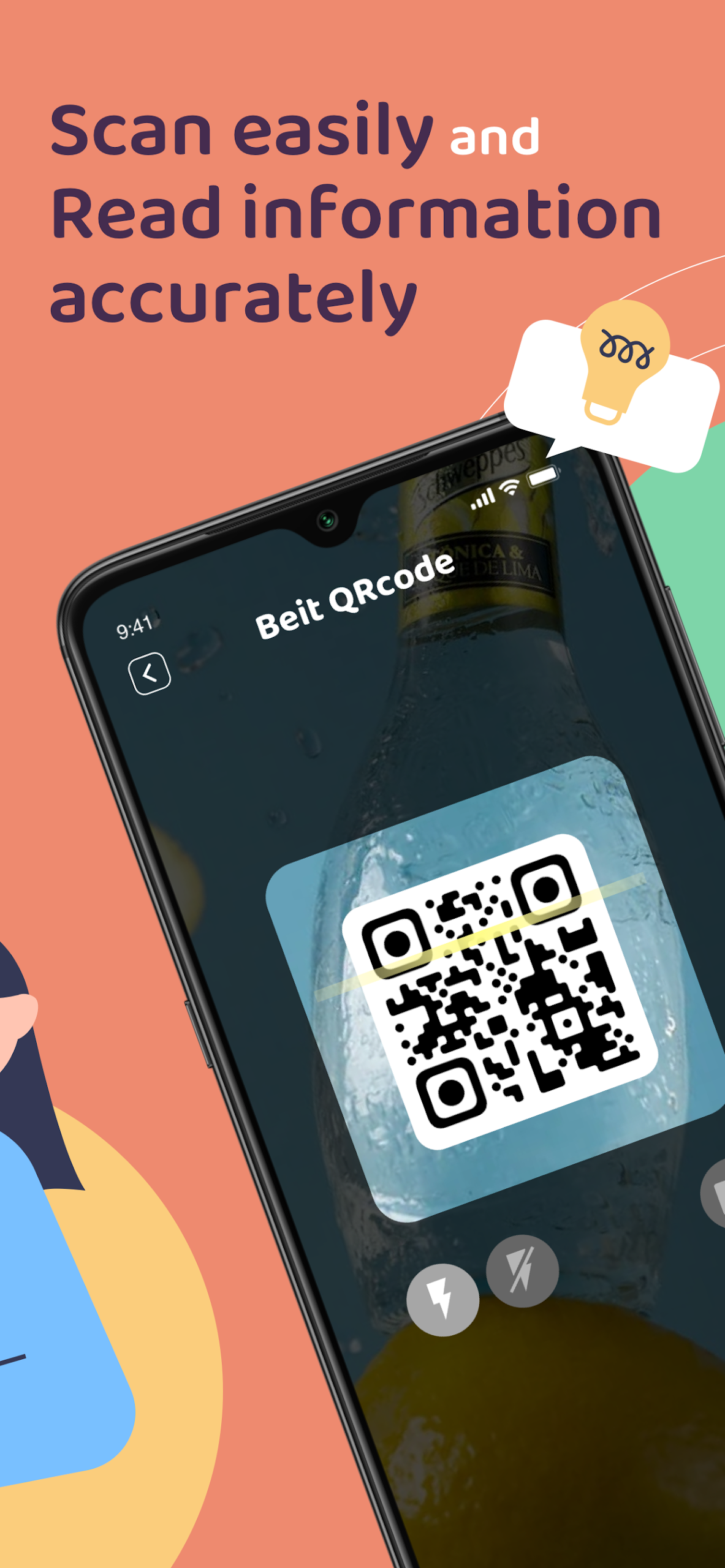
Camera Scanning: Reads QR codes in real time using the phone's camera
Image Recognition: Scans QR codes from pictures stored in the photo album
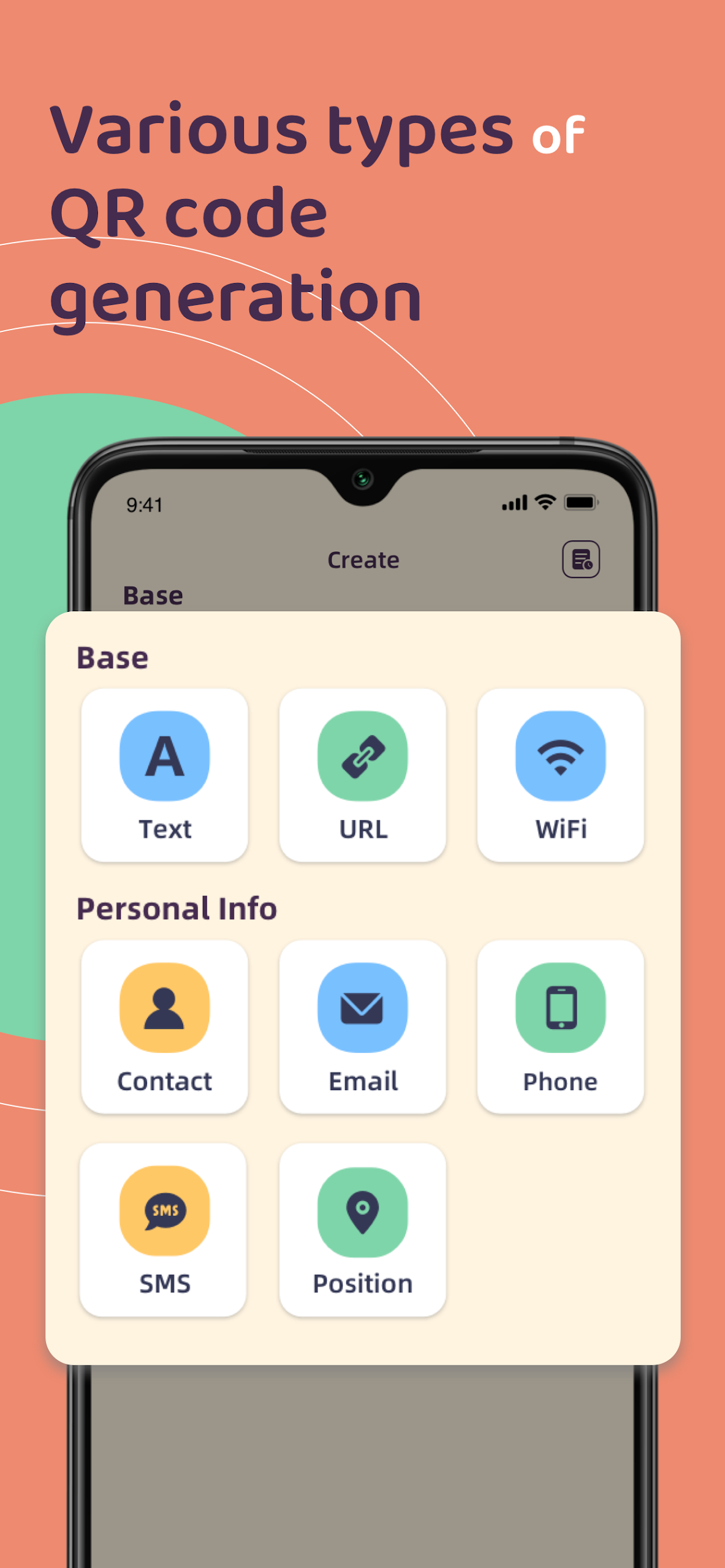
QR Code Generation: Converts text and other supported content into QR codes
Multiple Code Types: Offers different generation options depending on the content
Image Saving: Saves generated QR codes to the device's photo gallery
Code Sharing: Shares scanned or generated codes through available apps
How to Use
Scan with the Camera: Open Beit QRcode, grant camera permission, and point the phone at a QR code. Keep the code within the scanning area until it is recognized.
Scan from an Image: Select the Album option, choose a picture containing a QR code, and wait for the app to identify it.
Generate a QR Code: Open the creation section, select an available code type, and enter the required information.
Save or Share: Save the generated QR code to the photo gallery or share it through another application.
Open a Scanned Link: If the recognized content is a website URL, review the address before opening it.
App Experience
Beit QRcode brings camera scanning, image recognition, and QR code generation together in one app. The camera scanner handles codes on printed materials and other screens, while album recognition is useful for processing screenshots and saved images.
Generated codes can be saved to the photo gallery or shared directly through other applications. The app covers the main QR code tasks without requiring separate scanning and creation tools. Advertisements may appear during use, while the core functions are available for free.
Frequently Asked Questions
1. Why can't Beit QRcode recognize a QR code?
Check that the code is clearly visible, properly lit, and not damaged. Adjust the camera distance or angle, and make sure the app has permission to access the camera.
2. Can I scan a QR code from a screenshot?
Yes. Open the Album option, select the screenshot or saved image containing the QR code, and let the app recognize it.
3. Can I customize generated QR codes?
The app provides standard QR code generation options. Advanced visual customization features are not confirmed.
4. Is Beit QRcode free?
Yes. Its main scanning and generation functions are available for free, although advertisements may appear during use.
5. Can Beit QRcode scan website links?
Yes. It can recognize website URLs encoded in QR codes. Review the address before opening it, particularly when scanning codes from unfamiliar sources.
- Version1.0.8
- UpdateNov 13, 2026
- DeveloperMa Dav
- CategoryProductivity
- Requires AndroidAndroid 7.0+
- Downloads1M+
- Package Namecom.comic.beit
- Signature3b50db6fc6abf064a60187d9e57ccf19
- Available on
- ReportFlag as inappropriate












Easy to operate
Highly efficient recognition
Sufficient functionality
Includes ad interference
Basic functionality
Requires permissions