
Nemo Korean - Korean language learning & pronunciation
Unleash your Korean speaking skills instantly with immersive audio, customized flashcards & advanced accent correction tools.

- 1.3.1 Version
- 3.2 Score
- 216K+ Downloads
- In-app purchases License
- 3+ Content Rating

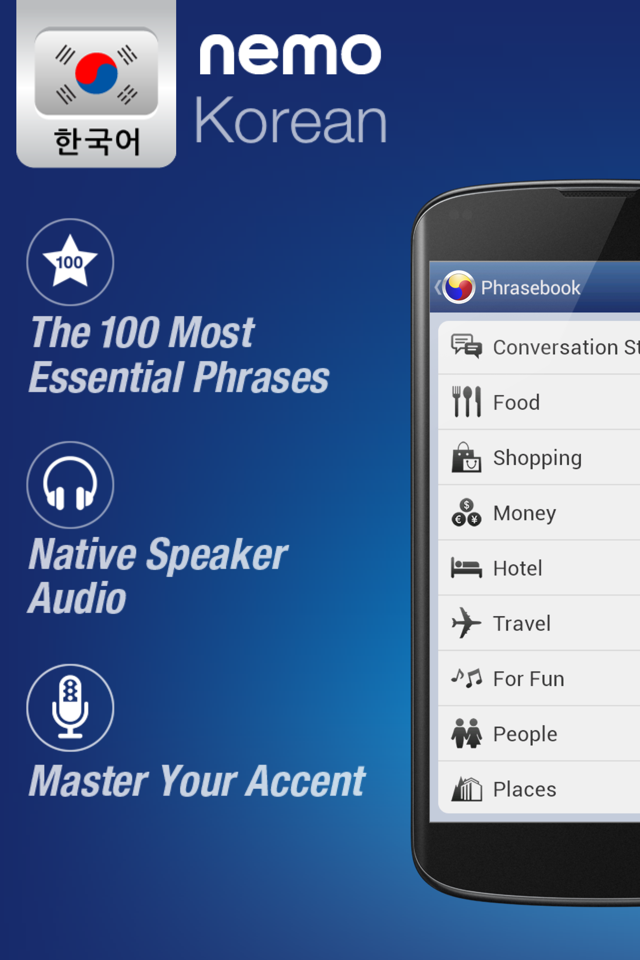
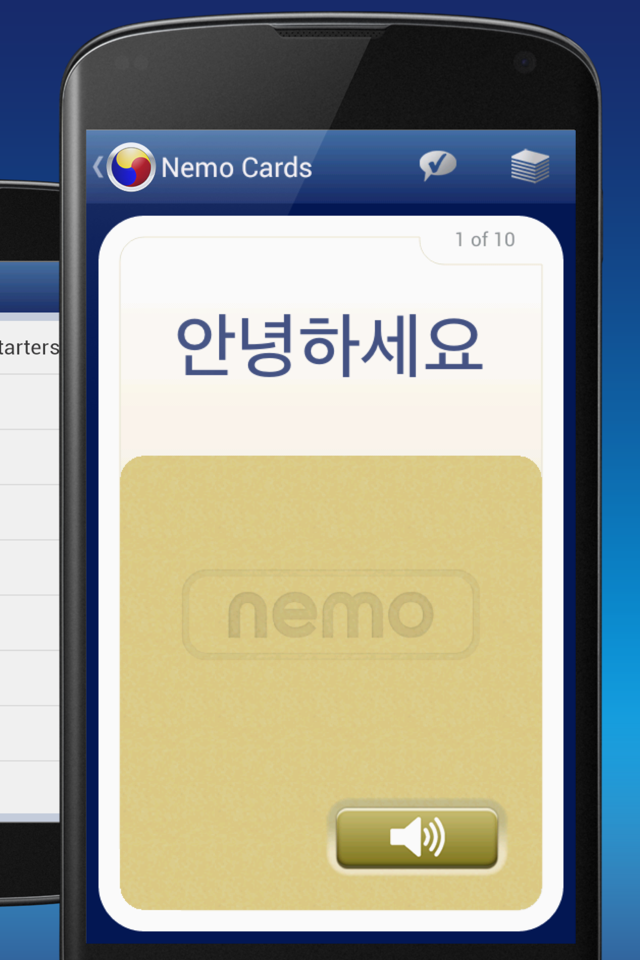
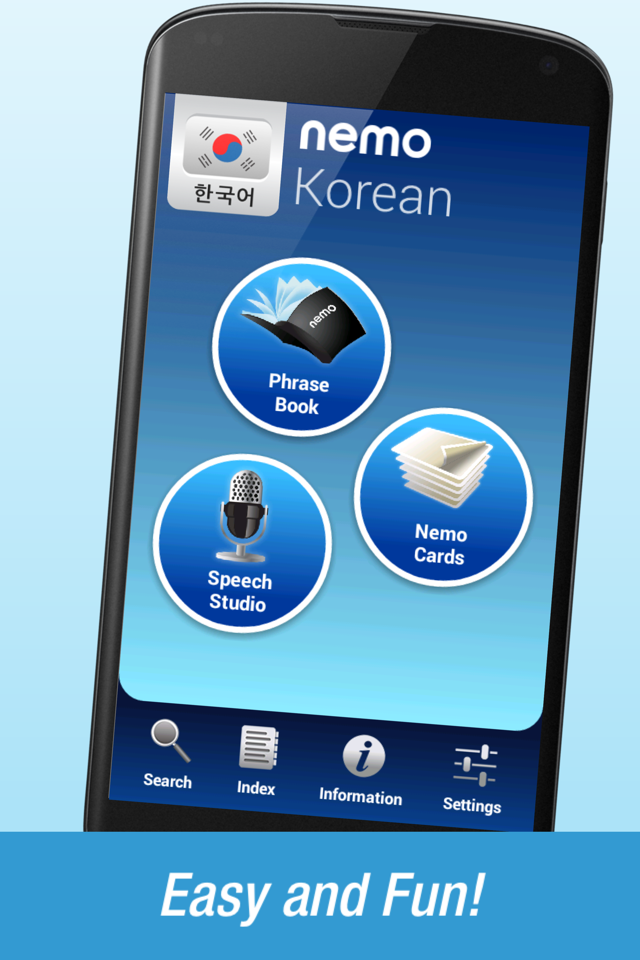
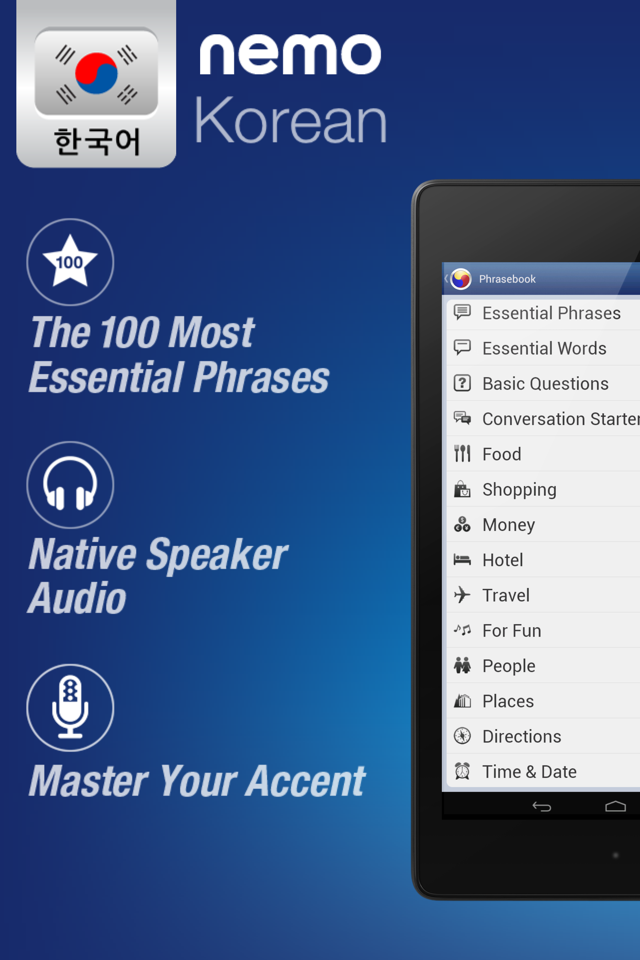
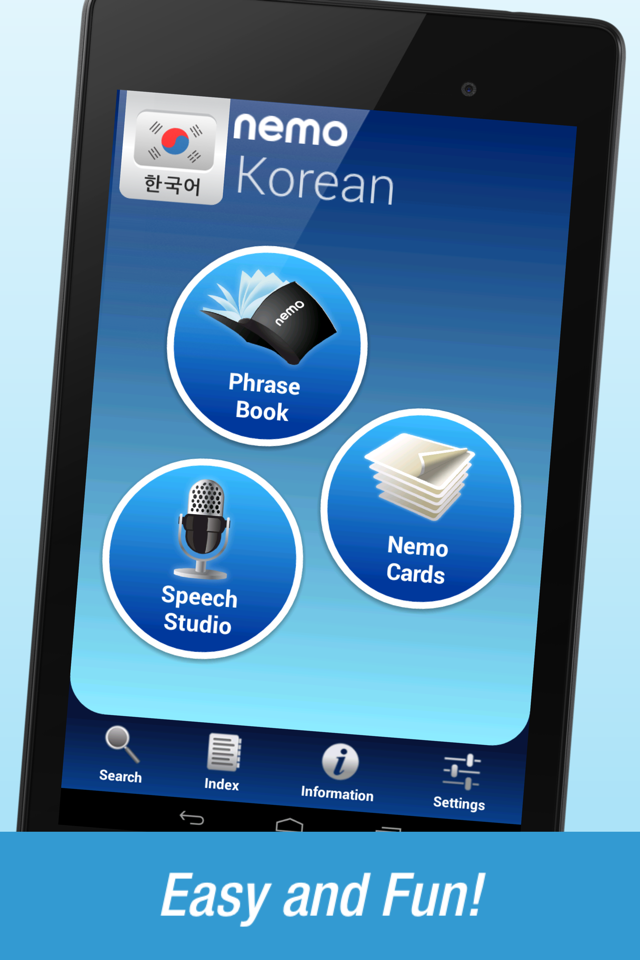
Nemo is crafted to help you quickly and confidently start speaking essential Korean words. With millions of users globally, Nemo is now accessible on Android devices.
Features
✓ Every Korean term is pronounced distinctly in high-quality audio by a native speaker.
✓ All audio files are stored on your device, making them available offline or even when in airplane mode.
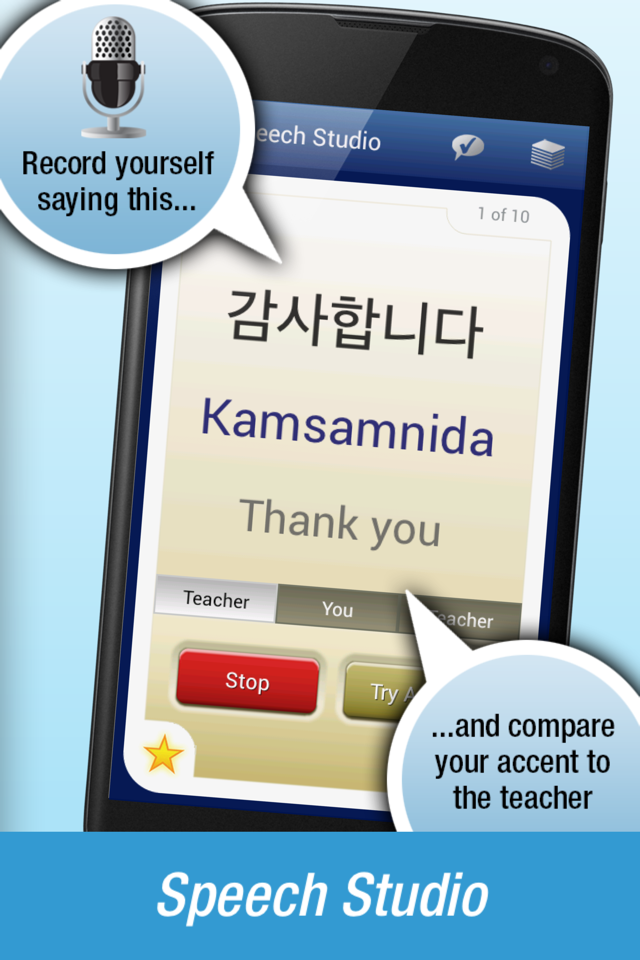
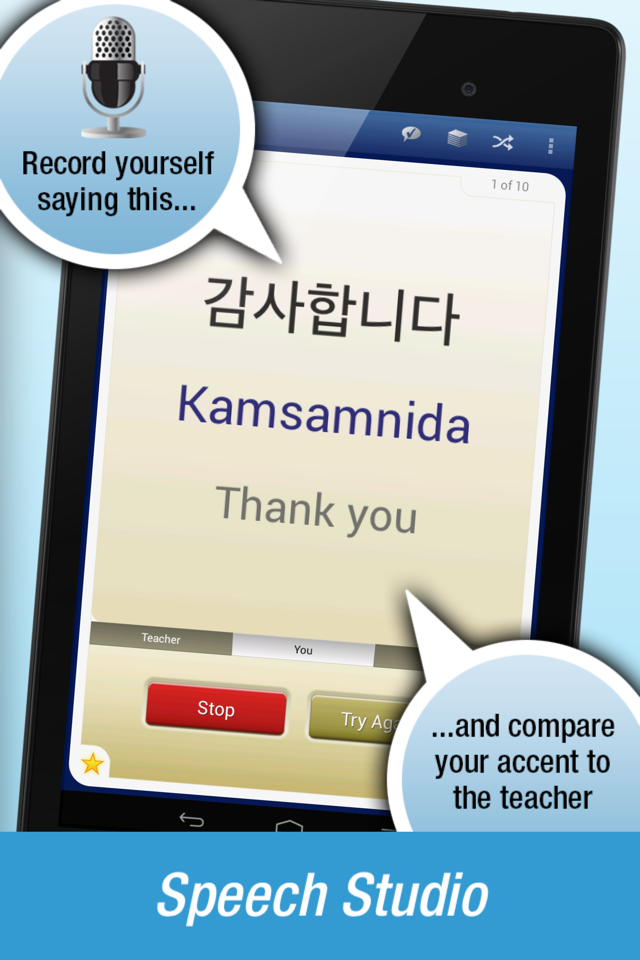
✓ Refine your accent with the Speech Studio feature. Record yourself articulating a phrase and then listen to your voice alongside that of the instructor's. Try again and be surprised at how swiftly your foreign accent diminishes.
✓ Nemo is not structured around traditional lessons; instead, it's designed for quick use throughout your day whenever you have spare moments.
✓ NO PREVIOUS EXPERIENCE with Korean is necessary.
Highlights
- Easy to get started, no Korean language knowledge required.
- Available offline, perfect for fragmented learning.
- Focuses on practical expressions, catering to the needs of users of all levels.
- Free to download, offering excellent value.
What we do?
*Nemo focuses on the most frequently used words and phrases in conversation.
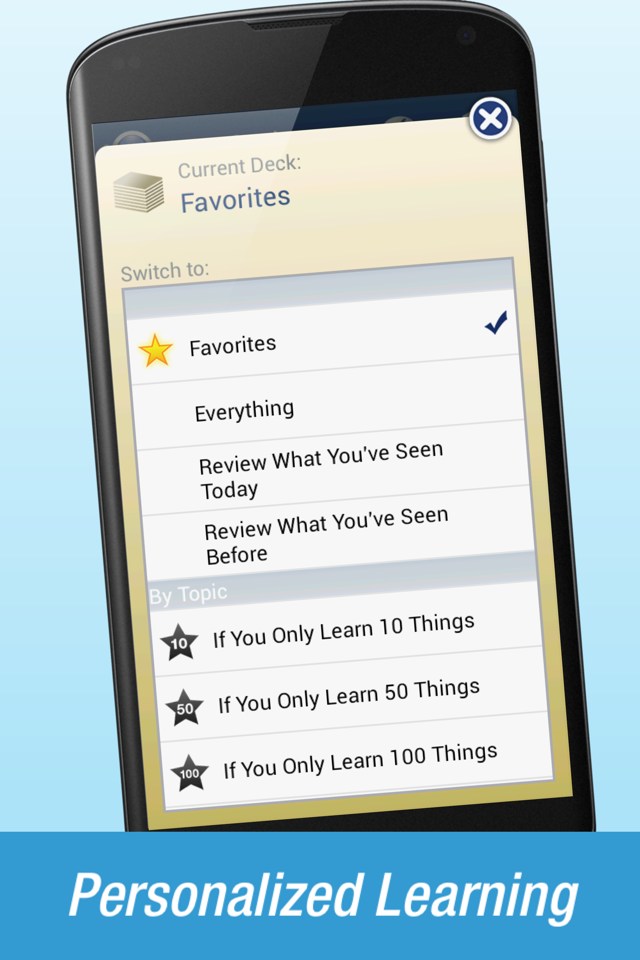
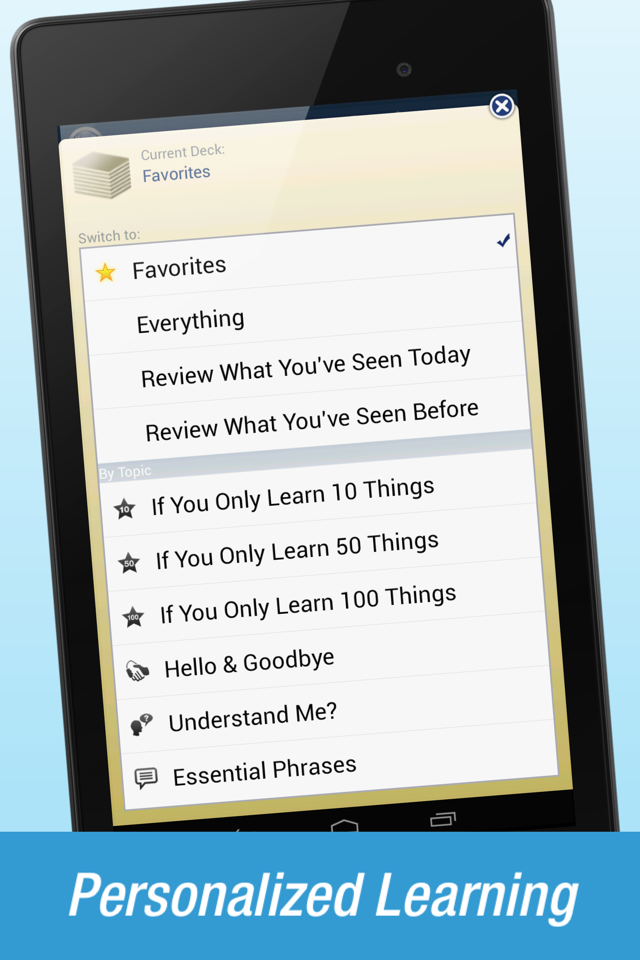
- For newcomers, there are curated lists such as “If You Only Learn 10 Things,” “If You Only Learn 50 Things,” and “If You Only Learn 100 Things” to swiftly get you acquainted with the basics. Intermediate learners can progress through a course emphasizing the most essential words for travel and business, enabling them to engage in conversations in Korean within a month. Advanced learners will gain the most from using the Speech Studio technology to refine their pronunciation skills.
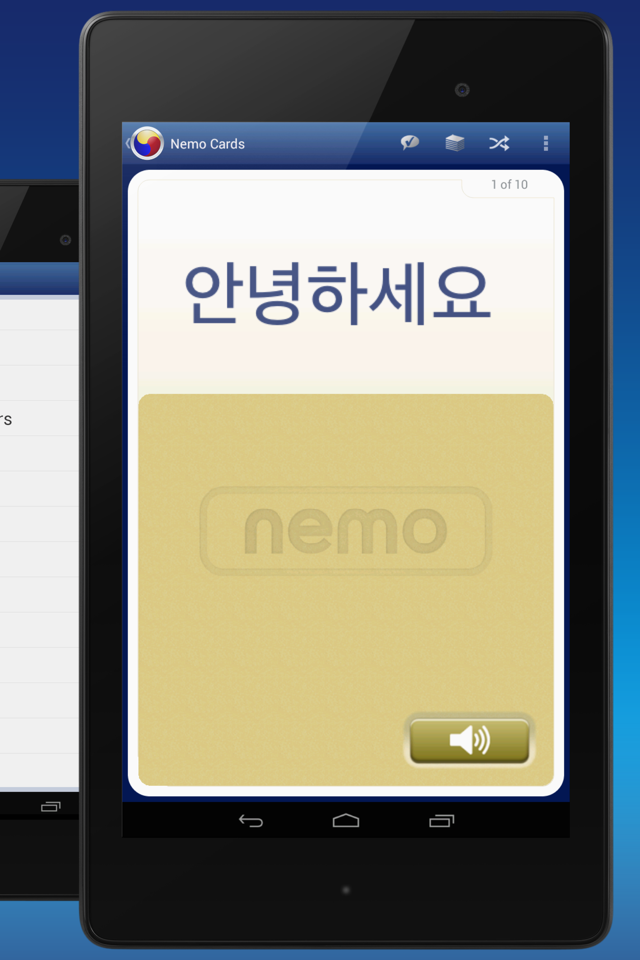
*With Nemo, you can tailor flashcards to enhance specific language abilities.
- When tackling a new topic, set up flashcards for translating from Korean to English to familiarize yourself with new vocabulary. Then, switch to translating from English to Korean to sharpen your recall and speaking skills. For complete mastery, focus on cards aimed at enhancing your listening skills and perfecting your pronunciation.
*You can mark any card as a favorite, which allows you to create a personalized deck to concentrate on key vocabulary.
- Activate Review Mode to revisit what you practiced earlier in the day, reinforcing your memory retention.
*Explore subjects you wish to learn whenever you desire.
- The phrasebook provides rapid access to vocabulary using a Korean-English dictionary interface. Additionally, Nemo serves as a translation tool; simply locate the required words in the search function and play the corresponding audio through your device.
◆ Venture off the beaten path or find comfort in traveler-specific phrases.
◆ Enhance your skills with numbers, essential verbs, and foundational sentence structures.
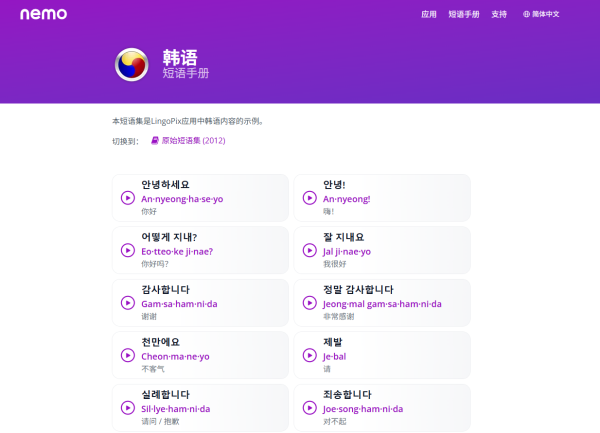
Korean is primarily spoken in South Korea, particularly in the cities of Seoul, Incheon, and Busan. It is typically written using the Hangul script. Within this app, you can see Korean words displayed in Hangul, Roman characters, or both.
Utilize your newfound abilities to forge friendships, impress acquaintances, bring joy to children, navigate situations, experience new adventures, converse with confidence, and enrich your travel and cultural interactions.
Download this free application today!
Why Choose Nemo?
- The Nemo Method: Streamlines language learning for greater ease
- Speech Studio: Hone your accent to speak like a native
- Personalized Learning: Practice the language in your own way
- Instructive Audio: High-quality recordings by native speakers
- Dual Function as Translator: Quick word lookup via practical search and index tools
- Focus on Essentials: Master only what’s needed for effective communication
FAQS
1. What type of app is Nemo?
It's a language learning app that helps users quickly learn basic Korean expressions. It's suitable for beginners and learners at all levels, and is compatible with Android devices.
2. What are the features of Nemo's audio feature?
All Korean vocabulary and phrases are recorded in high-definition audio by native speakers. The audio is stored locally and can be used offline or in airplane mode.
3. How can I use Nemo to improve my pronunciation?
Use the "Speech Studio" feature to record your own pronunciation and compare it with native speakers. Repeated practice can quickly reduce your accent.
4. What can learners of different levels learn on Nemo?
Beginners can get started quickly with the "10/50/100 Must-Learn Words" app. Intermediate users can learn core travel and business vocabulary to help them have simple conversations within a month. Advanced users can master their accent.
5. Can I customize my learning content?
Yes, you can create personalized flashcards (for example, switching between Korean-to-English and English-to-Korean modes), bookmark cards to create your own vocabulary bank, and use "Review Mode" to consolidate your learning.
6. Does Nemo have a dictionary or translation function?
Yes, it has a built-in Korean-English dictionary and translation tool. You can search for words and play corresponding audio for instant reference.
7. What kind of text is supported for learning content?
It supports Hangul, romanization, or both to meet the needs of different learners.
8. Is Nemo free?
Yes, the app is free to download and use.
- Version1.3.1
- UpdateOct 08, 2026
- DeveloperNemo Apps LLC
- CategoryEducation
- Requires AndroidAndroid 4.1+
- Downloads216K+
- Package Namecom.nemoapps.android.korean
- Signature24aed0245b530774a9f07d89d94f81c9
- Available on
- ReportFlag as inappropriate
-
NameSizeDownload
-
23.09 MB
-
21.41 MB
-
20.36 MB


















Better iOS version performance
Continuous background listening functionality
Flashcard setup for effective learning
Feature for comparing pronunciation with the teacher
User-friendly navigation
Options to learn multiple phrases or words
Ability to record and playback voice
Supports both formal and informal language
Accurate representation of native words in Roman script
Difference in app performance between iOS and Android
Missing five words a day feature
Limited free access to additional content
Room for improvement on flashcard features
No option for visual aids alongside vocabulary
Lack of consistent updates across platforms
Potential need for video lectures
More variety needed in available words