
Merge Explorer - Science simulations & exploration
Dive into interactive science with engaging simulations that make learning hands-on & fun for students K-8!

- 1.7.17 Version
- 2.5 Score
- 234K+ Downloads
- In-app purchases License
- 3+ Content Rating


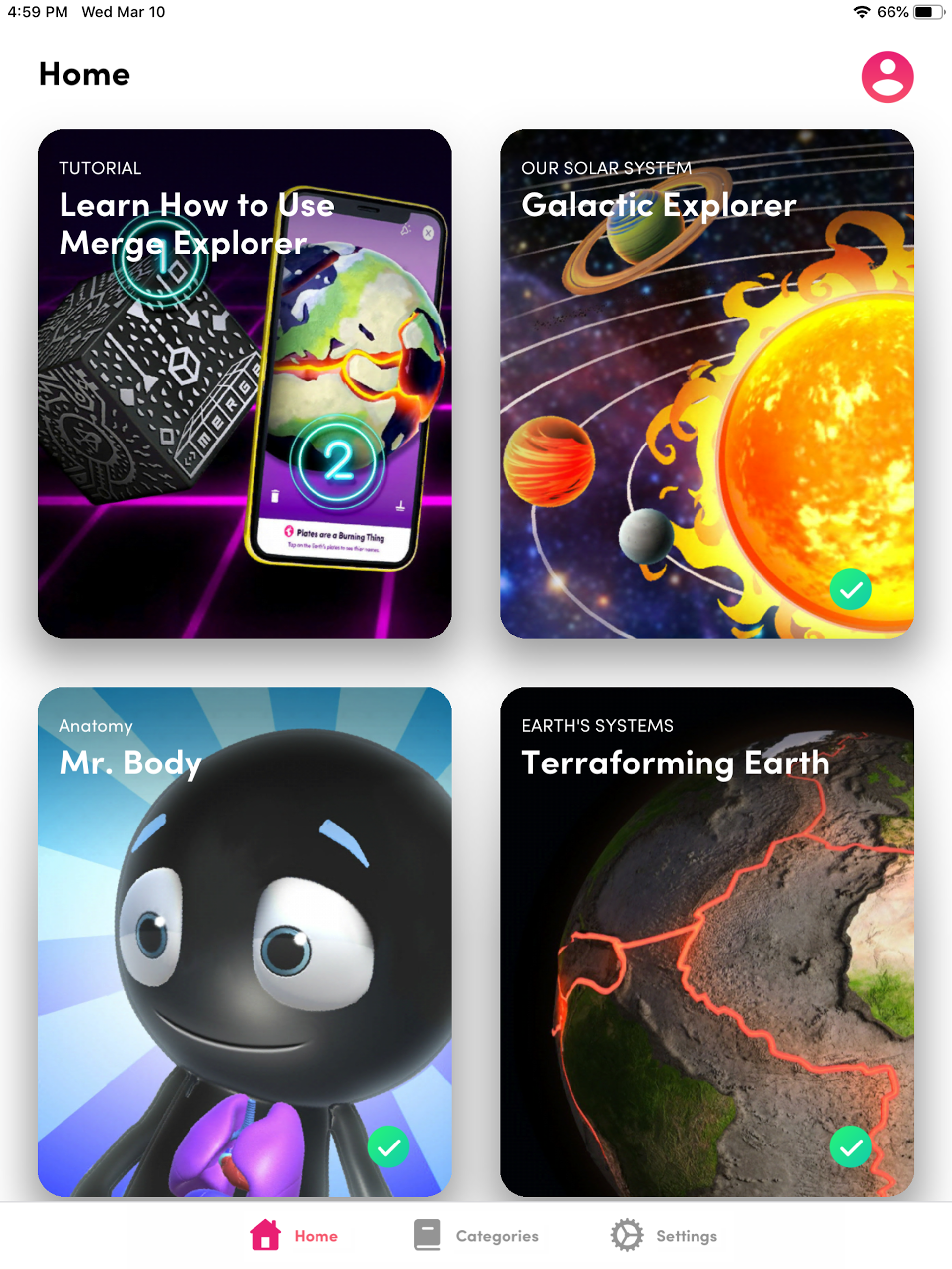
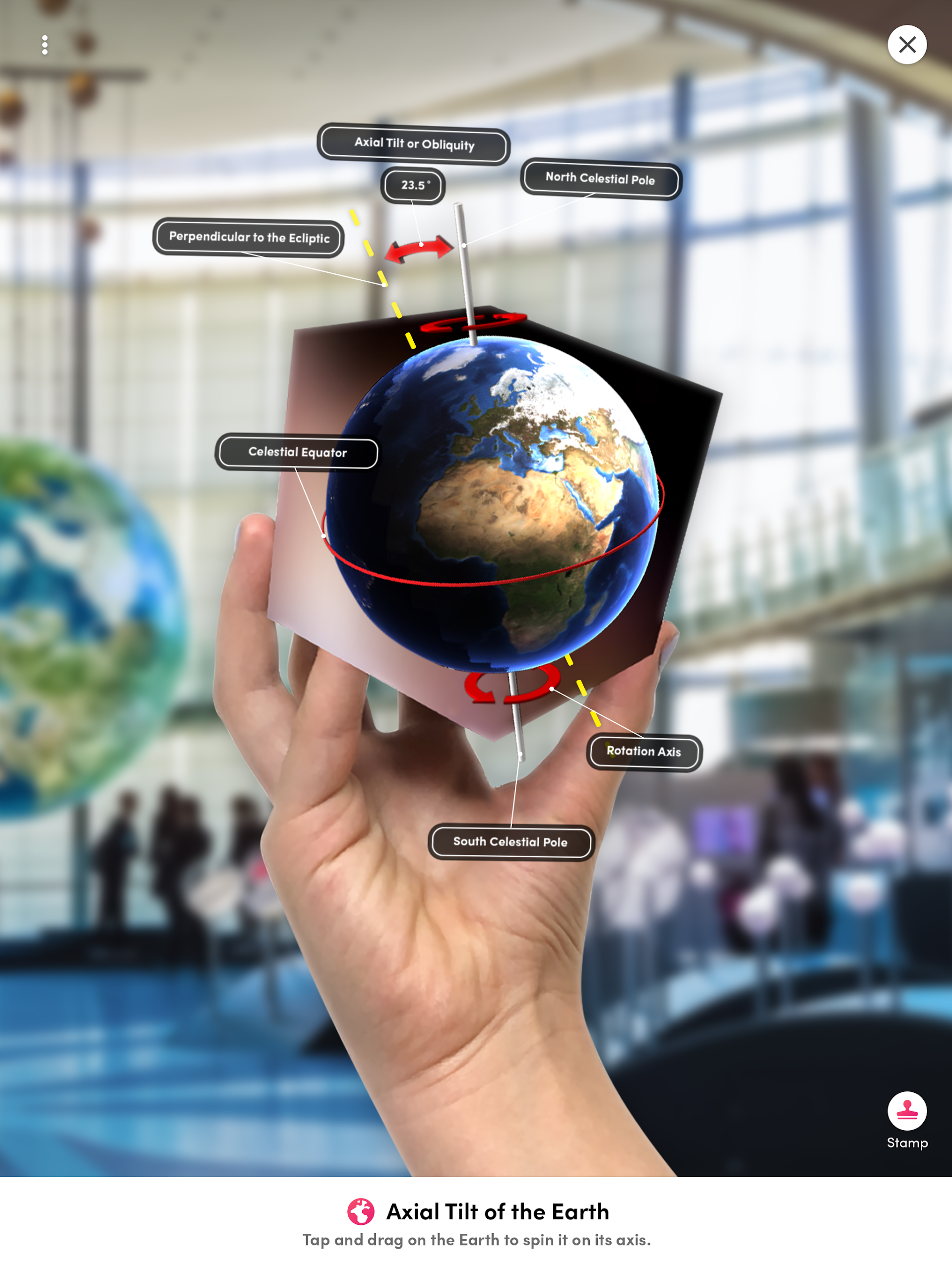
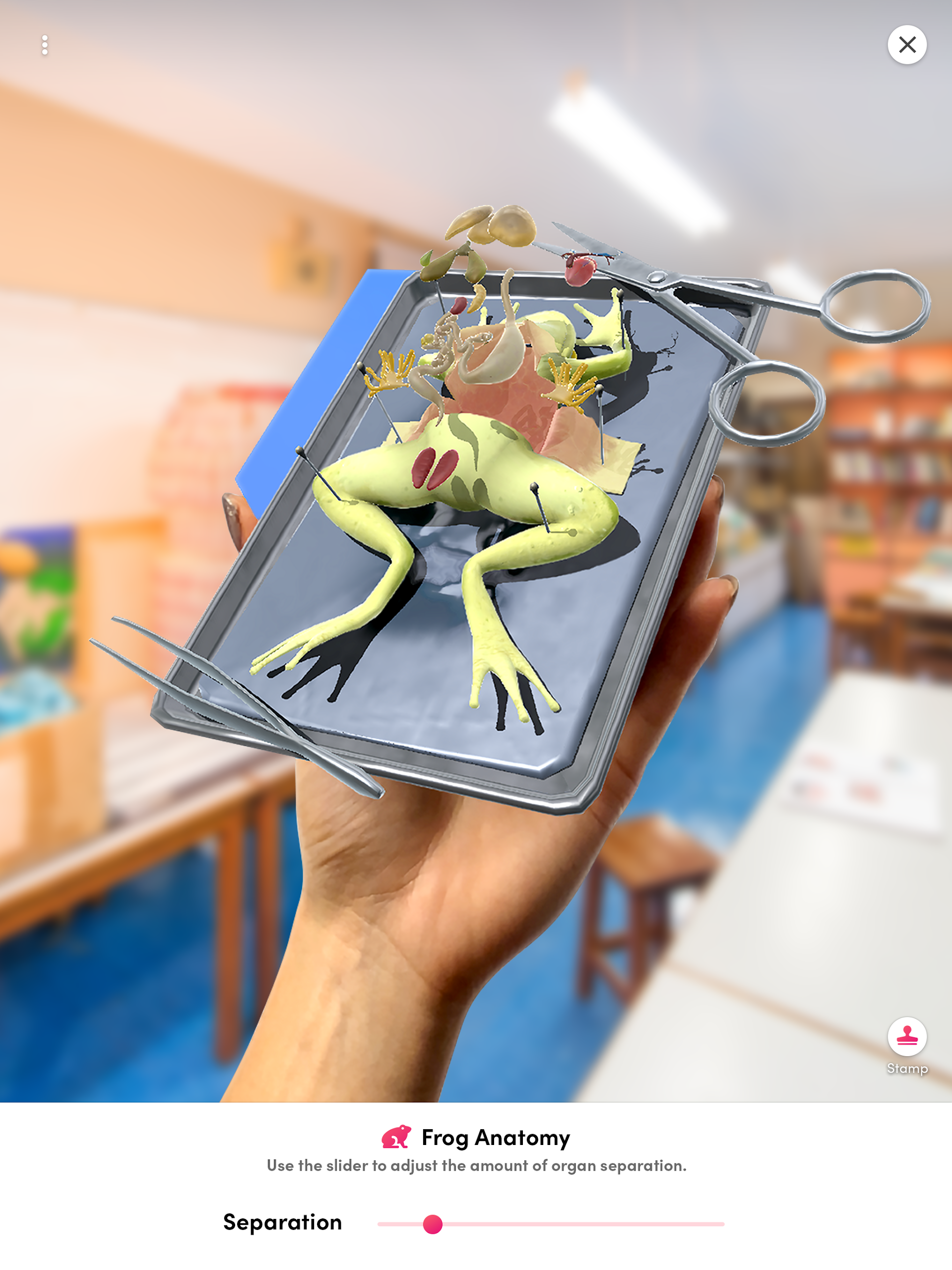
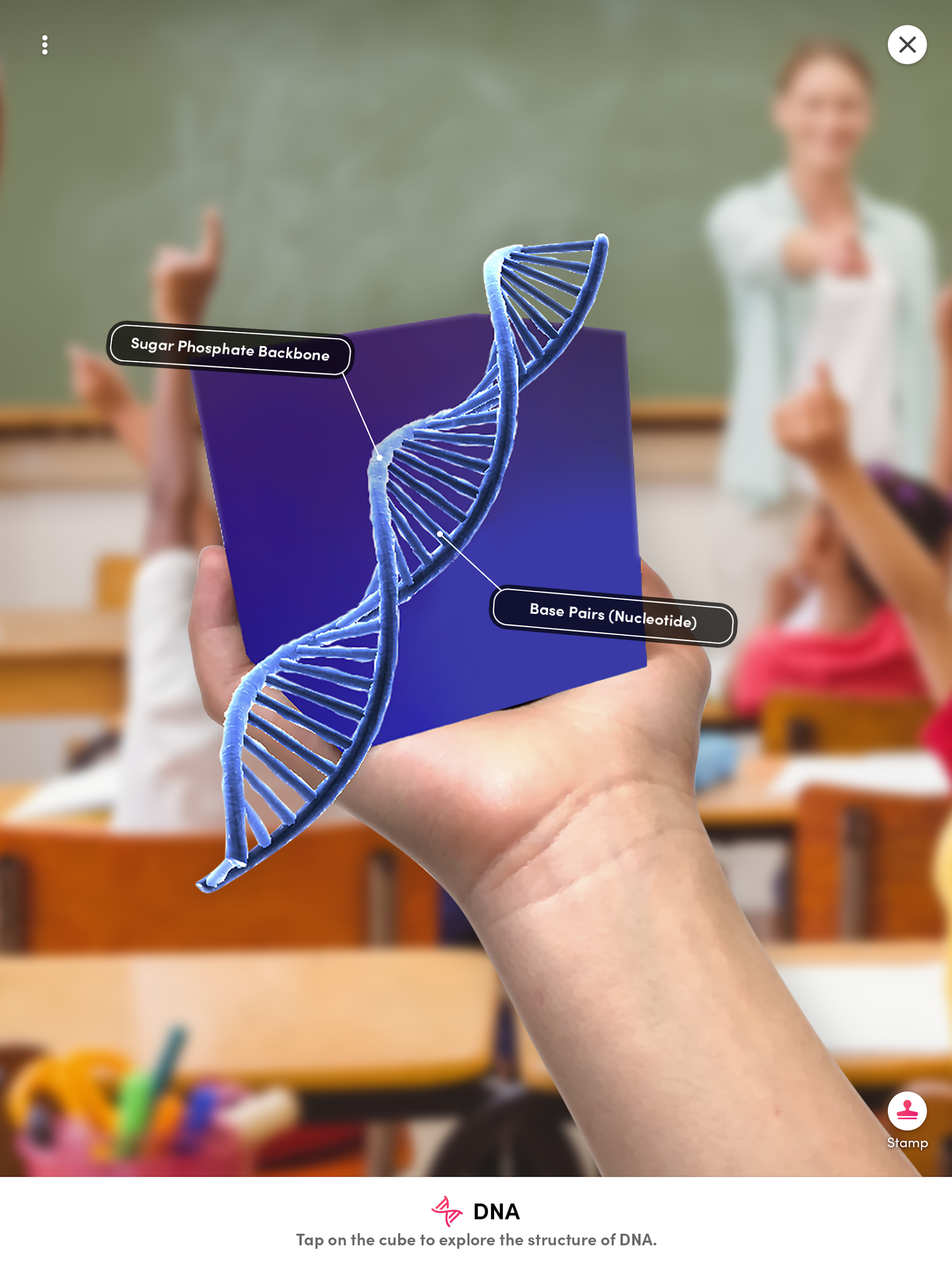
About Merge Explorer:
Merge Explorer is the official 3D and AR science-learning app by Merge EDU, built to make K-8 STEM concepts something students can see, hold, and explore. The Merge Explorer app is not a static textbook viewer — it turns abstract science into more than 100 interactive simulations students control with a smartphone, tablet, or Merge Cube.
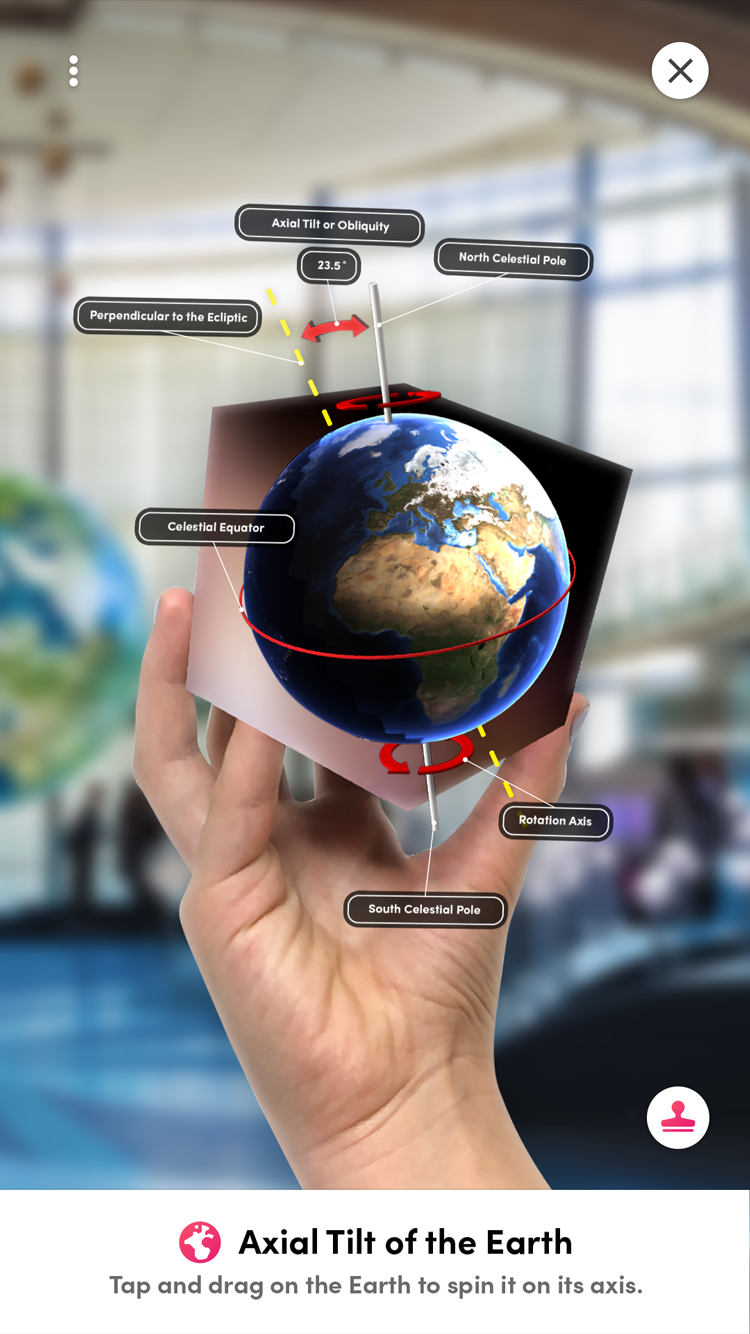
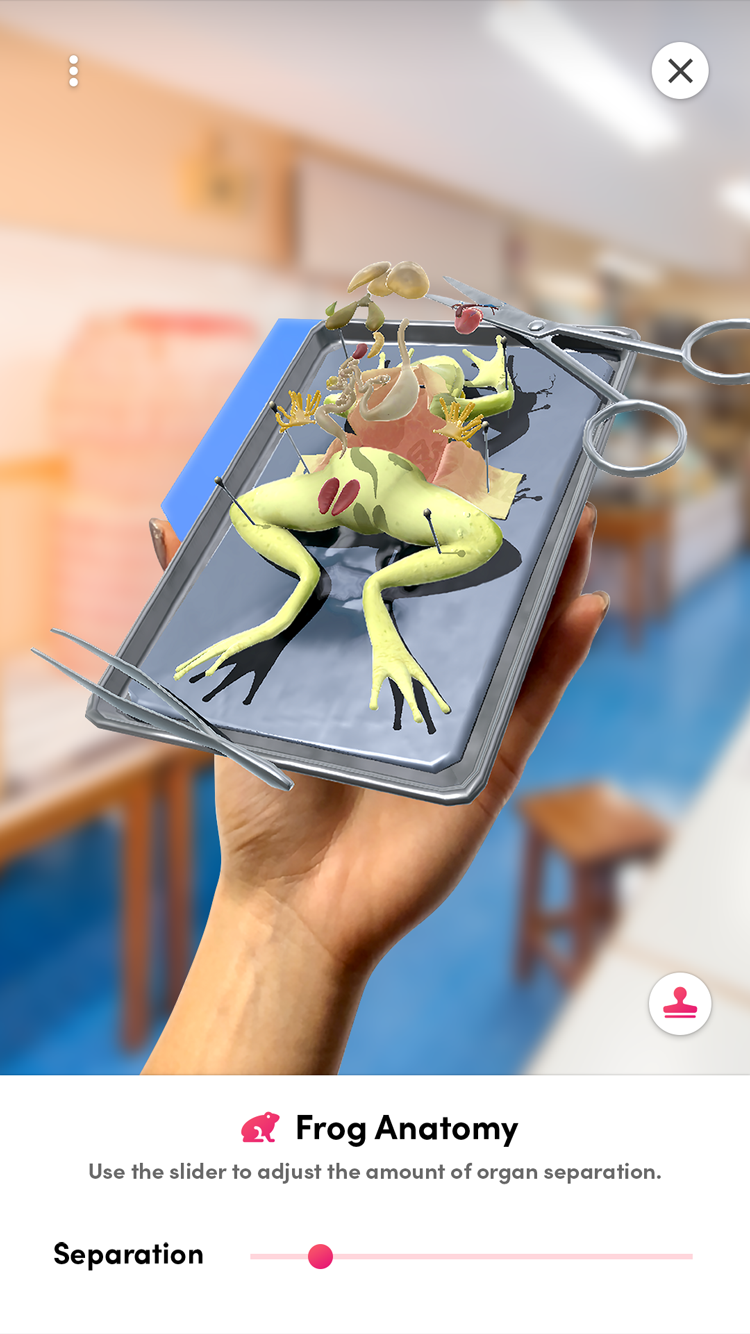
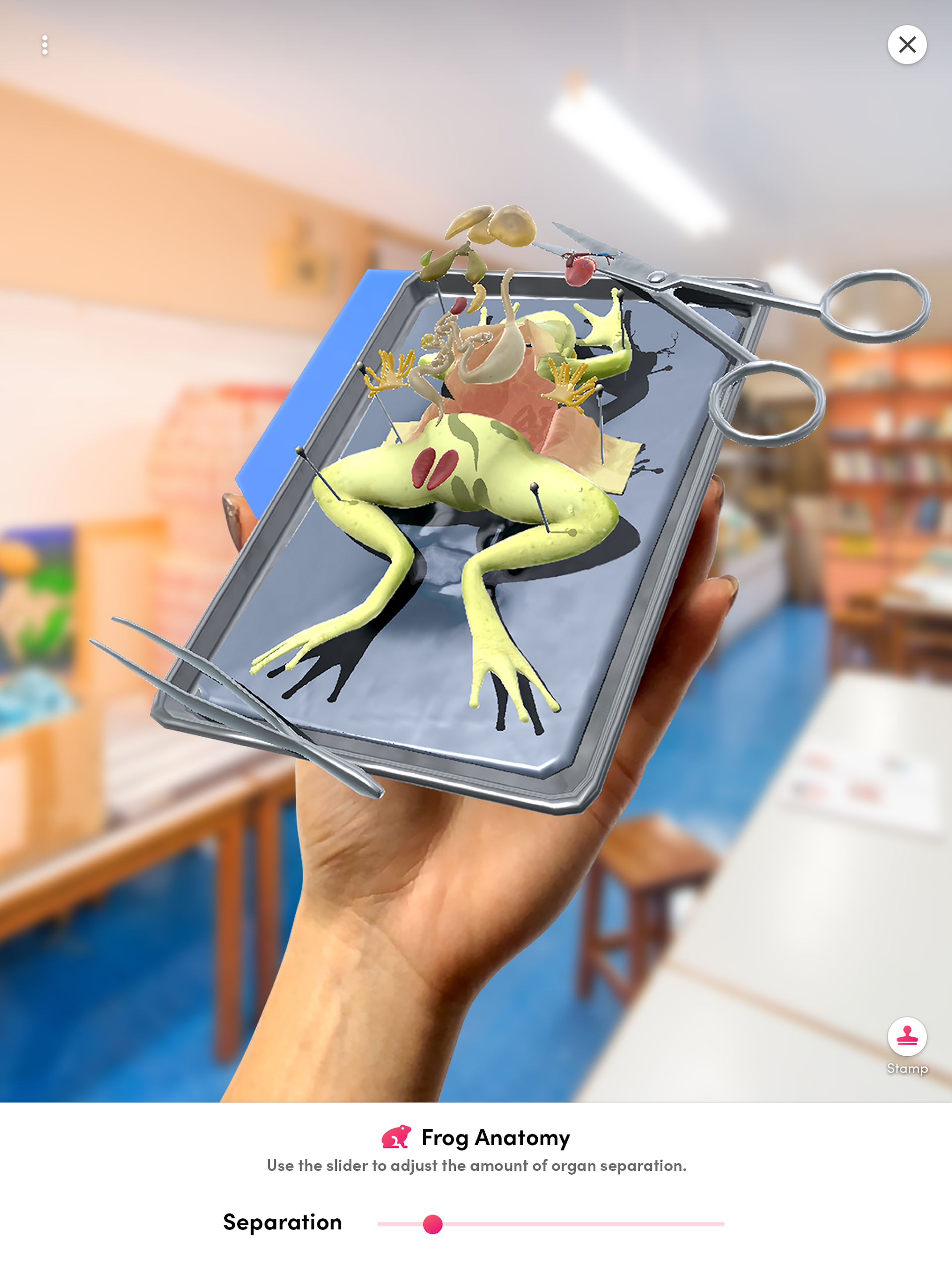
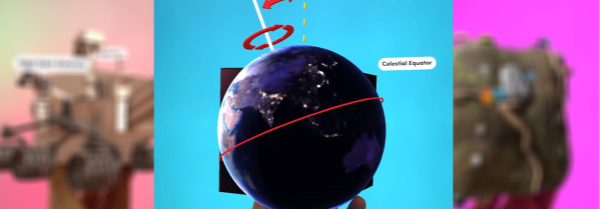
Inside Merge Explorer, learners can hold a beating heart, inspect a great white shark, rotate the solar system, trigger a volcanic eruption, dissect a frog, and walk through the water cycle. The Merge Explorer app pairs digital objects with hands-on discovery, so complex lessons in biology, physics, chemistry, and astronomy become visual and tactile instead of memorized.
Store-ready features:
100+ interactive 3D/AR science simulations inside Merge Explorer
Merge Cube support to hold and manipulate digital models
Multiple interaction modes — 3D viewer, hand tracking, head look, cube mode
NGSS-aligned K-8 content across physical, life, and earth/space science
Built-in activities and quizzes for classroom or at-home learning
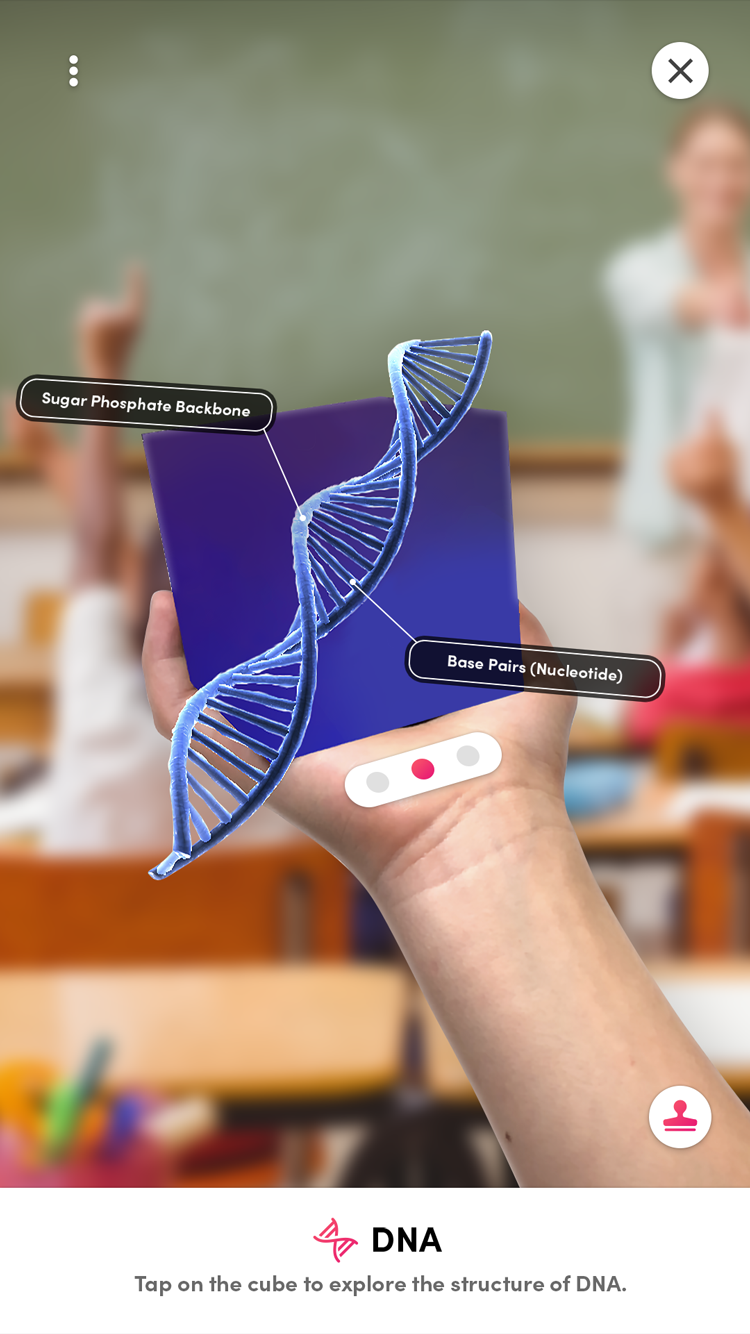
Labels and points of interest to explain each simulation
Multisensory learning through visual, auditory, kinesthetic, and tactile input
Library and collections to save and reuse favorite topics
Share by link or QR code for teachers and students
Cross-platform: Android, iOS, Chromebook, and Windows
How to Use Merge Explorer:
The Merge Explorer app runs on a discovery loop: open → find a topic → enter simulation → interact → quiz → share or save.
Quick guide:
Install Merge Explorer from Google Play or the App Store.
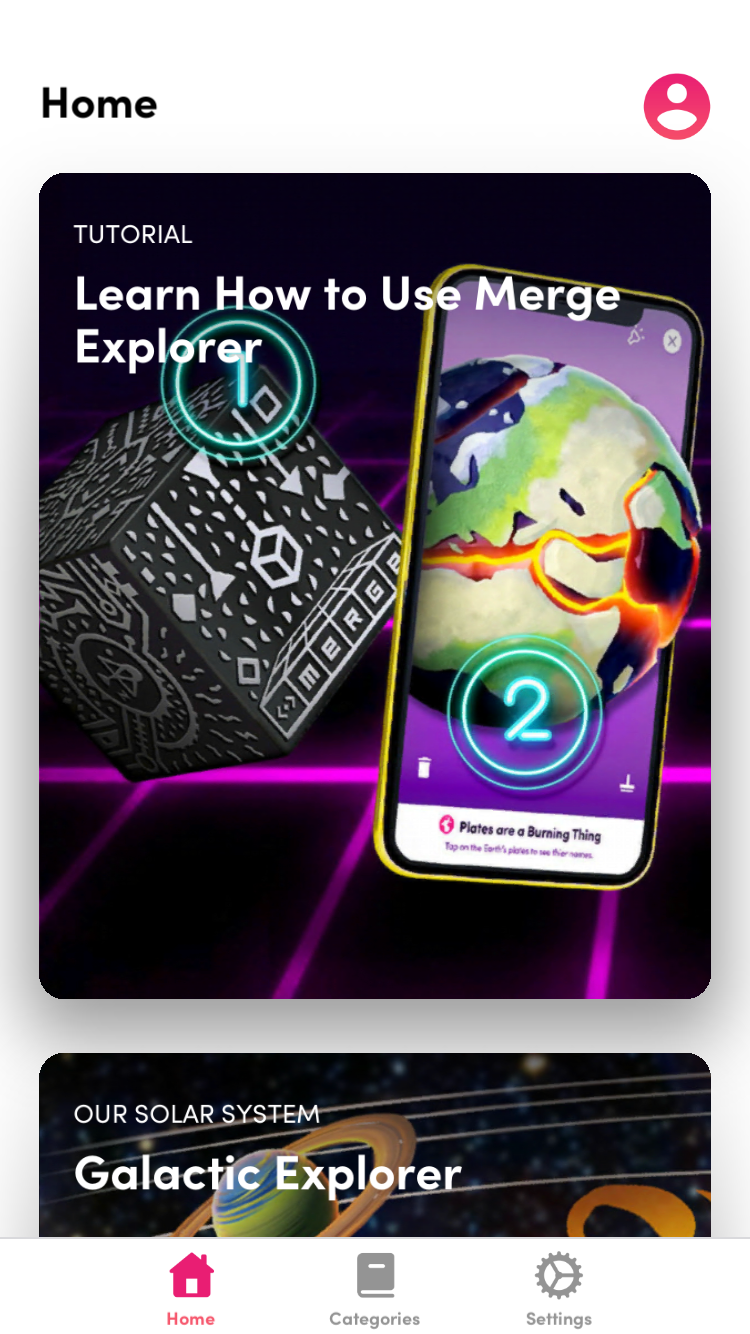
Open the Merge Explorer app and browse 100+ topic cards.
Search by keyword or scroll through science categories.
Tap a simulation — volcano, solar system, frog, heart, water cycle.
Explore the 3D model: rotate, zoom, and tap points of interest.
Toggle labels to learn structures and definitions.
Switch interaction modes — 3D viewer, hand, head, or Merge Cube.
Complete built-in activities and quizzes to check understanding.
Save simulations to your library or a custom collection.
Share content with students or classmates through link or QR code.
Tips:
Use Merge Cube mode for the most immersive lessons — Merge Explorer is designed around holding the model.
Teachers should pre-save topic cards into collections before class to avoid searching during lessons.
Keep device storage free; the Merge Explorer app is large because of high-quality 3D assets.
Merge Explorer FAQ and Status:
Who develops Merge Explorer?
Merge EDU, operated by Merge Labs Inc. Package ID iscom.MergeCube.EDUExplorer.
Do I need a Merge Cube?
The Merge Explorer app works in flat 3D mode without one, but the full hands-on experience requires a Merge Cube and a camera-capable phone or tablet.
What subjects are covered?
Physical science, life science, earth and space science — with NGSS-aligned content for K-8 learners.
Is it free?
Merge Explorer is free to download. Full educational content and classroom features use Merge EDU subscriptions or school licenses.
What platforms are supported?
Android, iOS, Chromebook/ChromeOS, and Windows 10/11.
Why Install Merge Explorer:
Install Merge Explorer if you want science lessons that move from diagrams to hands-on discovery.
Best-fit users:
K-8 students learning biology, physics, or space
Teachers building interactive STEM lessons
Homeschool families wanting visual science tools
Libraries running hands-on discovery programs
Parents who want screen time with learning value
Schools using Merge Cube classroom kits
Visual and kinesthetic learners who struggle with textbooks
- Version1.7.17
- UpdateOct 23, 2026
- DeveloperMerge EDU
- CategoryEducation
- Requires AndroidAndroid 6+
- Downloads234K+
- Package Namecom.MergeCube.EDUExplorer
- Signatureec730e38f9273ef399504c84cb388af7
- Available on
- ReportFlag as inappropriate
-
NameSizeDownload
-
1.81 GB
-
1.90 GB
-
1.91 GB



















Effective learning tool for students
Engaging educational content
Interactive activities and quizzes
No ads for a focused experience
Provides full access with educator platform
Constant updates and additional lessons
Potential for augmented reality in classrooms
Enhances understanding of complex subjects
App freezes during use
Long loading times and issues downloading
Locked features despite subscription
Unreliable performance on certain devices
Confusing pricing model with hidden costs
Poor customer support for refunds
Difficulties focusing with the camera
Removed fun interactive games for education-focused content
Bugs and glitches persist despite updates