
Tamil dict - Tamil-English dictionary app
Discover the ultimate Tamil-English dictionary with vast vocabulary, pronunciation support, and user-friendly features for all.
- 1.29 Version
- 1.5 Score
- 150K+ Downloads
- In-app purchases License
- 3+ Content Rating

About Tamil dict:
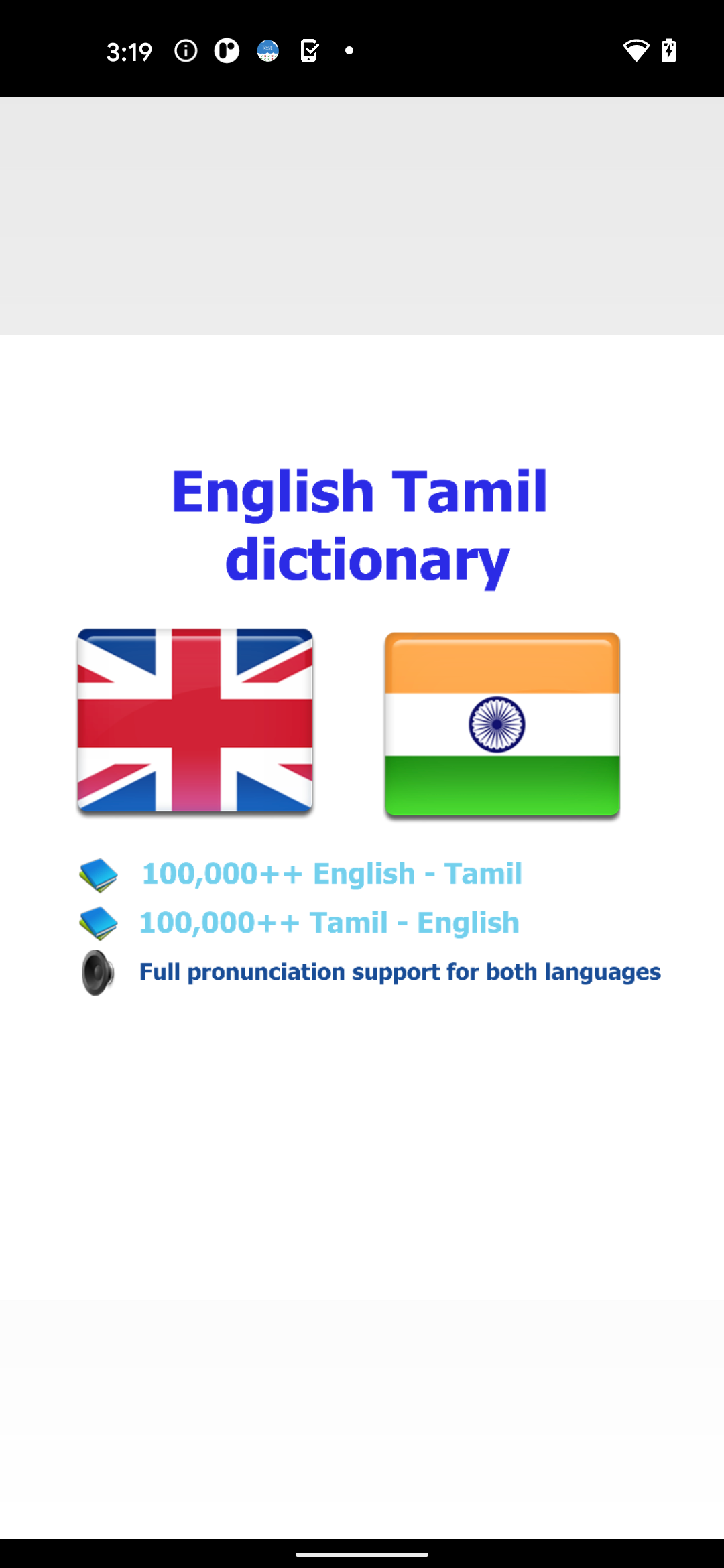
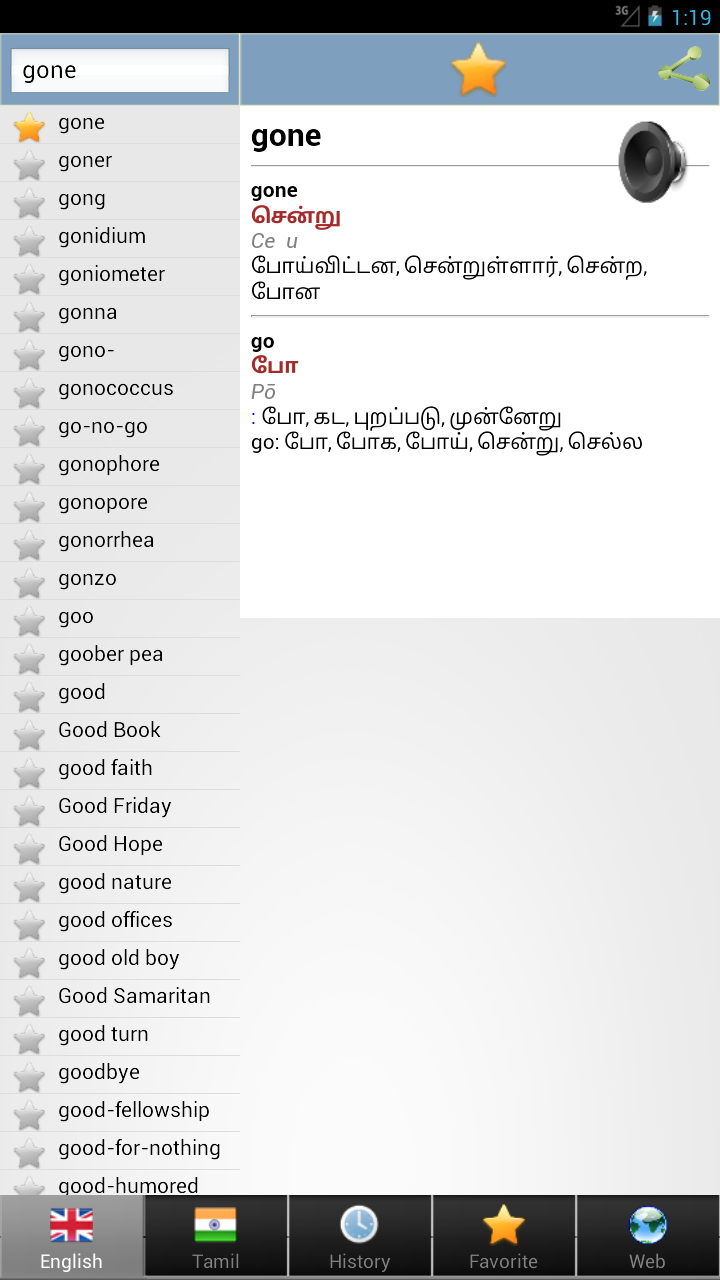
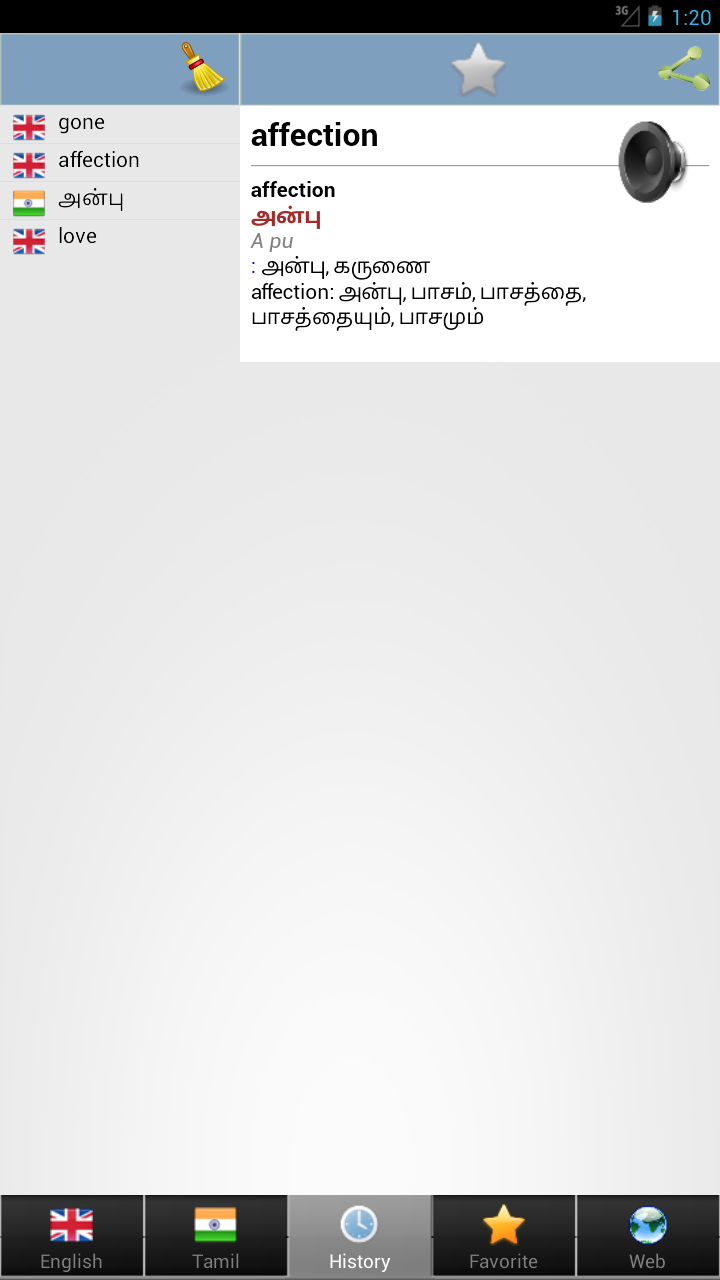
Tamil dict is the official Tamil–English dictionary app by Dictionary creator, built for students, language learners, translators, and travelers who need fast bilingual lookup on Android. The Tamil dict app is not a chatbot or translation keyboard — it is a high-coverage reference tool that works mostly offline, with rich word details, examples, and pronunciation support.
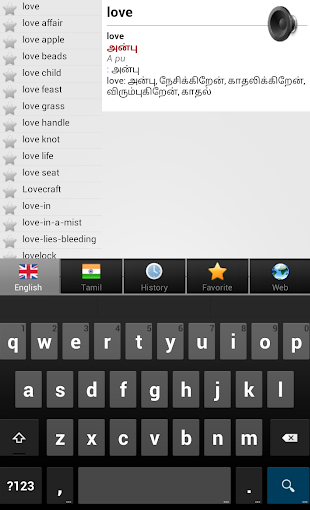
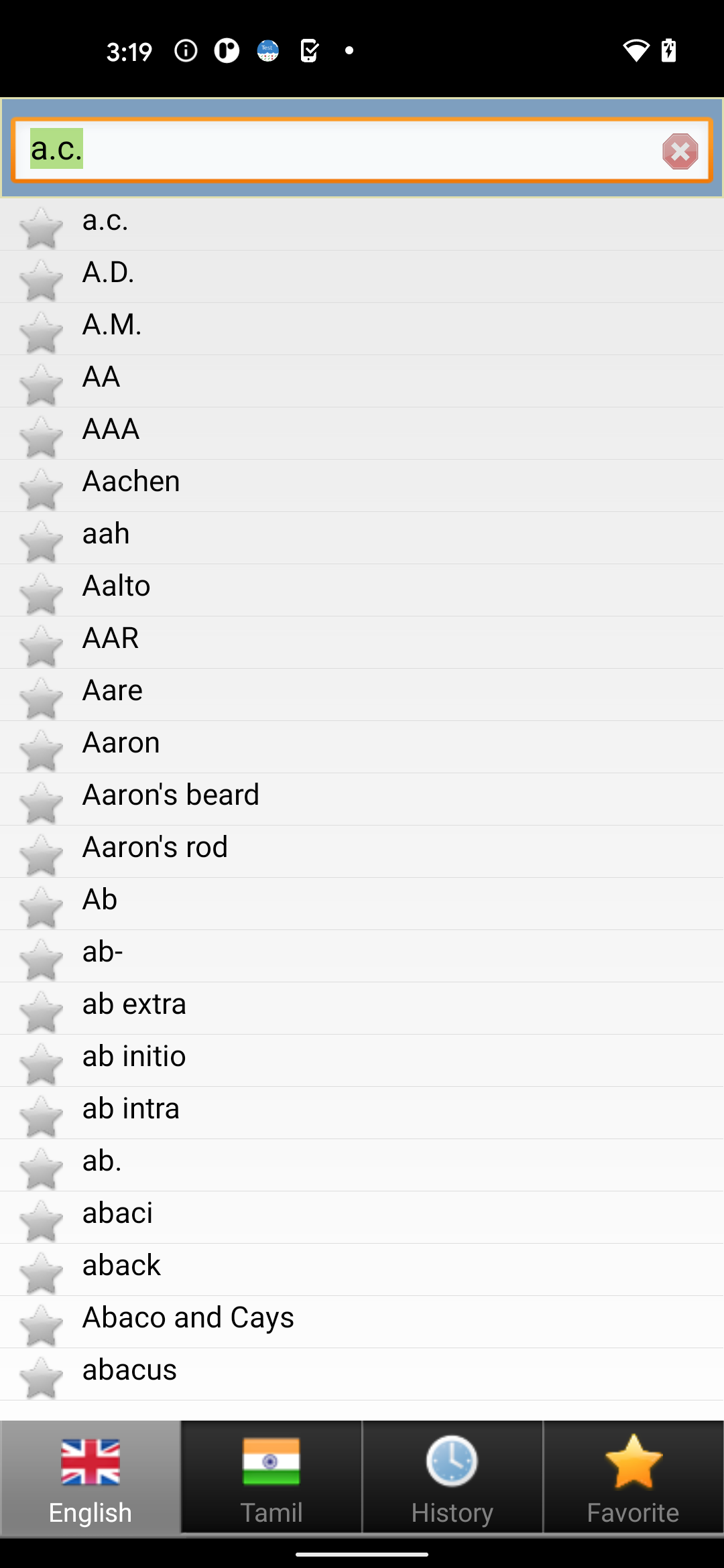
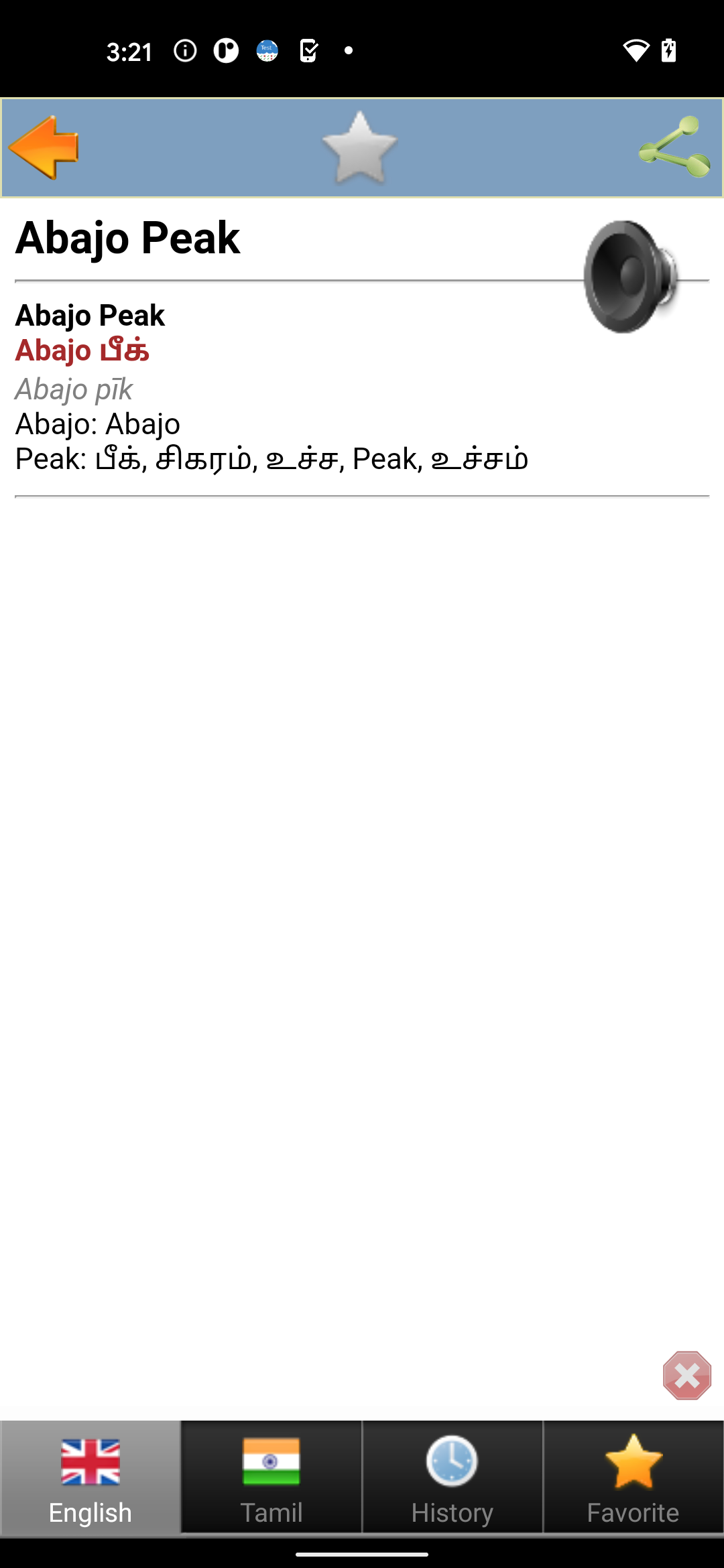
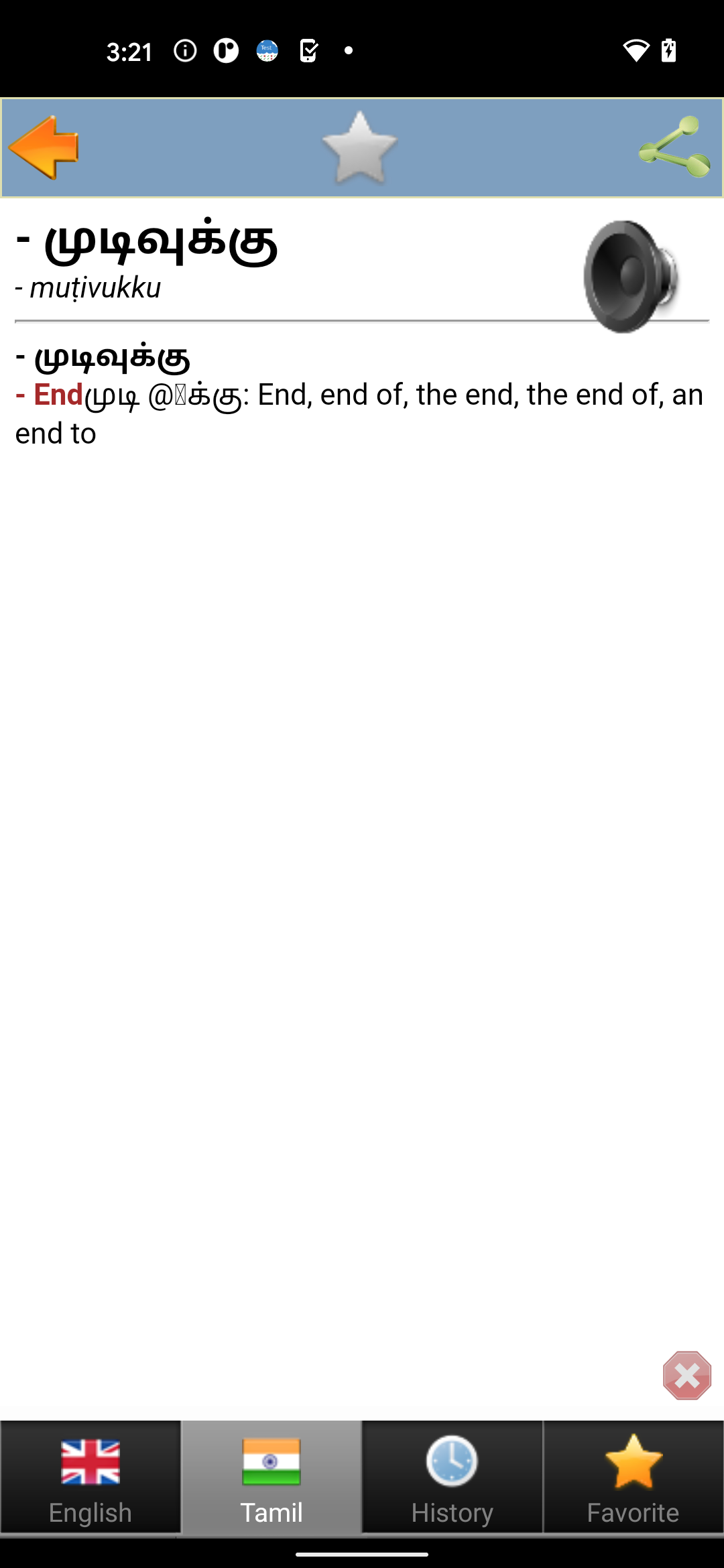
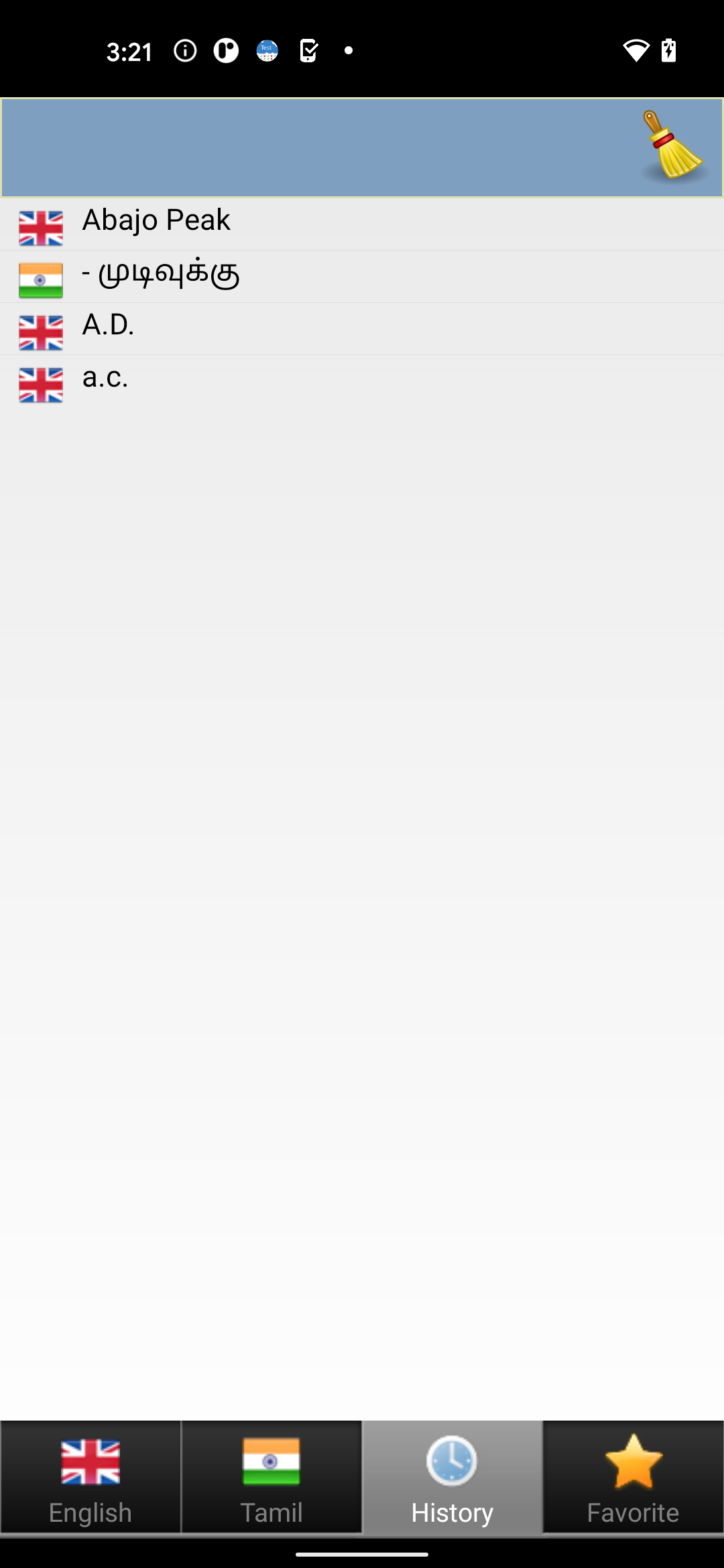
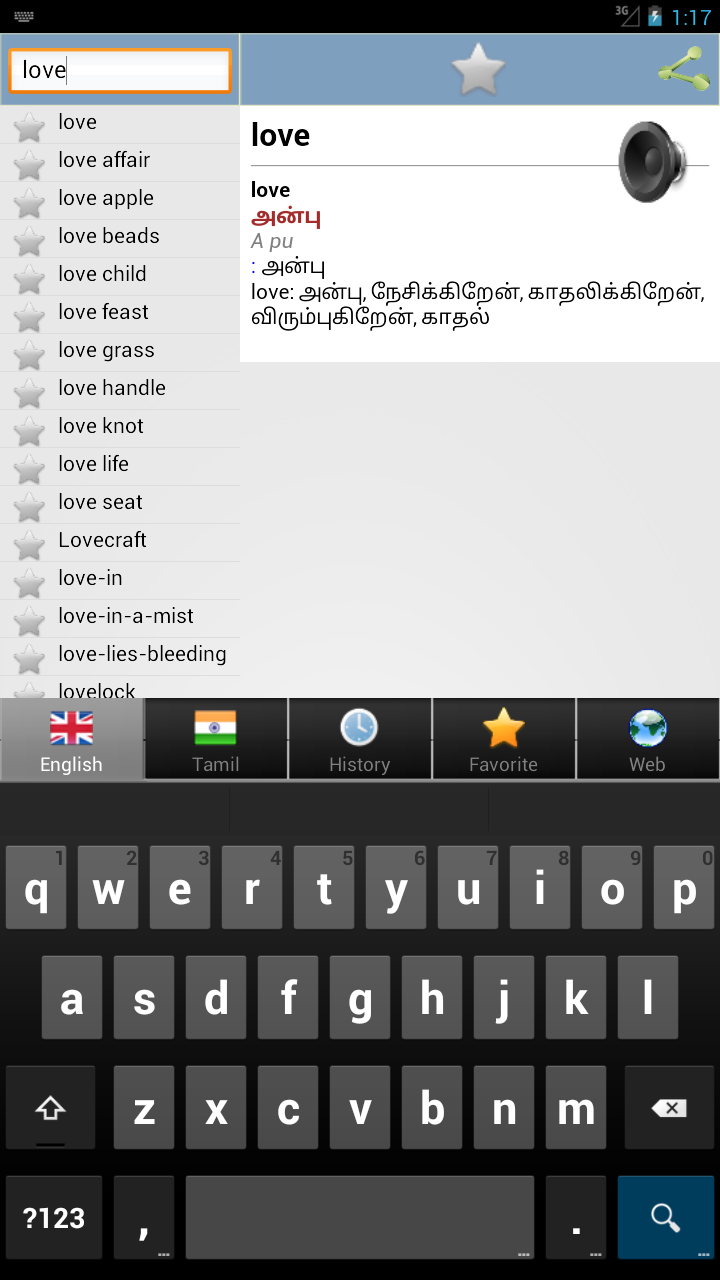
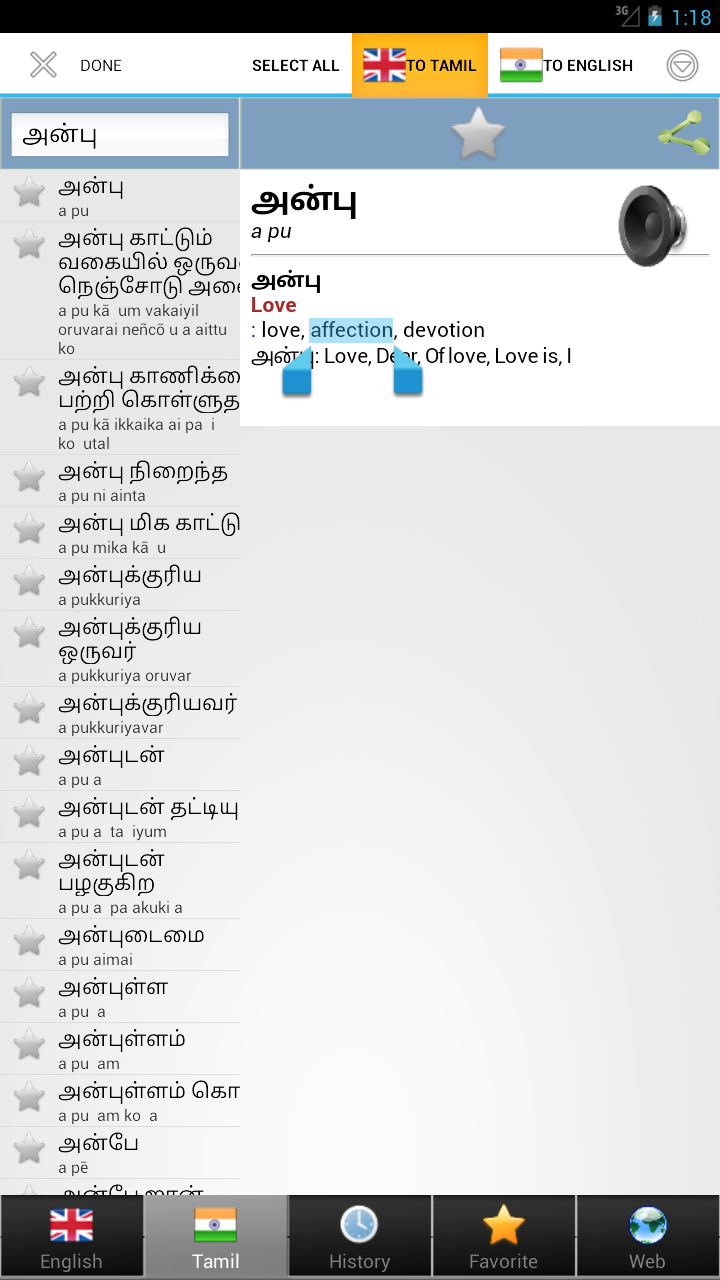
Inside the Tamil dict app, users can search English or Tamil words, read detailed definitions, study sample sentences, and hear pronunciation for both languages. It runs on phones and tablets, with offline dictionary access and online-only enhancements for audio and web functions.
Store-ready features:
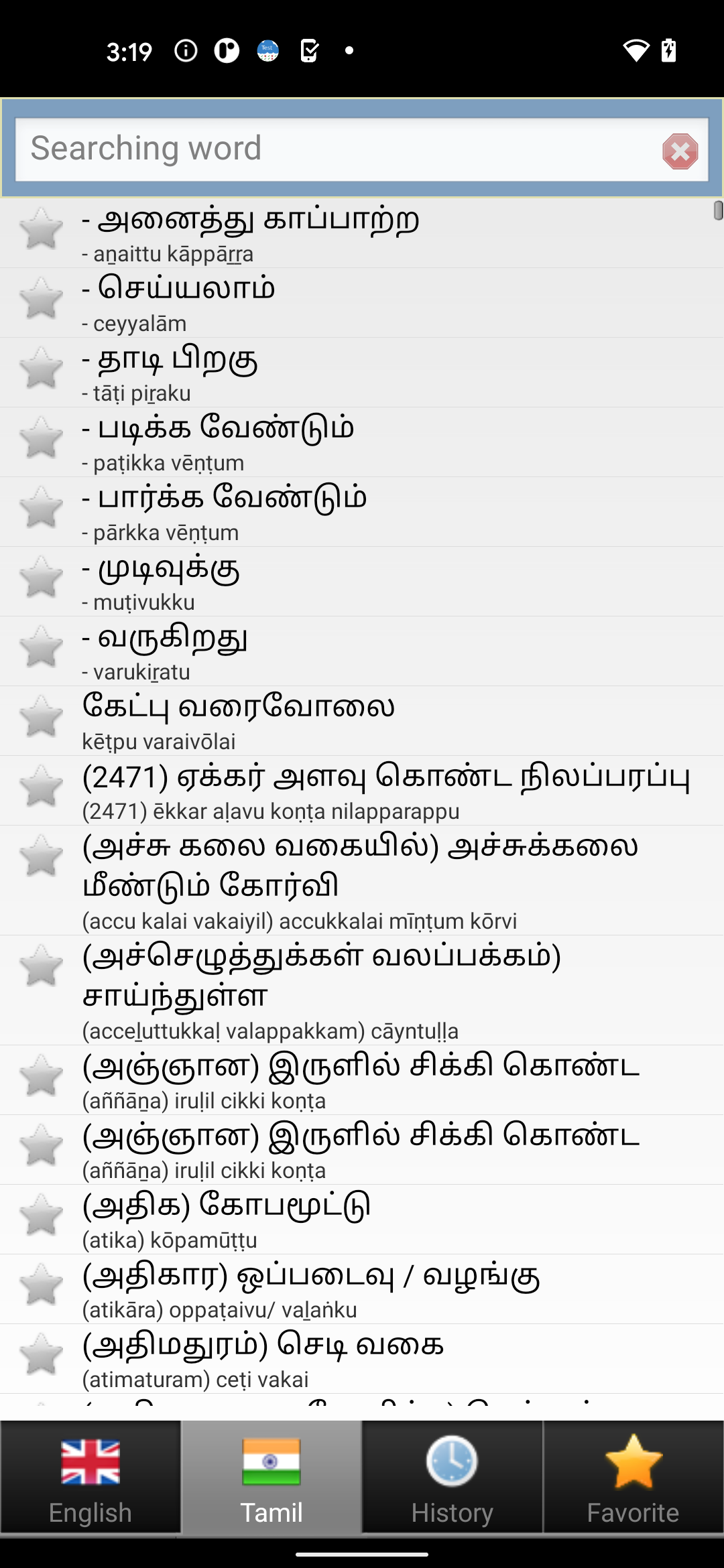
Tamil ↔ English bidirectional search inside Tamil dict
Large vocabulary covering everyday, academic, and technical terms
Detailed definitions with many sample sentences
Pronunciation for English and Tamil words
Offline dictionary mode for lookup without internet
Grammar and usage support — idioms, slang, nouns, verbs, adjectives, adverbs
Specialized terminology in medicine, math, chemistry, biology, physics, physiology
TOEFL / IELTS prep helper through examples and conjugation
One-tap translation assistance for quick reading and communication
Simple, fast UI optimized for low-friction lookup
How to Use Tamil dict:
The Tamil dict app runs on a simple learning loop: open → search word → read definition → hear pronunciation → study examples.
Quick guide:
Install Tamil dict from Google Play.
Set up a Tamil keyboard if you plan to type Tamil words.
Open the Tamil dict app and enter an English or Tamil term.
Read the detailed meaning and part of speech.
Review sample sentences to understand real usage.
Tap pronunciation to hear English or Tamil audio.
Use offline mode when traveling or studying without Wi-Fi.
Bookmark or revisit words for exam and vocabulary practice.
Explore specialized terms in medical, scientific, or technical fields.
Keep internet on when you want audio playback and web features.
Tips:
Use Tamil dict before tests like TOEFL/IELTS — example sentences help with writing and speaking.
For travel in India or Sri Lanka, download and open the app once online so offline data is ready.
Translators can use one-tap lookup to check both meaning and pronunciation quickly.
Tamil dict FAQ and Status:
Who develops Tamil dict?
Dictionary creator. Package ID isen.ta.bestdict.
Is Tamil dict free?
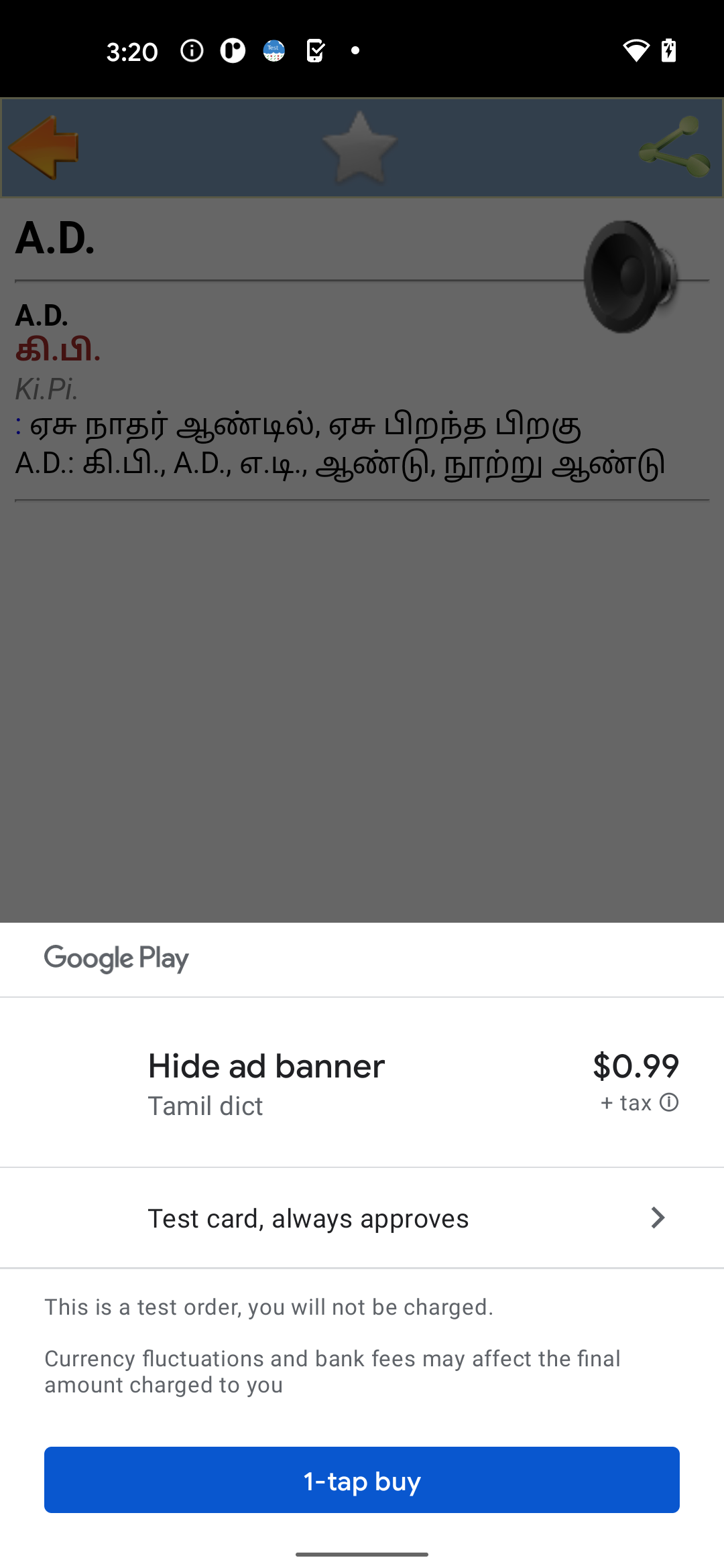
Yes. The Tamil dict app is free to install, with ads and optional in-app purchases.
Does it work offline?
Core dictionary lookup works offline. Pronunciation audio and web-browser functions need an internet connection.
What languages are supported?
Tamil and English, with bidirectional search and pronunciation.
Who should use it?
Students, researchers, English learners, translators, interpreters, and travelers who need quick Tamil–English reference.
Why Install Tamil dict:
Install the Tamil dict app if you want a fast, offline-friendly Tamil–English dictionary with strong vocabulary, examples, and pronunciation.
Best-fit users:
Tamil learners studying English
English speakers learning Tamil
Students preparing for language exams
Translators and interpreters
Researchers needing specialized terminology
Travelers in Tamil-speaking regions
Teachers building example-based lessons
- Version1.29
- UpdateOct 22, 2026
- DeveloperDictionary creator
- CategoryEducation
- Requires AndroidAndroid 6+
- Downloads150K+
- Package Nameen.ta.bestdict
- Signaturecb1060b309b8bfea80481d335cea0a24
- Available on
- ReportFlag as inappropriate
-
NameSizeDownload
-
8.76 MB
-
8.78 MB
-
8.78 MB



















High usefulness for learning Tamil and English words
Comprehensive dictionary with numerous entries
User-friendly interface
Supports communication skills improvement
Helpful for quick reference in professional settings
Enables personalized knowledge growth
Regular updates suggested for enhancements
Positive feedback on developer support
Frequent advertisements appearing after purchase
Issues with app performance leading to unstable operation
Some words lacking definitions or usage examples
Limited sharing capabilities of the app
Discrepancies in functionality across different devices
Occasional hanging and freezing problems
Missing updates that may enhance user experience