
My Town: Build Your Dream City - City building fun
Design, construct & explore interactive environments with endless customization options for kids aged 3 to 8 years
- 1.2.3 Version
- 1.9 Score
- 78K+ Downloads
- Free License
- 3+ Content Rating

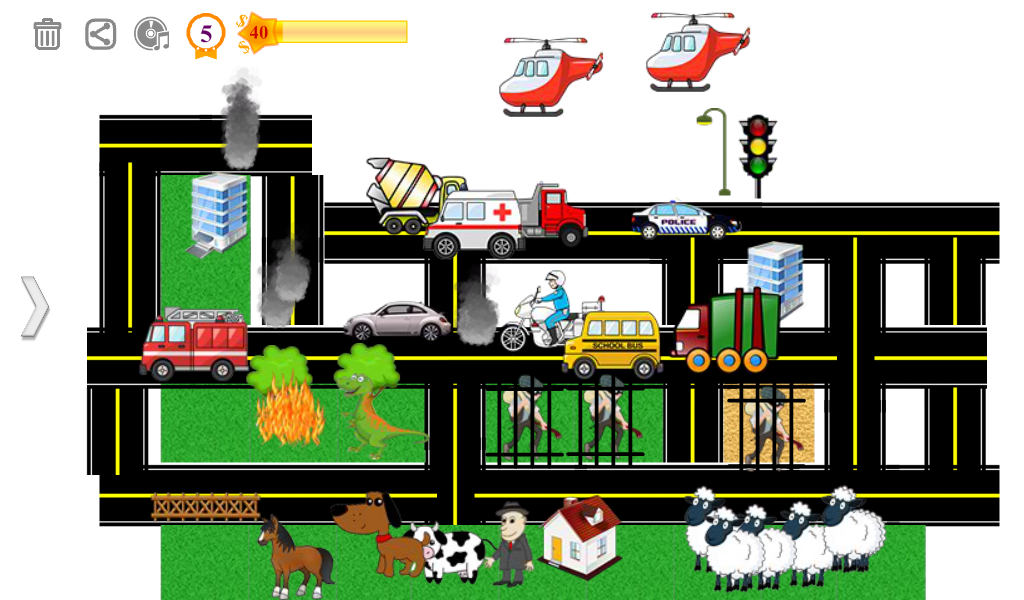
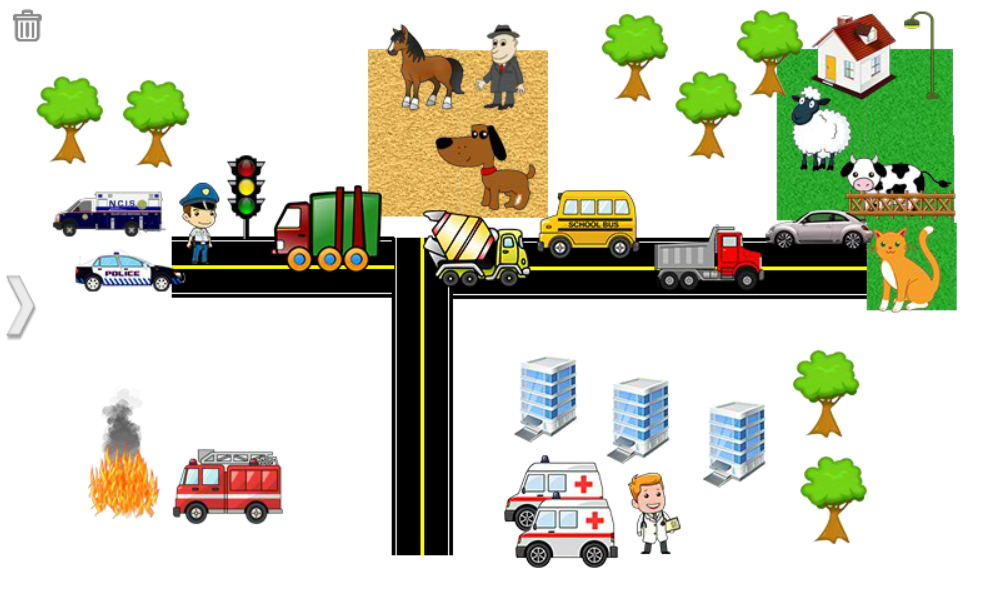
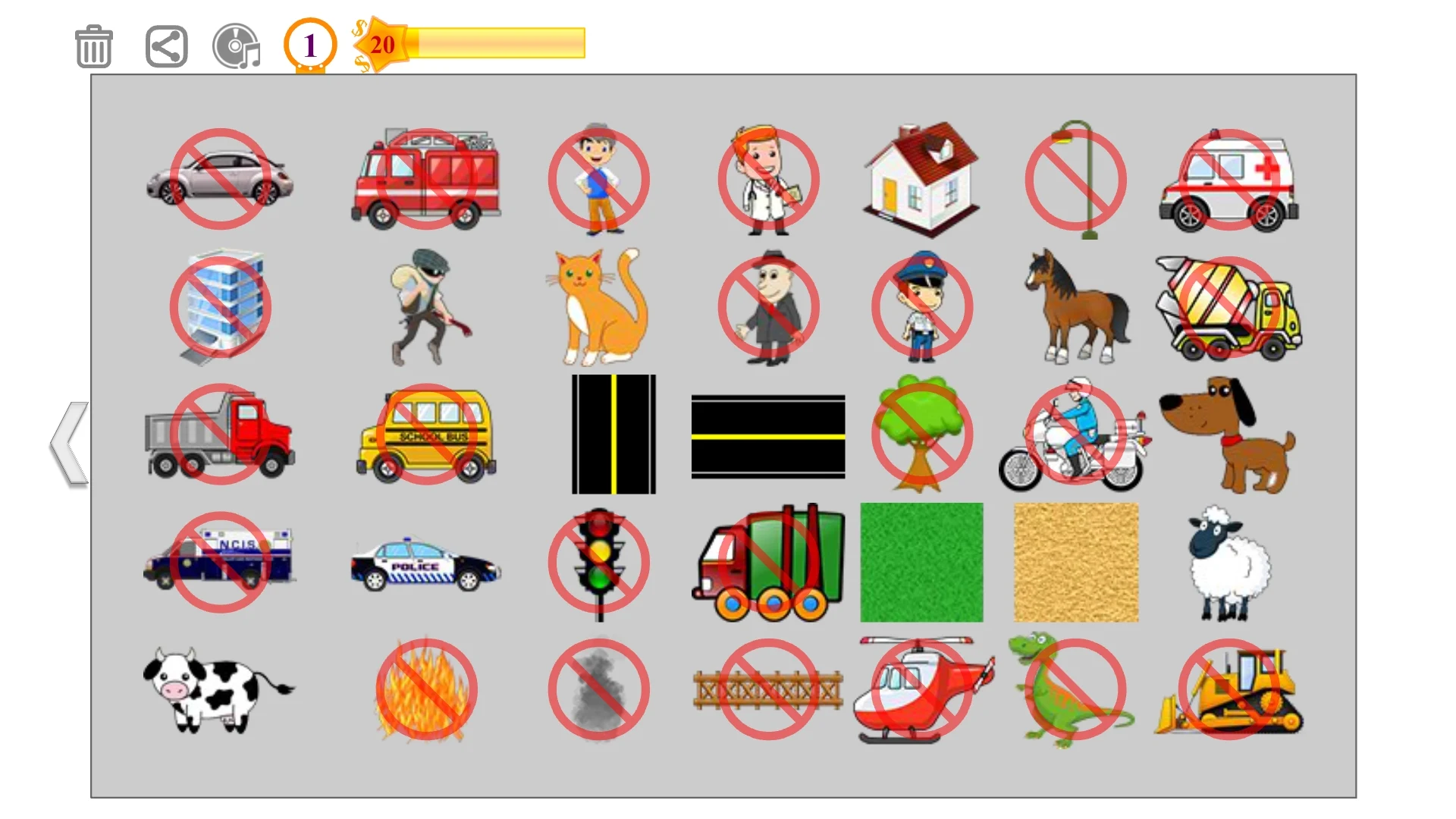
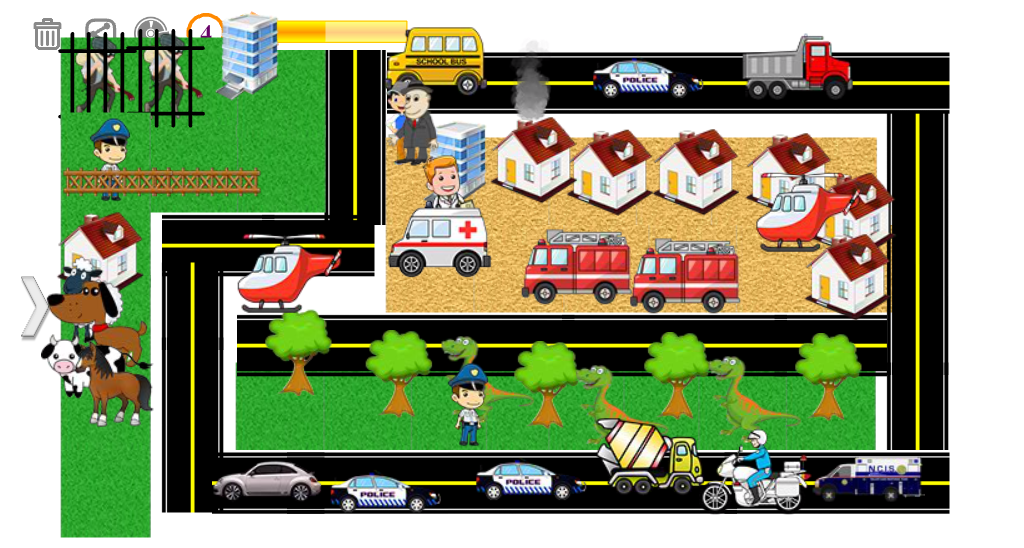
Unleash your imagination and create the city you've always envisioned with My Town!
This interactive game allows you to design and establish your own town, village, or metropolis using a diverse range of entertaining objects. From educational institutions, law enforcement facilities, and medical centers to farm animals, vehicles, and aircraft, the options are limitless!
🏡 Build, Play & Explore!
Within My Town, you can:
- Develop a farm filled with cows, sheep, and lush green fields.
- Design your ideal residence, whether it’s a charming cottage or a high-rise building.
- Create a community of animals featuring dogs, horses, and other adorable creatures.
- Experience authentic sound effects for each item you incorporate.
- Effortlessly remove or rearrange items to refine your dream city.
✨ Features:
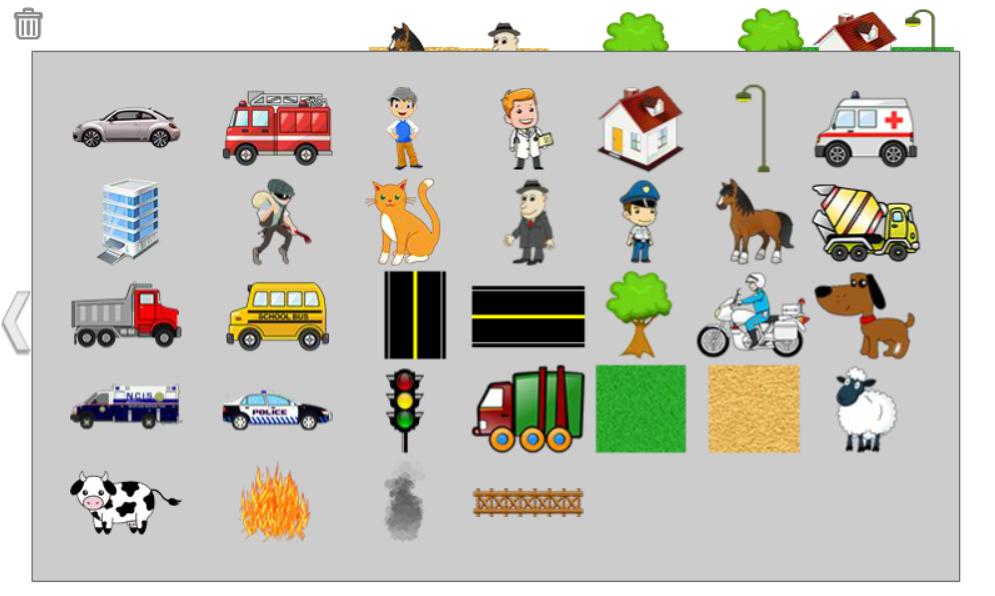
✅ Over 32 interactive items to help construct your city or village.
✅ Boundless customization, allowing you to add or remove components as you like.
✅ Move items around at will for complete creative freedom.
✅ Lifelike sound effects for vehicles, animals, and more.
✅ Fun and educational experiences designed for children aged 3 to 8 years.
🏗️ What Can You Add?
🚗 Vehicles: Fire trucks, ambulances, police cars, bulldozers, helicopters, and others!
🏢 Buildings: Houses, hospitals, skyscrapers, police stations, and airports.
🐶 Animals: Horses, cows, sheep, dogs, and even dinosaurs!
👮 Characters: Police officers, doctors, businesspeople, and robbers.
🌳 Environment: Trees, traffic lights, fences, along with fire and smoke effects.
Let your creativity run wild as you design, build, and discover your very own world! 🌍
Are you prepared to construct the city of your dreams? Get started with My Town today and let the creativity flow! 🚀
Quick Start Guide (5 Steps):
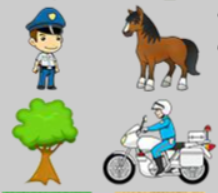
1. Startup and Initial Setup: Open the game, follow the prompts to name your town/select an initial scene; some versions allow you to switch terrain or themes. Once finished, enter the building interface.
2. Open the Inventory: Tap the "Items/Buildings/Characters" icon on the side/bottom of the screen to expand the category list (vehicles, buildings, animals, characters, decorations, etc.).
3. Placement and Adjustment: Long-press an item in the list and drag it to the scene, then release to place it; pinch with two fingers to zoom the view, and swipe with one finger to pan; long-press a placed item to drag it to rearrange or delete it.
4. Characters and Interactions: Select a policeman, doctor, merchant, etc., from the character panel and drag them into the scene; tapping a character or building will trigger an interaction and corresponding sound effect (such as a police siren or a cow mooing).
5. Saving and Switching: Most versions save automatically; you can swipe left or right to switch scenes, or return to the main menu to change maps and continue creating.
FAQs:
1. **Q: Is the core gameplay of My Town just about building a city? What age group is it suitable for? **
A: The core gameplay is about freely designing and building a town, village, or metropolis. You can place buildings, animals, characters, and other elements, and interact with them. Designed for children aged 3-8, the game is simple and easy to play, and it also has educational value.
2. **Q: How many interactive items are there in the game? Can I add or delete them at will? **
A: There are over 32 interactive items, including vehicles, buildings, animals, and characters. It supports unlimited customization. You can add, delete, and move anything you want. It's completely free.
3. **Q: Are there sound effects during gameplay? For example, animal calls, car noises, etc.? **
A: Yes, each item has realistic sound effects. For example, animals make corresponding calls, and cars make driving and honking sounds, which add to the realism and fun of the game.
4. **Q: Does the game require payment to unlock content? Are there any ads that might affect children's enjoyment? **
A: The basic building and interactive features are free, and there's no mention of a subscription required to unlock core content. As a game for children, there are few or no ads, and frequent pop-ups won't disrupt children's focus.
5. **Q: Can children learn anything from playing this? Or is it just entertainment? **
A: It's both entertaining and educational. As children match buildings and arrange figures and animals, they can develop spatial thinking and creativity. Learning about different professions (police, doctor), vehicles, and animals also helps them improve their general knowledge.
- Version1.2.3
- UpdateNov 03, 2026
- DeveloperFlash Toons
- CategorySimulation
- Requires AndroidAndroid 4.0.1 – 4.0.2+
- Downloads78K+
- Package Nameair.FlashToons.MyTown
- Signature8fb3650ca89b2fb9f85aada827db62a2
- Available on
- ReportFlag as inappropriate
-
NameSizeDownload
-
10.81 MB
-
17.31 MB








Easy to use
Creative and educational
Excellent graphics and sound
Lack of content depth
Technical issues
Advertising and in-app purchase issues