
My 050 - Cheap calls & free features
Make affordable global calls with free features for My 050 users, connecting you effortlessly worldwide.

- 2.4.1 Version
- 2.6 Score
- 173K+ Downloads
- Free License
- 3+ Content Rating

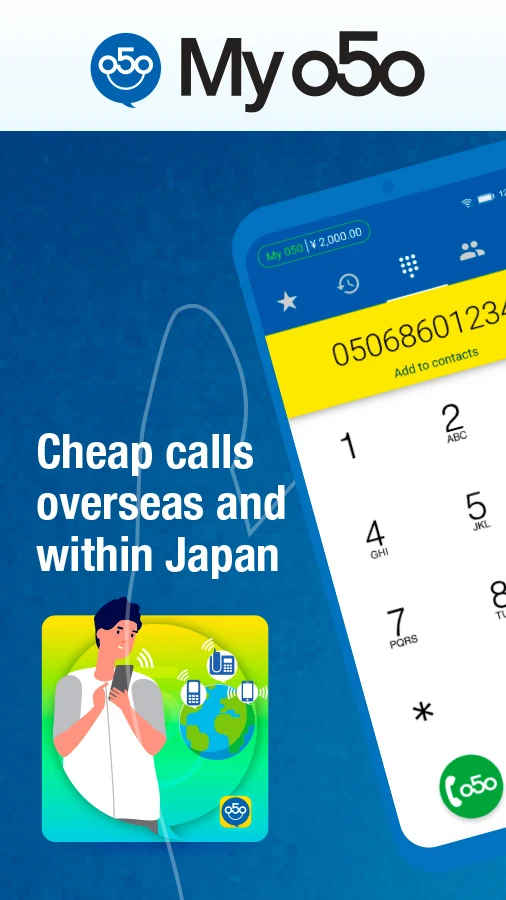
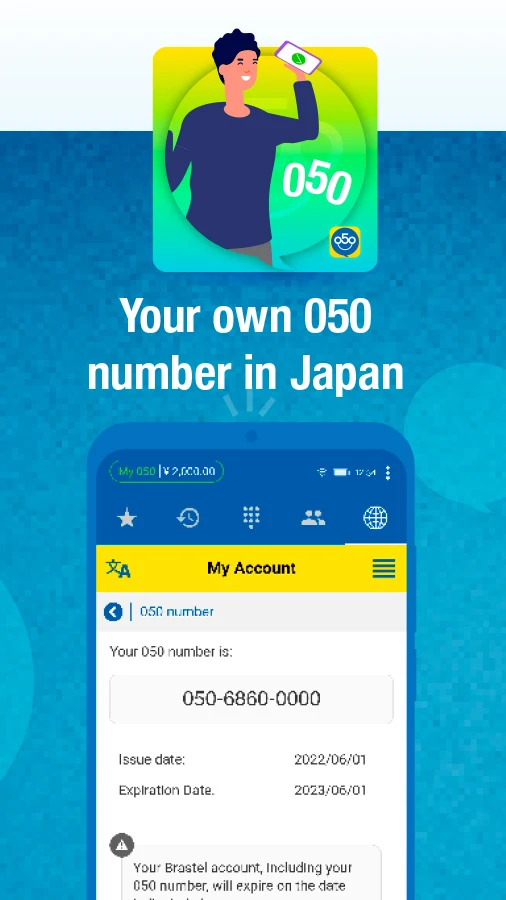
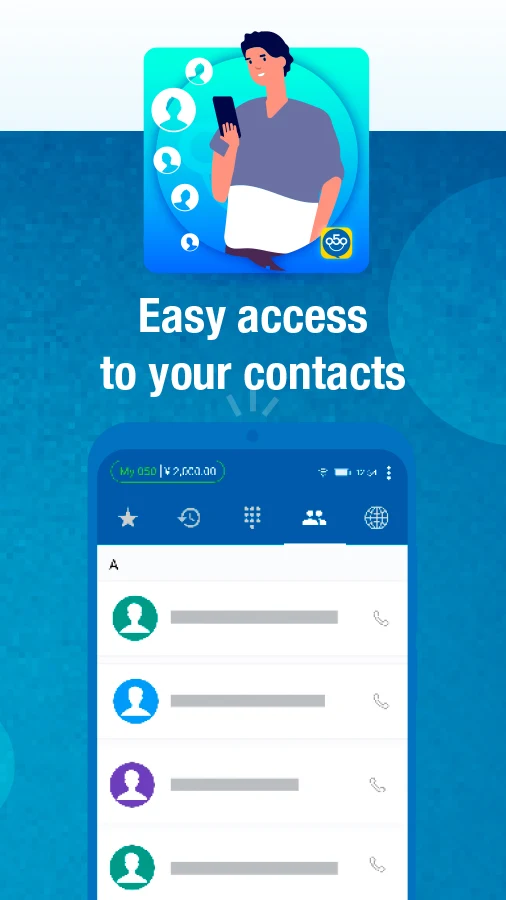
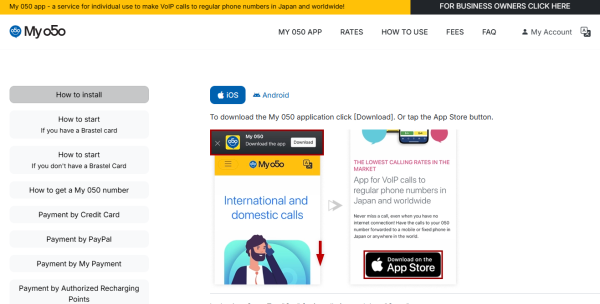
My 050 is a service that enables you to make inexpensive calls to standard phone numbers in Japan as well as other countries worldwide.
ADDITIONAL FEATURES FOR HOLDERS OF A 050 NUMBER:
- Unlimited free calls among My 050 users
- Free access to 0120 Free Dial numbers
- Ability to receive calls at no charge from any phone
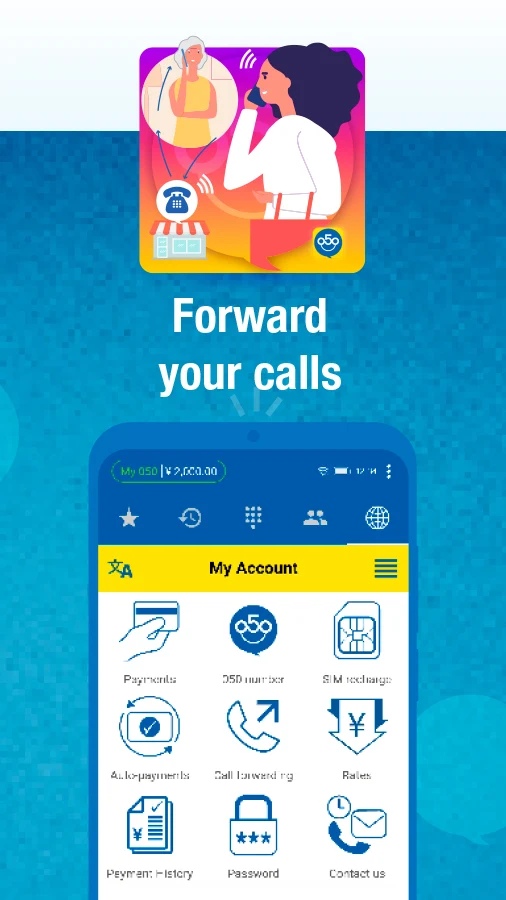
- Call forwarding capability from your 050 IP-number to any number within Japan or internationally
FEES:
As of September 1st, 2022, the following fees for the My 050 Number Service will be implemented:
- An application fee of 550 yen
- A maintenance fee of 550 yen due every six months
Individuals who register prior to September 1st, 2022, or those who sign up through our authorized representatives will not incur the maintenance fee until April 1st, 2023.
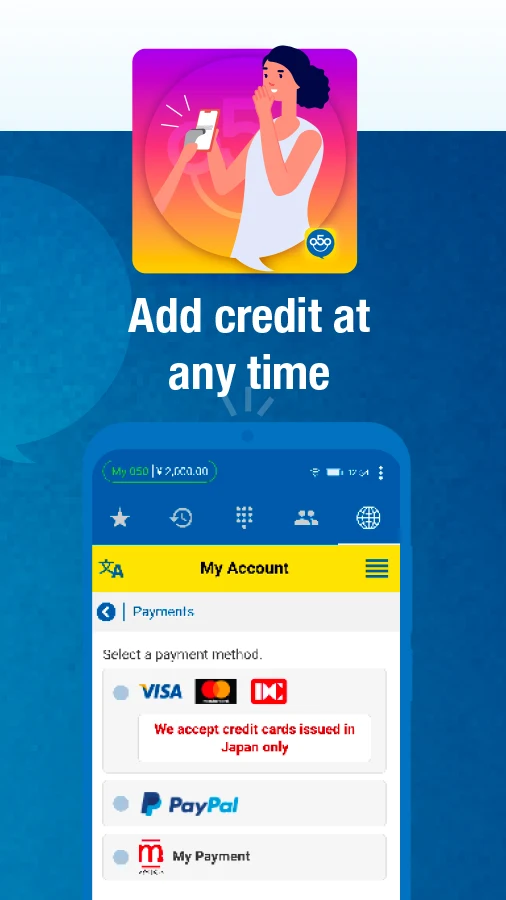
You can add credits to your account using a credit card, PayPal, or at convenience stores in Japan via My Payment, allowing you to benefit from some of the most competitive calling rates available!
Please be aware that, according to legal requirements, we must receive valid personal identification from users in Japan to issue a 050 number.
If valid personal identification cannot be provided, we can create a Brastel account without a 050 number; however, in this scenario, all calls, including those to other My 050 users, will incur charges. The maintenance and application fees are not applicable in this case.
User Guide:
1. **Registration**
Applying for a 050 number requires valid Japanese identification. Without identification, you can register a Brastel account. Without a 050 number, all calls will be charged, and there are no application or maintenance fees.
2. **Fees and Top-up**
A 050 number requires a ¥550 application fee and a ¥550 maintenance fee every 6 months (registration before September 1, 2022, or through authorized channels, is free of maintenance fees until April 1, 2023). Top-ups are supported via credit card, PayPal, and My Payment at Japanese convenience stores.
3. **Core Functions**
Calls between 050 users, calls to 0120 (free), and incoming calls are all free. Low-cost calls to domestic and international numbers are available, and call forwarding to any number worldwide is supported. Service is available overseas with internet access. Calls from friends and family in Japan are charged at domestic rates.
4. **Billing Rules**
The first charge is made 9 days after approval. Subsequent charges are automatic every 6 months. Service will be suspended if the balance is insufficient.
FAQs:
Q: Do I need to provide Japanese ID to apply for a My 050 number? Can I still use the service if I don't have it?
A: According to Japanese regulations, applying for a 050 number requires valid personal identification. If you can't provide it, you can still create a Brastel account without a 050 number, but all calls (including calls to other My 050 users) will be charged. There will be no application fee or maintenance fee, making this a suitable transitional option for users who are temporarily unable to complete identity verification.
Q: How is My 050 charged? When will the bill start after application?
A: Users with a 050 number must pay an application fee of 550 yen and a maintenance fee of 550 yen every six months. (Users who register before September 1, 2022 or through an authorized agent will be exempt from the maintenance fee until April 1, 2023.) The initial payment will be deducted from your account balance nine days after your application is approved and you receive your number. Subsequent charges will be automatically deducted at the end of every six billing periods. Your number will be temporarily suspended if your account balance is insufficient.
Q: Can I use My 050 to call friends in Japan from abroad? Will the other party be charged international charges when they receive the call?
A: Yes. Simply install the My 050 app and top up your phone, and you can make calls to regular phones in Japan and around the world at discounted rates, even from abroad. Furthermore, when Japanese friends call your 050 number, they don't need to add an international prefix; they'll be charged domestic rates. Receiving calls is also completely free for you.
Q: My account balance is almost depleted. Are there other ways to top up besides a credit card? Can I top up offline in Japan?
A: Top-up options are very flexible. In addition to credit cards and PayPal, you can also top up at convenience stores in Japan through "My Payment." Select the corresponding top-up method in the app. Convenience store top-ups generate a barcode for the cashier to scan and pay, making them ideal for users without international payment methods.
Q: With a 050 number, can I forward calls to a mobile phone in Japan? Will this be affected if I move to another location?
A: Yes. A 050 number supports call forwarding, allowing you to forward calls to mobile phones or landlines in Japan or anywhere in the world. Furthermore, it's essentially an IP phone service, so as long as you have an internet connection, you can use it anywhere, whether in Japan or abroad. It's ideal for cross-border communication or remote work.
- Version2.4.1
- UpdateOct 23, 2026
- DeveloperBrastel Co., Ltd.
- CategoryCommunication
- Requires AndroidAndroid 7.0+
- Downloads173K+
- Package Namecom.brastel.android
- Signatureda4449524d47b58b36867dccf4096825
- Available on
- ReportFlag as inappropriate
-
NameSizeDownload
-
63.19 MB
-
59.33 MB
-
60.15 MB
















Ability to call toll-free numbers
Good voice quality in some cases
Variety of ringtones available
Prepaid system for budget control
Multiple payment methods offered (though not always functional)
Potential for improved voice quality with codec changes
Useful for users who already have a Japanese phone number
No vibration setting for calls, causing missed notifications
High SIM card recharge costs compared to new SIM cards
Requires a Japanese phone number for registration
App lags and is unusable on certain devices like Xiaomi Redmi 4 Prime
Incoming calls not received when the app is cleared from recent apps
Network issues leading to loss of calls and notifications
Poor customer service and lack of refunds for issues
Confusing interface with settings that are difficult to access
Requires credits to make calls, contradicting claims of free usage