
Motorsport.com - Motor racing news & updates
Experience unparalleled motorsport coverage with exclusive content, live updates & user-friendly features at your fingertips

- 4.0.1 Version
- 4.9 Score
- 211K+ Downloads
- In-app purchases License
- 3+ Content Rating

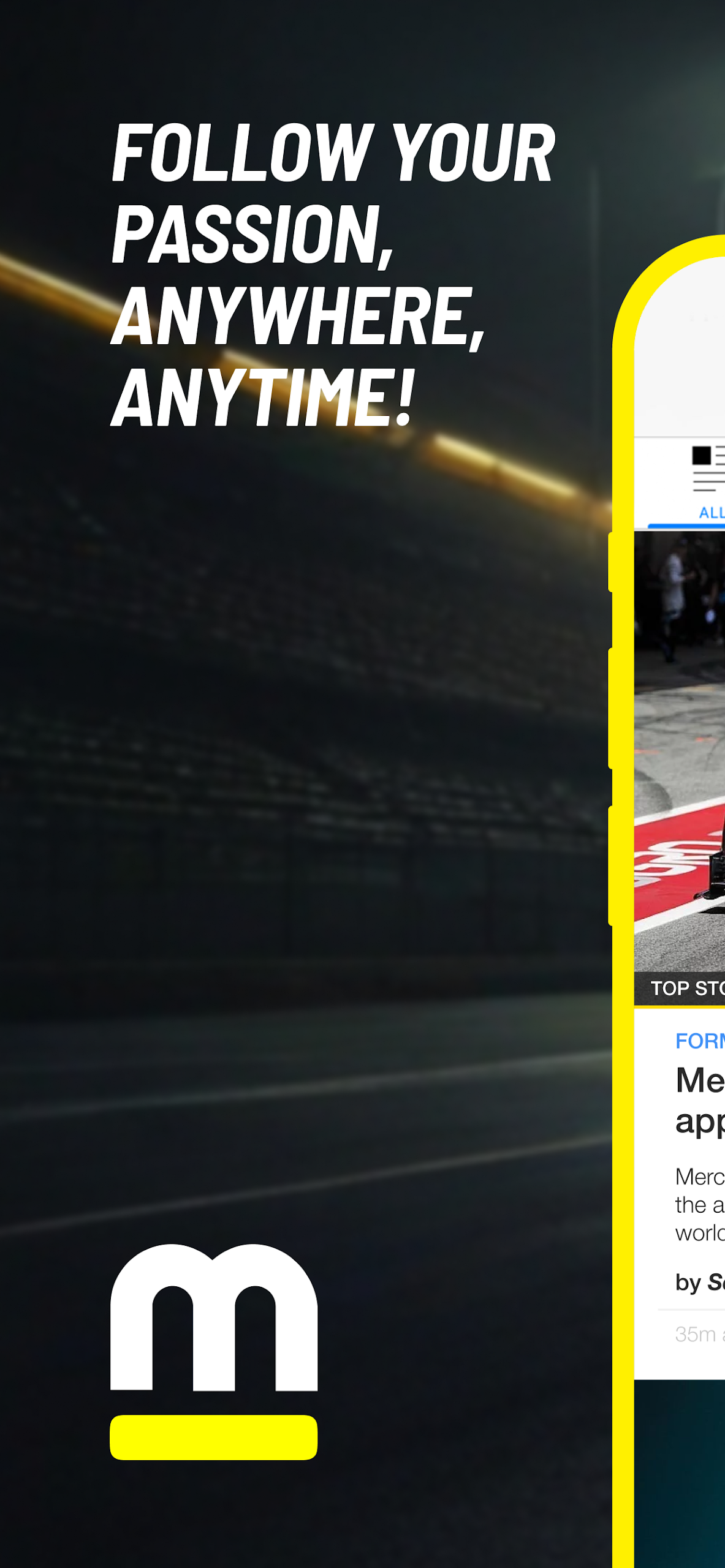
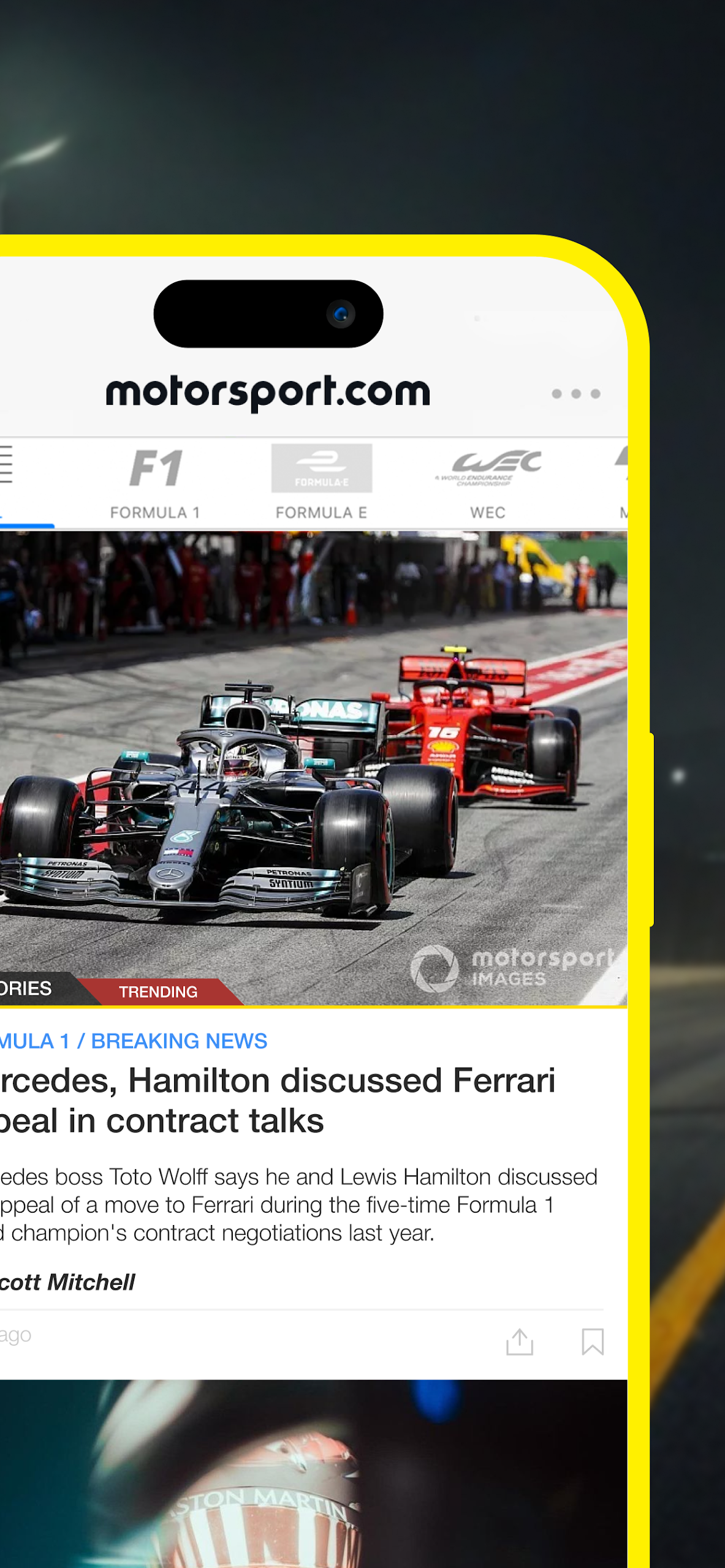
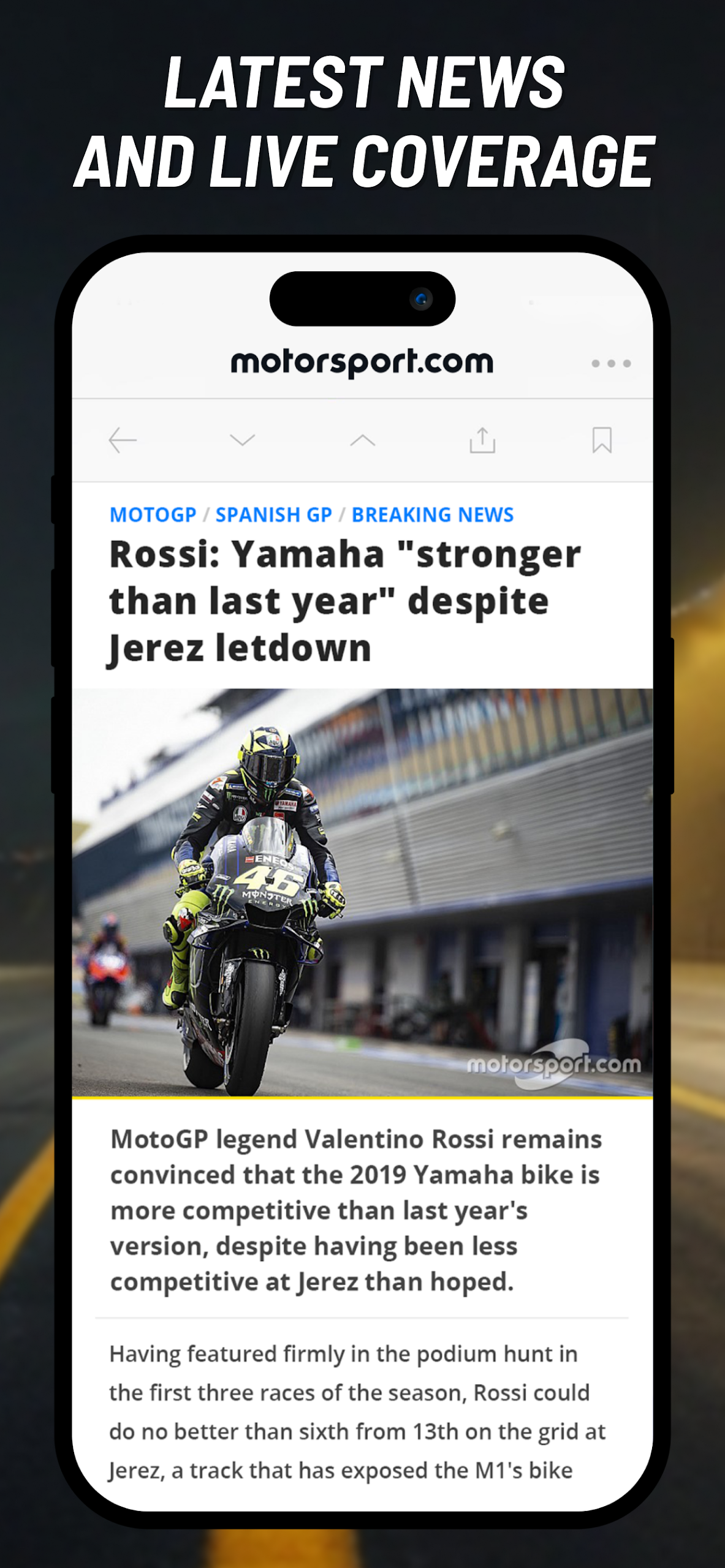
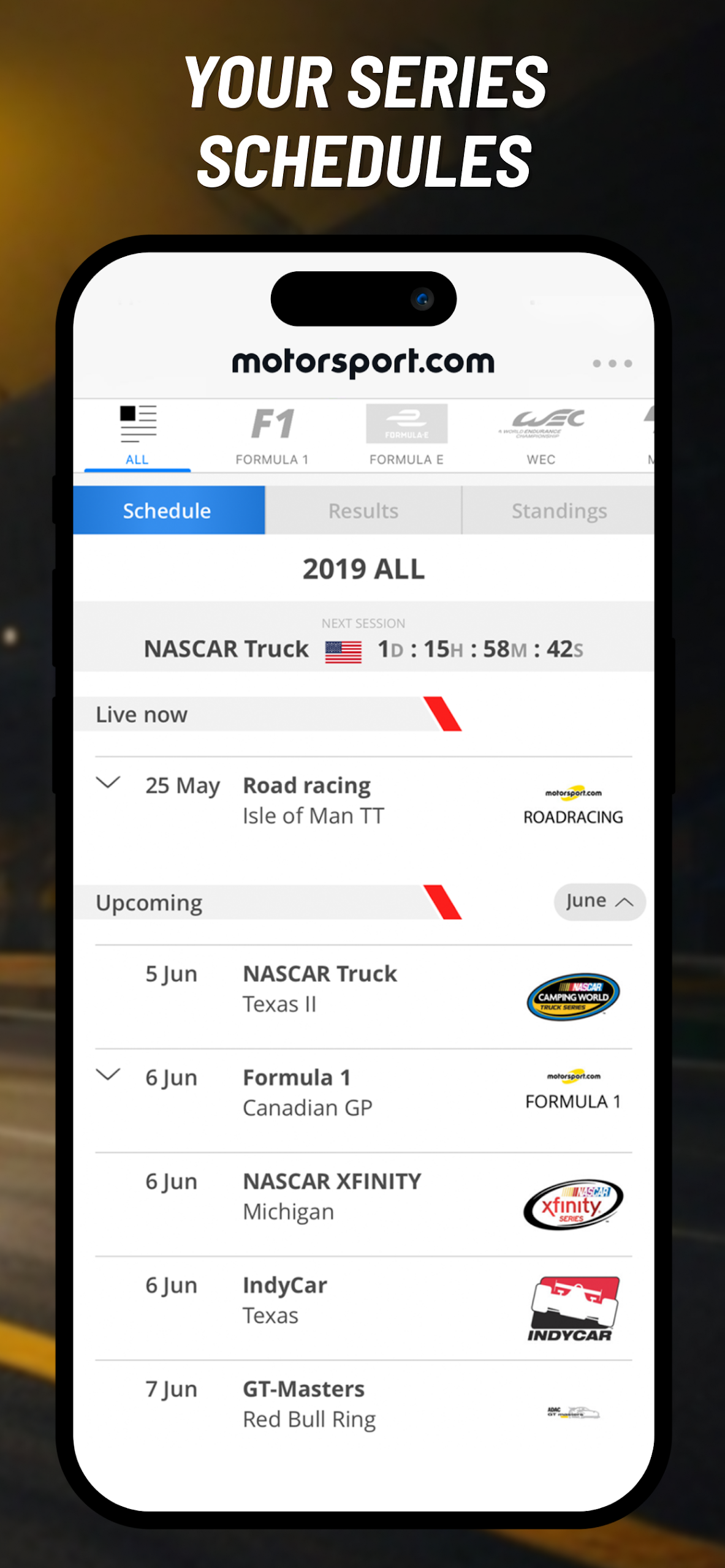
Experience unparalleled global coverage of motorsport with the official Motorsport.com App, which includes Formula 1, MotoGP, Formula E, NASCAR, IndyCar, WEC, WRC, F2, F3, WRX, DTM, WSBK, Moto2, Moto3, and many other series in a user-friendly application. Download it for free today!
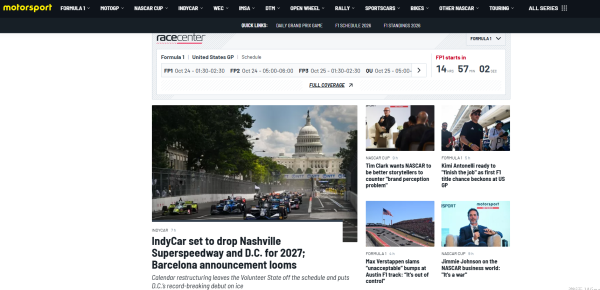
Leading series are carefully curated by our specialists to ensure that you enjoy the best coverage tailored to your preferences.
◆ KEY FEATURES:
• An innovative design featuring contemporary functionalities and an intuitive interface.
• The app automatically selects the edition based on your language and regional settings.
• Customizable push notifications, including a ‘Spoiler’ option.
• A slider system for easy access to content from your favorite series.
• Four tabs available for quick navigation: News, Photos, Videos, or Race Hub, where you can find schedules, results, and standings.
• Available in 22 editions covering various regions including Global, USA, Canada, UK, Australia, France, Germany, Italy, Russia, Brazil, the Middle East, Spain, Latin America, US Hispanic, Poland, Turkey, Hungary, Switzerland, Netherlands, China, and Japan.
◆ HOME:
• Access the latest news, featured articles, trending topics, analyses, and opinions.
• Choose between all series collectively or pick your favorite directly from the Slider menu.
• Live text commentary for leading series like F1, MotoGP, and selected local events.
◆ PHOTOS:
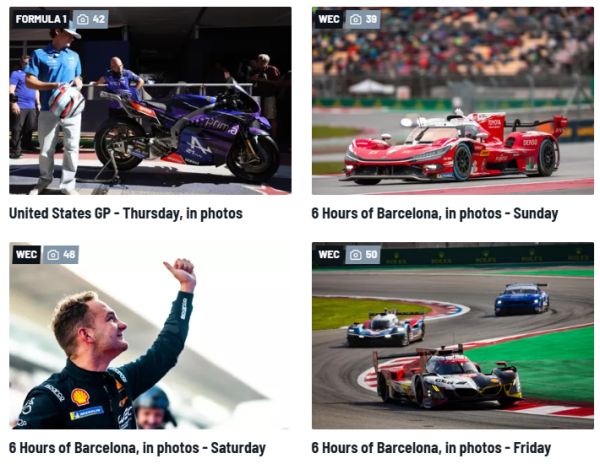
• The largest collection of motorsport images globally.
• Browse through the latest galleries and highlighted collections.
• Features artworks by renowned F1 illustrator Giorgio Piola.
• Options to filter images by series, event, session, and race.
• User-friendly layout designed for easy navigation.
◆ VIDEOS:
• Original content including interviews, special features, and animations in both 2D and 3D.
• Access the latest, trending, and highlighted video content.
• Comprehensive selection of all series available in one spot or individually filterable.
• Updated interface accommodating both standard and portrait views.
◆ RACE HUB:
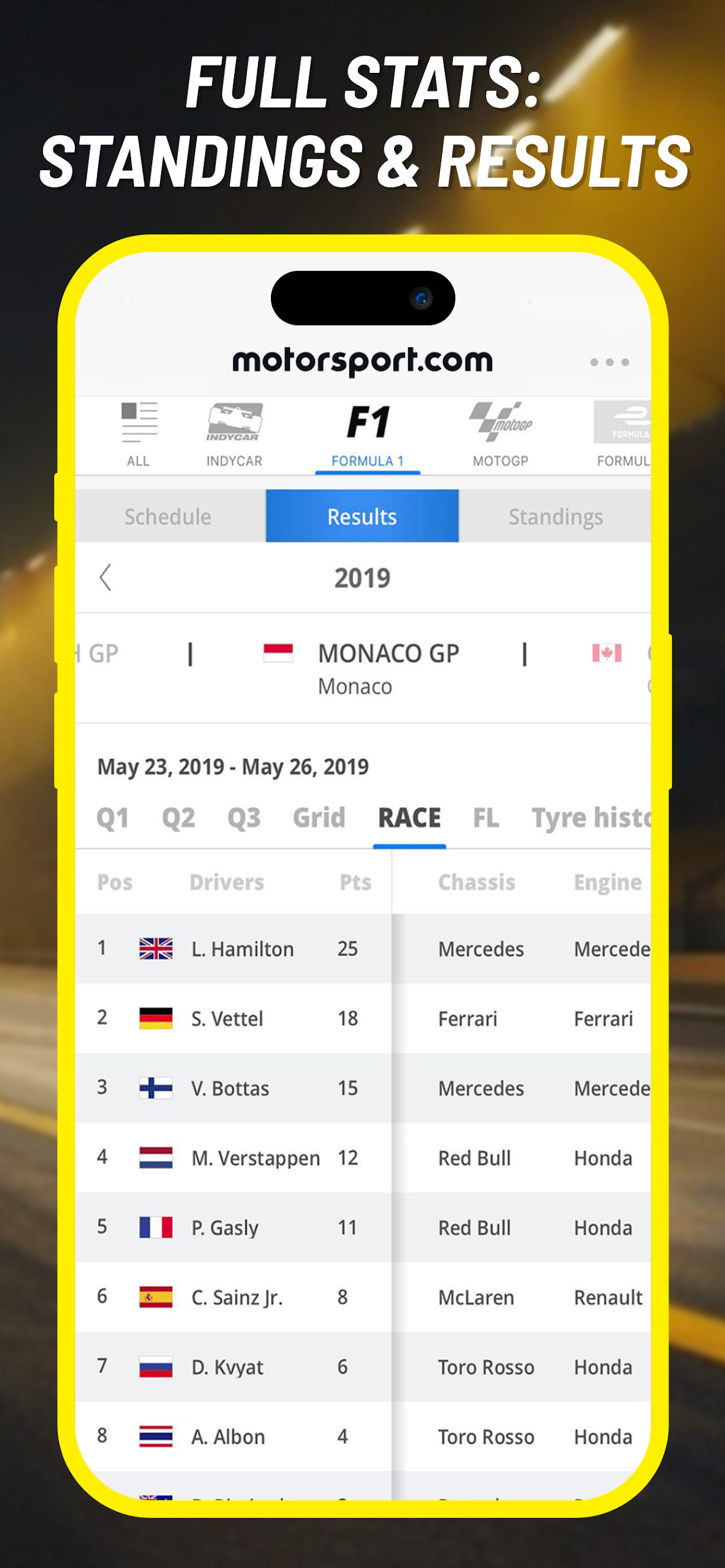
• A uniquely accessible results section tailored for motorsport enthusiasts.
• Organized into three tabs: Schedule + Results + Standings.
• View all series at a glance or select a specific series to quickly find information.
• Schedule: Details on upcoming, future, and past events, all adjusted to your local time.
• Results: Comprehensive display of the latest performance results, sessions, and historical data.
• Standings: Continuously updated tables detailing race results, fastest laps, and practice sessions.
About us:
Motorsport Network engages a vast audience passionate about motorsport and automobiles. Leveraging our technology and brand portfolio to offer unique services, original content, and products, we connect motorsport aficionados across 16 languages worldwide. Our offerings include digital content, live events, merchandise, gaming, social networks, and automotive shopping experiences fueled by a love for the automotive world. We stand as a global technology and digital media firm, providing access to the fascinating realm of cars and motorsport.
Sage Tips:
1. **Follow Your Favorite Races**
Use the slider on the homepage to select your favorite races, and quickly jump to content via the four tabs: News/Photos/Videos/Race Hub.
2. **Block Spoilers**
Enable "Spoiler Blocking" in notification settings. You can choose to block all or specific races, and unlock them to view the full results.
3. **Watch Races Now**
**Text commentary for top races like F1 and MotoGP has a delay of less than 10 seconds; if you miss a live broadcast, check the timeline replay in the corresponding race news section.**
4. **Check Race Information**
Go to Race Hub, and your schedule will automatically convert to local time. Race results and rankings are updated in real time for a clear overview.
5. **Save Data & Avoid Missing Races**
Set "Watch Videos Only via Wi-Fi" to save data; manually copy race times to your phone's calendar and set reminders.
FAQs:
1. How do I use the "Spoiler Block" feature? Can I specifically block specific race results?
Find the "Spoiler Block" option in "Notification Settings." Once enabled, you can choose to block all races or block specific races (for example, blocking only F1 race results). Once enabled, key results from that race (such as the winning driver and team standings) will not appear in the app's push notifications, homepage news headlines, and content. To view the full content, simply click "Unblock." However, please note that "Spoiler Block" in the live text commentary only applies to races that haven't started yet; historical data for completed races cannot be blocked.
2. Will the live text commentary be delayed? Can I replay previous commentary?
For top-tier races like F1 and MotoGP, the delay in live text commentary is typically under 10 seconds, allowing for close-to-success tracking of race progress (such as driver overtaking and pit stop strategy changes). If you missed the live broadcast, you can find the "Race Recap" in the "News" section of the corresponding race. This includes a complete text commentary transcript, organized in a timeline, allowing users to revisit key race moments (such as lap time changes and accident handling procedures).
3. Can videos be downloaded offline? How long are cached videos stored?
The app currently does not support offline video downloads; all videos require an internet connection to view. However, some content (such as previously viewed segments) will be automatically cached as videos load, allowing for smoother playback when rewatching the same video. If you're concerned about data usage, you can enable the "Play videos on Wi-Fi only" option in "Settings" to avoid using mobile data for HD videos and reduce data costs.
4. Does the "Schedule" section in the Race Center automatically adjust to the time zone? Can I add a race to my phone's calendar?
The schedule automatically converts the race time to local time based on the user's phone's system time zone (for example, the F1 Saudi Grand Prix's original time is 19:00 local time, but users in China will see "01:00 the next day"), eliminating the need for manual time zone conversion. The app currently does not support “one-click addition to mobile calendar”, but users can manually copy the schedule time and create reminders in the mobile calendar to avoid missing important events.
- Version4.0.1
- UpdateOct 23, 2026
- DeveloperMotorsport Network Media UK Ltd
- CategorySports
- Requires AndroidAndroid 8.0+
- Downloads211K+
- Package Namecom.motorsport.application
- Signature10e07a24d82fbbbe97816cab96d8e79b
- Available on
- ReportFlag as inappropriate
-
NameSizeDownload
-
153.11 MB
-
151.17 MB
-
150.56 MB















Wide variety of motorsports covered
Easy to use interface and quick navigation
Good quality articles and insightful content
Large schedule for events, minimizing the chance of missing updates
Responsive developers who listen to user feedback
Option to select favorite motorsports for a personalized experience
Stable performance after initial fixes
Frequent login issues requiring users to sign in repeatedly
Ads often play automatically with sound, causing distractions
App crashes or displays errors when accessing articles
Missing features like dark mode and comments section
Local race times often incorrect, leading to missed events
Lack of support for additional series, limiting user interest
Disorganized layout makes navigation difficult for some users