
Math the Cross Math Puzzle - Random puzzle challenges & strategy
Engage in dynamic puzzles with customizable operators, various difficulty levels, & social sharing features for competitive fun
- 1.10.2 Version
- 1.5 Score
- 241K+ Downloads
- In-game purchases License
- 3+ Content Rating

Features
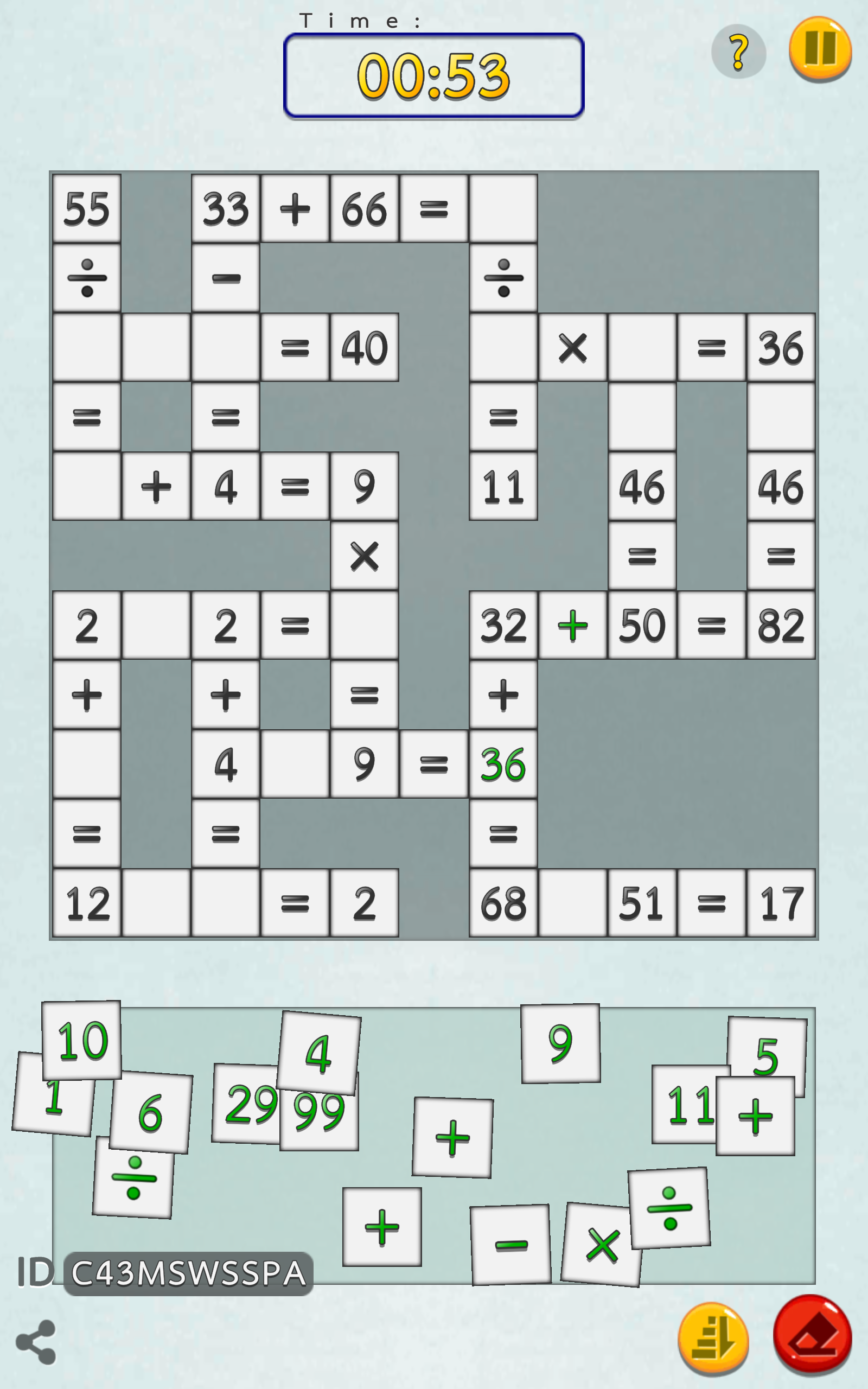
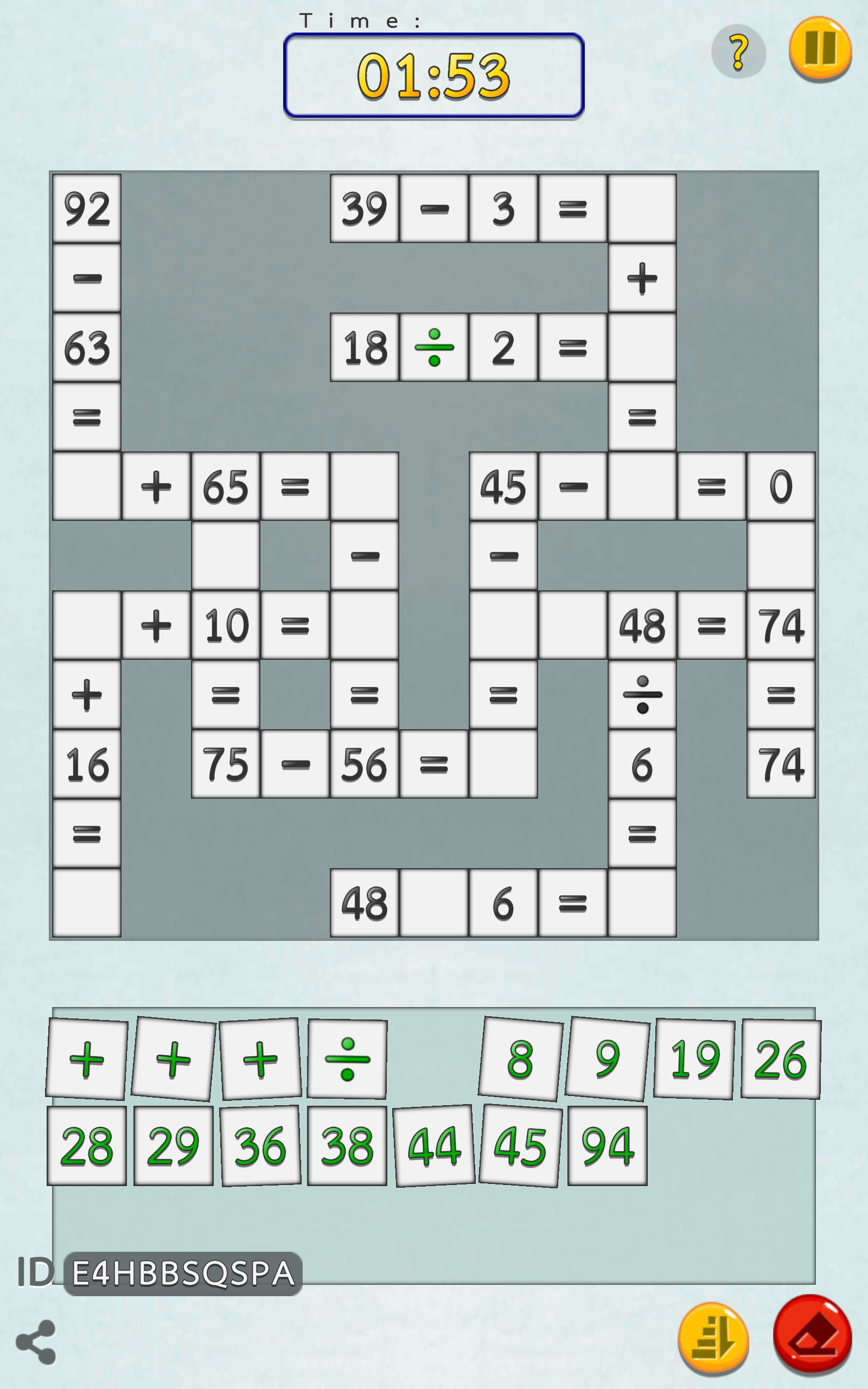
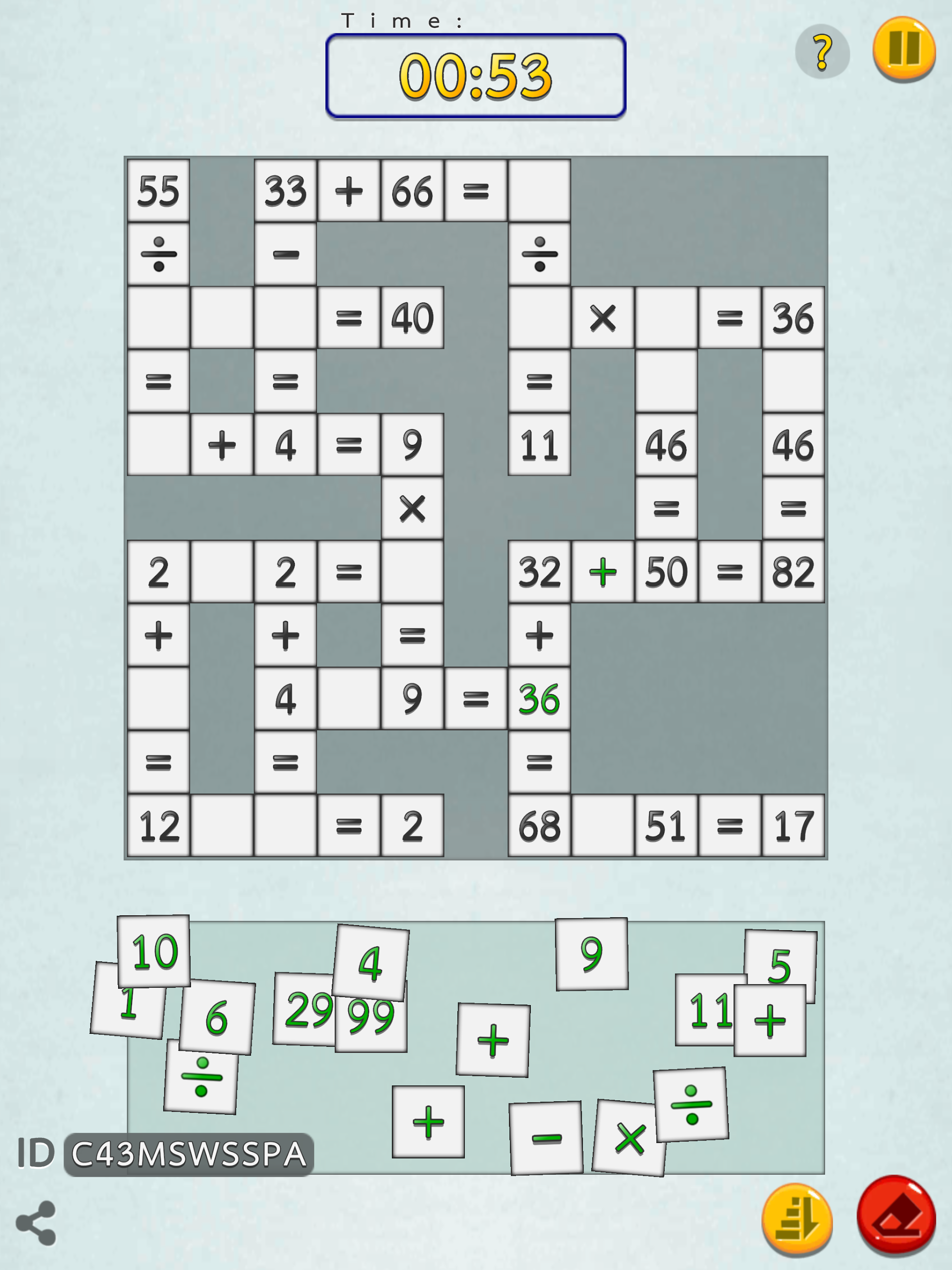
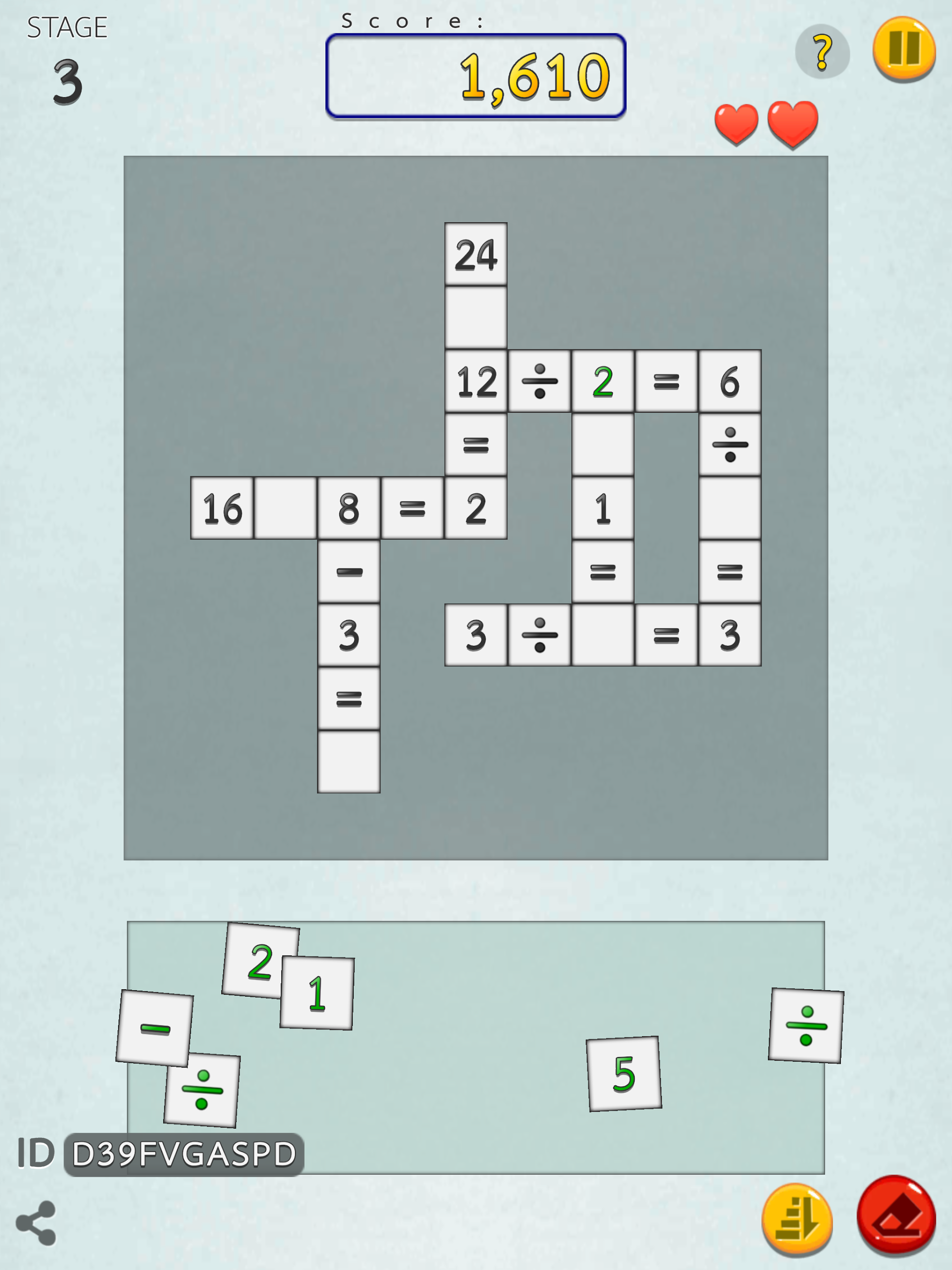
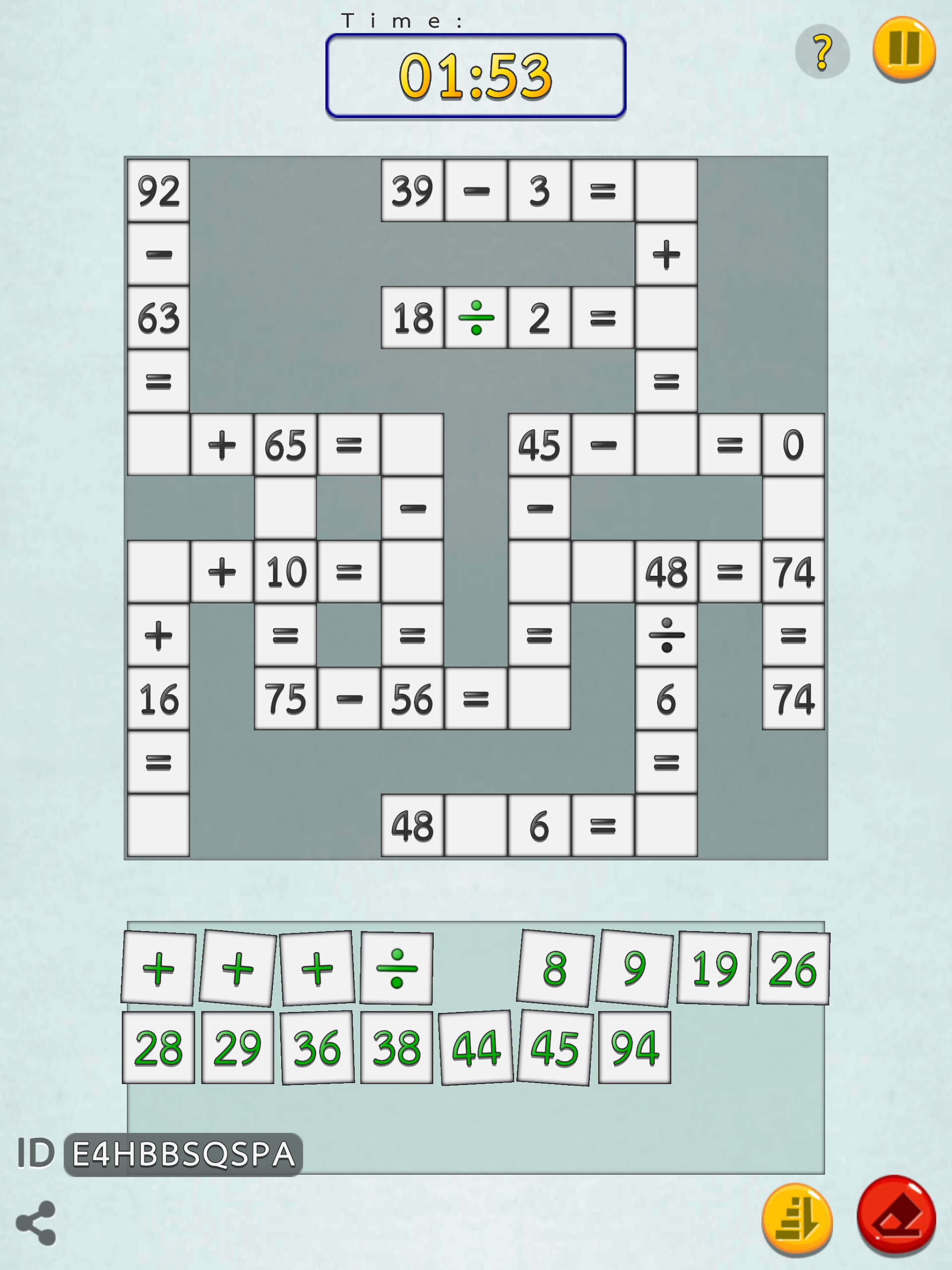
• The puzzle incorporates randomness, ensuring a fresh experience every time you play.
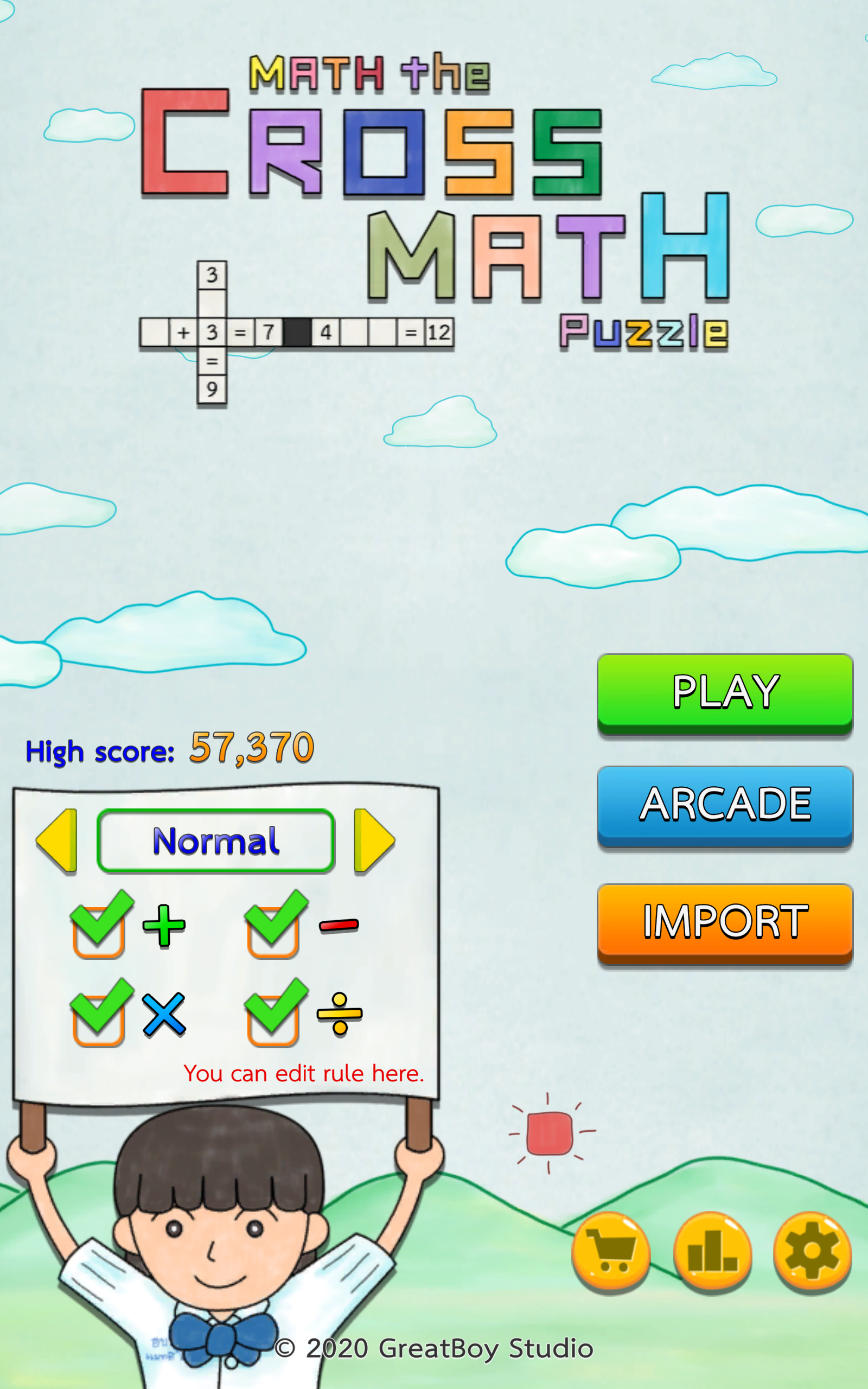
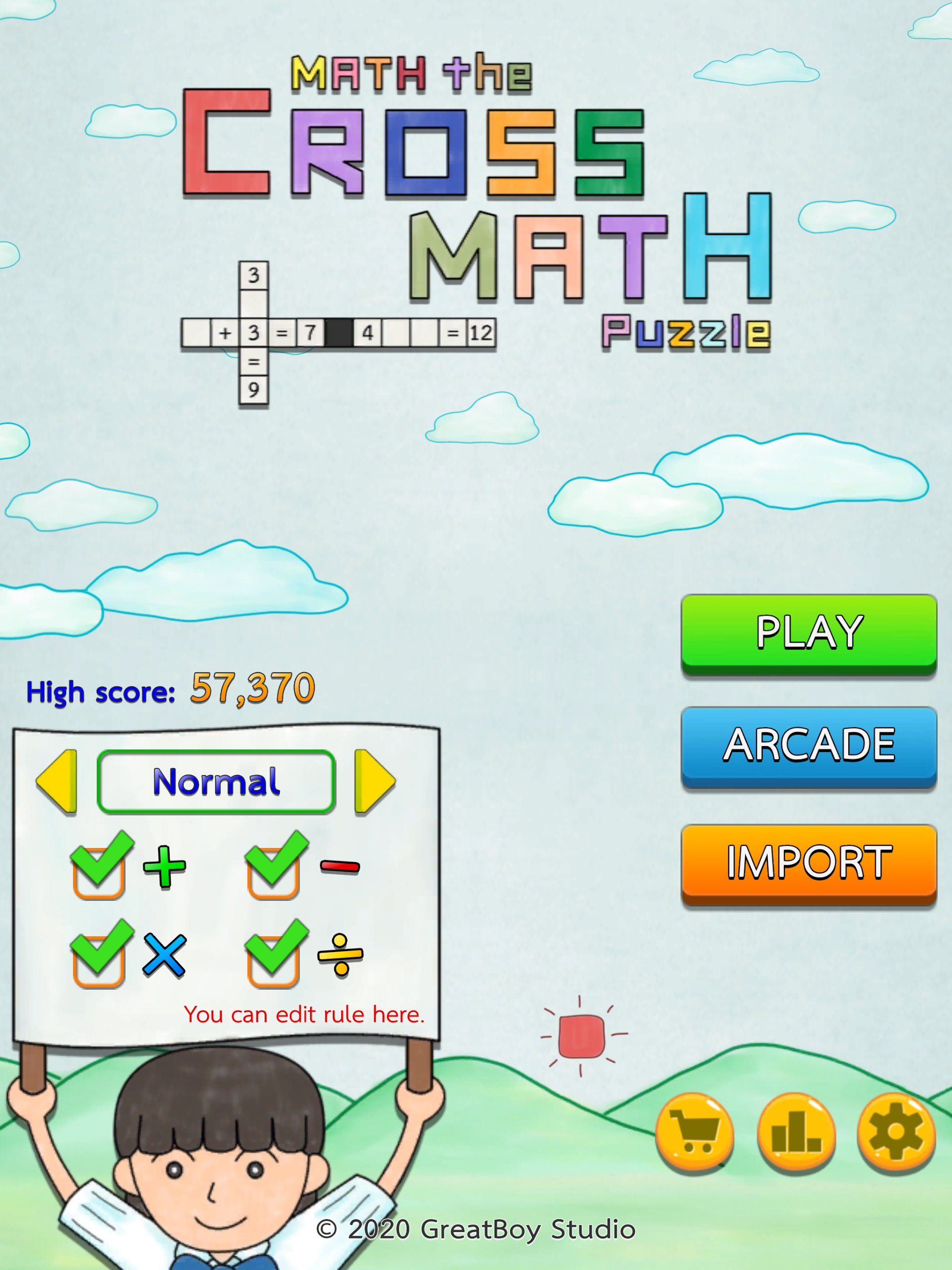
• It includes addition, subtraction, multiplication, and division, allowing you to select your preferred operators.
• Difficulty levels are available, including normal, hard, and very hard.
• An option to share the Puzzle on social media is available.
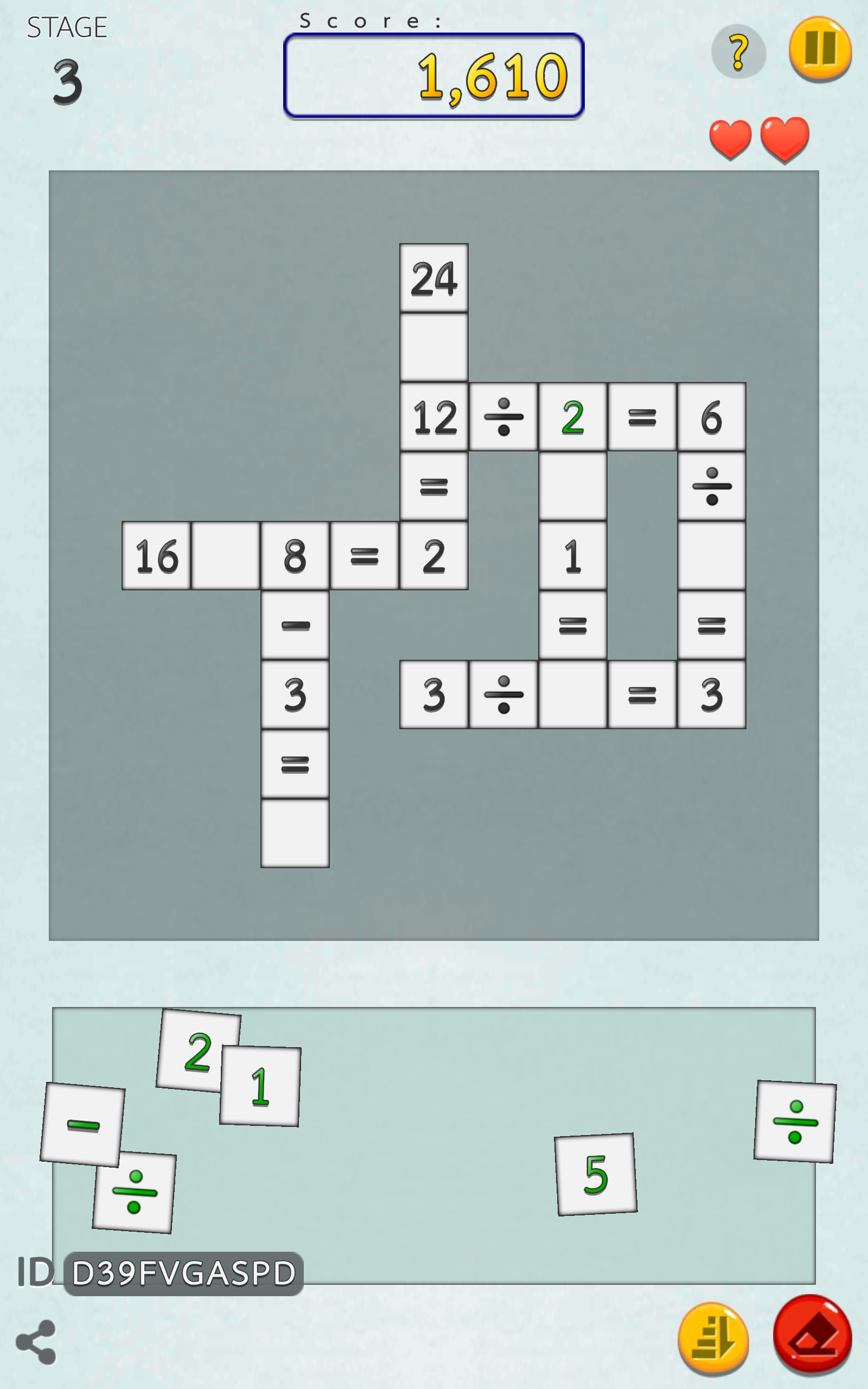
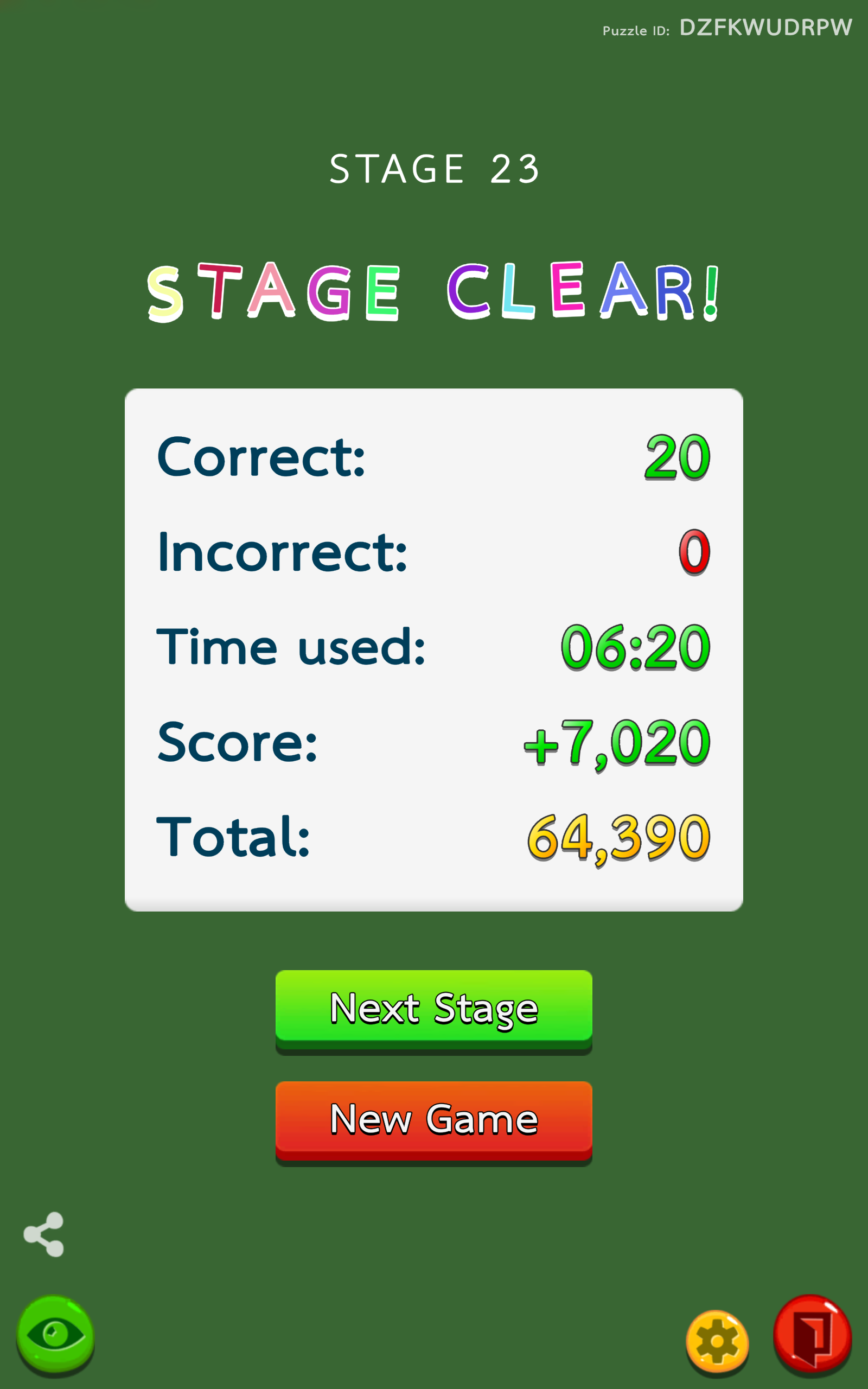
• The Arcade mode enables players to progress through stages to accumulate scores, with a saving system for easy resumption of gameplay at any point.
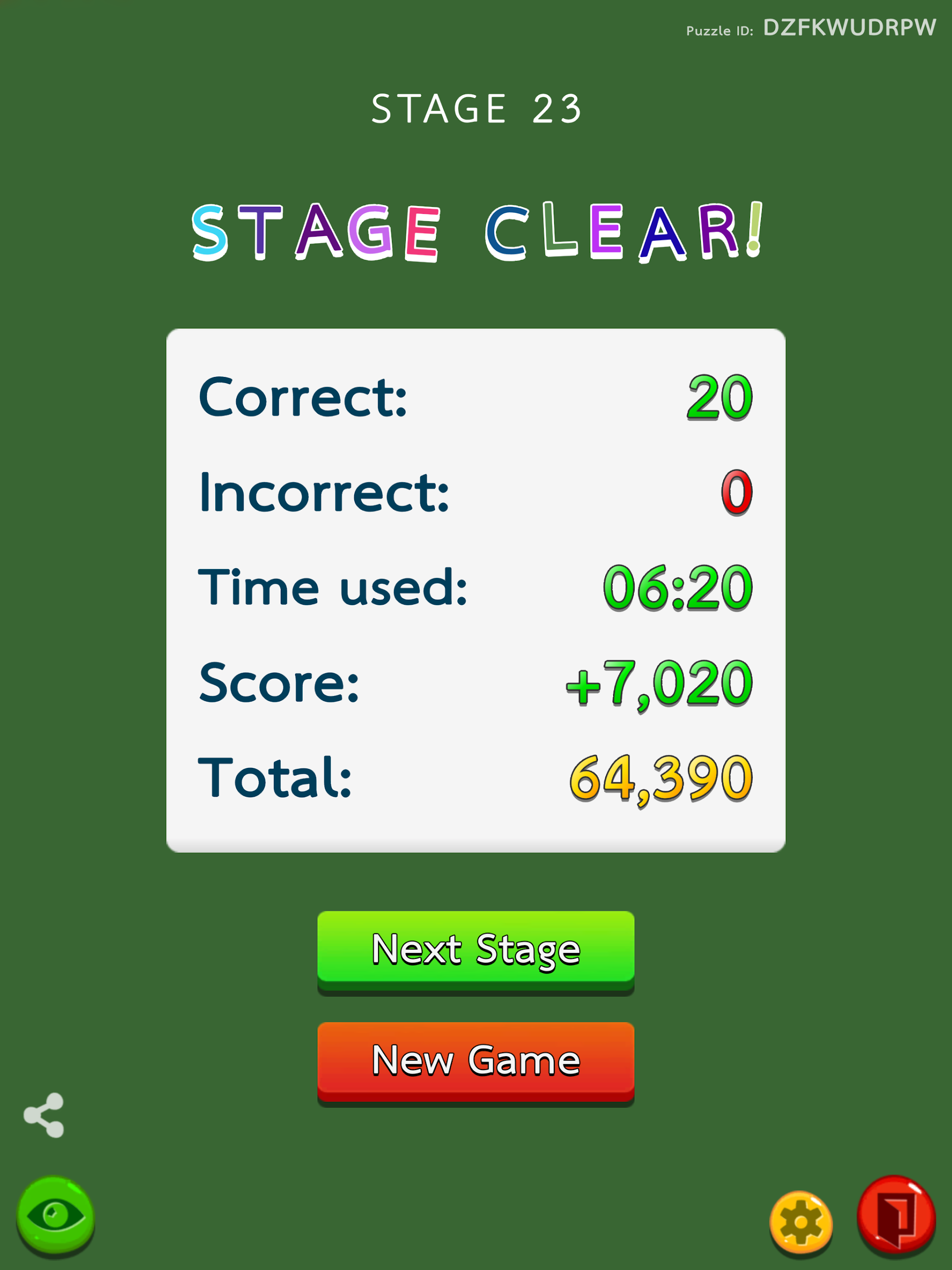
• Import Mode allows you to challenge others by sharing your Puzzle ID.
• You have the option to switch the division symbol from ÷ to / in the options menu.
How to Play:
- Fill in a number: Click a blank cell and select the appropriate number from the numeric keypad that pops up.
- Use Hints: If you get stuck, click the Hint button for help. Hints provide clues to the problem, but they may be used only a few times.
- Undo and Replay: If you fill in a number incorrectly, click the Undo button to cancel your last step. To restart the current level, click the Replay button.
Highly rated by players
- The randomized puzzles are fantastic! I played dozens of rounds and never got the same one twice – perfect for killing time.
- The controls are incredibly simple; kids can practice addition, subtraction, multiplication, and division while playing – a win-win!
- The arcade mode's auto-save is so user-friendly; perfect for commuting or taking a break, and the pause-and-resume feature is super convenient.
- You can share puzzle IDs with friends and play against each other – much more fun than single-player puzzles!
Related Questions and Answers
- **Q1**: How exactly does the randomization feature of the game manifest itself?
- **A**: The puzzles in the game are randomly generated, and the number and symbol combinations are different each time you play, ensuring a fresh gaming experience each time and avoiding boredom.
- **Q2**: How do I choose the game's difficulty level?
- **A**: There's usually an option in the game's settings or on the start screen. Players can choose from different difficulty levels, such as Normal, Hard, or Very Hard, based on their abilities and preferences.
- **Q3**: How do I share puzzles on social media in the game?
- **A**: There's usually a share button on the game interface, perhaps an icon with an arrow or the word "Share." Clicking it will bring up the sharing options. Select the social media platform you want to share on and follow the prompts to share the puzzle.
- **Q4**: How do I save my game progress in Arcade Mode?
- **A**: In Arcade Mode, the game automatically saves the player's progress. When you need to pause the game, simply exit it. The next time you enter Arcade Mode, the game will prompt you to continue from where you left off. Selecting Continue will allow you to continue playing from where you left off.
- **Q5**: How can I challenge others by sharing a puzzle ID in Import Mode?
- **A**: After you create or complete a puzzle, the game will generate a corresponding puzzle ID. You can share this ID with others through chat apps, email, and other methods. Others can then find the option to import a puzzle in the game, enter the puzzle ID you shared, and challenge your shared puzzle.
- Version1.10.2
- UpdateOct 13, 2026
- DeveloperGreatboy Studio
- CategoryCasual & Puzzle
- Requires AndroidAndroid 5.1+
- Downloads241K+
- Package Namecom.greatboystudio.crossmath
- Signaturedd1e981e5ef738909cab59c84a380c69
- Available on
- ReportFlag as inappropriate
-
NameSizeDownload
-
48.61 MB
-
46.38 MB
-
46.25 MB










Engaging and enjoyable gameplay
Sharpens math skills effectively
Great for all ages, including children and seniors
Easy-to-use interface
Variety of math problem types available
Customizable options for problem selection
Allows for mental exercise and quick thinking
Fun and challenging puzzles
Good exercise for rusty math skills
Frequent ads interrupt gameplay
No way to save progress consistently
Confusing similarity between division and addition signs
Game can reset unexpectedly to initial levels
Frustrating auto-save issues
Some math problems may contain inaccuracies
Levels can be either too easy or overly difficult
Lack of a clear progression system
No intermediate difficulty settings available