
Loupe - Art streaming & music
Transform your space with curated art channels, syncing seamlessly with your favorite music platforms for any occasion.

- 1.4 Version
- 1.5 Score
- 208K+ Downloads
- Free License
- 12+ Content Rating

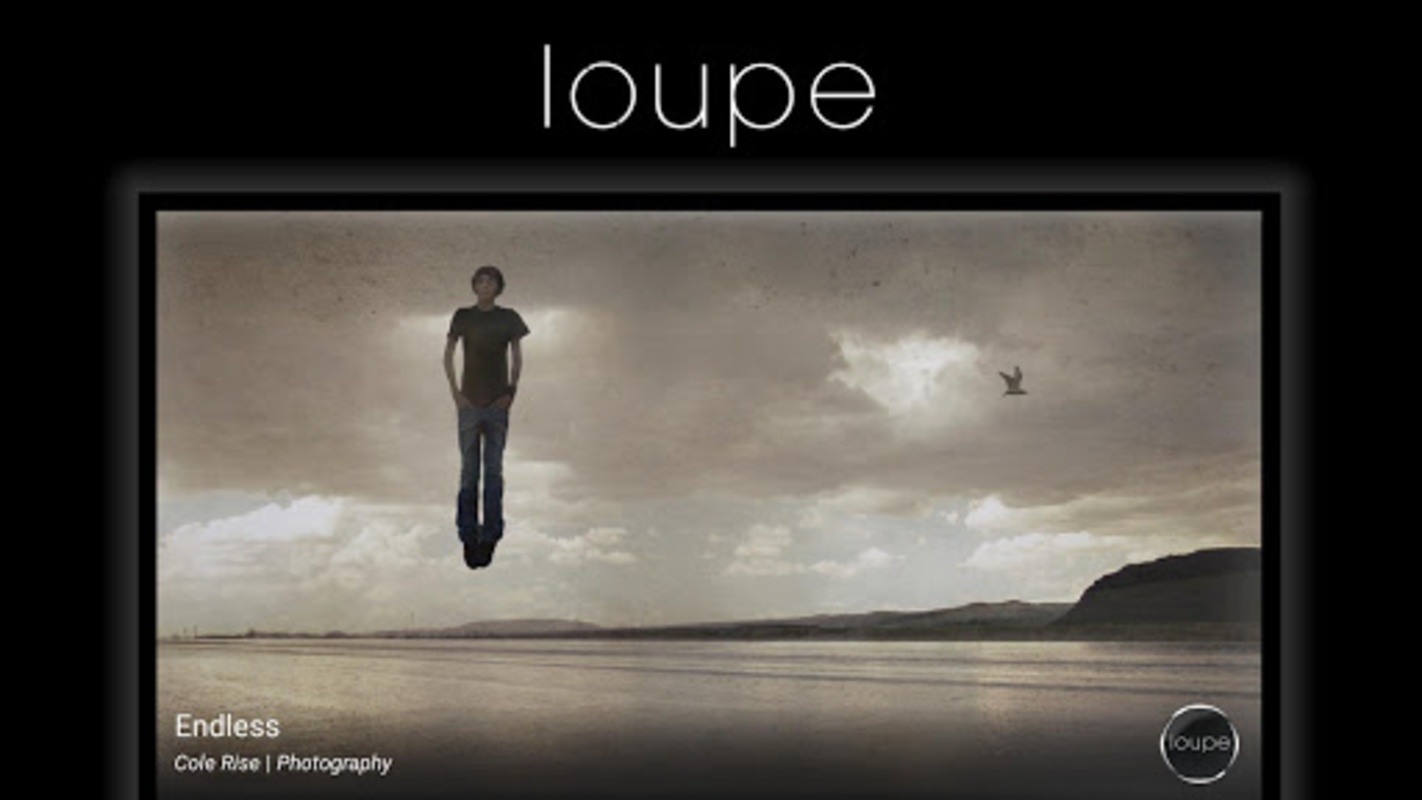
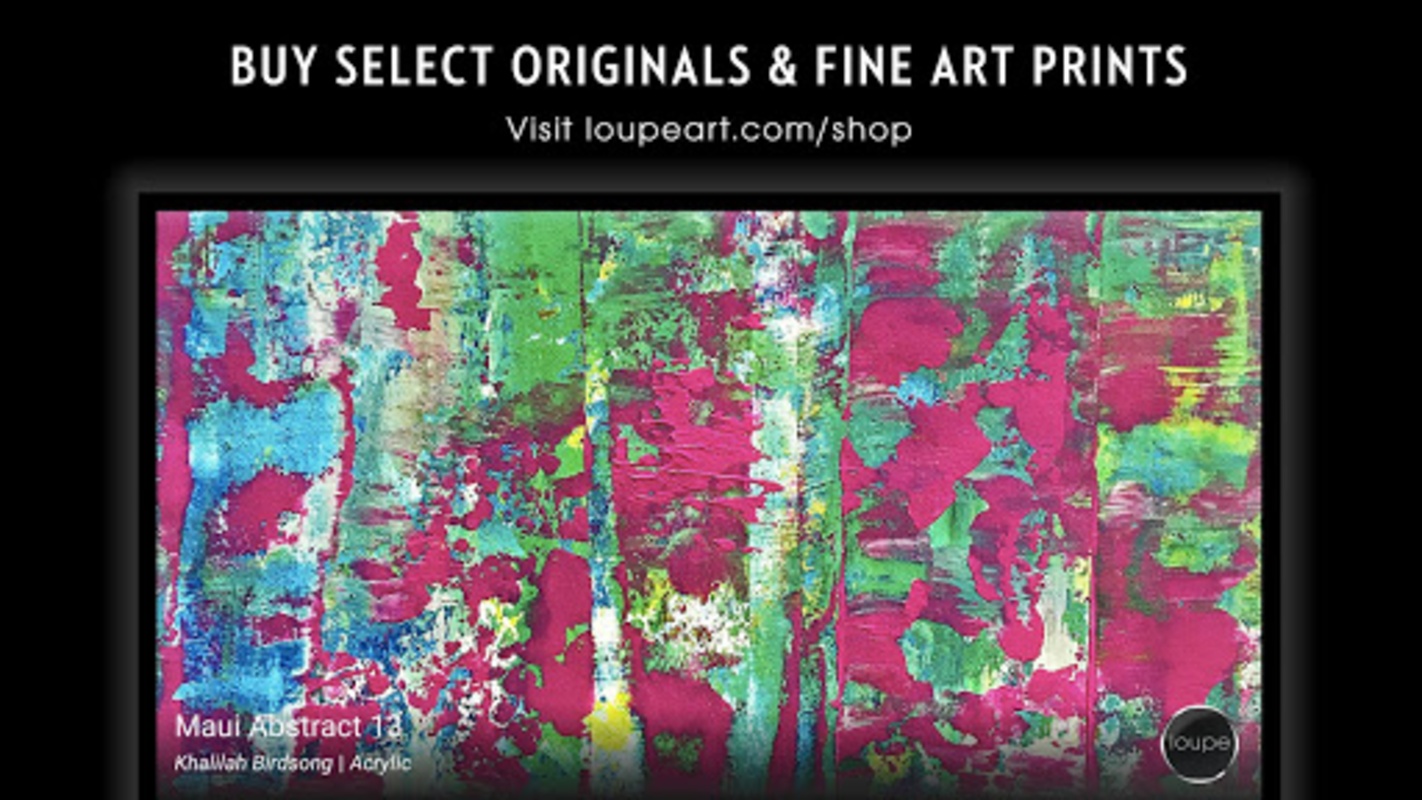
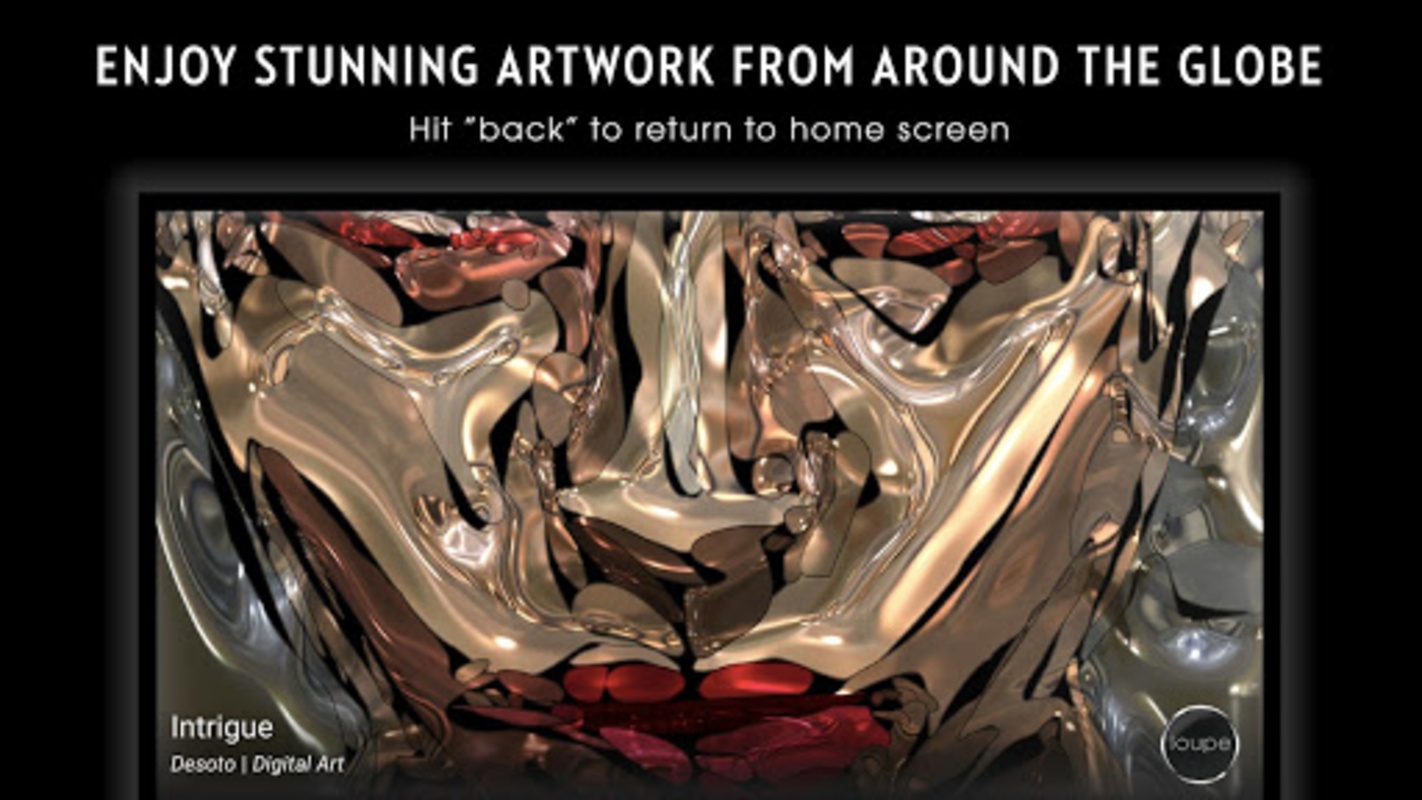
Loupe – Visual Art Experience for Apple TV
Loupe – Visual Art Experience is the leading streaming art gallery and marketplace on Apple TV. The Loupe app turns your TV into a curated, high-resolution art player for calm evenings, dinner parties, waiting rooms, lobbies, or daily ambient décor. Stream expertly curated art channels, pair visuals with your favorite music app, favorite works into a personal gallery, and order fine art prints directly from the big screen.
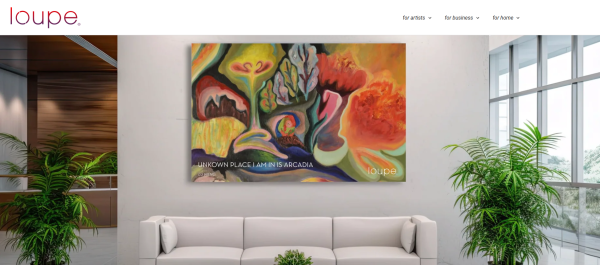
Keywords: Apple TV art app, streaming art gallery, digital art player, ambient art channels, curated contemporary art, buy art prints on Apple TV, motion art, art streaming app.
Why download Loupe on Apple TV?
- 50+ curated Loupe channels, refreshed weekly for mood, color, and ambiance.
- Stream by color to match your room, sofa, wall, or party palette.
- Stream by artist for a continuous flow of one artist’s collection.
- Motion Art channels with pioneering moving-art forms, exclusive to the Loupe app on Apple TV.
- My Gallery turns favorites into a personalized art stream—swipe up while streaming to save.
- Safe Stream + speed control in Customize, so transitions fit relaxed nights or lively spaces.
- Background music while art streams: Apple Music, Pandora, iHeartRadio, or Spotify.
- Full-screen immersion or Full View to see actual artwork dimensions.
- Buy art from the TV: browse in-stream, view product details, and scan the QR code to open the storefront on your phone.
- Fine art prints on Hahnemühle Premium Paper, made to order in three sizes; select original art sales are on loupeart.com/shop.
How to Use Loupe? – Setup, Streaming & Buying Tips
1. Set up before the TV
New to Loupe? Create your account at loupeart.com, then activate it inside the Apple TV app under Account. Activation unlocks favoriting and TV-side print purchases.
2. Pick the right channel first
Open the home screen and choose by mood or ambiance. For dinner parties, use brighter color channels; for winding down, slower transitions and cooler palettes work best. Channels are updated weekly, so the front page is the easiest place to find fresh curation.
3. Stream by color for interior design
Use Stream by Color to complement wall paint, shelving, or seasonal décor. This is the fastest way to make the Loupe app feel like part of the room rather than a slideshow.
4. Stream by artist for deep focus
Choose Stream by Artist when you want coherence—one visual language, one body of work, no jarring cuts. Great for studios, lounges, and long dinners.
5. Tune transitions with Customize
Open Customize to adjust the speed of art transitions. Enable Safe Stream when kids, guests, or workplace screens are present.
6. Build My Gallery while watching
Swipe up during playback to favorite a piece. Those favorites feed the My Gallery channel, so your Apple TV art player becomes a personal collection instead of a generic feed.
7. See true scale with Full View
Full-screen mode is immersive; Full View shows the actual dimensions of the work. Use Full View before buying to understand scale and composition.
8. Pair art with music
Keep Apple Music, Pandora, iHeartRadio, or Spotify playing in the background. Loupe handles the visuals; your music app handles the sound.
9. Shop without leaving the art
While streaming, browse product details on thousands of pieces. Tap the in-stream QR code to open that piece’s storefront on your phone. Prints are prepared to order in three sizes on Hahnemühle Premium Paper.
10. Watch the tutorial once
The Loupe app prompts an in-app tutorial in Account. Watch it once to learn swiping, Full View, Safe Stream, and purchasing flows.
Loupe FAQ – Apple TV App Edition
1、Is Loupe free on Apple TV?
The Loupe – Visual Art Experience app is free to download and use for streaming on Apple TV. Purchases of prints or eligible original works are optional.
2、Which devices support the Loupe app?
The App Store listing is for Apple TV only. Loupe also streams through web and other connected-TV platforms, but this app entry is the Apple TV experience.
3、Can I use Loupe art for commercial display?
No, not by default. Loupe is authorized for personal use only. For offices, hospitality, real estate, healthcare, or digital signage, contact sales@loupeart.com.
4、Can I reproduce or post the artworks?
Artwork on loupeart.com may not be reproduced, published, or used for public display without written consent from Loupe and the artist.
5、Where do I get help or send feedback?
Email support@loupeart.com for app feedback and requests.
- Version1.4
- UpdateOct 10, 2026
- DeveloperLoupe Art
- CategoryLifestyle
- Requires AndroidAndroid 5.0+
- Downloads208K+
- Package Namecom.loupeart.loupe
- Signature831e12c4e92c62fef530b36a3c1ab4de
- ReportFlag as inappropriate
-
NameSizeDownload
-
6.28 MB
-
6.28 MB
-
5.85 MB










Innovative artistic experience
Technical advantages
Efficient error analysis
High price
Product stability issues
Hardware product defects
Management and work environment issues