
Lignes d'Azur Mobile - Public transport navigation & schedules
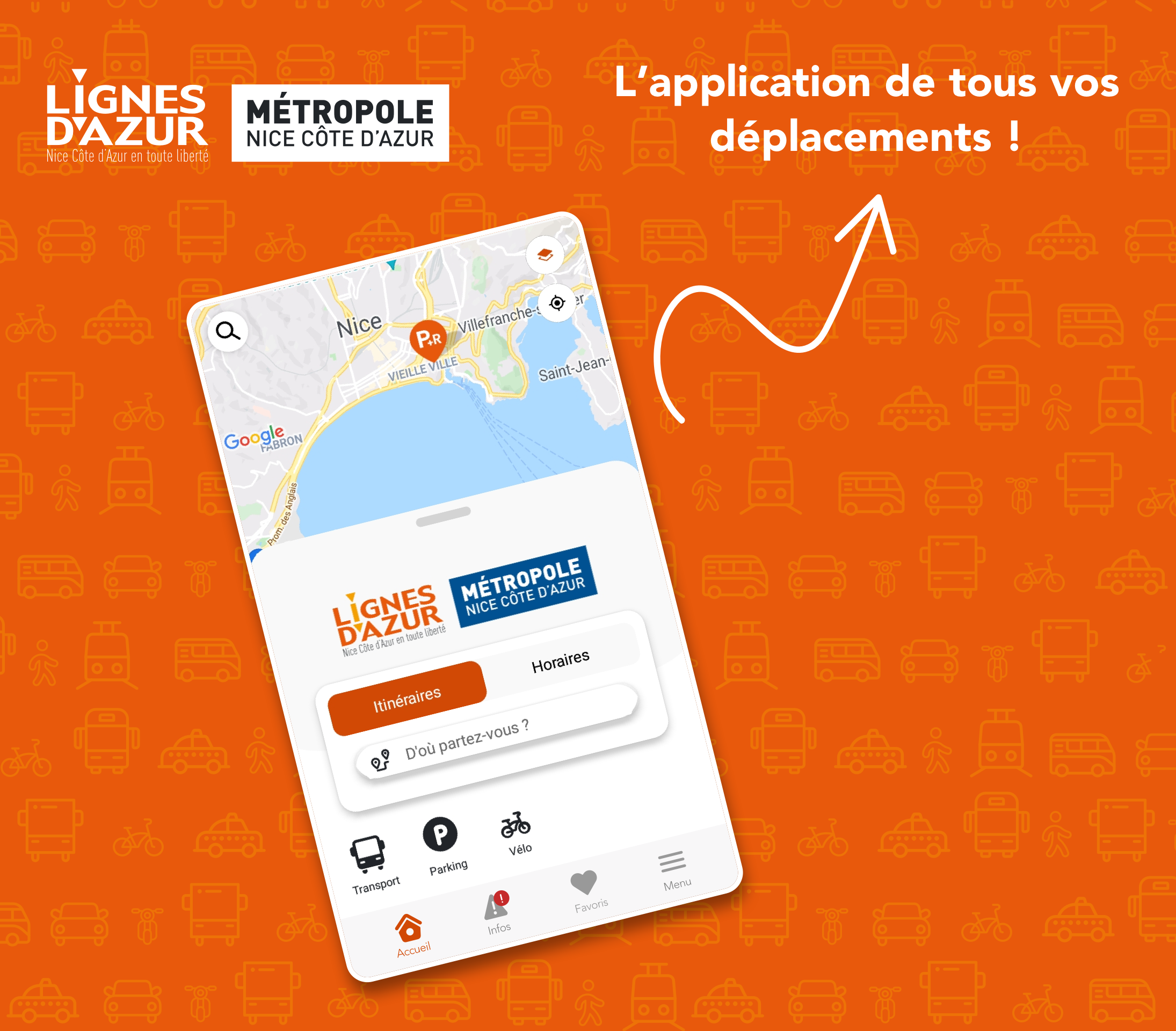
Navigate public transport seamlessly with itinerary planning, real-time schedules & geolocation features at your fingertips.

- 5.3.4-prod Version
- 1.0 Score
- 259K+ Downloads
- Free License
- 3+ Content Rating

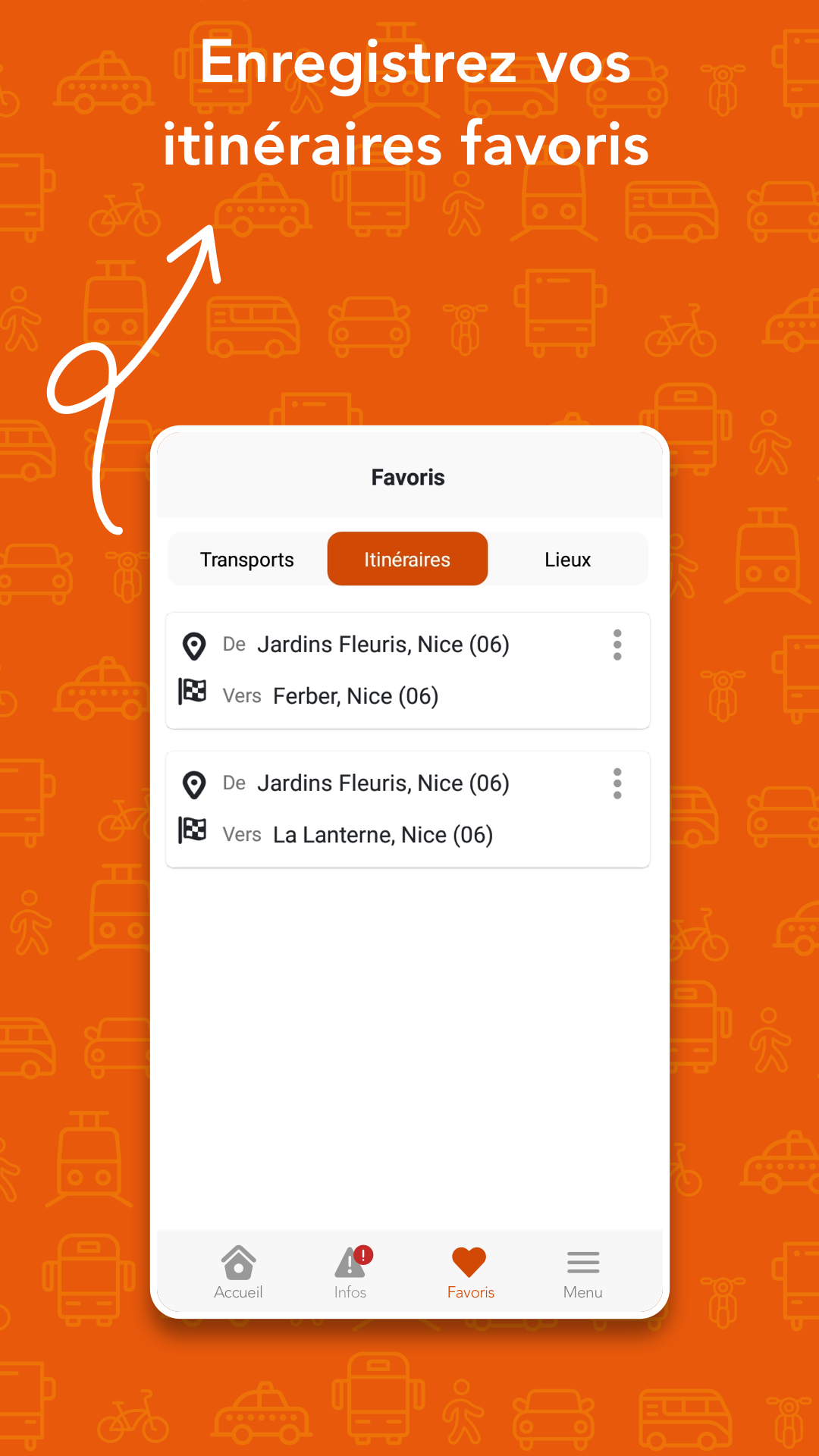
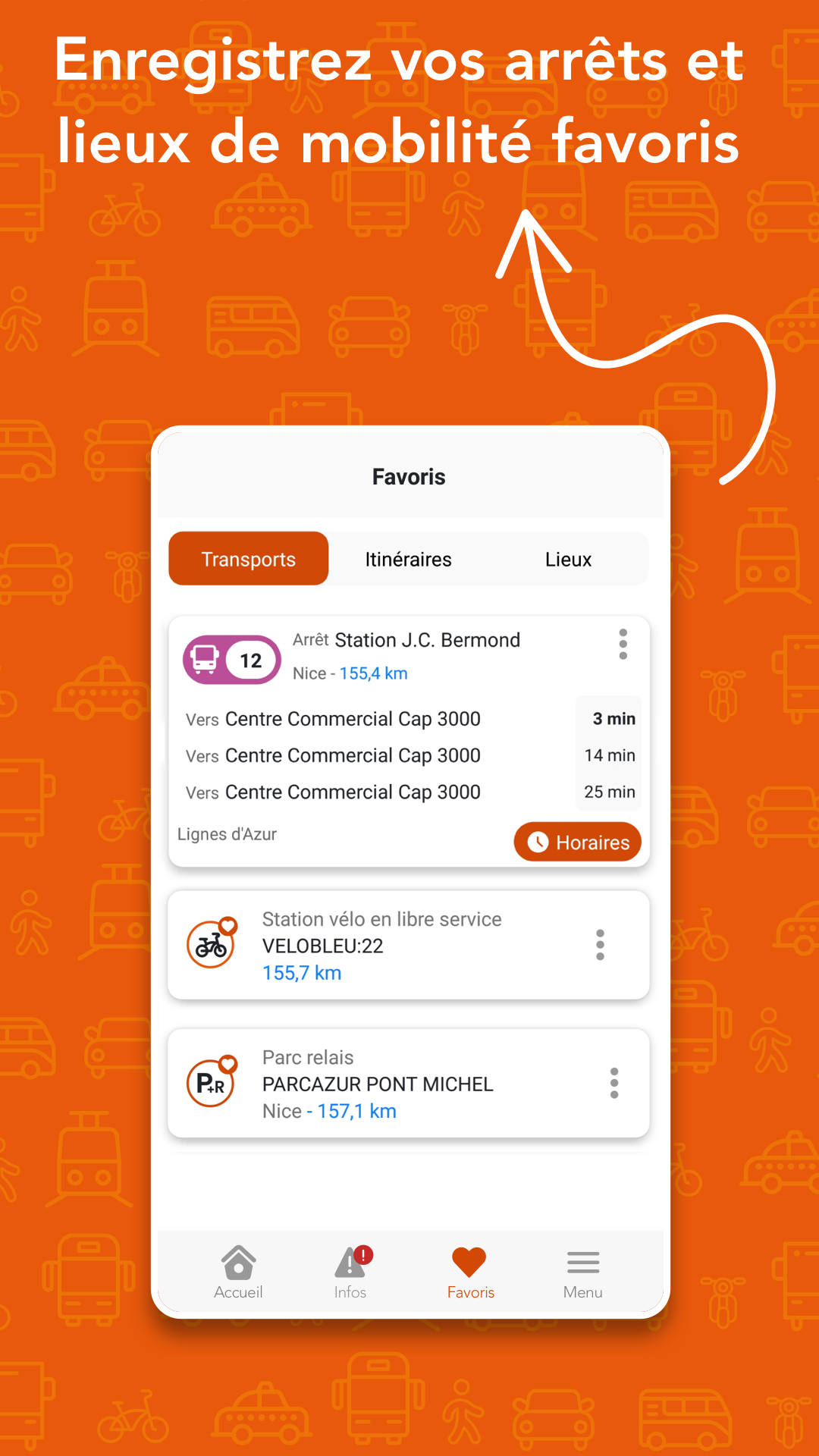
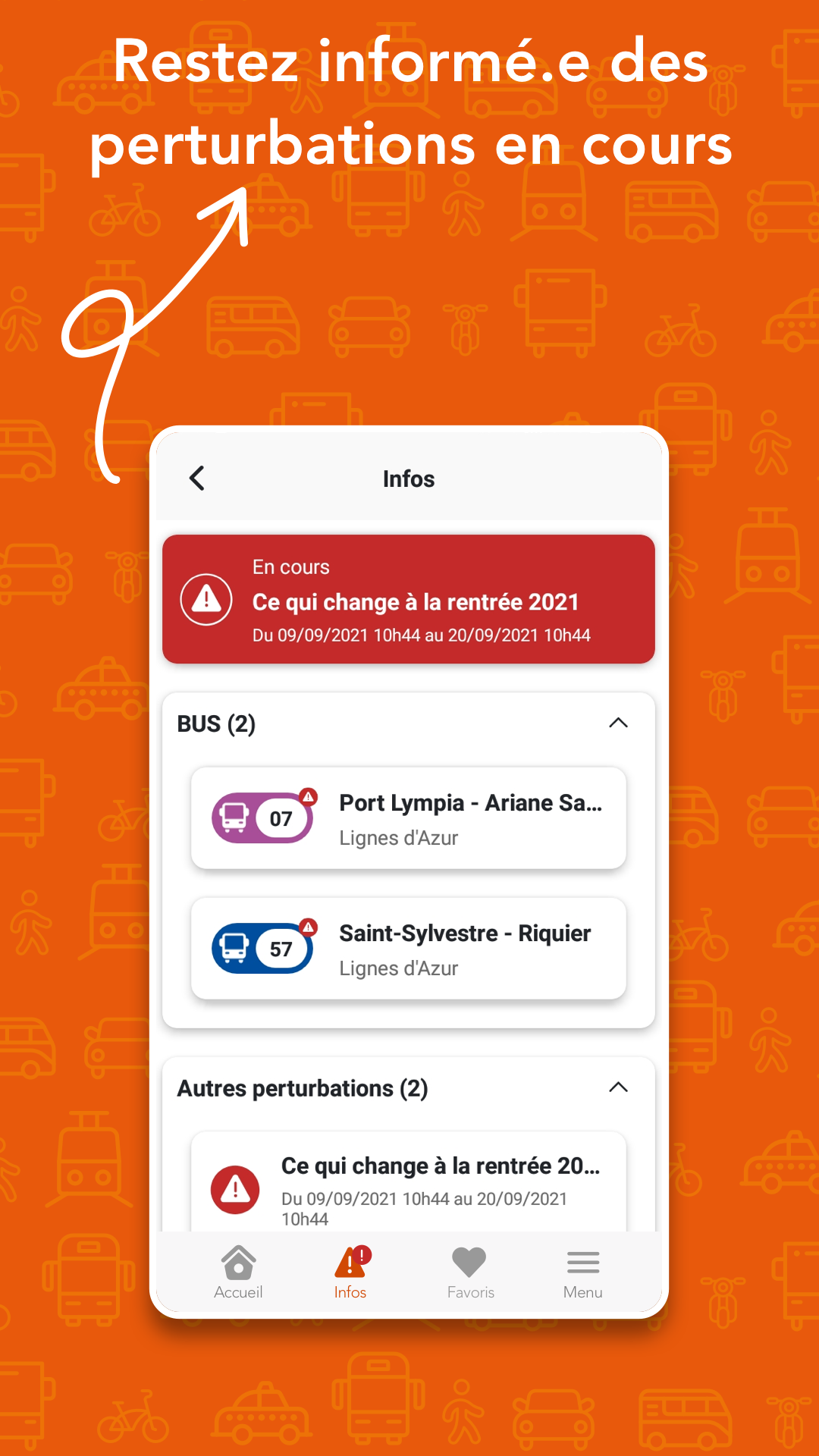
Essential information
- Route planning:
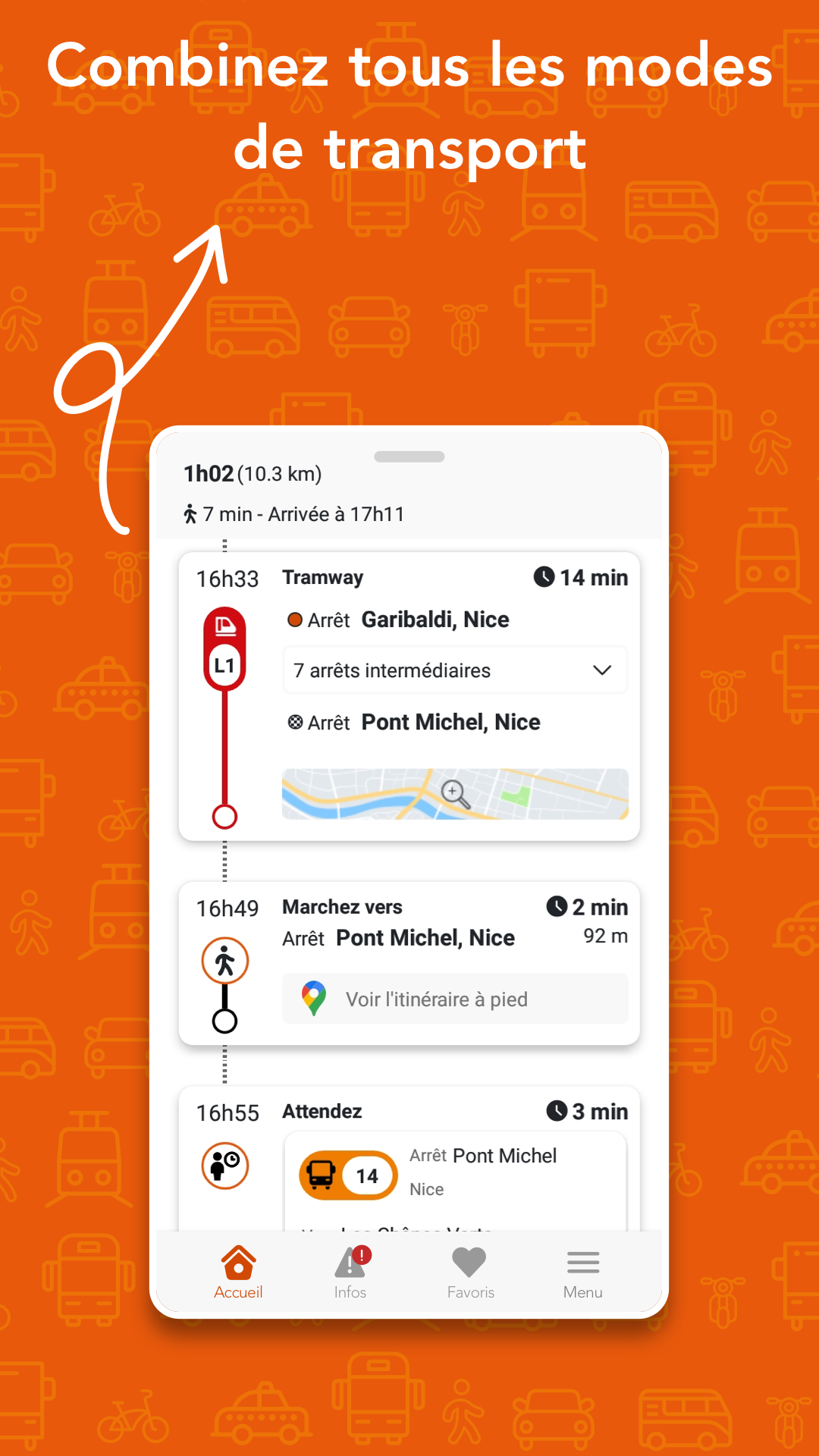
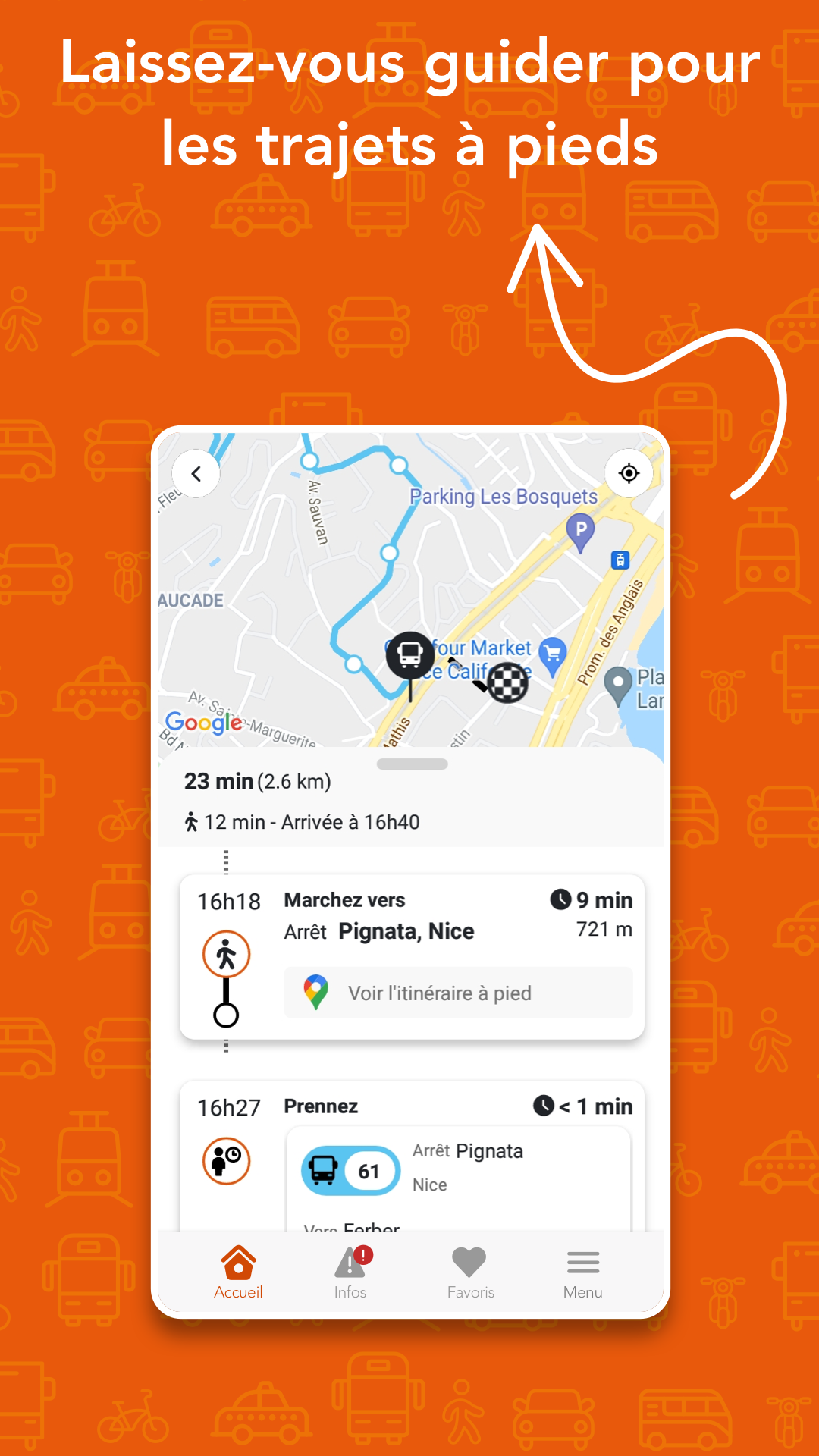
Input your starting location and destination: the app will generate the most efficient travel options, offering a clear and detailed breakdown of each segment of your journey. You can also set criteria such as desired departure or arrival times, and choose between the quickest route or one with fewer changes.
- Location-based services:
Utilizing the geolocation features of your smartphone, you can search for routes directly from your current location and conveniently check upcoming bus schedules at nearby stops.
- Live scheduling and updates:
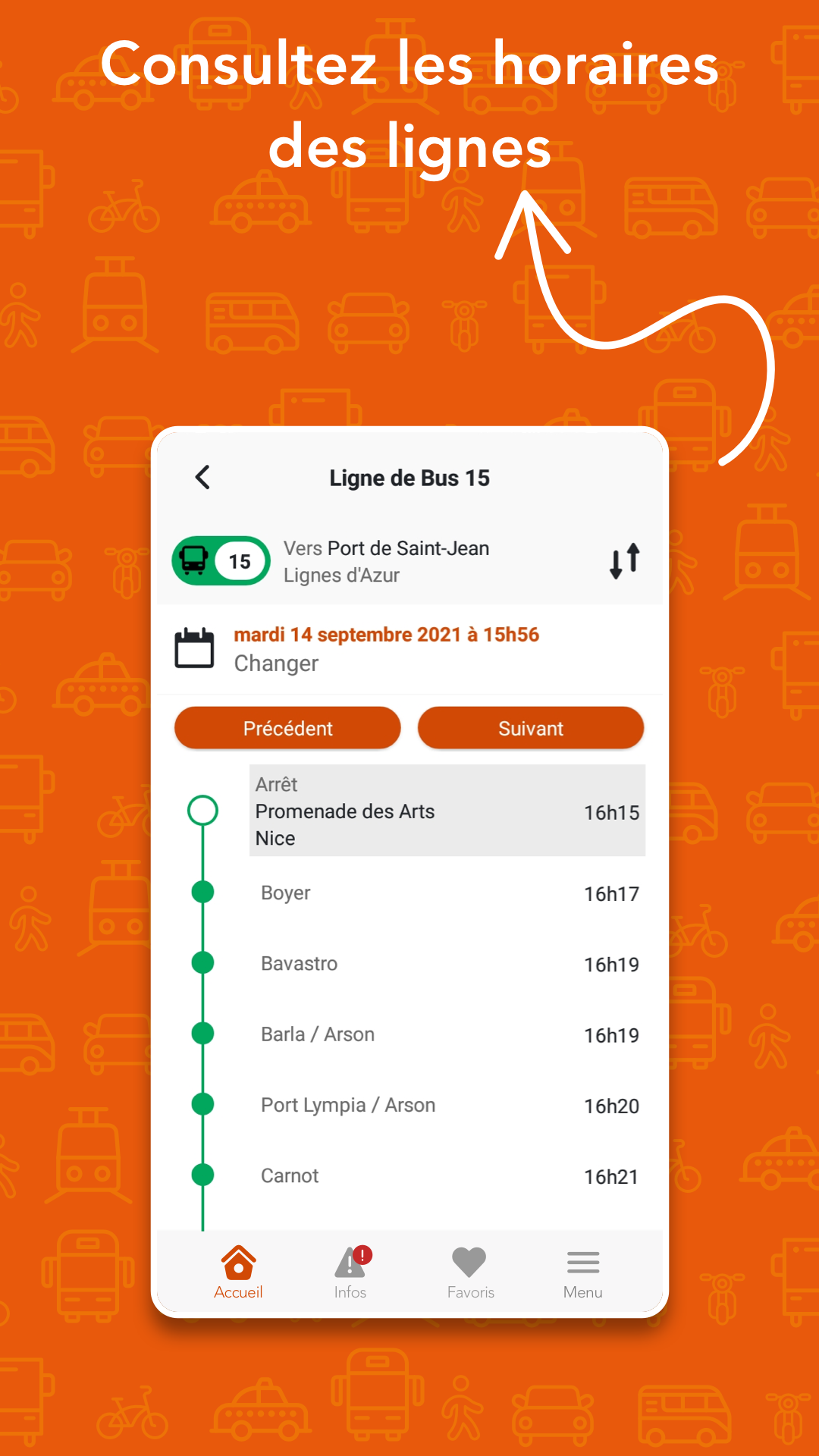
access real-time information on the next arrivals for bus and tram lines, as well as the latest updates regarding any service interruptions, whenever you need it.
- Network maps:
Always have the Lignes d’Azur maps and line information available.
For enhanced map viewing, it is advisable to download an image viewer like QuickPic.
Make your experience with public transport easier using Lignes d'Azur Mobile!
The app operates on 3G.
How to Use?
1. Route Planning: Enter your origin and destination points, select departure/arrival times, fastest/fewest transfer routes, and check segmented trips.
2. Location-Based Vehicle Tracking: Enable location services to search for routes from your current location and view departure times for nearby stops.
3. Real-Time Information: Check real-time bus/trolleybus arrival times and receive route operation notifications.
4. Map View: Directly view public transport network and route information; the experience is even better when used with an image viewer.

FAQs
### How to read downloaded files?
You will find downloadable documents in Acrobat PDF format on the site.
To read these files, you need the Acrobat Reader software. You can download it from Adobe's website: [download Acrobat Reader](telécharger Acrobat Reader).
You can also convert PDFs to classic HTML format using Adobe's online conversion engine. To do this, copy the link address to the PDF file and paste it into the field provided for this purpose in the conversion tool: [online conversion tool](outil de conversion en ligne).
### How can I delete my personal account from the lignesdazur.com site?
#### On the website:
1. I access my account by logging into the lignesdazur.com site.
2. I go to my profile.
3. At the bottom of the page, I click on "Delete my account".
#### On the app:
1. I access my account from the main menu.
2. I go to "my login credentials".
3. I click on "Delete my account".
[Delete my personal account](Supprimer mon compte perso) (pdf 323.29 Ko)
### How to print the site's pages?
To print a page from the site, you will find the print button at the bottom of most pages along with the social media sharing buttons.
To print timetables or a route sheet, you must click on the button with 3 points at the top of the page and select "Print".
The site's pages are designed to print correctly on your personal printer.
Printing is optimized for the standard page format (A4).
For optimal results, your browser's print settings should be set to "Fit to page" or "Adjust to page". Most browsers default to this option.
To check the print settings, go to the menu under the title Print or use the keyboard shortcut Ctrl + P.
Firefox: The standard Print functionality does not offer settings. Prefer the print preview.
#### What is the Unlimited Formula?
It is a subscription that is automatically renewed. Beyond the minimum 12-month commitment, you can request the interruption of automatic debits free of charge. You will then be notified of the actual expiry date of your subscription.
### I have several tickets on my card, which ticket is debited first when I validate?
When you have several transport tickets on your card (for example: a monthly subscription and Multi-Trips), the subscription is debited prior to all other transport tickets. Thus, you cannot travel multiple times at the same time if you have a subscription on your nominative card.
### I lost "My Card". What to do?
Go to one of our Lignes d'Azur agencies / Mobile Agencies where we will draw up a loss or theft declaration together. This will suspend the lost card.
A duplicate can be issued immediately, provided you present an identity document, have a recent identity photo and pay 15 € for the replacement of the card.
You can also request it on the website, in the Online Agency section > [Report the loss of my card](Signaler la perte de ma carte).
- Version5.3.4-prod
- UpdateOct 08, 2026
- DeveloperRegie Ligne d'Azur
- CategoryMaps & Navigation
- Requires AndroidAndroid 5.0+
- Downloads259K+
- Package Namefr.cityway.android.st2n
- Signature4897e8ff7a374b3a0a2831b44cee45e7
- Available on
- ReportFlag as inappropriate
-
NameSizeDownload
-
54.34 MB
-
61.72 MB
-
26.43 MB














Easy to compare different route options
Useful for accessing multiple transport modes (bus & tram)
Can help plan travel with a 7-day ticket option
Accessible for those familiar with local bus stops and routes
Attractive user interface, improving visual appeal
Difficult to find schedules without exact stop names
Often returns "No journey found" errors
Slow loading times and bugs frequently encountered
Lack of real-time updates and information about delays
Requires multiple apps for complete functionality
Many features unavailable in English, hindering usability
Outdated design and poor performance compared to competitors
No clear ticket requirements or validation processes