
Korean Japanese Translator - Korean-Japanese translations & dark mode
Experience flawless Korean-Japanese translations offline with speech recognition & dark mode for effortless communication anywhere!
- 3.4.8 Version
- 1.7 Score
- 445K+ Downloads
- Free License
- 3+ Content Rating

Korean-Japanese Translator
1. App Overview
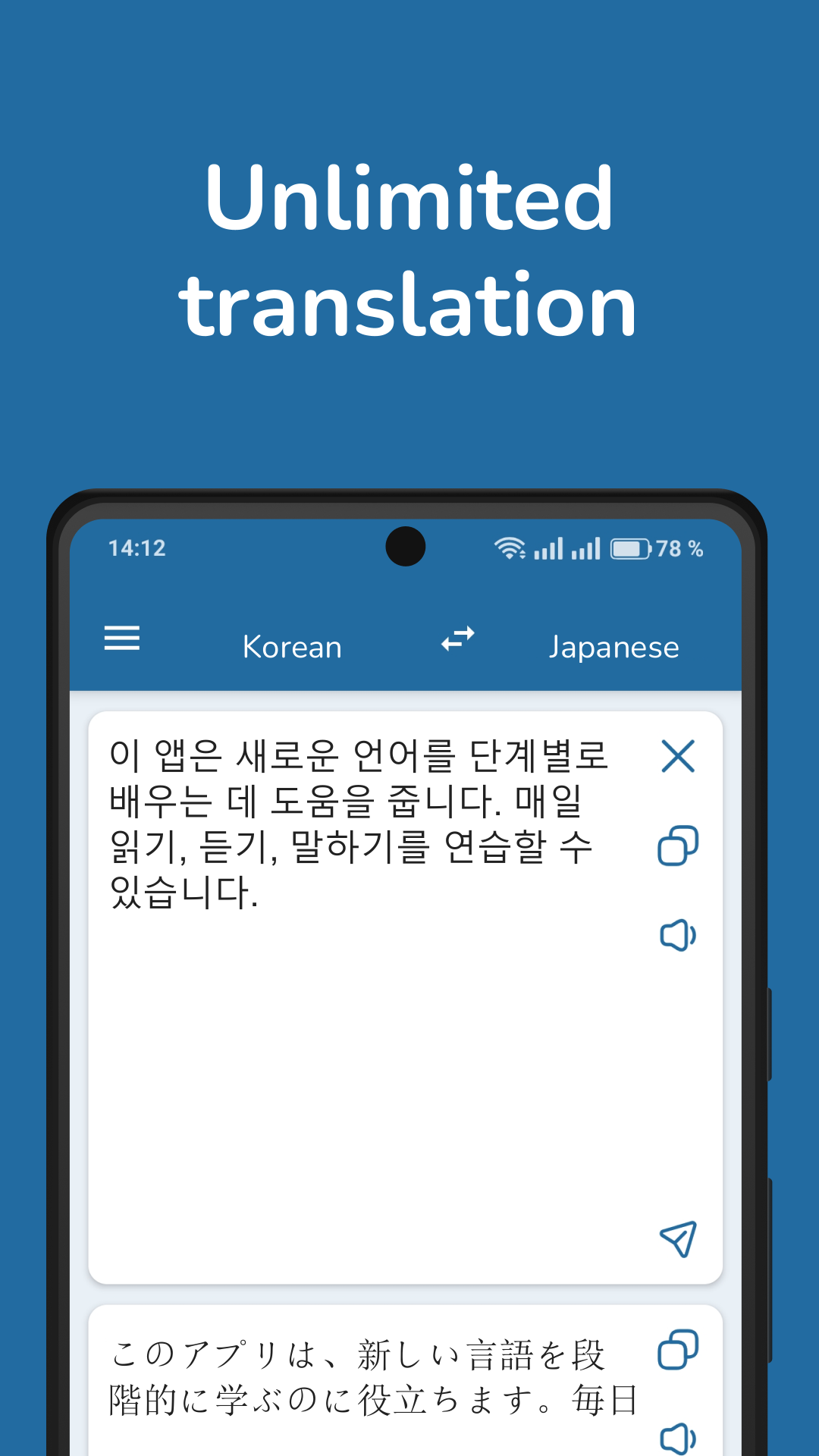
Korean-Japanese Translator is a translation app designed to help users communicate between Korean and Japanese. It provides several translation methods for understanding written text, spoken language, and text found in images. Whether you are learning either language, traveling in Japan or Korea, or translating everyday messages and signs, the app brings these tools together in one place.
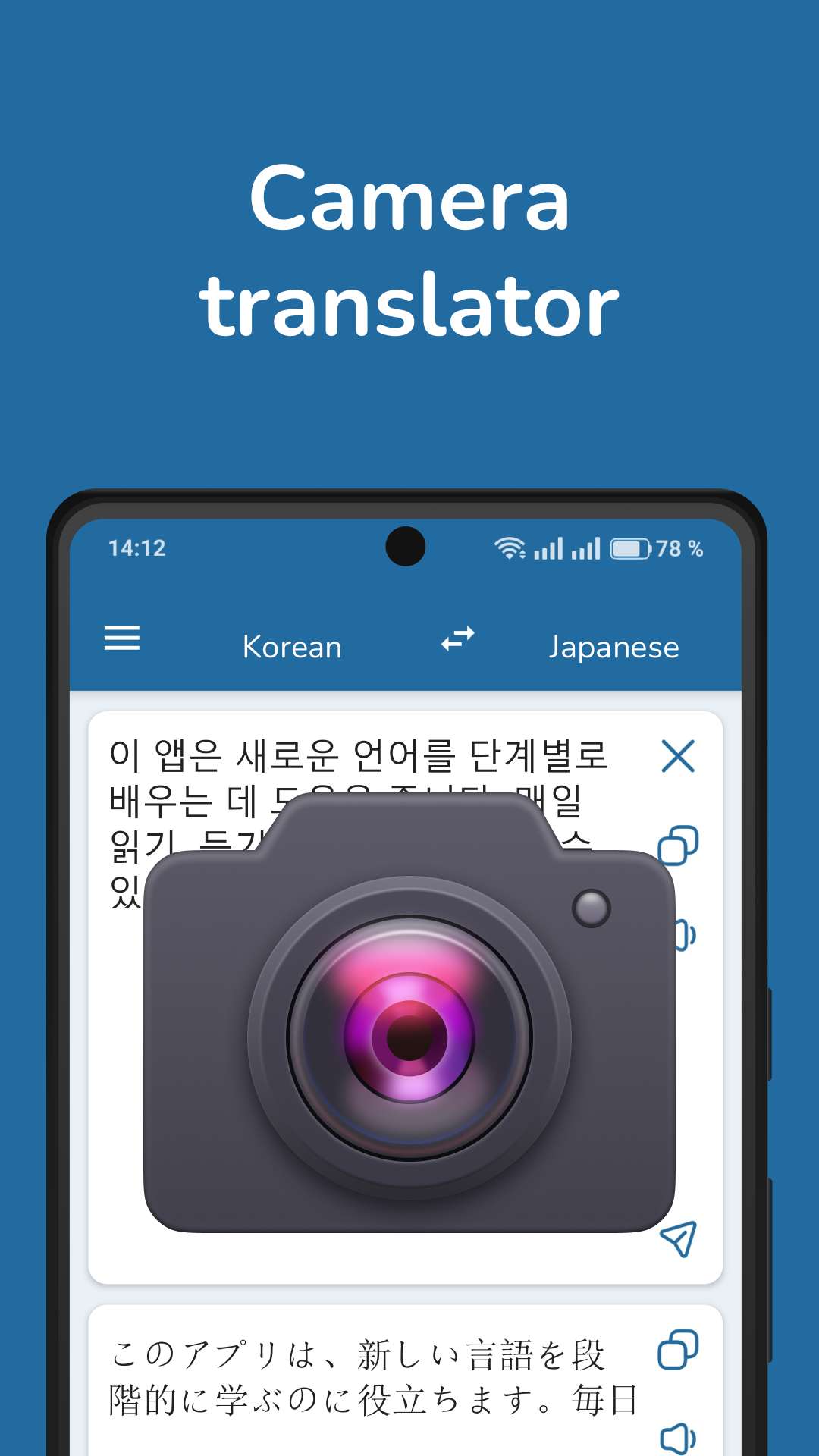
The app supports two-way text translation, allowing users to translate between Korean and Japanese in either direction. For image-based translation, its built-in OCR technology recognizes text in photos and screenshots, including menus, signs, and other printed content. Voice translation offers another option for spoken communication, while pronunciation playback lets users listen to translated text. A built-in dictionary is also available for checking individual words and their meanings.
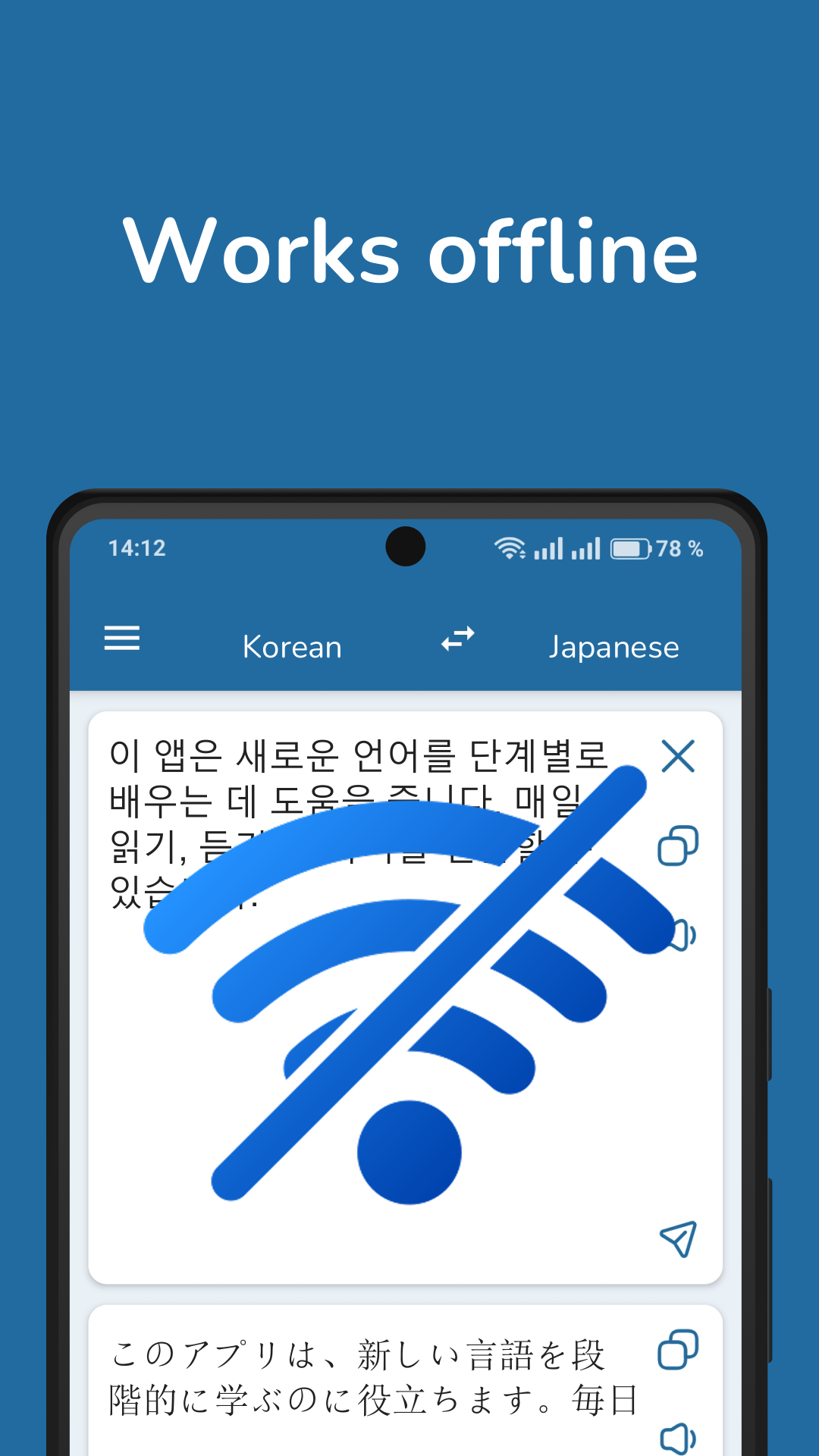
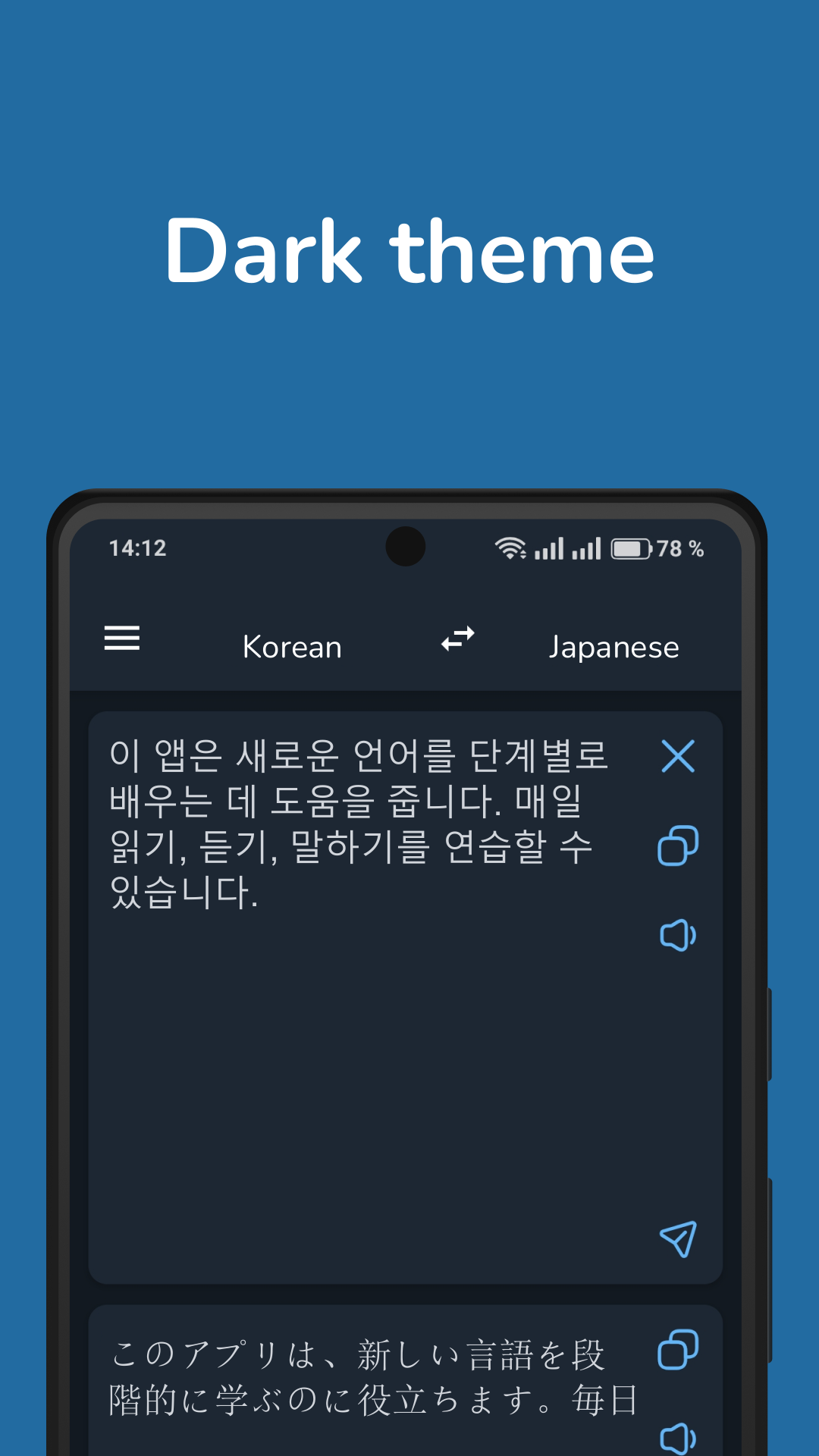
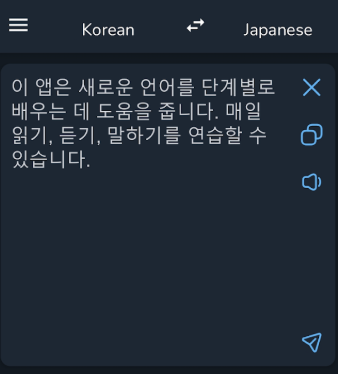
Korean-Japanese Translator includes offline translation through downloadable language packs, so users can translate content without an internet connection once the required packs are installed. It also offers Dark Mode for a more comfortable viewing experience in low-light environments.
By combining text, image, and voice translation with dictionary lookup and offline access, the app provides a practical set of tools for everyday Korean-Japanese translation.
2. Key Features
• Two-Way Translation: Translate text between Korean and Japanese in either direction.
• Offline Translation: Download language packs to translate without an internet connection.
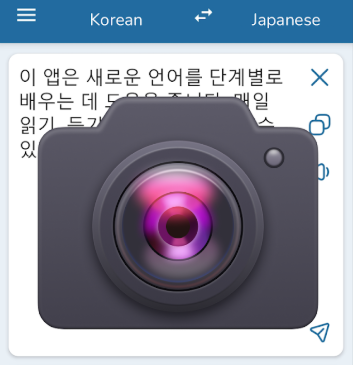
• Image Translation: Recognize and translate text in photos and screenshots using OCR.
• Voice Translation: Recognize spoken Korean or Japanese and translate the speech into the other language.
• Pronunciation Playback: Listen to translated text to check how words and sentences are pronounced.
• Built-in Dictionary: Look up individual Korean and Japanese words and their meanings.
• Dark Mode: Switch to a darker interface for comfortable viewing in dim environments.
• No Translation History: Previous translations are not stored in an in-app history list.
3. How to Use
1. Translate Text: Select the source and target languages, enter the text, and view the translation. Download the required language pack from Settings before using offline translation.
2. Translate Images: Open the image translation tool, take a photo, or select an image from your gallery. The app uses OCR to recognize and translate the text.
3. Translate Speech: Open the voice translation tool, tap the microphone, and speak in Korean or Japanese. The recognized speech and its translation will appear on the screen.
4. Check Pronunciation: Use the playback option to listen to the translated text.
5. Look Up Words: Enter an unfamiliar word in the built-in dictionary to check its meaning.
6. Adjust Settings: Open Settings to download offline language packs or enable Dark Mode.
4. Additional Information
Korean-Japanese Translator focuses on practical translation rather than structured language courses. It does not include an in-app translation history or dedicated study materials such as saved vocabulary lists and lessons.
For more reliable results, use clear, well-lit images when translating photos and speak directly into the microphone in a quiet environment. Translation quality may vary depending on context, sentence complexity, and the selected mode. Offline translation is generally more suitable for basic vocabulary and everyday expressions, while online translation may handle more complex sentences better.
5. Frequently Asked Questions
Q1: Can I use Korean-Japanese Translator without an internet connection?
Yes. Download the required language packs from Settings while connected to the internet. Once installed, you can use offline translation without Wi-Fi or mobile data.
Q2: Is offline translation as accurate as online translation?
Not necessarily. Online translation may provide better results for complex sentences, contextual expressions, and less common vocabulary. Offline translation is more suitable for basic words and everyday phrases.
Q3: Why isn't voice translation working?
Check whether the app has permission to access your device's microphone. Speak clearly and try again in a quiet environment. If voice recognition continues to fail, you can enter the text manually.
Q4: Why does image translation recognize the wrong text?
OCR accuracy depends on image quality. Make sure the text is clear, in focus, and sufficiently lit. Avoid blurry images, glare, and obstructed text.
Q5: Does the app save previous translations?
No. Previous translations are not saved in an in-app history list, so you cannot retrieve them from a dedicated translation history.
Q6: What should I do if an offline language pack won't download?
Check your internet connection and available device storage. Try using a stable Wi-Fi connection, restarting the app, and downloading the language pack again.
- Version3.4.8
- UpdateNov 09, 2026
- DeveloperPro Languages
- CategoryEducation
- Requires AndroidAndroid 5.0+
- Downloads445K+
- Package Namecom.vertaler.koja
- Signatured0e472bbec5ad5ee4e44b3c5e68f046d
- Available on
- ReportFlag as inappropriate
-
NameSizeDownload
-
5.02 MB
-
5.00 MB
-
5.00 MB













Core functions precisely tailored to user needs
Outstanding offline and privacy advantages
Practical functions for multiple scenarios
Low learning curve
Offline functionality has limitations.
Performance is lacking.
Resource consumption and update issues.