
Chemical Equation Balancer - Chemistry Equation Solver & Balancer
Discover the ultimate chemistry companion that simplifies balancing equations & finding formulas with unmatched speed & accuracy

- 1.1.0 Version
- 2.9 Score
- 156K+ Downloads
- Free License
- 3+ Content Rating

Chemical Equation Balancer
1. App Overview
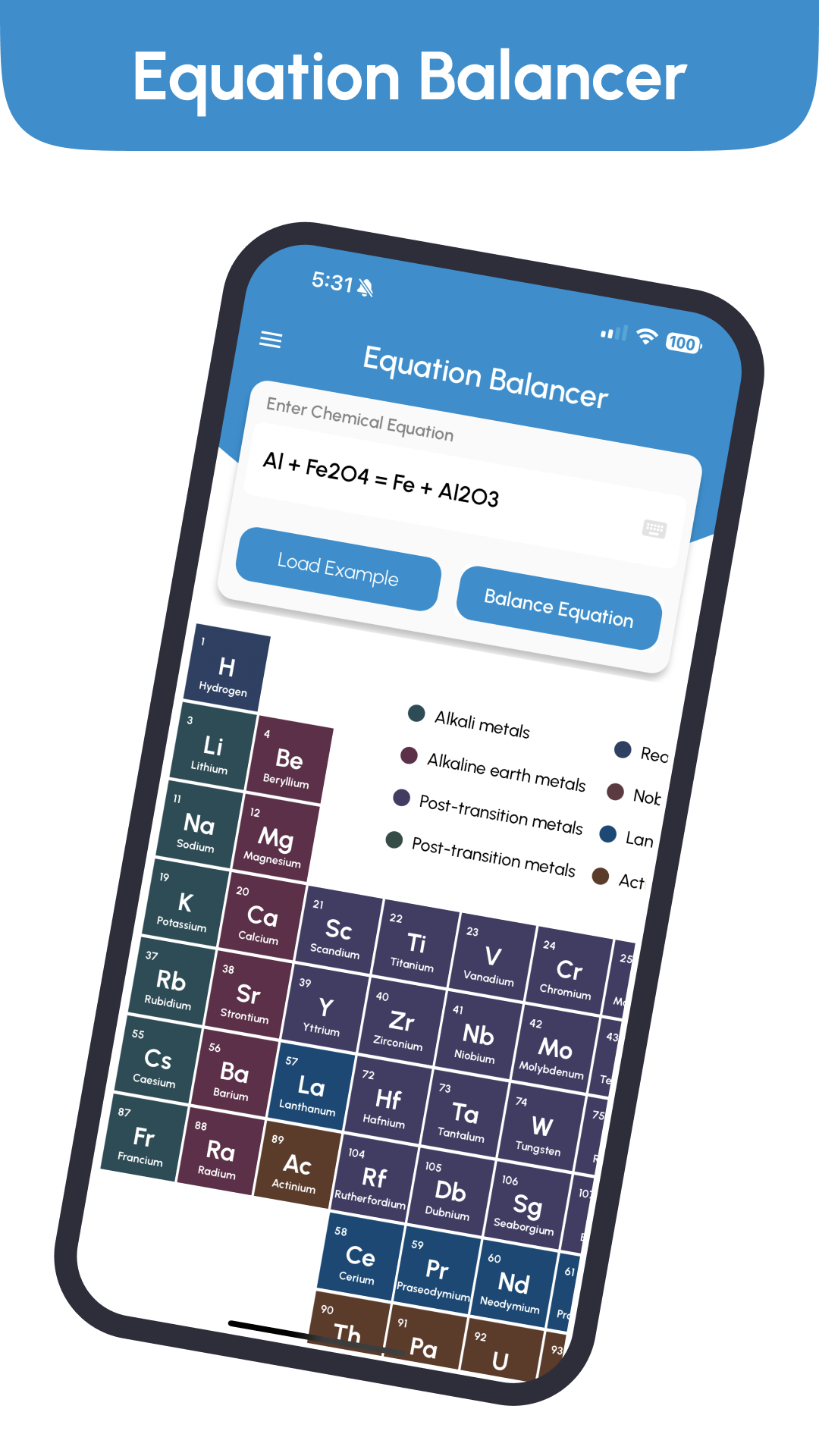
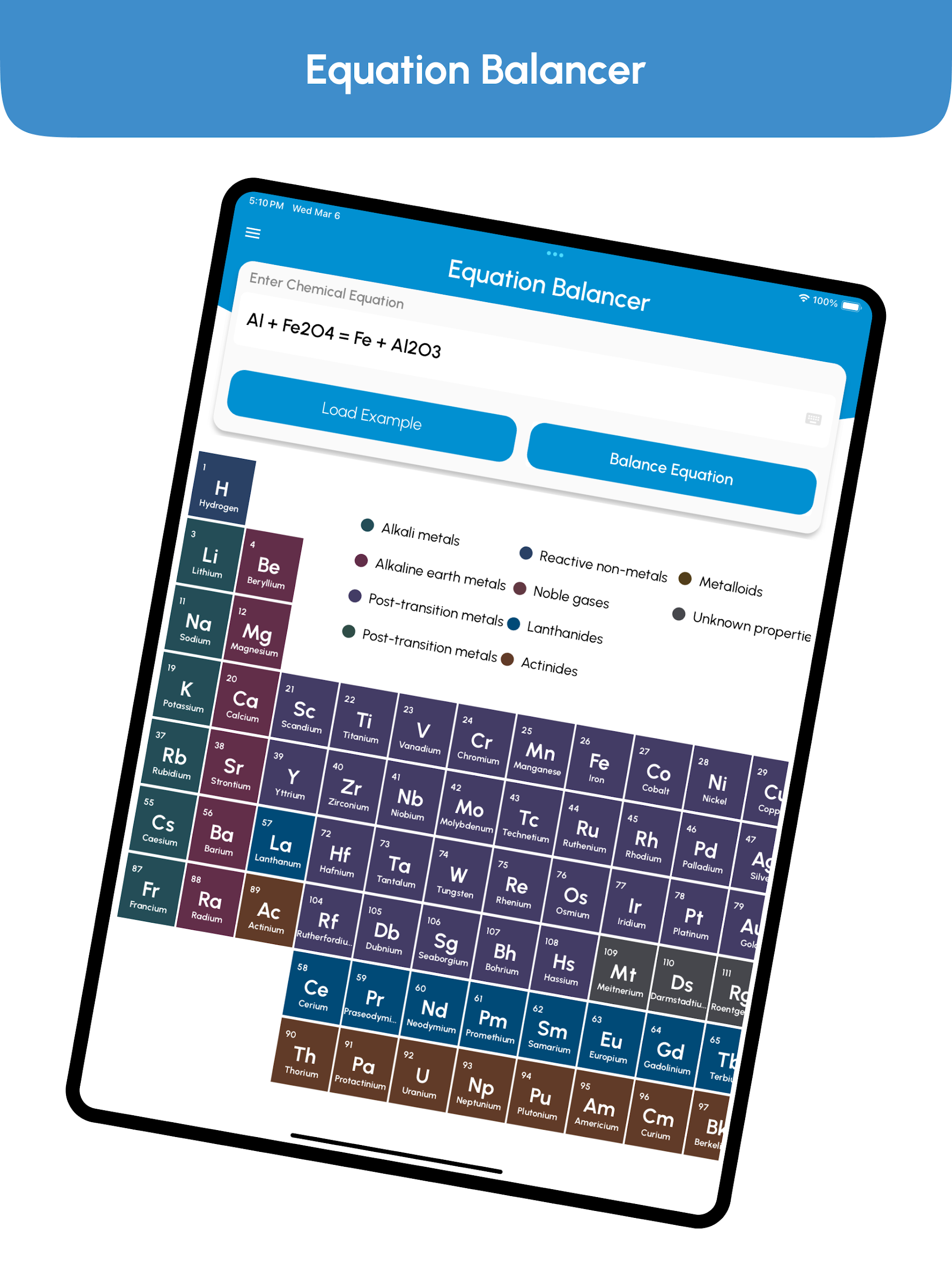
Chemical Equation Balancer is a chemistry calculator designed to help users balance chemical reactions and solve a range of chemistry problems. In addition to its main equation-balancing tool, the app includes a library of chemical equations, a periodic table, and specialized calculators for different chemistry topics.
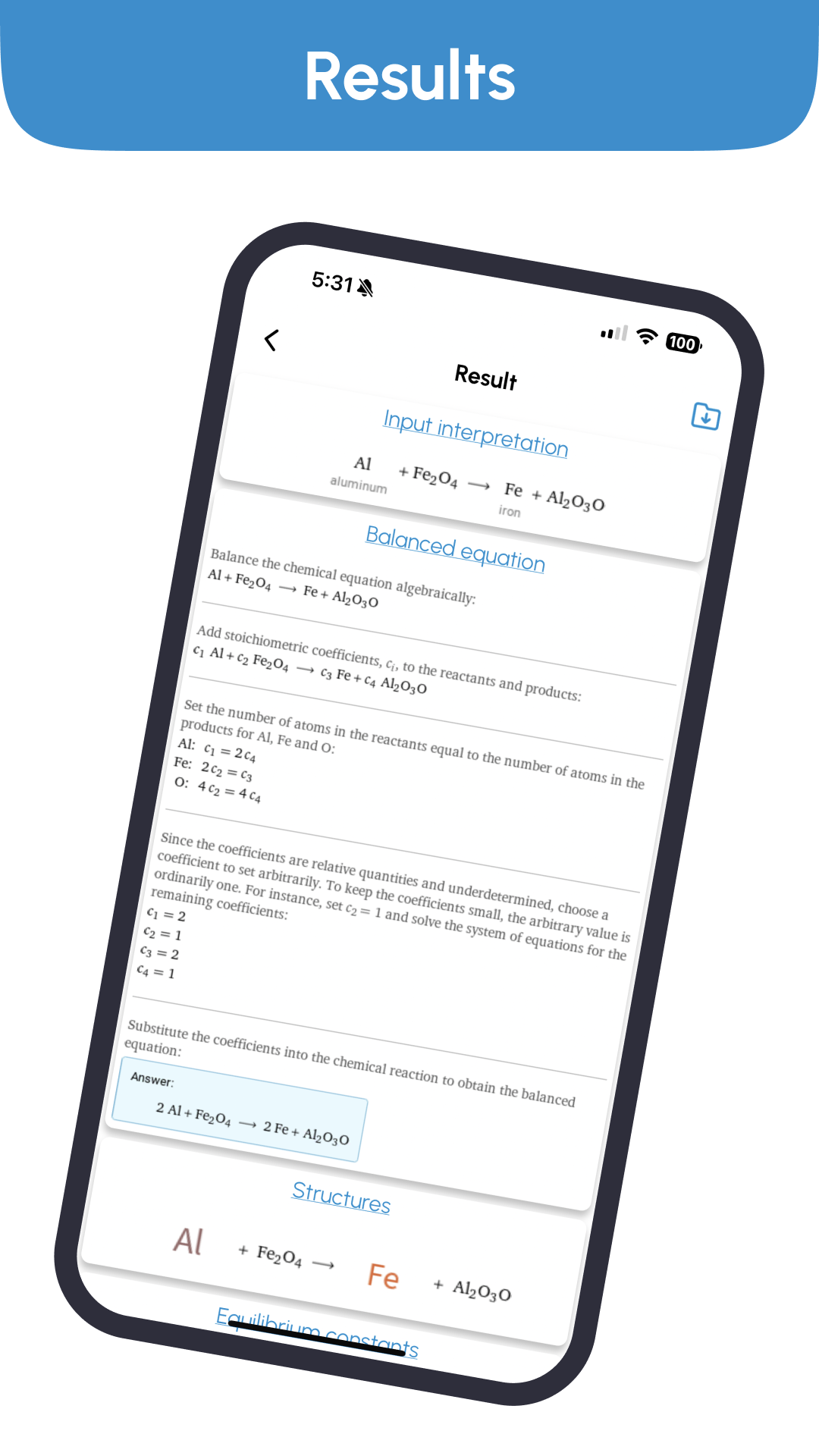
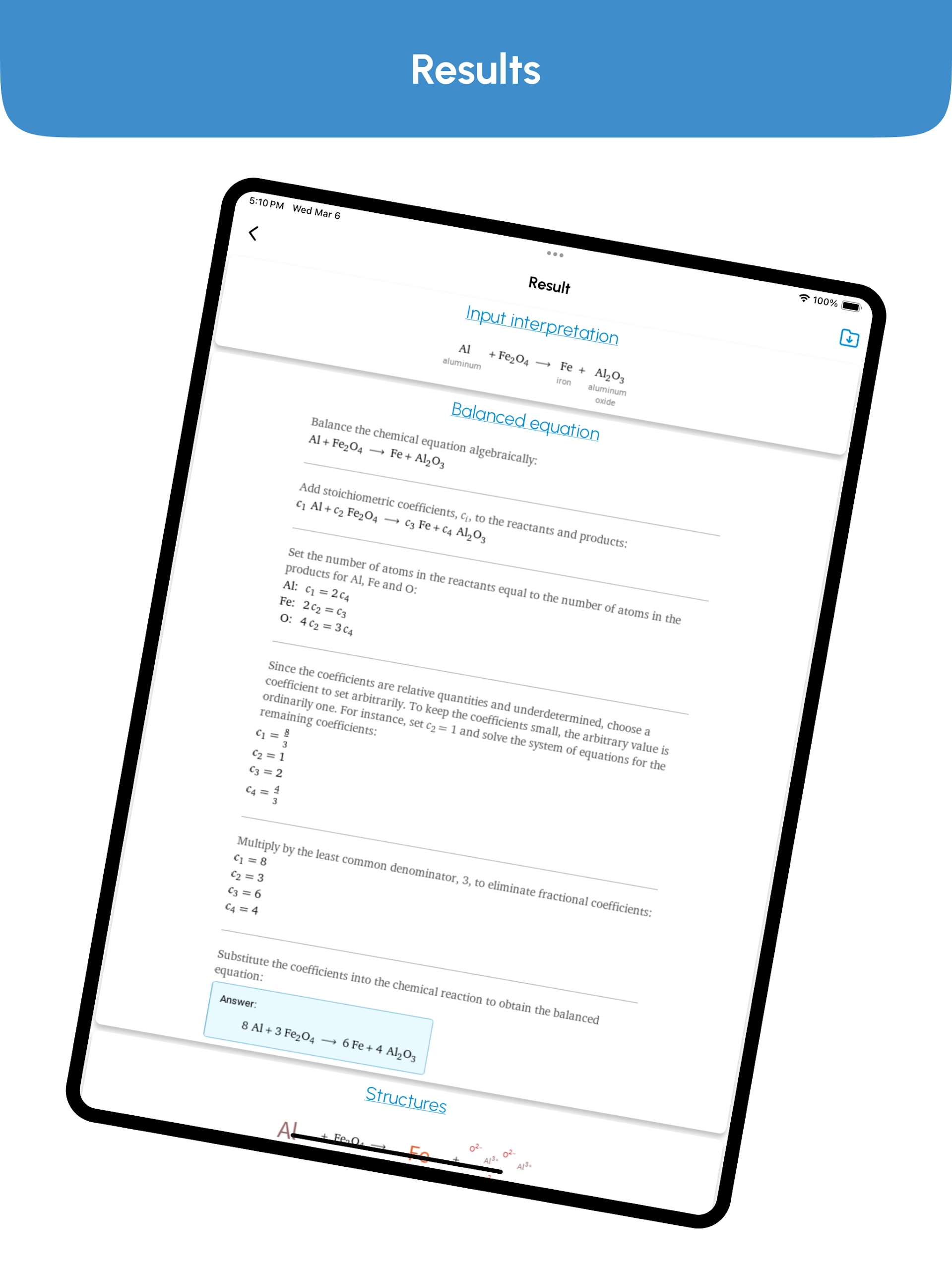
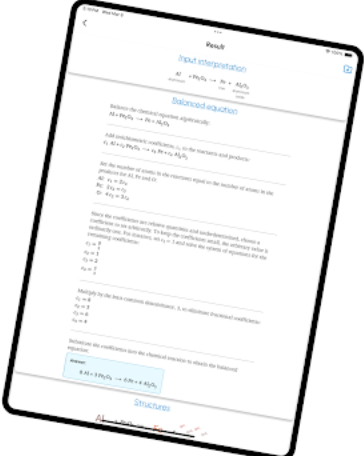
Users can enter a chemical equation into the input field and tap the Balance button to calculate the coefficients required to balance the reaction. The app then displays the balanced equation, which can be copied along with the original input for use in assignments, notes, or other applications.
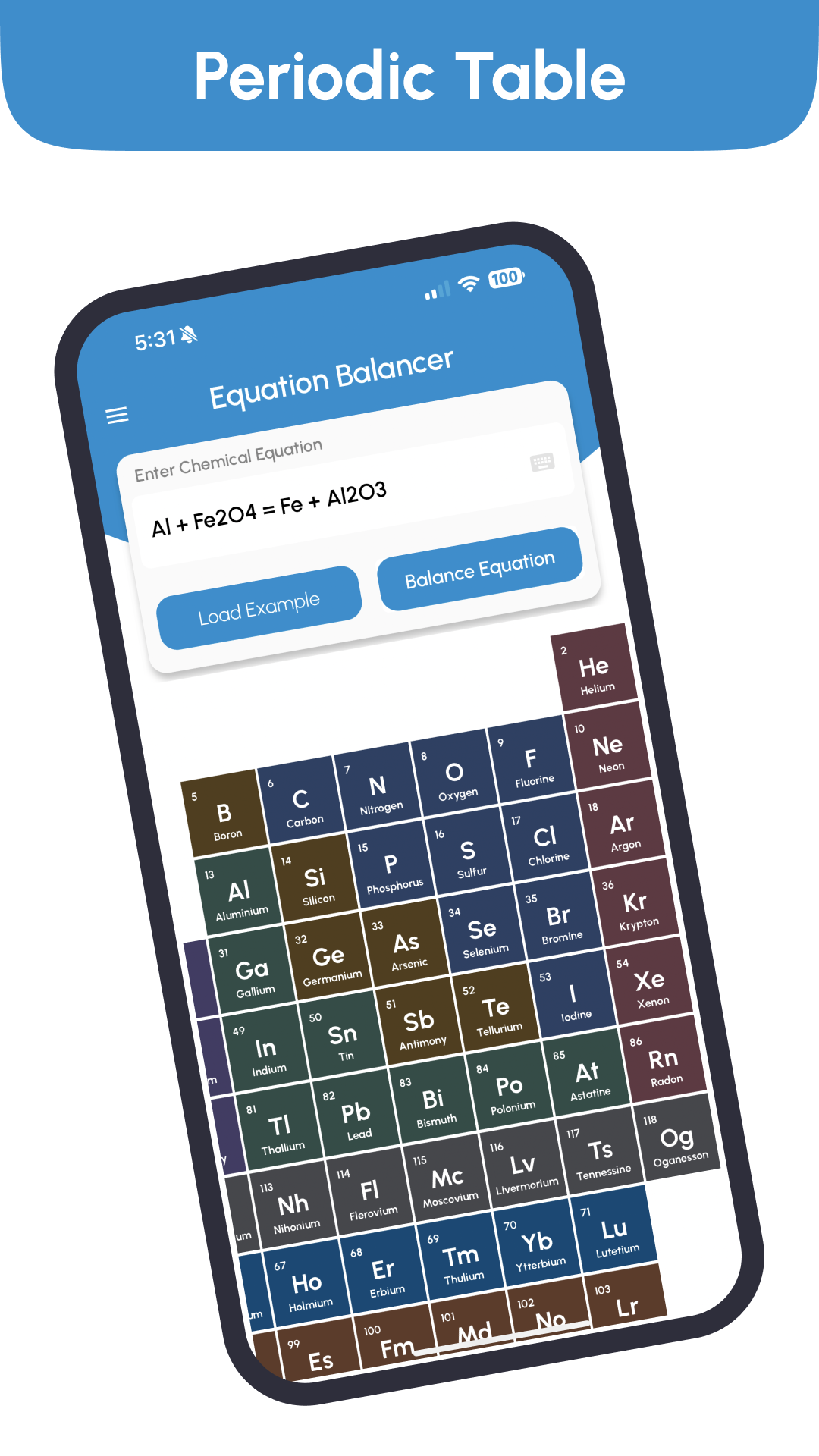
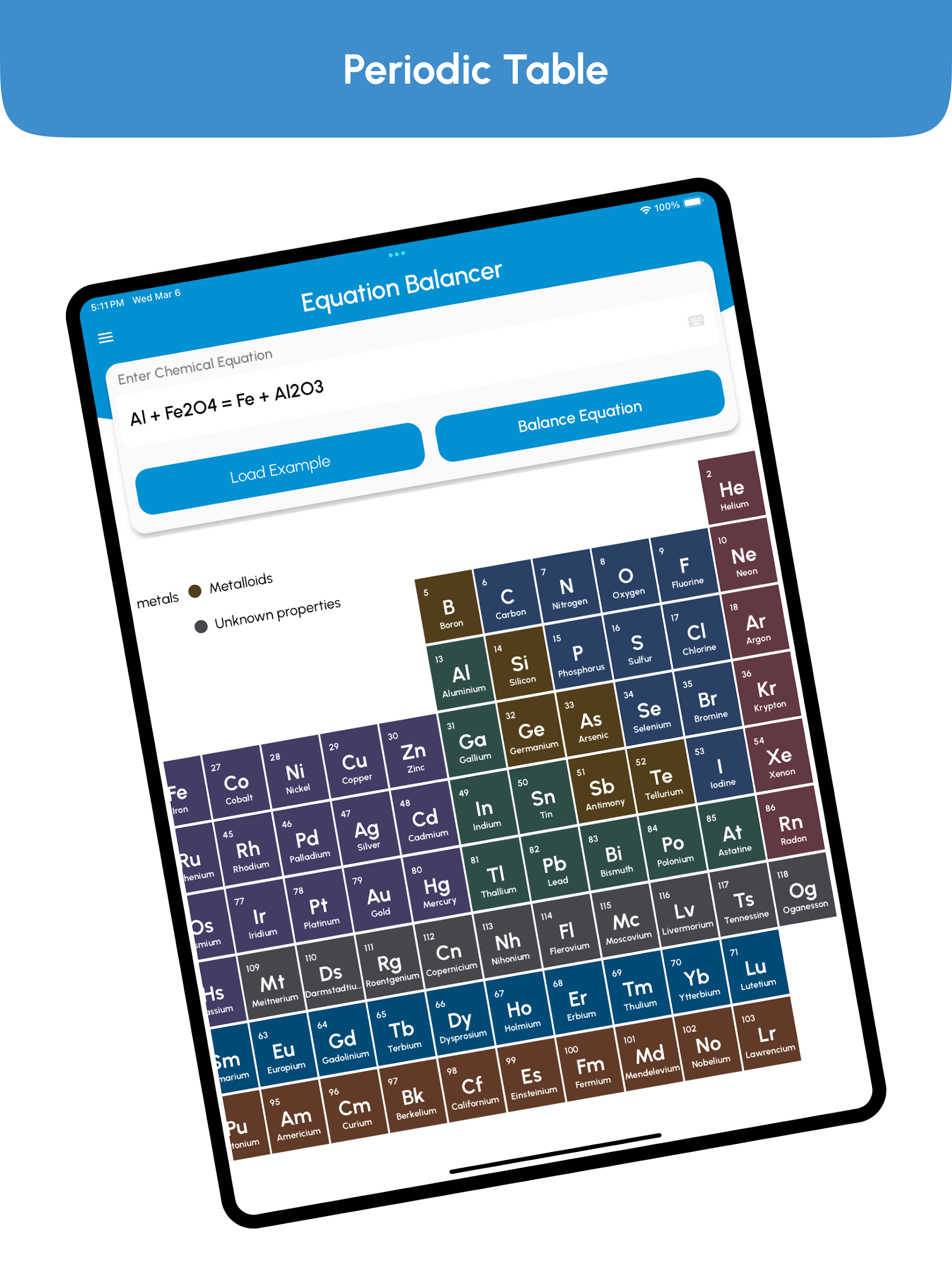
The built-in equation library contains ready-made reactions that users can select and submit to the balancing tool. A periodic table is also available for looking up chemical elements and their properties.
For calculations beyond balancing reactions, the app provides tools covering oxidation numbers, redox reactions, molecular weight, atomic mass, titration, chemical composition, and reaction yields. These resources make Chemical Equation Balancer applicable to a variety of chemistry exercises, from basic equation balancing to more specific numerical problems.
2. Key Features
Chemical Equation Balancer: Calculates the coefficients needed to balance chemical reactions
Chemical Equation Library: Provides ready-made equations for reference and practice
Periodic Table: Displays chemical elements and their properties
Multiple Chemistry Calculators: Includes tools for molecular weight, atomic mass, oxidation numbers, redox reactions, titration, and yield calculations
Custom Equation Input: Accepts user-entered chemical equations for balancing
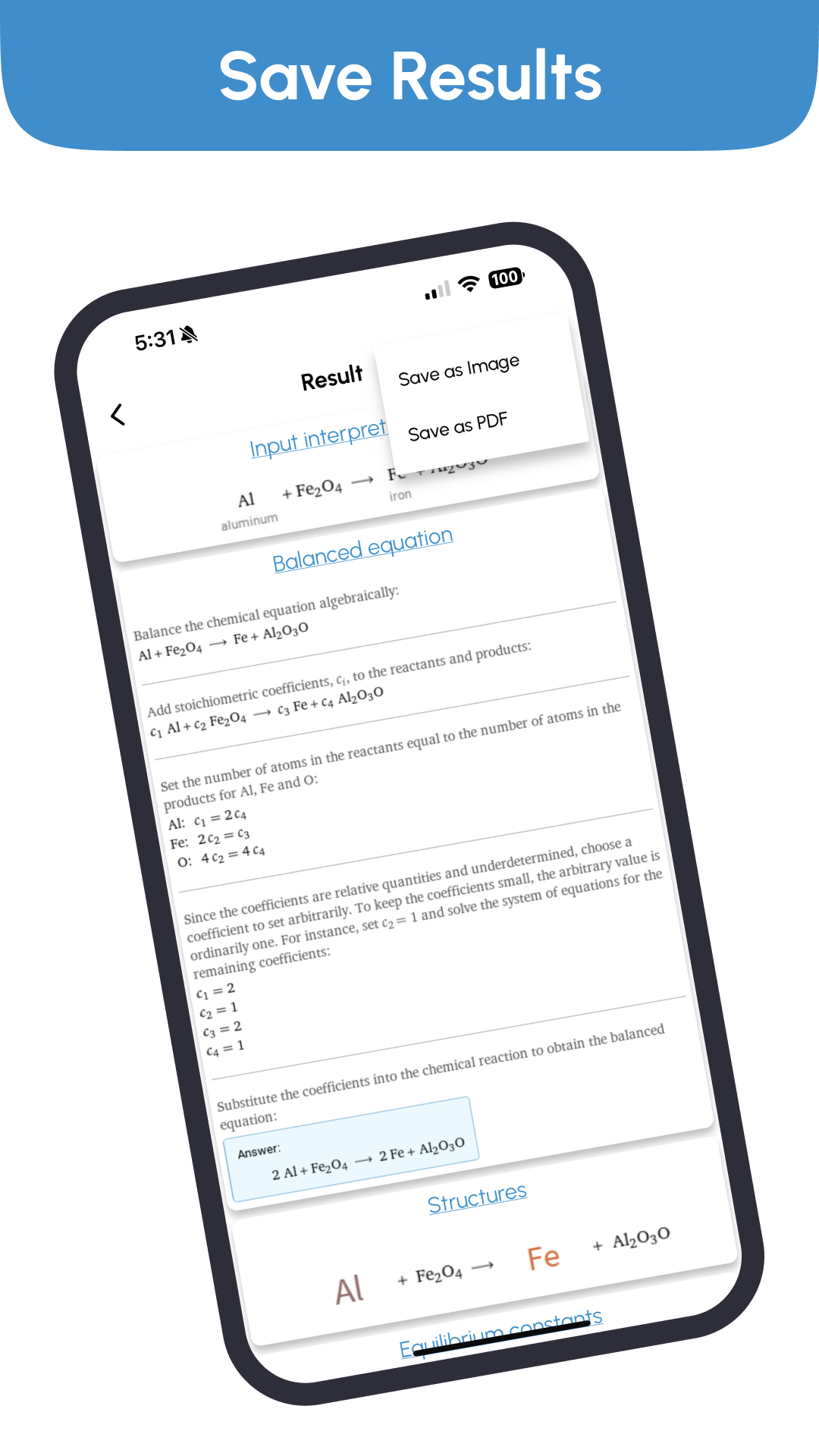
Copy Results: Allows users to copy both the original equation and its balanced version
3. How to Use the App
To balance a chemical equation:
Open Chemical Equation Balancer and find the equation input field.
Enter the chemical equation, making sure the element symbols and chemical formulas are correct.
Tap the Balance button to calculate the reaction.
View the balanced equation displayed by the app.
Copy the original equation or the calculated result as needed.
Users can also select an equation from the built-in collection and submit it directly to the balancing tool.
For other chemistry calculations, open the relevant calculator, enter the required values, and follow the on-screen instructions to obtain the result.
4. Additional Chemistry Calculators
Beyond equation balancing, the app provides eight specialized calculators:
Oxidation Number Calculator
Redox Reaction Calculator
Percent Composition Calculator
Percent Yield Calculator
Theoretical Yield Calculator
Molecular Weight Calculator
Titration Calculator
Atomic Mass Calculator
Minimum Supported App Version: 1.0.9
5. App Experience
The app groups its tools by function, with separate sections for equation balancing, chemical references, and specialized calculations. Users can enter their own reactions or select examples from the equation library, depending on the task.
The copy function allows equations and calculated results to be transferred into study notes or coursework. Meanwhile, the additional calculators cover different types of chemistry problems, including molecular properties, reaction analysis, and yield calculations.
6. Frequently Asked Questions
Q1: How do I balance a chemical equation using the app?
Enter the chemical equation in the input field and tap the Balance button. The app will calculate and display the balanced equation.
Q2: Does the app include a periodic table?
Yes. The app has a built-in periodic table for looking up chemical elements and their properties.
Q3: Can I use equations from the built-in collection?
Yes. Select an available equation from the collection and submit it to the balancing tool without entering the formula manually.
Q4: What calculations are available besides equation balancing?
The app includes calculators for oxidation numbers, redox reactions, percent composition, percent yield, theoretical yield, molecular weight, titration, and atomic mass.
Q5: Can I copy the balanced equation?
Yes. You can copy both the original equation and the balanced result for use in assignments, study notes, or other applications.
Q6: What is the minimum supported app version?
The minimum supported version is 1.0.9. Check your installed version if you encounter compatibility issues.
- Version1.1.0
- UpdateNov 09, 2026
- DeveloperBazzigate corp
- CategoryEducation
- Requires AndroidAndroid 5.0+
- Downloads156K+
- Package Namechemistry.calculator.chemical.equationbalancer
- Signaturee0516f5cddb03e954fa6b2cd85d0f87f
- Available on
- ReportFlag as inappropriate
-
NameSizeDownload
-
32.29 MB
-
29.50 MB
-
32.16 MB

















The interface is intuitive and easy to use; after inputting an equation, it can be quickly balanced and the results displayed.
It includes a built-in periodic table for easy access to element information.
It is small in size and runs smoothly, making it suitable for students and chemistry enthusiasts for daily homework and self-study.
Excessive and frequent pop-ups of advertisements negatively impact the user experience;
Some users have reported inaccurate balancing of complex or specialized equations;
The lack of a dedicated chemical keyboard for inputting equations results in low input efficiency.