
Hindi-Bengali Translator - Quick Hindi & Bengali translation
Experience seamless language exchange with instant translations & user-friendly features for students, travelers, & explorers alike!

- 2.4.0 Version
- 1.4 Score
- 203K+ Downloads
- Free License
- 3+ Content Rating

Hindi Bengali Translator
1. App Overview
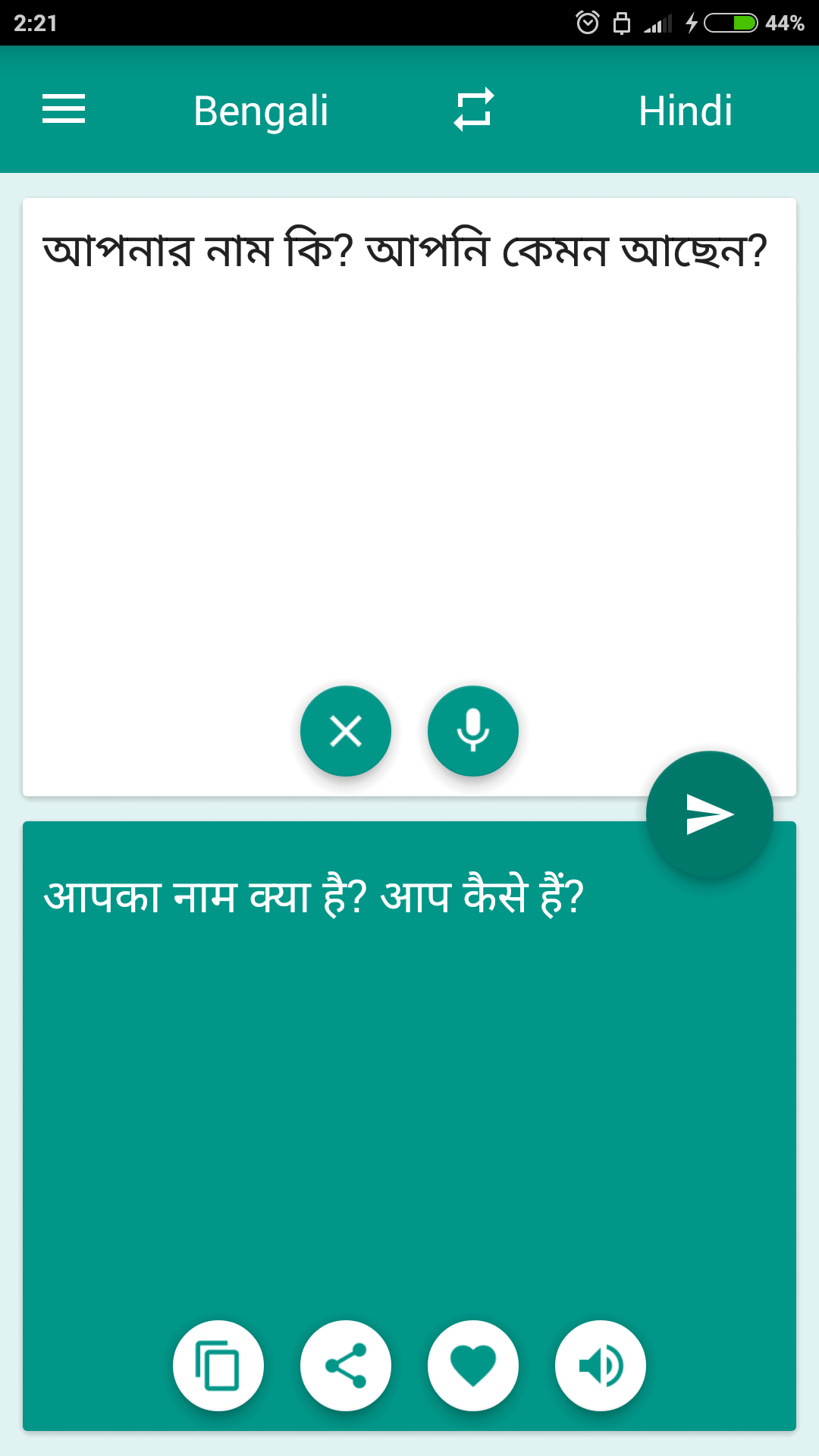
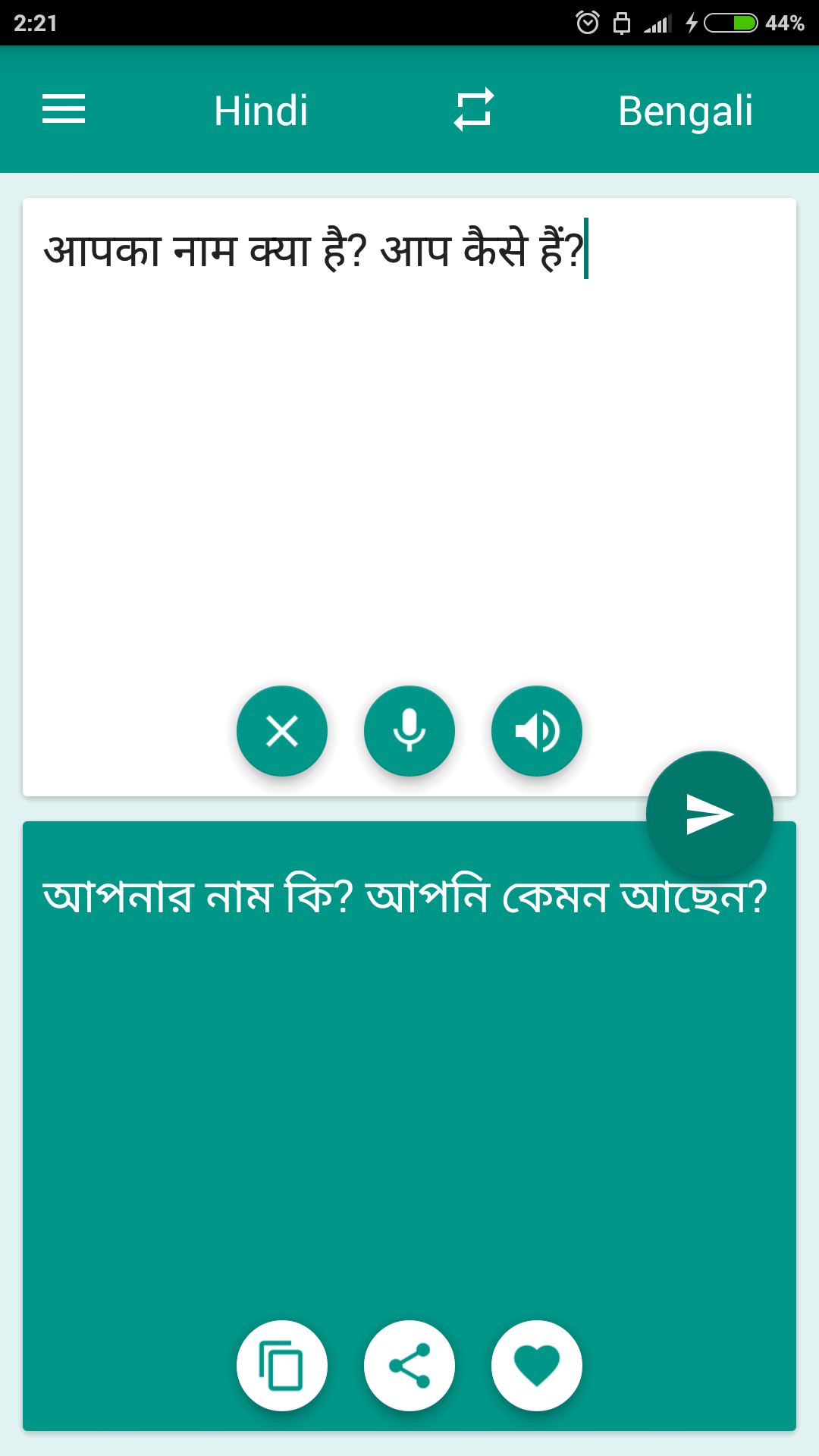
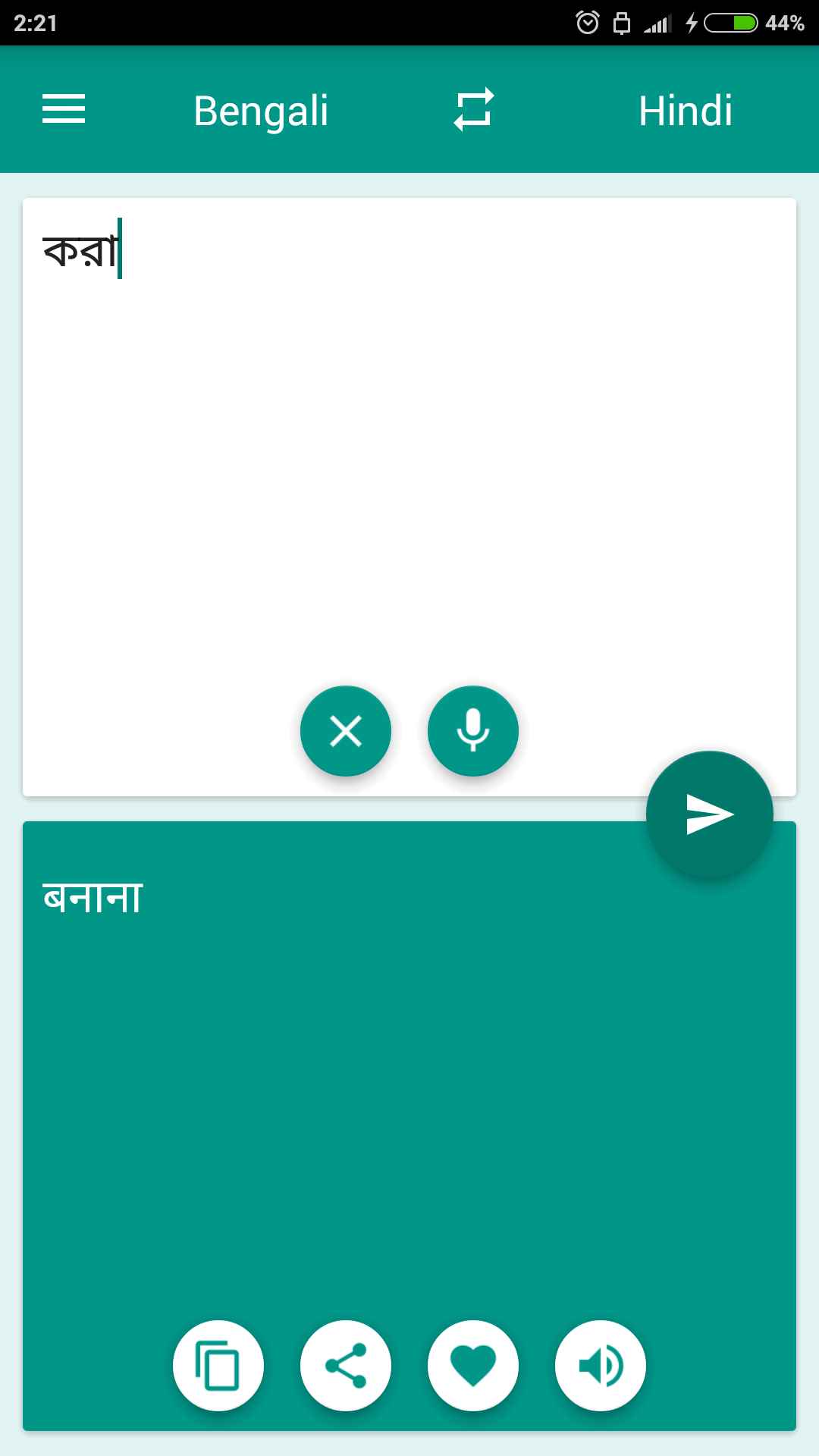
Hindi Bengali Translator is a free translation app for converting text between Hindi and Bengali. It supports both translation directions and handles individual words, phrases, and complete sentences, making it useful for language learners, students, travelers, and people who communicate in either language.
Users can enter text manually or use voice recognition to provide words and sentences through speech. Translated results can be added to Favorites, while the History section automatically records previous translation requests. These tools allow users to keep useful translations organized and retrieve them when needed.
The app also provides offline access to saved content. Favorites and History remain available without an internet connection, allowing users to review previously translated expressions while studying or traveling. However, translating new text and using voice recognition may require an active internet connection.
In addition to its translation and storage tools, the app includes display settings for adjusting its appearance. Its main sections provide access to language selection, text input, translation results, saved translations, and customization options.
2. Key Features
Two-Way Translation: Translate words, phrases, and sentences between Hindi and Bengali.
Voice Input: Use speech recognition to enter text without typing manually.
Favorites: Save frequently used translations for quick reference.
Translation History: Automatically store previous translation requests and their results.
Offline Access: View saved Favorites and History without an internet connection.
Display Settings: Customize the app's appearance through available interface options.
3. How to Use
Select Languages: Choose Hindi to Bengali or Bengali to Hindi.
Enter Text: Type the content into the input field or use voice recognition to provide it through speech.
View Translation: Check the translated result displayed on the screen.
Save Results: Add useful translations to Favorites.
Check History: Open the History section to review previous translations.
Adjust Settings: Visit Settings to change the available display options.
4. Frequently Asked Questions
Q1: Which languages can I translate with this app?
A: The app supports Hindi and Bengali in both directions. You can translate from Hindi to Bengali and from Bengali to Hindi.
Q2: Can I translate complete sentences?
A: Yes. You can enter individual words, short phrases, or complete sentences in the translation field.
Q3: Can I use the app without an internet connection?
A: Yes. Previously saved translations in Favorites and History can be accessed offline. An internet connection may be required for new translations and voice recognition.
Q4: How does voice translation work?
A: Select the voice input option and speak the text you want to translate. The speech recognition feature converts your speech into text before the translation is processed.
Q5: Where can I find my previous translations?
A: Open History to view earlier translation requests and their results. You can also save frequently used translations to Favorites.
Q6: Can I customize the app's appearance?
A: Yes. Open Settings to access the available display customization options.
- Version2.4.0
- UpdateNov 09, 2026
- DeveloperKlays-Development
- CategoryEducation
- Requires AndroidAndroid 5.0+
- Downloads203K+
- Package Namefree_translator.hibn
- Signature44a364544fd070ecc755327ace7df20f
- Available on
- ReportFlag as inappropriate
-
NameSizeDownload
-
5.17 MB
-
5.10 MB
-
5.01 MB
















Highly adaptable to various scenarios
Low learning curve
Reliable technological foundation
Translation accuracy is limited.
Functionality is limited.
Potential usage interference.