
Kekara - Karaoke thỏa thích - Free karaoke & song control
Unleash your inner star with endless songs & seamless smart-TV control for the ultimate family karaoke experience!

- 3.0.6 Version
- 1.4 Score
- 158K+ Downloads
- In-app purchases License
- 3+ Content Rating

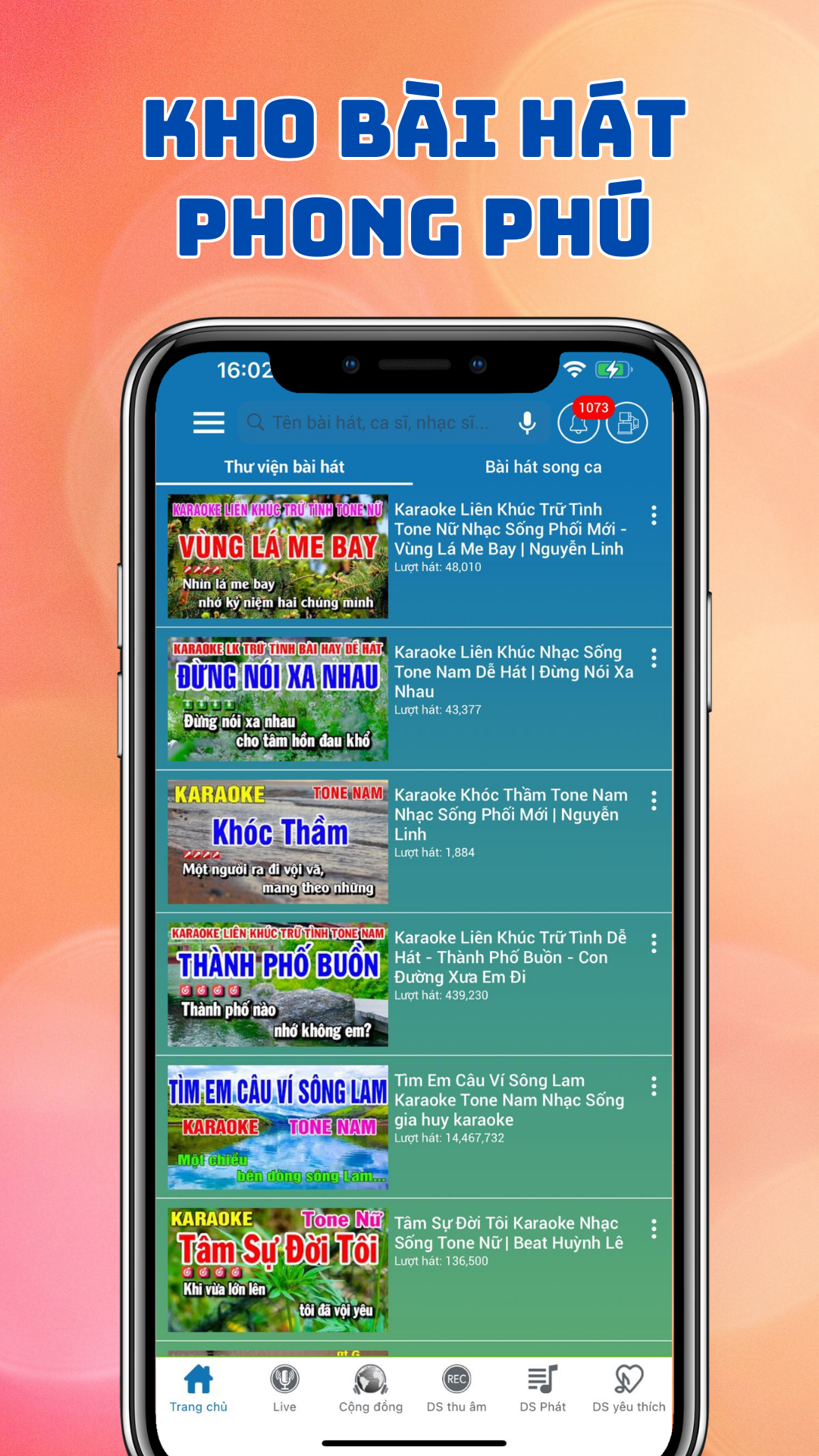
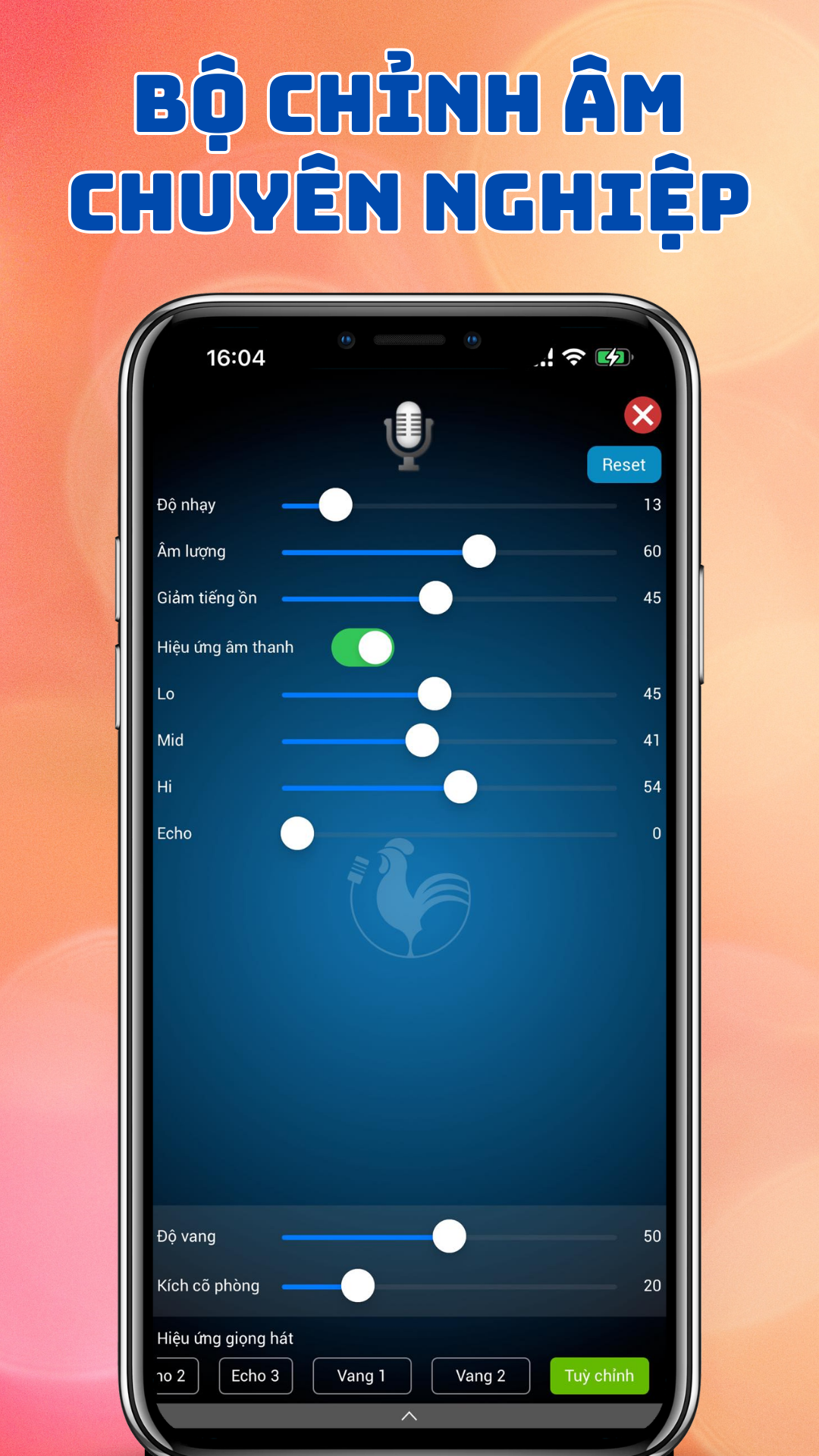


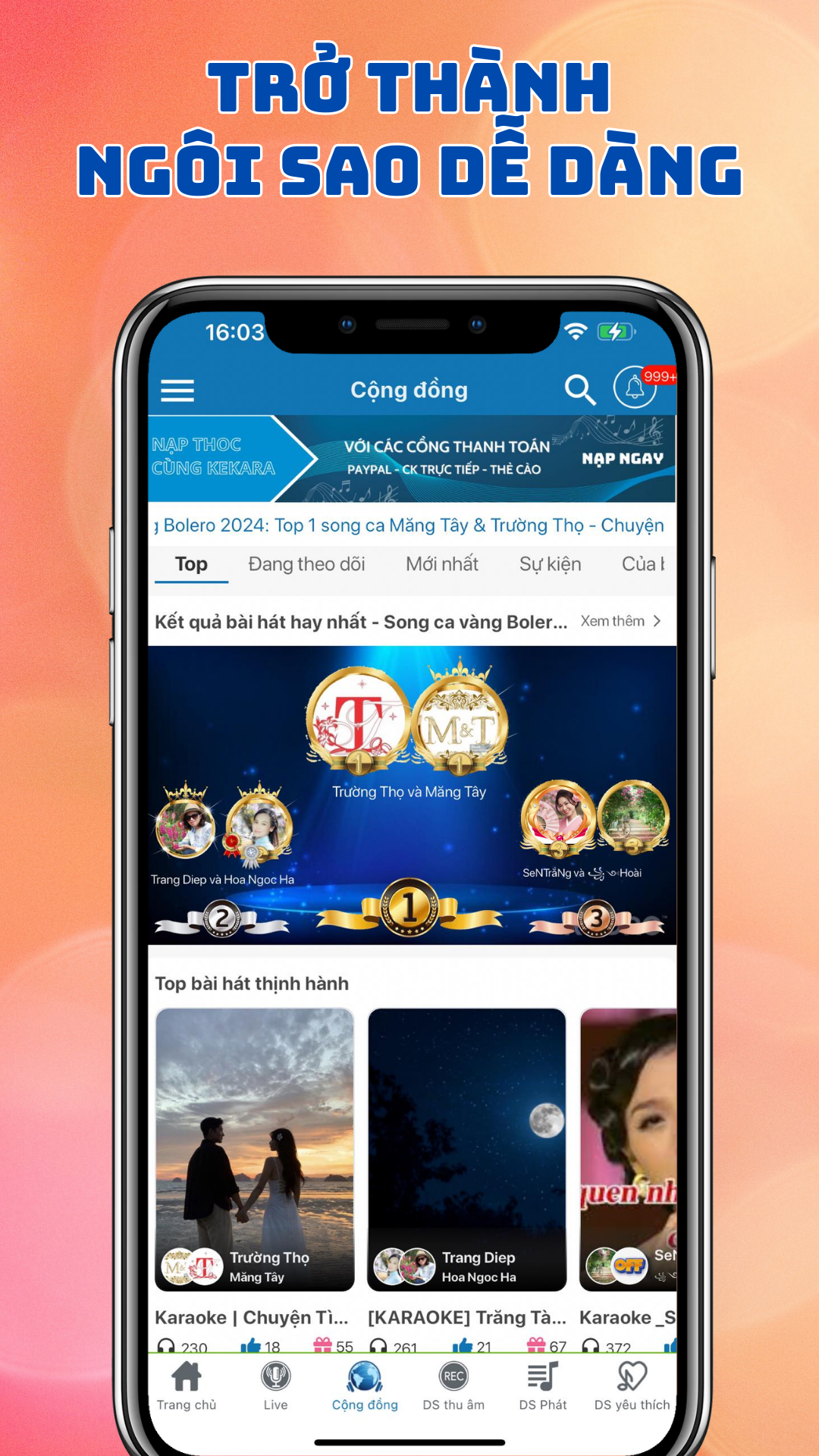
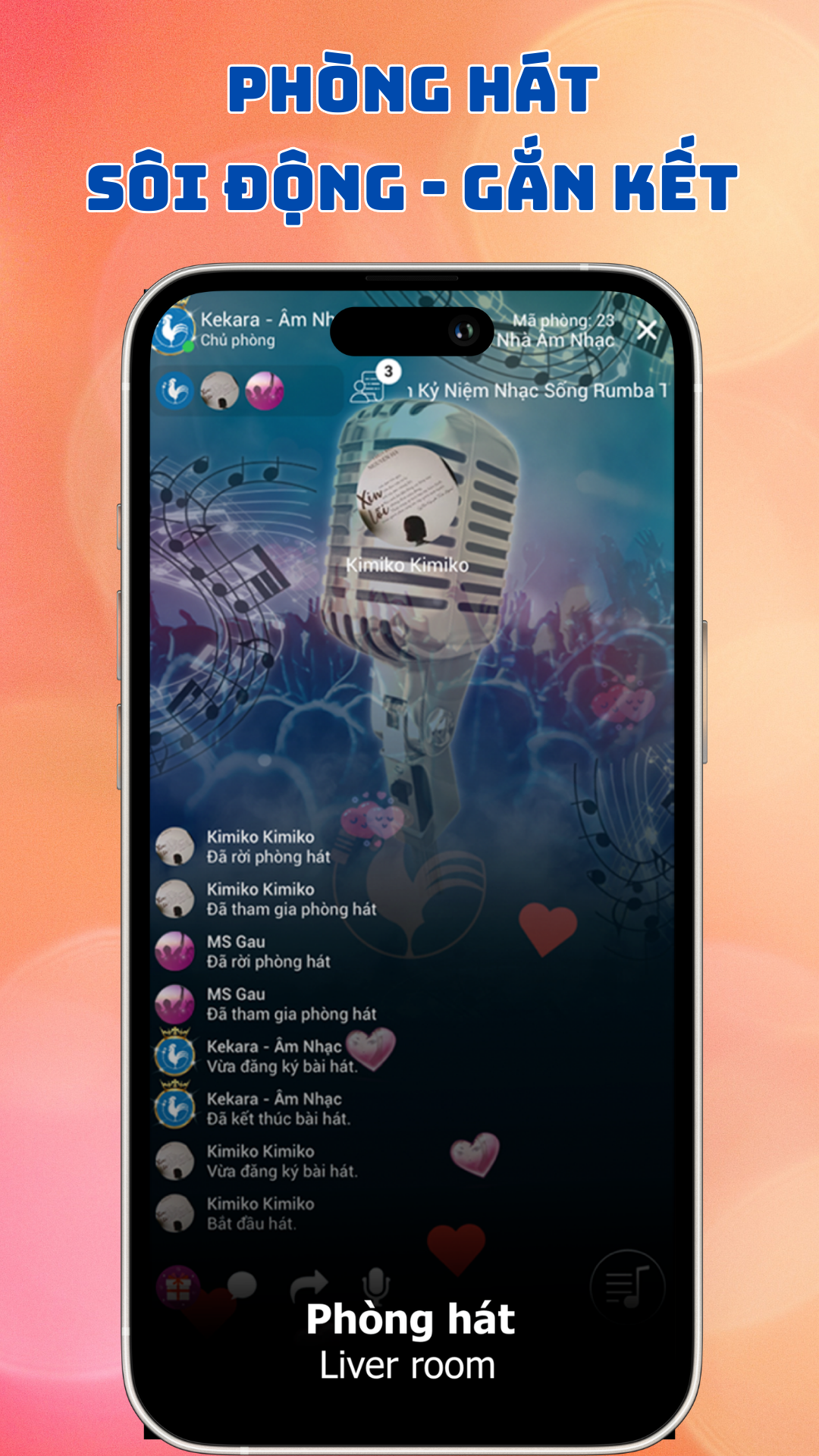

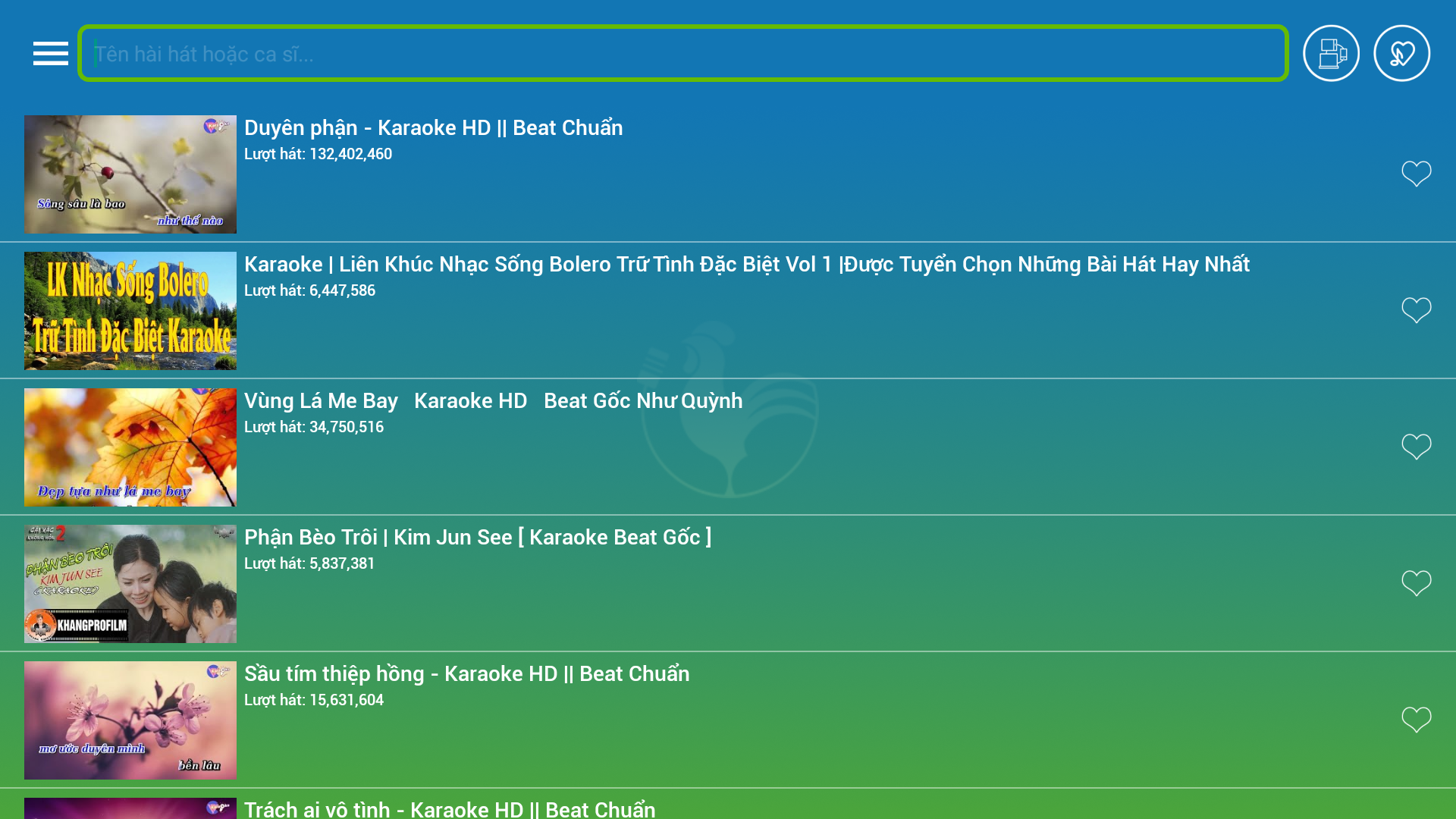
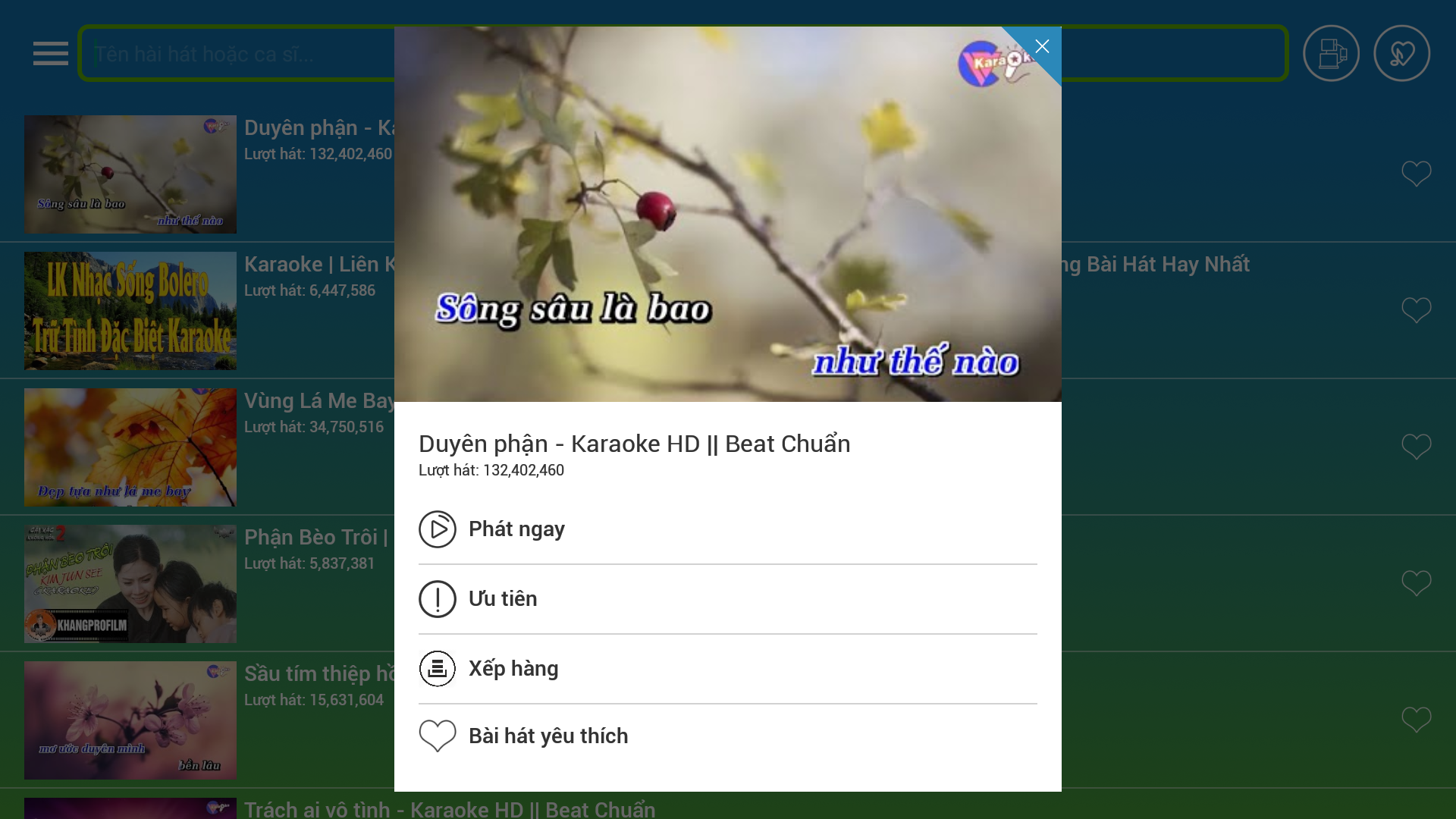
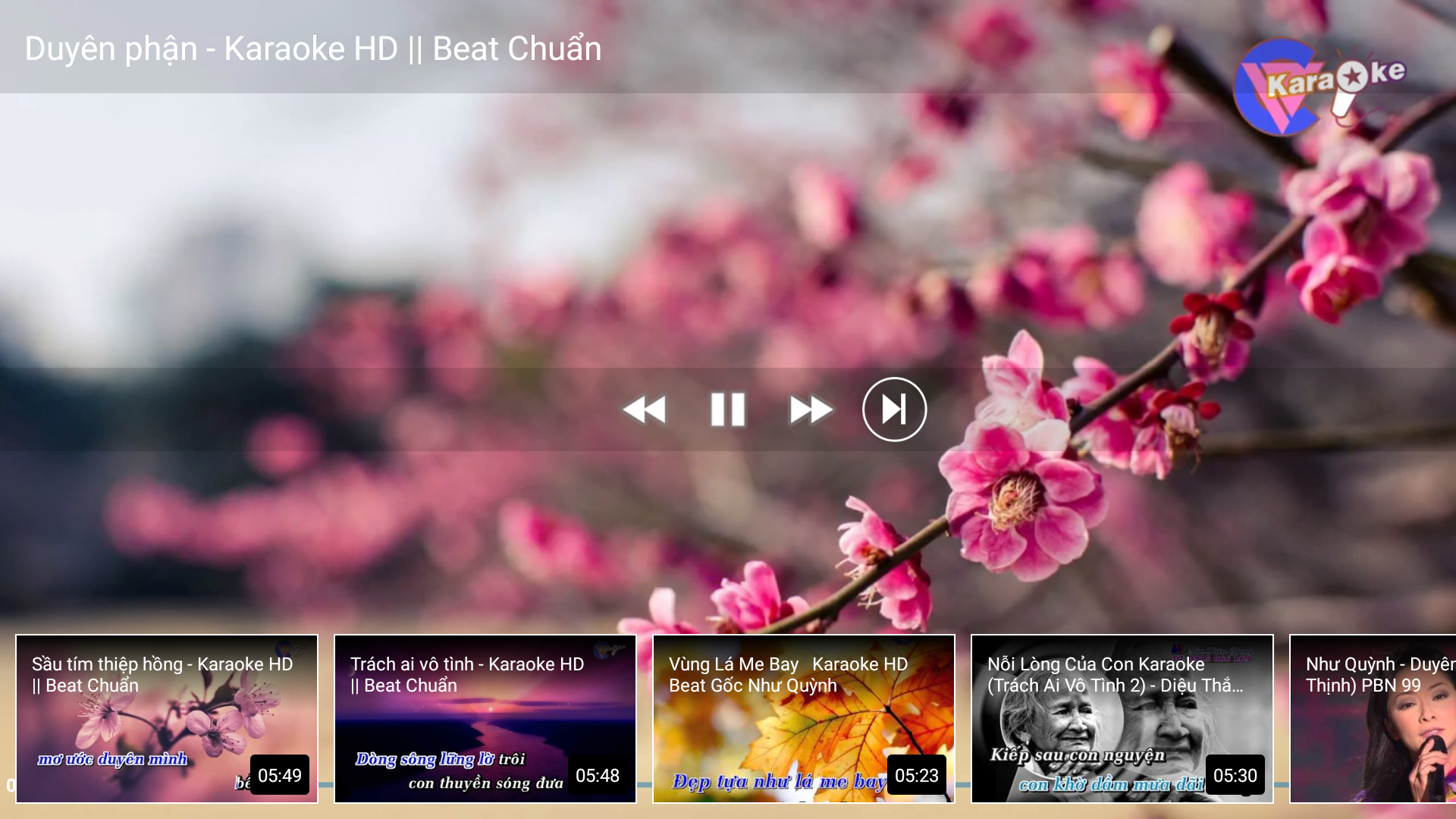

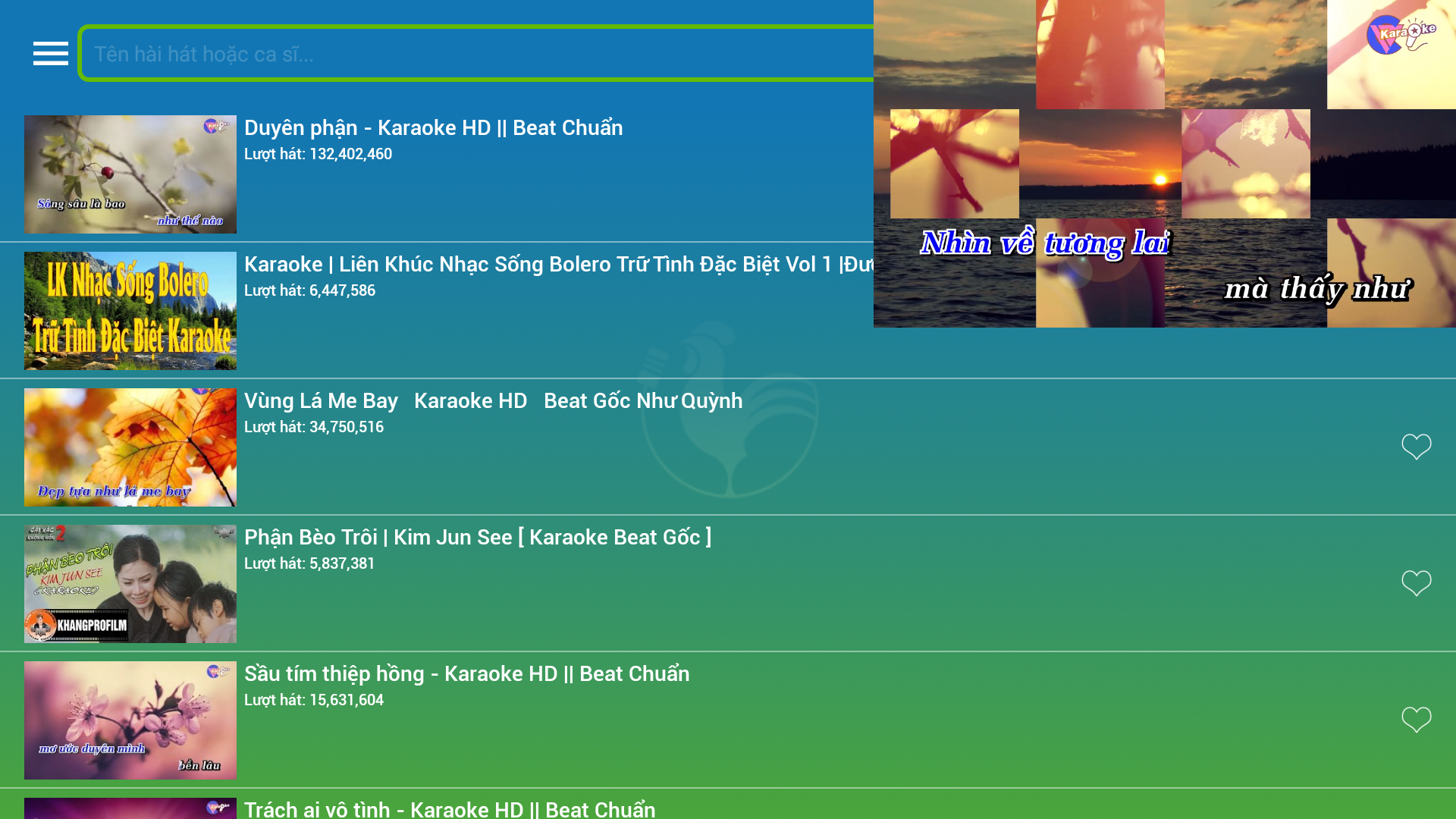
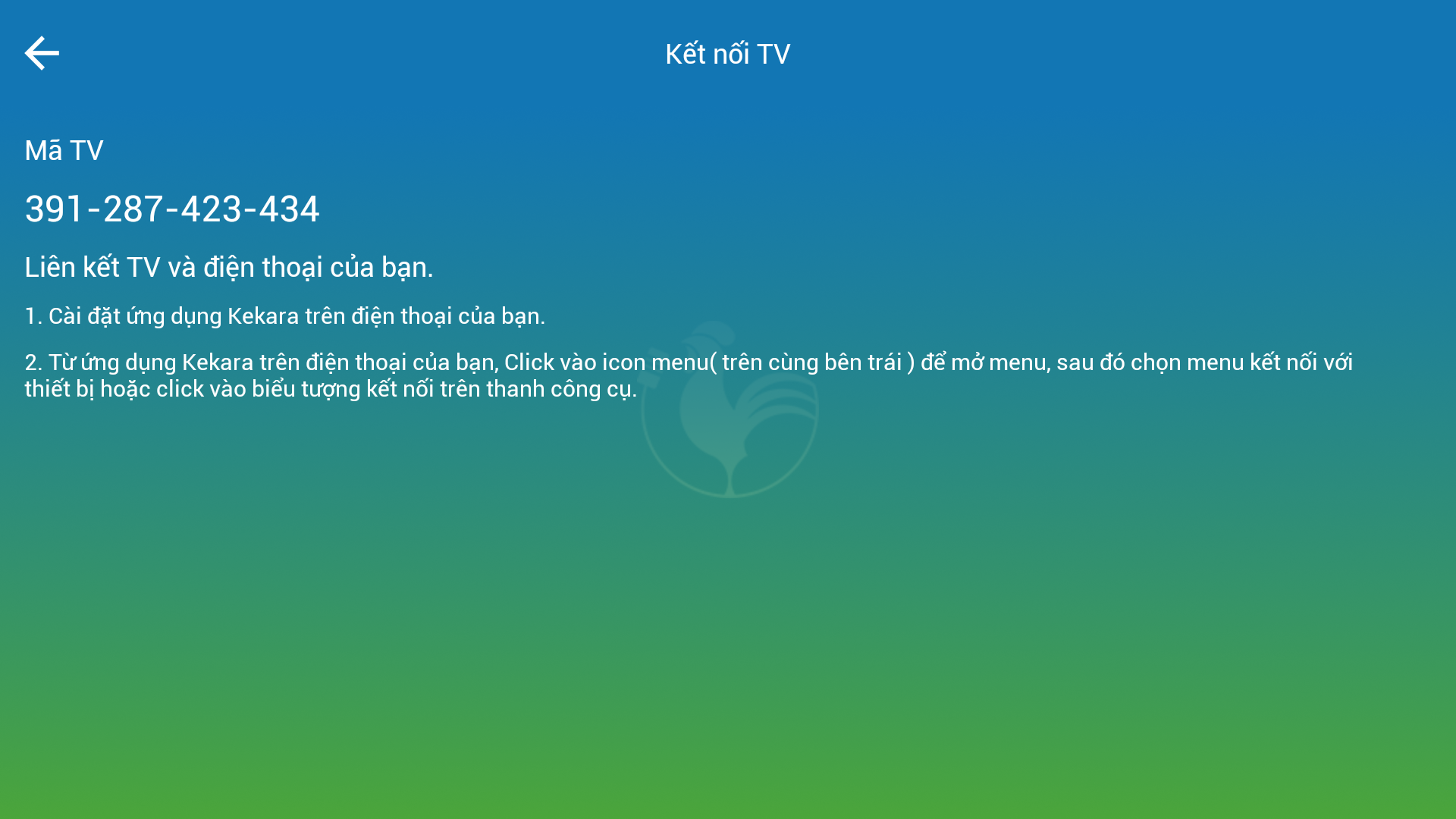
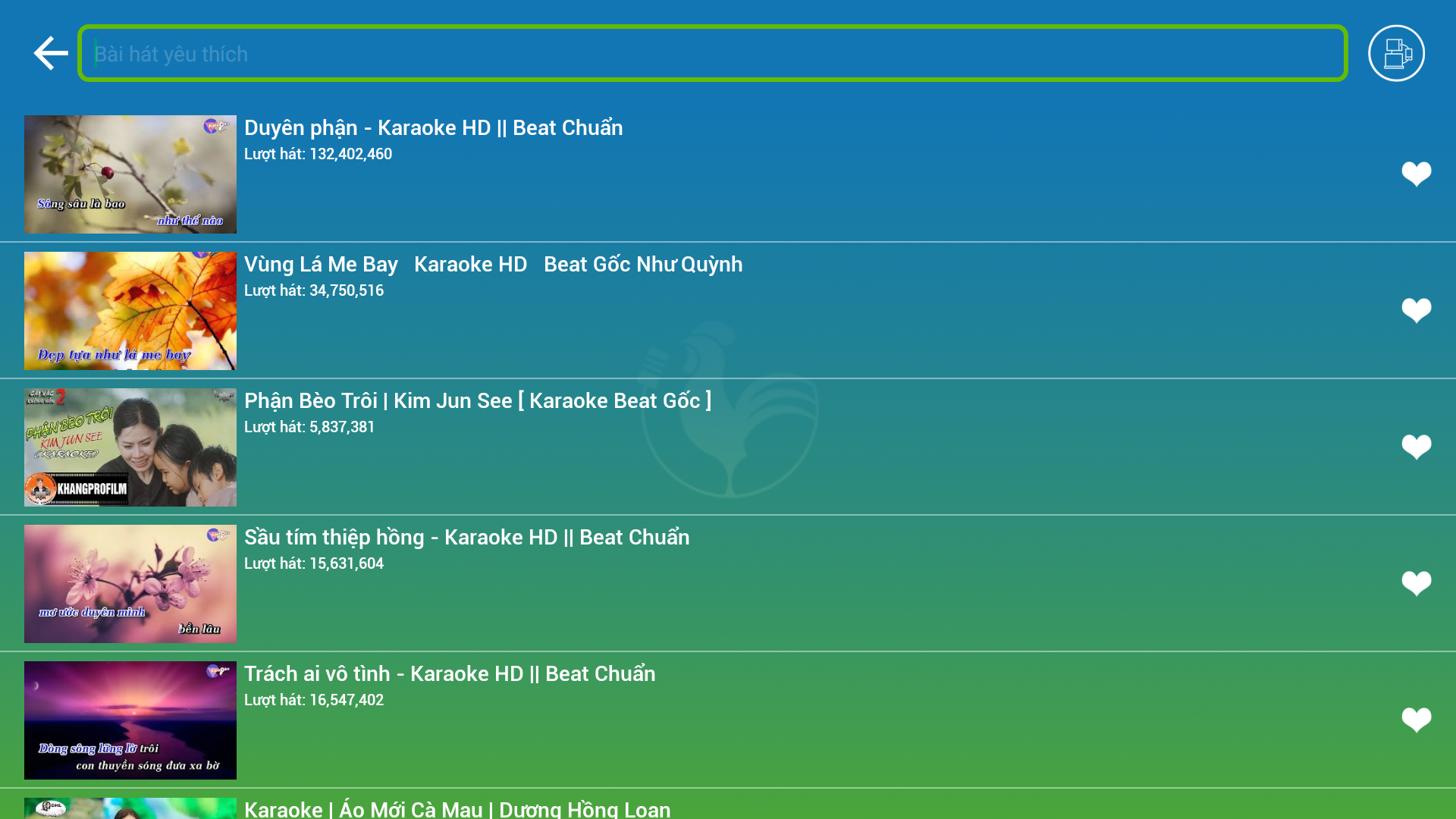
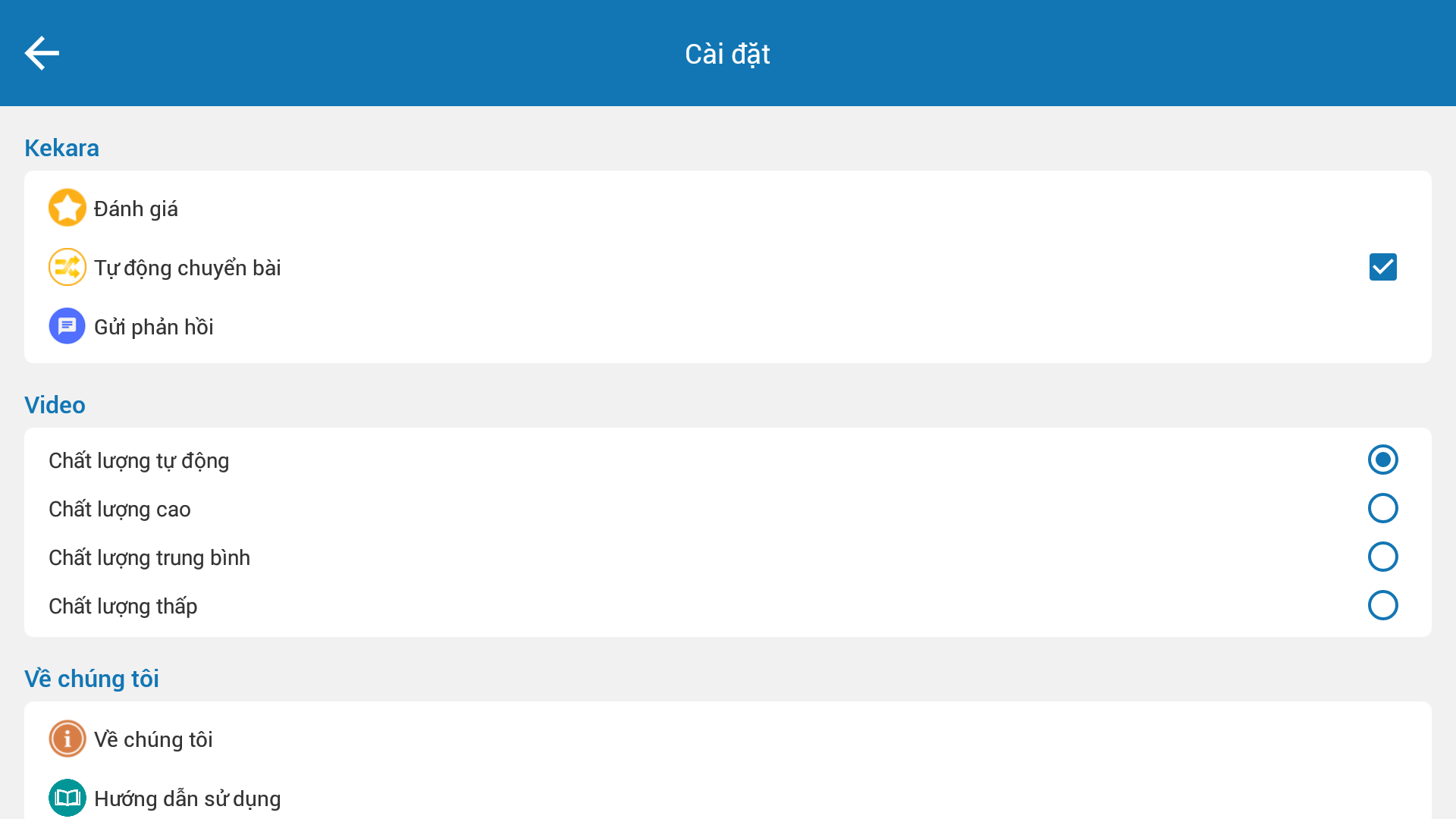
Kekara - a totally free karaoke app for mobile devices and smart TVs
- Kekara is an entirely free karaoke solution designed for families, offering a vast and continually refreshed selection of songs. Here, you can delight in karaoke experiences together with your loved ones.
- By downloading the Kekara app on a smart TV that runs on the Android OS, you can navigate and choose songs, prioritizing performances from your phone on the television, simulating the atmosphere of a professional karaoke venue right at home.
* Key features of Kekara:
- User-friendly interface
- Option to save favorite song lists
- Connect a Bluetooth speaker for karaoke singing
- Control the Kekara application on a smart TV using your phone
- Sing and listen through headphones
- Record performance
- Offline singing capabilities
- Create custom albums
- Share recorded performances with friends
- Duet feature: Collaborate on recordings and sing duets with family or friends.
- Gift option: Send attractive gifts for your favorite songs.
* Language support includes:
- Vietnamese
- English
- Japanese
- Chinese
We will keep adding new features regularly. We truly appreciate any suggestions or requests for additional functionalities through the relevant section in Kekara.
If you enjoy "Kekara - Sing karaoke freely," please tell your friends! Your support means a lot to us and helps us enhance Kekara continuously. Thank you for your encouragement.
How to Use:
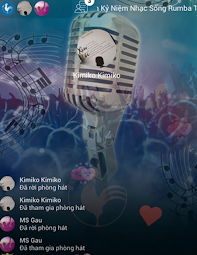
1. Download and install the free Kekara app on your mobile phone/Android smart TV. It supports four languages: Chinese, English, Japanese, and Vietnamese.
2. Connect your phone and TV to the same network. You can control the TV via your phone to select songs and prioritize screen mirroring for singing.
3. Connect a Bluetooth speaker or headphones to enhance the sound effect. Search for songs and start singing. You can also save your favorite tracks.
4. Download songs in advance for offline use. You can record your performance, sing duets with friends and family, and create your own albums.
5. After recording, you can share your work and send gifts to your favorite songs.
Related Questions and Answers:
- **What type of app is Kekara? **
- **Answer**: Kekara is a completely free karaoke app for mobile devices and smart TVs, designed primarily for home use.
- **What are Kekara's key features? **
- **Answer**: Kekara features a user-friendly interface, the ability to save favorite song lists, connect to Bluetooth speakers for karaoke performances, control the Kekara app on your smart TV from your phone, support singing and listening through headphones, record performances, perform offline, create custom albums, share recorded performances with friends, offer a duet function, and the option to send gifts for your favorite songs.
- **What languages does Kekara support? **
- **Answer**: Kekara supports Vietnamese, English, Japanese, and Chinese.
- **How do I use Kekara on my smart TV? **
- **Answer**: After downloading the Kekara app on my Android smart TV, I can navigate and select songs from my phone and prioritize performances on my TV, simulating the atmosphere of a professional karaoke venue at home.
- **Will Kekara be updated with new features? **
- **Answer**: Yes, the developers regularly add new features and welcome suggestions or requests for additional features through the relevant sections in Kekara.
- Version3.0.6
- UpdateOct 28, 2026
- DeveloperKekara
- CategoryEntertainment
- Requires AndroidAndroid 7.0+
- Downloads158K+
- Package Namecom.flex.kekara
- Signaturec92cf55c9a6d21174e76a66e241f1f7d
- Available on
- ReportFlag as inappropriate
-
NameSizeDownload
-
342.05 MB
-
132.81 MB
-
43.31 MB
















Rich in features
User-friendly interface
Extensive song library
Multi-language support
Strong social interaction
Copyright issues
Depends on the network
May contain advertisements