
Kangaroo - Home security & monitoring
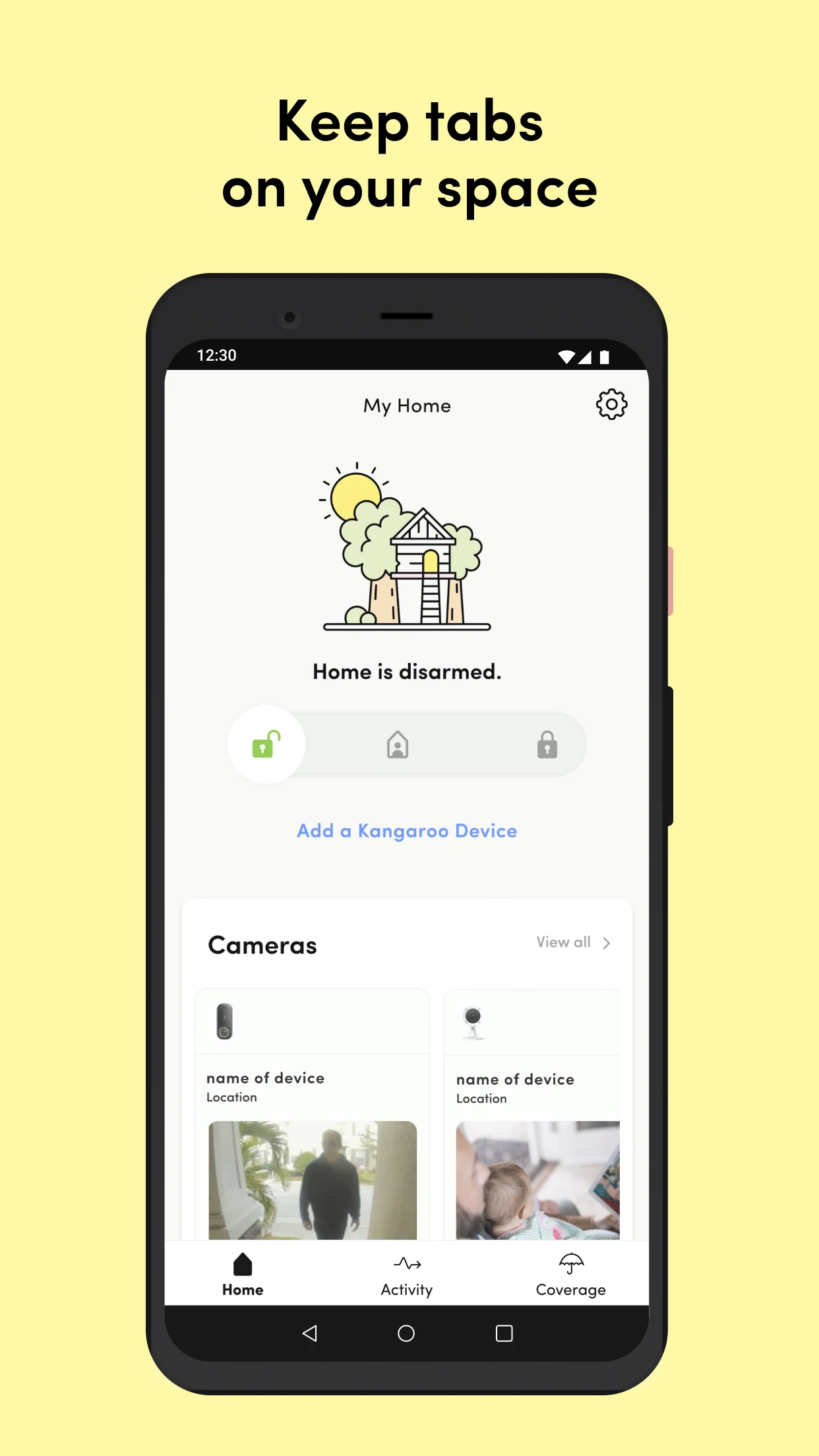
Protect your home effortlessly. Arm, disarm & monitor anywhere with ease while enjoying exclusive benefits & savings!

- 11.2.0 Version
- 2.8 Score
- 278K+ Downloads
- Free License
- 3+ Content Rating

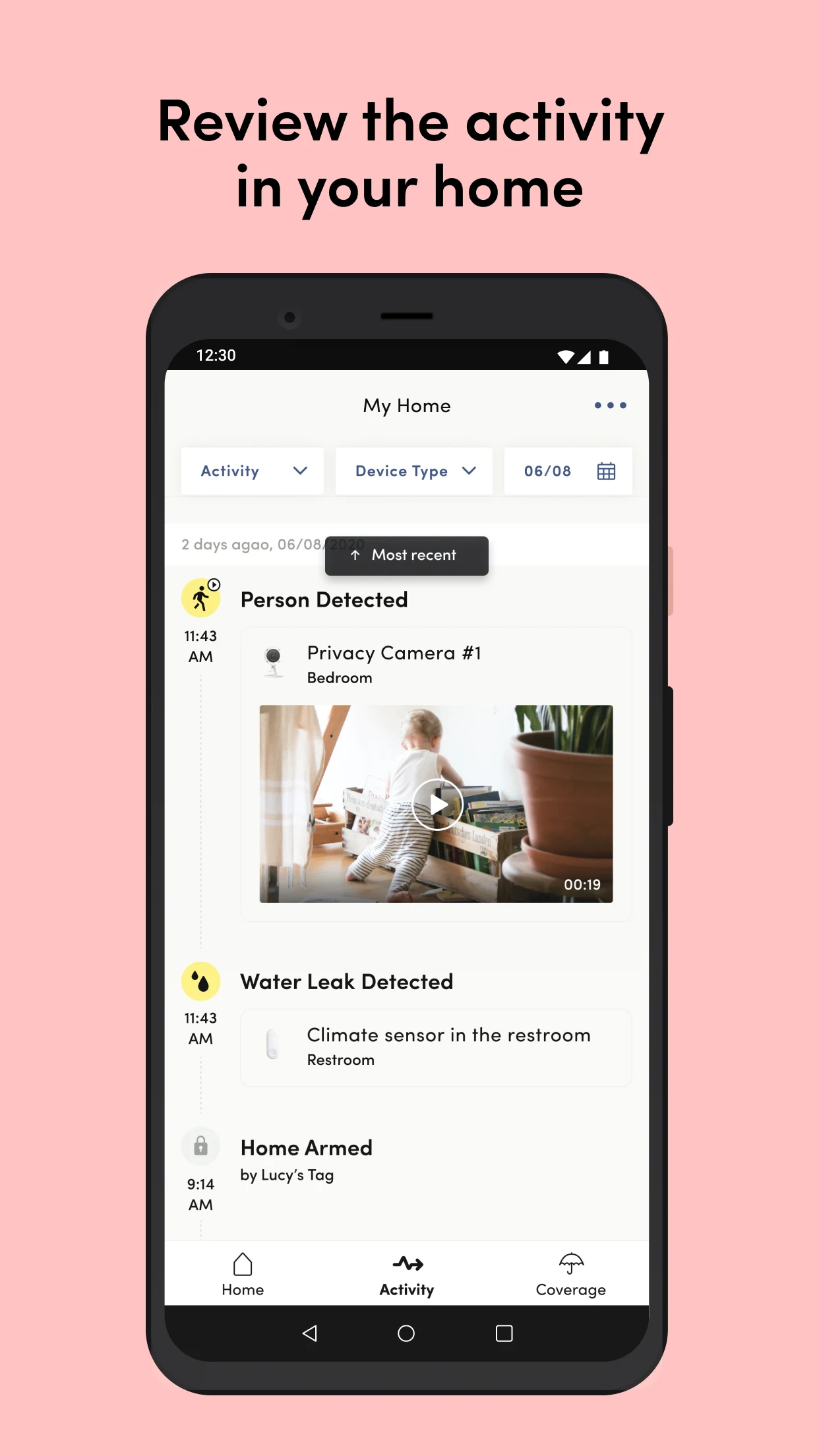
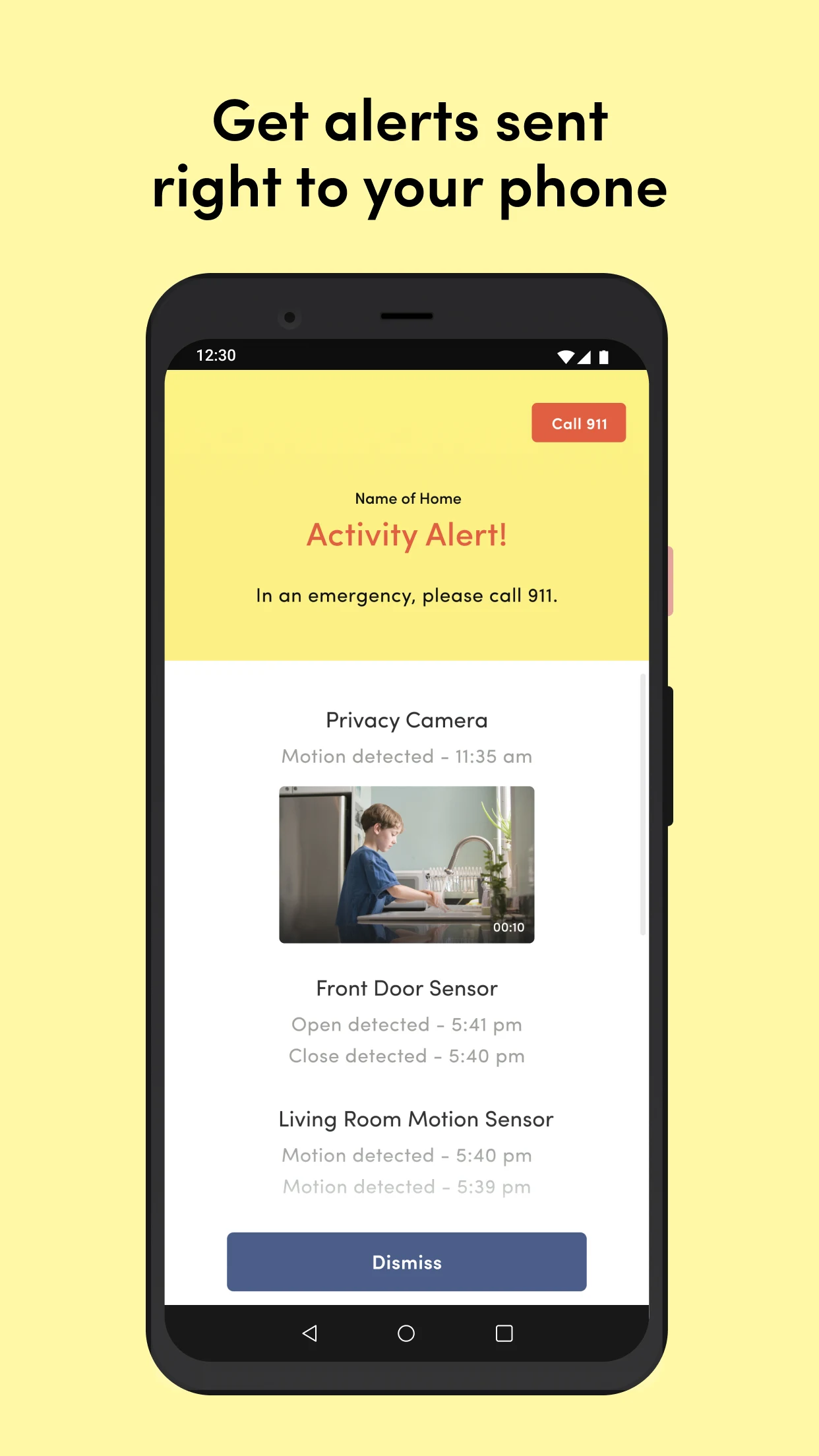
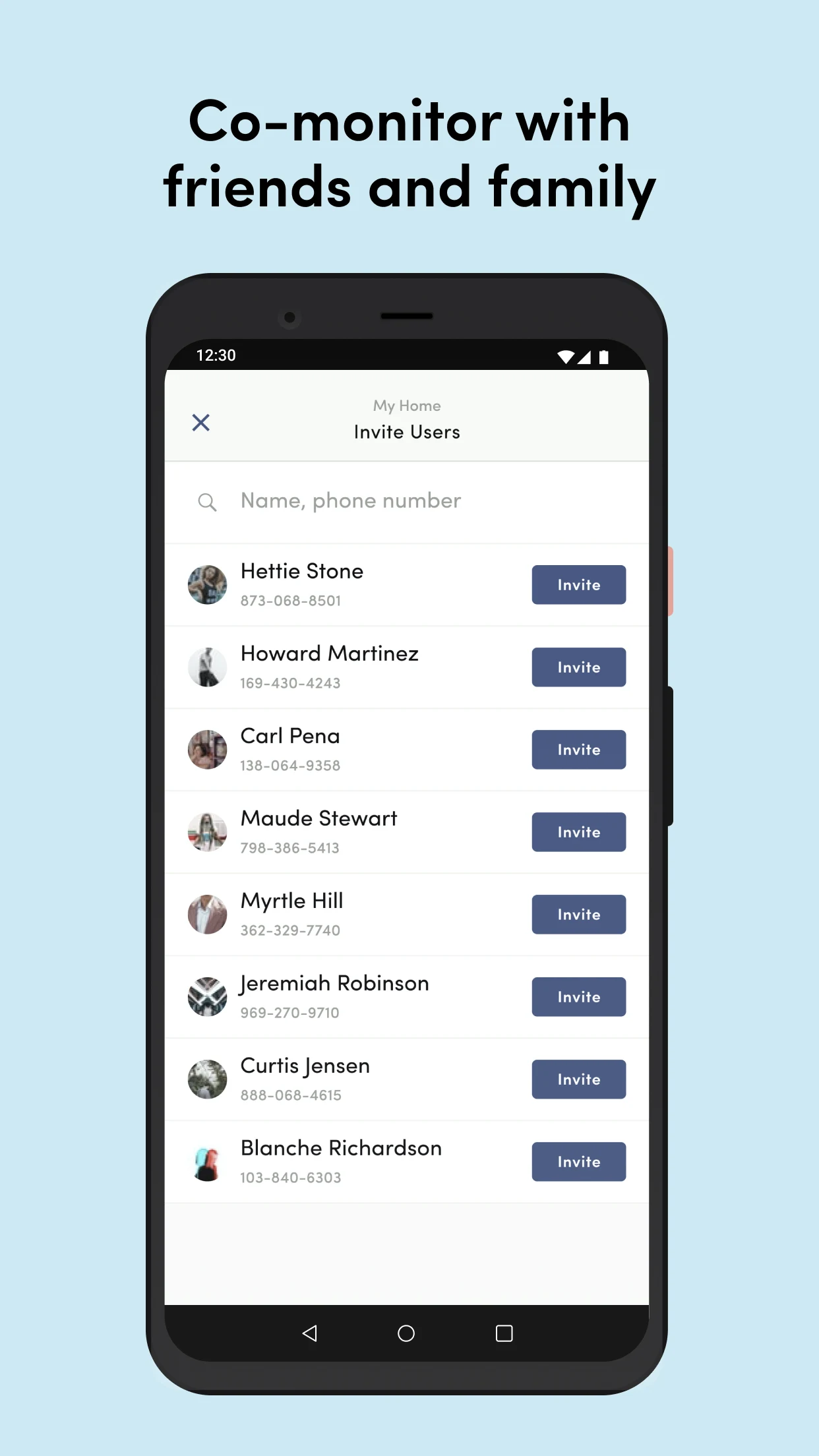
Kangaroo Security App: Simple DIY Home Security
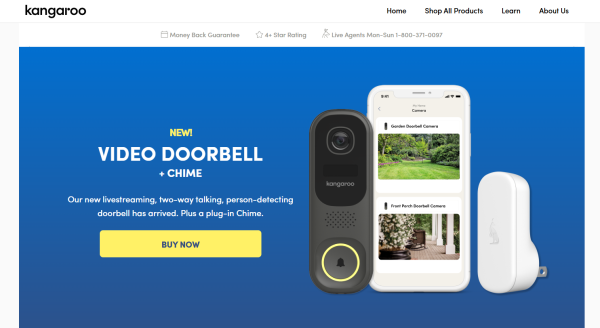
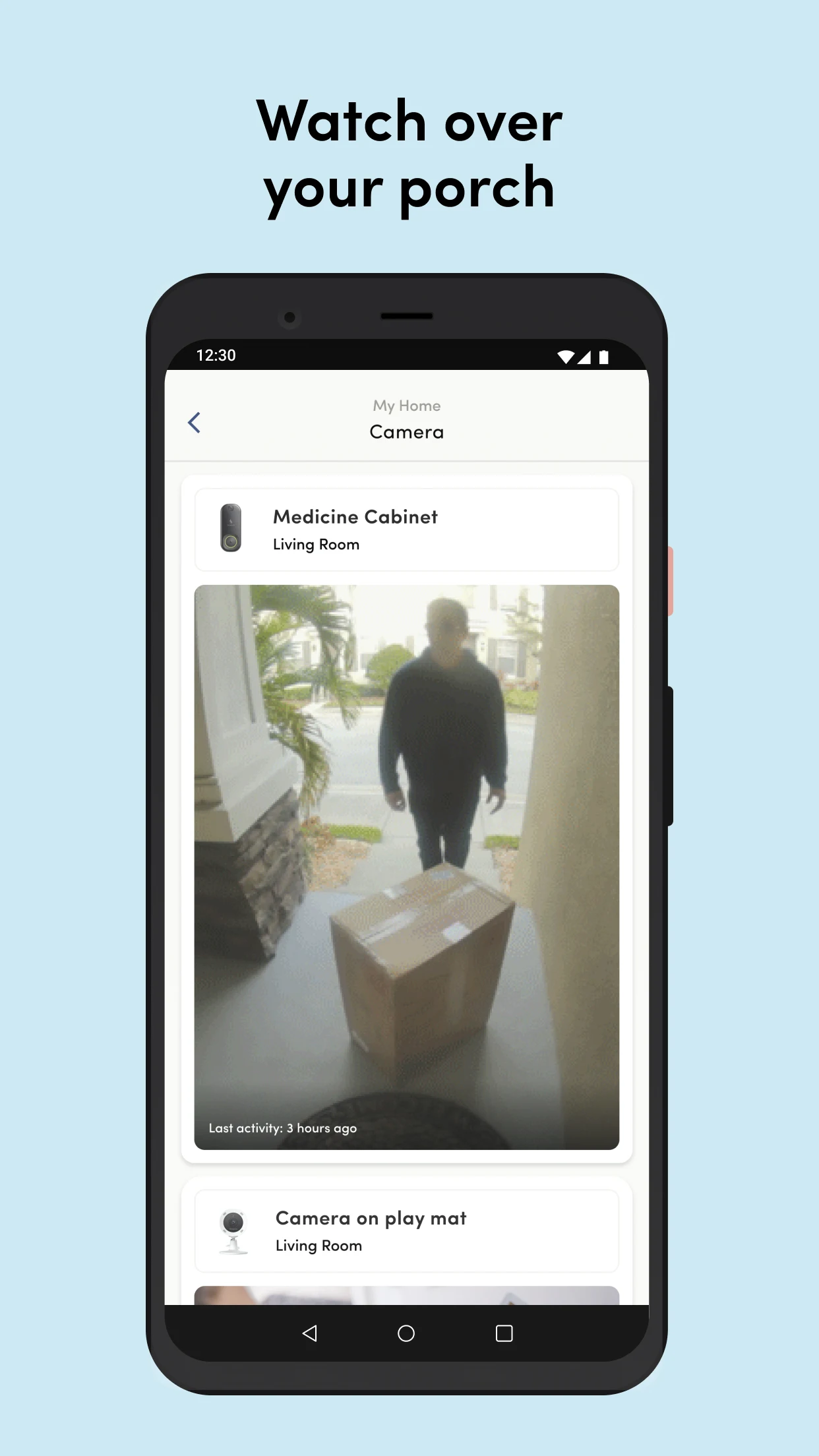
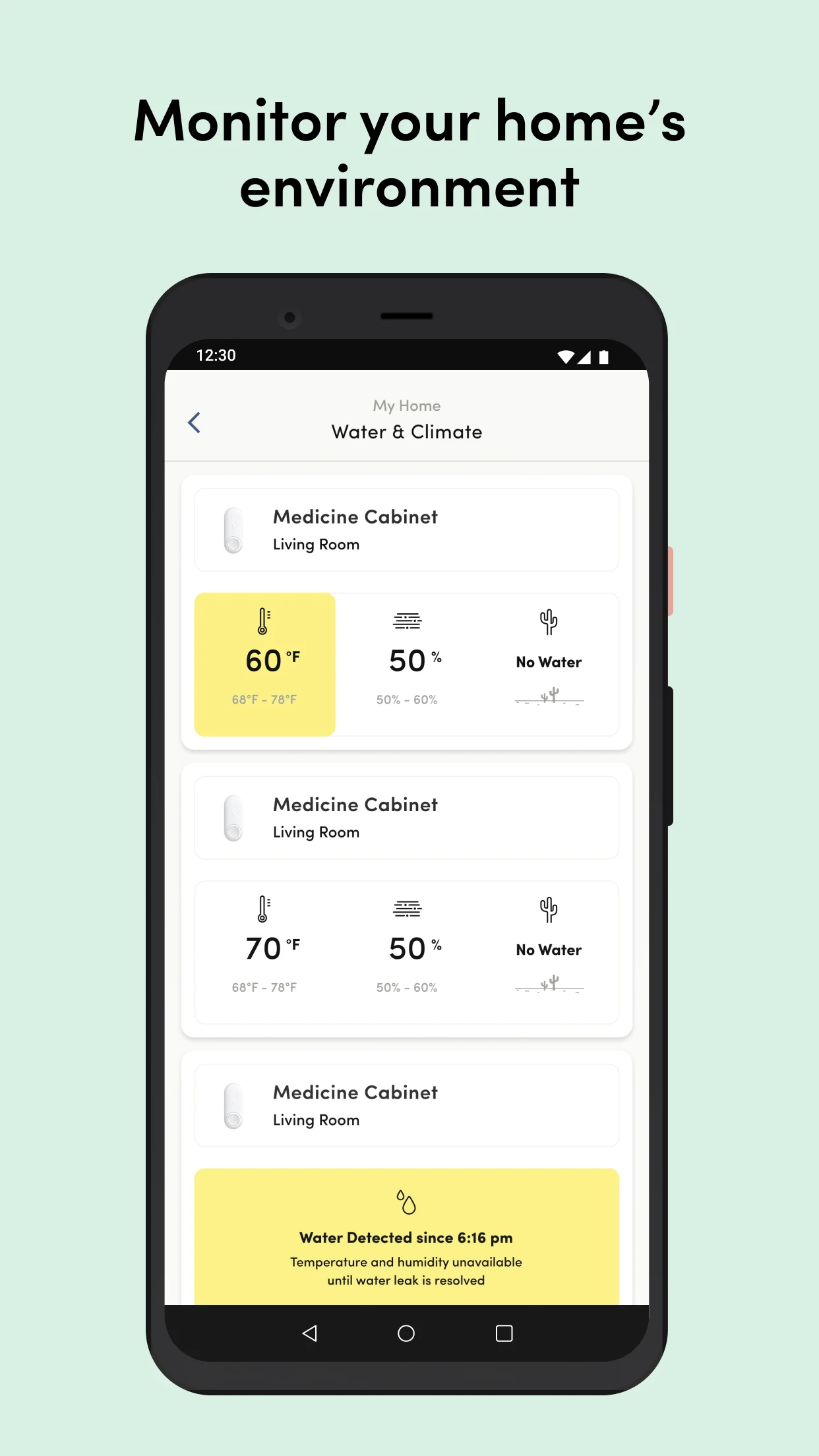
Kangaroo: Simple Home Security by Kangaroo Security is the companion app for Kangaroo doorbell cameras, motion and entry sensors, water and climate sensors, indoor/outdoor cameras, and the Siren + Keypad. All you need to start protecting your space is the Kangaroo app, your Kangaroo device, and Wi-Fi. Follow the step-by-step in-app setup, then arm, disarm, and manage alerts from anywhere.
Key app features:
•Free start: self-monitor with push notifications, arm/disarm, and unlimited user invites.
•Device control: pair sensors and cameras, check live status, and review activity.
•Smart alerts: app push alerts on the free plan; text and voice calls on paid plans.
•Professional monitoring: available with Complete Protect, including emergency dispatch handling.
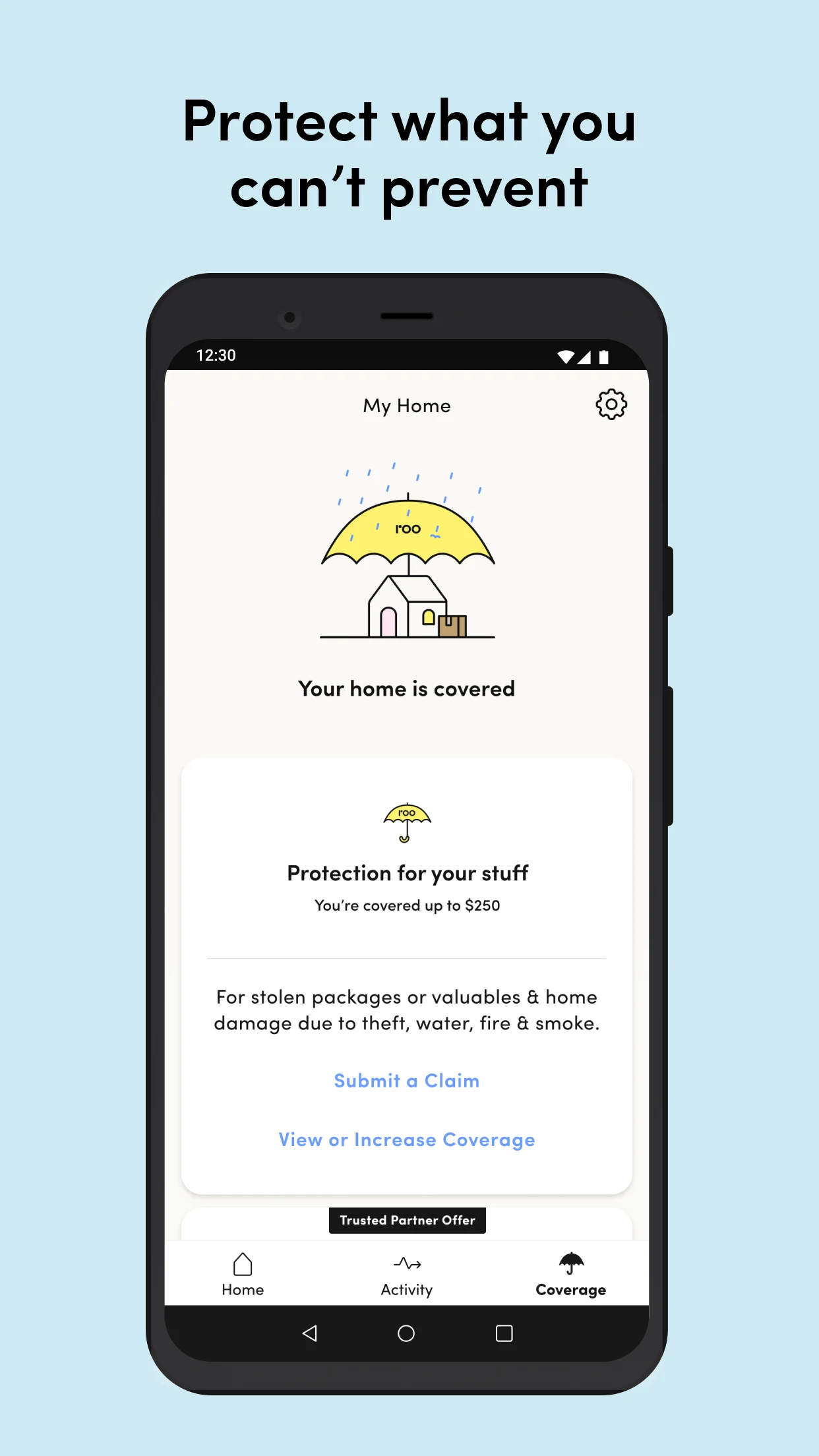
•Theft and damage reimbursement: included with Camera Protect and Complete Protect plans.
•Cloud storage: 24-hour rolling storage on Basic; extended 30-day storage on paid plans.
•Activity trends: water and climate trends, occupancy trends for motion and entry sensors, and adjustable time ranges in the Activity Timeline.
•Insurance discounts: the app’s Discount Engine helps you check home insurance discounts based on your protection devices.
•Car insurance test drive: start a 30-day trip tracking test drive to see driving-based savings.
Kangaroo works best as a hub-free, DIY home security app. There is no required base station for many setups, and the app walks you through pairing instead of making you read a long manual.
Quick Setup Guide for Kangaroo Doorbell and Sensors
Use the Kangaroo Security app for setup. Search for “Kangaroo Security” in the App Store or Google Play, or open it if already installed.
Battery-powered doorbell or sensor setup
1.Charge or activate the device first. For the video doorbell, fully charge the battery with the included cable before setup. A low battery can interrupt pairing.
2.Open the Kangaroo app and create an account. The app becomes your dashboard for live view, alerts, device settings, and sharing access.
3.Get your Wi-Fi details ready. Kangaroo devices use 2.4GHz Wi-Fi. 5GHz networks are not supported.
4.Tap through in-app pairing. The app guides you to add the security device, scan or confirm the device, and connect to Wi-Fi.
5.Watch the status light.
•Blinking green: ready to pair.
•Pulsing green: motion detected.
•Blinking green: doorbell pressed.
•Solid green: two-way talk or livestream active.
•Red: preparing to reset.
6.Mount the doorbell. For doorbells, clean the surface, then use the peel-and-stick pad or the included screws. A height around 4–5 feet from the ground is usually ideal.
7.Test the button. Press the doorbell, confirm the app notification, and check two-way audio or chime response.
Hardwired video doorbell setup
1.Turn off power at the circuit breaker.
2.Remove the old doorbell and check chime compatibility.
3.Connect existing doorbell wires to the Kangaroo mounting bracket terminals.
4.Secure the bracket, slide the doorbell until it clicks.
5.Restore power at the breaker.
6.Return to the Kangaroo app and complete Wi-Fi pairing as above.
Pairing troubleshooting
•QR code will not scan: hold phone and device 6–12 inches apart, keep both steady on a flat surface.
•Livestream will not reopen: make sure livestream is enabled in the app, then press the doorbell button.
•Reset the doorbell: press and hold the reset button for at least 5 seconds.
•Reset the chime: press and hold reset for at least 15 seconds.
Plans, Alerts, and Smart Home Control
You can use Kangaroo for $0 with the Basic plan. Paid plans unlock professional monitoring, longer cloud storage, text/voice alerts, and reimbursement benefits.
Kangaroo Basic — free
•App push notifications
•Arm and disarm from the app
•Unlimited user invites
•Unlimited basic sensors: Motion, Motion + Entry, Water + Climate
•Up to 5 cameras
•24-hour cloud storage
•Person detection on supported cameras
Camera Protect — $23.88/year
Best for one camera.
•App push notifications
•Unlimited user invites
•Unlimited devices
•Up to $250 theft and damage coverage
•30-day cloud storage
•90-day activity history
•Special features for Video Doorbell and Indoor + Outdoor Camera
Complete Protect — $99/year
Best for full-home coverage.
•Everything in Basic
•Text and voice call alerts
•24/7 professional monitoring with emergency dispatch handling
•Insurance discount assistance
•Alexa and Google Home integration on selected devices
•Kangaroo Coverage: up to $1,000 theft and damage per year
•Covers up to 3 cameras
30-day cloud storage
•90-day activity history
Subscriptions auto-renew. You can cancel at least 24 hours before the end of the current period to avoid the next renewal.
Smart home notes: Alexa and Google Home work only with selected Kangaroo devices. Voice commands can arm, disarm, or check status, but camera feeds are not guaranteed on smart displays.
Kangaroo App FAQ:
1、Do I need to pay to use the Kangaroo app?
No. The Basic plan is free and includes push alerts, arm/disarm, unlimited invites, and up to 5 cameras with 24-hour cloud storage.
2、Which Wi-Fi does Kangaroo need?
2.4GHz Wi-Fi only. Have the network name and password ready before pairing.
3、Why is my doorbell offline?
Check network stability first. A changed Wi-Fi password, weak signal, or moving the doorbell can drop the connection. Also check battery level in the app under Settings > Device Management > select your doorbell. Average battery life is up to about 5 months in low-traffic use.
4、How do I reconnect an offline doorbell?
1.Confirm Wi-Fi is stable and the battery has charge.
2.Pull the top cover from the bottom cover.
3.Press and hold the front button until you see a blinking light, about 60 seconds.
4.In the Kangaroo app, tap Add Security Device and follow the prompts.
5、Does Kangaroo record without a plan?
Basic users get 24-hour cloud storage and app alerts. Longer storage, text/voice calls, professional monitoring, and theft/damage reimbursement require Camera Protect or Complete Protect.
6、Can I share the system with family?
Yes. Both Basic and paid plans allow unlimited user invites.
7、Is there professional monitoring?
Yes, with Complete Protect. If you cannot respond to an alert, a monitoring agent can handle the situation and contact emergency services where appropriate.
8、Are insurance or reimbursement benefits guaranteed everywhere?
No. Theft and damage coverage, insurance discount help, and similar benefits depend on your plan and location. Check the plan terms in the Kangaroo app before relying on them.
- Version11.2.0
- UpdateOct 09, 2026
- DeveloperKangaroo Security
- CategoryHouse & Home
- Requires AndroidAndroid 7.0+
- Downloads278K+
- Package Namecom.kangaroo.security
- Signature94ce934f9d02d15246c45032466e58ca
- Available on
- ReportFlag as inappropriate
-
NameSizeDownload
-
167.92 MB
-
167.82 MB
-
141.04 MB

















Affordable pricing.
Easy setup process.
Good customer support.
Basic functionality works as advertised.
Home monitoring from mobile device.
Includes real-time alerts for motion detection.
Compact and suitable for apartment living.
Simple app interface.
Poor camera quality and image clarity.
Slow to receive notifications.
Frequent disconnections from Wi-Fi.
Unreliable motion detection; misses people approaching.
App crashes and has bugs.
Limited features without paid subscription.
Battery drains quickly.
Complicated settings for user access and control.