
Kaiser Permanente Washington - Health management & virtual care
Experience seamless health management with instant access to care, prescriptions, and personal health insights at your fingertips!

- 5.6.1 Version
- 2.8 Score
- 151K+ Downloads
- Free License
- 3+ Content Rating

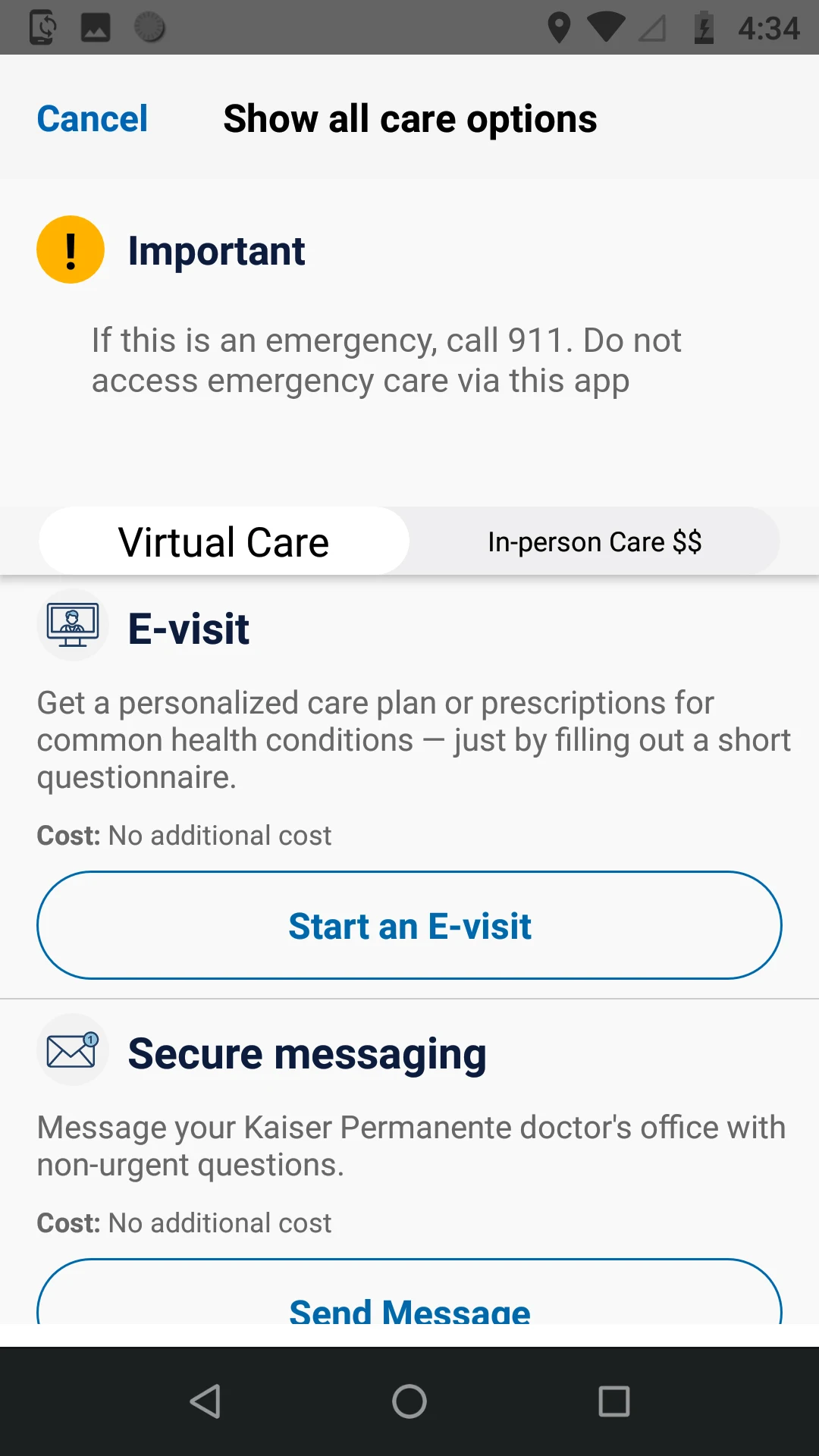
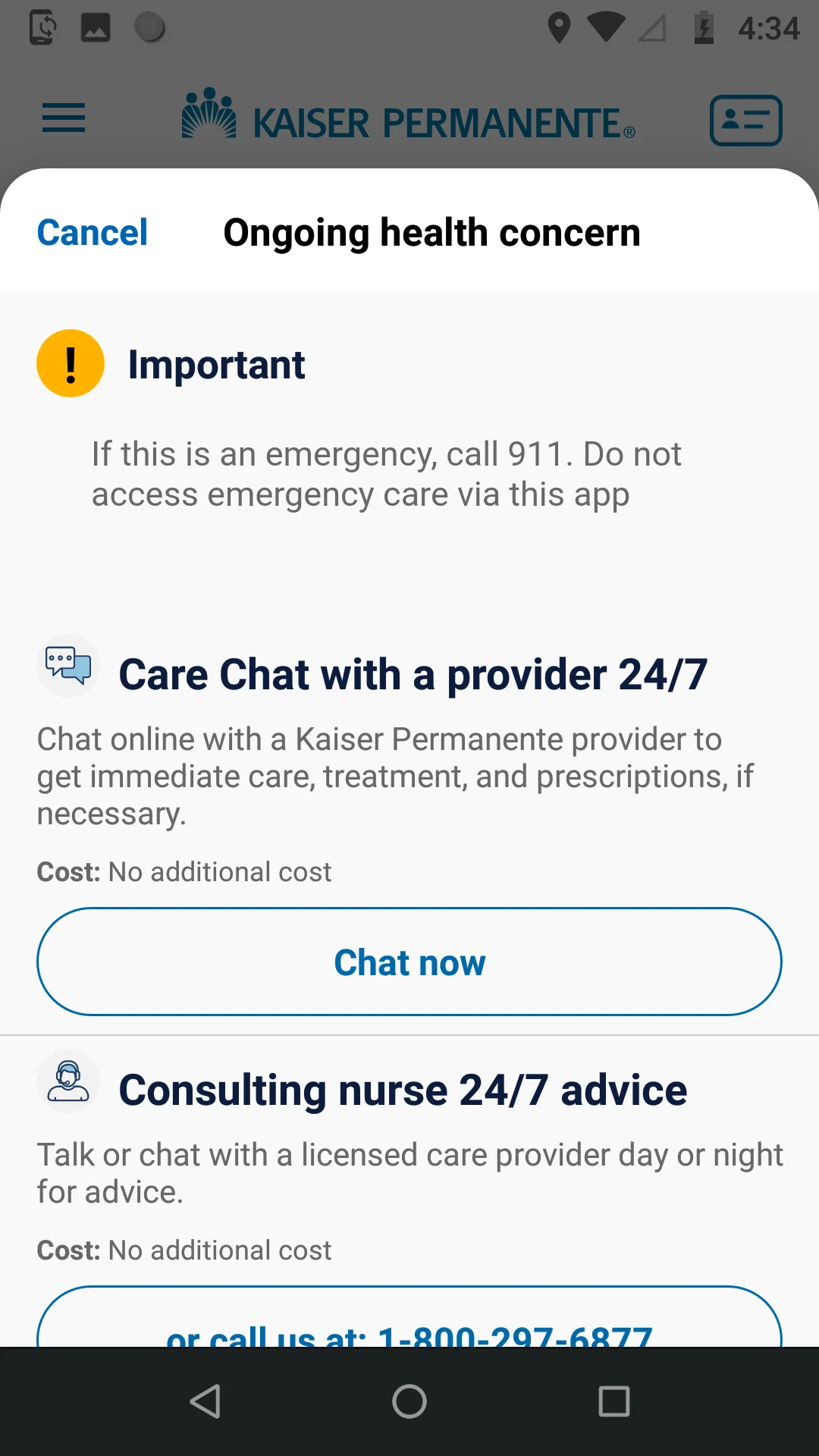
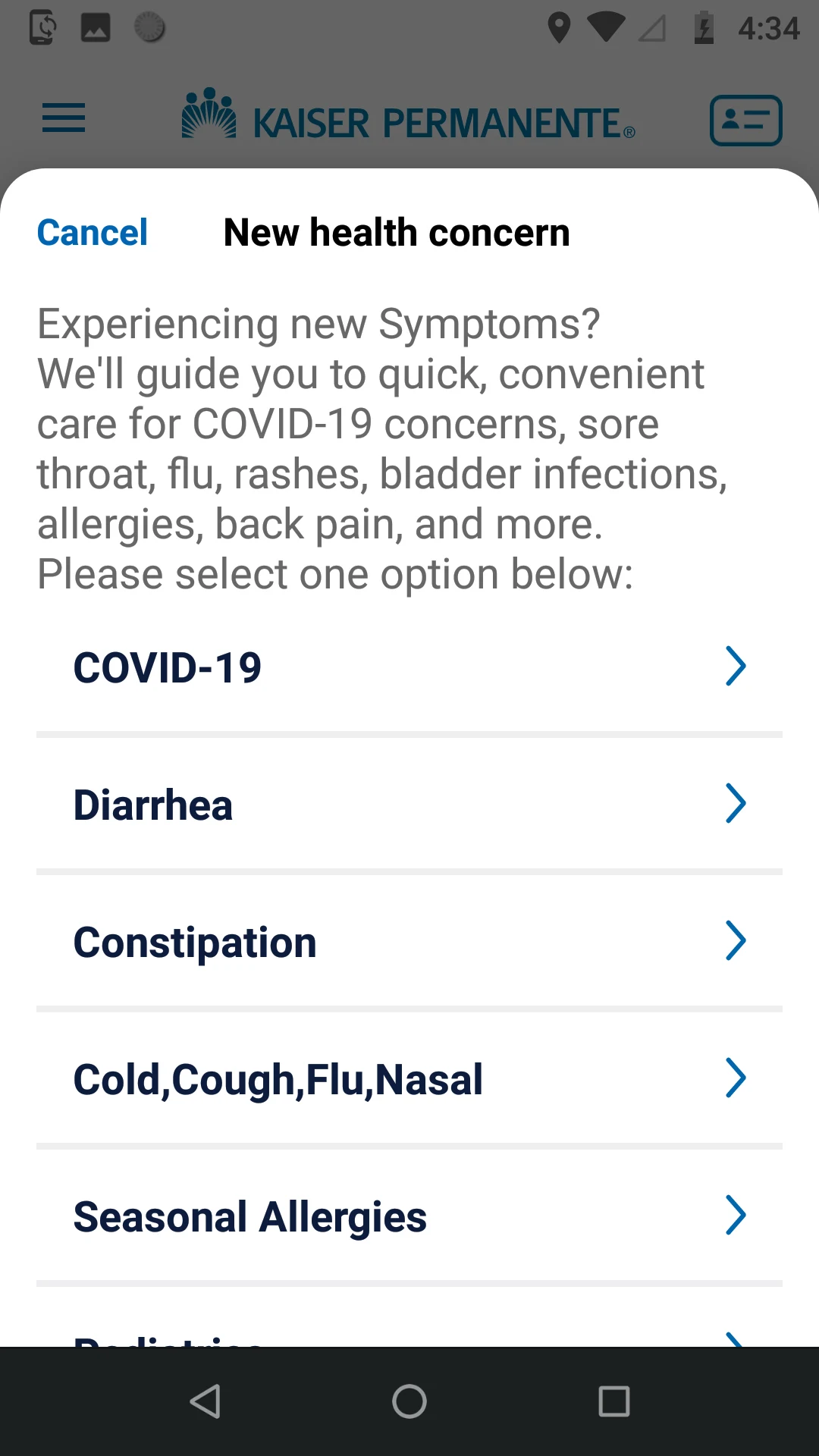
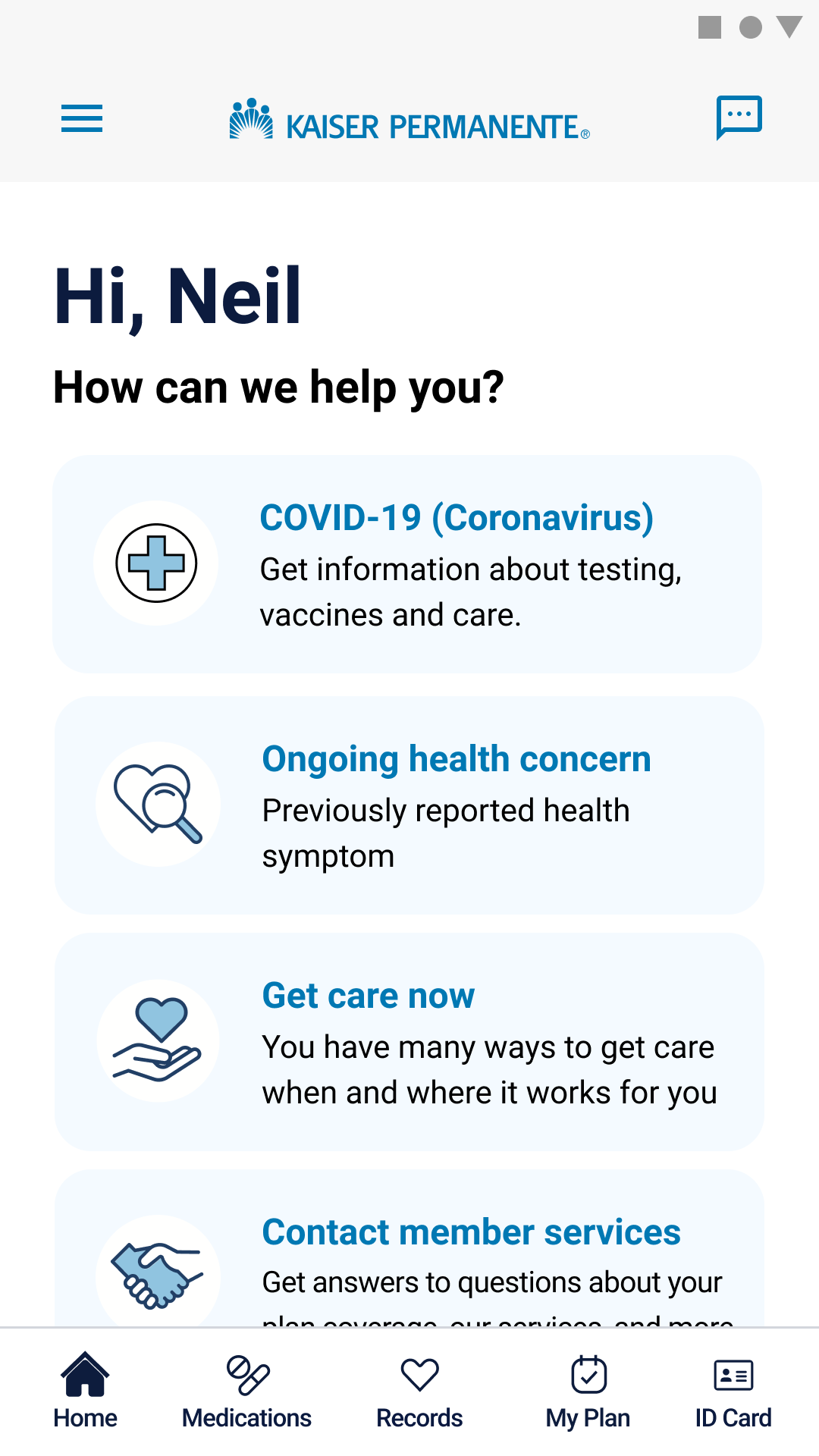
Kaiser Permanente Washington App User Experience
Updated Navigation and Convenient Access
The redesigned interface is described as intuitive and easy to navigate, with healthcare features organized into clear areas. The homepage brings online and in person care options together and helps users find recommendations for existing or new health concerns.
24/7 Care Chat and Virtual Care
The 24/7 Care Chat is highlighted as a useful option during off hours. The app also supports virtual appointments and secure communication with the care team, giving members multiple ways to access care without relying on a single channel.
Records and Healthcare Administration
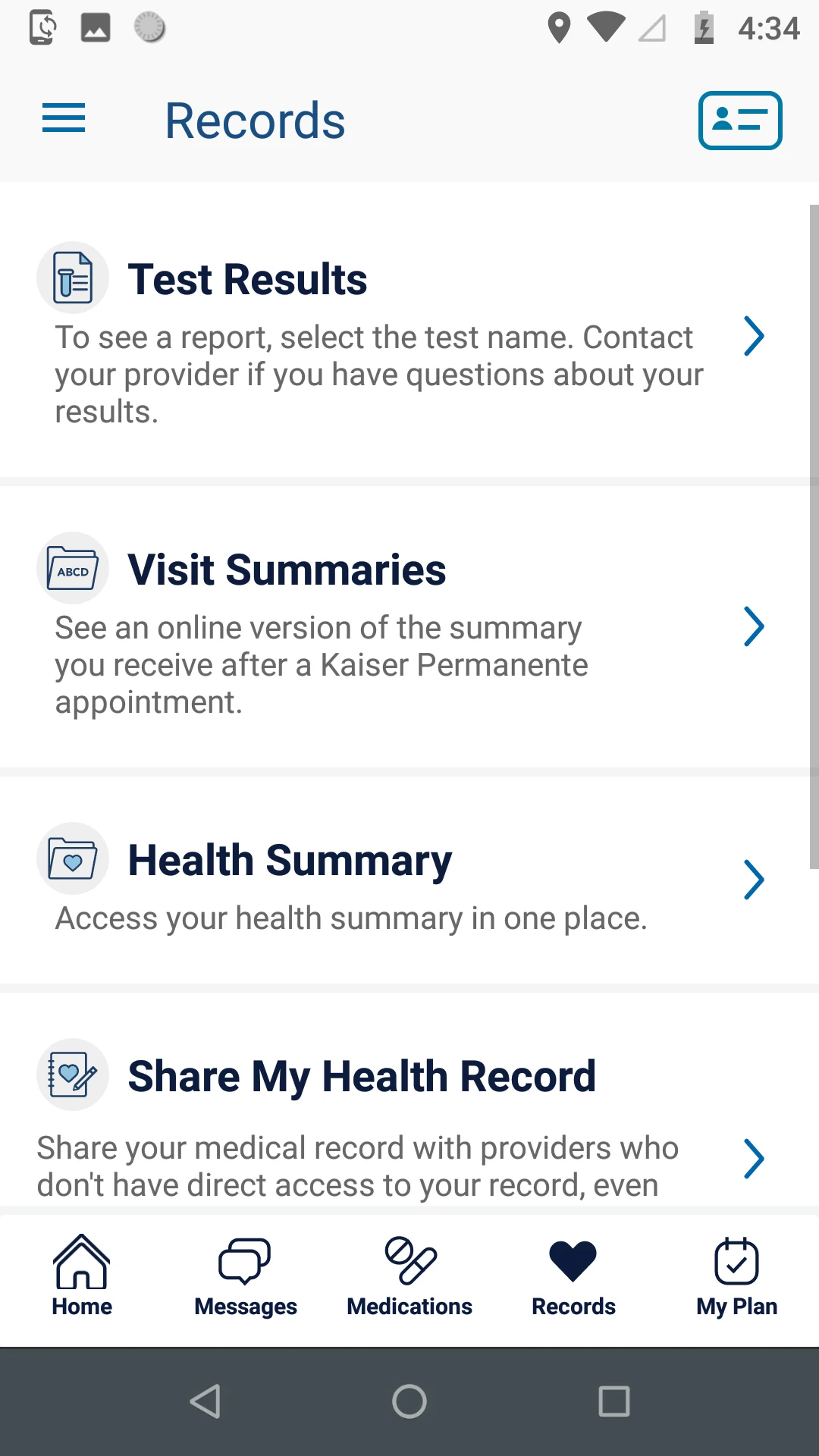
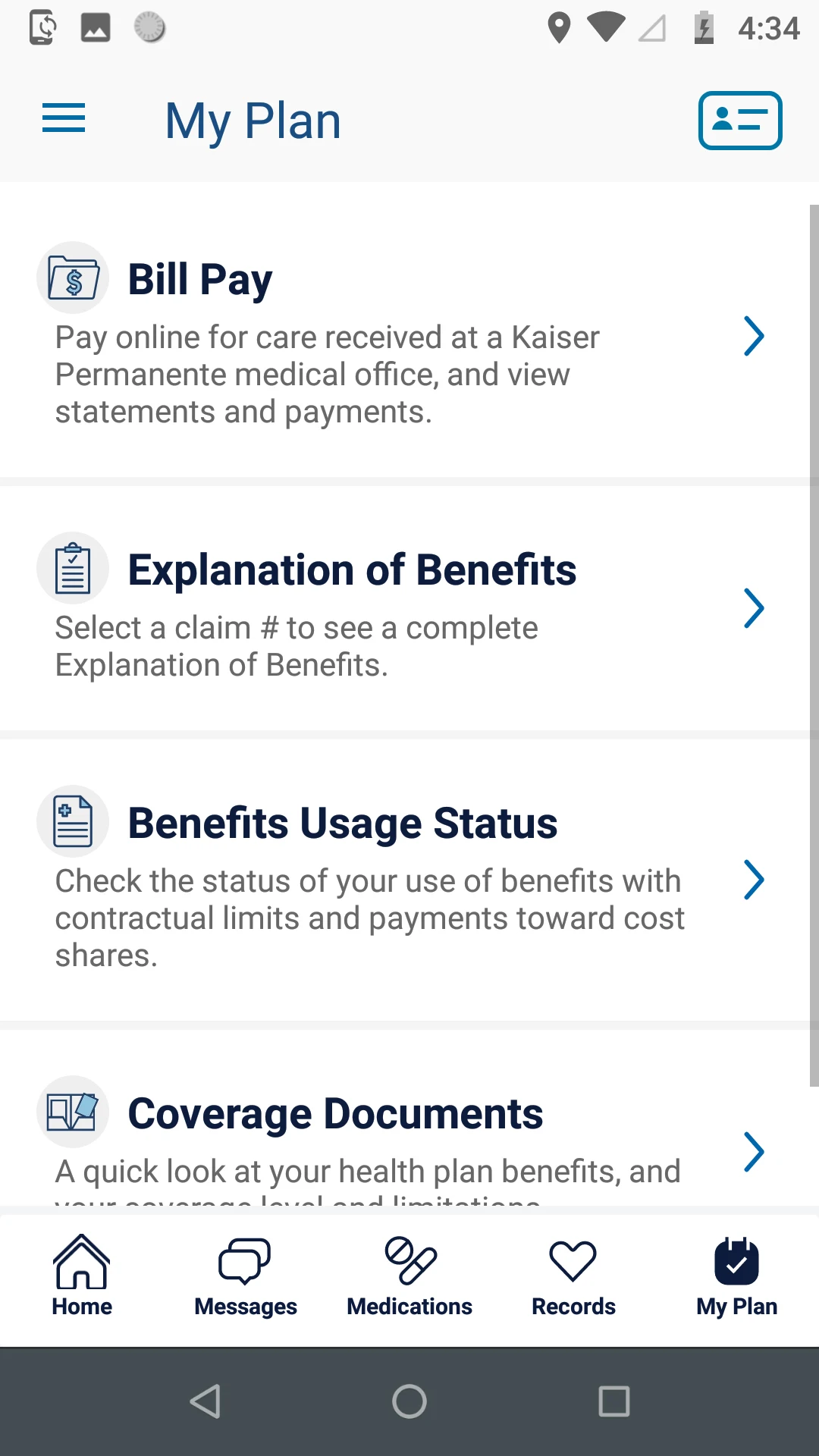
The Records section brings together test results, health summaries, routine reminders, and other health information. Integrated billing, coverage details, and benefits tools can also reduce the need to manage healthcare administration across separate services.

Key Features of the Kaiser Permanente Washington App
Appointments and Care Access
Schedule appointments with your Kaiser Permanente care team
Arrange phone video or in person care
View upcoming and past visits
Review after visit summaries
Get care through secure Care Chat
Contact a Consulting Nurse
Find doctors medical offices urgent care and pharmacies
Secure Messaging
Exchange secure messages with your care team
Stay connected with healthcare providers through the app
Access care related communication from a central dashboard
Prescription and Pharmacy Management
Refill or transfer prescriptions
Review your medication list
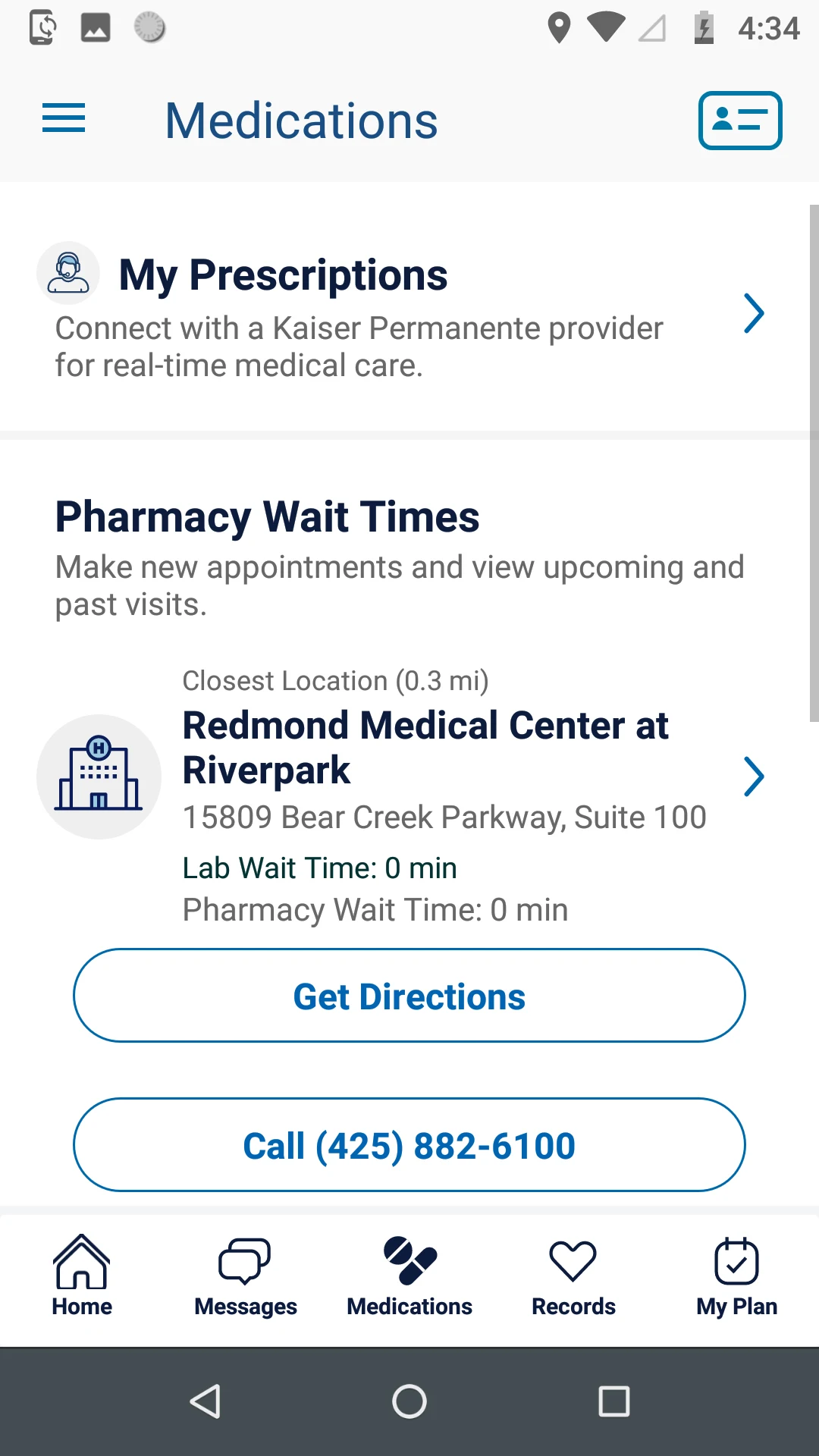
Check pharmacy wait times
Contact a pharmacy representative
Access prescription home delivery services
Health Records and Test Results
View test results and medical records
Access health summaries and after visit summaries
Review health history and routine care reminders
Share health records with providers outside Kaiser Permanente
Billing Benefits and Coverage
Pay healthcare bills through the mobile app
Review statements and previous payments
View Explanation of Benefits information
Track benefits usage
Review coverage documents
Locations and Wait Times
Find the nearest Kaiser Permanente facility
Check pharmacy and laboratory wait times
Locate urgent care and other healthcare services
Secure Mobile Login
Sign in with a kp.org/wa user ID and password
Use Face ID for supported devices
Use Touch ID for supported devices
Register for online services through the login screen
Services Available Through Kaiser Permanente Washington
Prescription home delivery
Specialty care
Physical therapy
Mental health care
Financial assistance and community resources
Kaiser Permanente Washington mobile app

Frequently Asked Questions
• Is my health data secure within the app?
Absolutely. The app employs advanced encryption, biometric authentication (Face ID/Touch ID), and strict compliance with healthcare privacy laws (HIPAA) to protect your sensitive information. All data transmission is secured.
• Can non-Kaiser Permanente members use this app?
The app is designed for KP Washington members. Non-members can explore services and sign up via kp.org/wa, but full functionality requires an active membership.
• How quickly can I get a virtual appointment?
Availability varies, but same-day video or phone consultations are often possible, especially through 24/7 Care Chat. The "Locations and Wait Times" feature also shows real-time options for in-person care.
• Can I share records with my non-Kaiser doctor?
Yes! The "Records" section includes a "Share Health Record" feature, allowing you to securely transmit your KP health data to external providers via email or printed summaries.
• Does the app replace emergency care?
No. For life-threatening emergencies, call 911 or visit the nearest ER. The app supports non-urgent needs, follow-ups, prescription refills, and routine care coordination.
- Version5.6.1
- UpdateSep 23, 2026
- DeveloperKaiser Permanente
- CategoryHealth & Fitness
- Requires AndroidAndroid 10+
- Downloads151K+
- Package Nameorg.ghc.android
- Signature91537a0f57f0e1dce57075ff680b9460
- Available on
- ReportFlag as inappropriate
-
NameSizeDownload
-
146.30 MB
-
146.01 MB
-
139.08 MB





















Easy Face ID login
Easy access to messages and test results
Useful for navigating care
Helpful care team messaging
Easy appointment scheduling
Easy prescription management
Works well after updates
Does what I need when I need it
Smooth user interface
Helpful for checking past care and care needs
Frequent logout issues
Unable to sign in
Repeated system timeout errors
App stops working after updates
Chat frequently disconnects
Too many steps to schedule care
Messages can be difficult to access
Cluttered confusing navigation
Notifications for messages already read
Limited support for older devices
No option to reject tracking settings
Problems removing saved credit cards