Kahoot! - Quiz, learn & play.
Engaging trivia game for all ages. Battle friends in real-time quizzes!

- 5.7.7 Version
- 4.3 Score
- 49M+ Downloads
- In-app purchases License
- 3+ Content Rating

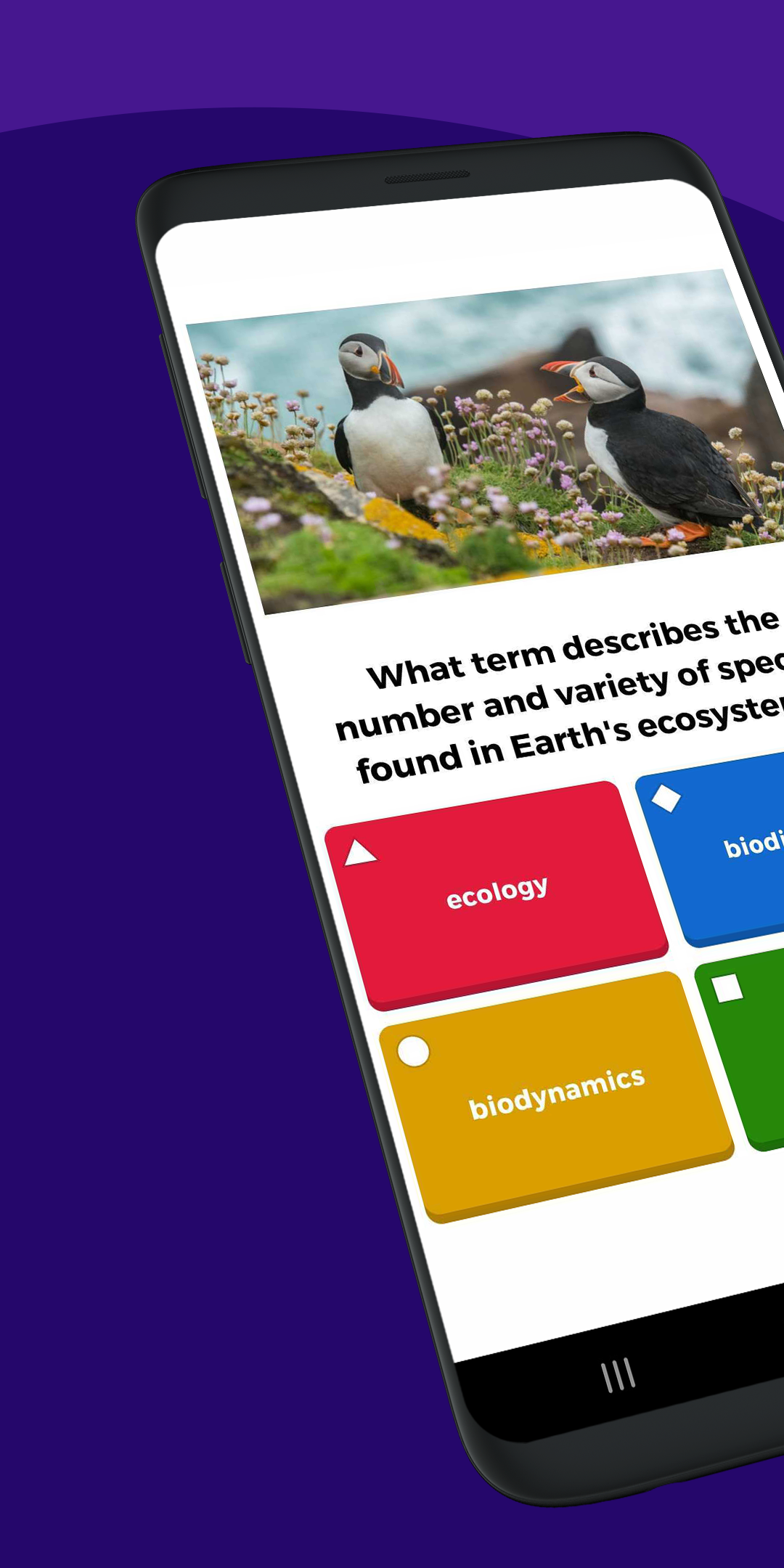
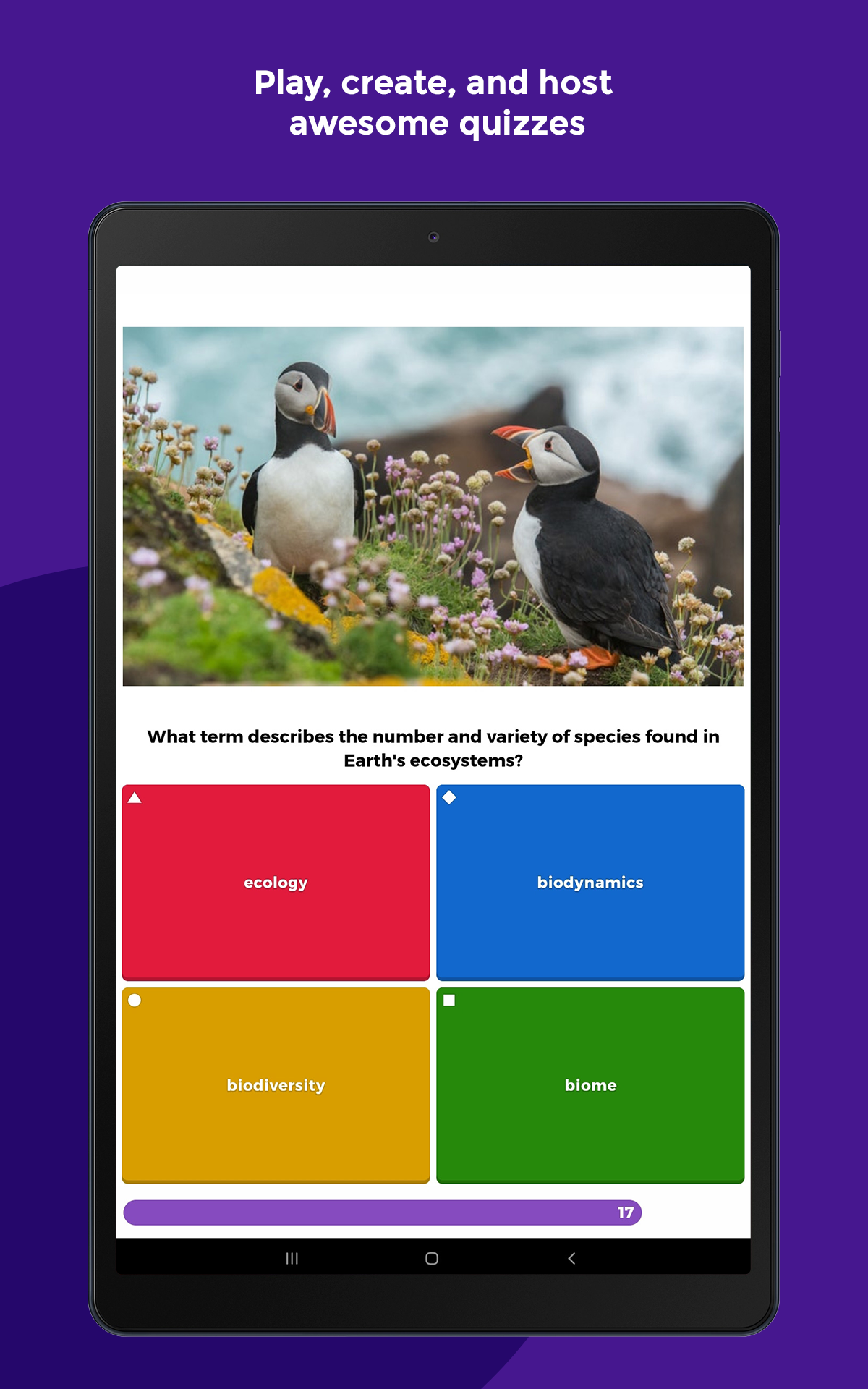
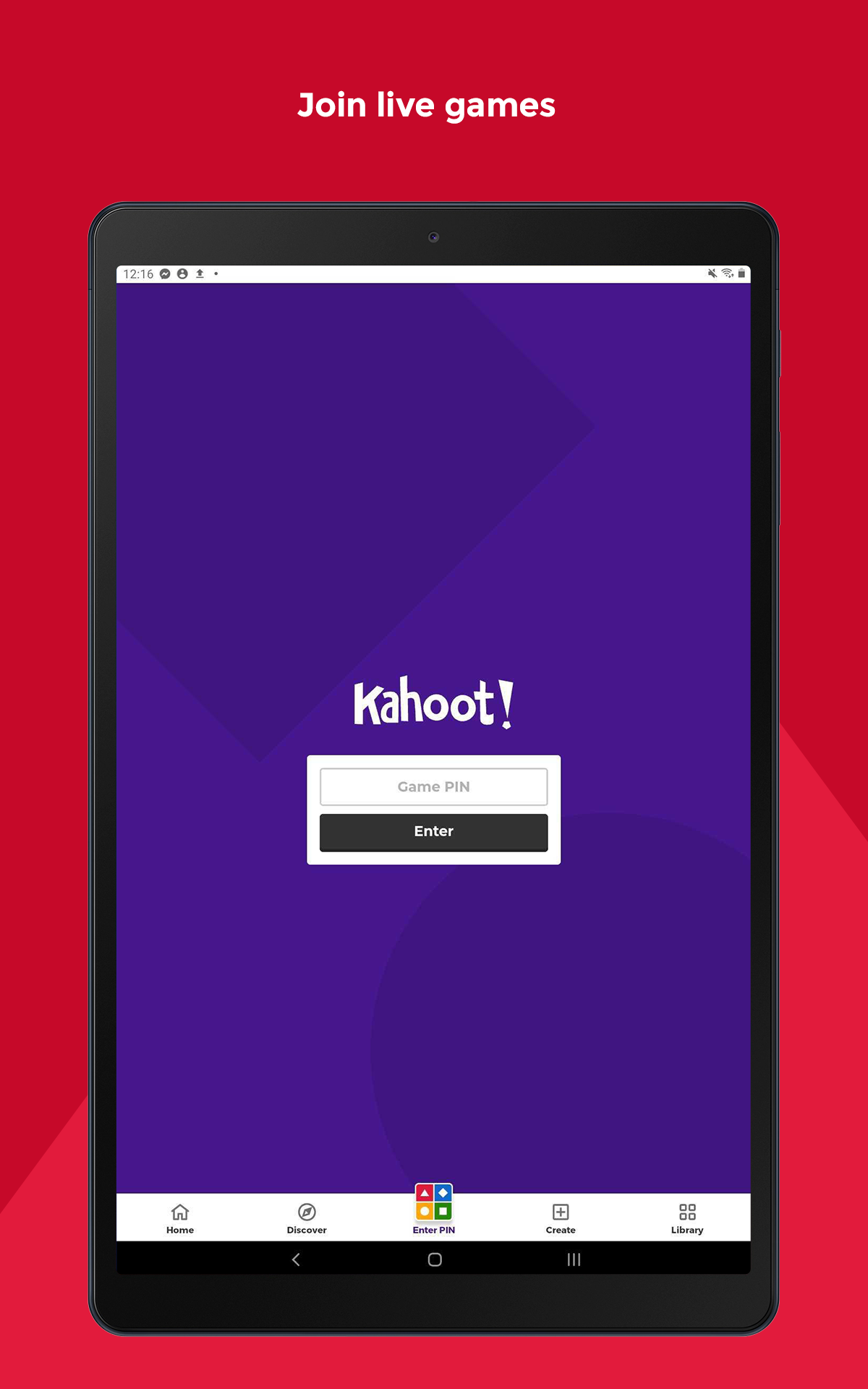
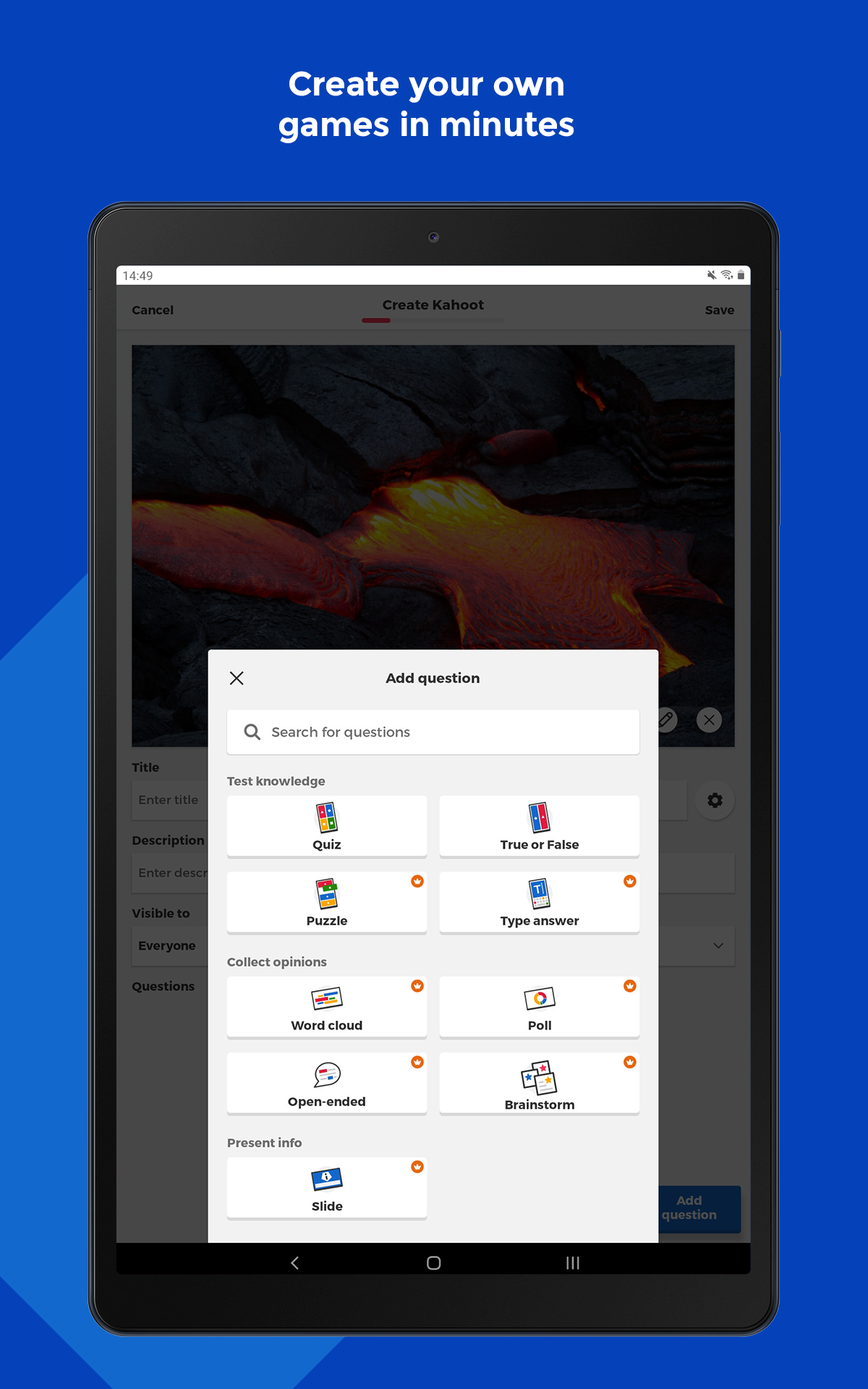
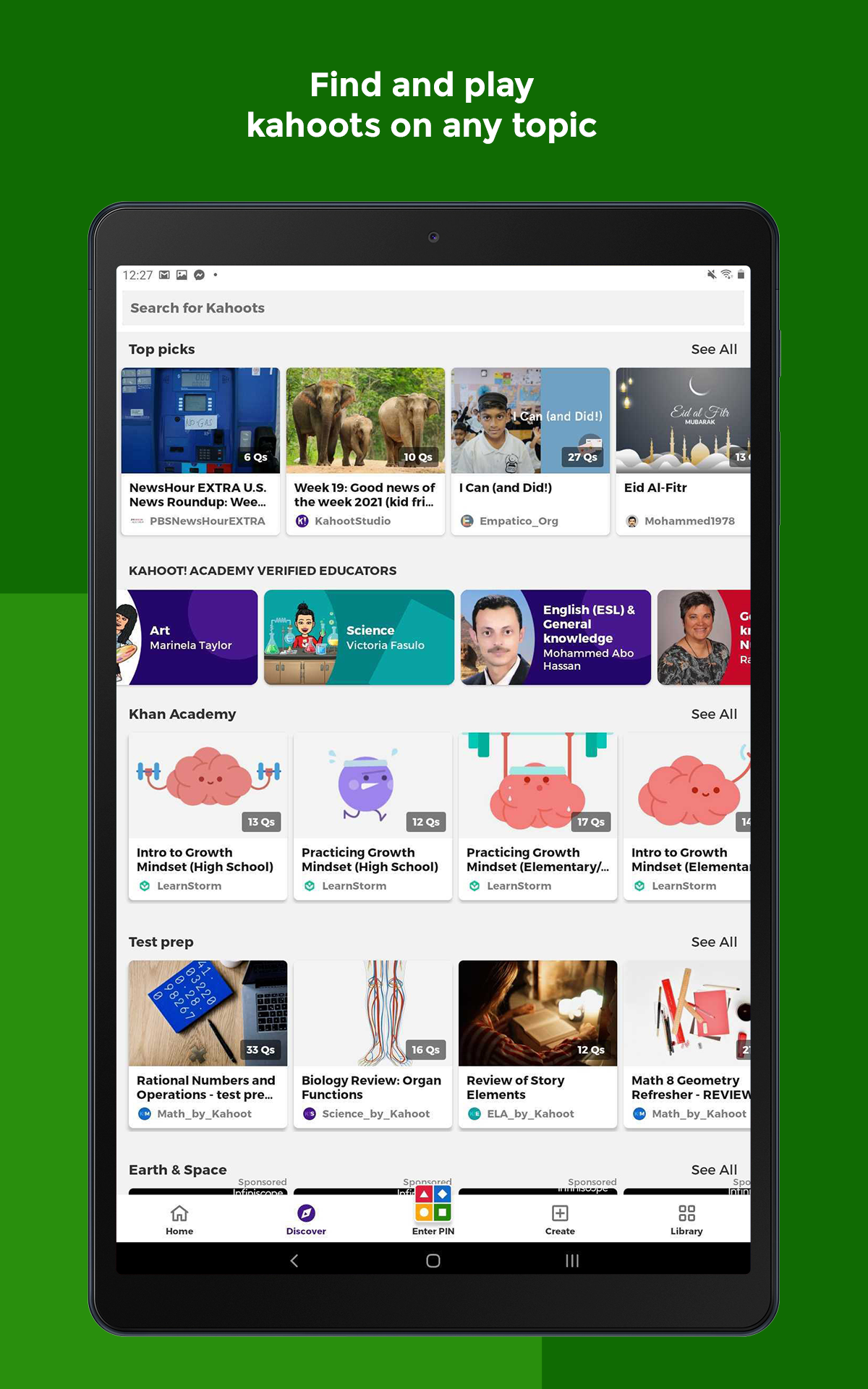
Welcome to Kahoot!: Where learning meets excitement for students, teachers, and knowledge enthusiasts!
What can you get from Kahoot!?
- Engage in quiz-based games (kahoots) at school, work, or home
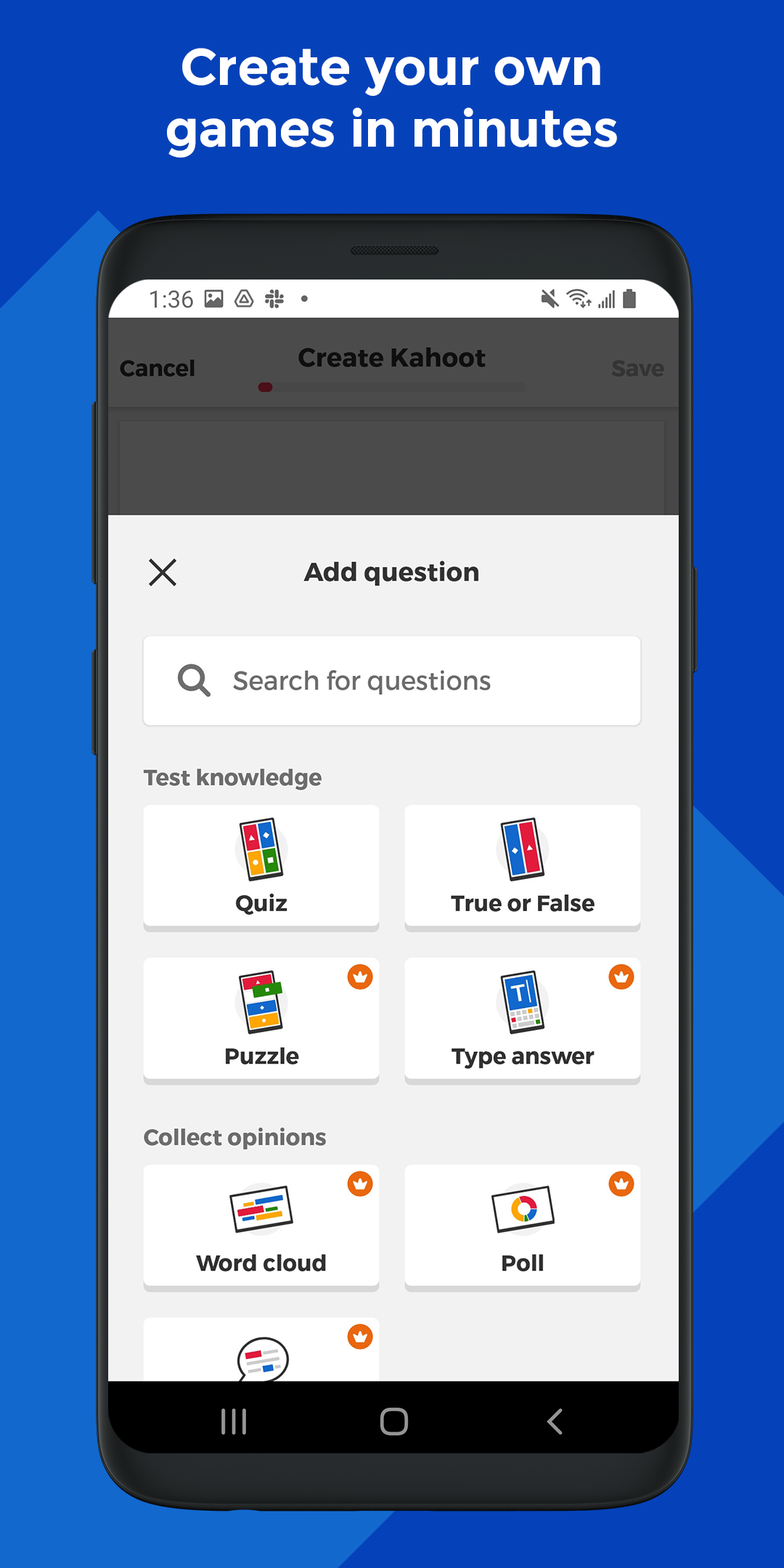
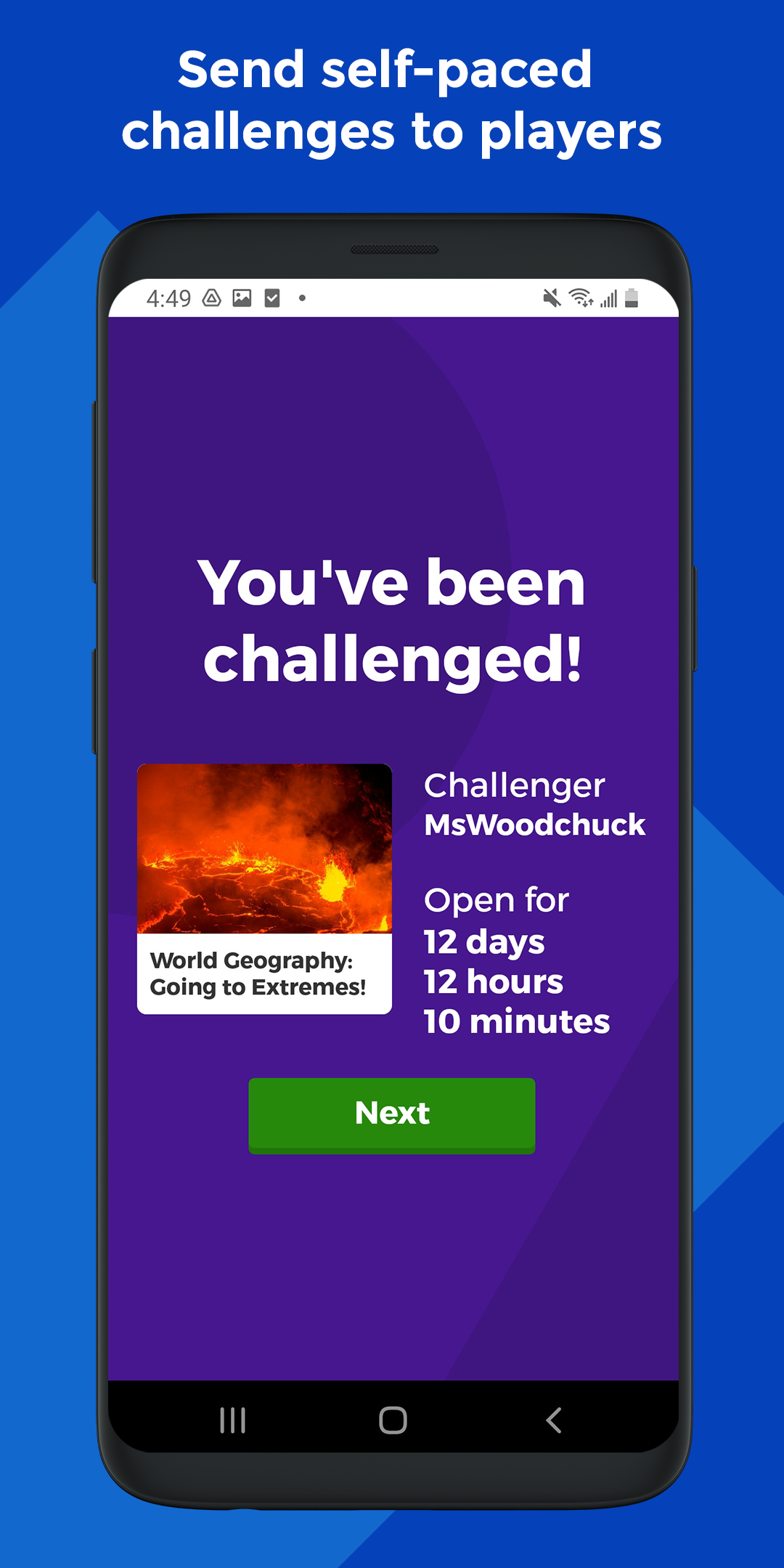
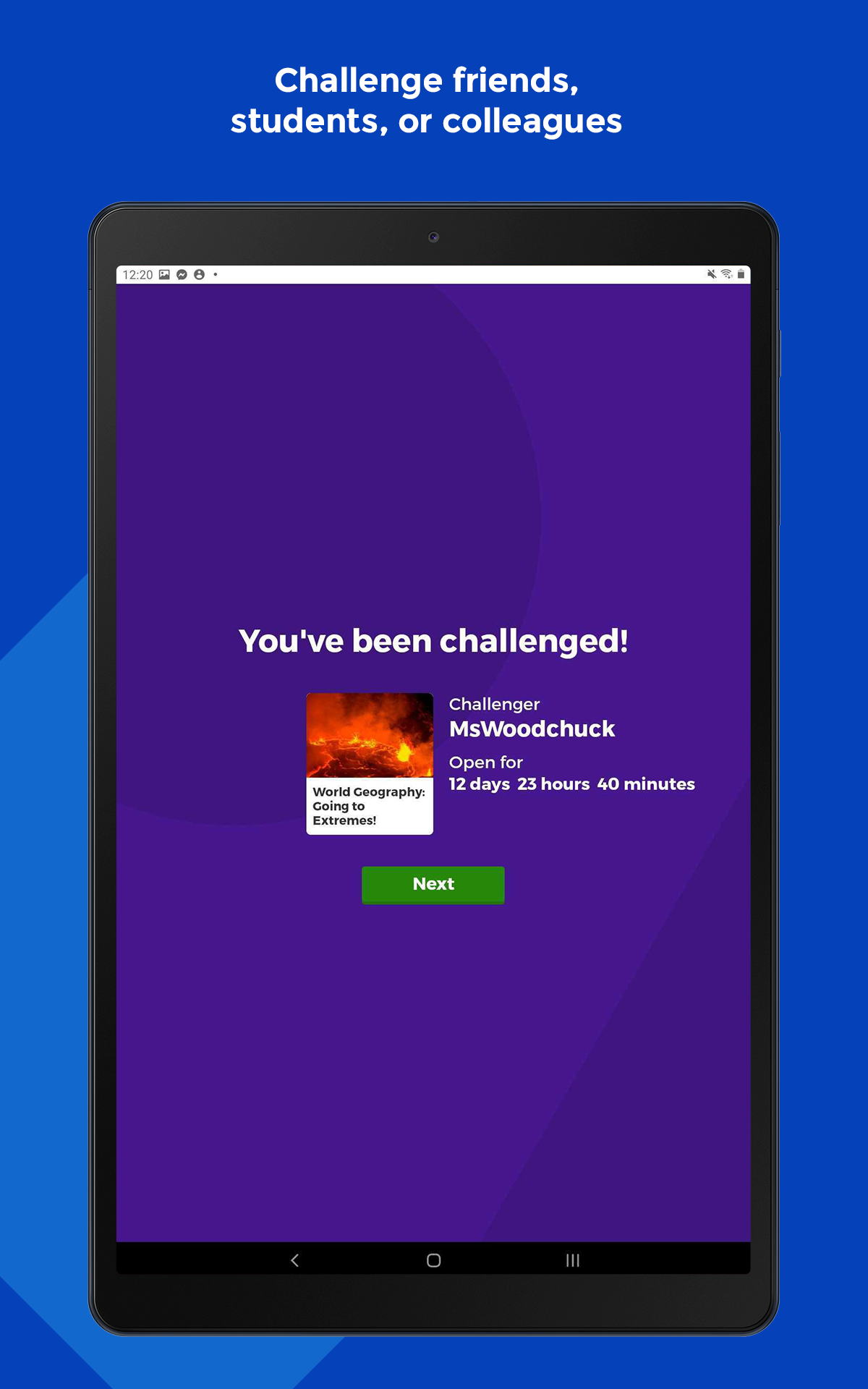
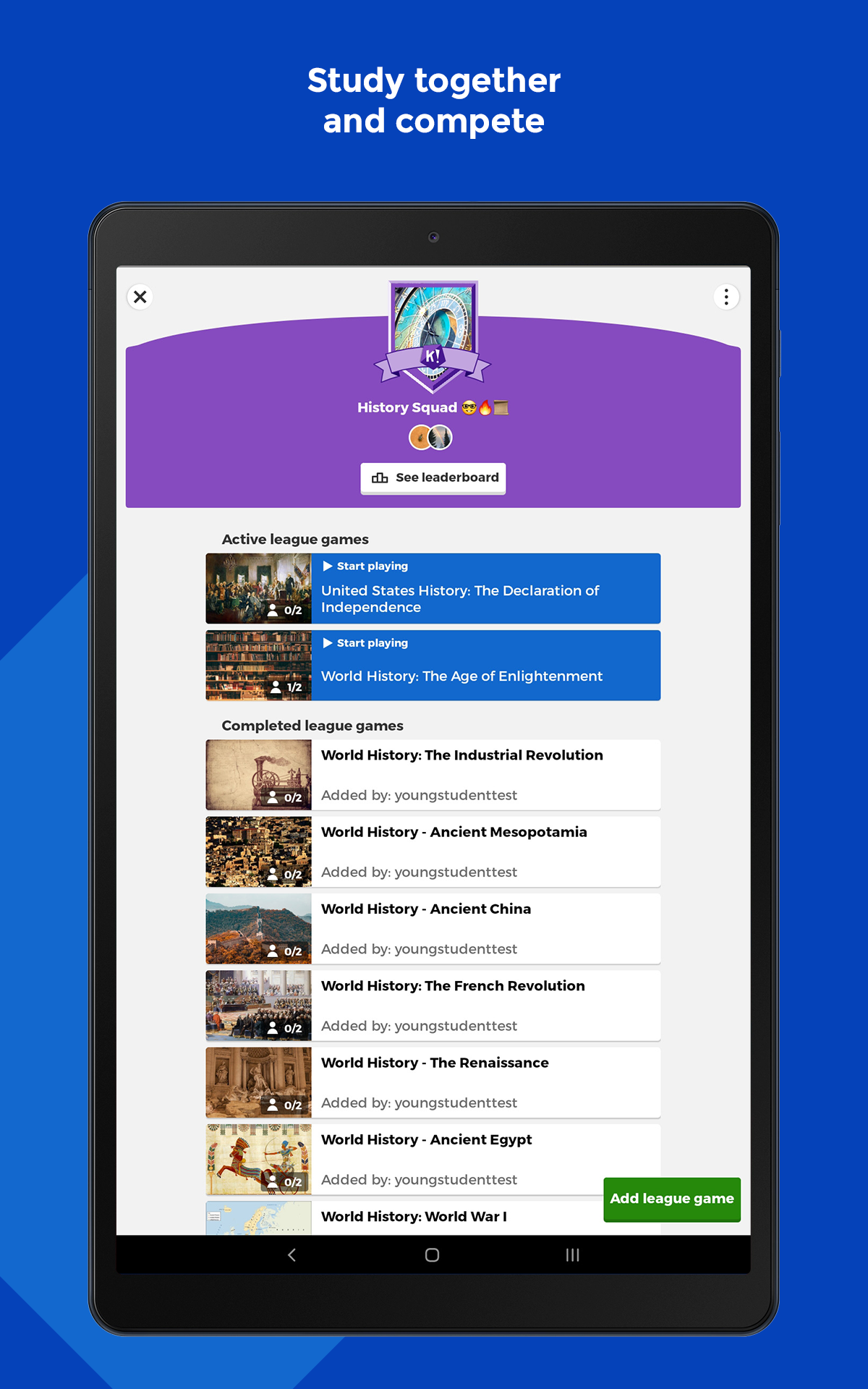
- Create your own kahoots and challenge friends
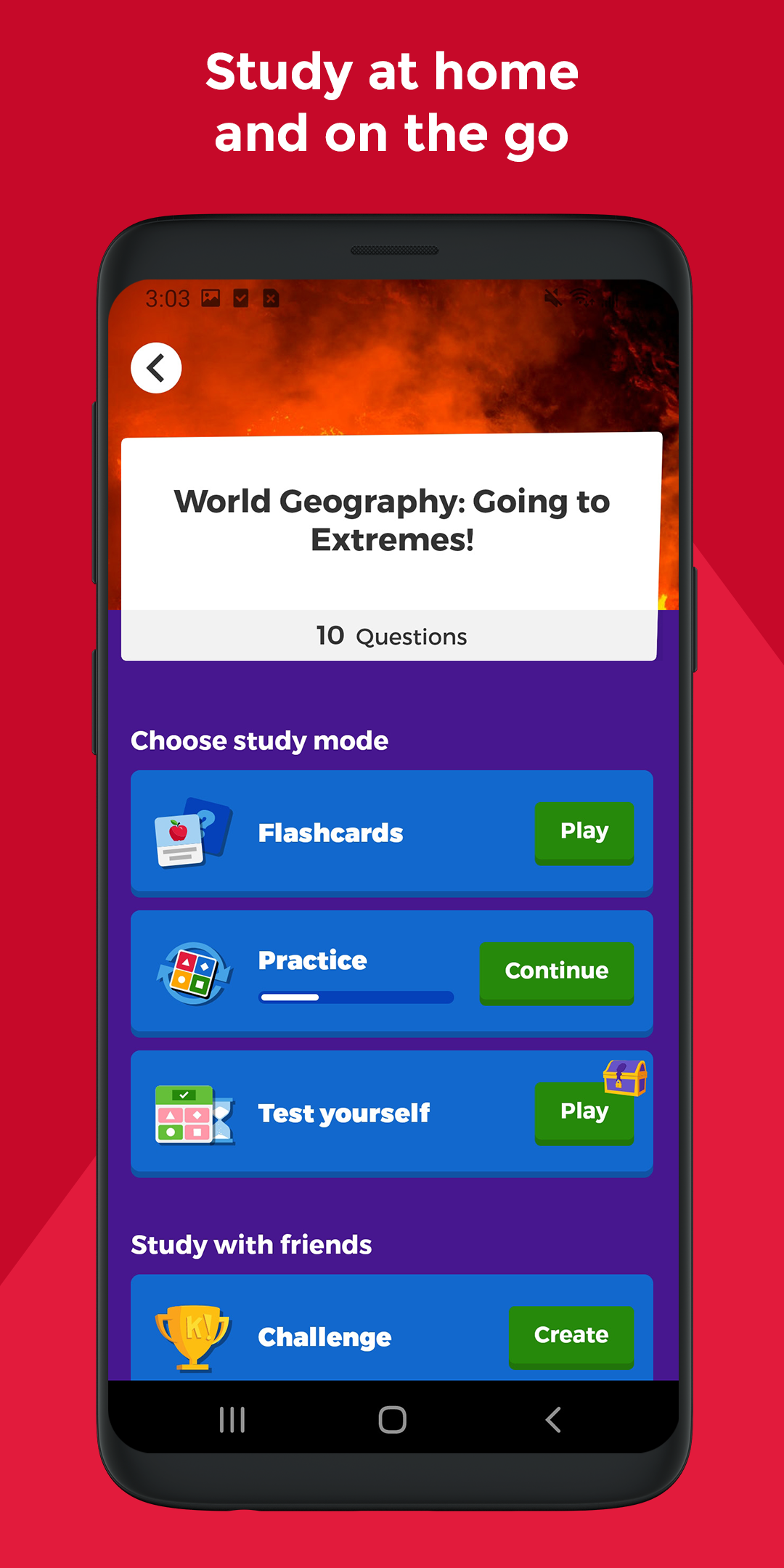
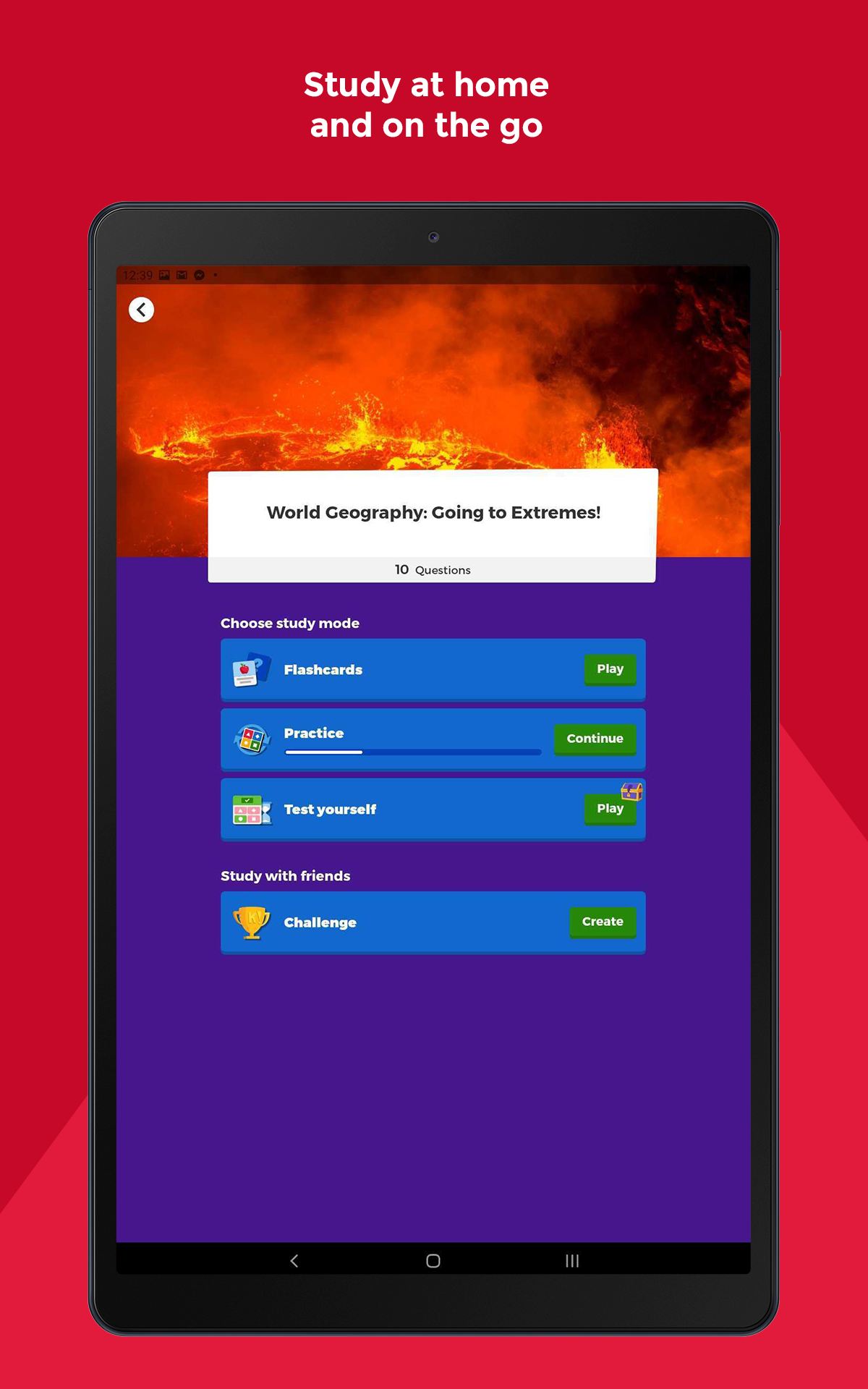
- Study with unlimited free flashcards and smart study modes
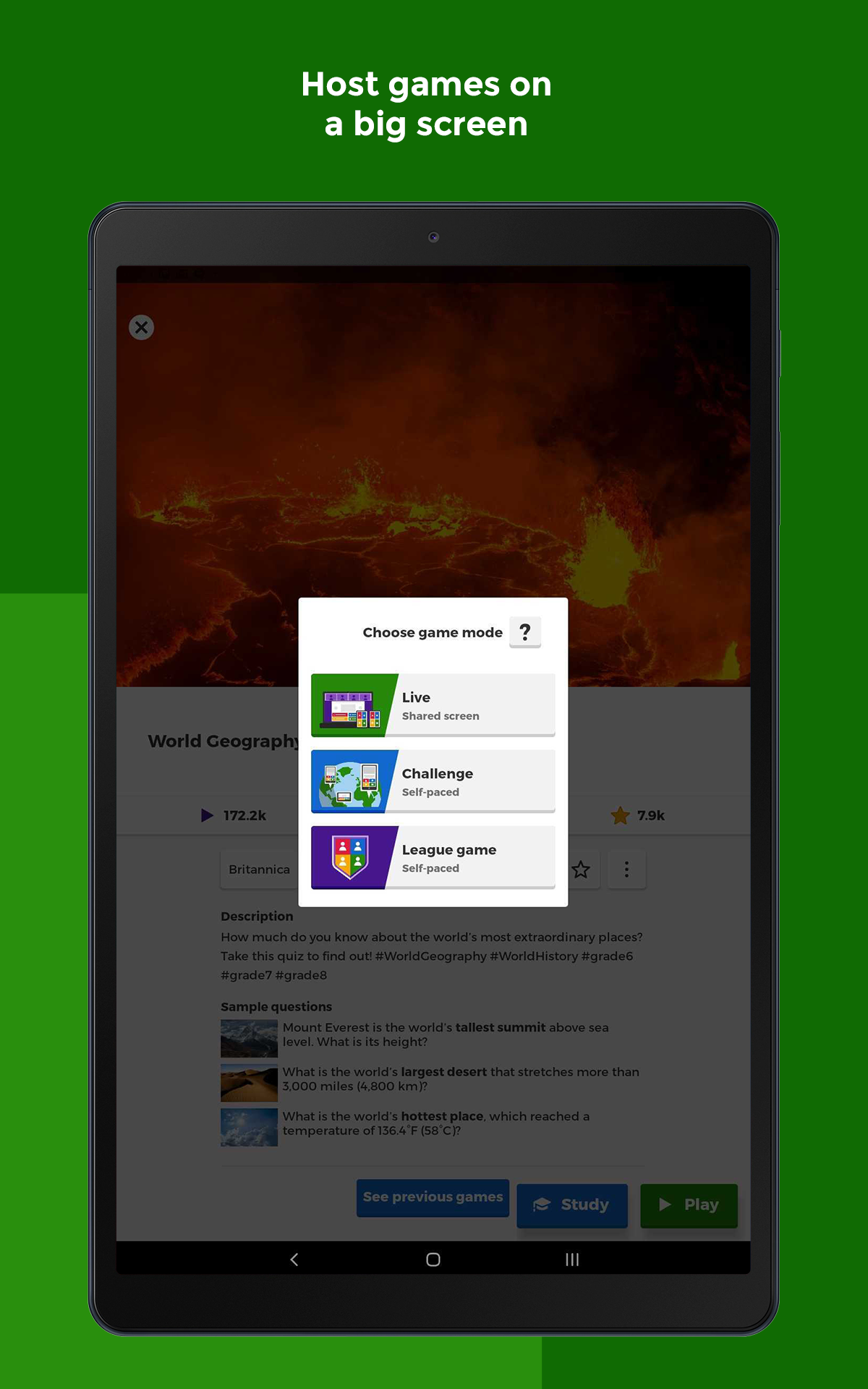
- Host live kahoots for family and friends
- Access millions of pre-made kahoots on various topics
- Enhance learning with different question types and image effects
- Assess progress and results through reports
Join the fun and educational journey with Kahoot! - the app that brings magic into learning.
How to use the pre-prepared Kahoot games:
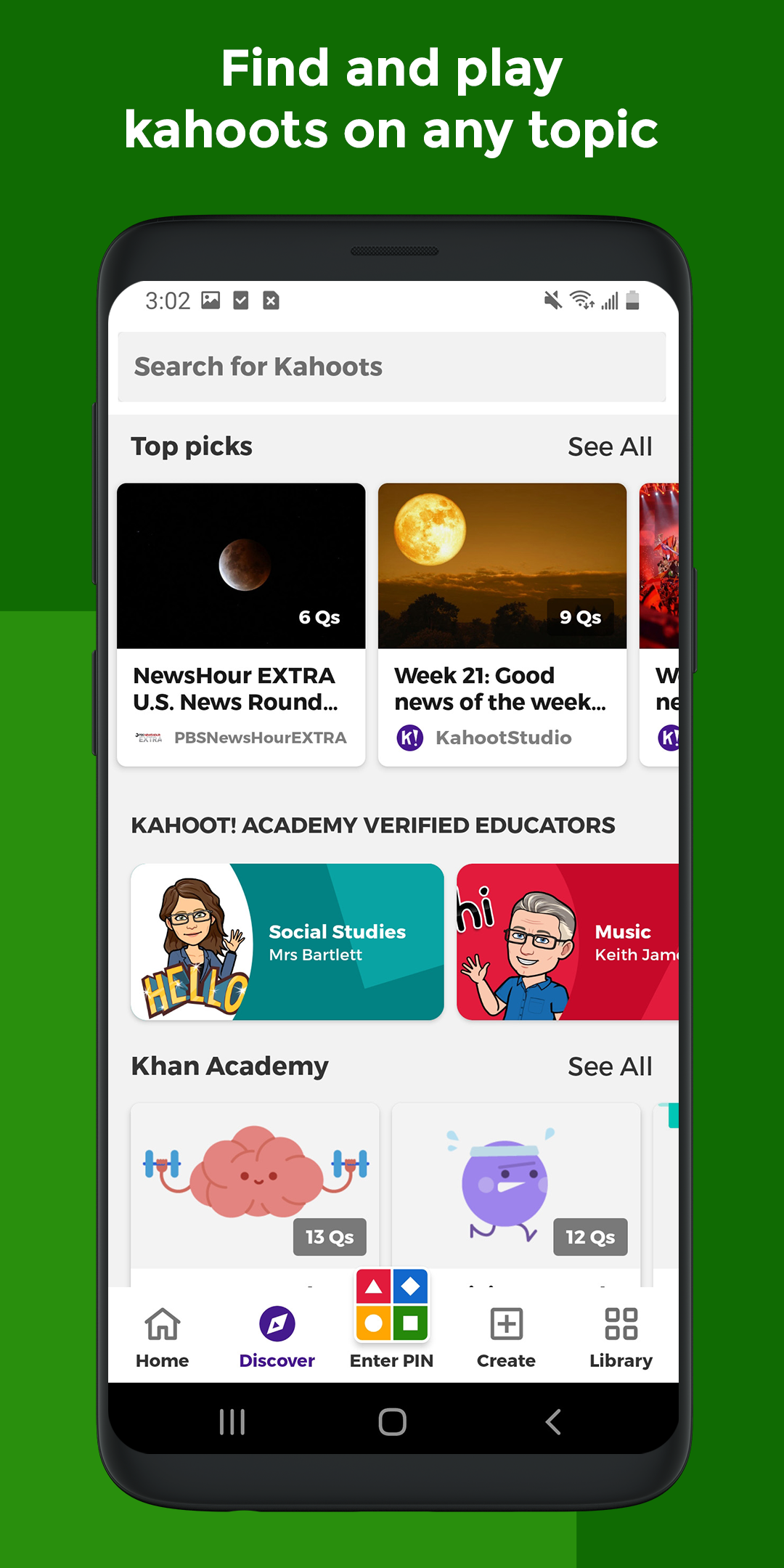
Simply select a game and use it with your students. If we switch to the "Discover" interface, you'll see a search bar at the top with many different sections. You can search for what you want in the search bar, such as searching for activities to practice the present simple tense in English. The search results will show a large number of games, many of which are free. Select the question bank you want based on the cover, and click in the upper right corner to display the correct answers.
After selecting the desired question, click "Host Live" to play the game with the students.
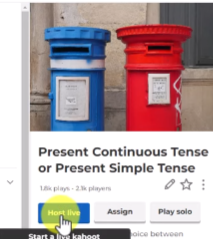
We will be playing in classic mode, supporting up to 10 players. After clicking "Start," students will need to log in and join the game. They can log in in several ways, the most direct being by scanning the QR code on the screen with their mobile phones, or by entering the numbers next to the QR code on the website www.car.it.
If you want to end the game early, simply click here, scroll down, and then click "End."

How to play Kahoot on Android — joining a game
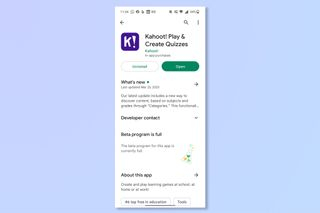
1. Download the Kahoot app
(Image: © Kahoot)
Download the Kahoot app — it’s free to play.
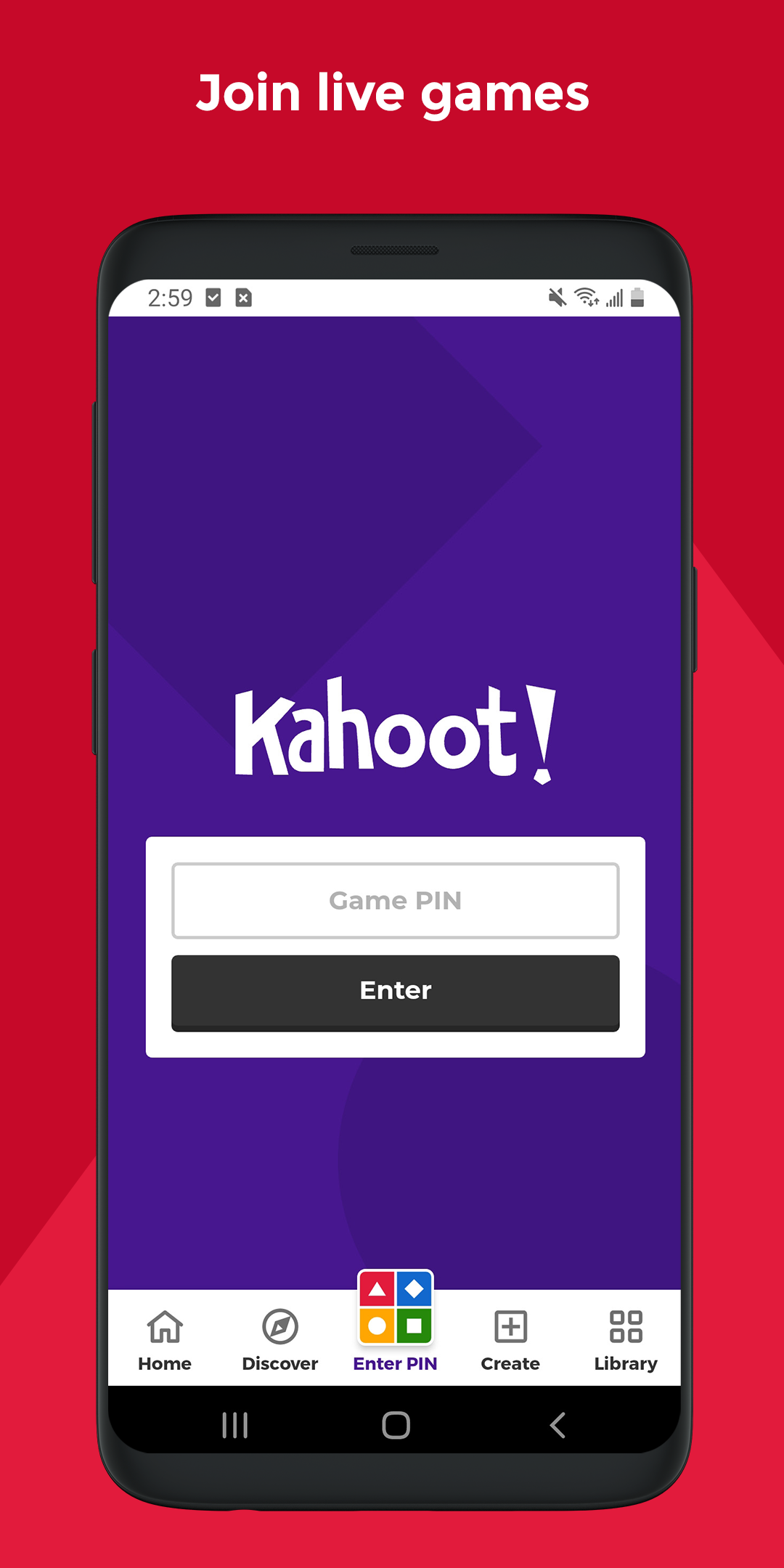
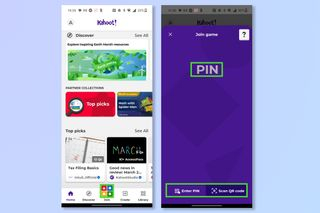
2. Tap Join and then enter PIN
(Image: © Kahoot)
Tap on join and then enter the PIN given to you by the host player.
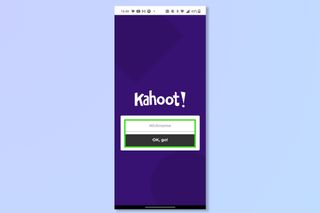
3. Create your username
(Image: © Kahoot)
Type in your username for the session then tap on OK,go!
- Version5.7.7
- UpdateDec 02, 2025
- DeveloperKahoot!
- CategoryEducation
- Requires AndroidAndroid 8.0+
- Downloads49M+
- Package Nameno.mobitroll.kahoot.android
- Signature6b63adb0d804fbf0441cf218570265b4
- Available on
- ReportFlag as inappropriate
-
NameSizeDownload
-
80.33 MB
-
80.44 MB
-
79.76 MB