
JPG Converter: Image Convert - Image format converter
Transform & convert images effortlessly with this user-friendly app, ensuring quality JPEG outputs from various formats.
- 3.37 Version
- 1.4 Score
- 428K+ Downloads
- In-app purchases License
- 3+ Content Rating

JPG Converter
1. App Overview
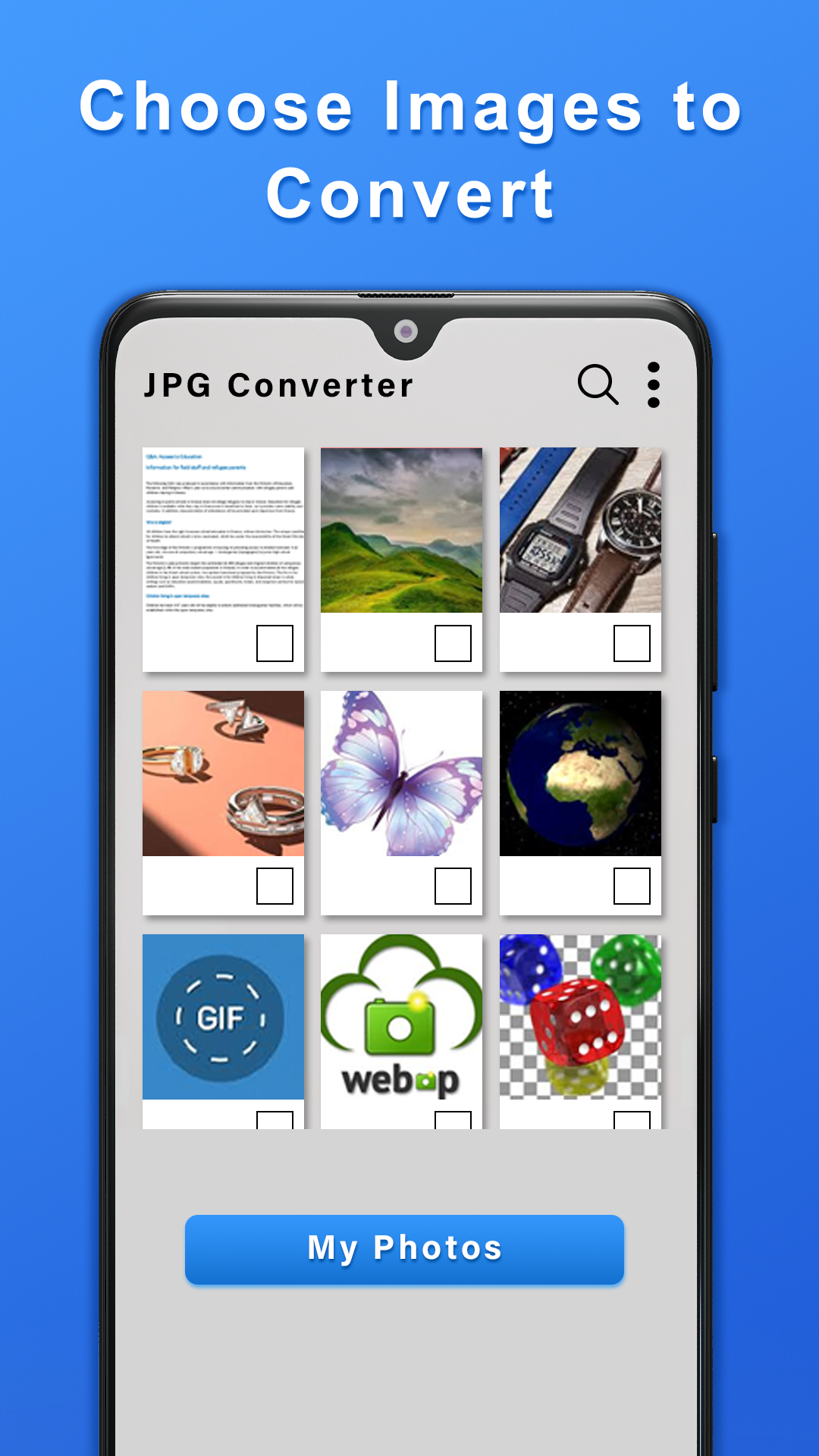
JPG Converter is an image conversion app that allows users to convert pictures in various formats into JPG or JPEG files. It supports common image formats, including PNG, GIF, WebP, and BMP, making it useful for preparing images for websites, mobile apps, online uploads, and other platforms that require JPEG-compatible files.
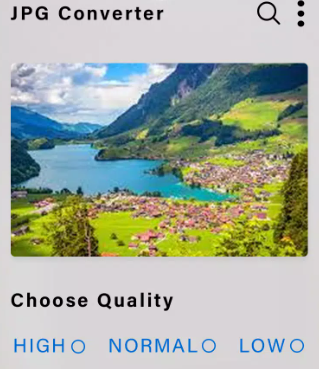
The app supports both single-image and batch conversion. Users can select one picture or multiple images and convert them in a single operation, which is particularly useful when processing large collections of images.
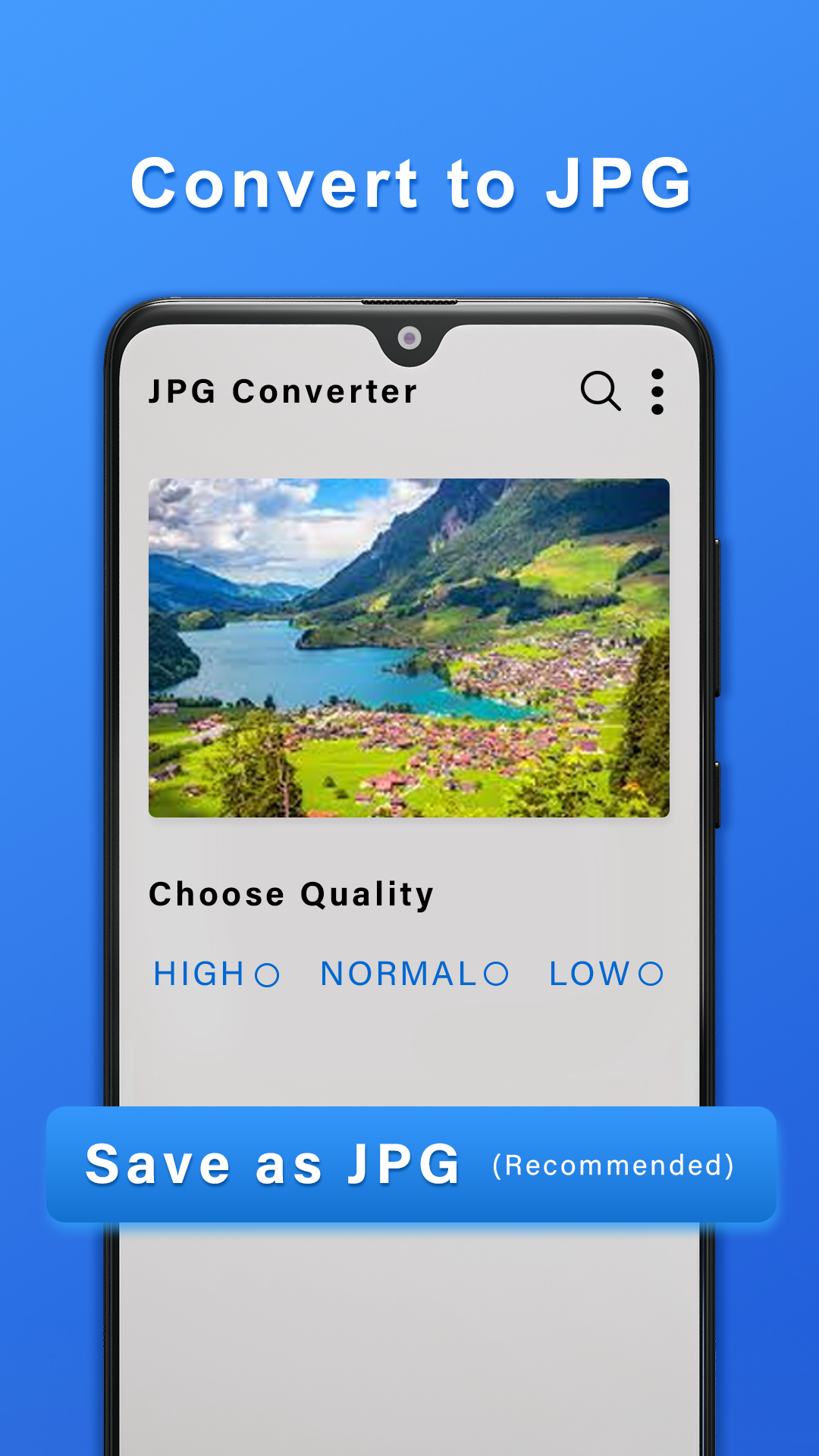
JPG Converter offers three output quality settings: Low, Normal, and High. These options let users adjust the balance between image clarity and file size according to their needs. Users can also choose whether converted files are saved with the .jpg or .jpeg extension.
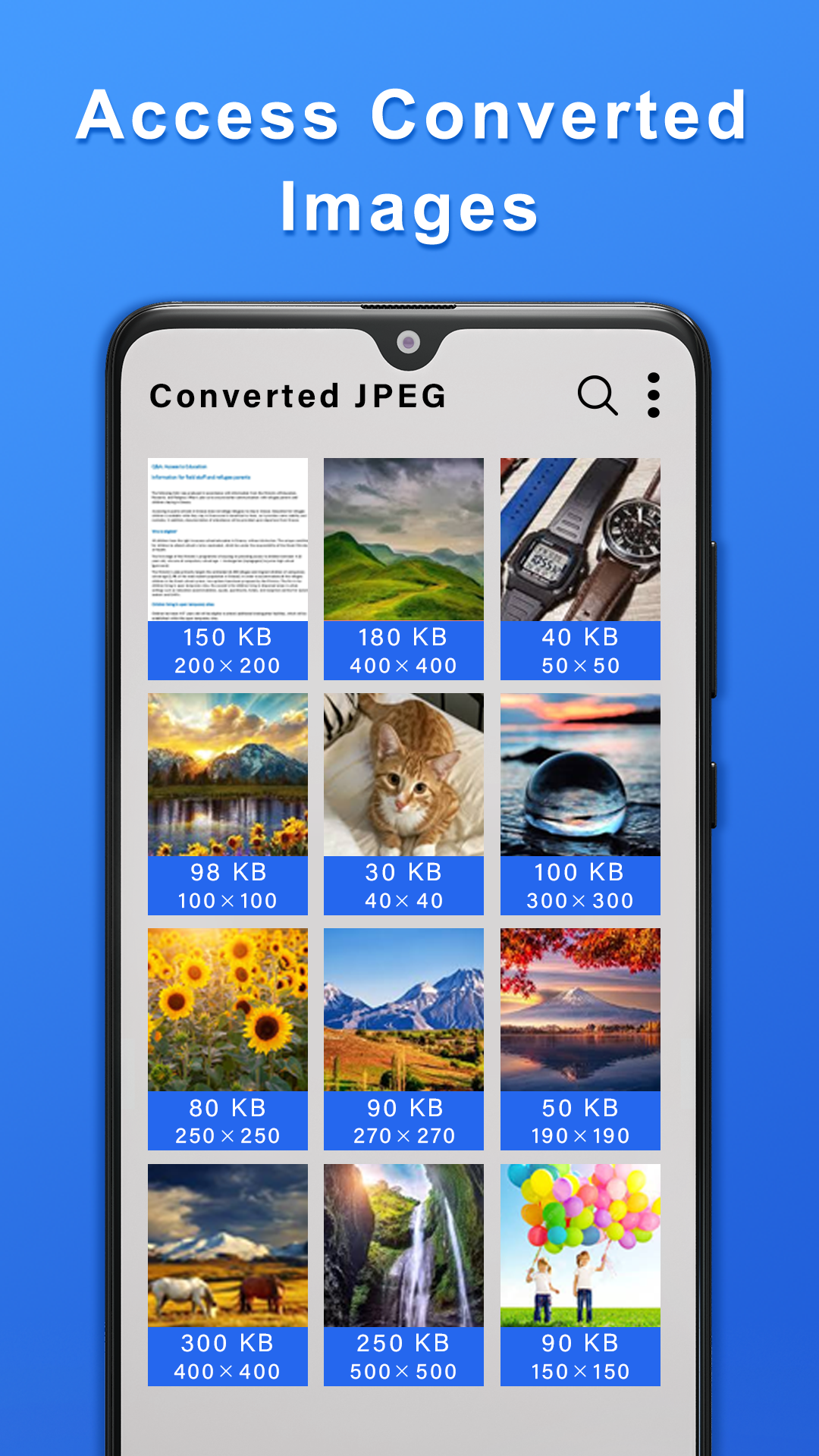
After conversion, the resulting images are automatically saved in designated output folders. They can be accessed through the device's gallery or file manager, making it straightforward to locate and manage converted files.
2. Key Features
Multiple Format Support: Convert PNG, GIF, WebP, and BMP images into JPG or JPEG format.
Batch Conversion: Process multiple images in one operation instead of converting them individually.
Adjustable Image Quality: Choose Low, Normal, or High output quality based on file size and clarity requirements.
Flexible File Extensions: Save converted images using either the .jpg or .jpeg extension.
Automatic File Storage: Save converted images directly to designated output folders.
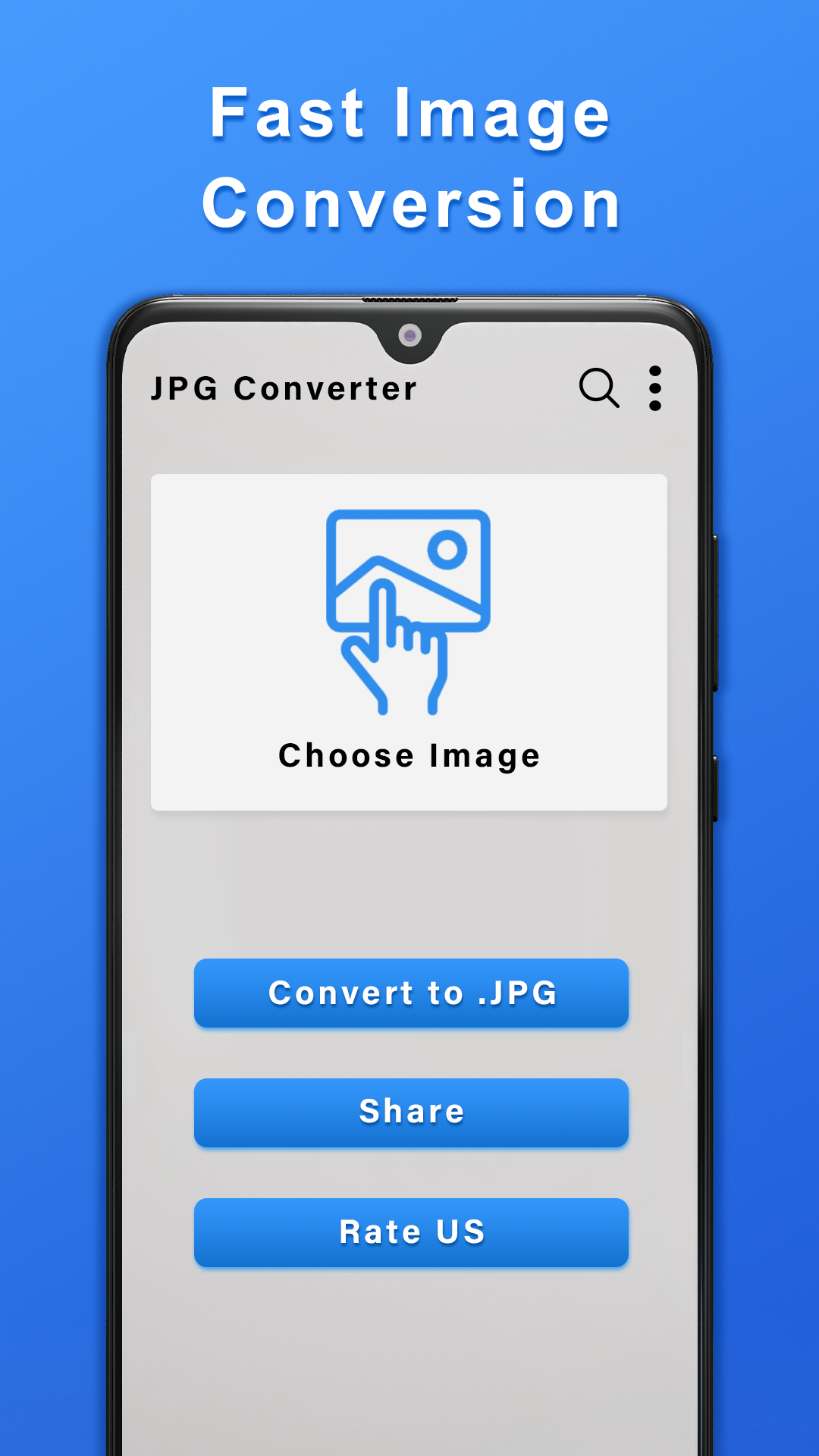
Simple Conversion Process: Select images, configure output settings, and convert files without advanced editing skills.
3. How to Use JPG Converter
Open JPG Converter and select one or more images from your device.
Choose the output file extension: JPG or JPEG.
Select the preferred image quality: Low, Normal, or High.
Tap the Convert button to start the conversion.
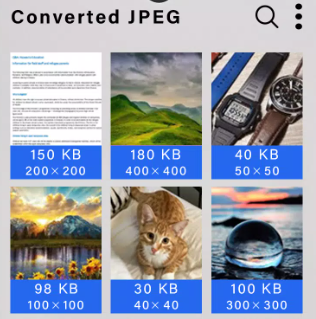
Once processing is complete, find the converted images in the designated output folders or check your device's gallery.
4. Frequently Asked Questions
Q1: Which image formats can JPG Converter convert?
JPG Converter supports PNG, GIF, WebP, and BMP as input formats. These images can be converted into JPG or JPEG files.
Q2: Can I convert multiple images at once?
Yes. The app includes batch conversion, allowing you to select several pictures and process them together rather than converting each image separately.
Q3: What is the difference between JPG and JPEG?
JPG and JPEG refer to the same image format. The only difference is the file extension. Both are widely supported by websites, applications, and image-viewing software.
Q4: Will an animated GIF remain animated after conversion?
No. JPEG does not support animation. Converting an animated GIF produces a static image, so the original animation will not be preserved.
Q5: What do the Low, Normal, and High quality settings mean?
These settings control the output image quality. High is suitable when visual clarity is more important, while Low is useful when smaller file sizes are preferred. Normal provides a middle ground between image quality and storage space.
Q6: Where can I find my converted images?
Converted images are automatically saved in the app's designated output folders. You can locate them using your device's file manager or check the gallery if the folders are recognized by the device.
- Version3.37
- UpdateNov 06, 2026
- DeveloperTechGenCenter
- CategoryTools
- Requires AndroidAndroid 4.4+
- Downloads428K+
- Package Namecom.convert.image.jpeg.converter.jpg.png
- Signatured95bdd01cd4995efba2269b77be28217
- Available on
- ReportFlag as inappropriate
-
NameSizeDownload
-
8.65 MB
-
6.35 MB











Wide format support
Simple and convenient operation
Batch conversion available
Adjustable quality
May contain advertisements.
Output format limitations.
Batch conversion quantity may be limited.