
IsCool - Parent & School Communication
Stay connected with real-time updates between parents, kids, and schools for a productive educational experience.

- 1.16.4 Version
- 2.9 Score
- 166K+ Downloads
- Free License
- 3+ Content Rating

IsCool App – Overview, Key Features, User Guide, and FAQs
1. App Overview
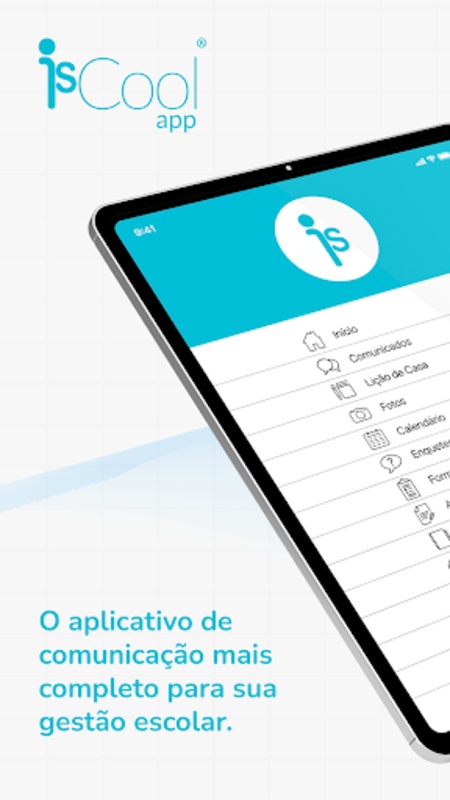
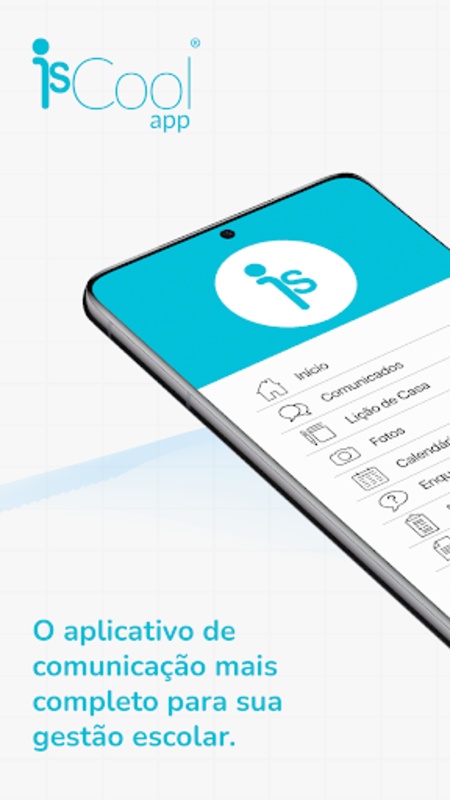
IsCool is a school communication app that connects parents, students, and teachers through a centralized platform for managing everyday school activities. It brings together school announcements, classroom updates, homework assignments, and parent-teacher communication, giving users a convenient way to access important educational information.
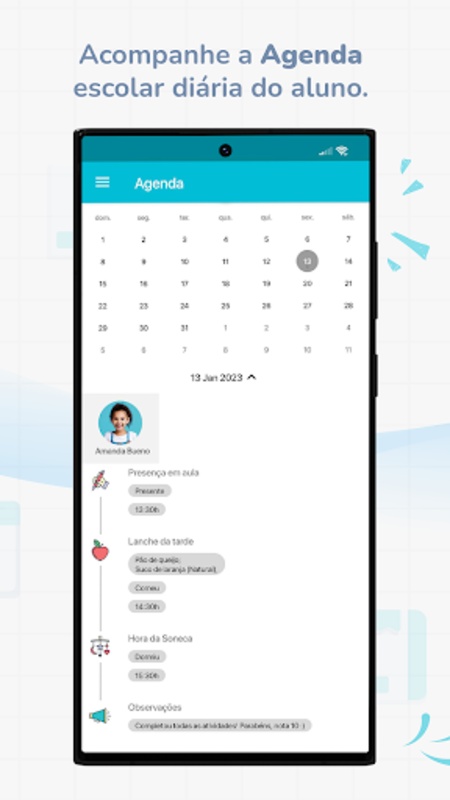
Parents can use IsCool to follow their children's academic activities, review assigned homework, check upcoming school events, and communicate with teachers. Students can keep track of their schoolwork, review deadlines, and receive classroom notices. Teachers can publish announcements, distribute assignments, share learning materials, and respond to parents' questions.
By organizing these activities in one place, IsCool provides a more structured way for schools and families to exchange information. It helps reduce reliance on scattered communication channels, such as separate messaging groups and paper notices, while keeping school-related updates accessible to the people who need them.
2. Key Features
Three-Way School Communication
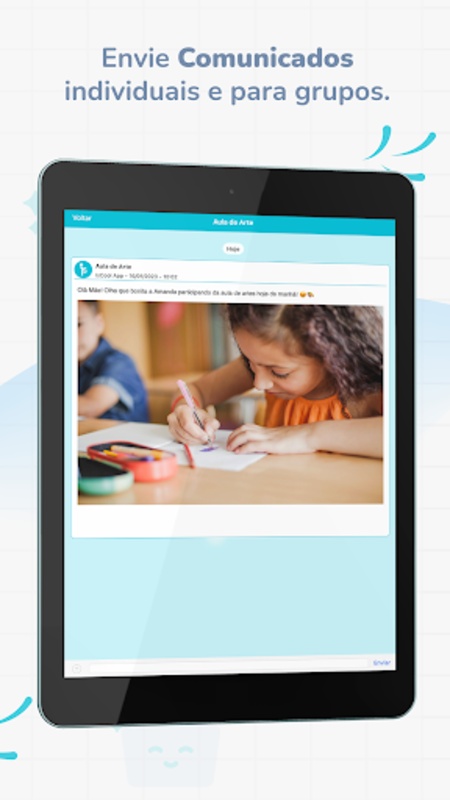
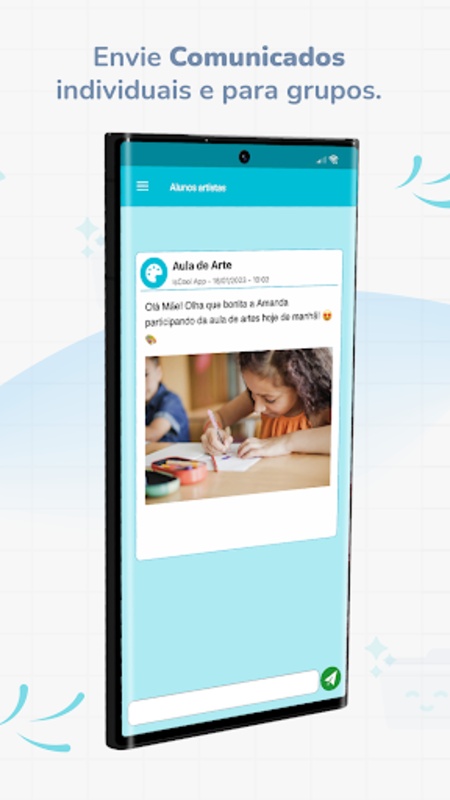
IsCool connects parents, students, and teachers within the same school communication environment. Information can be shared with the relevant individuals or groups, making it easier to coordinate classroom activities and address school-related questions.
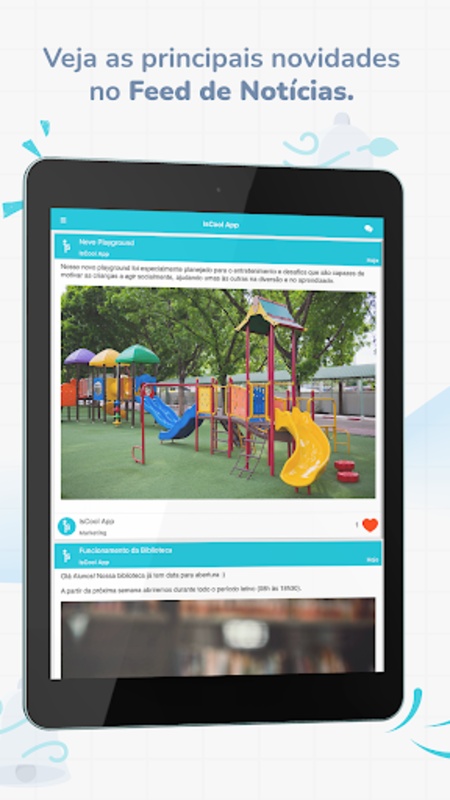
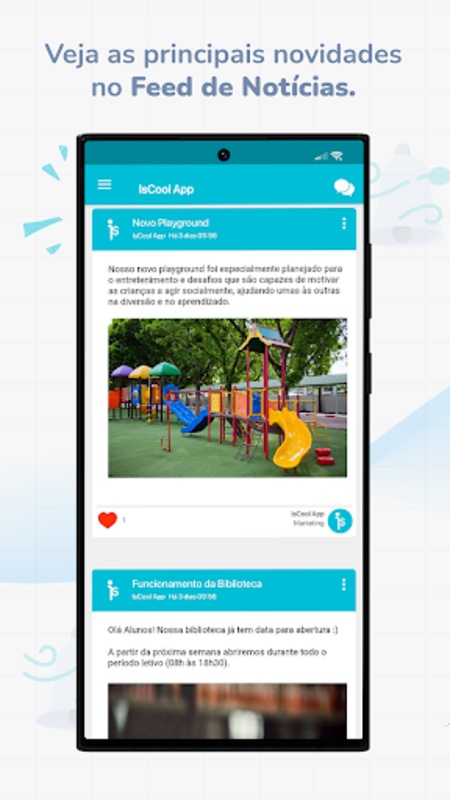
School Announcements and Updates
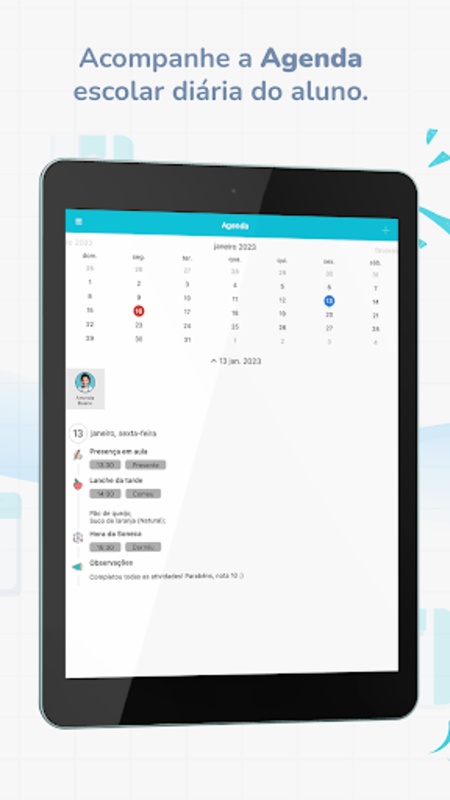
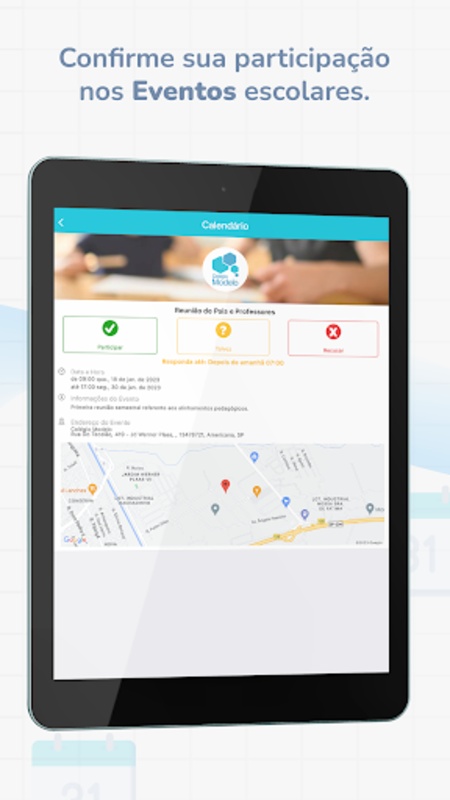
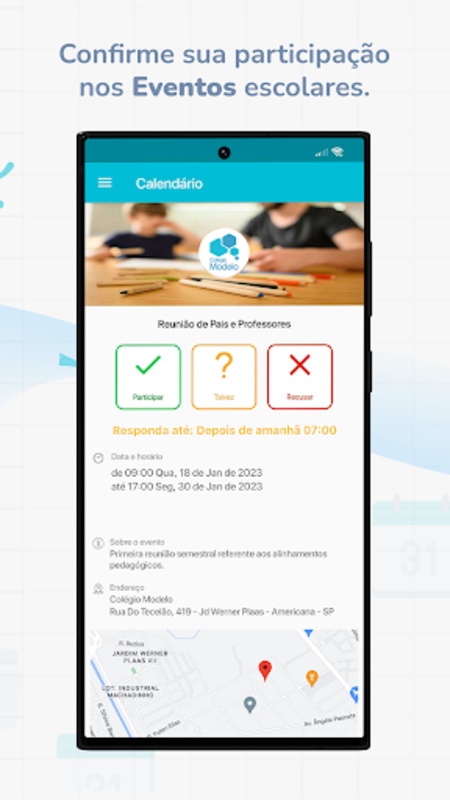
The app provides access to school news, classroom notices, exam schedules, and upcoming events. Parents and students can check these updates to keep track of important dates and changes to school activities.
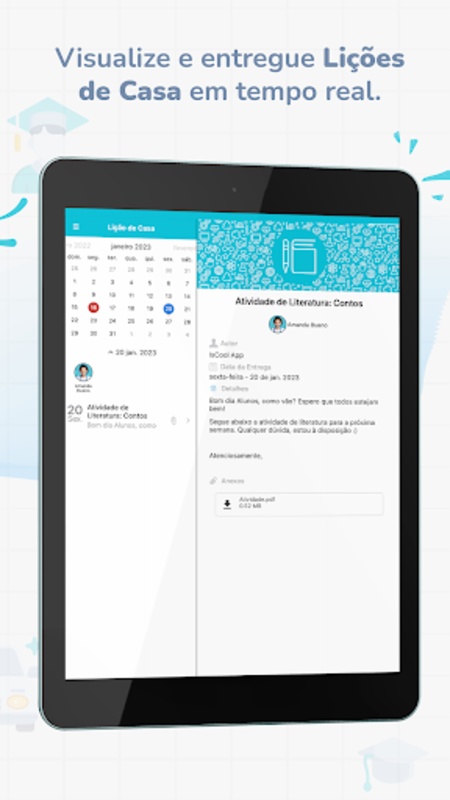
Homework and Assignment Tracking
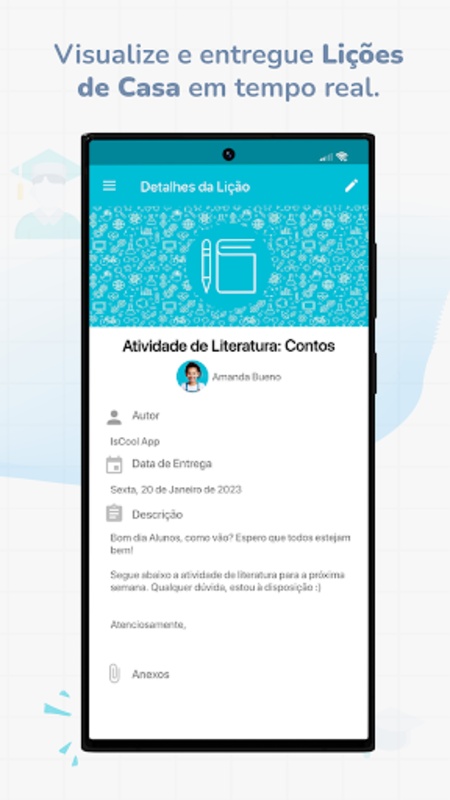
Teachers can distribute assignments and specify completion deadlines. Students can review their assigned work, while parents can monitor homework requirements and stay aware of upcoming deadlines.
Parent-Teacher Messaging
Parents can communicate directly with teachers about academic performance, classroom activities, and other educational matters. This keeps school-related conversations within the same platform used for announcements and assignments.
Centralized Information Access
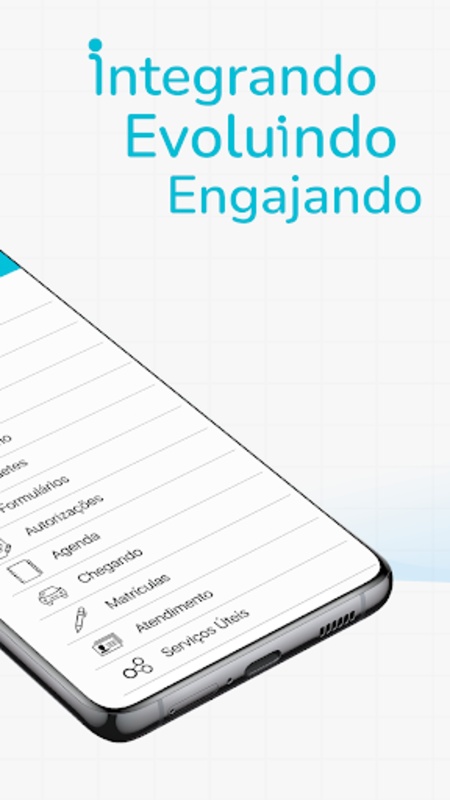
School notices, homework details, reminders, and activity updates are organized in one interface. This reduces the need to switch between different communication channels when checking routine school information.
3. Main Functions and User Guide
Getting Started
1. Download and install IsCool on your device.
2. Open the app and complete the registration process.
3. Follow your school's instructions to associate your account with the relevant student or class.
4. Sign in to access the features and information assigned to your account.
Parent Functions
• View school announcements, classroom notices, and important updates.
• Check homework assignments and completion deadlines.
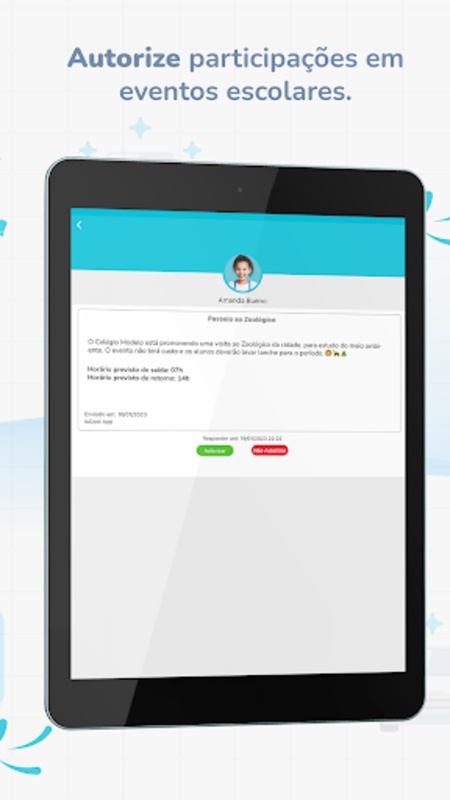
• Follow upcoming school activities and events.
• Send messages to teachers about academic and classroom matters.
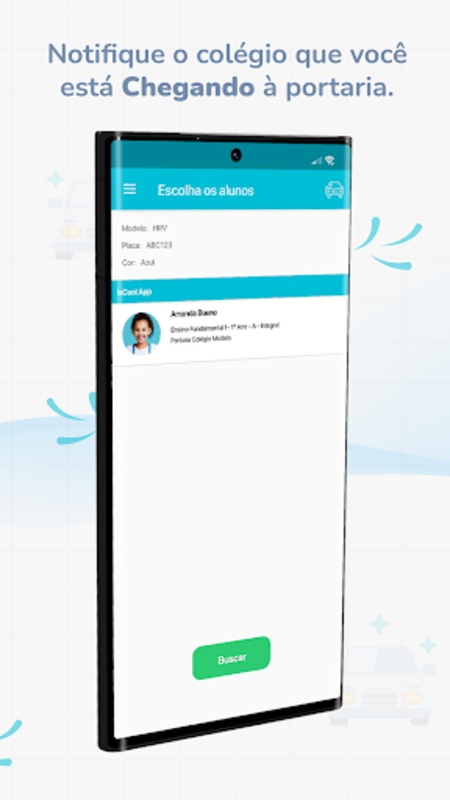
• Receive notifications about relevant school information.
Teacher Functions
• Publish school announcements and classroom notices.
• Create and distribute homework assignments.
• Set deadlines and share learning materials.
• Send updates to parents and students.
• Respond to parent inquiries through the app.
Student Functions
• View homework and assignments shared by teachers.
• Check upcoming deadlines and pending tasks.
• Read classroom announcements and school notices.
• Follow updates about school activities and events.
4. Frequently Asked Questions
Q1: Who can use IsCool?
A: IsCool is intended for parents, students, and teachers who need to access school information and communicate about educational activities. The available features depend on the user's account role and the school's configuration.
Q2: How do I connect my account to my child's school?
A: Complete the registration process and follow the instructions provided by your school to link your account to the relevant student or class. If you cannot complete the process, contact your school's administrator for assistance.
Q3: Can I send private messages to teachers?
A: Yes. Parents can use the app's messaging features to contact teachers about academic progress, classroom activities, and other school-related matters.
Q4: How can I check my child's homework?
A: Open the homework or assignment section to view tasks published by teachers. You can also check the available deadlines to follow upcoming assignments.
Q5: What should I do if IsCool notifications are not working?
A: First, check whether IsCool has permission to send notifications in your device settings. Make sure your account is linked to the correct school and that your internet connection is stable. If the problem continues, contact your school's administrator.
Q6: Is IsCool free to use?
A: Access and fees may depend on the school's arrangement and account type. Contact your school or consult the app's official information for details about any applicable charges.
- Version1.16.4
- UpdateNov 06, 2026
- DeveloperAgenda Edu
- CategoryEducation
- Requires AndroidAndroid 4.1+
- Downloads166K+
- Package Namecom.iscoolapp.iscoolapp
- Signaturef296dea58bb42c7058bea385f9f33a81
- ReportFlag as inappropriate










High degree of functional integration
Personalized customization
Good security
Easy to use
Complex functionality, difficult to master
Reliant on network environment
Risk of information overload exists