
Synonyms and Antonyms Offline - Spanish synonym search & more
Discover endless Spanish synonyms & antonyms effortlessly, enhancing your vocabulary while enjoying a user-friendly experience.

- 5.1.2.2 Version
- 1.5 Score
- 173K+ Downloads
- In-app purchases License
- 3+ Content Rating


Sinonimun V2
1. App Overview
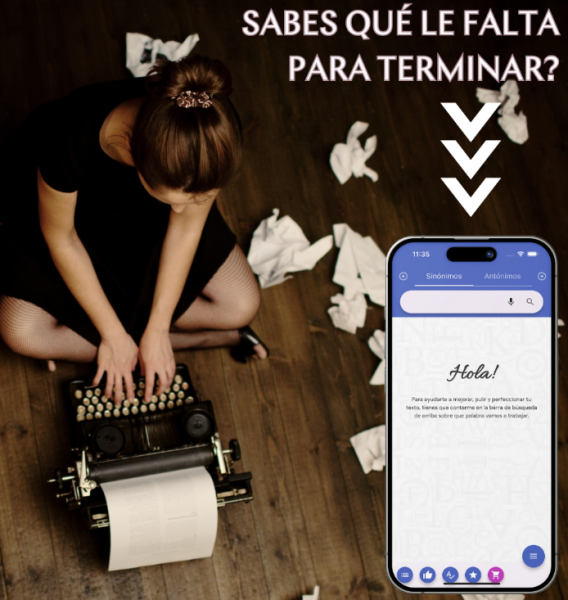
Sinonimun V2 is a free Spanish dictionary app that helps users find synonyms and antonyms. It can be useful when learning Spanish, writing essays, editing text, or looking for alternative ways to express an idea.
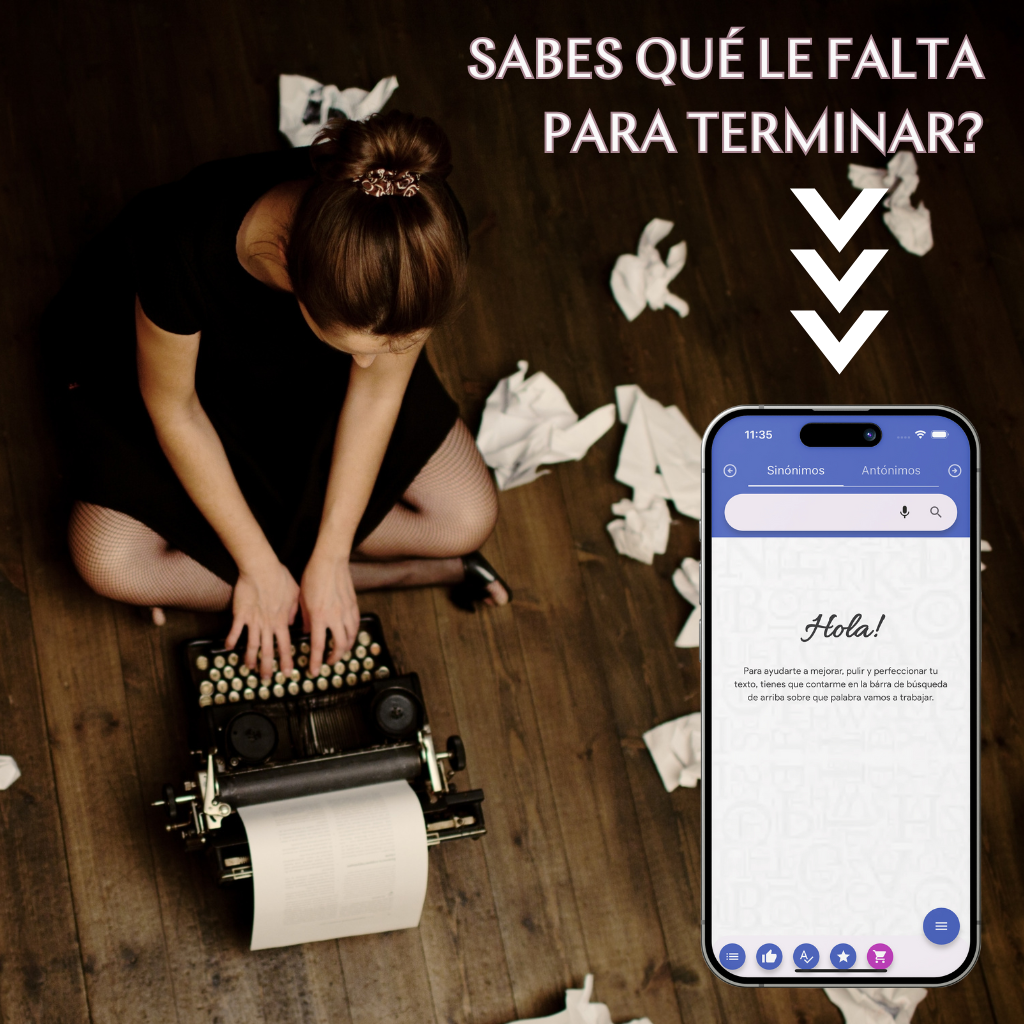
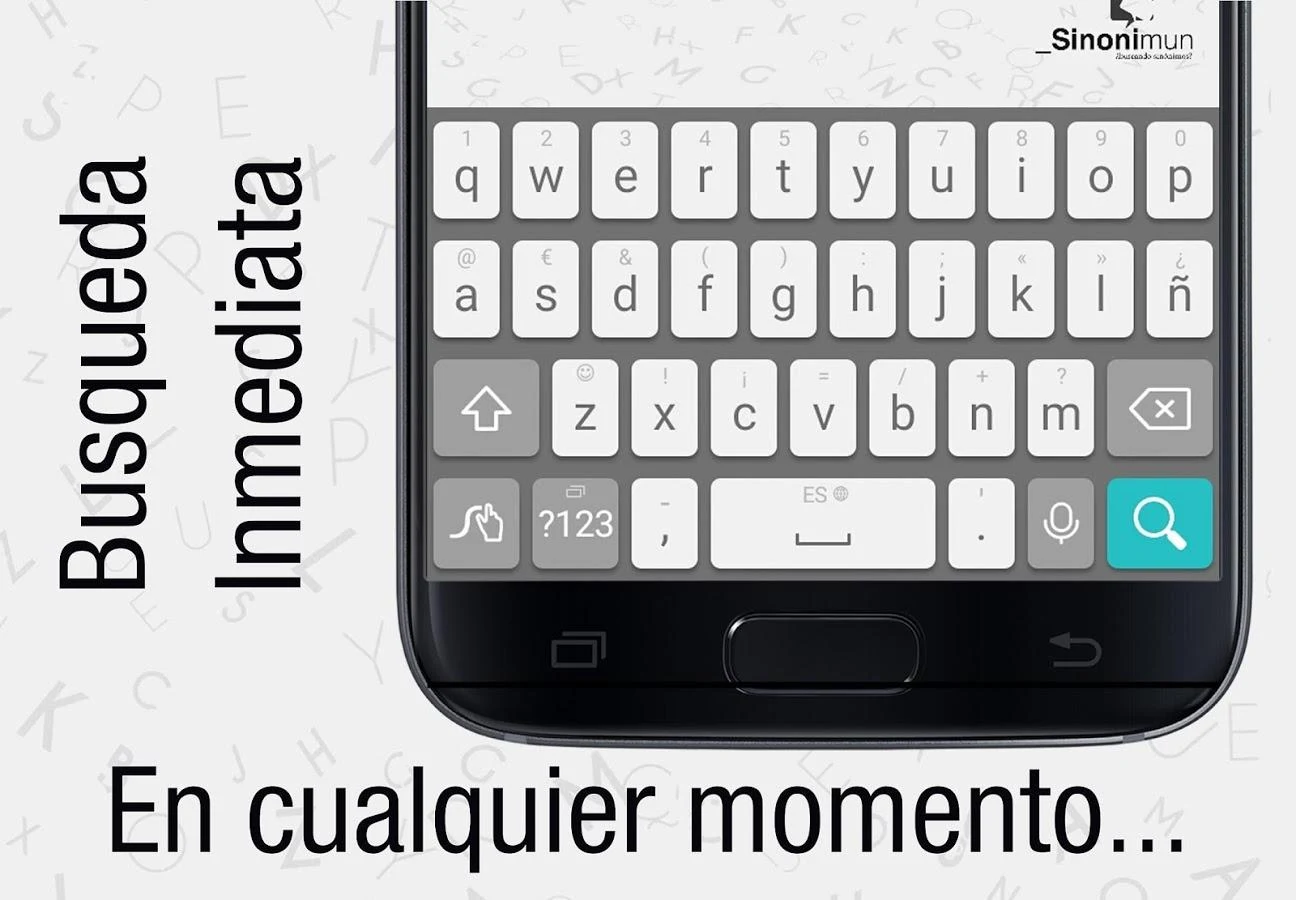
To use the app, enter a Spanish word in the search box. Matching synonyms or antonyms appear as you type, so you can browse the suggestions without going through several menus.
The app uses dictionary resources from the Royal Spanish Academy (RAE), giving users access to a range of Spanish words, including newer terms and loanwords.
An internet connection is required to retrieve search results. According to the development team, an offline version is in development. Support for other languages, including English, French, German, and Italian, has also been mentioned as a possible future addition.
Whether you're studying Spanish or working with Spanish-language text, Sinonimun V2 provides a simple way to look up related words and expand your vocabulary.
2. Key Features
2.1 Simple Word Search
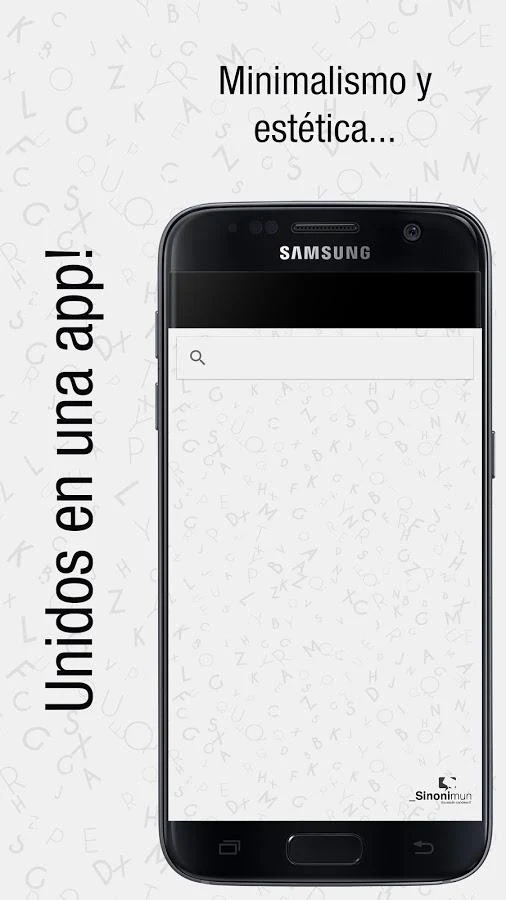
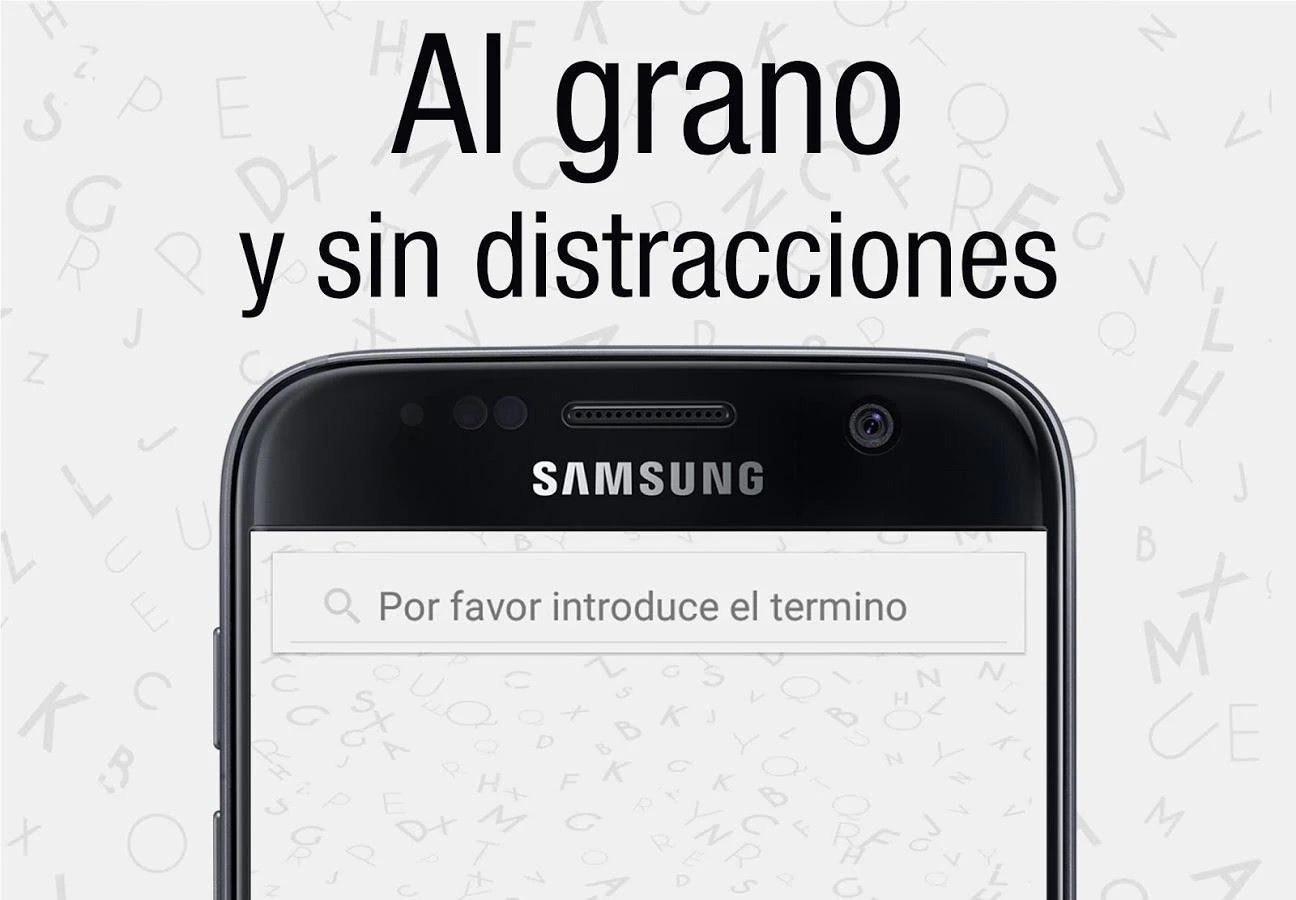
The app has a straightforward interface with a search box for entering Spanish words. You can start typing to see related suggestions without having to navigate through different sections.
2.2 RAE Dictionary Resources
Sinonimun V2 connects to dictionary resources from the Royal Spanish Academy (RAE). Its vocabulary coverage includes everyday words, newer expressions, and loanwords.
2.3 Live Search Suggestions
Suggestions appear as you enter a word, making it easier to find what you're looking for. Search speed may vary depending on your internet connection.
2.4 Free Access
Sinonimun V2 is available for free and focuses on synonym and antonym searches rather than offering a large collection of additional tools.
2.5 Features Planned for Future Updates
The current version supports Spanish searches and requires an internet connection. The development team has indicated that offline access and additional language options are being considered for future versions.
3. How to Use Sinonimun V2
You can look up a word in just a few steps:
Install the app: Download Sinonimun V2 and install it on your Android phone or tablet.
Open the app: Launch it and check that your device is connected to the internet.
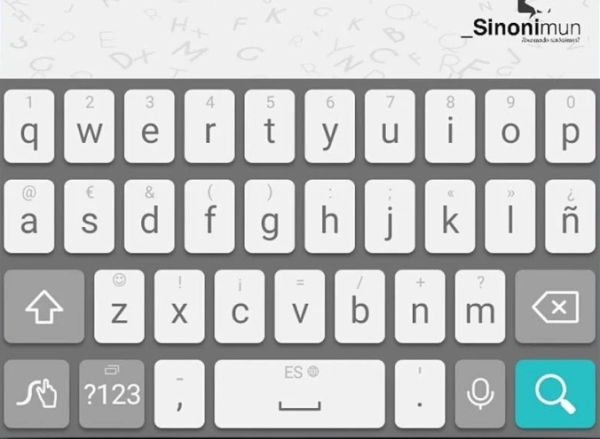
Select the search box: Tap the search field at the top of the screen.
Enter a Spanish word: Type the word you want to look up using your device's keyboard.
Run the search: Tap the search button, usually shown as a magnifying glass.
Browse the results: Once the results load, check the available synonyms or antonyms.
You may also see suggestions while typing, so there's no need to enter the entire word before checking the available matches.
Here are a few example words you can try:
Restaurant
Flirting
Popular
Sadness
Drinking
Commentator
You can even look up the word "synonym" itself. Some possible alternatives include equivalent, similar, analogous, parallel, and corresponding.
If you find the app helpful, you can share it with others or leave a rating and review to provide feedback to the developers.
4. Who Is Sinonimun V2 For?
4.1 Spanish Learners
If you're learning Spanish, the app can help you discover alternative words and understand how different expressions are related. It may also be useful when preparing for language exams such as the DELE.
4.2 Writers, Editors, and Translators
People who write or edit Spanish-language content can use the app to find alternatives to frequently repeated words. It's also useful when revising sentences or looking for more suitable expressions.
4.3 Students and Teachers
Students can use Sinonimun V2 when writing essays, completing assignments, or studying vocabulary. Teachers may also find it useful for introducing synonyms and antonyms during Spanish lessons.
4.4 Spanish-Speaking Professionals
For those who regularly write in Spanish, the app can help when preparing emails, reports, presentations, and other written materials.
4.5 Language Enthusiasts
Anyone interested in Spanish vocabulary can use the app to explore related words, antonyms, newer expressions, and loanwords.
4.6 Users Who Prefer Simple Dictionary Apps
Sinonimun V2 may suit users who want a basic word-search tool on their phone or tablet without having to deal with complicated settings or additional features.
5. Frequently Asked Questions (FAQs)
Q1: Can Sinonimun V2 find both synonyms and antonyms?
Yes. The app supports searches for both Spanish synonyms and antonyms, using dictionary resources from the RAE.
Q2: Can I use Sinonimun V2 offline?
No. The current version needs an internet connection to retrieve search results. An offline version is reportedly in development, but no release date has been specified.
Q3: How do I look up a word?
Open the app, tap the search box at the top of the screen, and enter a Spanish word. Tap the search button to view the results. Suggestions may also appear while you type.
Q4: Does the app support languages other than Spanish?
Not in its current version. The developers have mentioned plans to add English, French, German, Italian, and potentially other languages in future updates.
Q5: Is Sinonimun V2 free?
Yes. The app is free to use and provides synonym and antonym search functionality. The available app information does not mention any paid features.
Q6: Can I use Sinonimun V2 on a Windows PC?
The app is designed primarily for Android phones and tablets. You may be able to run it on a Windows computer using an Android emulator such as BlueStacks or NoxPlayer. However, compatibility can vary depending on the emulator and app version.
Q7: What should I do if search results don't appear?
First, check your internet connection, as the app needs to access online dictionary resources. If your connection is working, try closing and reopening the app before searching again.
Q8: Does the app include example sentences or word definitions?
Its main purpose is to provide synonyms and antonyms. The available description does not mention features such as example sentences, pronunciation guides, or detailed word definitions.
- Version5.1.2.2
- UpdateNov 05, 2026
- DeveloperAitor Sánchez González
- CategoryEducation
- Requires AndroidAndroid 5.0+
- Downloads173K+
- Package Namesinom.aymcorp.com.sinom
- Signature53f69b94043e4b847dc0bce2ae53100c
- Available on
- ReportFlag as inappropriate
-
NameSizeDownload
-
27.67 MB
-
8.03 MB
-
8.36 MB













Easy to use
Authoritative results
Real-time updates
Real-time display
Dependent on network
Limited functionality