
UCV - Campus grades & job opportunities
Explore your campus life! Check grades, schedules, resources & job offers all in one convenient mobile app.

- 1.9.6 Version
- 1.2 Score
- 255K+ Downloads
- Free License
- 3+ Content Rating



UCV Campus App – Overview, User Guide, and FAQ
1. App Overview
UCV Campus gives students, faculty, and staff access to university services and academic information through their mobile devices.

Students can use the app to check grades, view class schedules, track attendance, access course materials, and review payment deadlines. It also provides discussion forums, a digital campus ID card, job listings, and official university announcements.
By combining these services in one app, UCV Campus makes everyday academic tasks easier to manage without switching between multiple university platforms.
Key Features:
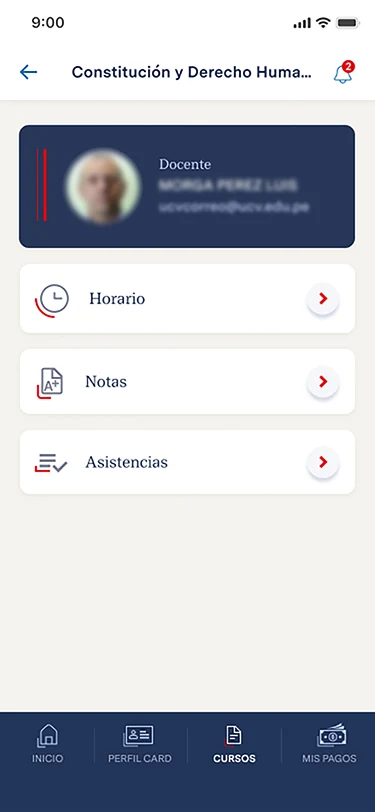
Grades: View final grades and individual assessment scores
Payment Schedules: Check payment dates and upcoming deadlines
Attendance Tracking: Review attendance records for each course
Class Timetable: View current courses, class times, and classroom locations
Course Materials: Access and download study resources
Discussion Forums: Join course discussions and reply to other participants
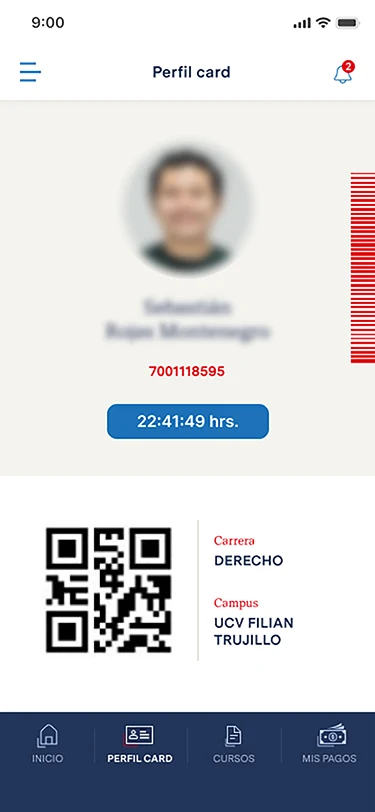
Digital Campus ID: Access your digital university identification card
Job Opportunities: Browse available positions and recruitment announcements
Campus Notifications: Receive university news and important announcements
2. How to Use the App
2.1 Logging In
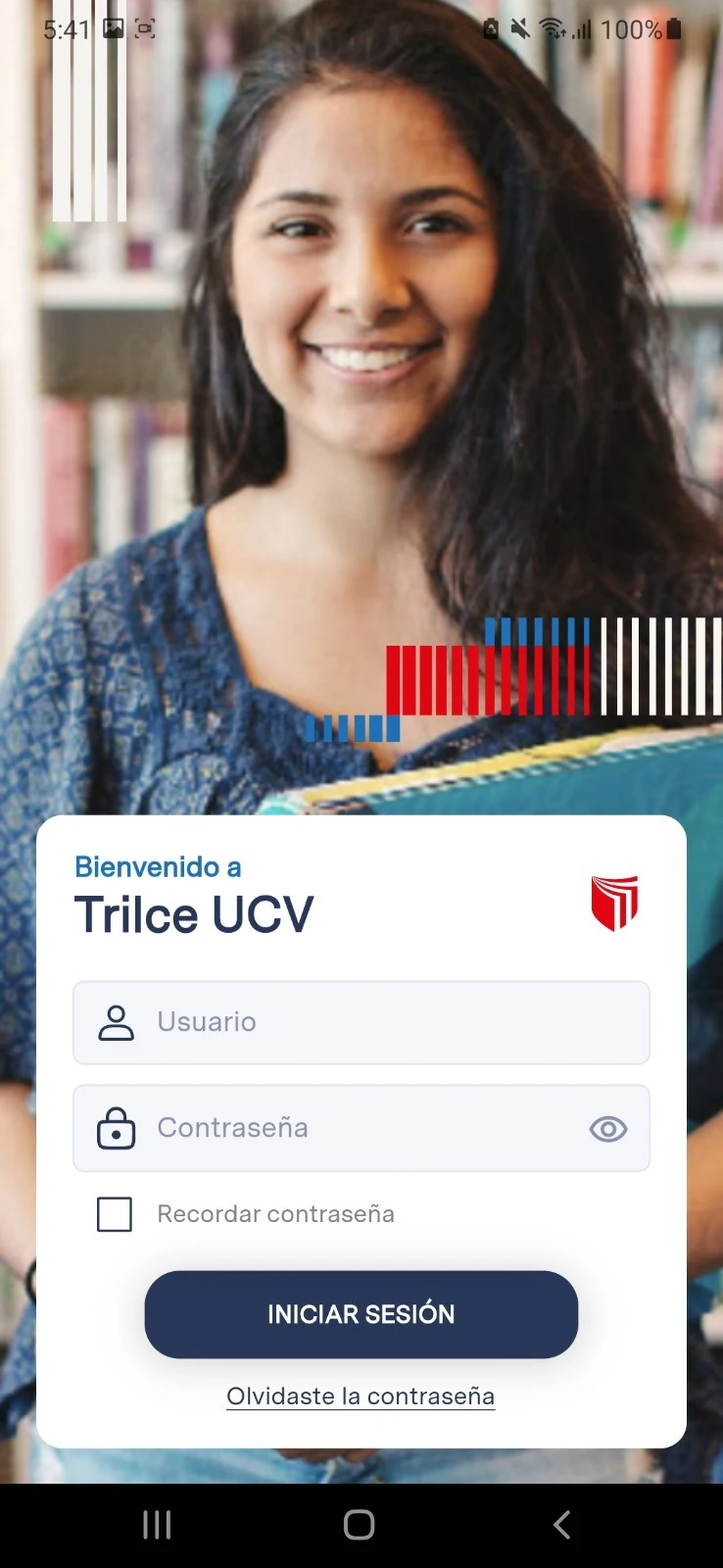
Open UCV Campus and sign in using your university account credentials.
Students should log in with their student ID.
Faculty and staff should use their employee ID.
First-time users may need to verify their personal information before accessing campus services or setting up their digital profile.
After logging in, you can access the available services from the main screen.
2.2 Checking Grades, Class Schedules, and Attendance
UCV Campus provides tools for checking academic progress and managing your class schedule.
Grades
Open the Grades section to view your final results and individual assessment scores. Depending on the app version, some grade information may also appear on the homepage.
Class Timetable
Select Current Timetable to see your courses for the current semester, including class times and classroom locations, such as room numbers and building names.
Attendance
Open Attendance Tracking to review your attendance records for each course. If an entry is missing or incorrect, contact your instructor to have it checked.
2.3 Accessing Course Materials and Joining Discussions
Course Materials
Go to Course Resources to find study materials organized by course. Depending on the file format and app version, you can view or download available resources for later use.
Discussion Forums
Open the Discussion Area to follow course-related conversations, share your thoughts, and reply to other participants directly from your mobile device.
2.4 Using Additional Campus Services
UCV Campus also provides access to administrative and informational services.
Payment Information: Review payment schedules and upcoming due dates.
Job Opportunities: Browse available positions and university recruitment notices.
Campus Notifications: Check the homepage or Messages section for official announcements and campus news.
Digital Campus ID: Open the relevant profile section to access your digital identification card.
3. Tips for Using UCV Campus
Check attendance updates: Attendance records may take time to appear after class. Contact your instructor if an entry is missing or inaccurate.

Keep your contact details updated: Make sure your university email address or mobile number is linked to your account to make password recovery easier.
Download course materials in advance: Save important files before studying in places without internet access.
Check announcements regularly: Visit the notification section to stay informed about academic deadlines and university updates.
4. Frequently Asked Questions
Q1. Should I log in with my student ID or national ID number? What if I forget my password?
Students should use their university-issued student ID, while faculty and staff should log in with their employee ID. A national ID number is not required as the login credential.
If you forget your password, tap Forgot Password on the login screen and follow the instructions. If your university email address or mobile number is linked to your account, you may be able to receive a verification code to reset your password.
If neither contact method is registered, contact your college's academic affairs office for assistance.
Q2. Can I check where my classes are held?
Yes. The Current Timetable section displays classroom information for each course, including room numbers and teaching buildings. Depending on the app version, additional details, such as floor numbers or campus map navigation, may also be available.
For example, a class location might be listed as Room 302, Teaching Building 1. If map navigation is supported, you can tap the location details to view directions.
Q3. Can I download course materials and access them offline?
Yes, if the resource has a download option.
Open Course Materials, select the PDF, PowerPoint presentation, or other file you need, and tap Download.
Downloaded files can be opened without an internet connection. Their storage location depends on your device and app version. If you cannot find a file, check your phone's file manager.
Q4. Are attendance records updated immediately? What should I do if my attendance is incorrect?
Attendance records may not appear immediately after class. Instructors may need to submit or review attendance information before it becomes available in the app.
If you are marked absent despite attending a class, contact your instructor and explain the situation. The instructor can check the original attendance records and request a correction through the university's teaching management system.
Once the correction has been processed, the updated record should appear in the app. Students cannot directly edit their own attendance records.
- Version1.9.6
- UpdateNov 05, 2026
- DeveloperUniversidad Cesar Vallejo
- CategoryEducation
- Requires AndroidAndroid 4.4+
- Downloads255K+
- Package Nametrilce.ucv.edu.pe
- Signature566cbdb177fbf538caf24d6317d5c571
- Available on
- ReportFlag as inappropriate













Full coverage of core functions
Practical learning support
Timely information synchronization
Some functions are limited.
Updates are delayed.
Insufficient personalization.