
Hit Fm Radio - Live radio & chat
Experience Hit Fm Radio like never before by listening & watching live while chatting with DJs in real-time.
- 2.3.989 Version
- 1.1 Score
- 174K+ Downloads
- Free License
- 3+ Content Rating

Hit FM Radio
1. App Overview
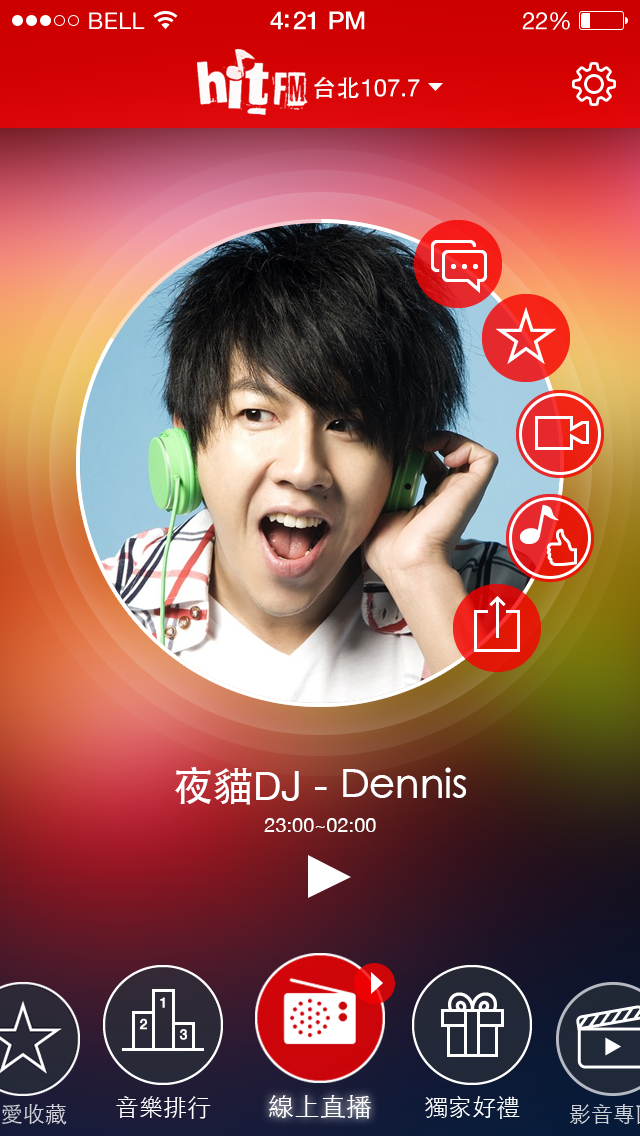
Hit FM Radio is a radio streaming app for listening to radio programs and watching selected live video broadcasts. Alongside regular audio programming, the app occasionally features video segments with DJs and celebrity guests.

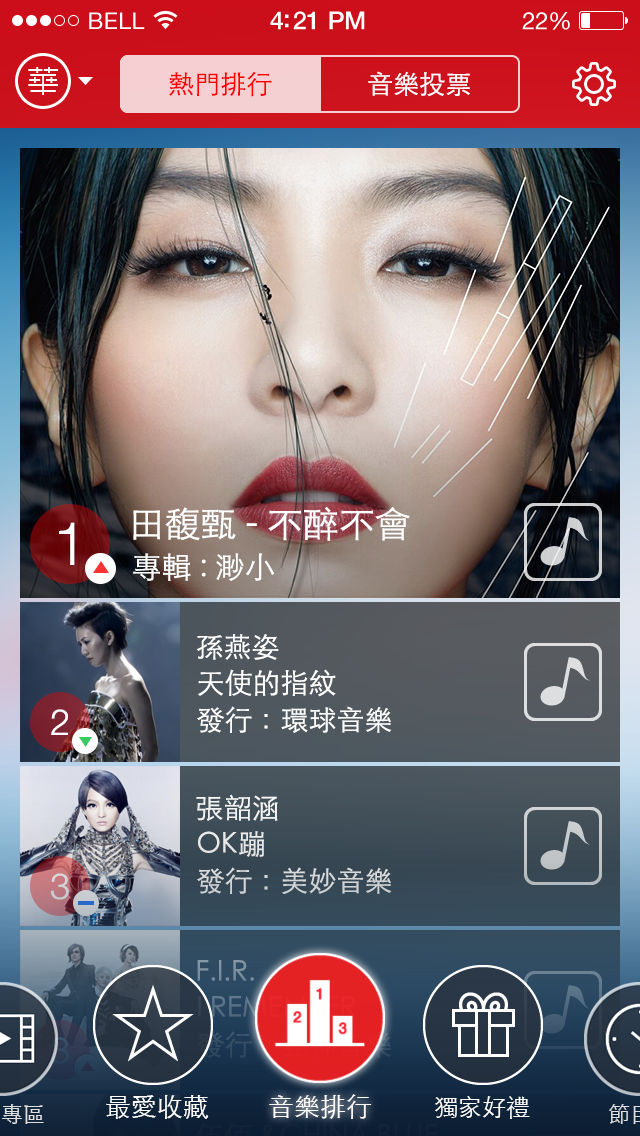
The app offers regional radio channels, music charts, new releases, and interactive program features. Listeners can vote for songs, leave comments, follow their favorite shows, and participate in station promotions and giveaways.
2. Key Features
Radio Streaming and Live Video: Listen to radio programs and watch selected video broadcasts featuring DJs and special guests.
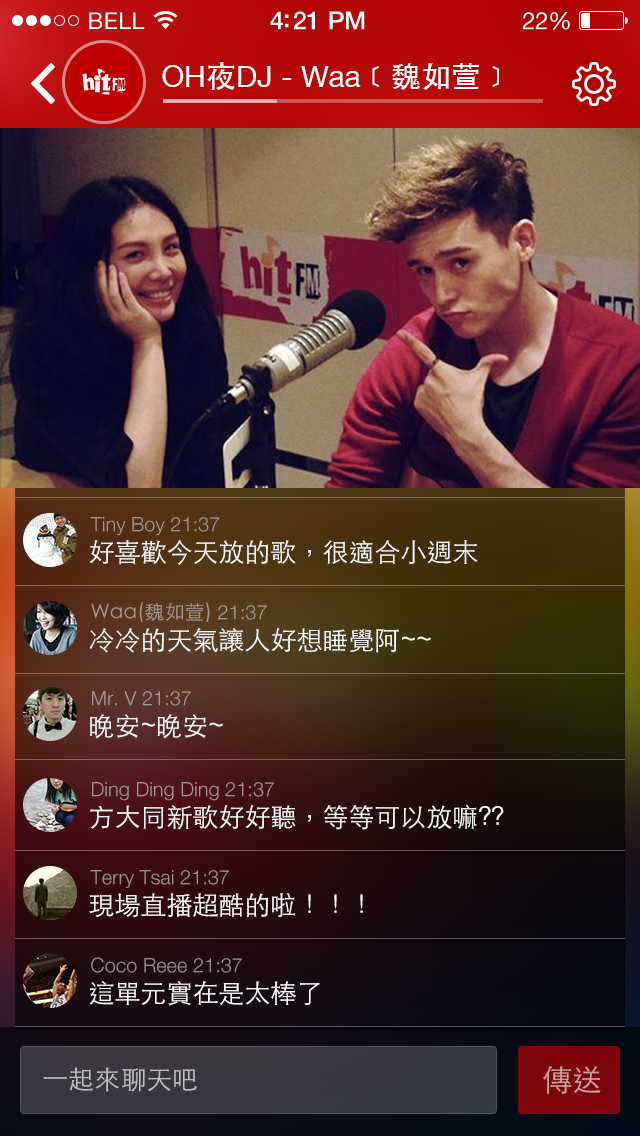
DJ Interaction: Leave comments and join discussions about ongoing programs.
Song Voting: Vote for featured tracks and support favorite songs.
Regional Radio Channels: Access regional broadcasts, including channels covering Northern and Central China.
Music Discovery: Browse station music charts and explore newly released tracks.
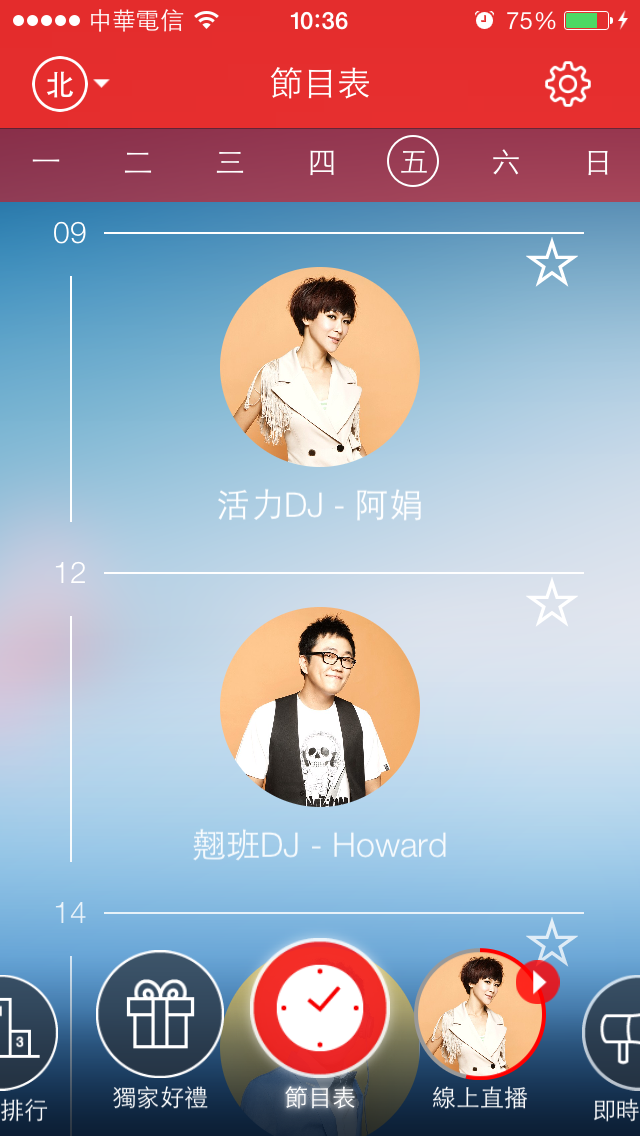
Program Notifications: Follow favorite shows and receive reminders about upcoming broadcasts.
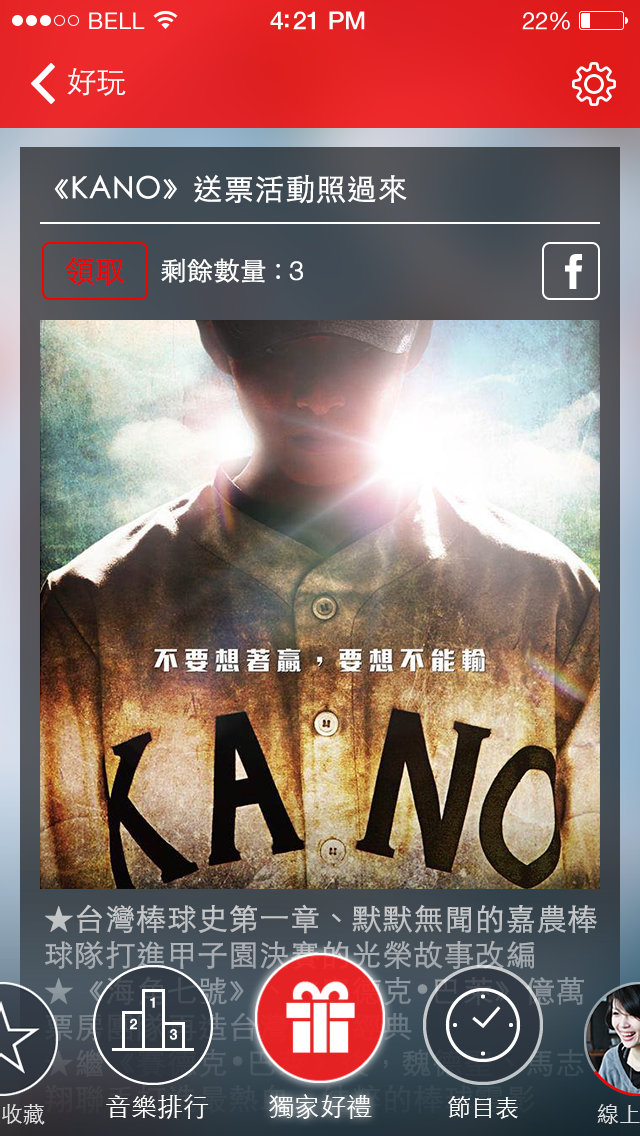
Giveaways and Events: Join lucky draws, promotional campaigns, and other in-app activities.
3. How to Use Hit FM Radio
Step 1: Choose a Radio Channel
Open the app and browse the available regional channels. Select a channel, such as Northern or Central China, to start listening.
Step 2: Check Program Schedules
Open the Real-time Messages section to view broadcast schedules, program announcements, and information about selected video broadcasts.
Step 3: Vote for Songs and Join Discussions
Visit a program's interaction page to find the Song List Voting option. Select your preferred tracks and submit your vote. You can also leave comments in the discussion area.
Step 4: Participate in Giveaways
Open the giveaway or benefits section to check ongoing activities and their entry requirements. Follow the instructions to participate. If you win, check your notifications for prize-claim details and shipping requirements.
4. Listening Experience
Hit FM Radio combines traditional radio streaming with selected video content and audience interaction. Its main focus is music and radio programming, with regional channels offering different broadcasts.
Selected video segments featuring DJs and celebrity guests add a visual element to the listening experience, although video is not available for every program. Song voting and comment sections also give listeners opportunities to participate in ongoing shows.
Outside regular broadcasts, music charts, new releases, and promotional activities provide additional content to explore. The app is particularly suited to listeners who enjoy music radio and want to follow programs and interact with their hosts.
5. Frequently Asked Questions
Q1: Are live broadcasts free? Can I watch every radio program live?
Selected live video broadcasts are available for free, but not every radio program has a video stream. Video content is generally limited to special segments, such as DJ appearances and celebrity visits. Check the Real-time Messages section for schedules and announcements.
Q2: How can I vote for songs or interact with DJs?
Open the relevant program's interaction page and look for the Song List Voting option. Select your preferred tracks and submit your vote. You can also post comments in the discussion area, where DJs may see and respond to listener messages.
Q3: Can I listen to Hit FM Radio offline?
The availability of offline listening is not confirmed. Although the original app description mentions caching programs or songs, this does not necessarily mean the app supports dedicated offline playback. Check the current version for download or caching options.
Q4: What should I do if the radio keeps buffering or disconnecting?
Check your internet connection and try switching between Wi-Fi and mobile data. If playback problems persist, restart the app and check for an available update.
Q5: How can I receive reminders about my favorite programs?
Follow or save the programs you are interested in and enable app notifications in your device settings. Available reminders depend on the notification features supported by the app.
Q6: How do I participate in a giveaway and claim a prize?
Open the giveaway or benefits section and follow the entry instructions for the relevant event. Some activities may require commenting or sharing content. If you are selected as a winner, check your notifications for prize-claim instructions and provide shipping information if requested.
- Version2.3.989
- UpdateNov 10, 2026
- DeveloperOlis Innovation Co.
- CategoryMusic & Audio
- Requires AndroidAndroid 5.0+
- Downloads174K+
- Package Namecom.olis.hitofm
- Signature6c884dc1c9b12fef2f09b0abeda0c544
- Available on
- ReportFlag as inappropriate
-
NameSizeDownload
-
29.10 MB
-
30.87 MB
-
30.90 MB


















Experience innovation, audiovisual fusion
Rich content, highly practical
Low barrier to entry, wide applicability
The live streaming function has limitations.
There are potential performance issues.
The advertising experience has changed.