
H Radio –Global Internet Radio - Global internet radio
Tune in & explore over 1,000 global radio stations with custom features for a personalized listening adventure!
- 1.53 Version
- 2.7 Score
- 151K+ Downloads
- Free License
- 3+ Content Rating


H Radio
1. App Overview
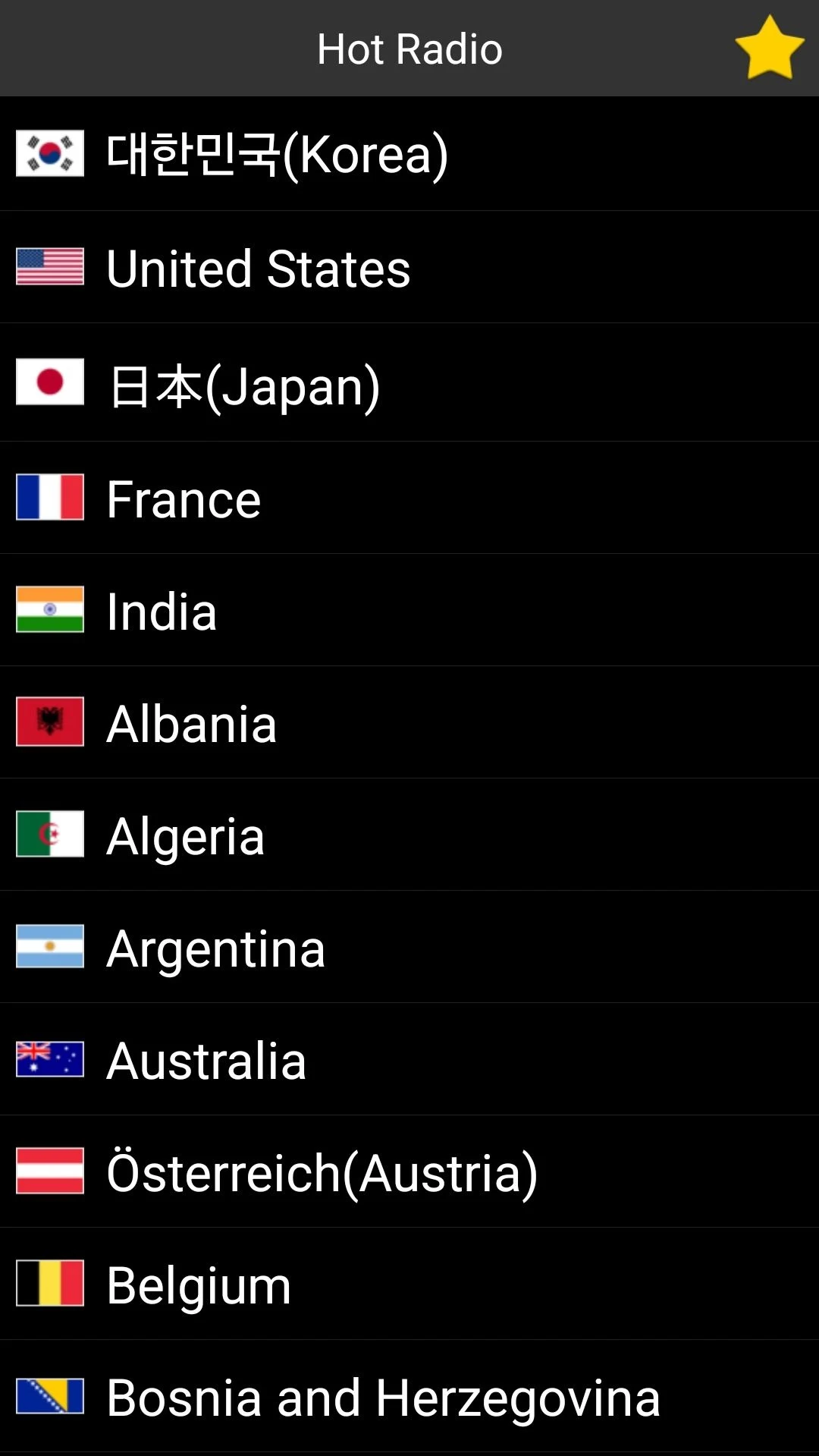
H Radio is an internet radio app featuring more than 1,000 live stations from countries around the world. Its collection includes music, news, sports, comedy, and other broadcasts. Music genres range from K-POP, J-POP, and trot to jazz, classical, rock, country, techno, and Latin music. Users can explore stations from South Korea, Japan, the United States, Brazil, France, and many other regions.

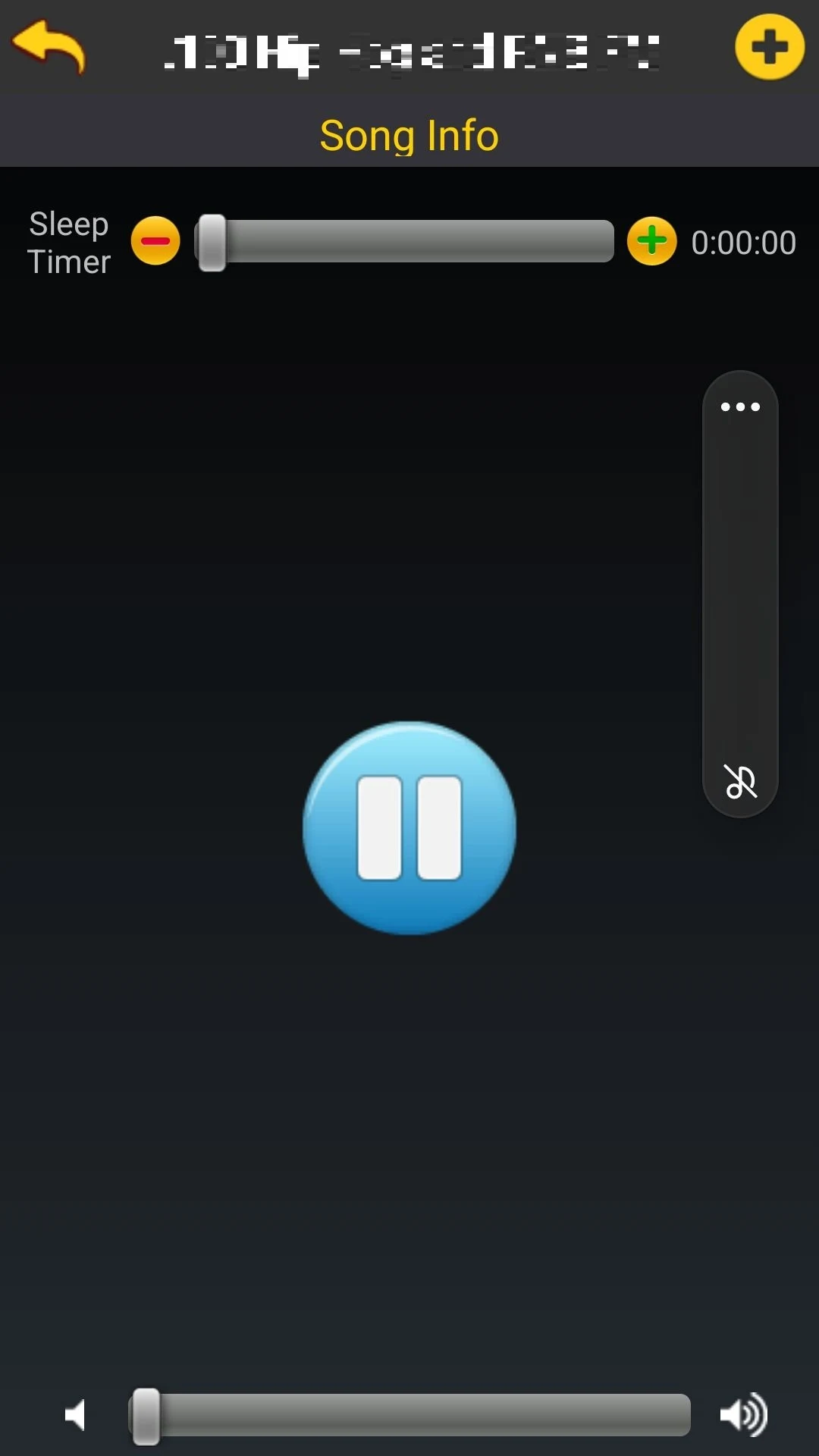
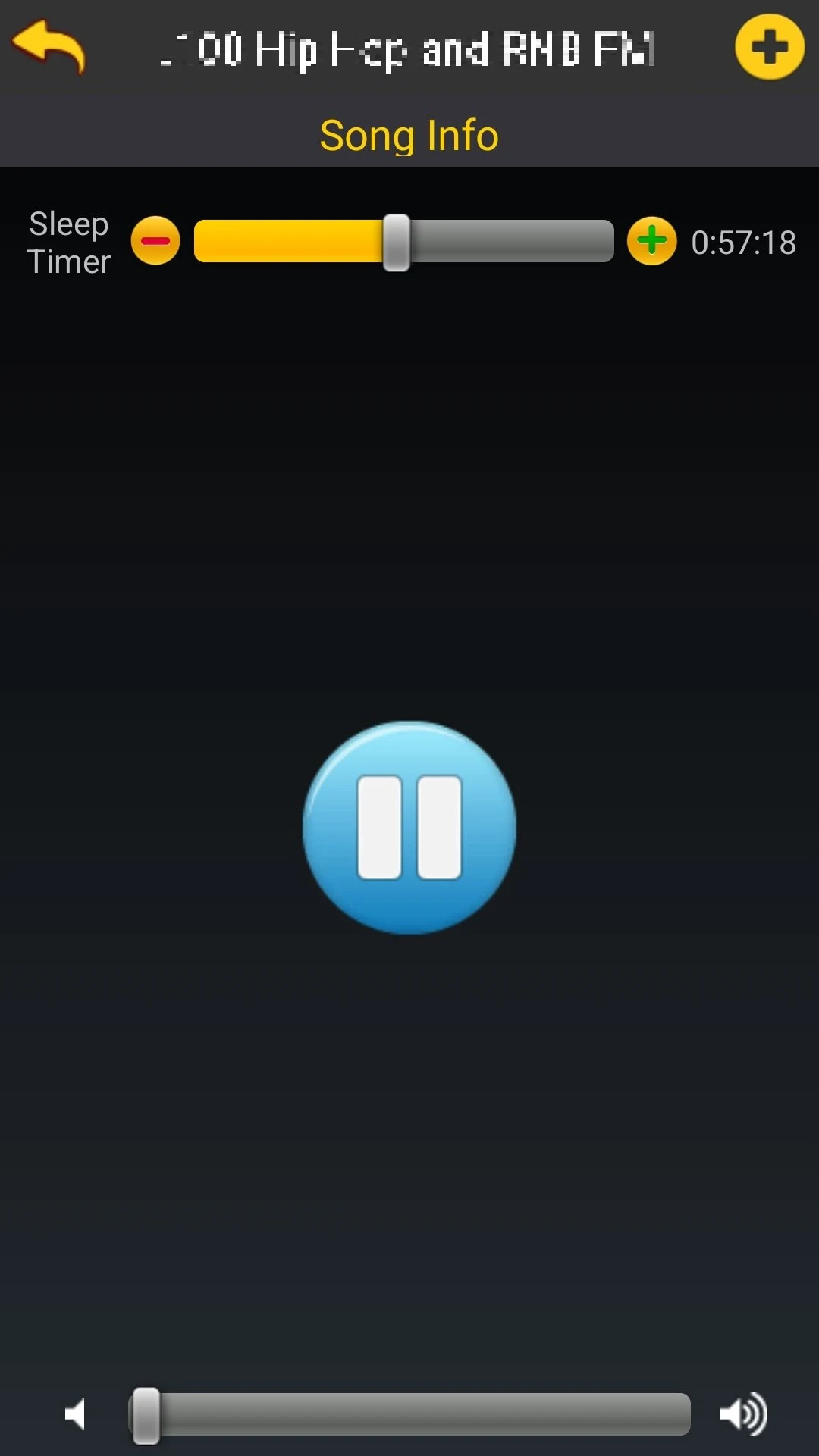
The app includes automatic station name translation, a favorites list, volume control, and a sleep timer. Background playback allows radio streams to continue while users switch to other applications.
2. Key Features
• International Radio Stations: Access more than 1,000 live stations from different countries, covering music, news, sports, comedy, and other broadcasts
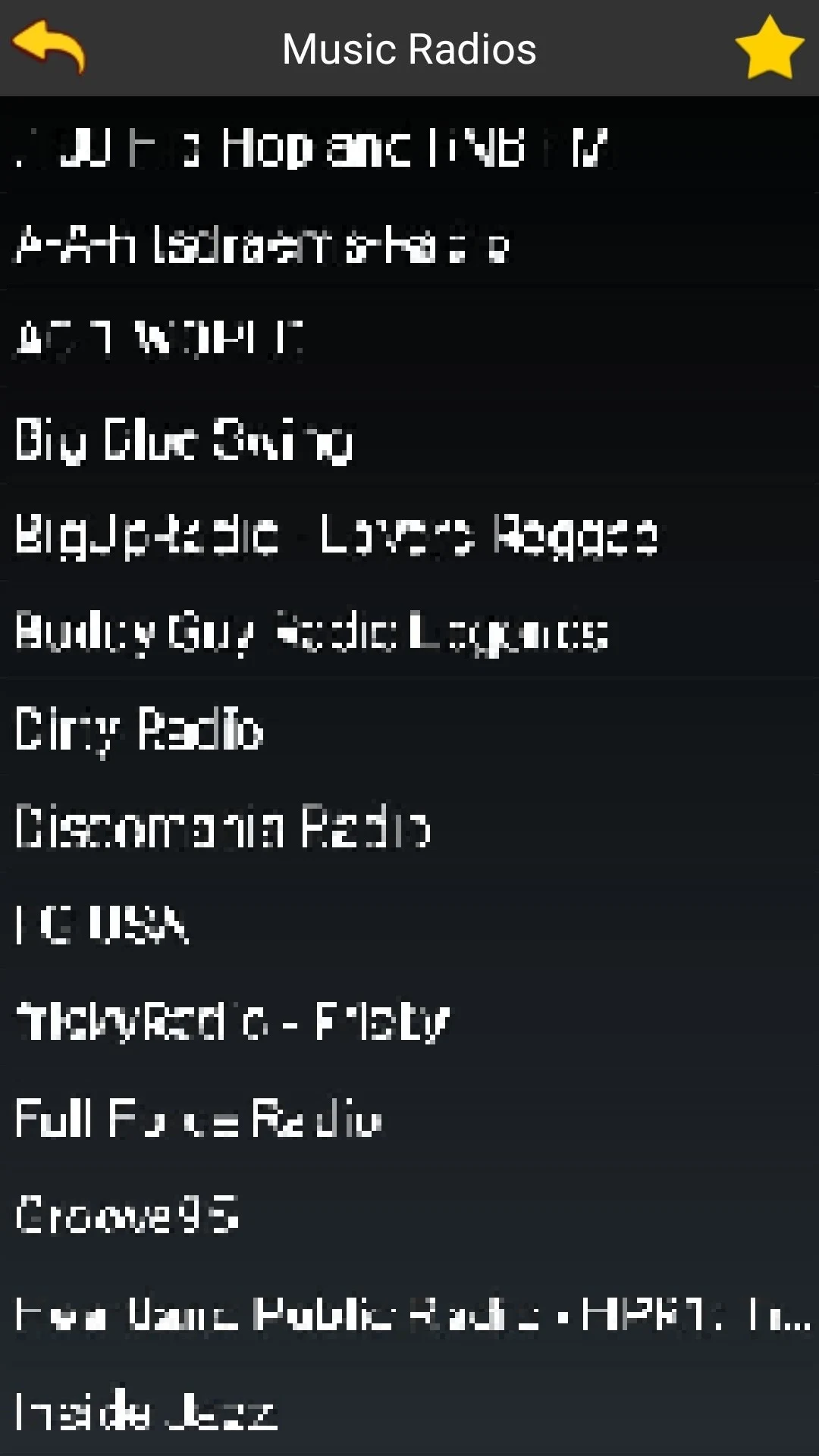
• Multiple Music Genres: Explore K-POP, J-POP, trot, jazz, blues, reggae, tango, salsa, classical music, and more
• Automatic Station Name Translation: View translated station names when browsing channels in different languages
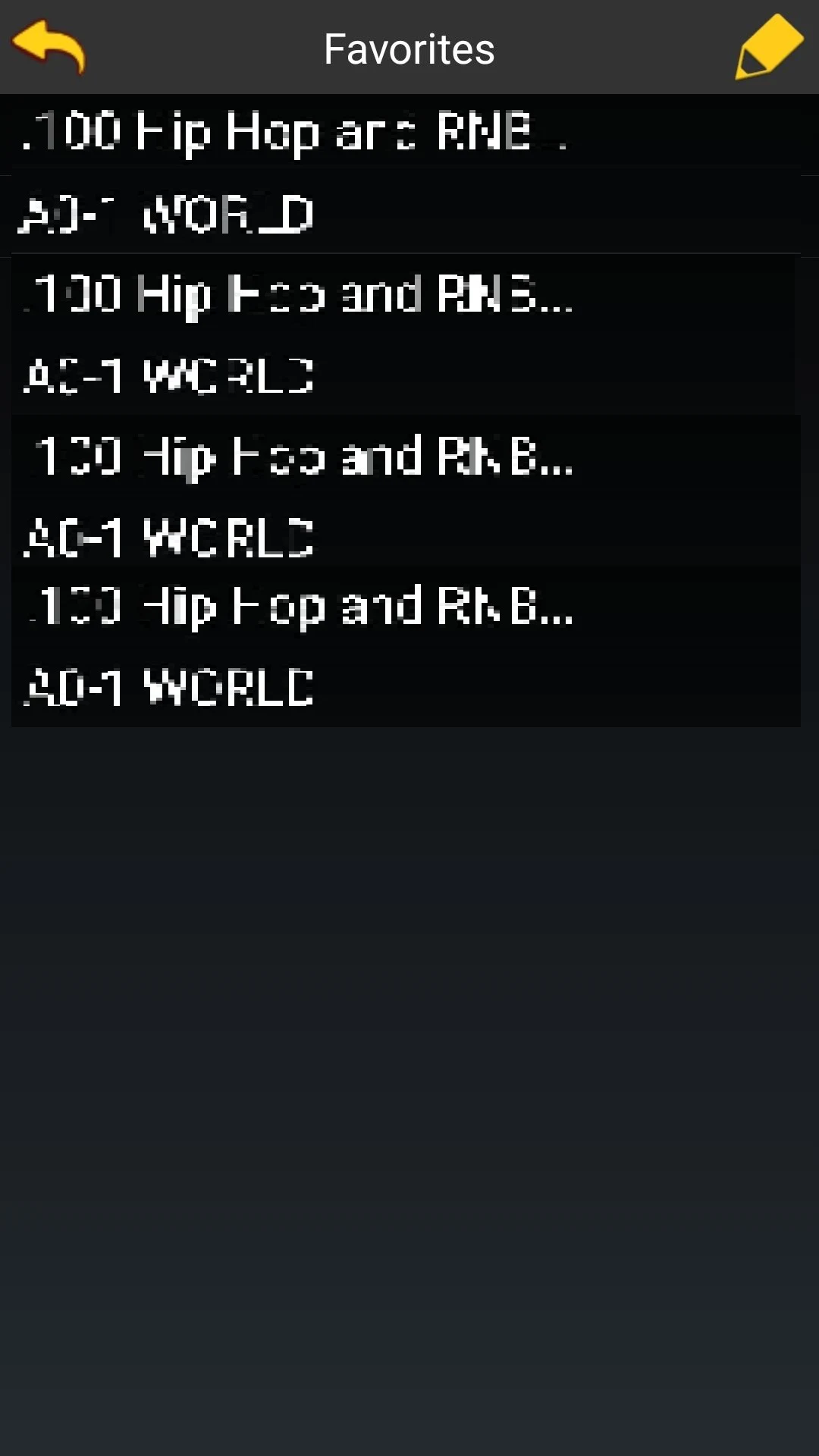
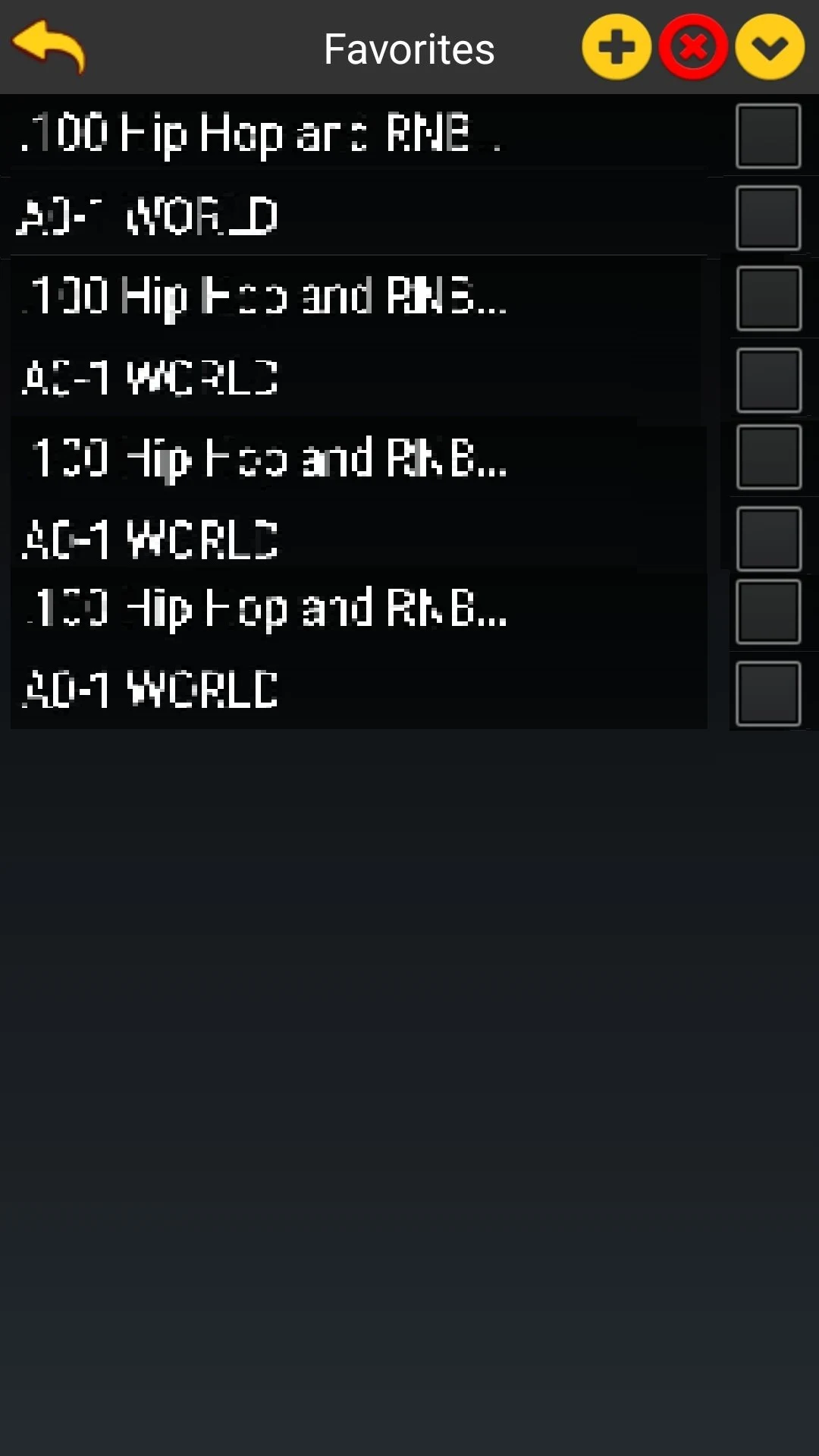
• Favorites List: Save preferred stations by tapping the "+" button for easier access later
• Sleep Timer: Set a playback duration to stop the radio automatically
• Volume Control: Adjust the listening volume directly within the app
• Background Playback: Keep radio broadcasts playing while using other applications
3. How to Use H Radio
1. Open the App: Launch H Radio to access the station browsing interface.
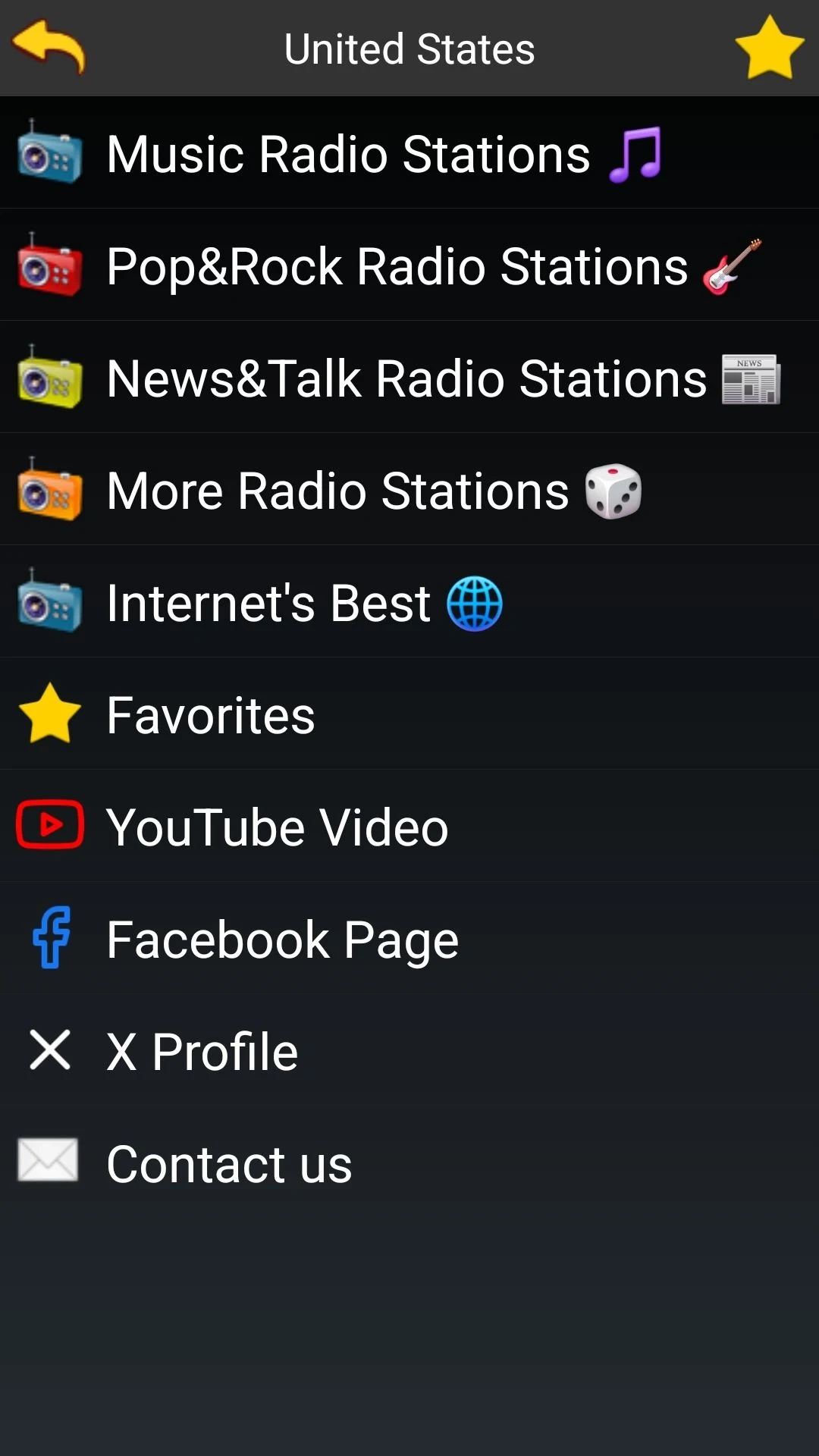
2. Browse Stations: Explore available channels by country, station name, or music category.
3. Start Listening: Select a station to play its live broadcast.
4. Add Favorites: Tap the "+" button beside a station to save it to your favorites list.
5. Adjust Volume: Use the in-app volume control to set your preferred listening level.
6. Set the Sleep Timer: Choose a playback duration if you want the radio to stop automatically.
7. Continue in the Background: Switch to another application or return to the home screen while the selected station continues playing.
4. User Experience
H Radio's main appeal is its large international station collection. Rather than focusing on a single music category, it brings together regional music, popular genres, and spoken broadcasts in one app. Its inclusion of styles such as trot, tango, and bossa nova offers additional variety beyond mainstream international music.
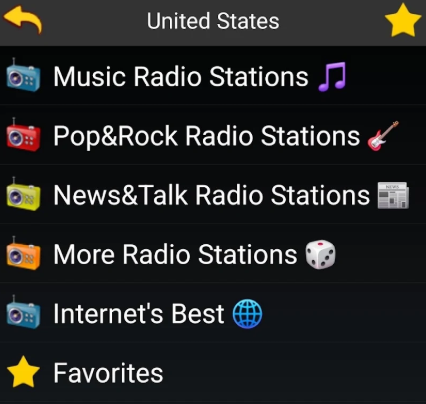
Automatic station name translation is particularly relevant when browsing channels from countries where users may not understand the local language. The favorites list also reduces the need to search for frequently played stations again. Background playback and the sleep timer cover two distinct listening needs: uninterrupted streaming while using other apps and automatic playback shutdown at a chosen time.
5. Target Audience
• International Music Fans: Listeners interested in music genres and radio stations from different countries
• Radio Enthusiasts: People who prefer live broadcasts to individually selected music tracks
• News and Sports Listeners: Users who follow radio news, sports commentary, and other spoken programs
• Multitaskers: People who want to keep radio playing while using other applications
• Bedtime Listeners: Users who prefer setting a timer to stop playback automatically
6. Frequently Asked Questions
Q1: How can I find a particular radio station?
Browse the station collection by country, station name, or music category. Automatic name translation can help identify stations listed in unfamiliar languages.
Q2: How do I add a station to my favorites?
Tap the "+" button beside the station. It will then appear in your favorites list.
Q3: Can I listen while using other applications?
Yes. H Radio supports background playback, so the selected station can continue streaming after you switch to another app.
Q4: Can I set a time for the radio to stop playing?
Yes. Use the sleep timer to select a playback duration. The radio will stop automatically when the timer expires.
Q5: What types of radio programs are available?
The collection includes music, news, sports, comedy, and other live broadcasts from international stations.
Q6: Can I listen to H Radio offline?
No. H Radio streams live broadcasts over the internet, so a Wi-Fi or mobile data connection is required.
- Version1.53
- UpdateNov 10, 2026
- DeveloperMinware
- CategoryMusic & Audio
- Requires AndroidAndroid 5.0+
- Downloads151K+
- Package Namecom.blognawa.radio
- Signature045bf2f1673c4016254d629880e9afea
- Available on
- ReportFlag as inappropriate
-
NameSizeDownload
-
8.65 MB
-
6.96 MB
-
6.25 MB











Rich and diverse content
Practical and thoughtful functions
User-friendly experience
Network-dependent
Translation without manual adjustment