
GUVI - IT skills & vernacular learning
Unleash your tech potential with personalized courses & competitive programming, all in your native language!

- 2.0.22 Version
- 1.4 Score
- 311K+ Downloads
- In-app purchases License
- 3+ Content Rating

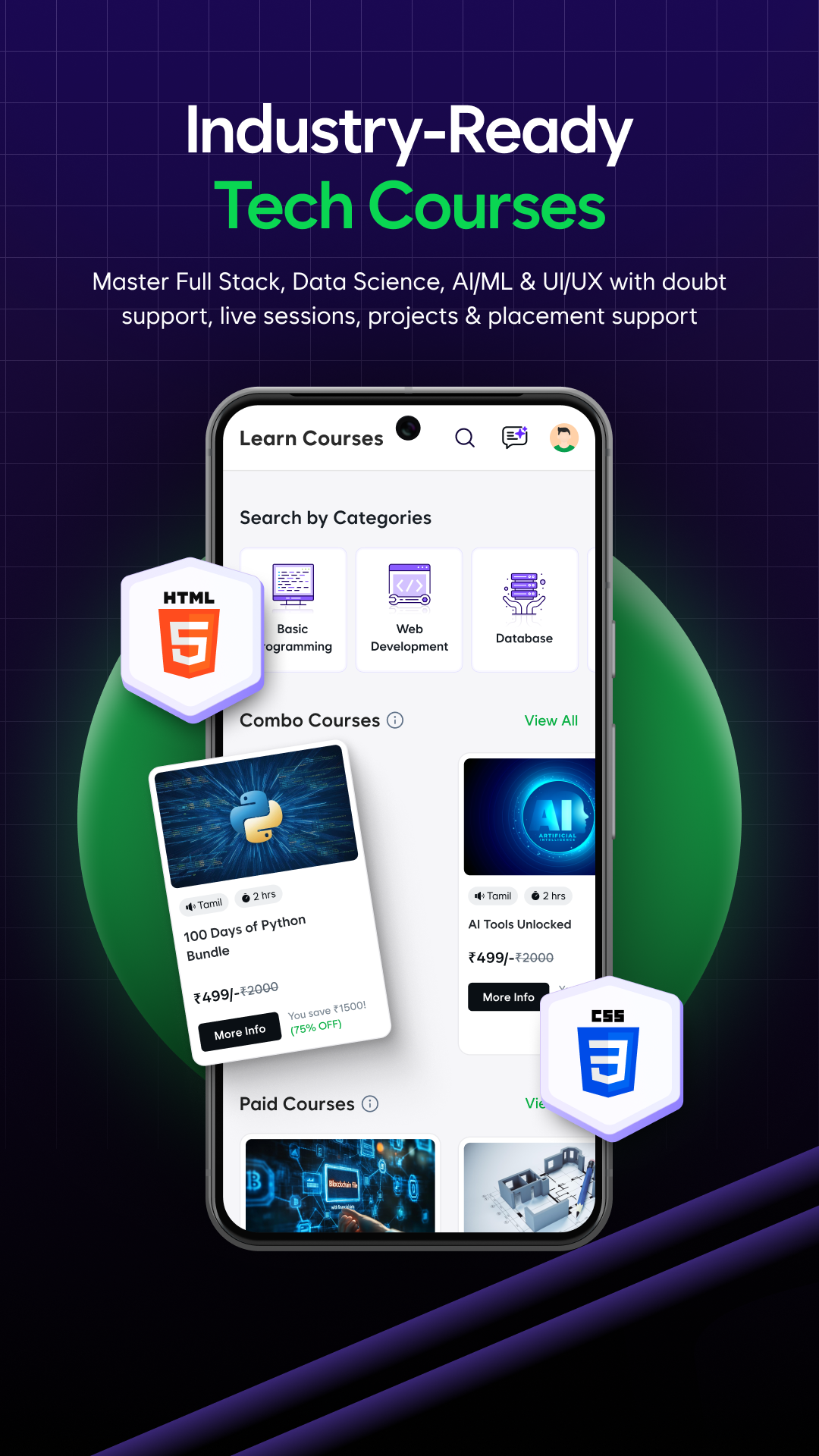
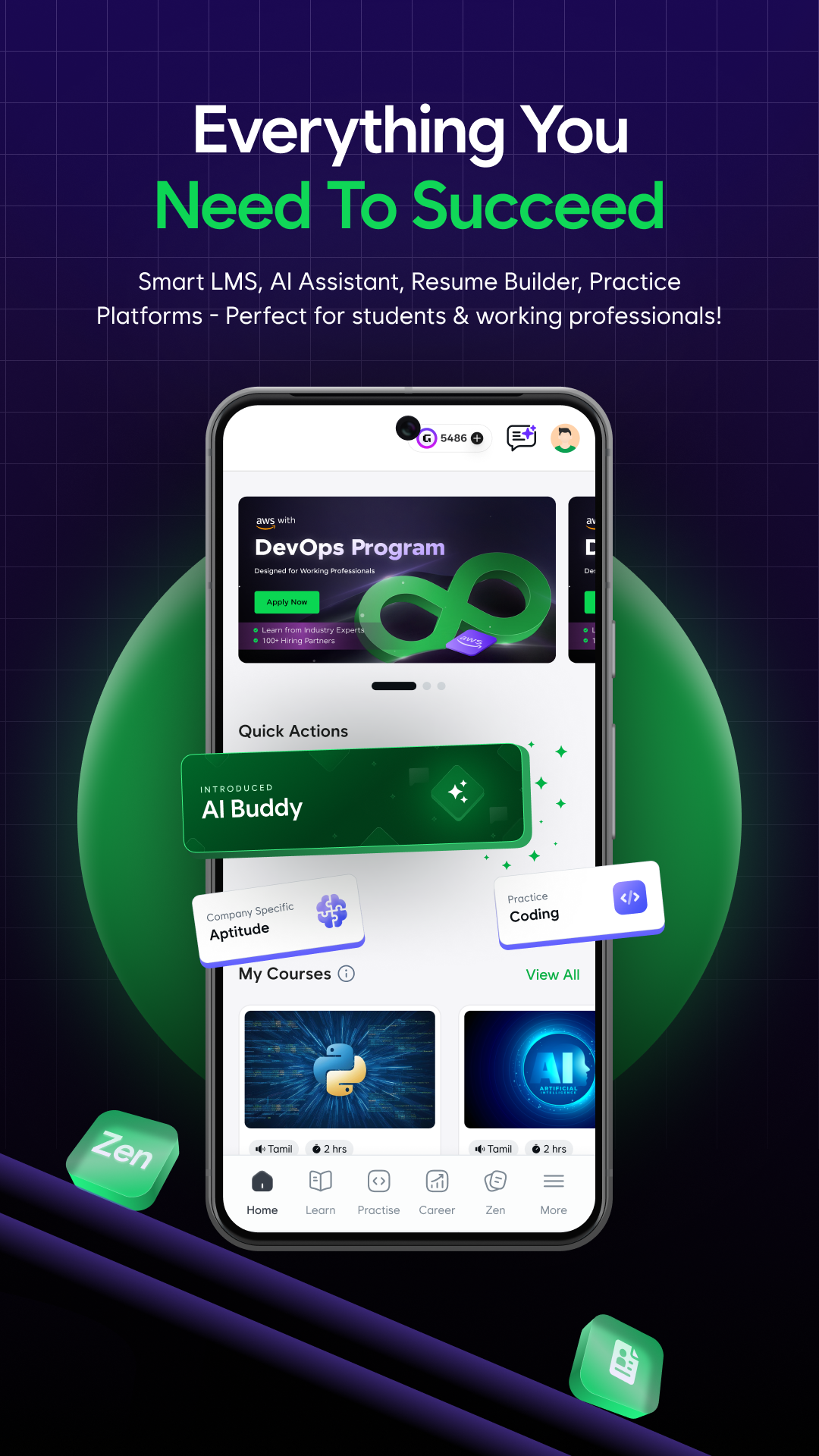
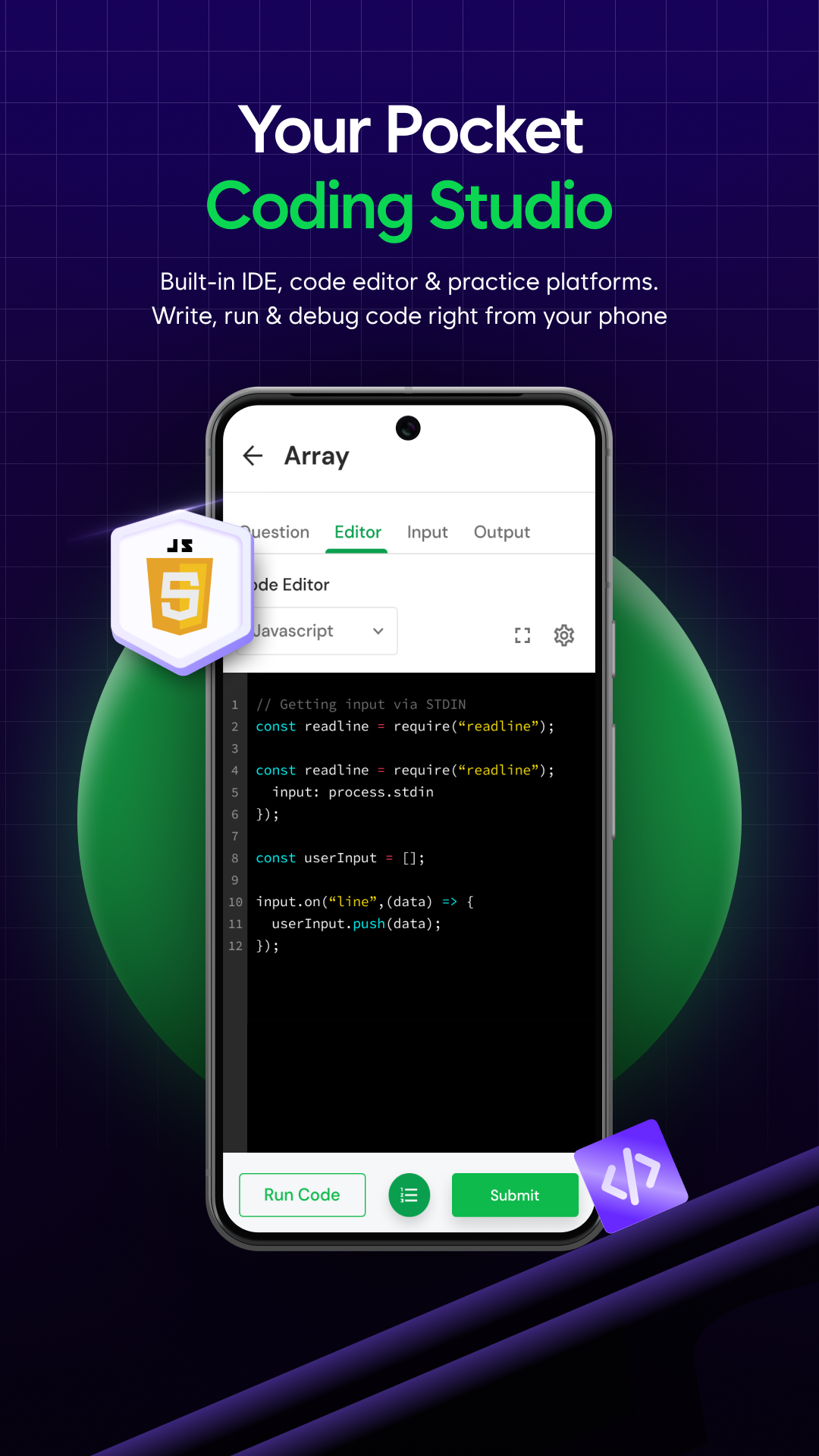
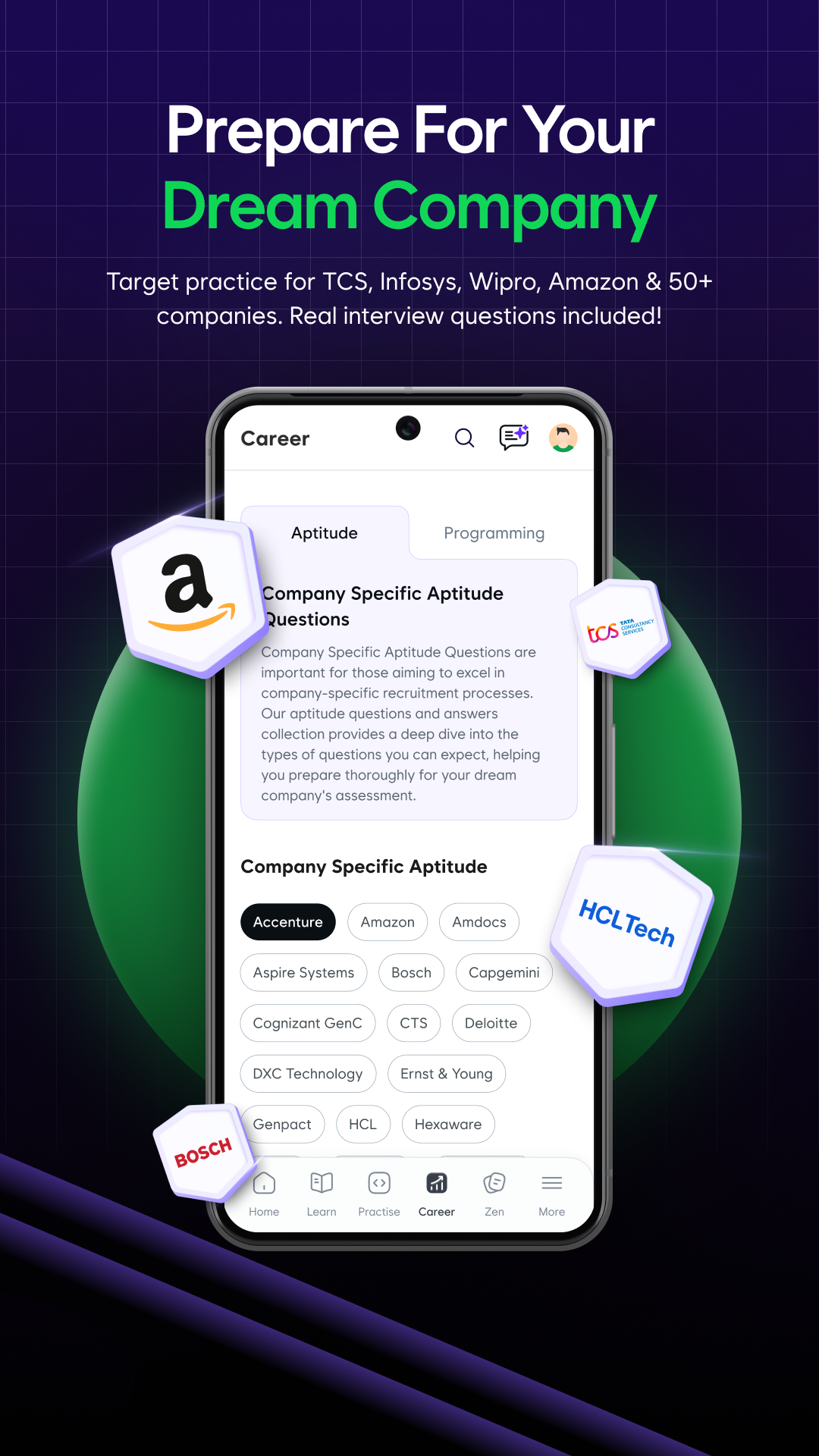
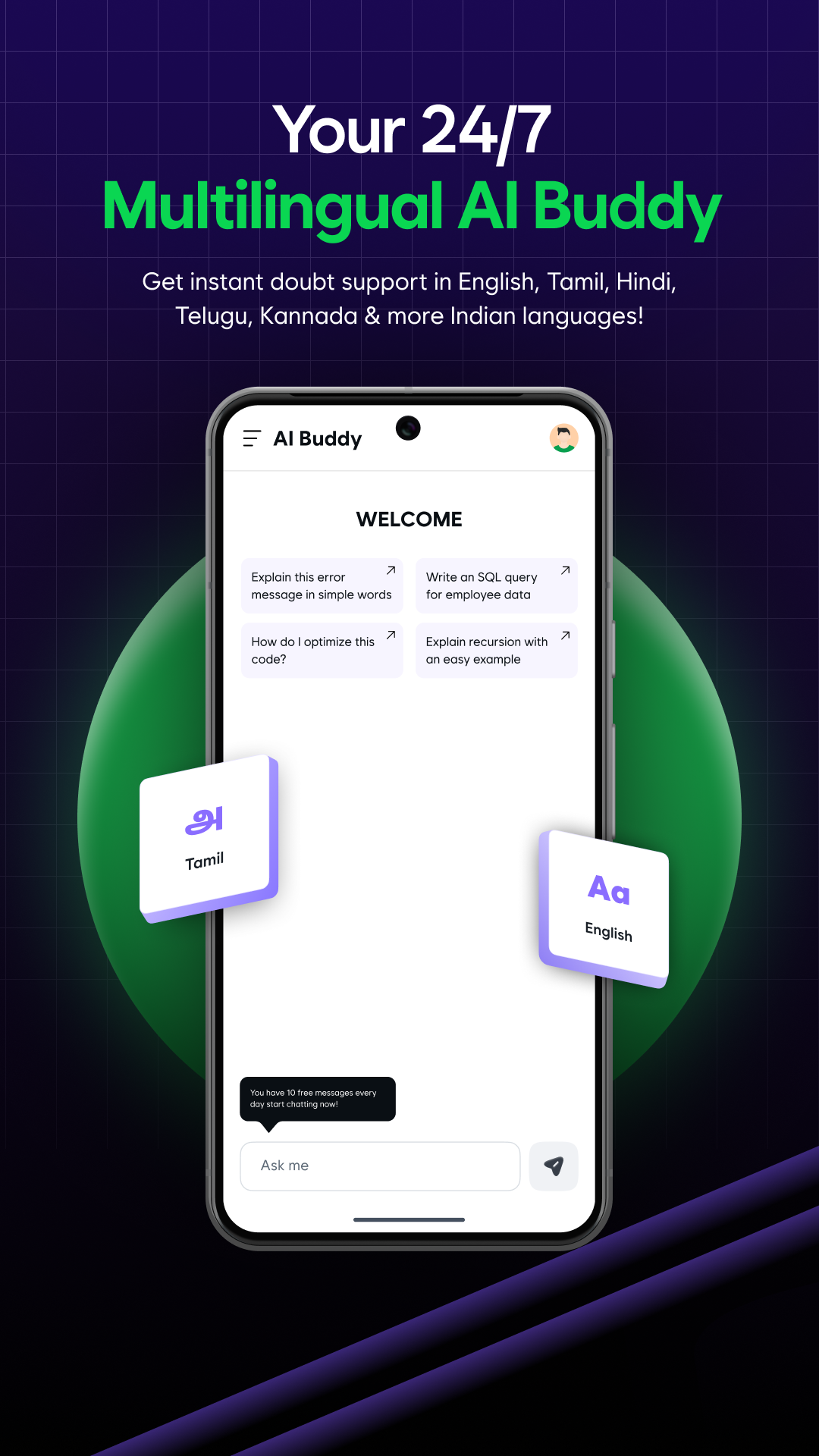
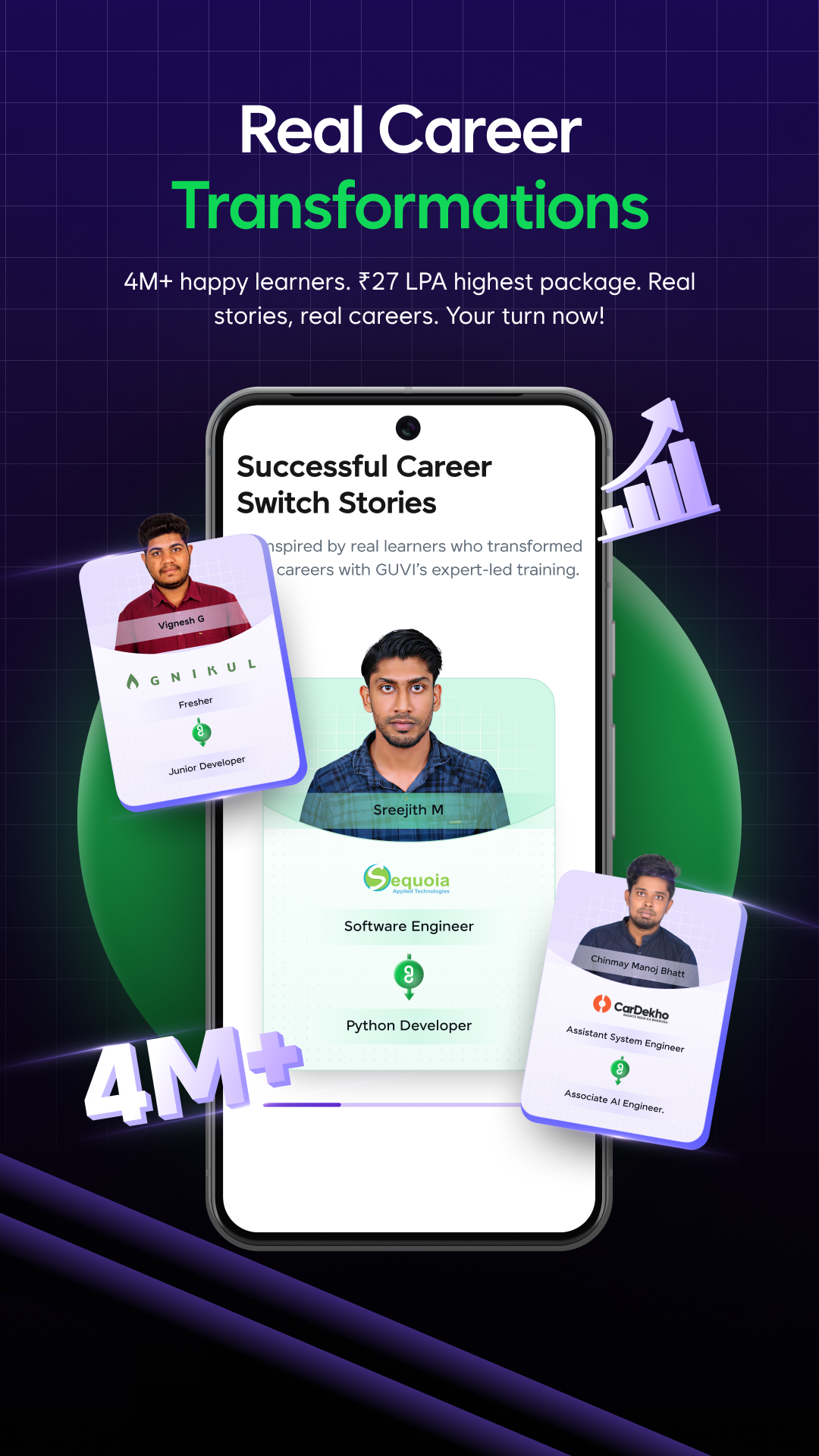
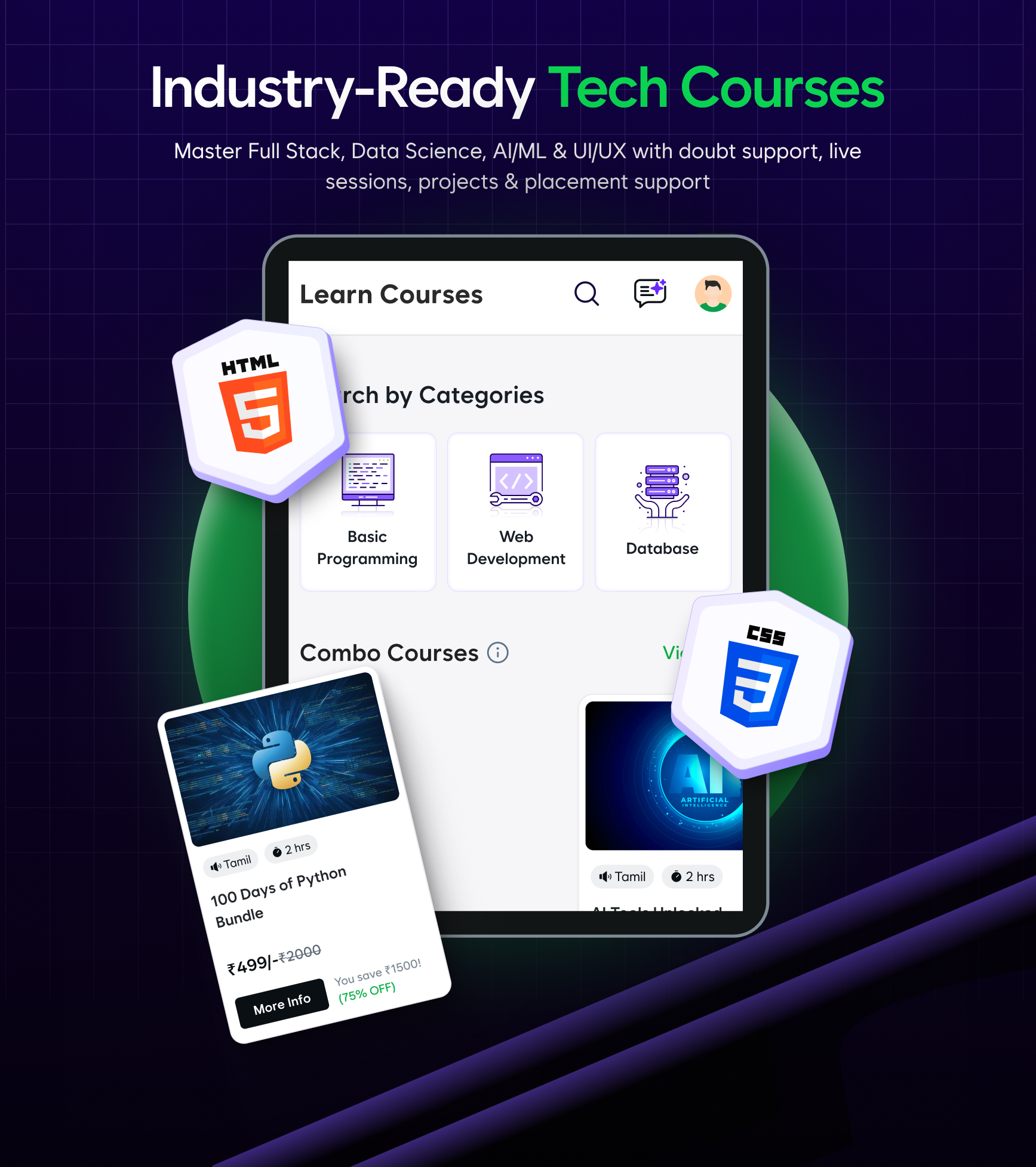
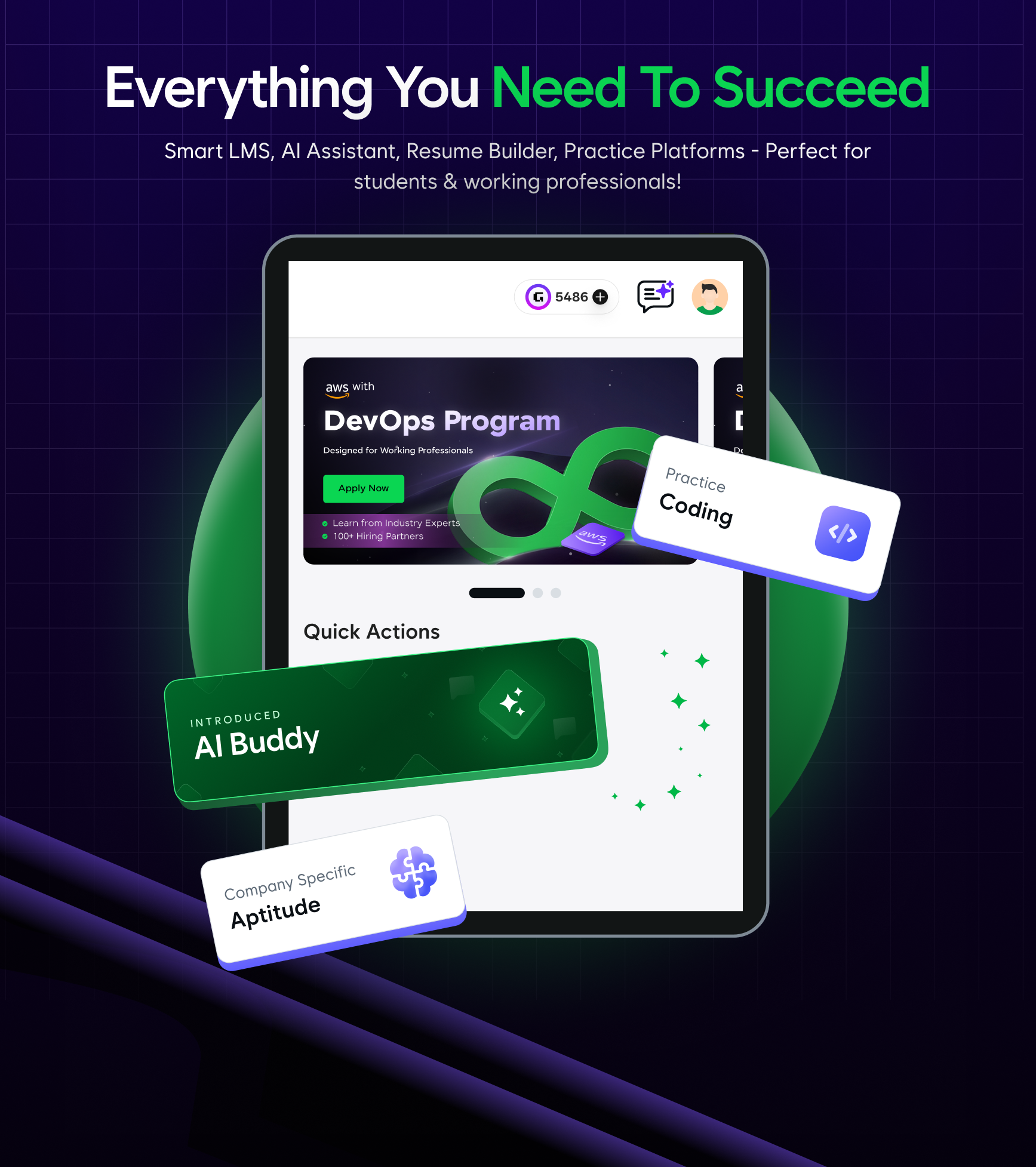
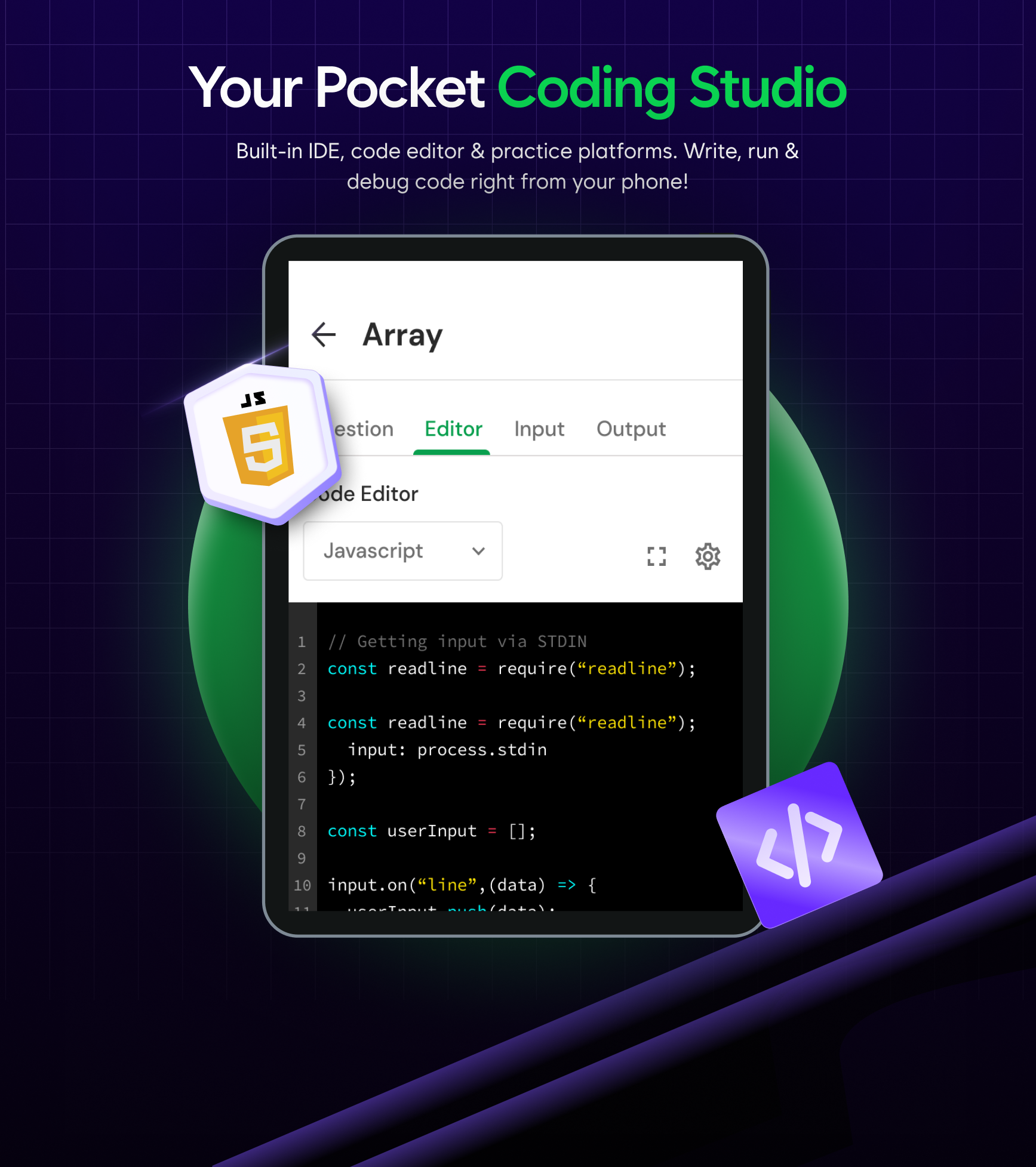
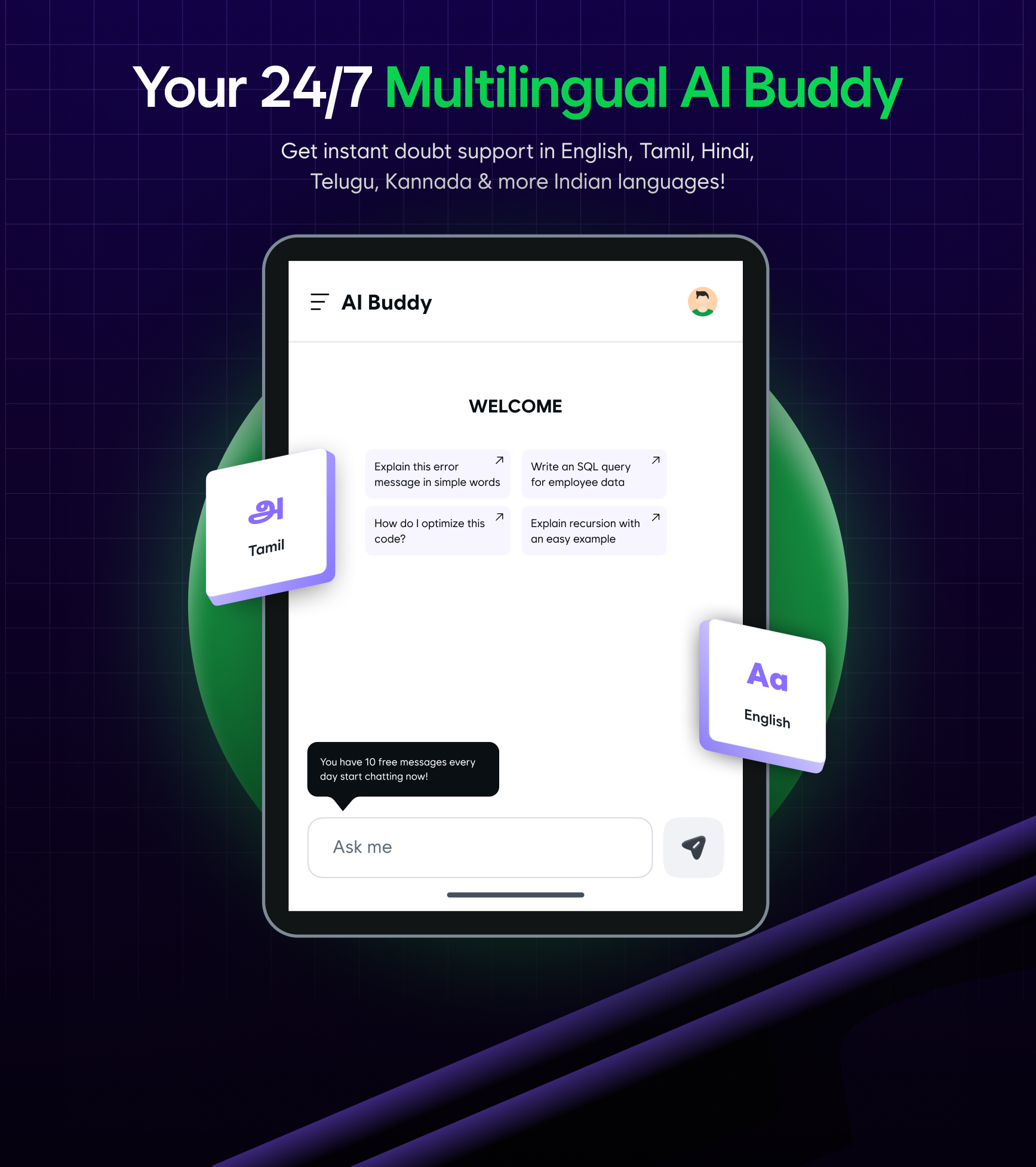
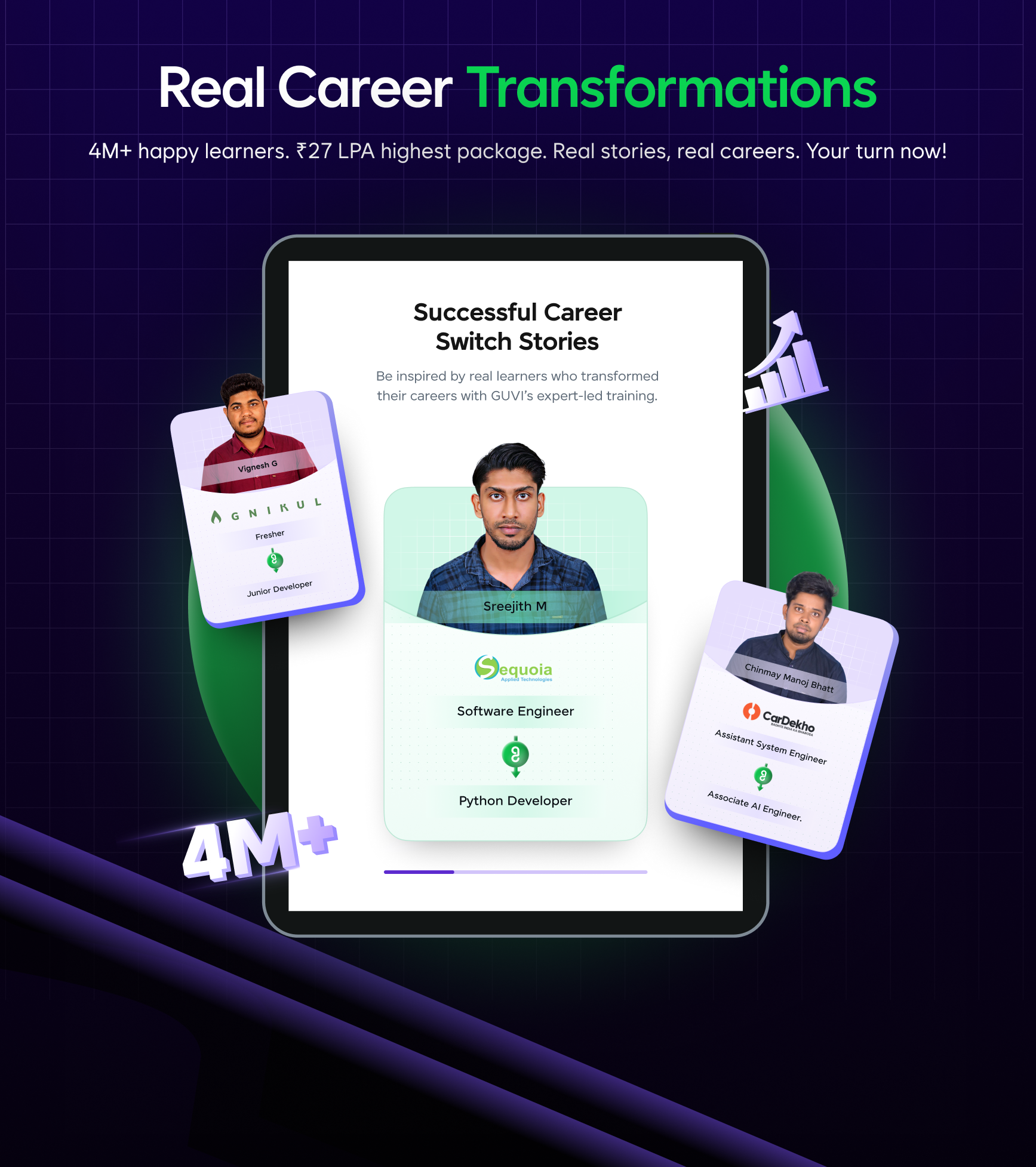
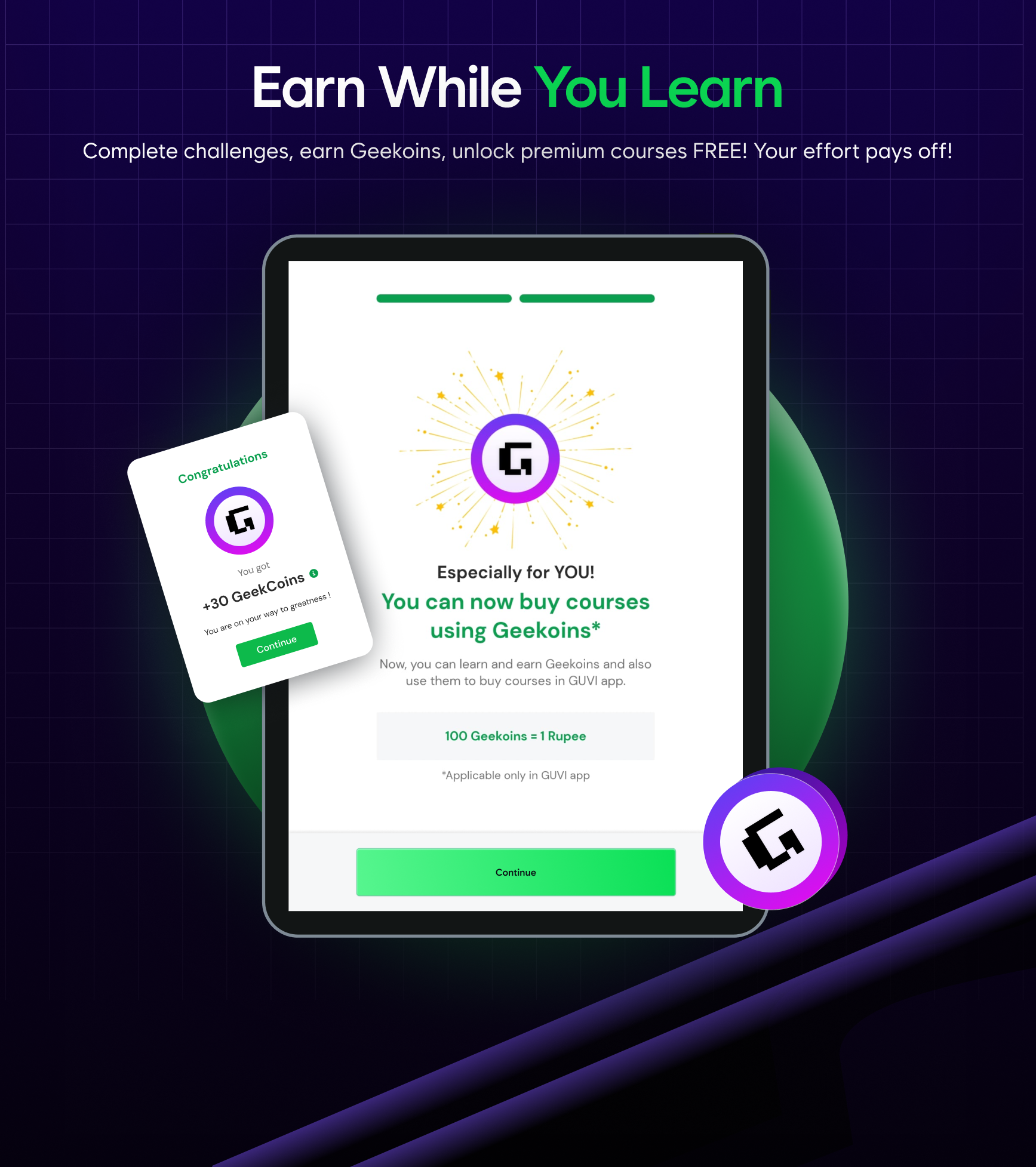
GUVI, an initiative incubated by IIT Madras, serves as a platform for accelerating IT skills. It enables learners to acquire the latest information technology competencies in their native languages.
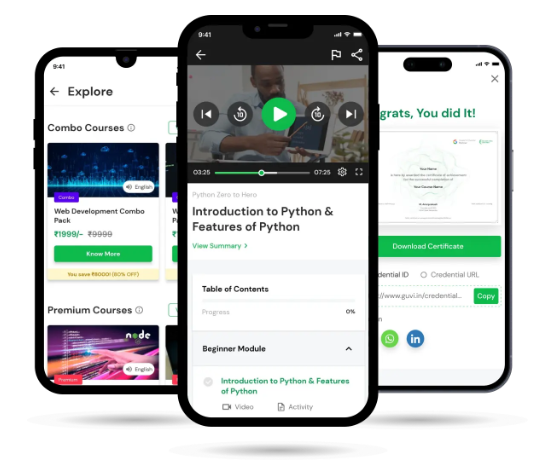
COURSES:
We offer a range of on-demand courses, including Deep Learning, Machine Learning, Angular, and more, all at affordable rates while maintaining high-quality, well-organized course materials. New courses are regularly added to ensure learners remain informed about emerging technologies.
CODEKATA:
Experience a competitive programming environment featuring over 1000 carefully selected questions designed to enhance your coding abilities.
What sets our platform apart is that it tracks all student activities and data, creating personalized user profiles that are shared with recruiters on the platform, thereby linking learners with appropriate job opportunities.
HCL GUVI Online Learning and Corporate Training Platform
Your Learning Your Pace Explore Master Succeed
Choose from 1300+ exclusive courses with new courses published every month
Key Statistics
- 4837290 Learners
- 194 Mentors
- 59974848 Lines of Code Submission
- 1673 Videos
- 72% of Learners complete their courses within 3 months
- 78% of Learners could recollect the concepts faster
- 84% of Learners have better understanding over complex topics
Course Categories
- Business and Management
- Data Science and AI
- Engineering and Design
- IT and Software Network and Security
- Programming
- Creative and User Experience
Corporate Solutions
- HCL GUVI for Corporates
- Explore our customized corporate solutions for your company
- Specialized Corporate Training
- Streamlined Corporate Hiring
- Corporate Social Responsibility
- HYRE assessment
- End-to-End Campus Hiring
Frequently Asked Questions
1、How do I get certified for a course?
To get certified in a course, you need to successfully complete all quizzes and submissions (if applicable) with 100% progression.
2、My progression is 100%, but the certificate isn't loading/generating. What should I do?
Please clear your browser history and try again. If the issue persists, log out and log back in, then try again.
3、I don't know the answer to the quiz of a course, can I still get certified?
Please ensure you complete the quiz with the correct answer. You can attempt the quiz an unlimited number of times.
4、How can I change my name on my certificate/profile?
Please follow these steps: Go to your profile -> Edit your name -> Refresh your browser (CTRL + F5) -> Regenerate your certificate.
5、Where can I find the certificate? Where is the 'Get Certified' option?
You need to click on the 'Get Certified' option at the end of the course modules in the table of contents. It will only be displayed after you complete all the lessons with 100% progress.
6、I cannot download my certificate, a blank screen appears, what should I do?
The certificate should automatically download. Please check your downloads folder, the certificate will download as a PDF file. For better results, try using Google Chrome.
7、Why is Course X not available in Y language?
We sincerely apologize for the inconvenience. We are committed to offering courses in as many regional languages as possible. Please send your request to info@guvi.in.
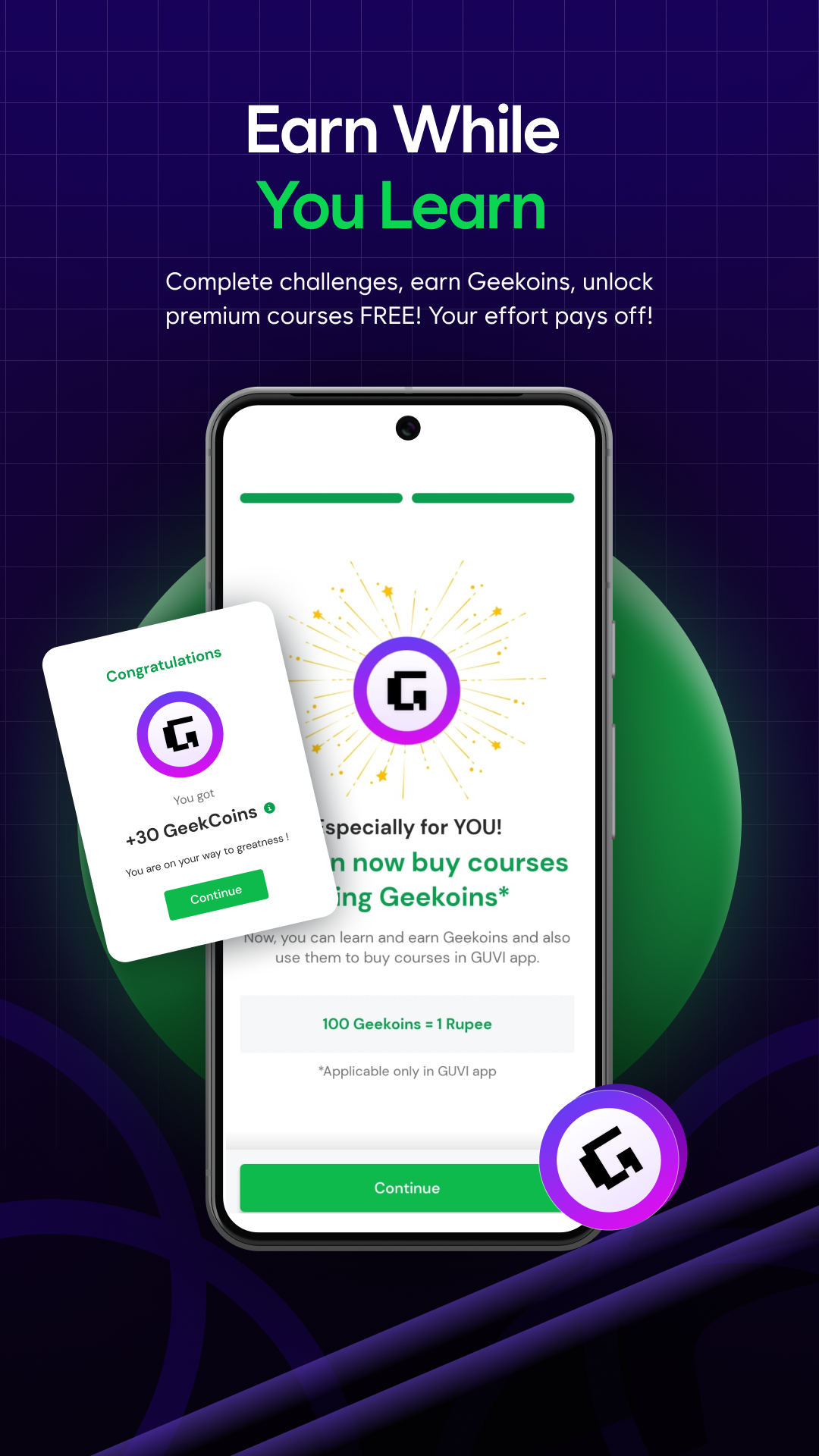
8、What can I do with GEEKOINS?
GUVI users can use GEEKOINS to purchase courses and 'run counts,' useful in CodeKata, WebKata, and Debugging, and redeem coupons from the rewards section.
9、What is your refund policy? I want a refund for my course ?
Refunds are processed within 7 working days from the date you fill out the refund form, which will be sent to your email by our team. To request a refund, please contact us at info@guvi.in or reach out to your course coordinator via email or phone, providing your details and the reason for the refund.
10、Where can I find the courses?
Please visit this link https://www.guvi.in/courses to view our course library.
I'm not able to log in. Please help.
Please refresh your browser (CTRL + SHIFT + R for Windows, CMD + SHIFT + R for Mac) and try again. Also, consider trying a different browser.

- Version2.0.22
- UpdateSep 23, 2026
- DeveloperGUVI Geek Network
- CategoryEducation
- Requires AndroidAndroid 7.0+
- Downloads311K+
- Package Namecom.guviapp
- Signatureacbbdd8606944bc7efbbd3e23a7ddd8c
- Available on
- ReportFlag as inappropriate
-
NameSizeDownload
-
111.86 MB
-
85.78 MB
-
85.78 MB















Multilingual course availability
Comprehensive and clear course content
Accessible and affordable for everyone
Good customer service response
Easy to understand for beginners
User-friendly app interface
Offers free and paid courses including IIT certification
Multiple attempts allowed on tests and quizzes
Digital certificates upon completion
Video playback glitches and buffering issues
Lack of quality options for videos
Slow website and app performance
Limited technical support and responsiveness
Inconsistent course visibility between web and mobile platforms
Incorrect course content quality claims
Quiz questions may not relate to video content
Challenges in navigating the app
No download options for offline access