
Flat: Music Score & Tab Editor - Music composition & collaboration
Create, edit & share sheet music effortlessly while collaborating with musicians globally using innovative tools and features.

- 0.7.11-13200 Version
- 3.4 Score
- 475K+ Downloads
- In-app purchases License
- 3+ Content Rating

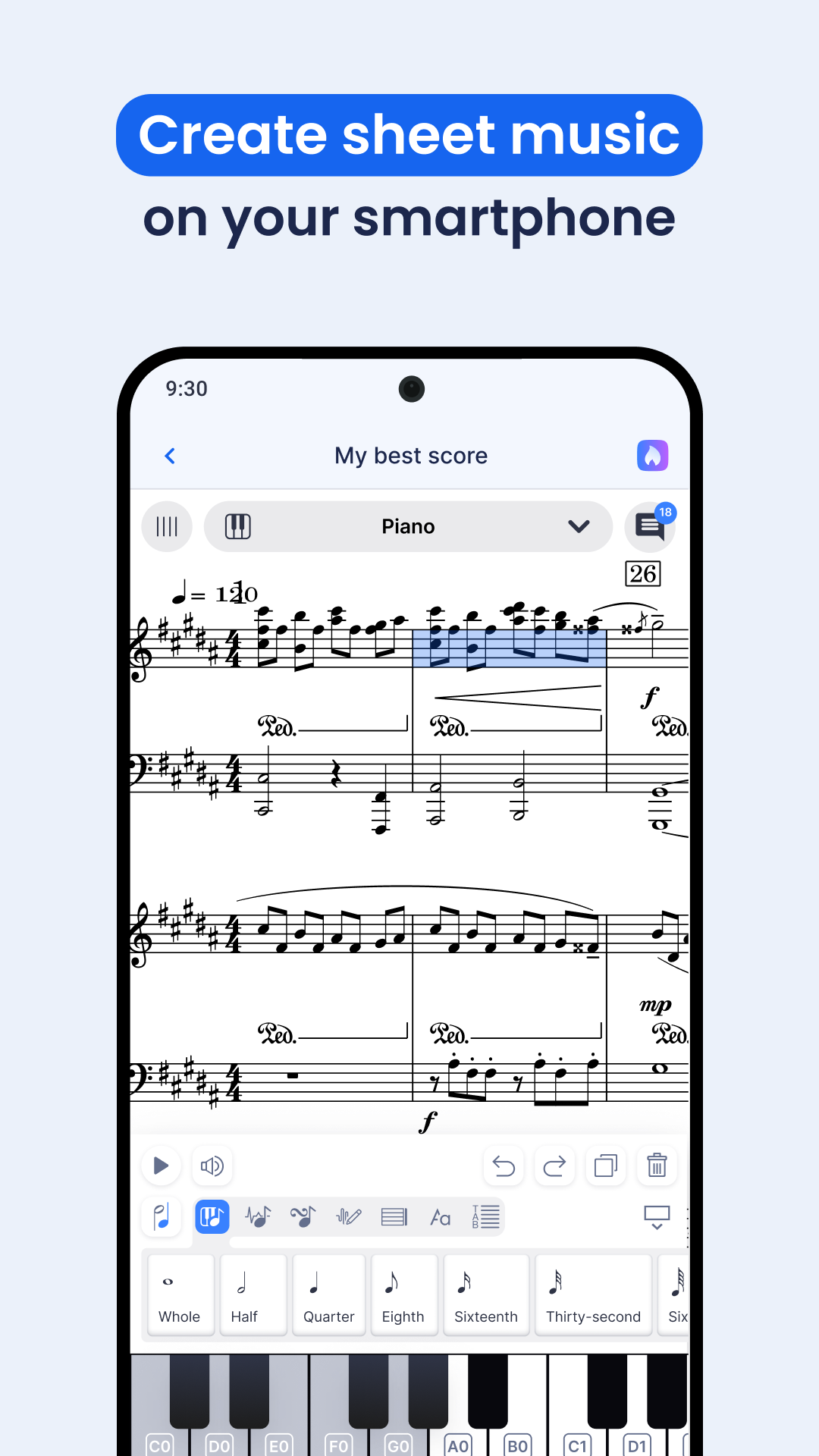


CREATE, PLAY, AND EDIT SHEET MUSIC
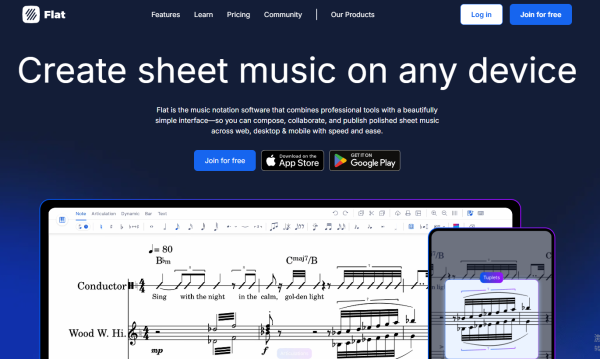
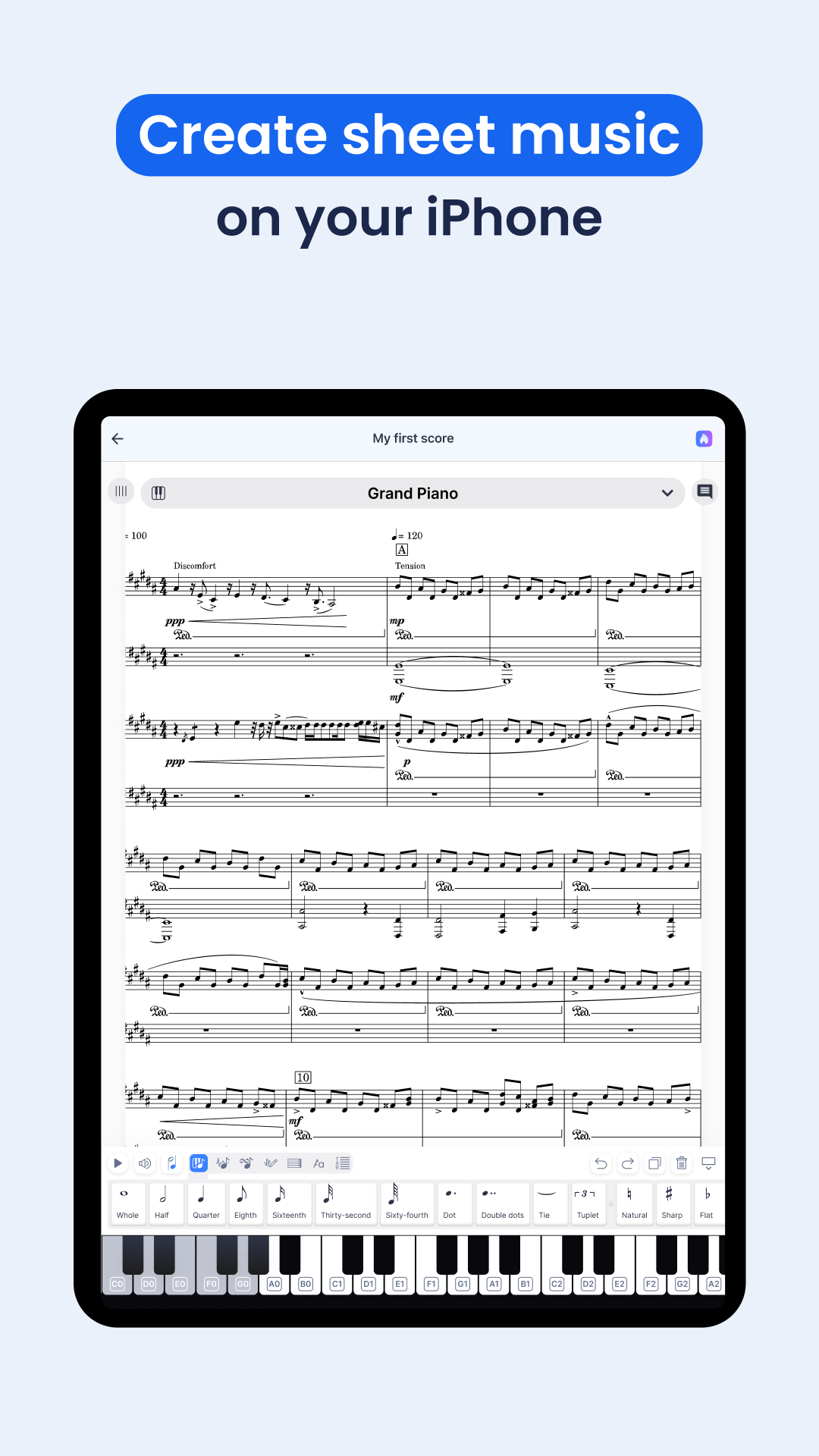
Flat is a user-friendly application for Android that allows users to craft, modify, play, and share sheet music and guitar tabs with ease. Available on both web and mobile platforms, Flat streamlines the process of music composition for musicians at every level.
Included Free Features:
- Quickly input and edit notation using touch piano, guitar fretboard, or drum pads.
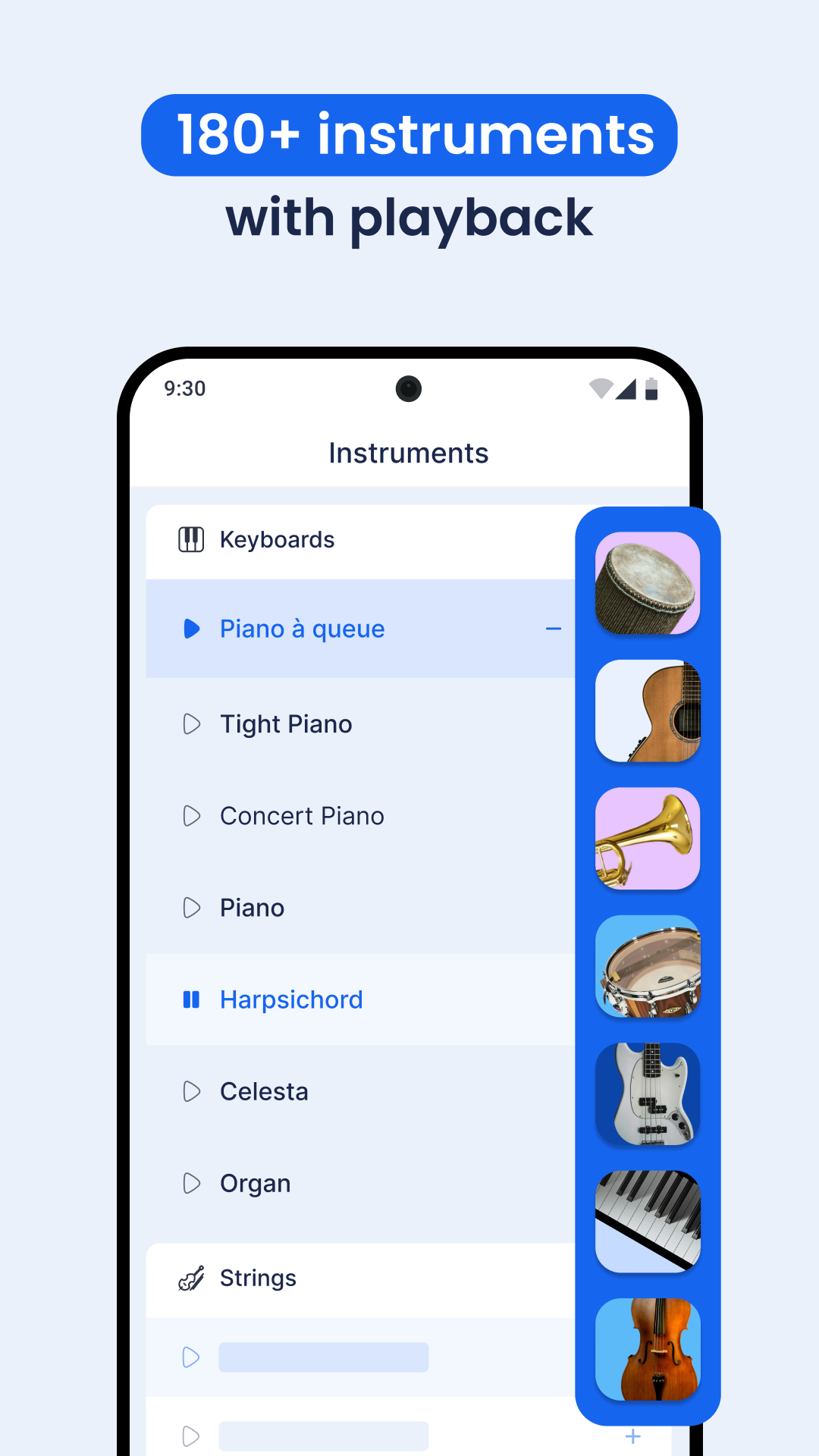
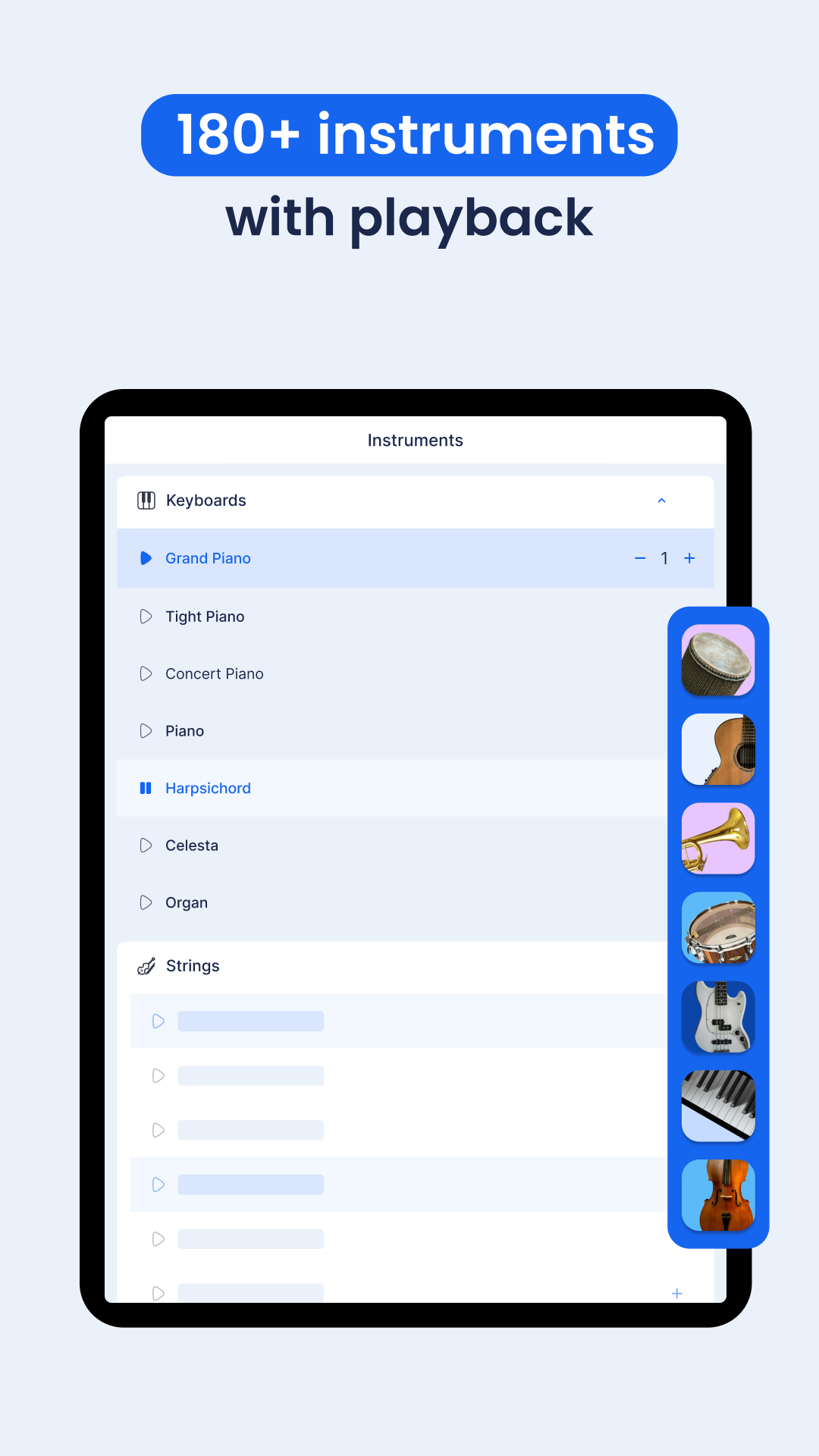
- Access over 90 instruments including piano, keyboards, guitar, violin, saxophone, drums, voice, among others.
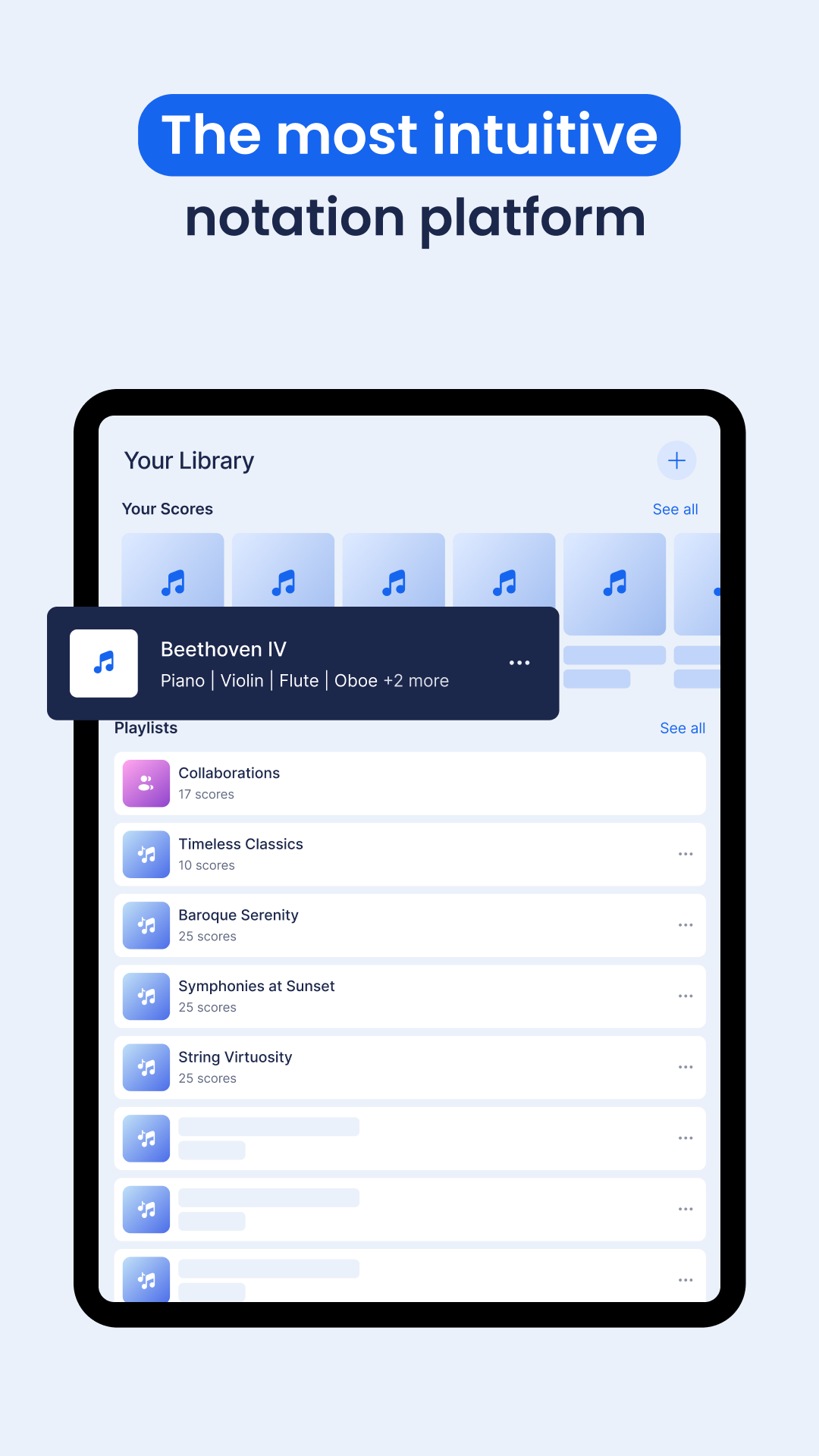
- Explore a community library with more than 100K original sheet music.
- Edit music scores on iPhone, iPad, and Mac devices.
- Utilize a variety of music notations like articulations, dynamics, measures, and texts.
- Benefit from autocompletion while adding chords to your sheet music.
- Easily transpose music by keys, intervals, and tones with straightforward controls.
- Input music notes through your MIDI devices (both USB and Bluetooth).
- Import MusicXML or MIDI files.
- Use keyboard shortcuts with your iPad keyboard/fretboard.
- Enjoy an intuitive and streamlined design interface.
COLLABORATIVE MUSIC COMPOSING:
- Experience real-time collaboration for an engaging composing journey.
- Add inline comments to provide continuous feedback.
- Connect with new collaborators within the Flat community of music lovers.
SHARE YOUR SHEET MUSIC GLOBALLY:
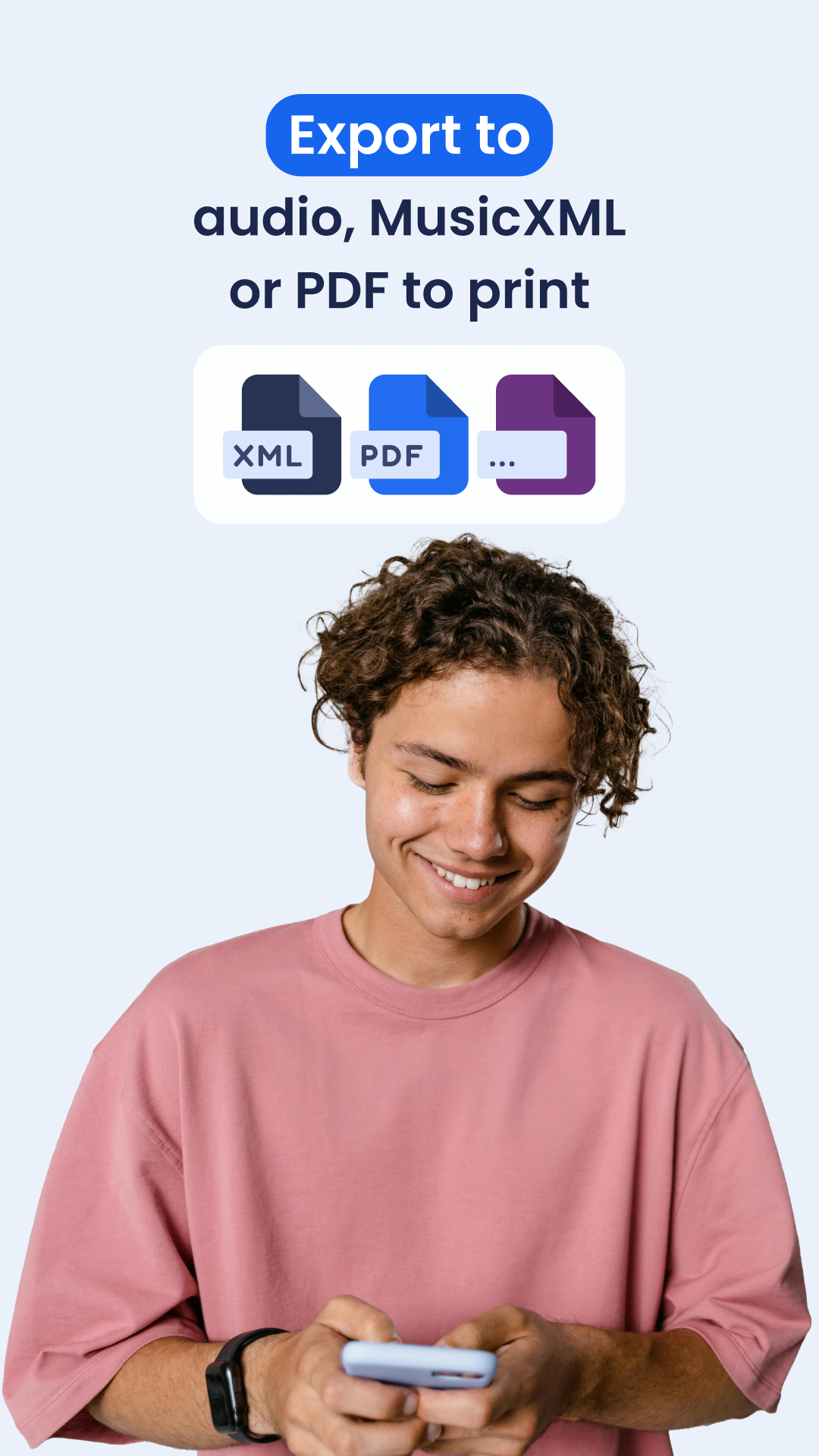
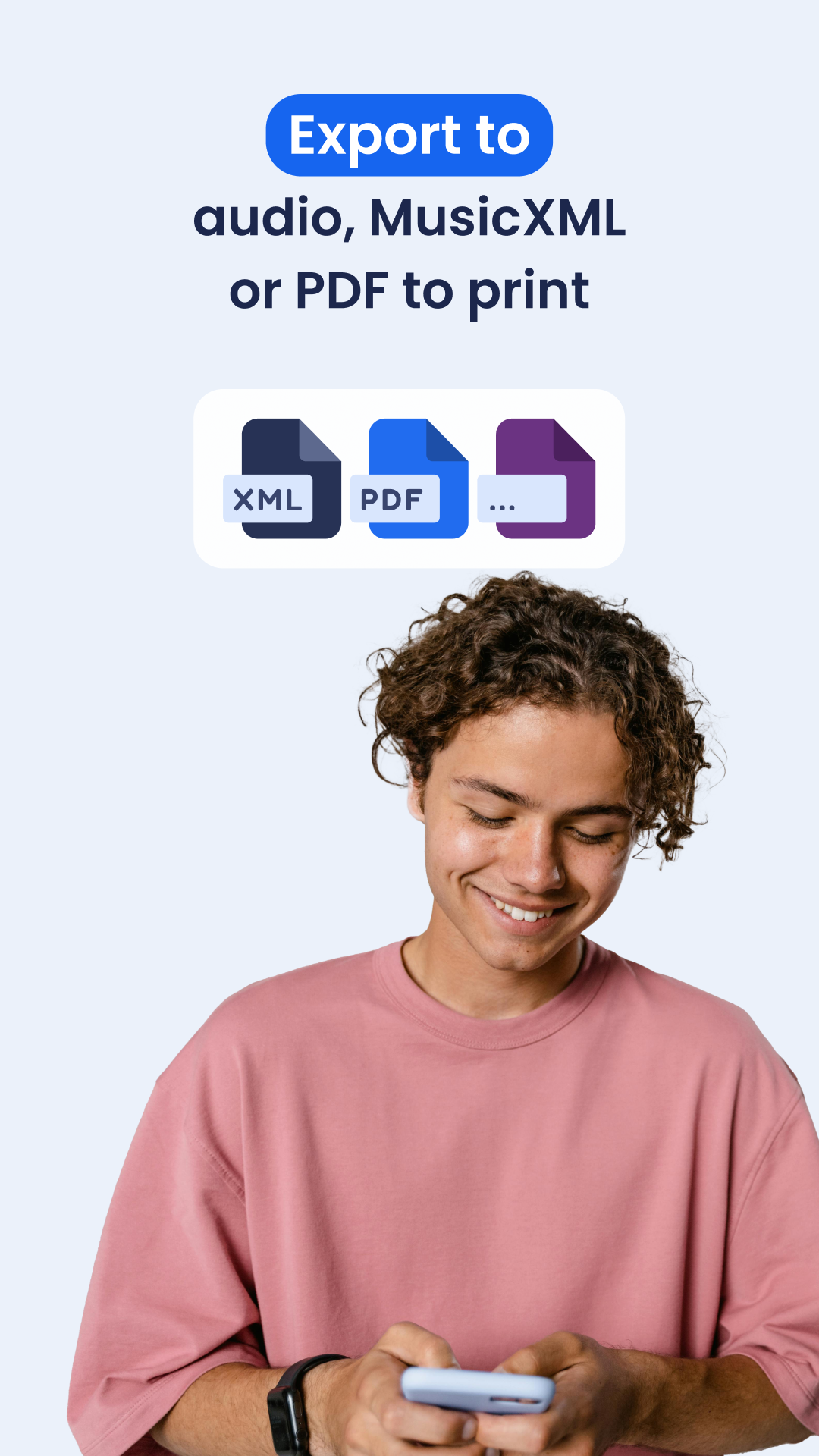
- Export or share your sheet music in various formats such as PDF, MIDI, MusicXML, MP3, and WAV.
- Share your compositions with a community of over 5 million music creators for feedback.
- Discover inspiration by exploring countless original sheet music pieces within the Flat community.
- Participate in the Flat monthly community challenge for a chance to win prizes.
FLAT POWER: ACCESS PREMIUM FEATURES
Upgrade to Flat Power for an enhanced composing experience that includes features beyond the basic offerings.
Premium Features Include:
- Unlimited cloud storage for your music scores.
- Over 180 instruments available, including high-quality options.
- Advanced export capabilities: export individual parts, utilize automatic printing for multi-rests, and print without any branding from Flat.
- Customize layout and styles: adjust page dimensions, element spacing, chord styles, and choose from jazz/handwritten music fonts.
- Access custom note heads such as Boomwhackers colors, Note Names, and Shape-Note (Aiken).
- View and revert to any previous versions of your scores.
- Input music notes with your MIDI devices (USB and Bluetooth).
- Enjoy advanced audio options including parts volume and reverb settings.
- All music scores are automatically saved, allowing you to review and return to past versions.
- Establish customizable keyboard shortcuts.
- Receive priority support to enhance your composing journey.
JOIN THE FLAT COMMUNITY:
Engage in monthly challenges, share your creations, and discover others' compositions within Flat’s expansive community of over 5 million members. Shine by having your works featured and connect with fellow musicians to broaden your musical experiences!
APPLICATION EXPERIENCE:
Flat is a cross-platform sheet music creation application that supports both web and mobile devices, making it easy for both beginners and professional musicians to use. The free version allows users to input and edit sheet music using tools such as touch piano and guitar fretboard, supporting over 90 instruments.

It also allows importing MusicXML/MIDI files, real-time collaborative sheet music writing, and finding inspiration in a community with a million-song library. Upgrading to Flat Power unlocks over 180 high-quality instruments, unlimited cloud storage, advanced export and layout features, and allows completed sheet music to be exported in multiple formats such as PDF and MP3 for sharing. Users can also participate in monthly community challenges to exchange and create music.
FAQs
1. What is Flat music notation software?
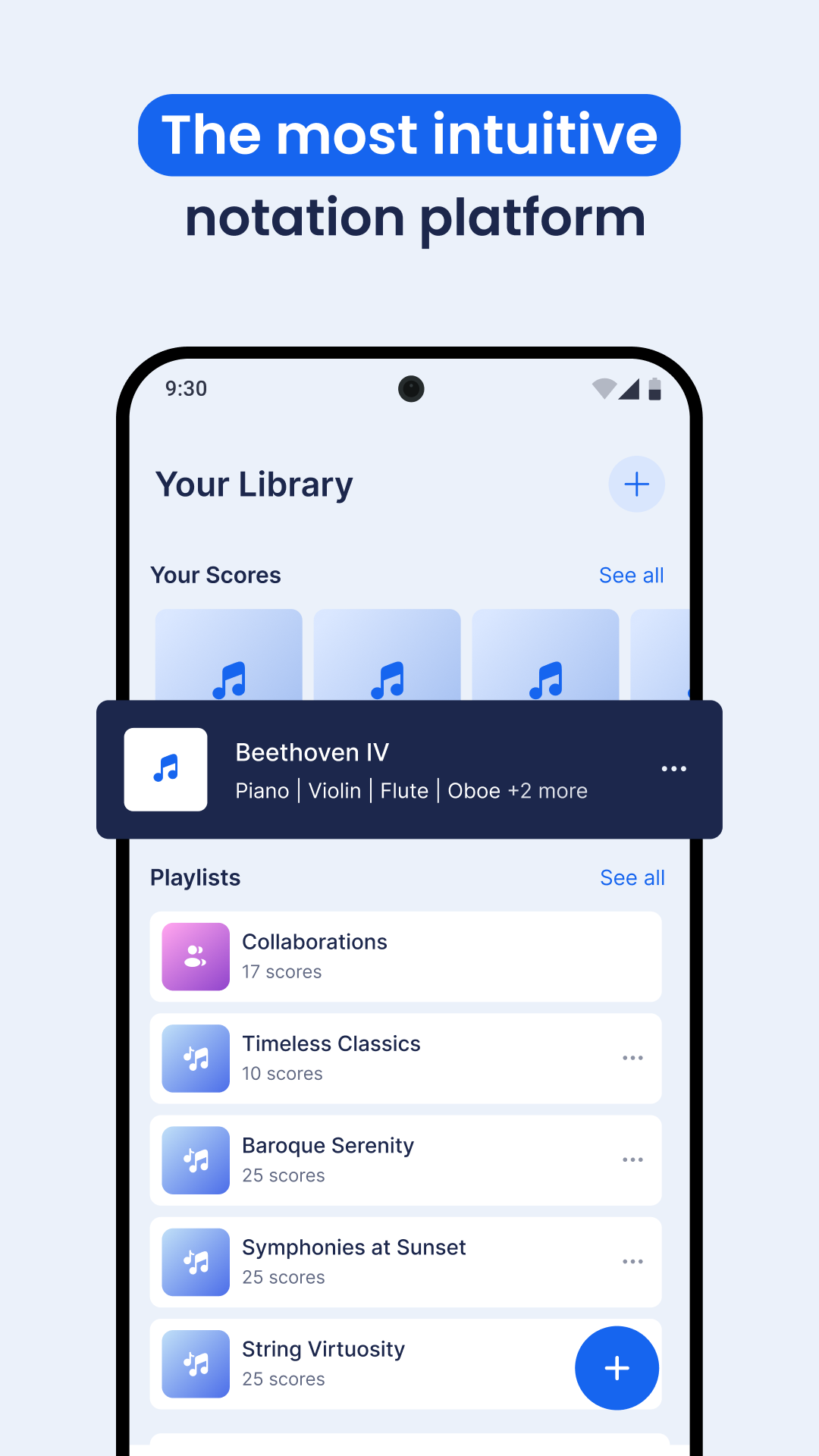
Flat is an intuitive music notation platform built for speed, simplicity, and real-time collaboration. It enables musicians of all levels to create, edit, share, and publish sheet music from any device. Available on the web as well as iOS and Android, Flat combines ease of use with powerful features in a truly accessible environment.
Since launching in 2015, Flat has helped redefine how music is written and shared online. Whether you're composing solo, in a group, or teaching, it's a flexible solution built for today's musicians.
2. Can I create sheet music online without installing software?
Yes, you can use Flat directly in your web browser without downloading or installing software. It works on any device and lets you create, edit, and share music notation entirely online. Native apps are also available for iOS and Android. Get them on App Store or Google Play.
Our products require a modern web browser with an Internet connection to use them, you can find here the required and preferred versions. You don't need any browser plugin or installed software, Flat only uses standard HTML5 technologies.
3. How do I collaborate with others on a music score in Flat?
To collaborate in Flat, just invite others to your score. You and your collaborators can write, edit, and comment on the same music in real time from different devices—no syncing or emailing files needed. Learn more.
4. Is Flat free to use, and what are the paid features?
Yes, Flat offers a free version that includes essential notation tools, playback, and real-time collaboration, with a limit of 15 scores. Flat power unlocks unlimited scores and advanced features like high-quality and custom instruments, customizable layouts and templates, customizable notations and keyboard shortcuts, automated transpositions, advanced playback and export options. See more here.
5. What instruments does Flat support?
Flat supports +180 of instruments including piano, guitar, strings, woodwinds, brass, percussion, voice, and more. You can also create your custom instrument configurations or use instrument templates—suitable for soloists, bands, and chamber ensembles.
Virtual keyboard, guitar tabs and drum pads are available on the interface. Listen to our instruments here.
- Version0.7.11-13200
- UpdateOct 26, 2026
- DeveloperTutteo Limited
- CategoryMusic & Audio
- Requires AndroidAndroid 7.0+
- Downloads475K+
- Package Namecom.tutteo.flat
- Signature6ce08cd38c35c38fcd29ece9f57ad6ef
- Available on
- ReportFlag as inappropriate
-
NameSizeDownload
-
138.95 MB
-
131.11 MB
-
129.08 MB













User-friendly interface
Quick composition of backing tracks
Accessible for beginners
Integration with various instruments
Ability to save work as PDF or audio files
Generous free version with essential features
Helpful customer support
Synchronization across devices
Community-driven feedback and support
Limited functionality without premium subscription
Frequent glitches and bugs on mobile
Inability to easily remove rests in certain time signatures
Issues with importing MIDI files correctly
High pricing for premium features
Problems with playback on certain devices
Restrictions on score creation in the free version
Unstable performance with large numbers of instruments
Difficulty accessing saved scores after logout or app crashes