
Deleted Audio Files Recovery - Recover deleted audios & backups
Easily restore lost audio files & safeguard your precious memories with our intuitive, hassle-free recovery app.

- 2.3 Version
- 2.3 Score
- 277K+ Downloads
- In-app purchases License
- 3+ Content Rating

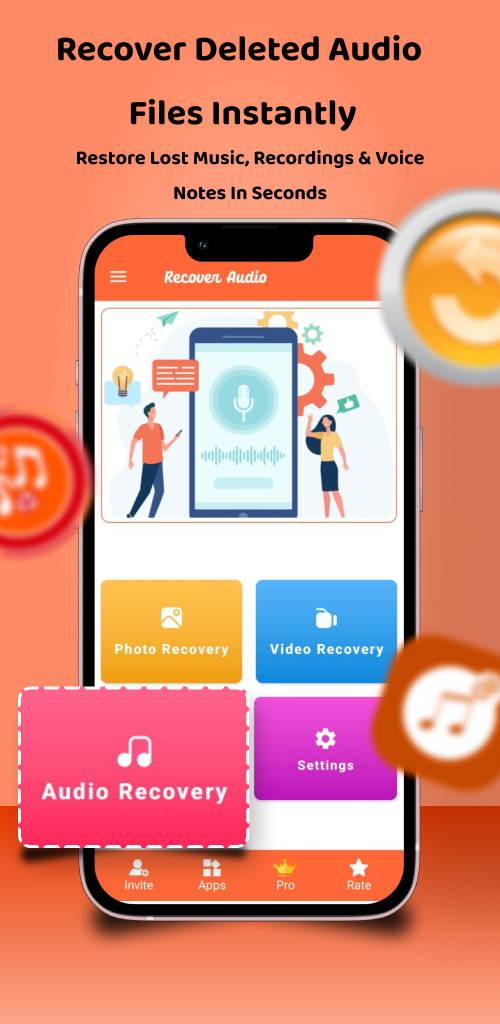
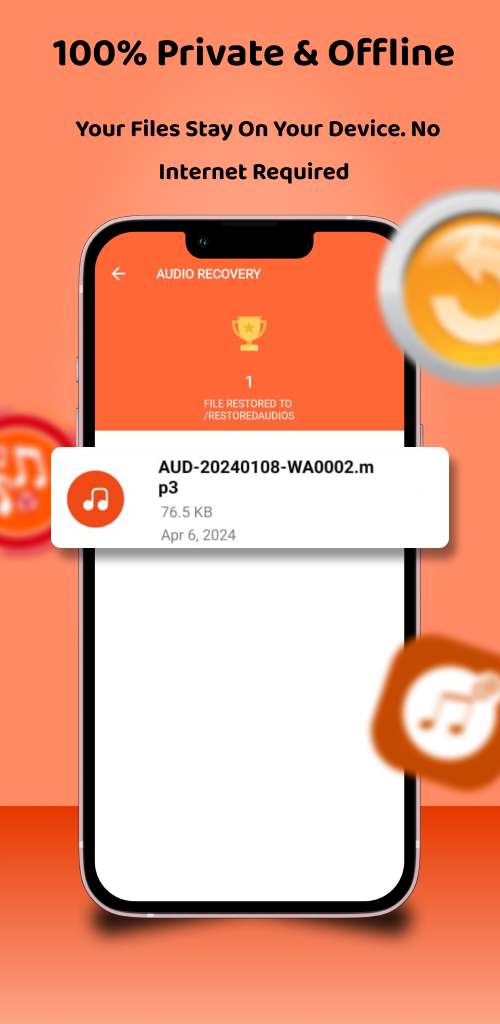
The Free Deleted Audio Files Recovery application enables users to retrieve accidentally deleted audio files.

With this free audio recovery tool, users can examine the source of the deleted audio and efficiently restore it. This app allows for the removal of deleted files from mobile devices, making it convenient to recover audio directly from the device. The application ensures that user data remains secure, providing an effective solution for backing up and restoring audio.
This audio recovery tool facilitates the restoration of all audio files that were deleted without requiring root access. By utilizing the recover deleted audios feature, users can back up their audio files and easily restore them from backup if needed. It is important to note that only audio files that have been backed up can be restored using this application.
Features of Delete Audio Recovery:
★ Extremely user-friendly
★ Restore audio from SD cards
★ Recover deleted audio files professionally
★ No internet connection needed for recovery
★ Completely free audio recovery application
If you encounter any difficulties restoring deleted audio, assistance is available to address bugs or issues encountered while using the mobile app.
Note:
The Deleted Audio Files Recovery application may display some audio files that are not actually deleted at times. Therefore, continue checking within the folder to locate the deleted audio files you are searching for.
The steps for using Deleted Audio Recovery are as follows:
1. **Download and install the app**: Search for "Deleted Audio Recovery" in your phone's app store. Once you find the app, click "Download" and complete the installation.
2. **Open the app and authorize**: After installation, open the Deleted Audio Recovery app. Following the app's prompts, grant the necessary permissions, such as access to your phone's storage, to scan and recover audio files.
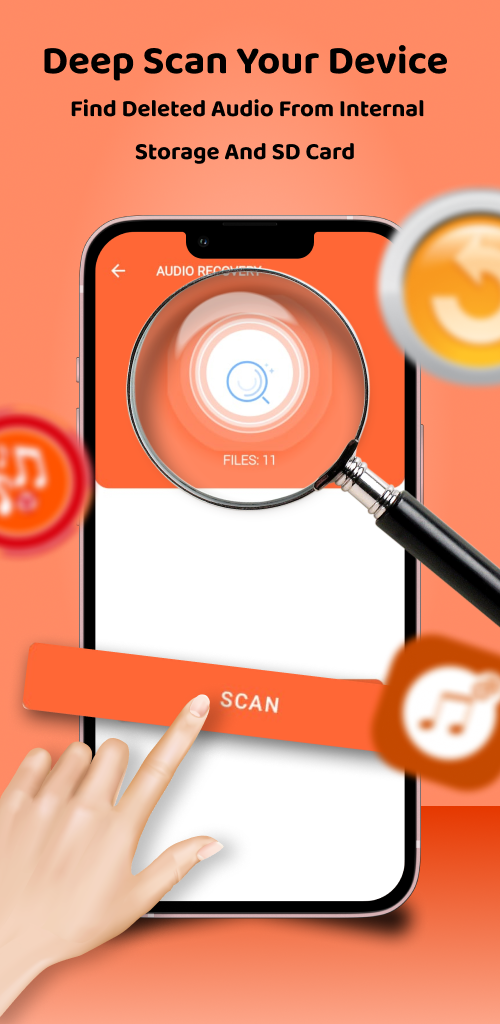
3. **Select a scan location**: In the app, select the storage location you want to scan, whether it's your phone's internal storage or SD card, to determine where the audio files you want to recover originally resided.
4. **Start Scan**: After selecting a scan location, click the "Scan" button. The app will begin a deep scan of the specified location, searching for previously deleted audio files.
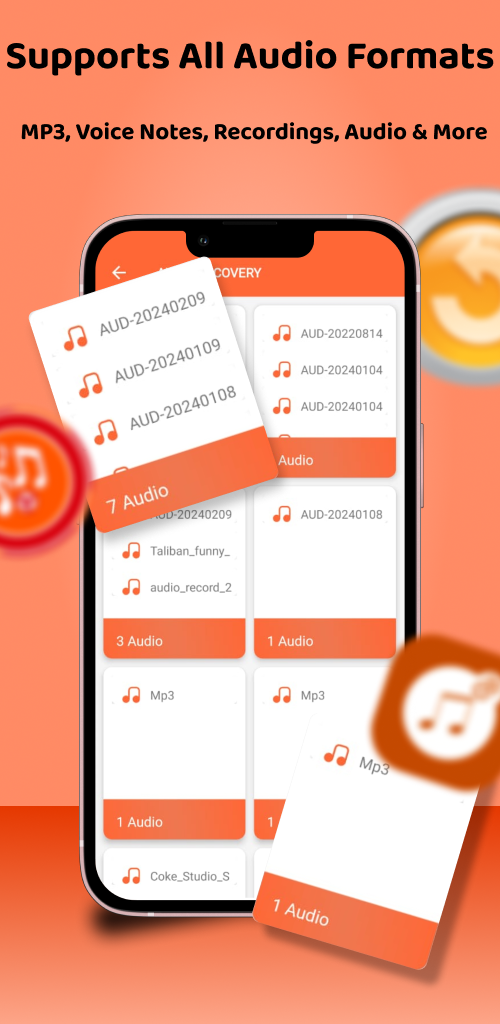
5. **Preview audio files**: After the scan is complete, the app will list all recoverable audio files. You can click on each file to preview it and confirm whether it's the file you need to recover.
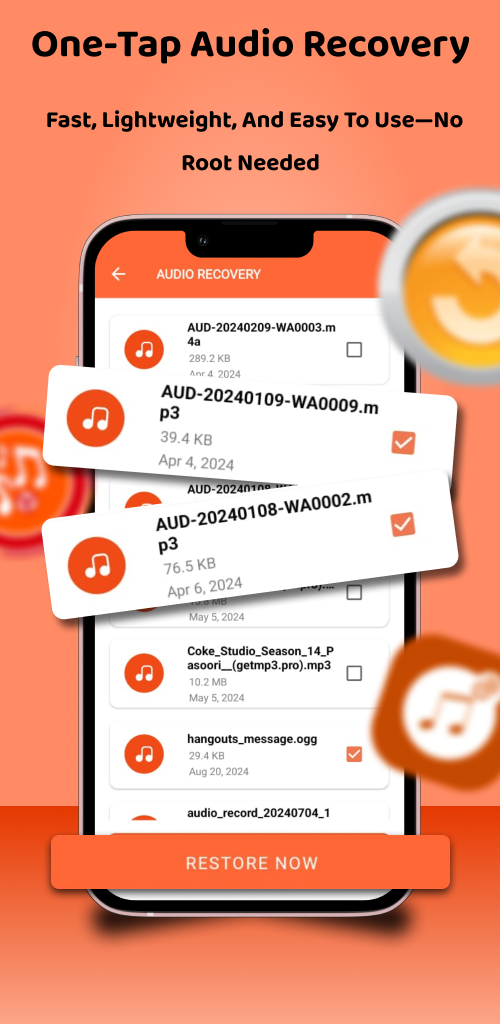
6. **Restore audio files**: Select the audio file you want to restore, then click the "Restore" button and choose to save the file to a designated location on your phone to complete the audio file recovery operation.
FAQs:
1. **Q:** What is the core function of this app?
**A:** It helps users recover accidentally deleted audio files, supporting recovery from internal phone storage and SD card, and also allows backup of audio files for later restoration.
2. **Q:** Does audio recovery require root access?
**A:** No, audio recovery is available without root access.
3. **Q:** Does using this app for audio recovery require an internet connection or payment?
**A:** No, the recovery process requires no network connection, and the app is completely free.
4. **Q:** Can all deleted audio files be recovered?
**A:** No, only pre-backed-up audio files can be recovered using this app; additionally, the scan results may show undeleted audio files, which need to be searched within folders.
5. **Q:** What are the basic steps for using this app?
**A:** Download and install the app → Grant storage permissions → Select scan location → Start scan → Preview files → Select target audio files for recovery and save them to the specified location.
6. **Q:** What should I do if I encounter problems while using it?
**A:** You can seek official assistance to resolve program vulnerabilities or various malfunctions that occur during use.
- Version2.3
- UpdateOct 21, 2026
- Developerb-Tech
- CategoryMusic & Audio
- Requires AndroidAndroid 5.0+
- Downloads277K+
- Package Namecom.beetech.audio.recovery
- Signaturec64d0c6531c9732d5cd81545b52e0736
- Available on
- ReportFlag as inappropriate
-
NameSizeDownload
-
16.74 MB
-
16.74 MB
-
15.40 MB













Easy to use interface
Potential for data recovery
Availability of premium features
Claims to recover deleted files
Positive feedback from some users
Quick scanning process
Does not recover deleted audio files
Shows only existing files on device
High number of ads during usage
Misleading descriptions and claims
Negative user experiences and dissatisfaction
Time-consuming without results
Risk of deleting other media files
Premium version does not improve functionality