
Piano2Notes - Notes from Piano - Piano music transcription & sharing
Transform your piano recordings into sheet music effortlessly & share with friends, enhancing your musical experience!

- 1.5.6 Version
- 1.4 Score
- 245K+ Downloads
- In-app purchases License
- 3+ Content Rating

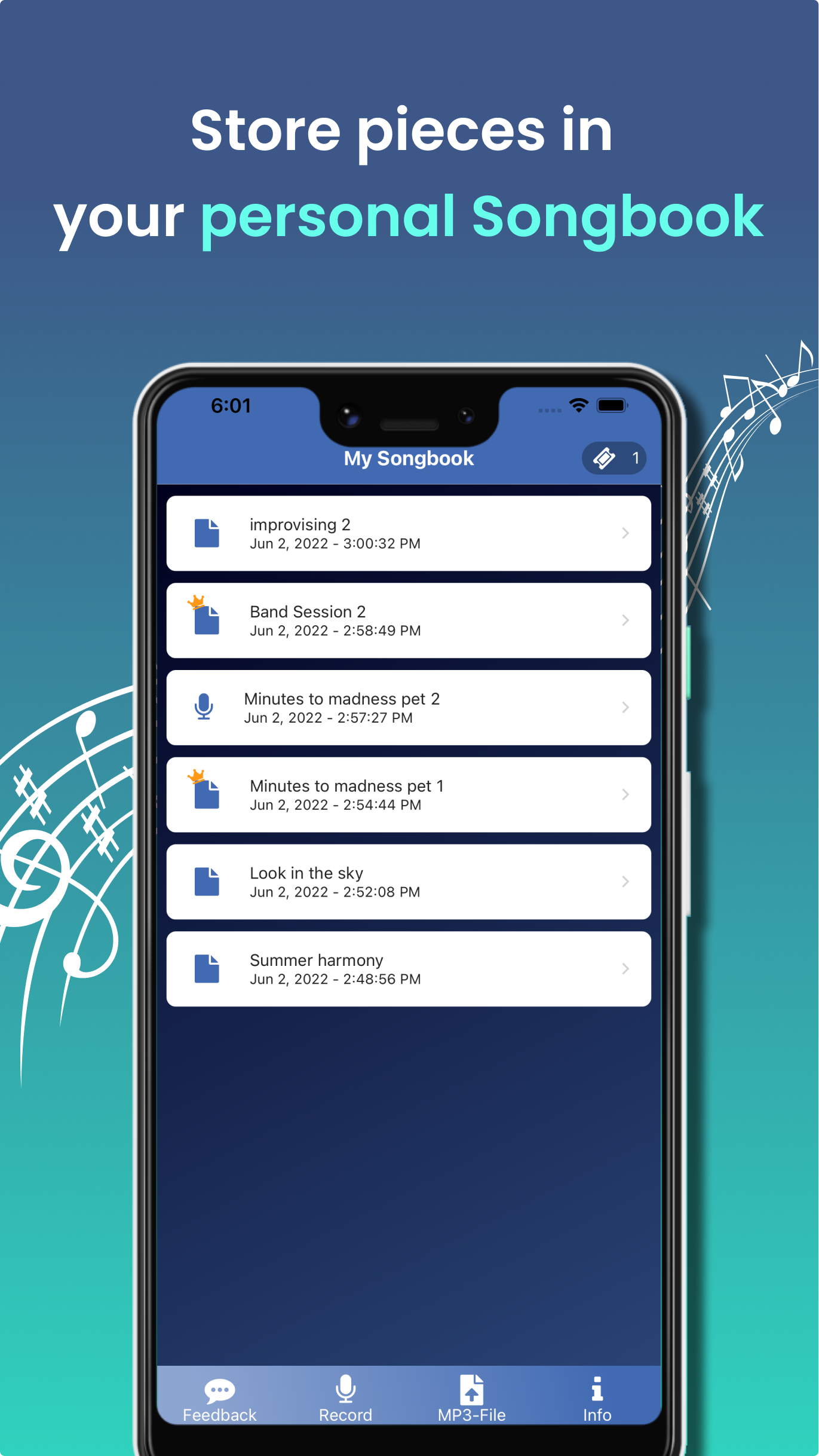
FEATURES:
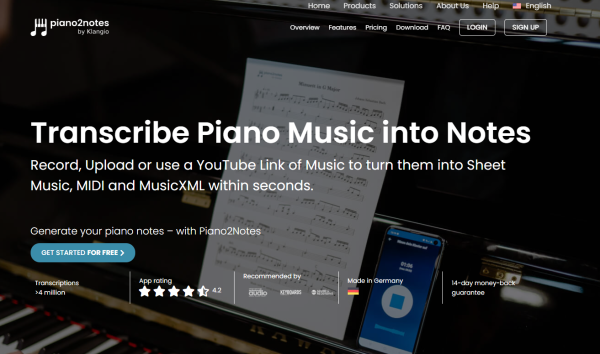
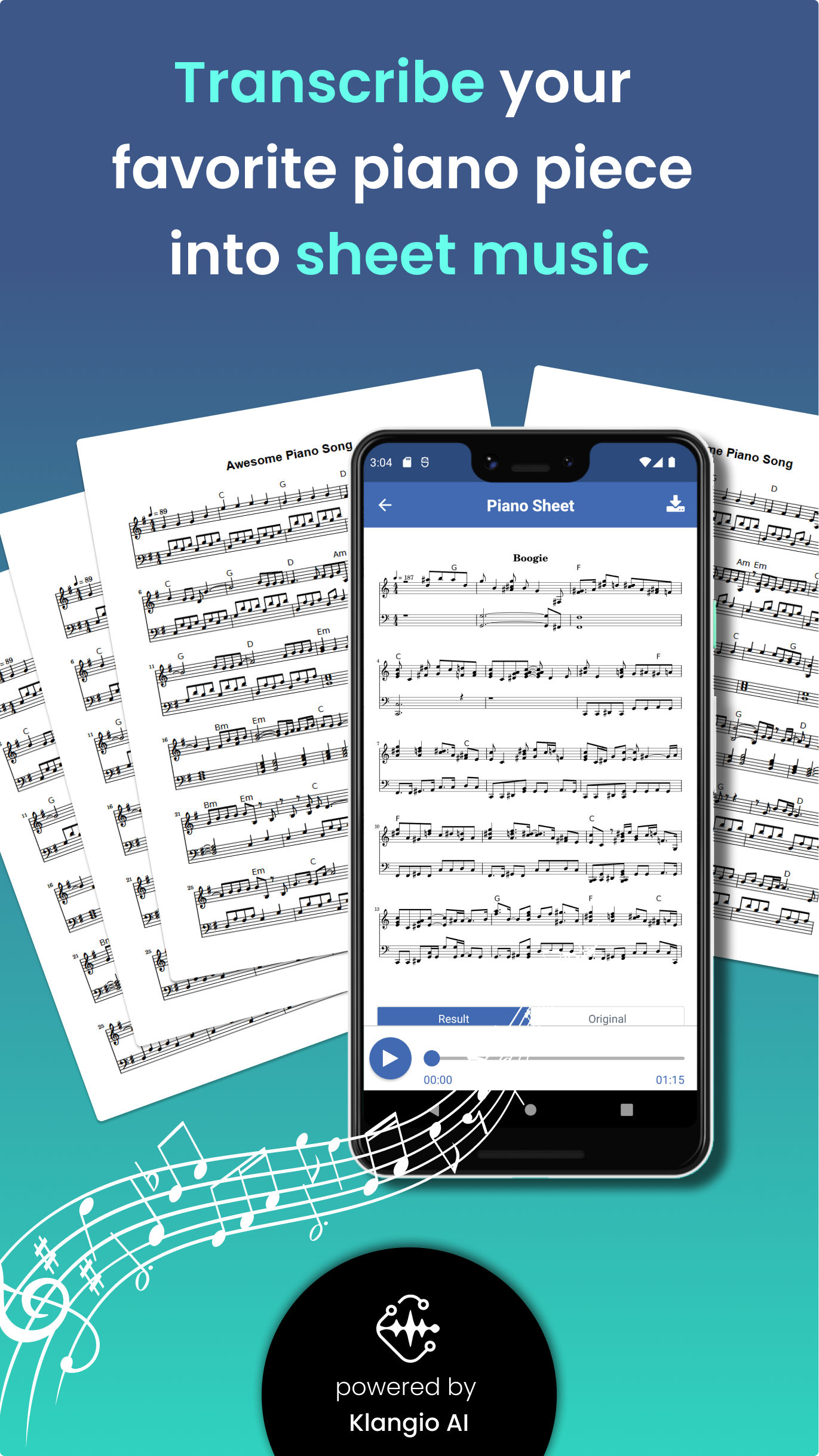
» Convert piano performances into sheet music
» Access the transcribed music in piano sheet format
» Listen to the musical transcription and hear the playback
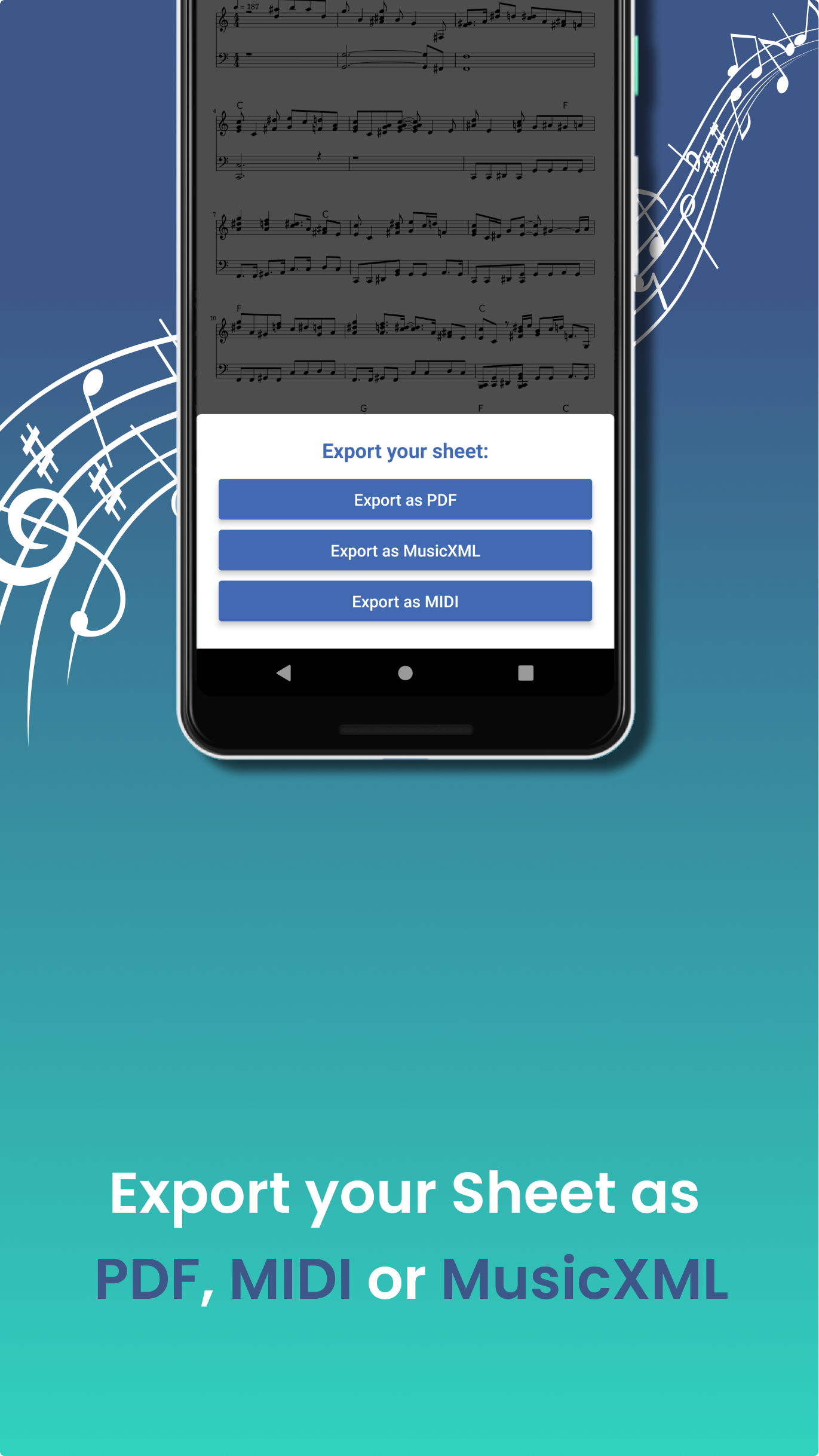
» Obtain the sheet in PDF, MIDI, or MusicXML formats
» Distribute your piano sheet with others
HOW DOES IT WORK? 🎶
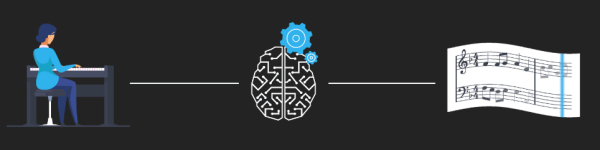
After uploading your piano music, our AI-driven music recognition technology analyzes the audio to create a score based on the sounds detected. Once the sheet music is ready, you receive three outputs: a MIDI file, a PDF of engraved sheet music, and a digital MusicXML sheet.
The MusicXML export works well with MuseScore and Sibelius applications.
MIDI files are compatible with programs such as Ableton Live, Garageband, Logic Pro X, Cubase, and FL Studio.
Transforming piano compositions into sheet music has never been simpler!
WHAT THIS APP DOESN'T PROVIDE ⚠️
» Distinction between multiple instruments:
The note recognition feature cannot distinguish between various instruments. Recording several instruments at once will yield poor sheet music results! As indicated, Piano2Notes is designed solely for piano recordings.
» Real-time music recognition:
This application does not deliver live recognition results. It requires some time for frequency analysis before presenting the findings.
» Complete detection accuracy:
This app will not achieve 100% accuracy in music recognition, and incorrect detections may occur. However, based on the input quality, it can still provide valuable suggestions!
REQUIREMENTS 📋
» Internet: an active internet connection is necessary
» Android: version 5.0 or higher
» Microphone
DESKTOP VERSION 💻
» There is also a desktop variant of this application accessible via a web browser: Piano2Notes.com
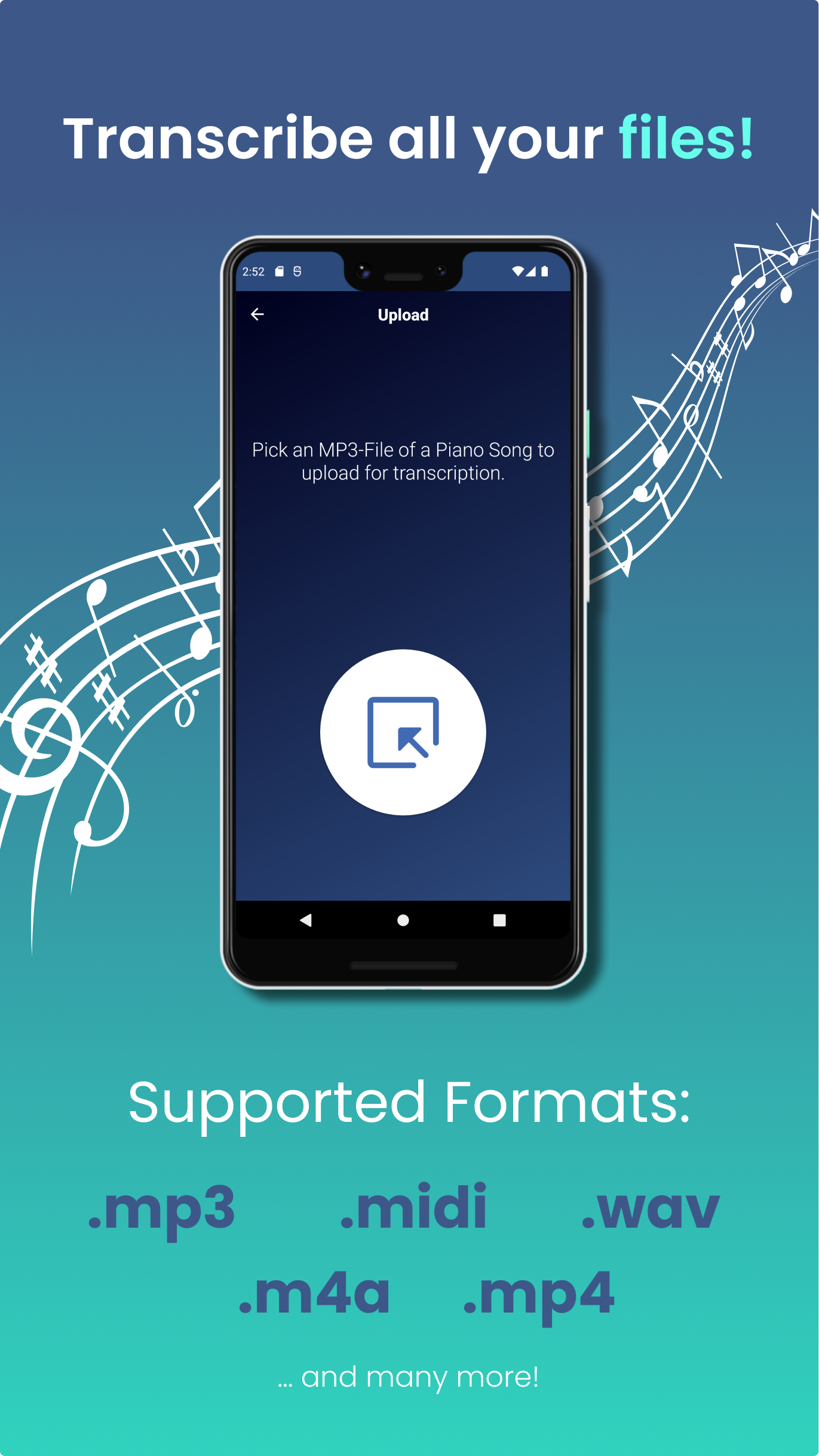
» This desktop version includes additional features such as converting sheet music from YouTube, uploading MP3 files, and downloading them as PDF, MIDI, or MusicXML formats.
Put your unique touch on your music!
SUMMARY 🎶➡️📄
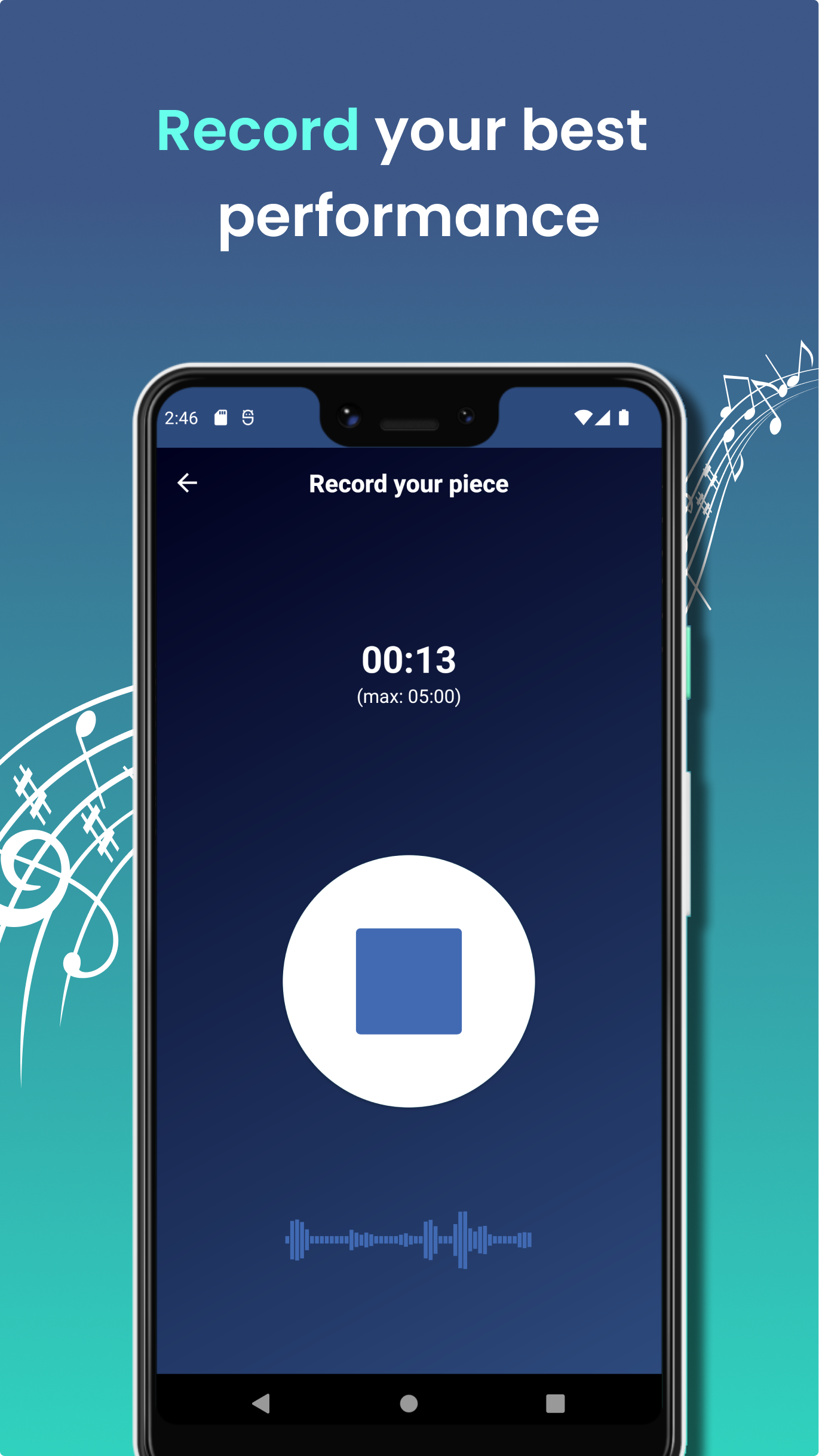
Convert piano music captured through your microphone into sheet music.
Piano2Notes allows you to record live performances of your piano.
These recordings are saved in your personal songbook and transcribed into sheet music.
Piano music recognition has never been more straightforward! 🎊🎉
Application Experience:
Piano2Notes offers a highly efficient core experience tailored to the needs of piano enthusiasts. Its operation is simple and intuitive; whether recording performances directly with a microphone, uploading audio files, or pasting YouTube links via the desktop version, the AI transcription function can be quickly triggered. After transcription, the score can be viewed directly, playback can be listened to, and multiple formats such as PDF, MIDI, and MusicXML can be exported, making it compatible with mainstream music production and notation software for easy editing and sharing. The free version supports unlimited trials (for the first 20 seconds of transcription), allowing users to verify its usability before upgrading, making it user-friendly for both creators and learners.
However, there is still room for improvement. Transcription results depend heavily on audio quality; simultaneous recording of multiple instruments severely impacts accuracy, and real-time recognition is not supported, requiring waiting for frequency analysis to complete. While the built-in editor can correct minor errors, recognition errors may still occur with complex chords or fast melodic passages. For users seeking ultimate accuracy, the cost of manual adjustments is unavoidable. Fortunately, cross-device support (mobile + web version) and clear function boundary prompts allow users to avoid problems in advance, making it an overall practical tool for lowering the barrier to music transcription.
Frequently Asked Questions:
Q:How does Piano2Notes work?
A:Piano2Notes is a smart music to notes converter. Just upload an audio file, paste a YouTube link, or record directly in the app — and our AI instantly creates piano notes as sheet music, MIDI, or MusicXML.
You can edit the transcription in-app and download it in multiple formats.
Q:What kind of music can Piano2Notes transcribe?
A:Piano2Notes specializes in piano sheet transcription, even when other instruments are playing at the same time. Whether it’s a solo melody or a full chord progression, our AI can handle it.
Looking for guitar, vocals, or other instruments? Klangio offers more apps just for that.
Full list of supported music types.
Q:What file formats can I download?
A:You can download your transcription as:
Sheet music (PDF)
Quantized or unquantized MIDI
MusicXML
This makes it easy to use in notation software or DAWs. Guitar2Tabs users also get TABs and GuitarPro files.
Supported formats explained.
Q:Is Piano2Notes for free?
A:Yes, you can use our free online sheet music maker in demo mode — unlimited times. It transcribes the first 20 seconds of your piano music. When you’re ready for full transcriptions and features, upgrade anytime.
Compare free vs. full transcriptions
Q:How accurate is the transcription?
A:Piano2Notes delivers highly accurate results — especially with clear audio. Like a human music transcriber, it performs best with well-recorded, piano-focused music.
Even if small errors occur, you can fix them instantly with our built-in sheet music editor.
- Version1.5.6
- UpdateOct 23, 2026
- DeveloperKlangio GmbH
- CategoryMusic & Audio
- Requires AndroidAndroid 5.0+
- Downloads245K+
- Package Namecom.piano2notes
- Signature8b3b9132669c3a10d166c40e38b7b2d6
- Available on
- ReportFlag as inappropriate
-
NameSizeDownload
-
33.76 MB
-
33.76 MB
-
37.24 MB




















Fast music transcription from recordings
User-friendly interface for recording
Saves time in music notation creation
Supports export in various formats
Records and plays back original audio
Allows import of audio files for processing
Simplifies arranging complex pieces
Great for beginners learning to read music
Offers free limited transcription options
Limited accuracy in music transcription
Recording quality affects results significantly
Subscription costs can be high
No editing features available within the app
Issues with uploading and saving files
Could encounter bugs or login problems
Transcription often misses notes or rhythms
Limits on free usage may frustrate users
Premium version lacks clear benefits