
Fitdays - Body composition & health management
Unlock your health potential with precise body composition insights & personalized management tools for optimal well-being.

- 1.26.13 Version
- 1.1 Score
- 3M+ Downloads
- Free License
- 3+ Content Rating


Fitdays
App Overview
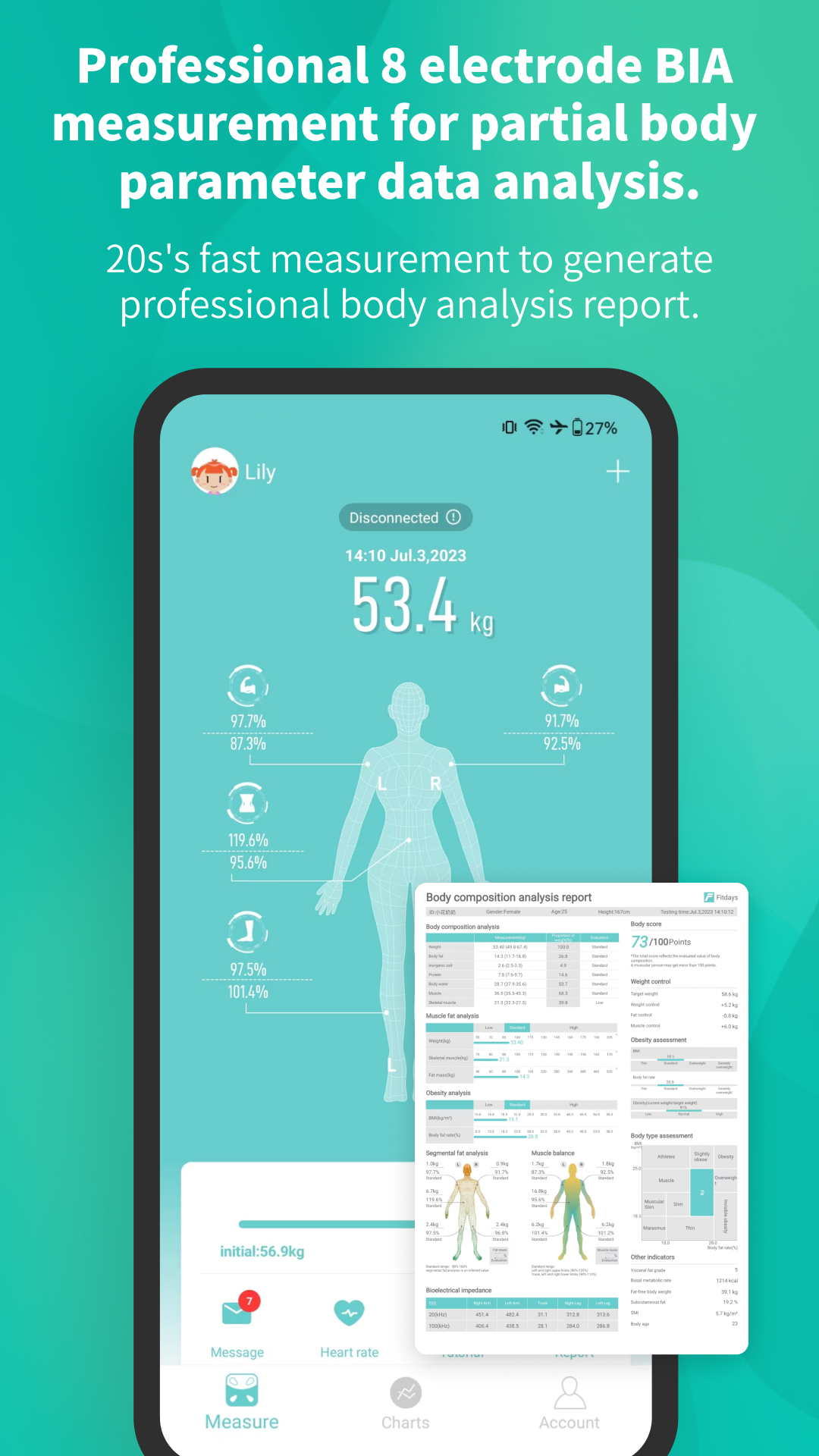
Fitdays is a body composition tracking app developed by ICOMON, a company with over 30 years of experience in weighing and measurement technology. Designed for compatible smart scales, the app records more than body weight, including body fat, muscle mass, BMI, and other body composition indicators.
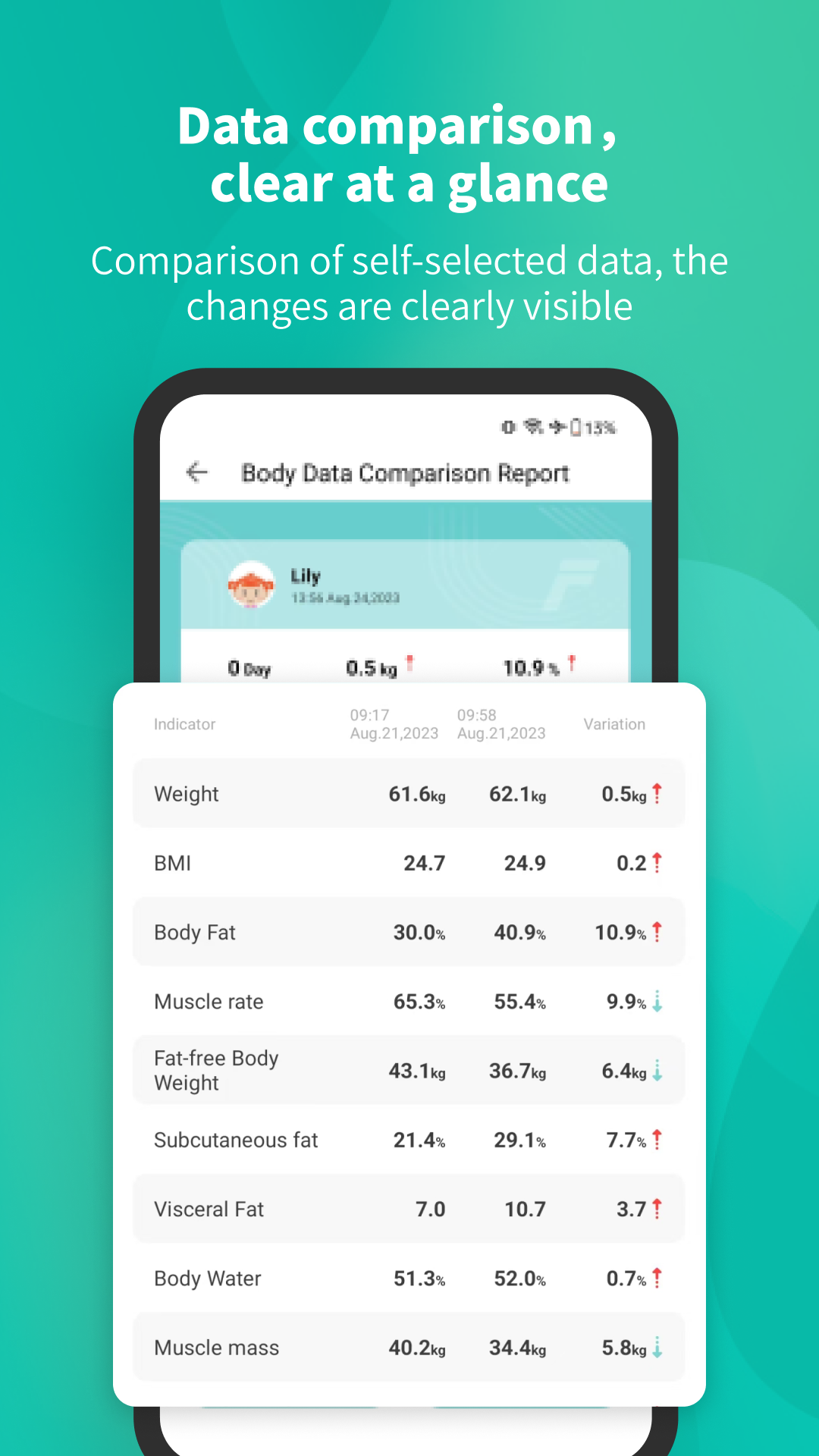
After each weigh-in, Fitdays generates a report displaying individual measurements. Historical records and trend charts show how these figures change over time, making it easier to review previous results and follow changes in body composition.
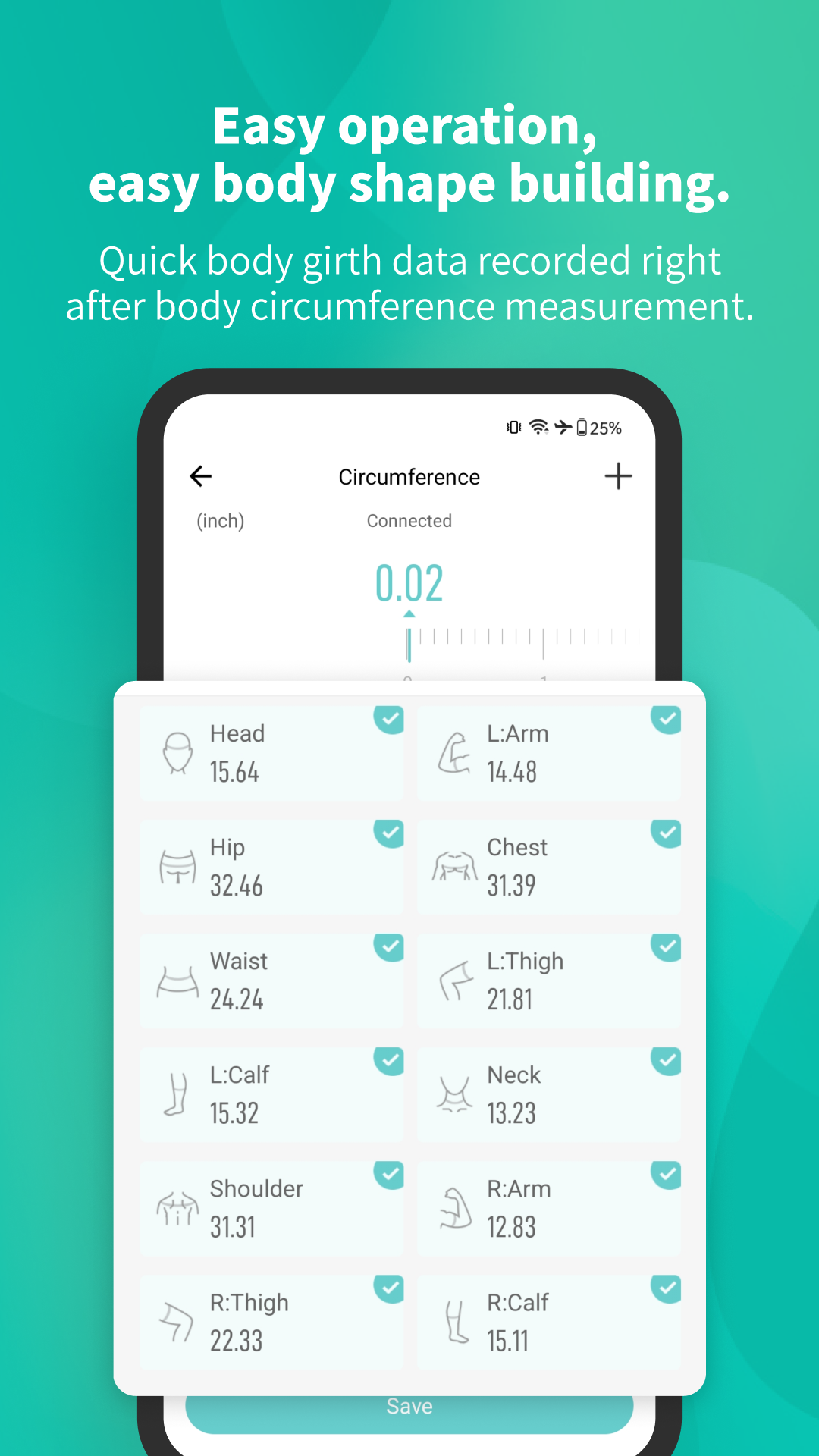
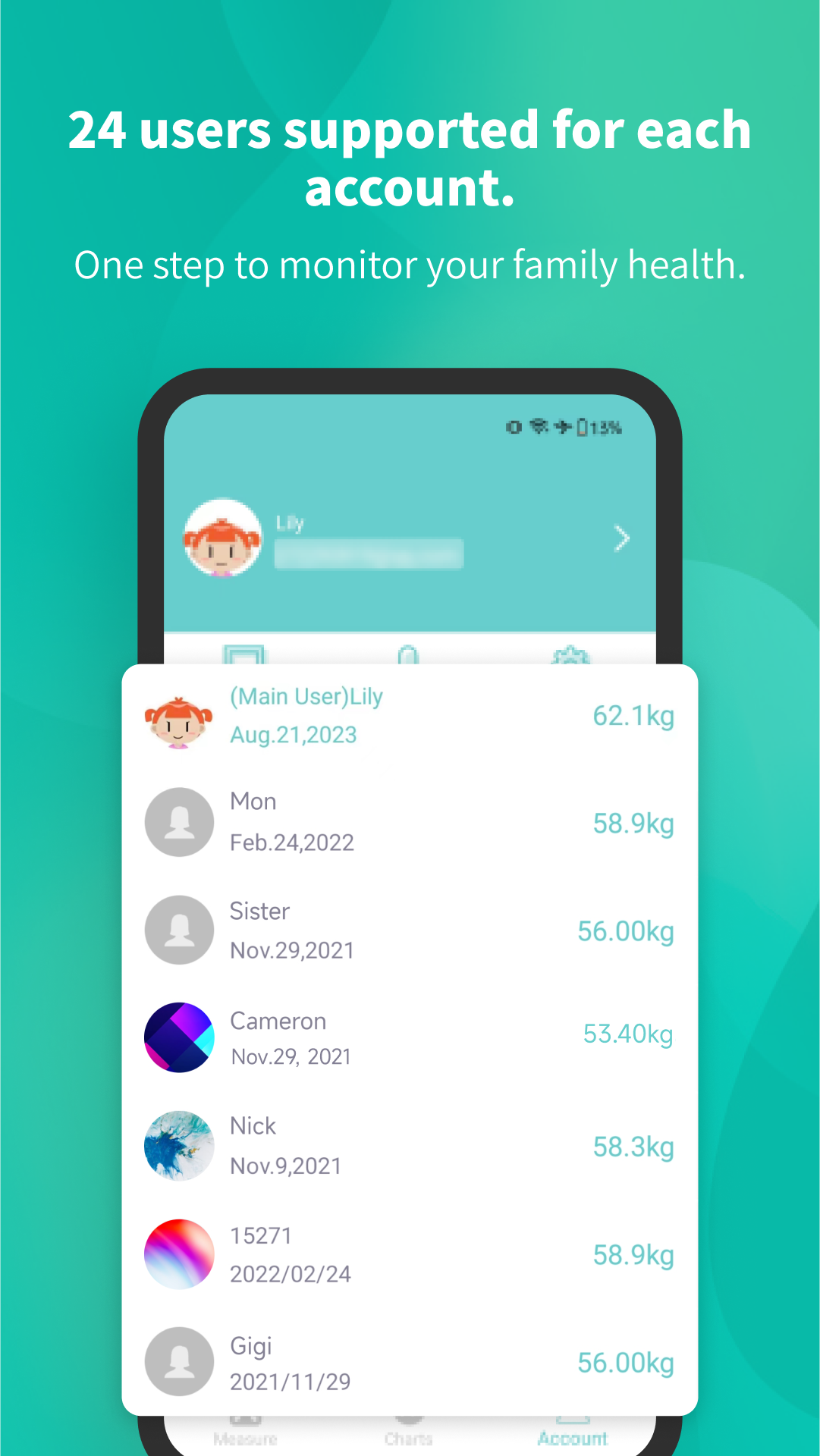
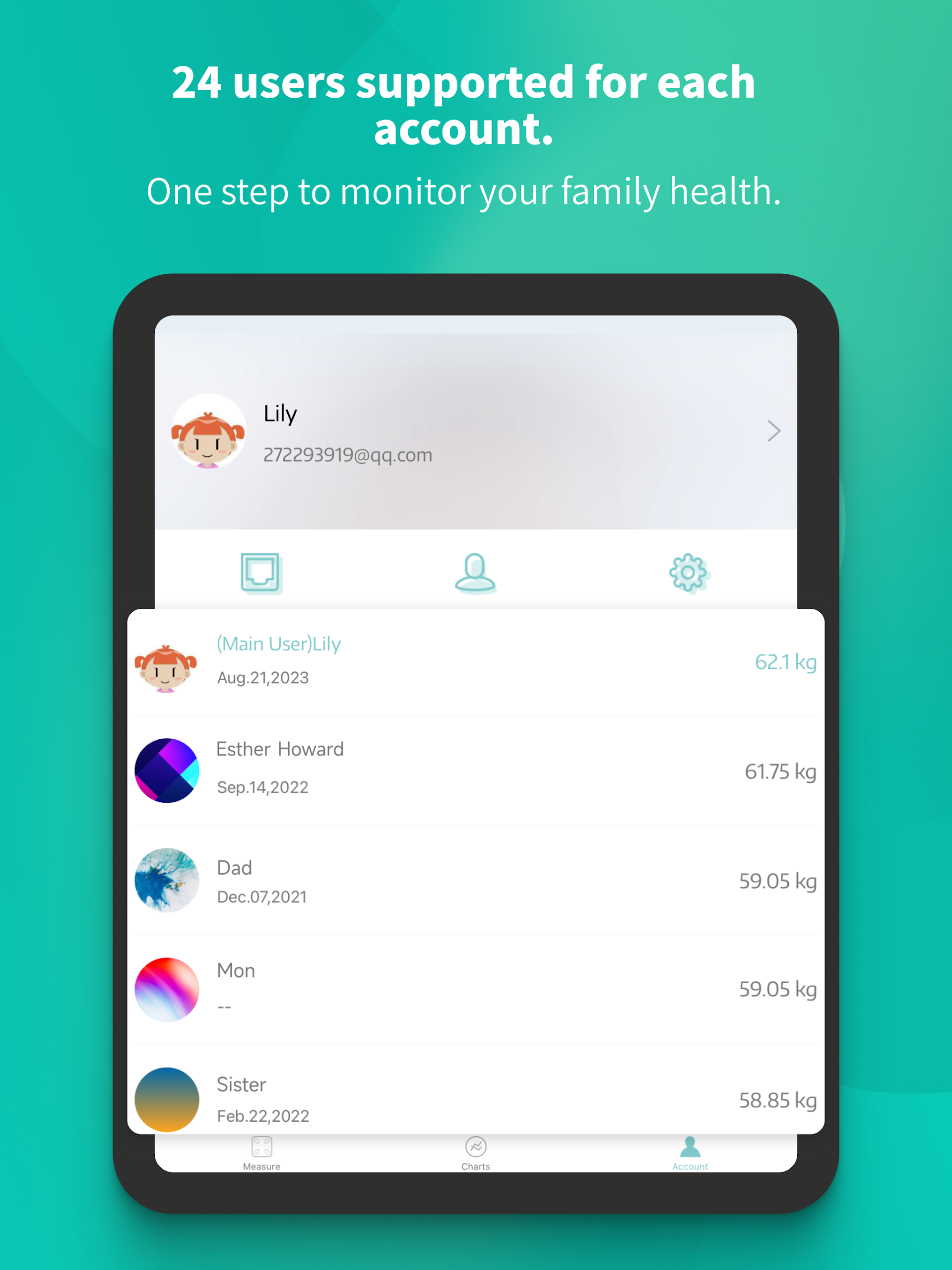
The app also allows users to manually record body measurements such as waist and hip circumference. A single account can hold up to 24 individual profiles, with separate records for each person sharing a compatible scale. Other options include built-in measurement instructions, 15 color themes, and Google Fit synchronization.
Key Features
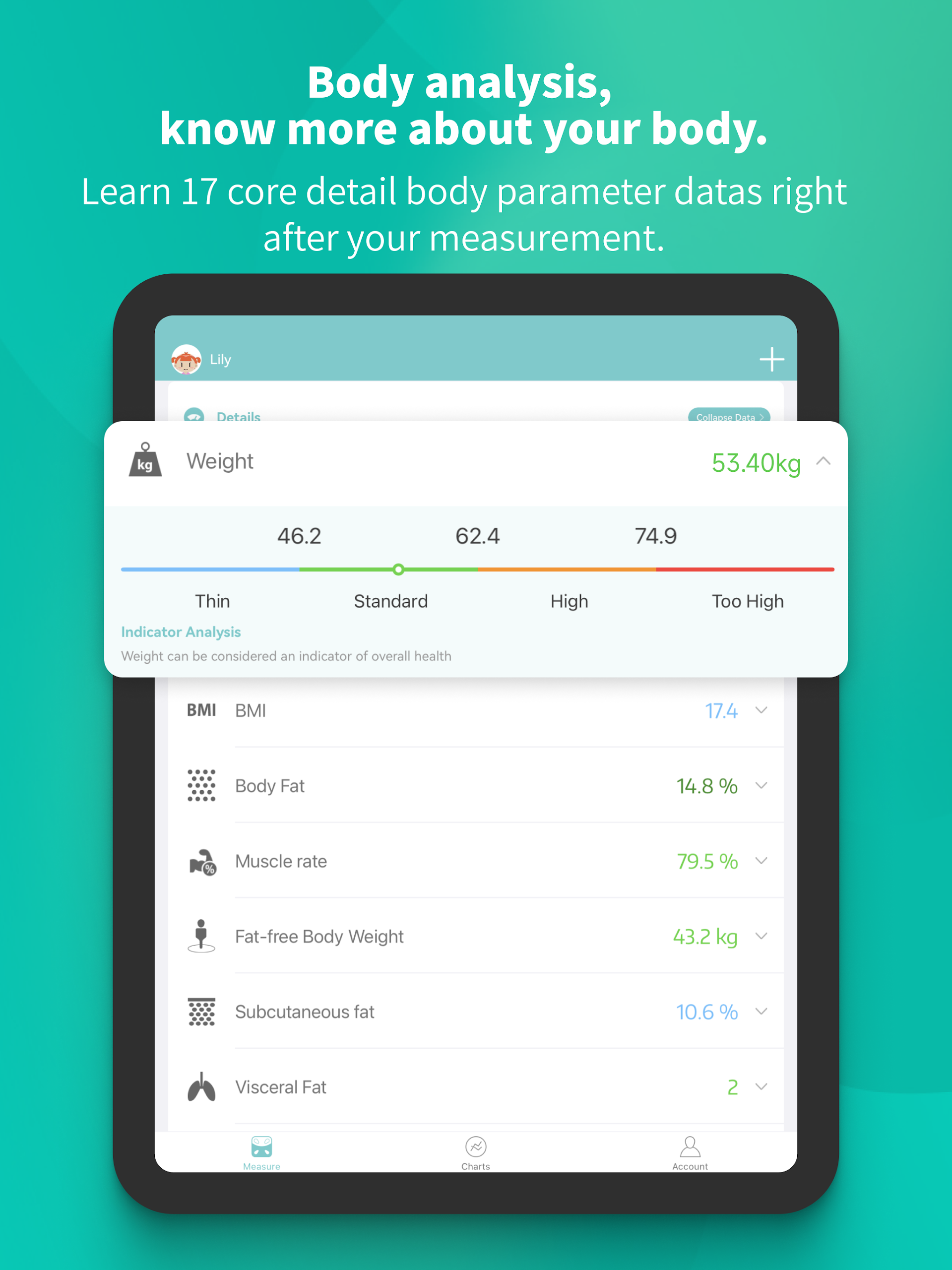
13 Body Composition Metrics: View measurements covering body fat, muscle mass, BMI, and other body composition indicators
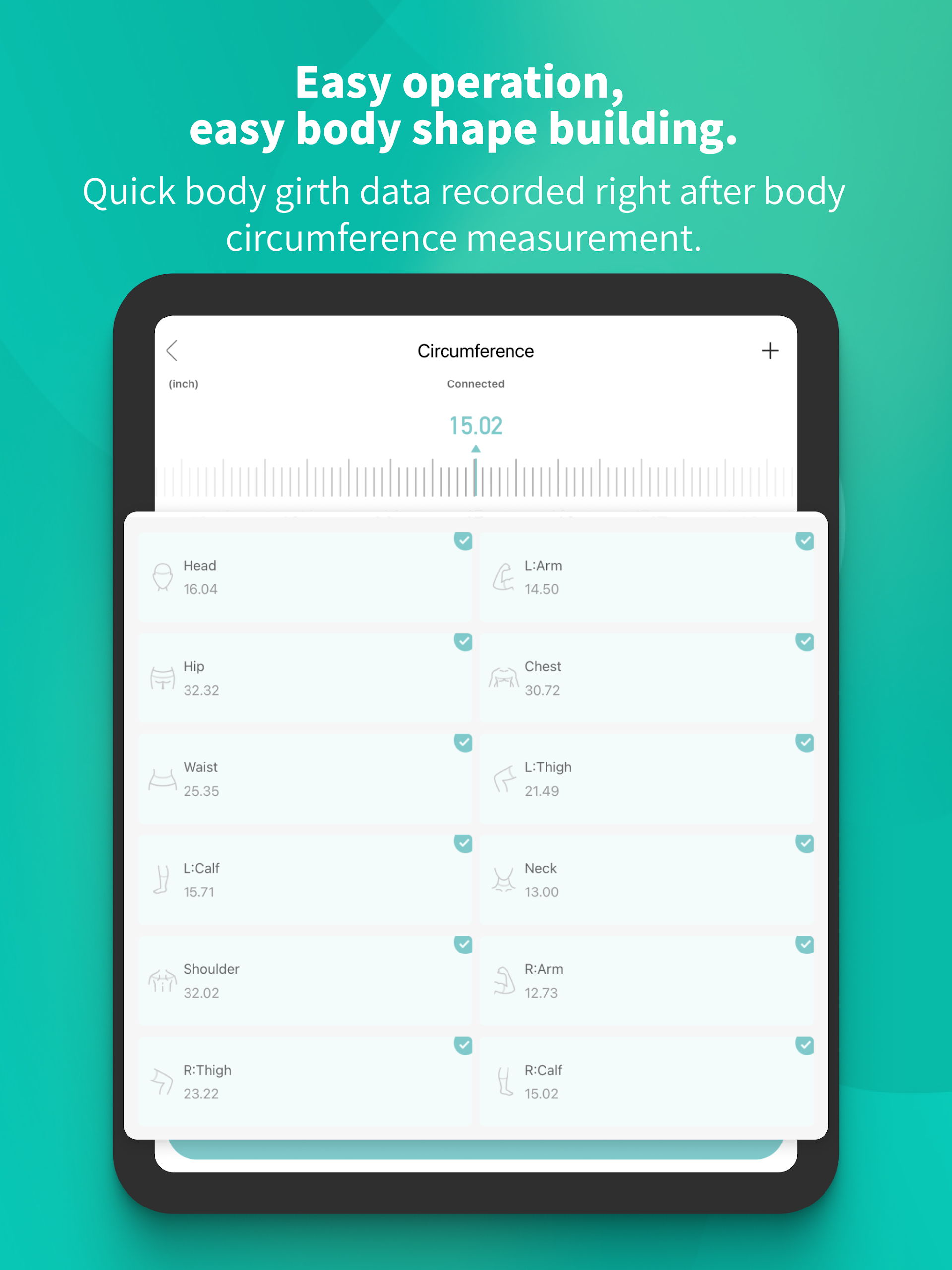
Body Circumference Recording: Manually enter waist, hip, head, and other supported measurements
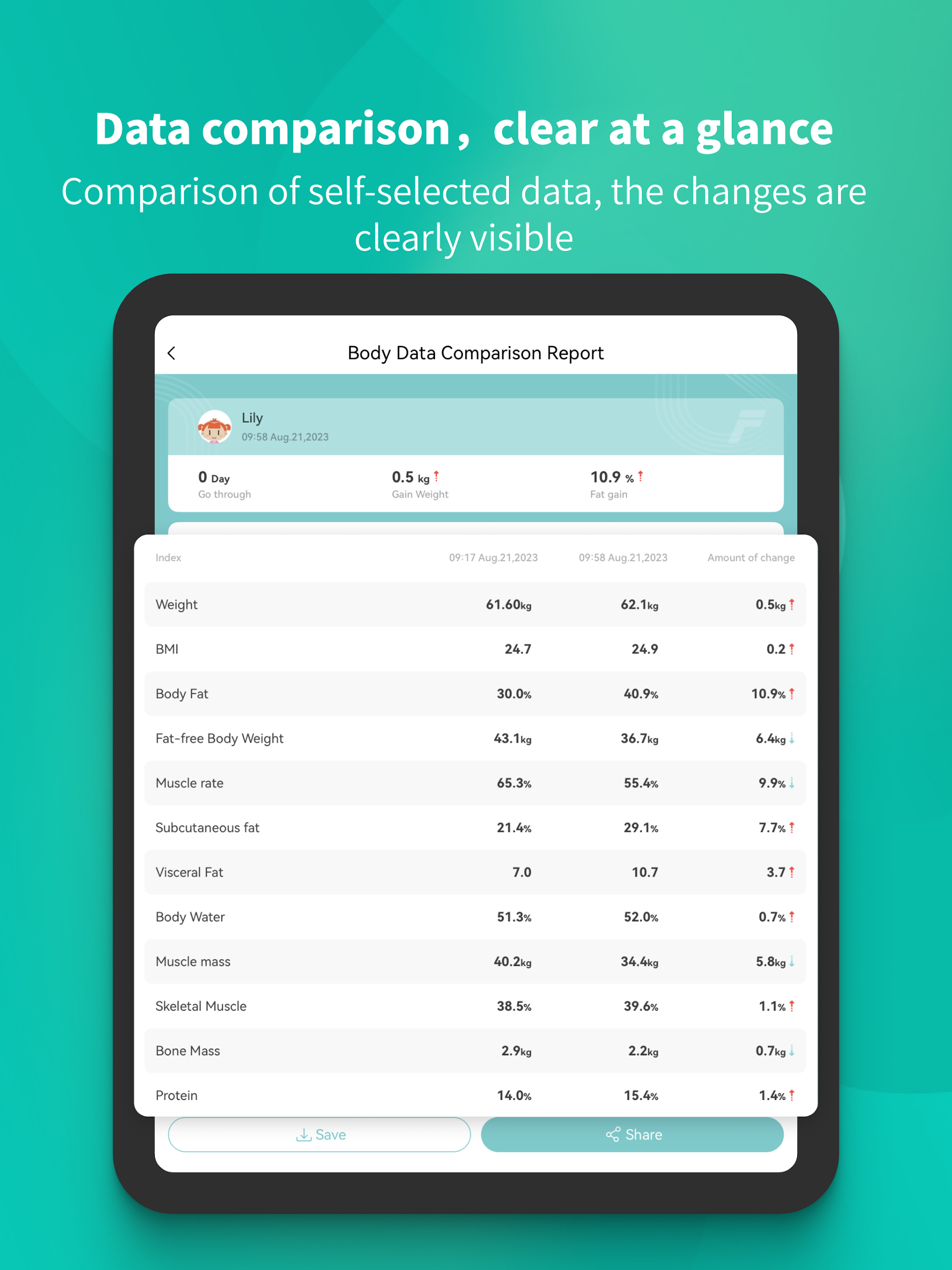
Historical Reports: Review previous results and compare measurement trends over time
Multi-User Profiles: Create up to 24 individual profiles under one account
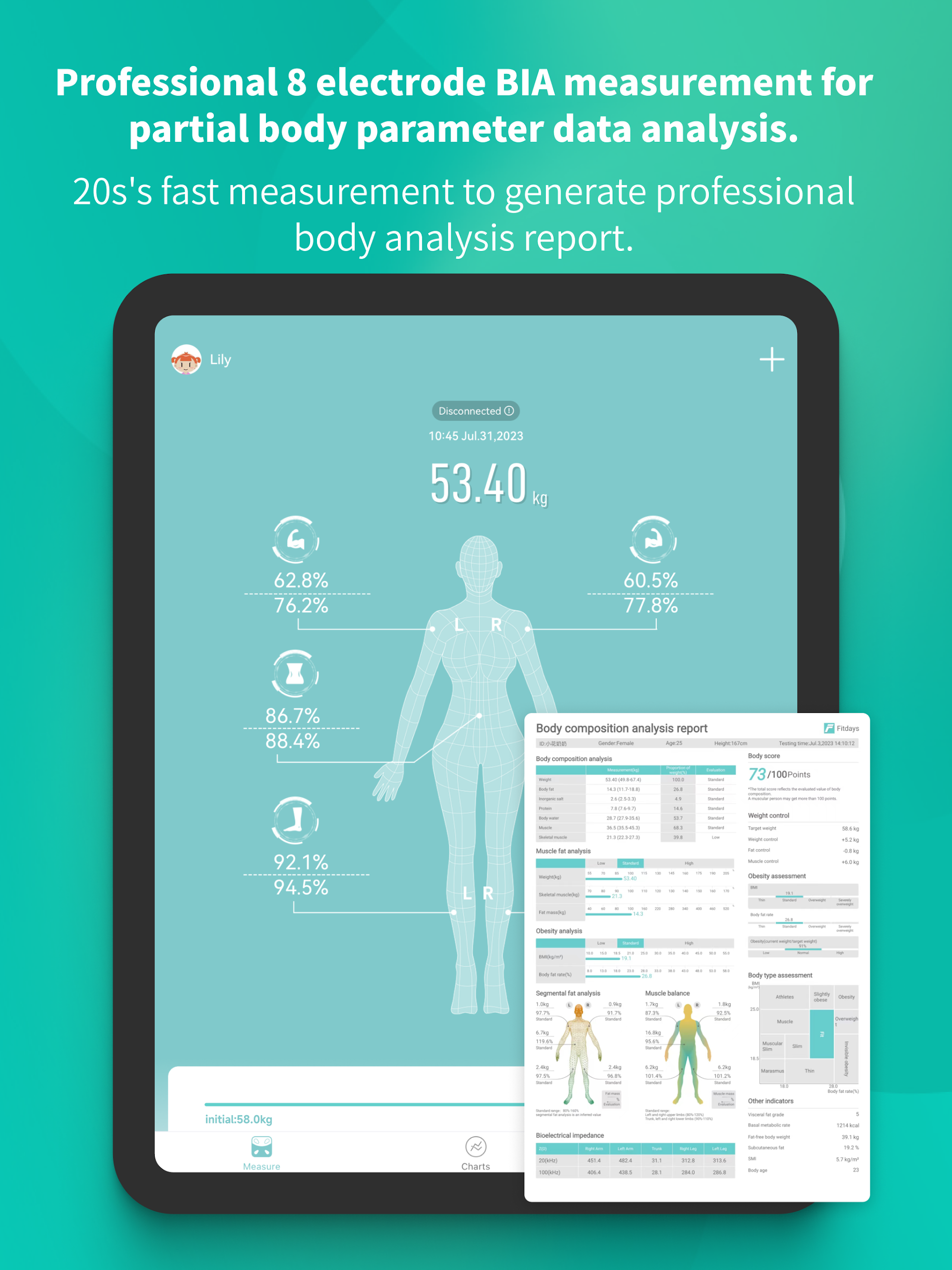
8-Electrode BIA Technology: Use compatible scales equipped with eight electrodes to assess body composition through bioelectrical impedance analysis
Measurement Instructions: Follow in-app guidance when taking body composition measurements
15 Color Themes: Customize the app's appearance with different color schemes
Google Fit Synchronization: Sync compatible measurement data with Google Fit and other supported fitness services
How to Use Fitdays
1. Connect a Compatible Scale
Install Fitdays and open the app. Follow the on-screen instructions to pair a compatible body composition scale. Once connected, the app can receive measurement data from the device.
2. Take a Measurement
Step onto the connected scale and follow the measurement instructions. Compatible eight-electrode models use BIA technology to assess body composition. A report can be generated in approximately 20 seconds after weighing.
3. Review Your Results
Open the latest report to check BMI, body fat percentage, muscle rate, fat-free body weight, and other available indicators. Select individual measurements to view further details.
4. Add Body Circumference Measurements
Enter additional measurements manually, including waist and hip circumference. This allows you to keep records of measurements that are not automatically collected by the scale.
5. Create Individual Profiles
If multiple people share the same scale, create a separate profile for each person. One account supports up to 24 profiles, keeping each user's measurement history separate.
6. Connect Google Fit
Open the app settings, enable Google Fit synchronization, and grant the requested permissions. Compatible measurement data can then be shared with the connected service.
FAQs
1. Can I use Fitdays without a smart scale?
Fitdays is primarily designed for compatible body composition scales. Automatic weight and body composition readings require a connected device, but supported body circumference measurements can be entered manually.
2. How many users can share one Fitdays account?
One account supports up to 24 individual profiles. Each profile has its own measurement history, allowing multiple people to use the same account without mixing their records.
3. Which scales are compatible with Fitdays?
The app works with compatible smart scales. Eight-electrode BIA measurements require a scale equipped with the corresponding technology. Available functions depend on the specific model.
4. How long does it take to generate a body composition report?
With a compatible eight-electrode scale, Fitdays can generate a report in approximately 20 seconds after the weighing process.
5. Can Fitdays synchronize data with Google Fit?
Yes. Enable Google Fit synchronization in the app settings and grant the required permissions to share compatible measurement data.
6. Can Fitdays be used for medical diagnosis?
No. Fitdays is intended for personal body composition and fitness tracking, not medical diagnosis. Smart scale measurements are estimates rather than clinical results and may vary with measurement conditions.
- Version1.26.13
- UpdateNov 13, 2026
- DeveloperICOMON
- CategoryHealth & Fitness
- Requires AndroidAndroid 7.0+
- Downloads3M+
- Package Namecn.fitdays.fitdays
- Signature31e1d9e8132dd1905c5df447b7a13761
- Available on
- ReportFlag as inappropriate
-
NameSizeDownload
-
43.66 MB
-
44.10 MB
-
44.05 MB











Motivational and straightforward tracking system
Easy setup and user-friendly interface
Provides comprehensive health metrics beyond just weight
Synchronizes with other health apps for broader insights
Detailed charts and progress tracking available
Allows multiple user profiles for family tracking
Accurate readings that help in monitoring body composition
Continuous updates to improve functionality
Frequent bugs and syncing issues with the app and scale
Limited ability to delete erroneous data points
Difficulty registering or logging into accounts
Confusion over how measurements are displayed and calculated
Lack of responsive customer support for technical problems
Requires GPS for functionality, raising privacy concerns
Charting interfaces can be unintuitive or hard to read
Problems with compatibility across different devices