
Final Shoot: Penalty-Shootout - Penalty shootout challenge
Engage in thrilling penalty shootouts against global opponents, using strategy to outsmart goalkeepers & perfect your shots.
- 1.0.3 Version
- 1.4 Score
- 178K+ Downloads
- In-game purchases License
- 3+ Content Rating

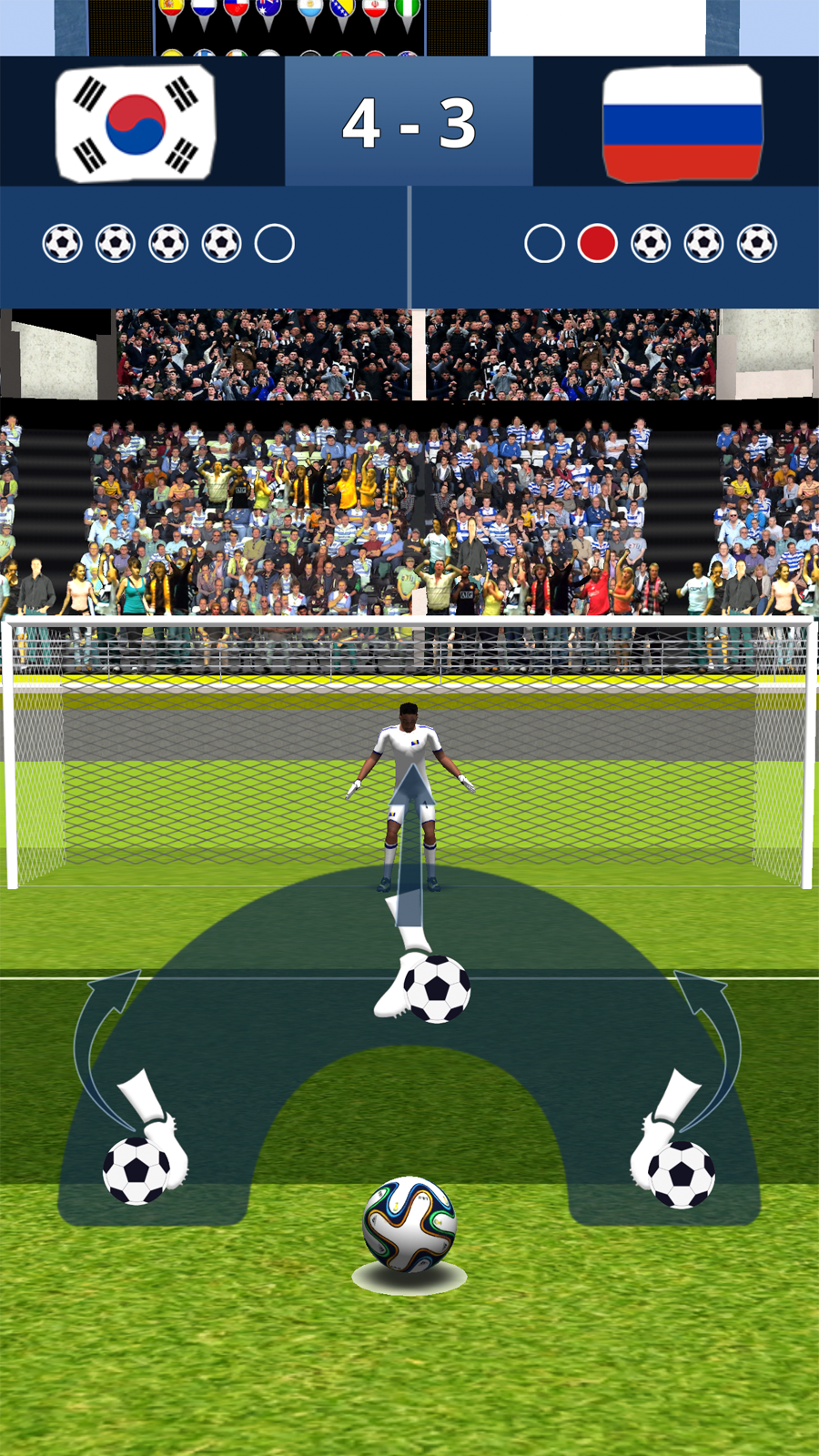
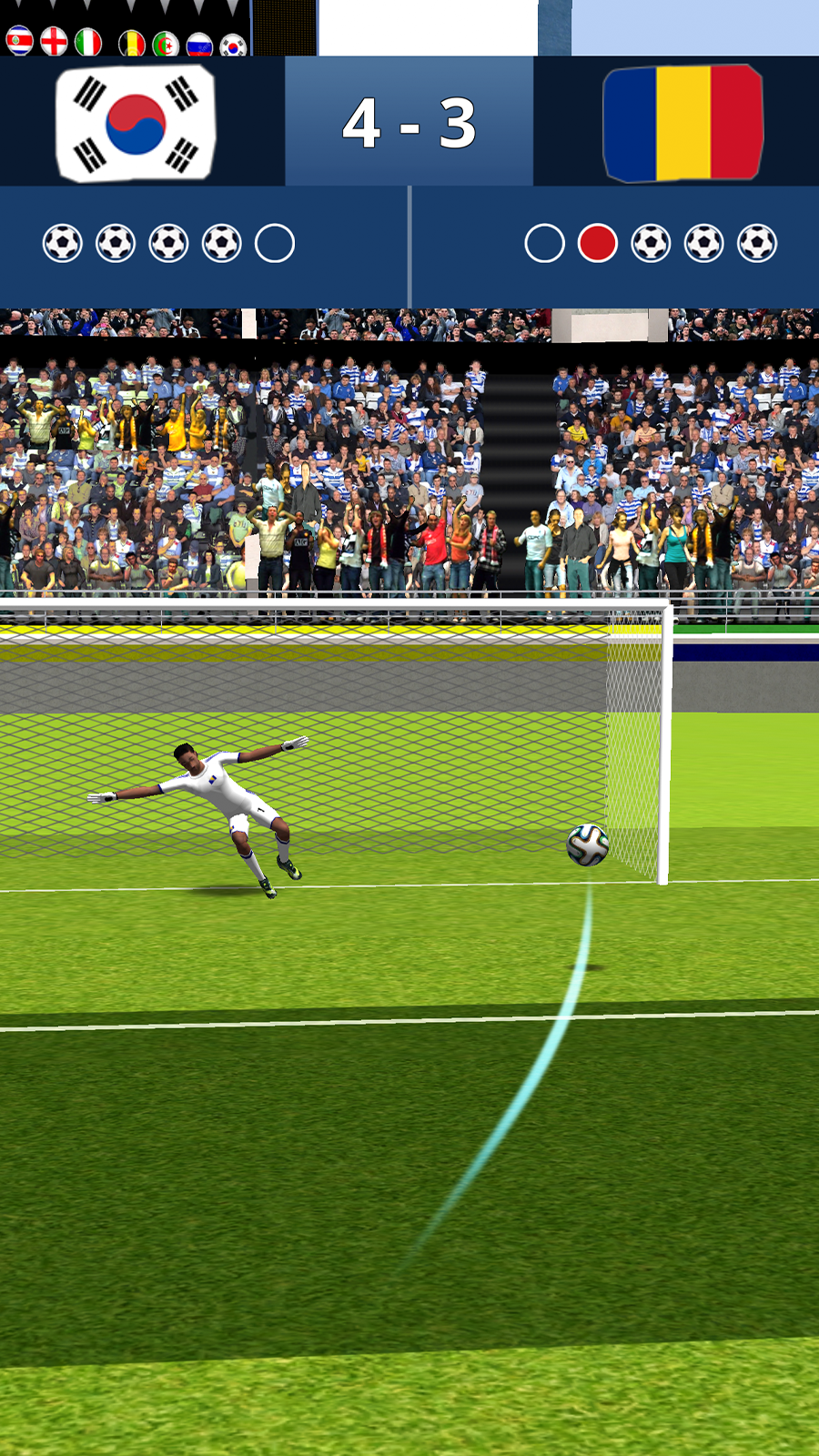
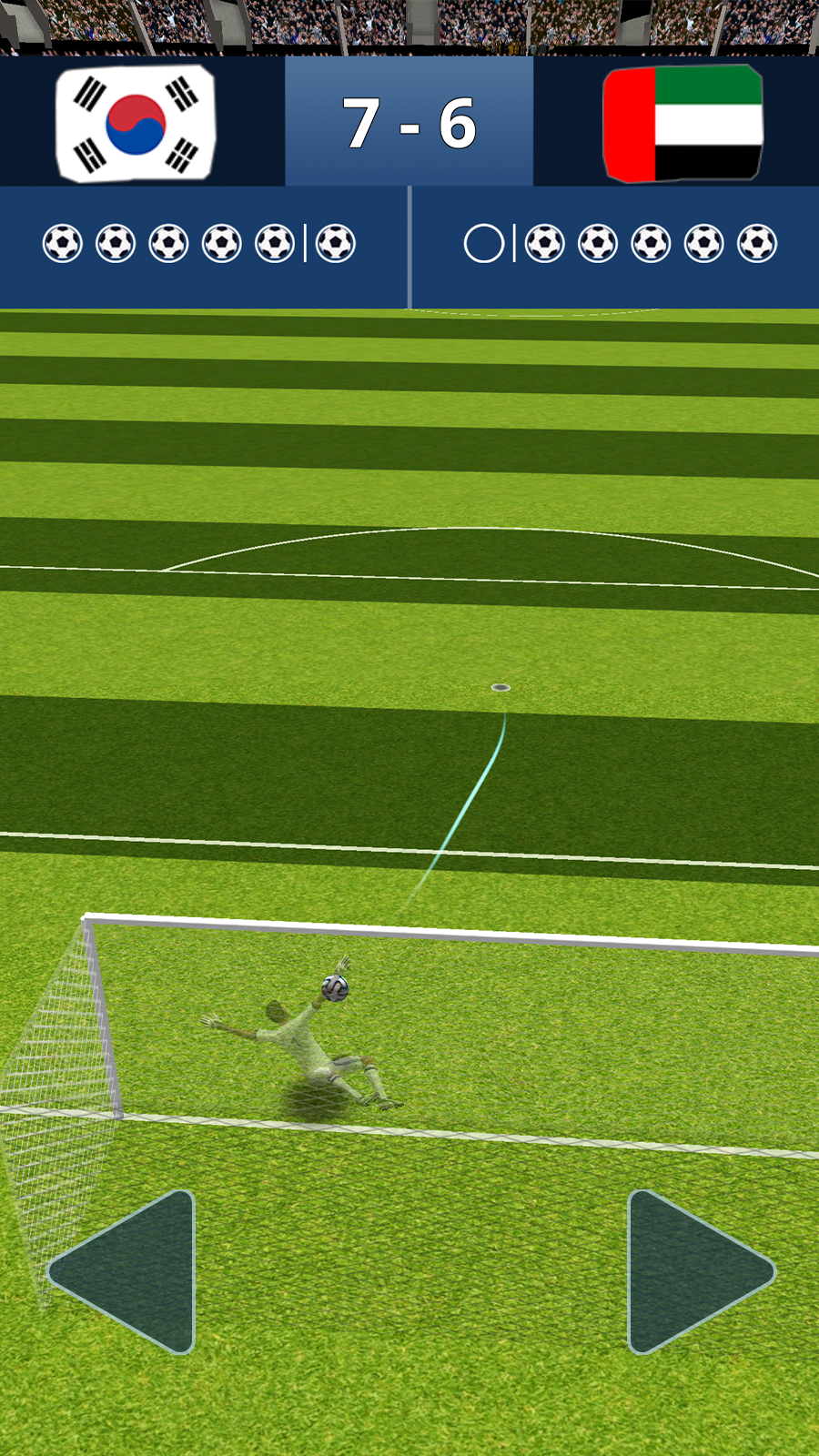
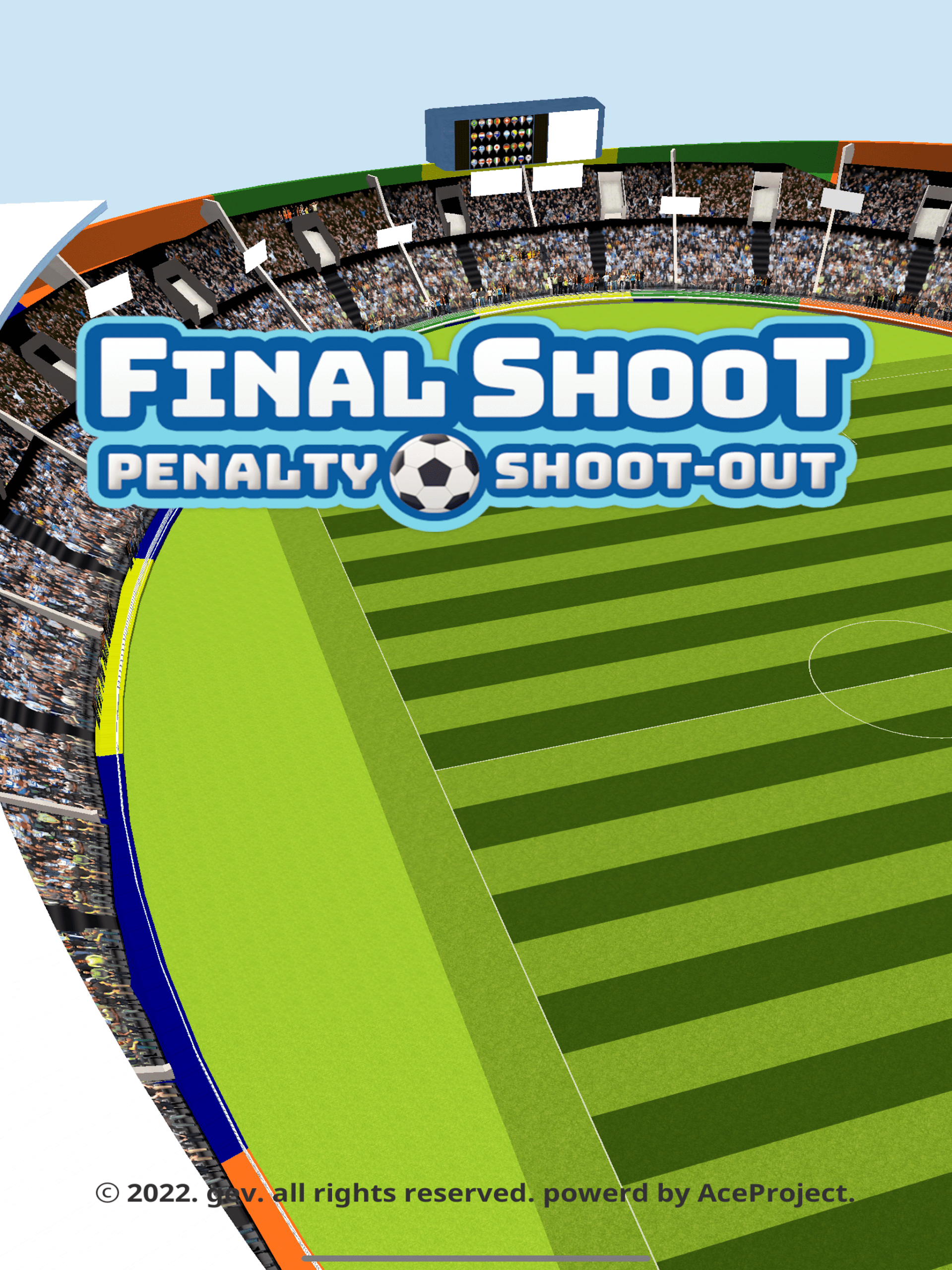
Russian Roulette of 11 Meters

1. Game Overview:
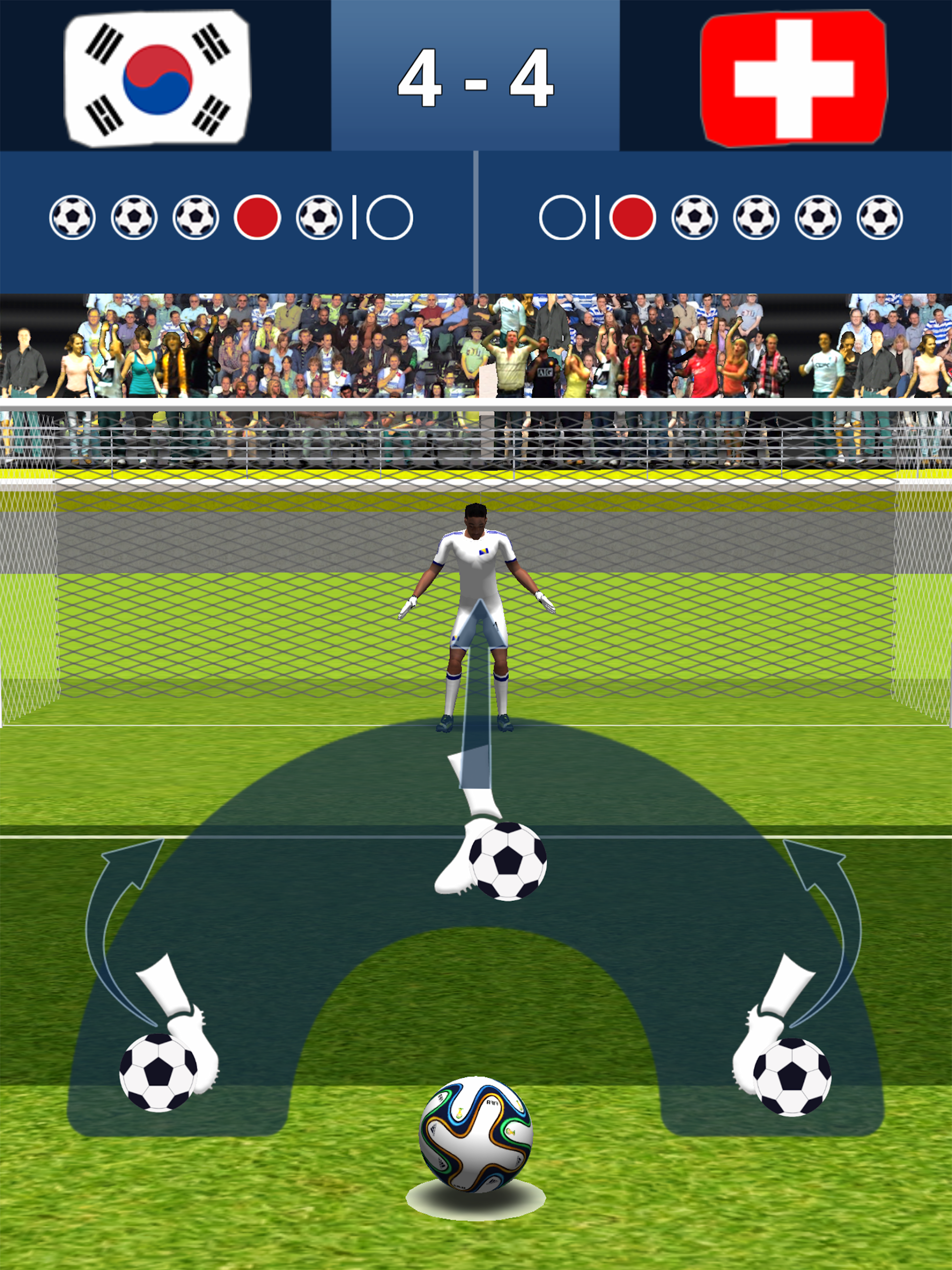
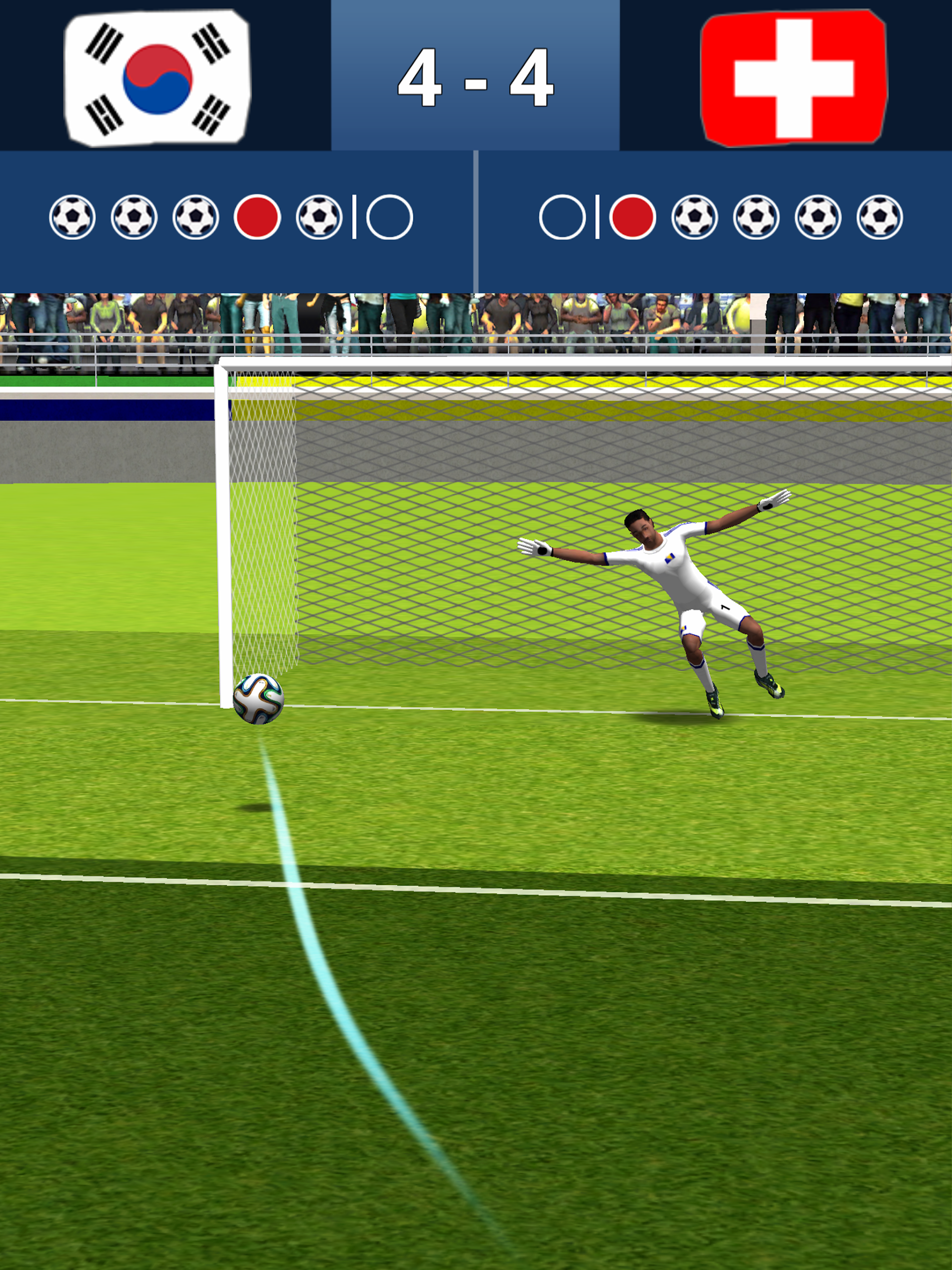
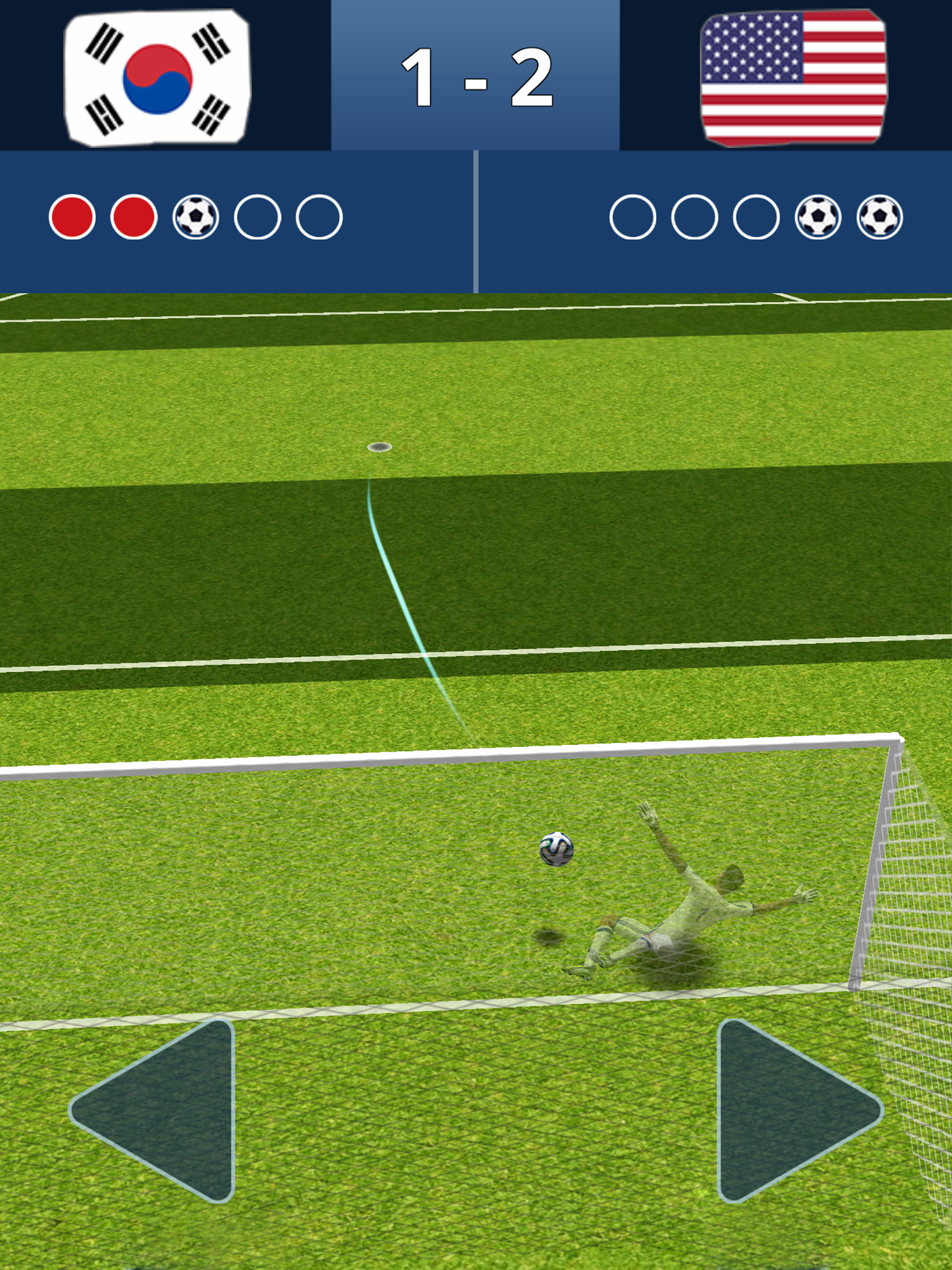
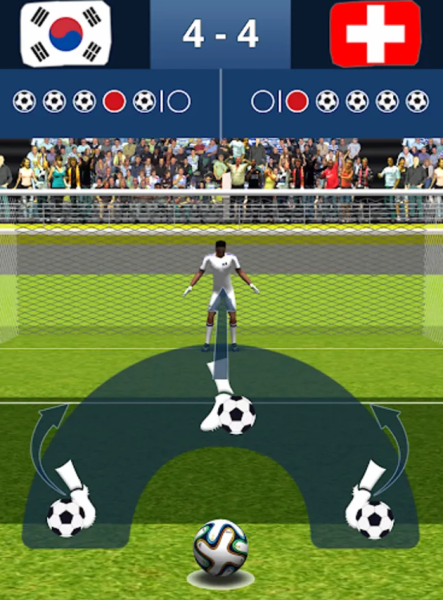
Russian Roulette of 11 Meters is a competitive penalty shootout game where players take turns shooting and playing as the goalkeeper in one-on-one matches against opponents worldwide.
Success depends on more than shot power. Players must read their opponents, vary their shooting direction and timing, and anticipate incoming shots when defending. The game also features player upgrades that improve shooting accuracy, shot power, and goalkeeper agility.
2. Key Features:
Compete in fast-paced penalty shootouts
Switch between penalty taker and goalkeeper roles
Challenge players from around the world in one-on-one matches
Use feints and changing shot directions to outsmart opponents
Anticipate incoming shots and make timely saves
Upgrade shooting accuracy, shot power, and goalkeeper agility
3. Gameplay Tips:
Offense: Improve Your Penalty Shots
Watch the goalkeeper's movements and aim for the opposite side when an opening appears.
Vary your shooting direction and timing to avoid predictable patterns.
Balance shot placement and power rather than relying on powerful shots alone.
Defense: Anticipate Incoming Shots
Observe your opponent's stance and movements for clues about their intended direction.
Avoid committing too early. Wait for a clearer indication before choosing where to dive.
Position your goalkeeper carefully to cover as much of the goal as possible.
Player Development: Choose the Right Upgrades
Balance shooting attributes with goalkeeping abilities.
Prioritize accuracy if you frequently miss the target.
Improve goalkeeper agility if you struggle to make saves.
Focus upgrade resources on the attributes that need the most improvement.
4. Save Data and Progress:
Important: Game progress is not saved automatically. You must back up your data manually to avoid losing your progress.
To back up your game data:
Log into your account.
Open the menu in the upper-right corner.
Navigate to Settings > Save Data.
Follow the on-screen instructions to complete the cloud backup.
Make sure sufficient storage space is available before starting the backup. It's also a good idea to back up your data regularly, especially after significant progress.
5. Frequently Asked Questions:
Q1: Is game progress saved automatically?
No. Automatic saving is not supported. Use Settings > Save Data to back up your progress manually.
Q2: Does the game offer in-app purchases?
The available information does not confirm which features require payment. Check the in-game store for details about optional purchases and additional content.
Q3: How can I improve my penalty shots?
Practice varying your shot direction and timing. Improving shooting accuracy and power can also help you score more consistently.
Q4: What can I do if the game runs slowly?
Close unnecessary background apps, restart the game, and check for available updates. Make sure your device meets the game's system requirements.
Q5: Can I play against specific friends?
The game supports one-on-one matches against players worldwide, but direct friend invitations have not been confirmed. Check the multiplayer or matchmaking options for available features.
Q6: Is there an age restriction?
Refer to the game's age rating in the relevant app store and its terms of service for official age requirements.
- Version1.0.3
- UpdateNov 03, 2026
- DeveloperAce Project Inc.
- CategoryRacing & Sports
- Requires AndroidAndroid 7.0+
- Downloads178K+
- Package Namecom.aceproject.pso.google.dist
- Signature8d6e8f1ae9c19d6c5873c27bf62ce3e8
- Available on
- ReportFlag as inappropriate
-
NameSizeDownload
-
51.71 MB
-
43.82 MB







The core gameplay is fun.
The character development system is practical.
The learning curve is low.
High risk of saving files
Content may be monotonous
Battle matching is unavailable