
FeedMe (RSS Reader | Podcast) - Offline RSS reader & manager
Discover a seamless reading experience with offline access, AI summaries, and customizable feeds tailored for you!

- 4.5.11 Version
- 4.6 Score
- 165K+ Downloads
- In-app purchases License
- 3+ Content Rating

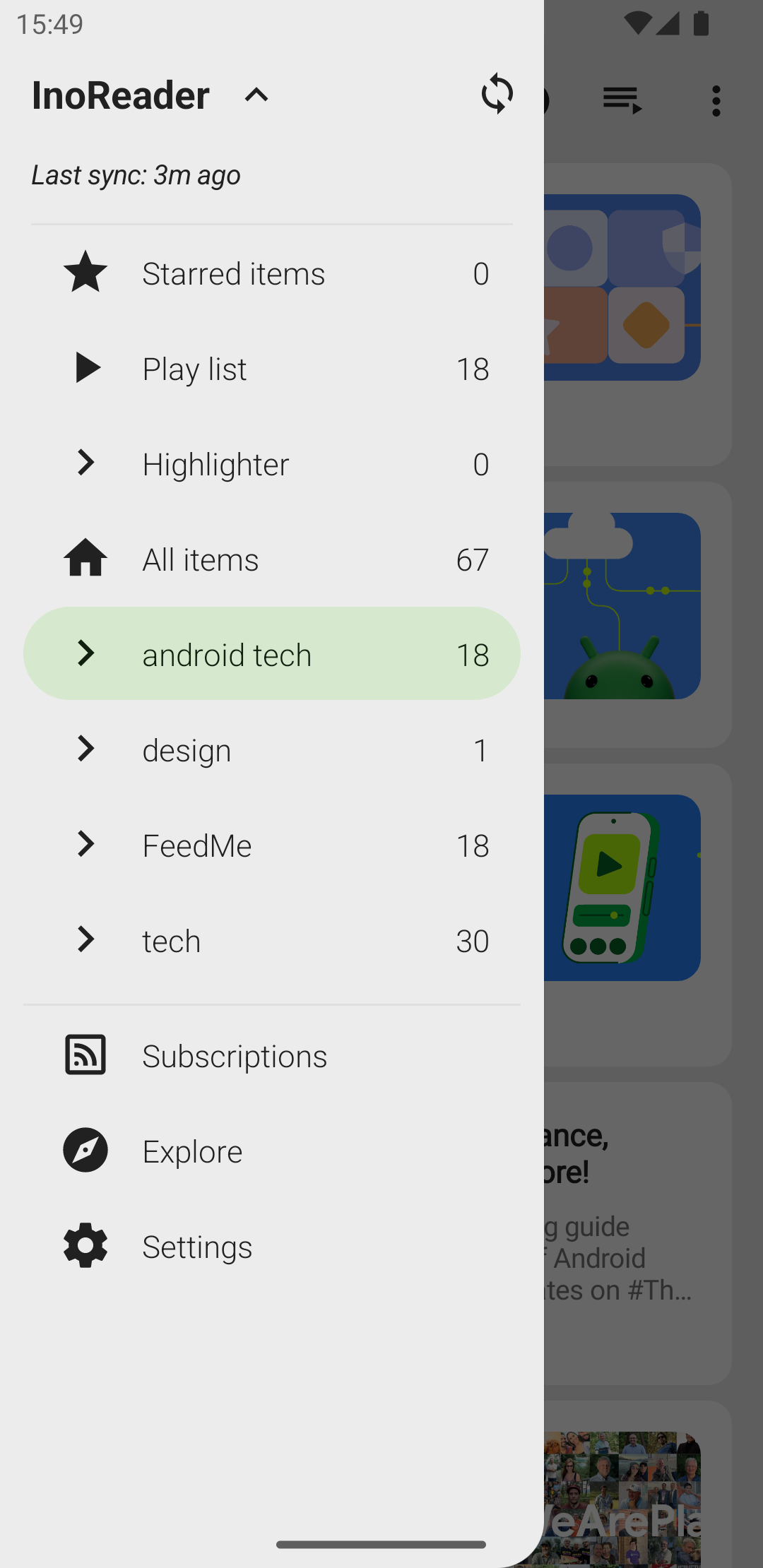
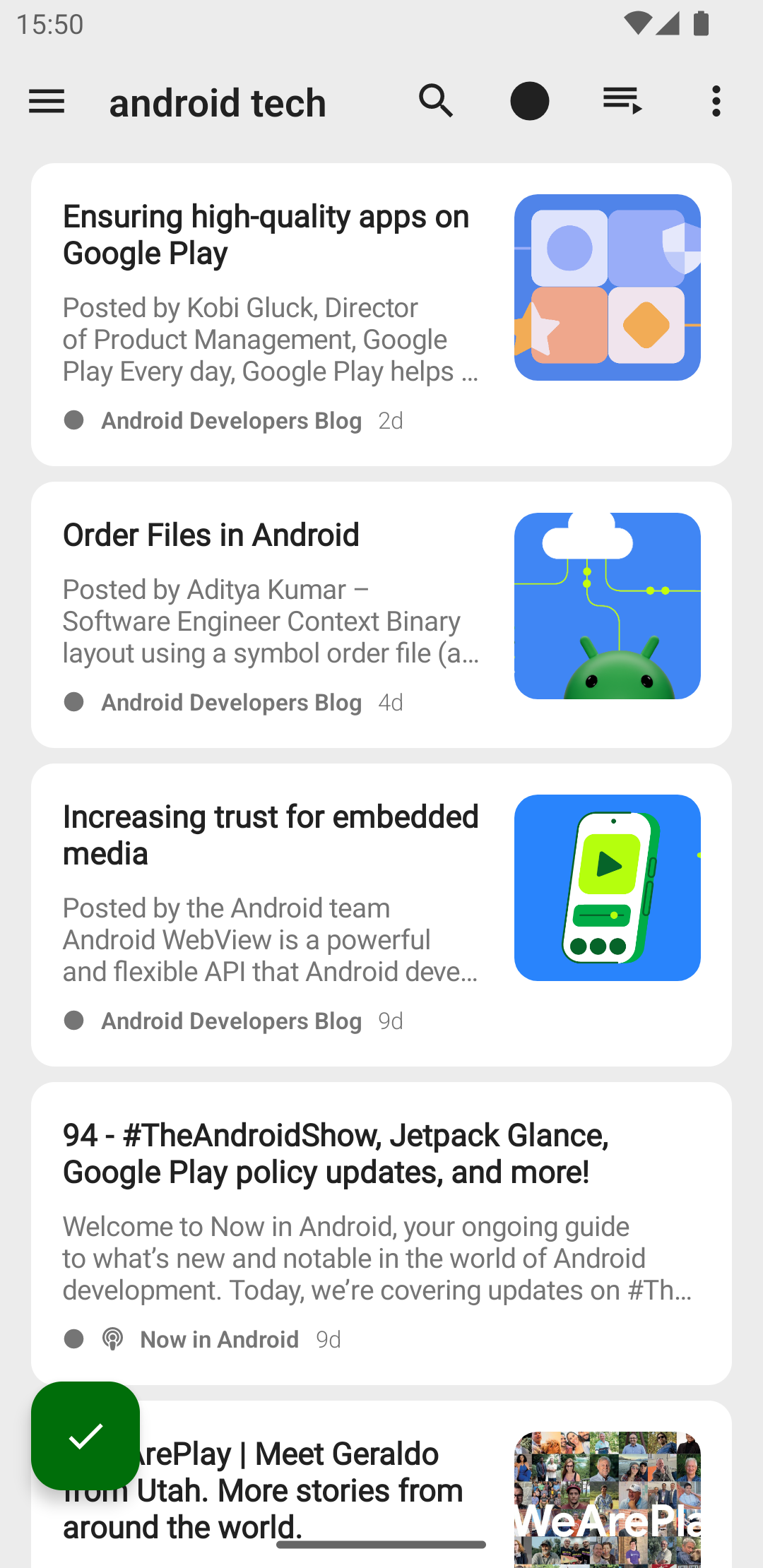
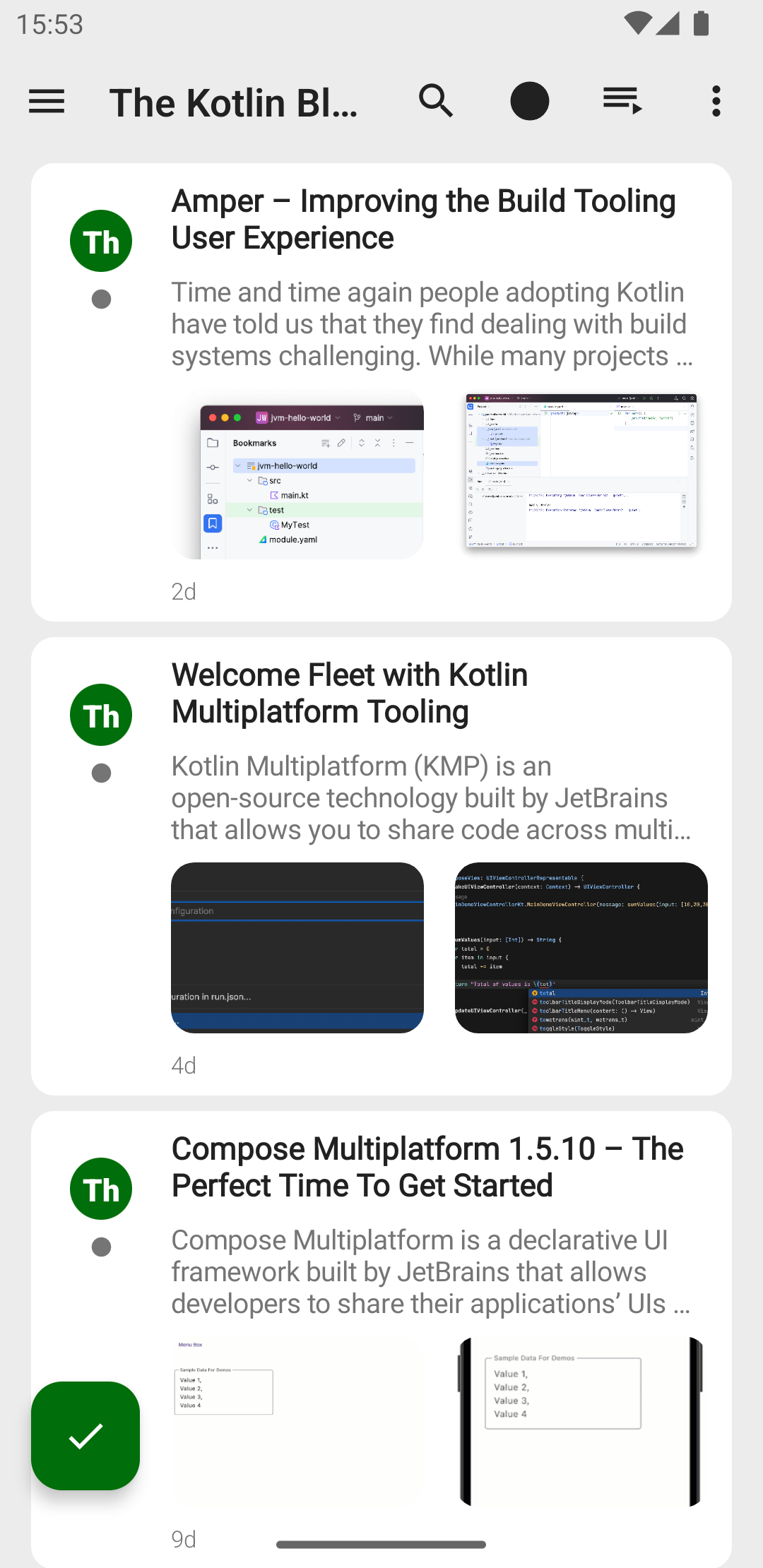
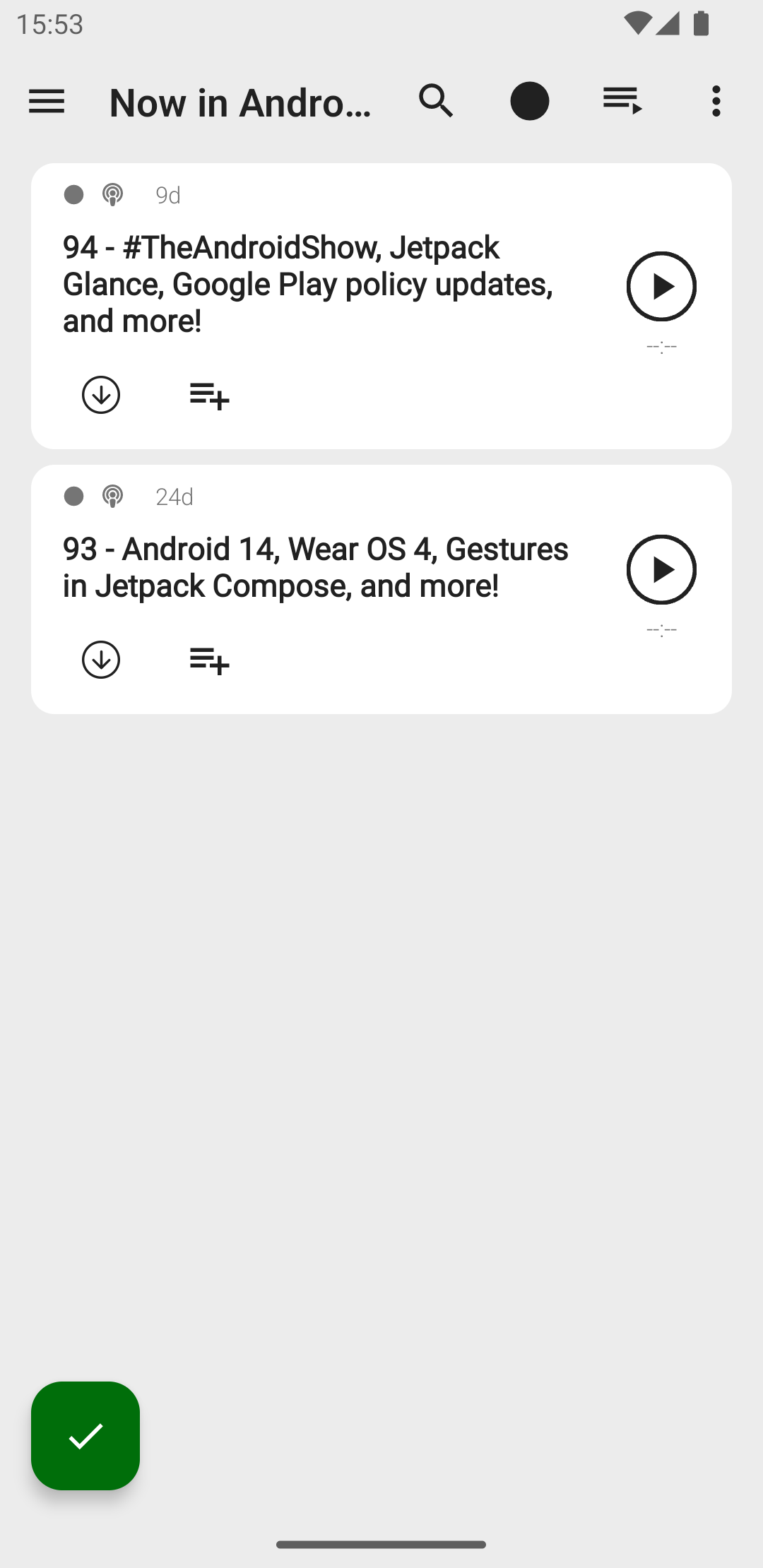
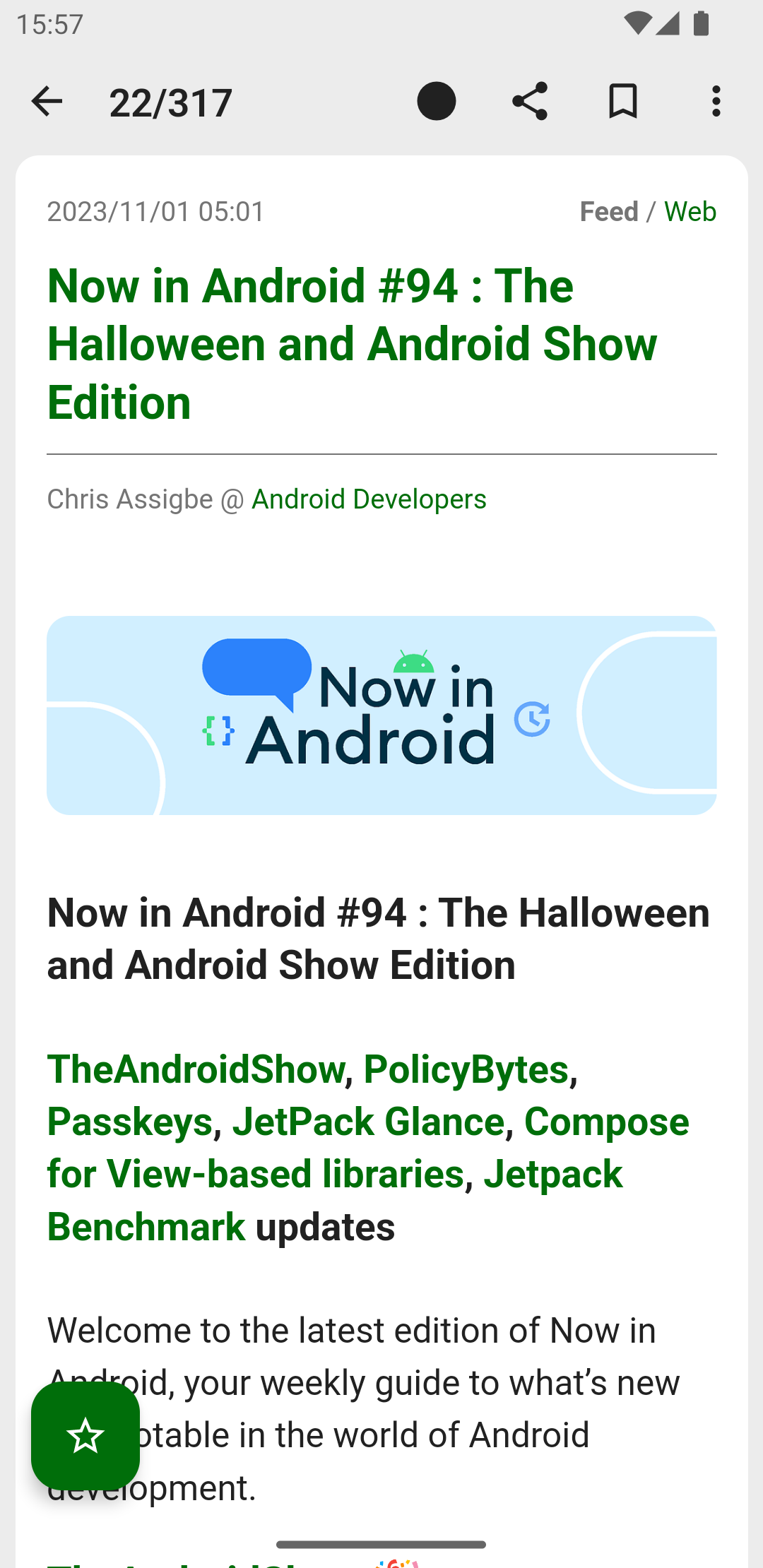
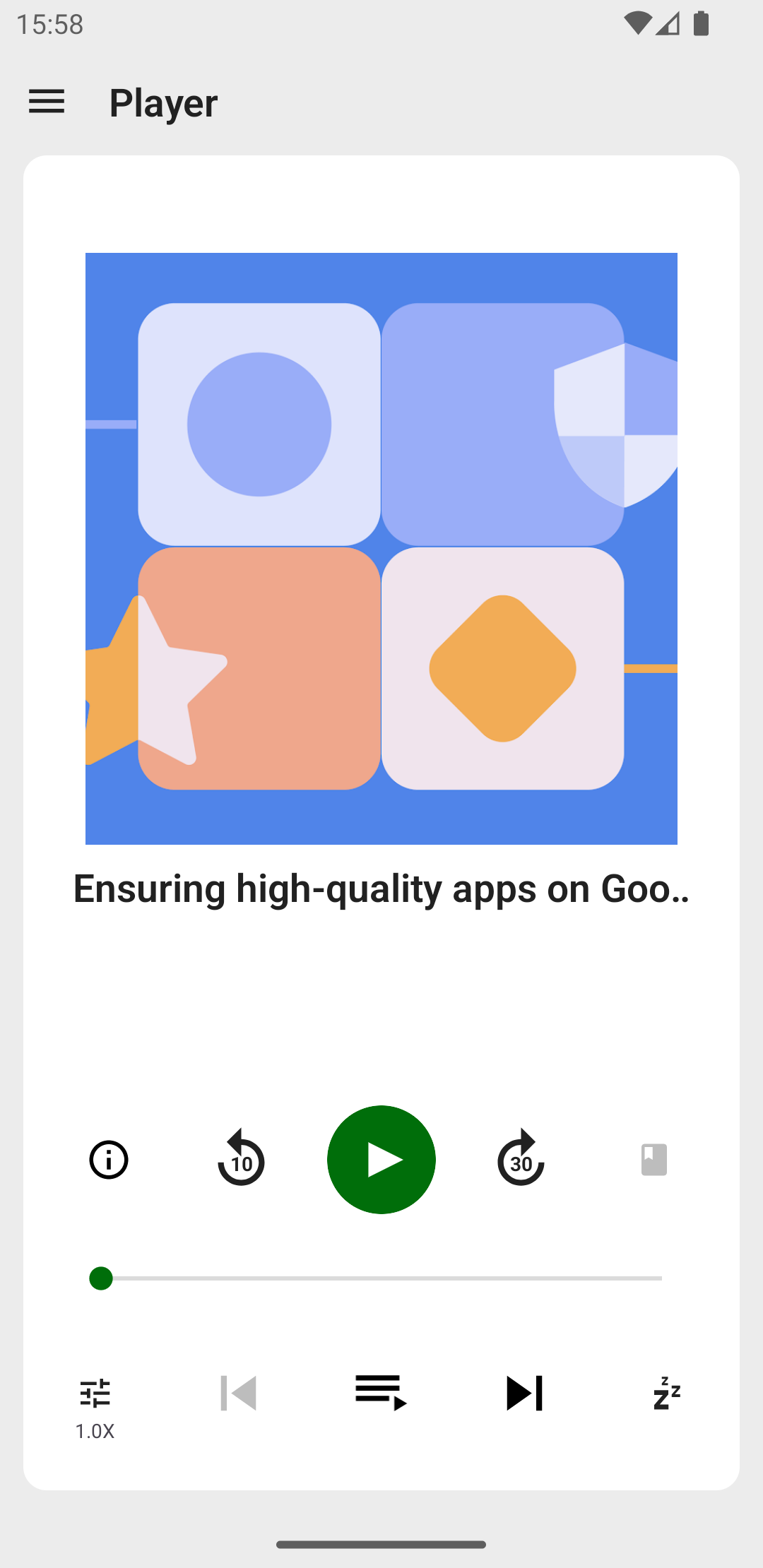
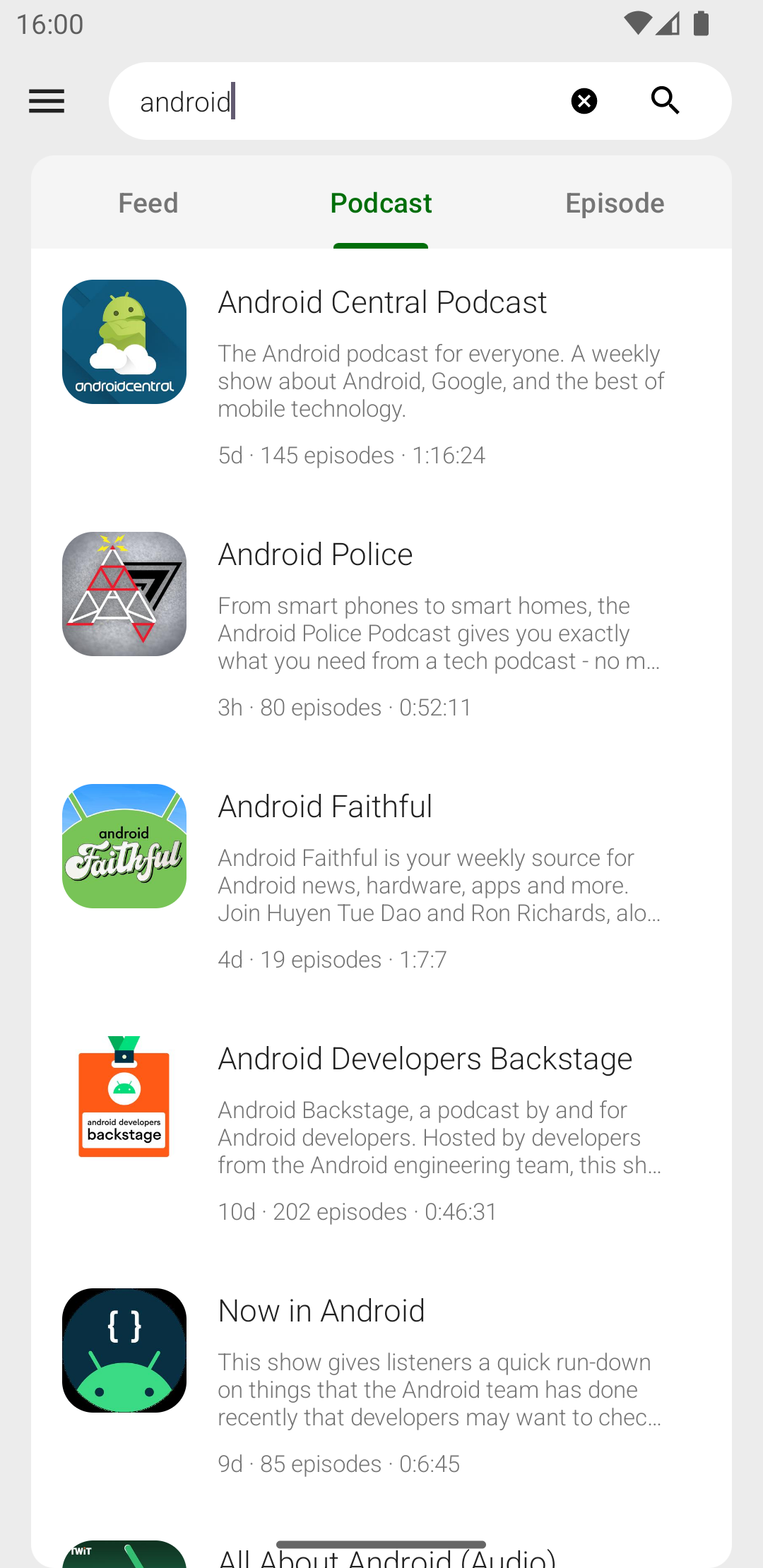
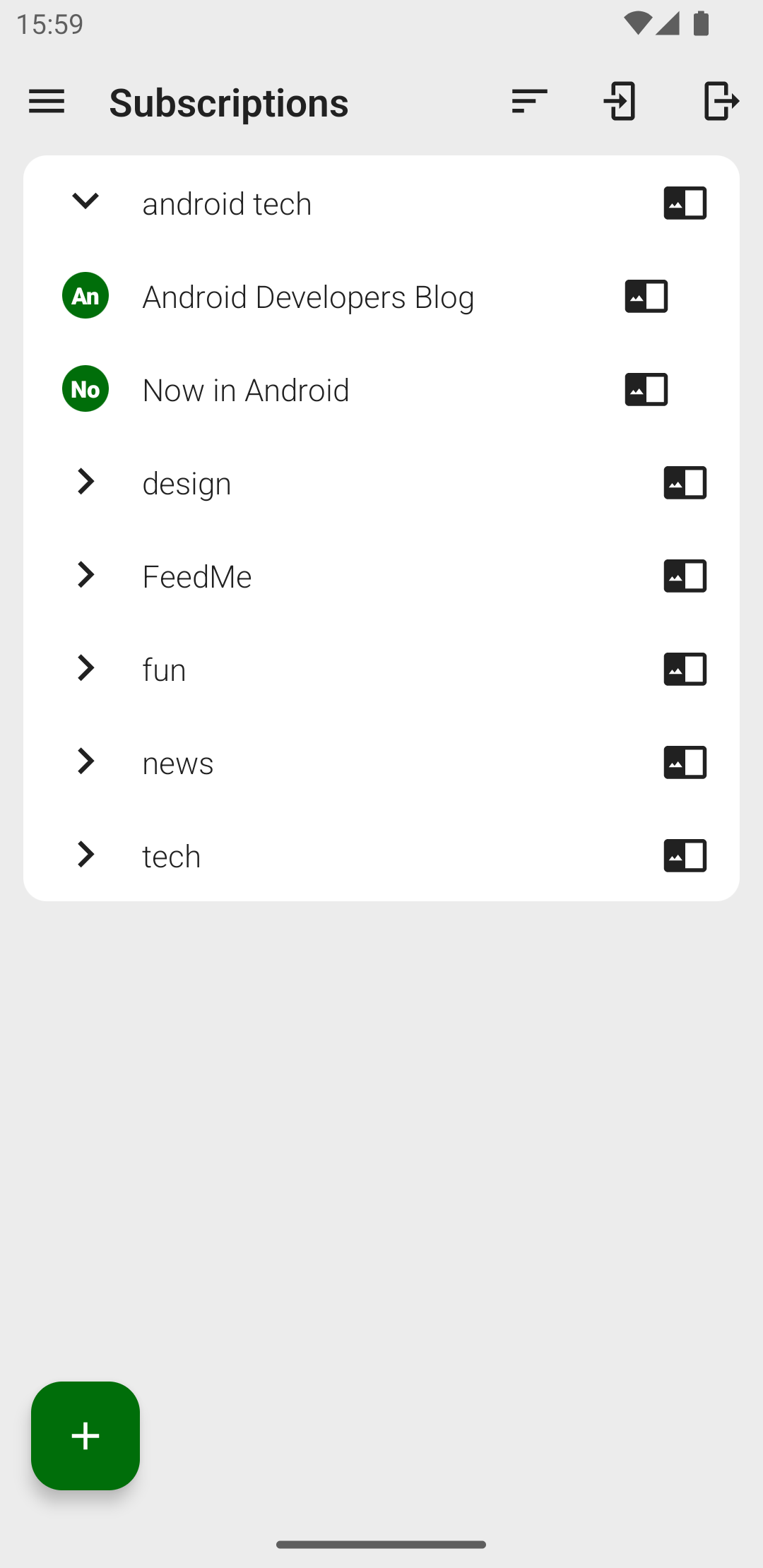
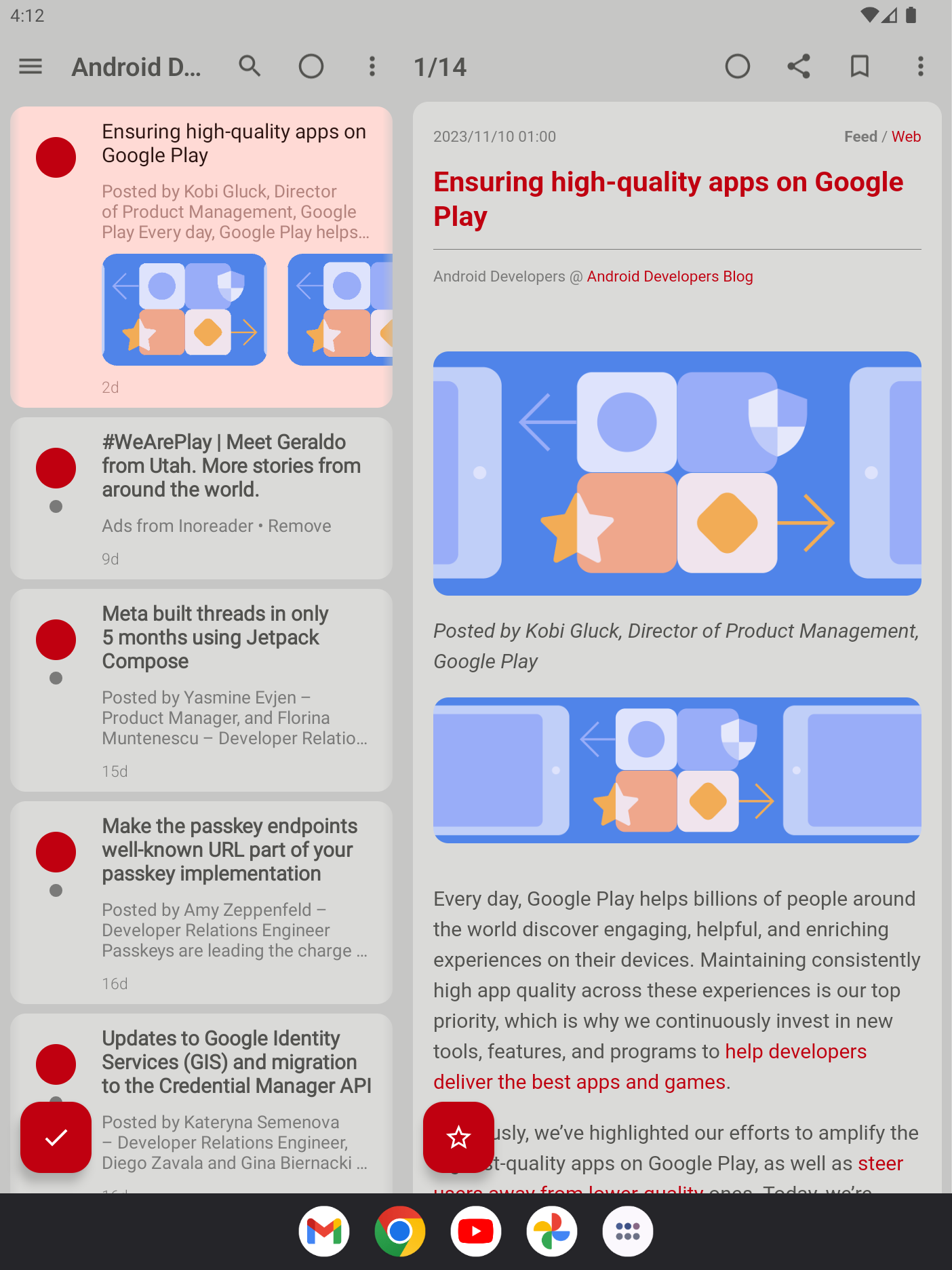
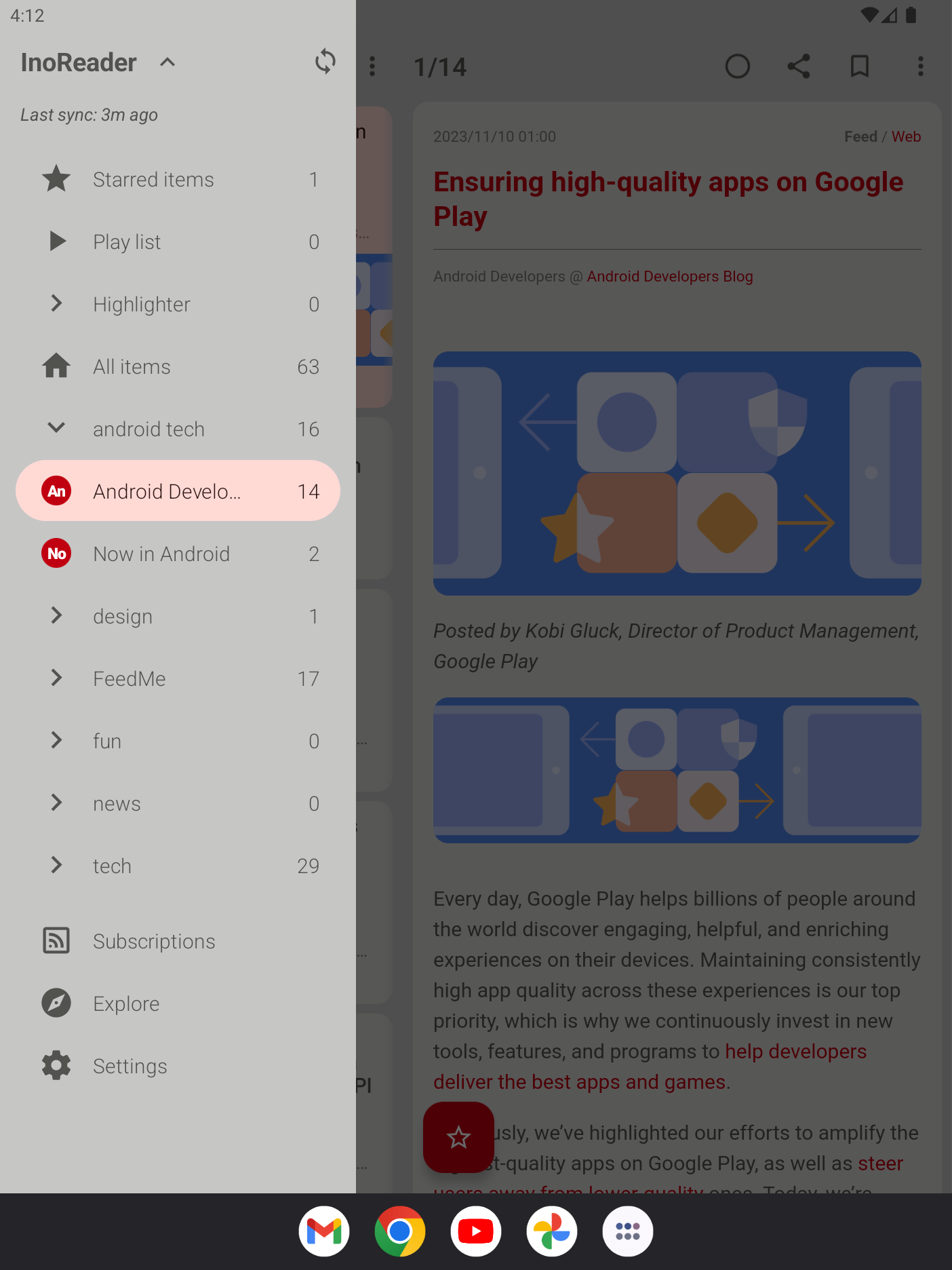
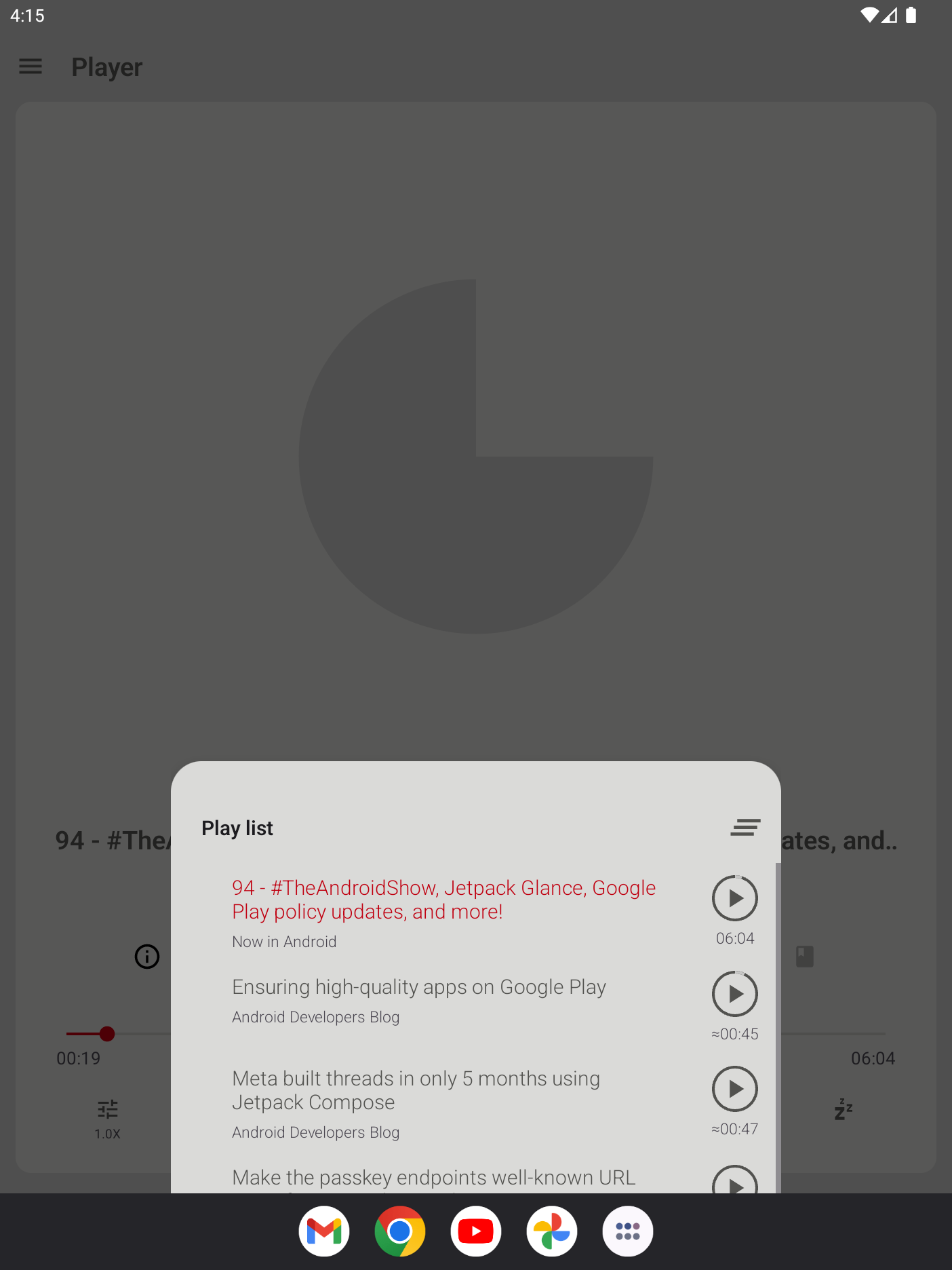
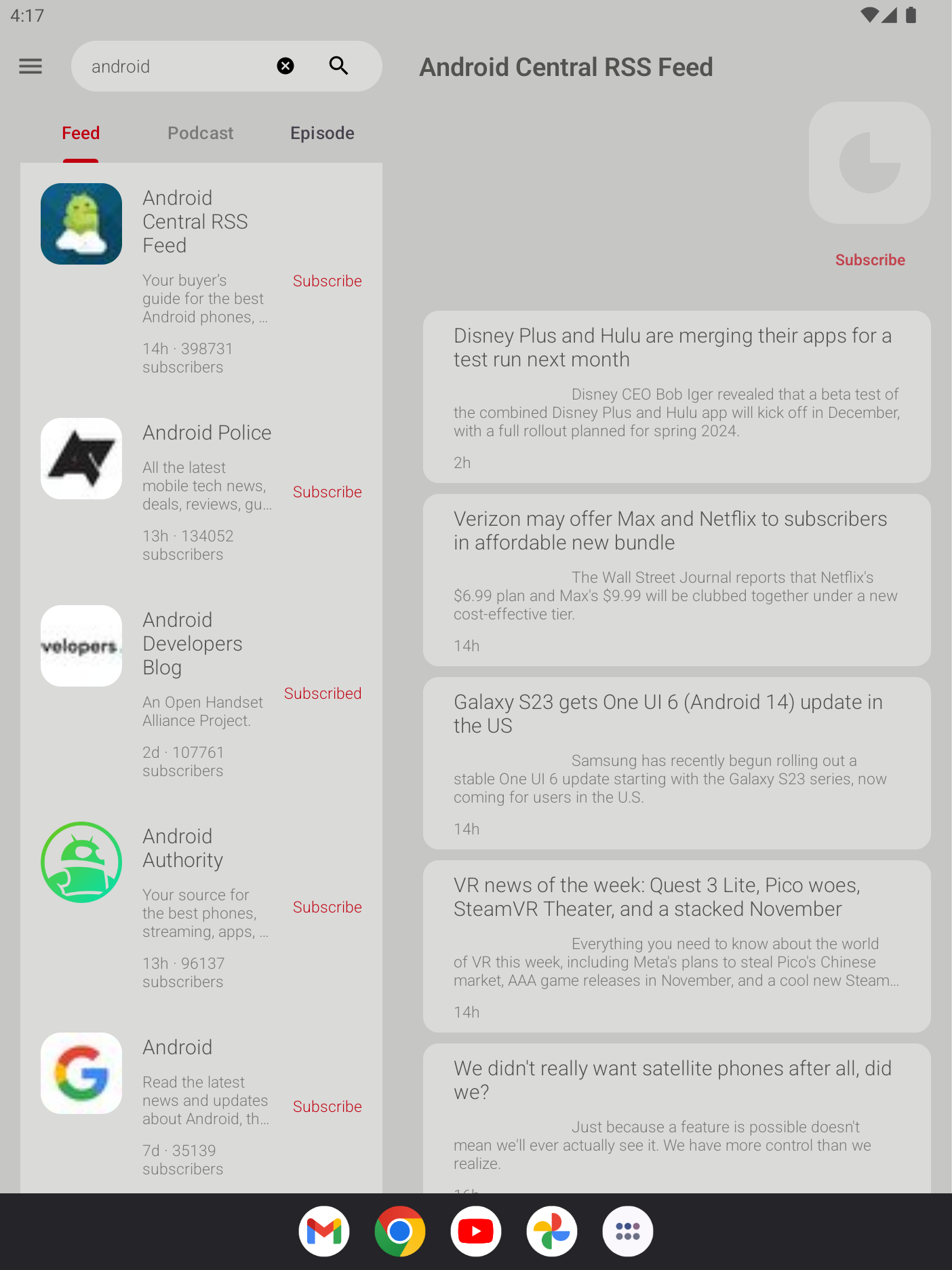
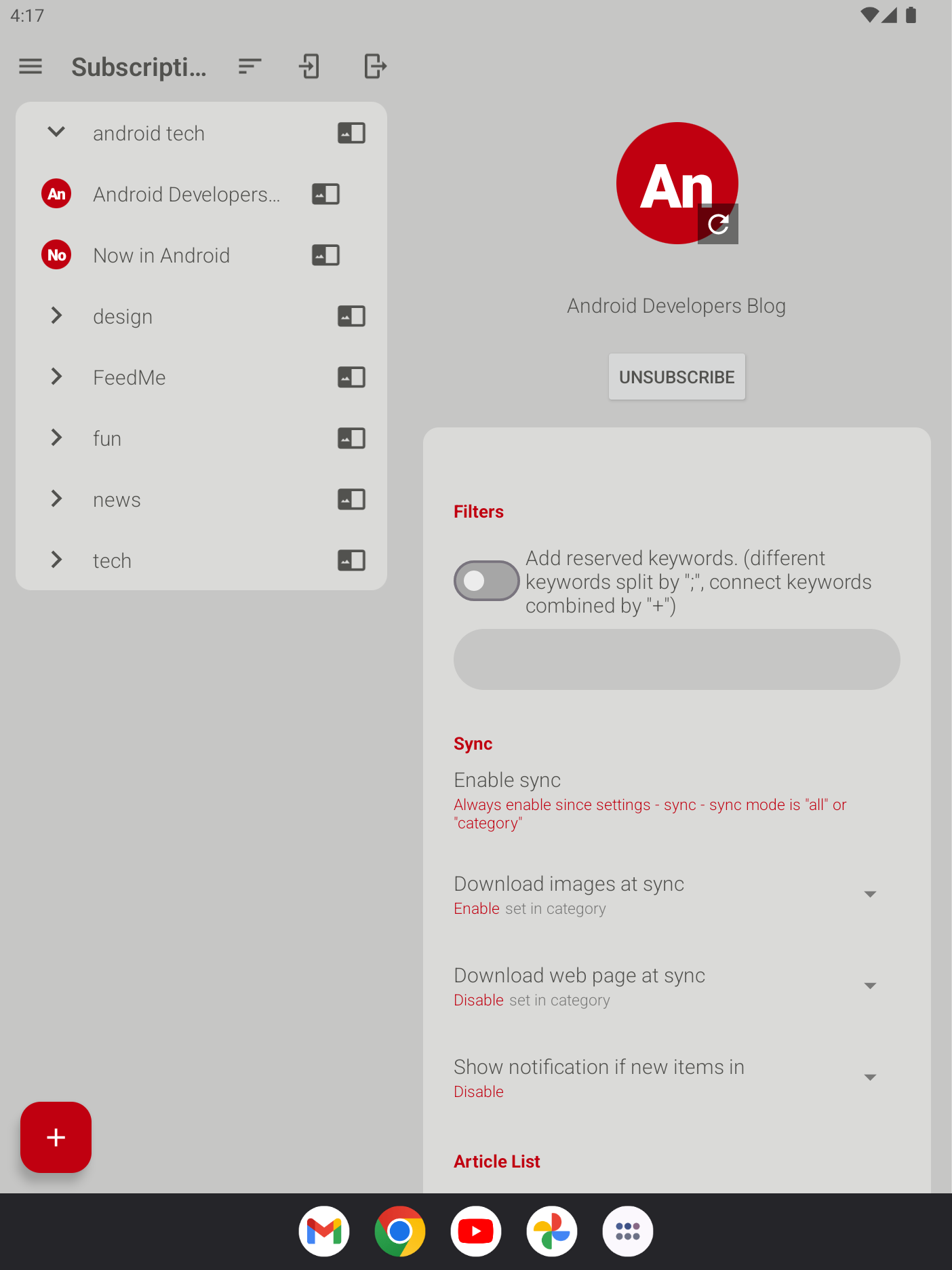
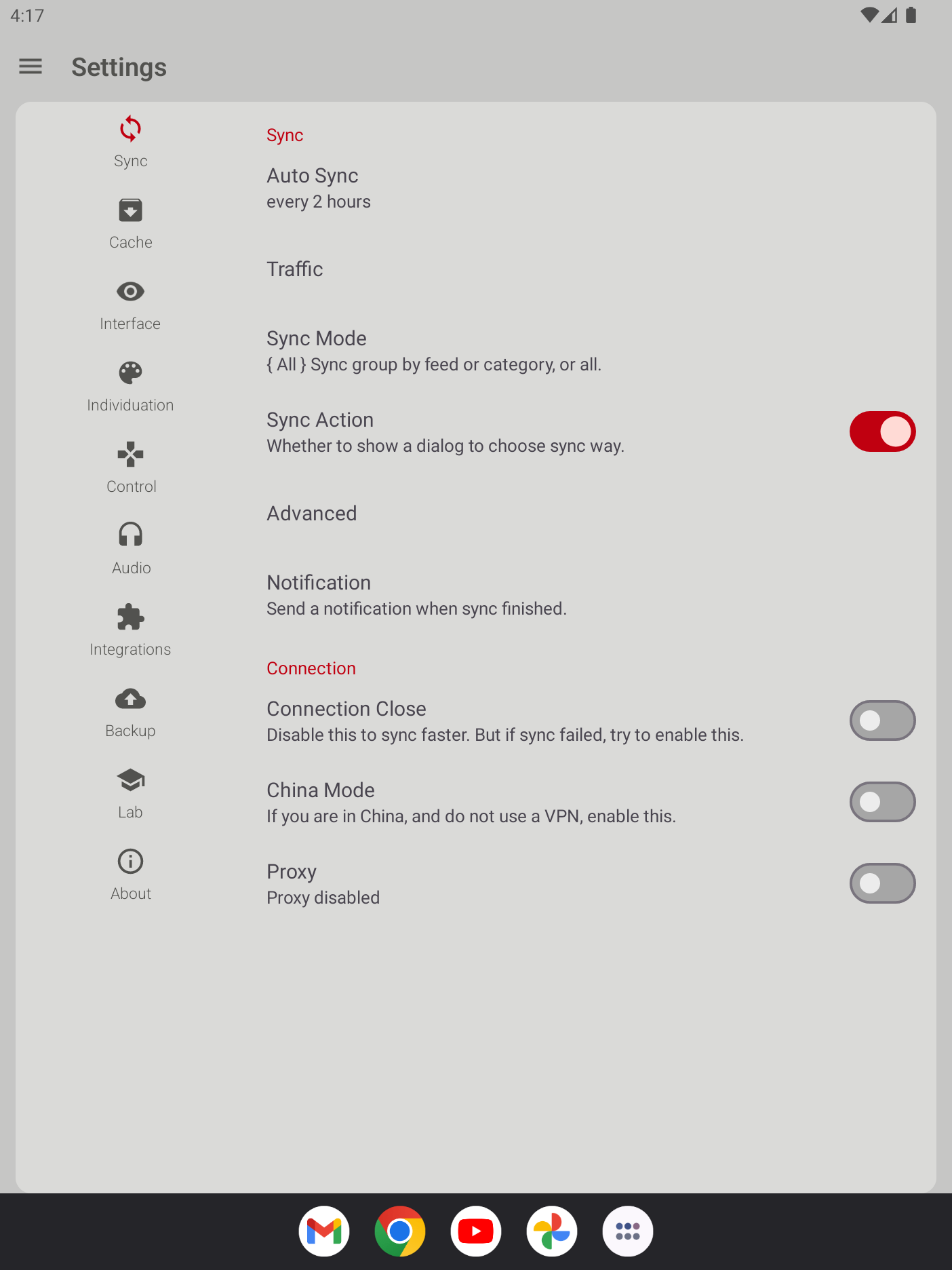
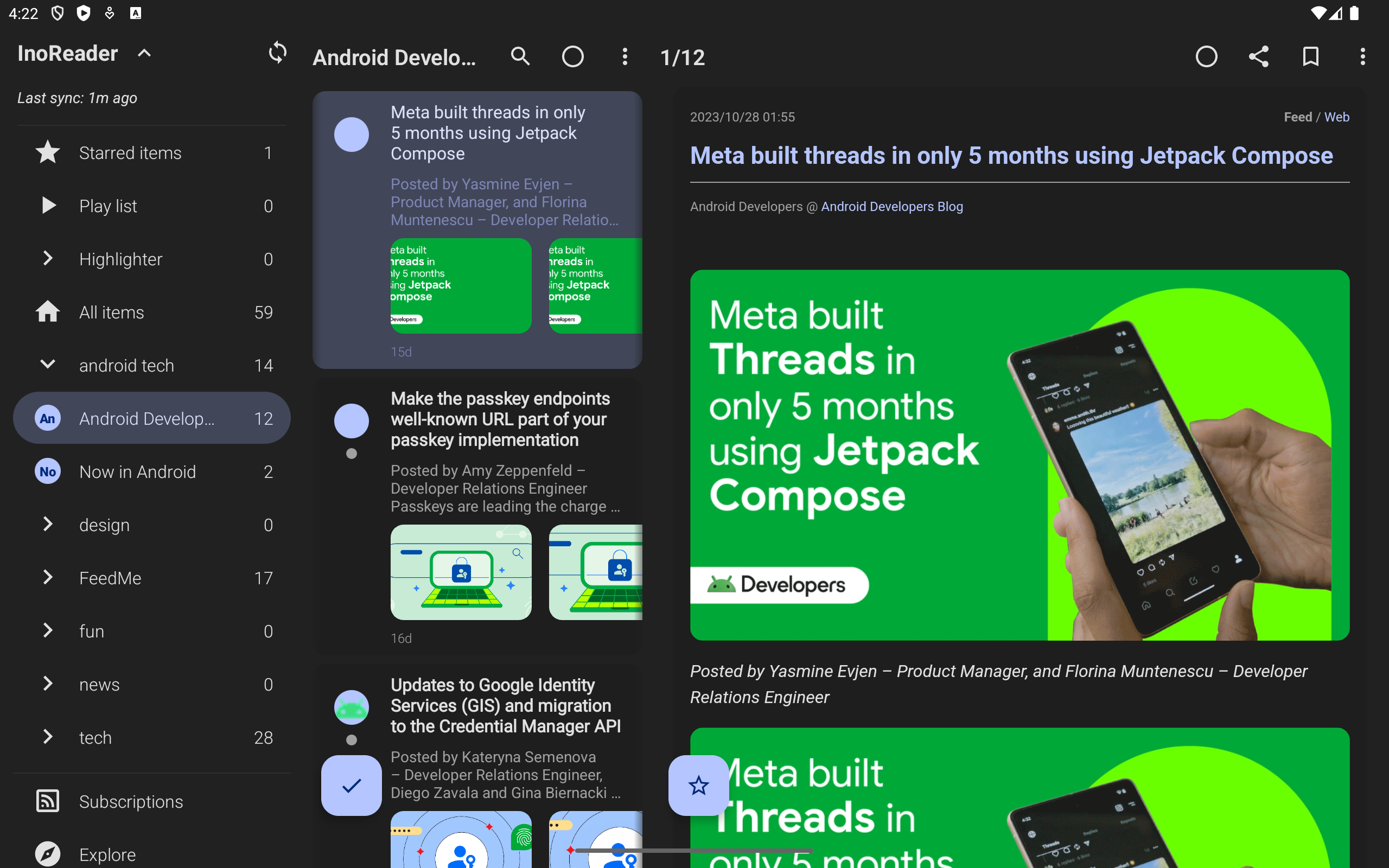
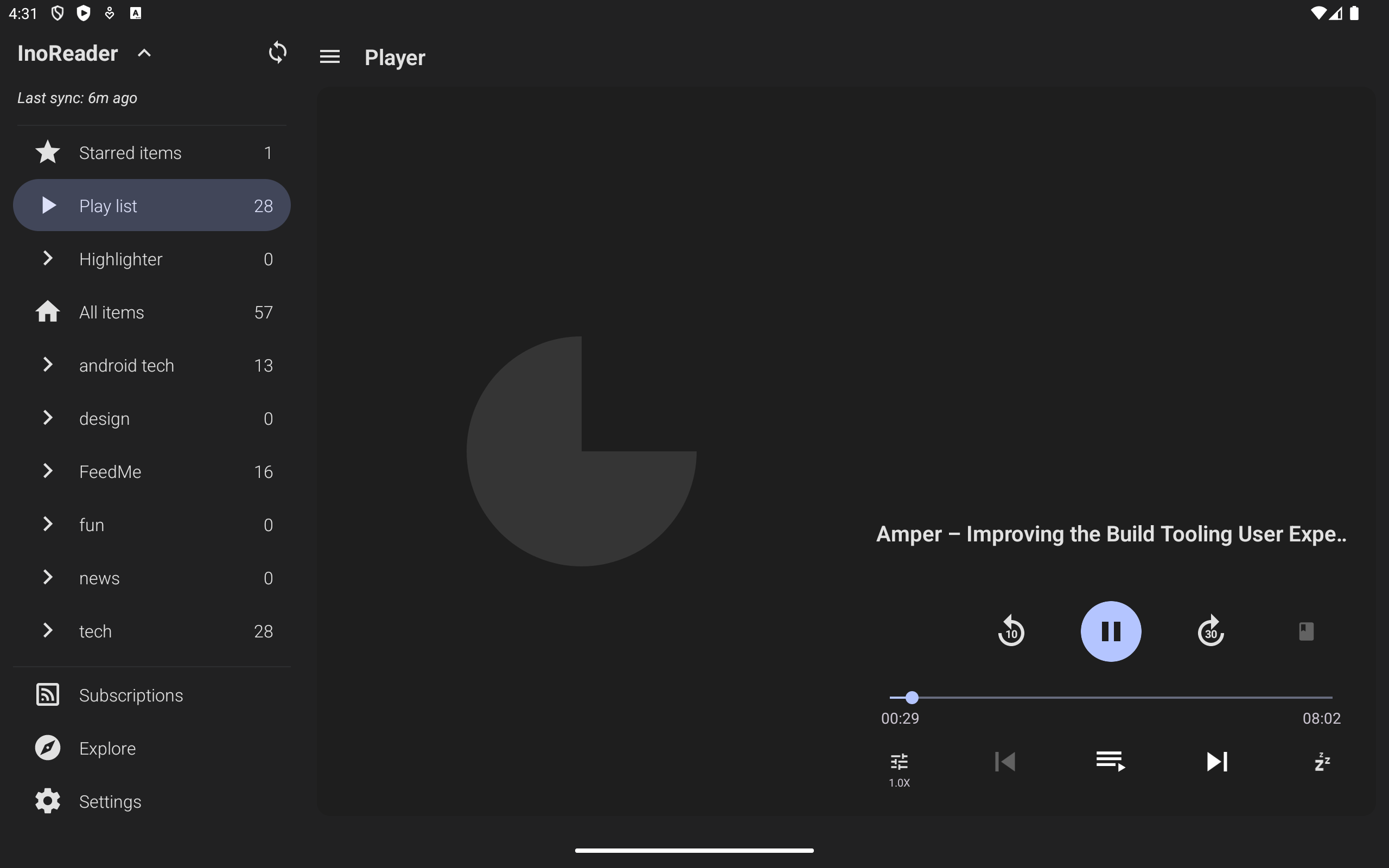
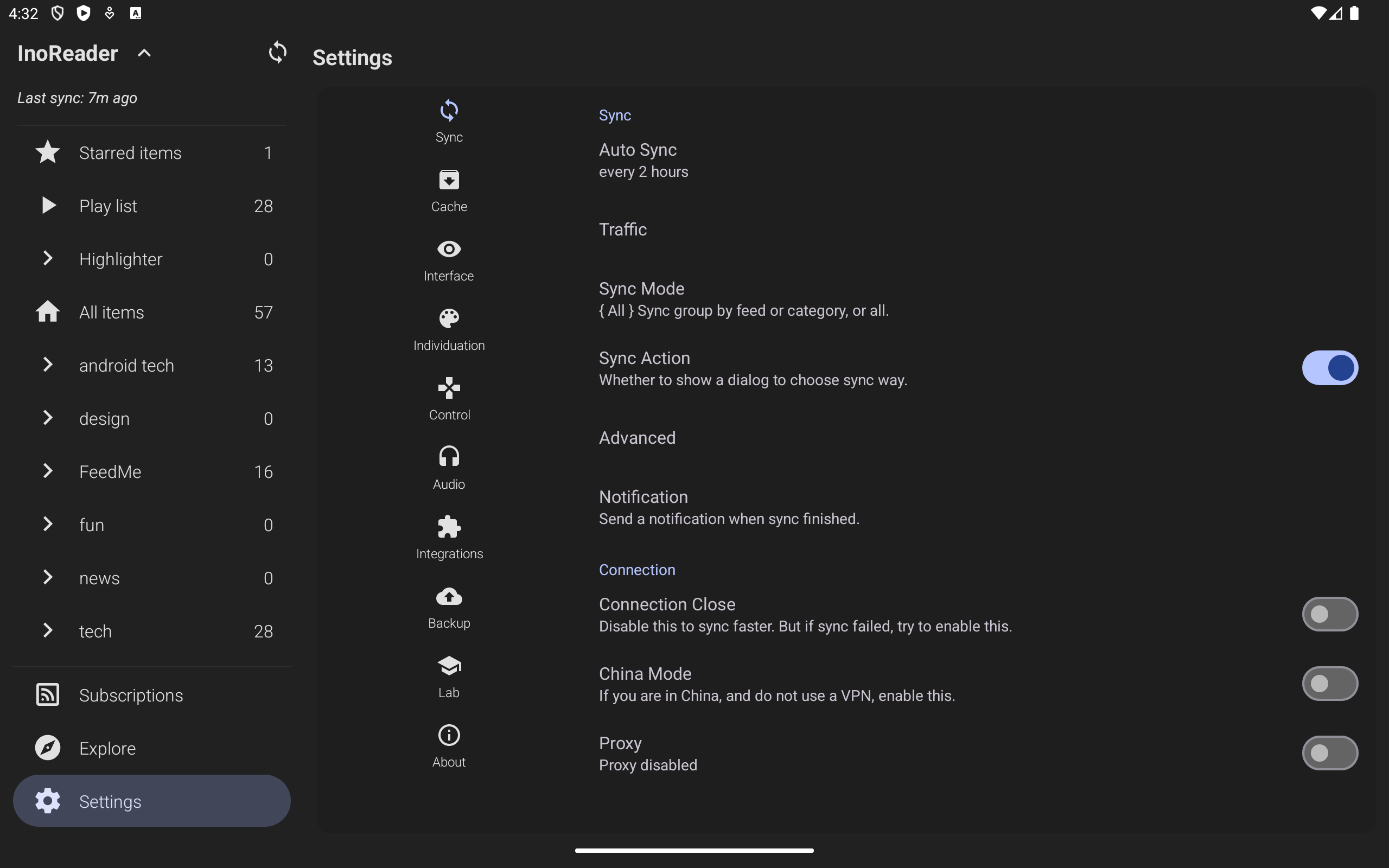
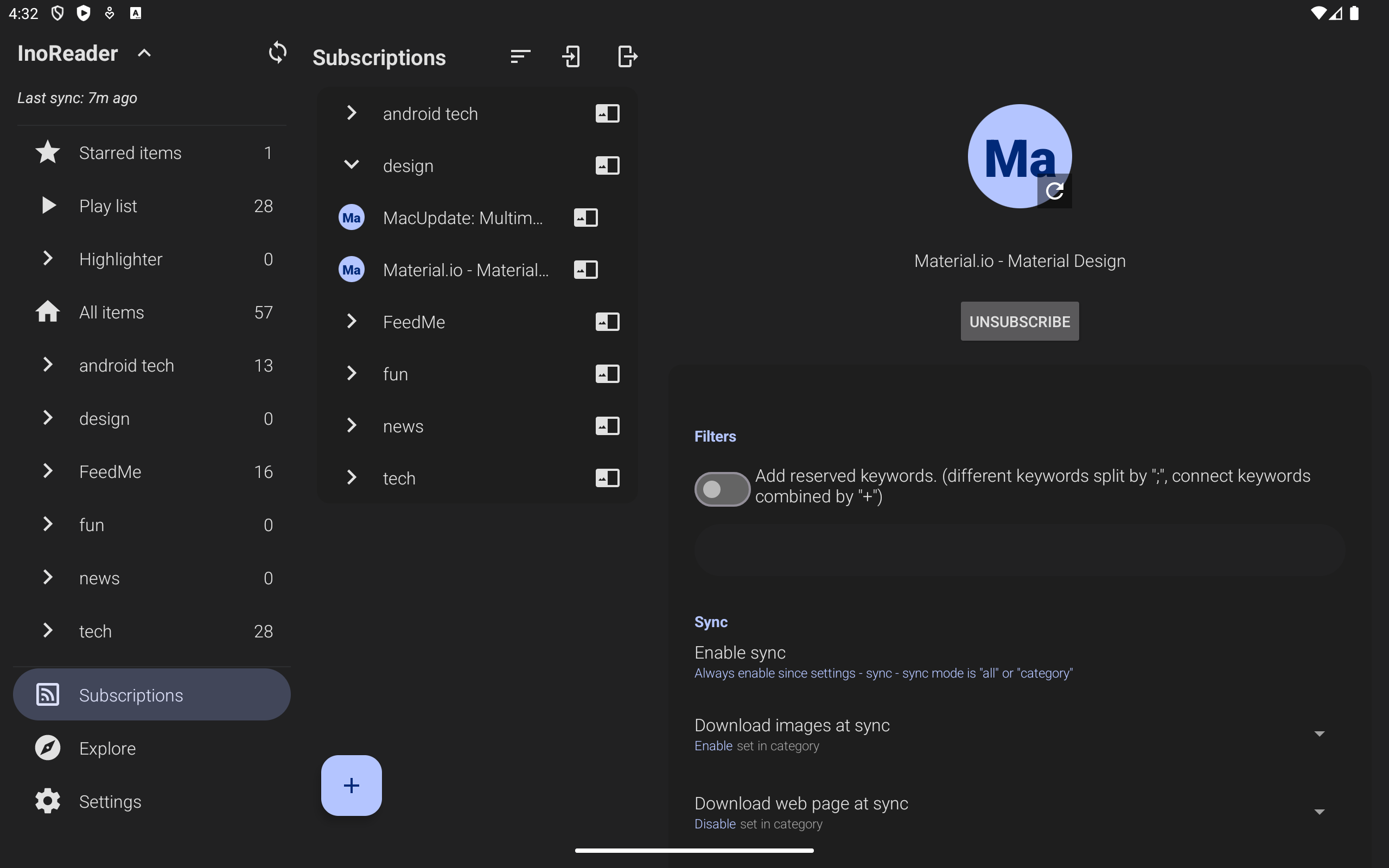
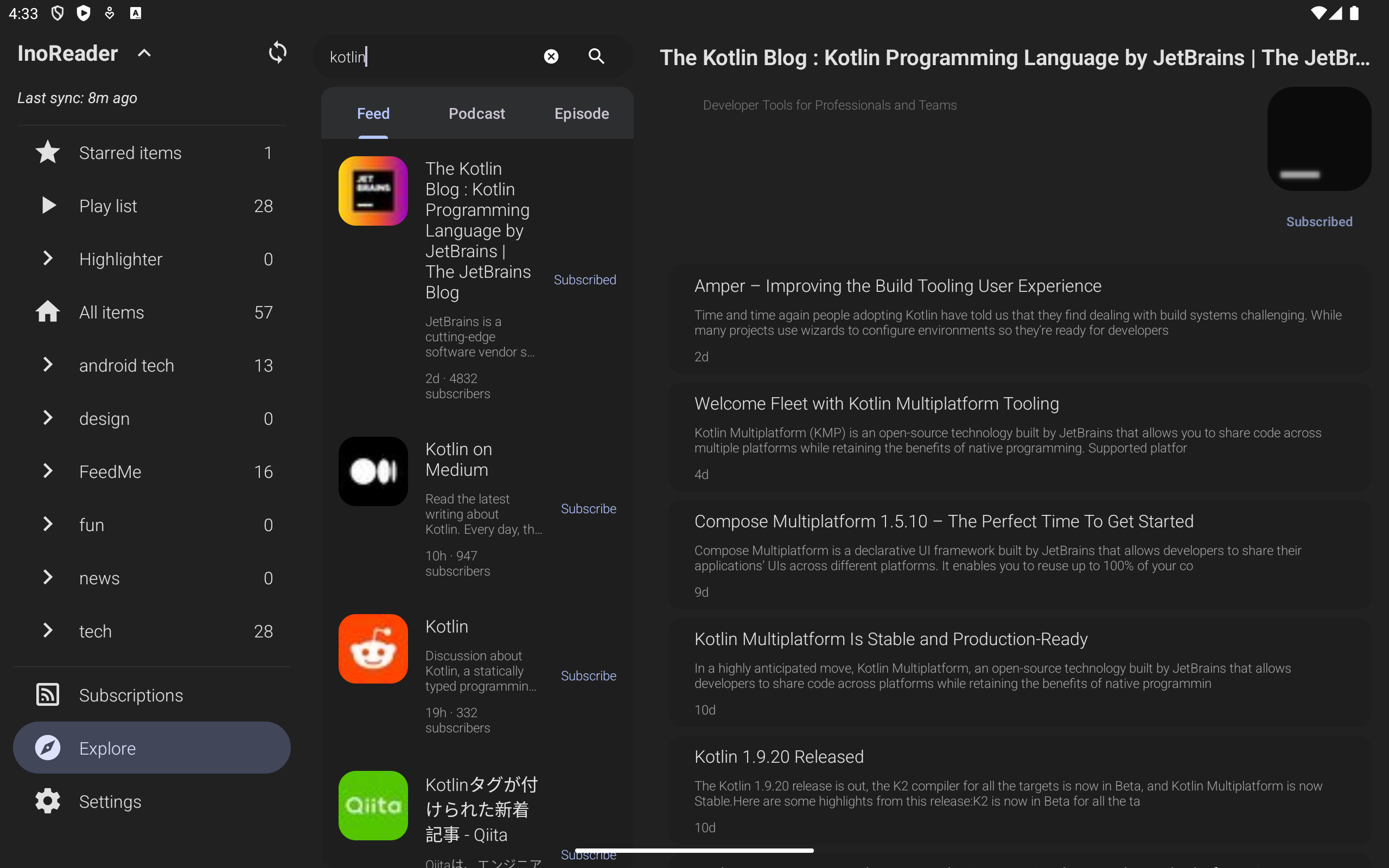
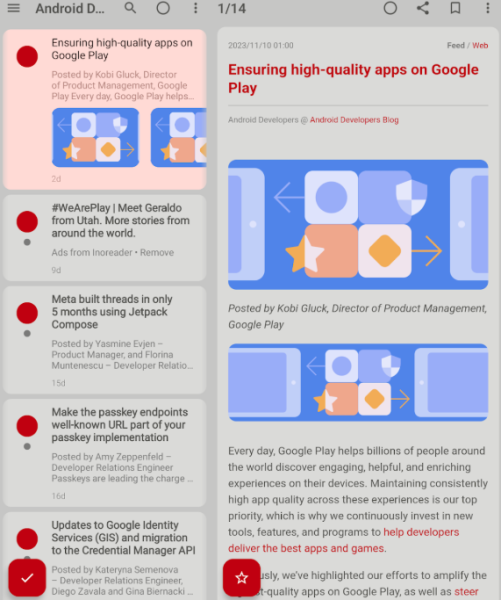
FeedMe is a user-friendly offline RSS reader that caters to various RSS services, including self-hosted and local options.
- Feedbin
- Feedly
- Fever API
- Folo
- Tiny Tiny RSS
- Google Reader API
- Bazqux
- FreshRSS
- InoReader
- The Older Reader
Its purpose is to enhance the reading experience for users as they browse and manage their preferred articles.
******* OVERVIEW *******
- One-click saving options for Pocket, Evernote, Instapaper, and Readability.
- Free of advertisements.
- Enables offline reading with images and complete text.
- Compatible with podcast RSS and text-to-speech functionality.
******* DOCUMENTATION *******
******* FEATURES *******
- AI-generated summaries and translations
- Customizable feeds for syncing
- Podcast and text-to-speech support
- Options for starring and tagging
- Swipe gestures for navigation in the article list
- Automatically marks items as read while scrolling
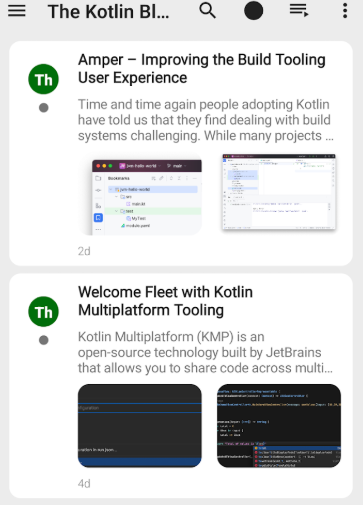
- Several viewing modes for the article list: minimal, summary, list, card, and vision view
- Offline reading capabilities (includes images and full text)
- Automatic updates for synchronization
- Instant state updating across devices
- User-friendly interface with standardized font, color, and page layout
- Integrated image viewer with GIF support
- Built-in browsing option
- Custom accent colors
- Available themes include light, paper, dark, night, and e-ink
- Widget for unread count display
- Navigation using volume buttons
- Capability to send via email, SMS, and social platforms through installed applications
*******TARGET AUDIENCE *******
1. **Efficient Information Acquirers**
Users tired of algorithm-based recommendations and want to subscribe to news, blogs, and other content themselves can centrally manage their subscription sources, avoiding ad interference and focusing on obtaining the information they need.
2. **Mobile Readers**
People who frequently go offline, such as commuters or business travelers, can pre-cachate full-text articles and images for a complete reading experience even offline. Text-to-speech is also supported, adapting to fragmented reading scenarios.
3. **Multi-Platform RSS Users**
Users currently using mainstream RSS services such as Feedly and Inoreader, or those who have built their own Tiny Tiny RSS or FreshRSS, can manage subscriptions from different sources uniformly without switching tools.
4. **Knowledge Managers and Learners**
Researchers, students, and professionals who need to organize learning or work materials can quickly process content using AI summarization/translation and sync it to tools like Evernote and Obsidian with one click to build a knowledge base.
5. **Personalized Reading Preference Users**
Users who value the reading experience can choose from multiple theme modes, reading views, and custom color schemes. Features such as marking and tagging are also supported to cater to individual usage habits.
FAQs:
Q: Can FeedMe directly use Feedly or your own RSS feeds? What's its compatibility like?
A: Absolutely. It's highly compatible, supporting over 10 major RSS services like Feedly and InoReader. It also works with your own feeds like Tiny Tiny RSS and FreshRSS, and even local RSS feeds. You don't have to switch reading tools just to use a different RSS platform, making it suitable for both casual and experienced users.
Q: Can I use it to read my subscribed articles while I'm commuting without an internet connection? Will images load?
A: You can read offline, and the experience is complete. It caches the entire article text and images in advance, allowing you to browse even without an internet connection. You won't see "text without images." This makes it ideal for commuting, traveling, and other offline environments, solving the problem of not being able to access your subscriptions while on the go.
Q: I have too many subscriptions. Is there a way to quickly filter the most important ones? Can AI help?
A: AI can significantly improve filtering efficiency. It automatically generates article summaries, allowing you to quickly grasp the core of long articles and provide a quick overview of short ones. Foreign-language content can be translated directly without having to copy it into a translation app. Additionally, articles are automatically marked as "read" as you scroll, eliminating manual processing and reducing information processing time.
Q: Will my previous reading progress and starred articles be lost if I change my phone? How can I sync them?
A: No, it supports cross-device syncing. As long as you're logged into the same account, it automatically updates your subscriptions, and reading status like "read/starred/tagged" is synchronized across devices in real time. For example, starred articles on your phone can still be viewed when you open them on your computer, ensuring seamless integration.
Q: If I want to save an article for later review, can I sync it directly to a note-taking tool?
A: You can connect multiple tools with one click. If you find an article you want to keep, you can save it directly to popular note-taking apps like Pocket and Evernote. If you want to add it to your knowledge base, you can also connect it with tools like Obsidian, where AI-generated summaries will automatically sync, improving your knowledge organization efficiency.
- Version4.5.11
- UpdateOct 23, 2026
- Developerdataegg
- CategoryNews & Magazines
- Requires AndroidAndroid 8.0+
- Downloads165K+
- Package Namecom.seazon.feedme
- Signature243379e97b090159d6966a2ff0d1a52d
- Available on
- ReportFlag as inappropriate
-
NameSizeDownload
-
15.13 MB
-
15.13 MB
-
14.95 MB











Extensive customization options available
Fast and smooth performance
Good offline reading capabilities
Free with no ads
Responsive developer support
Integration with third-party apps
User-friendly setup for adding feeds
Supports multiple view modes, including text-to-speech
Regular updates and improvements
Unreliable syncing with some services
Occasional bugs causing articles to load incorrectly
Confusing user interface and settings navigation
Issues with marking articles as read across platforms
Background updates not functioning properly
Problems with storage management and app size
Missing features such as RTL language support
Poor design in contrast (read vs. unread items)
Limited functionality for non-techy users