
elDiario.es - Mobile news access & personalization
Stay updated with breaking news, expert opinions, and a personalized experience tailored just for you.

- 3.11.3 Version
- 2.9 Score
- 163K+ Downloads
- In-app purchases License
- 3+ Content Rating

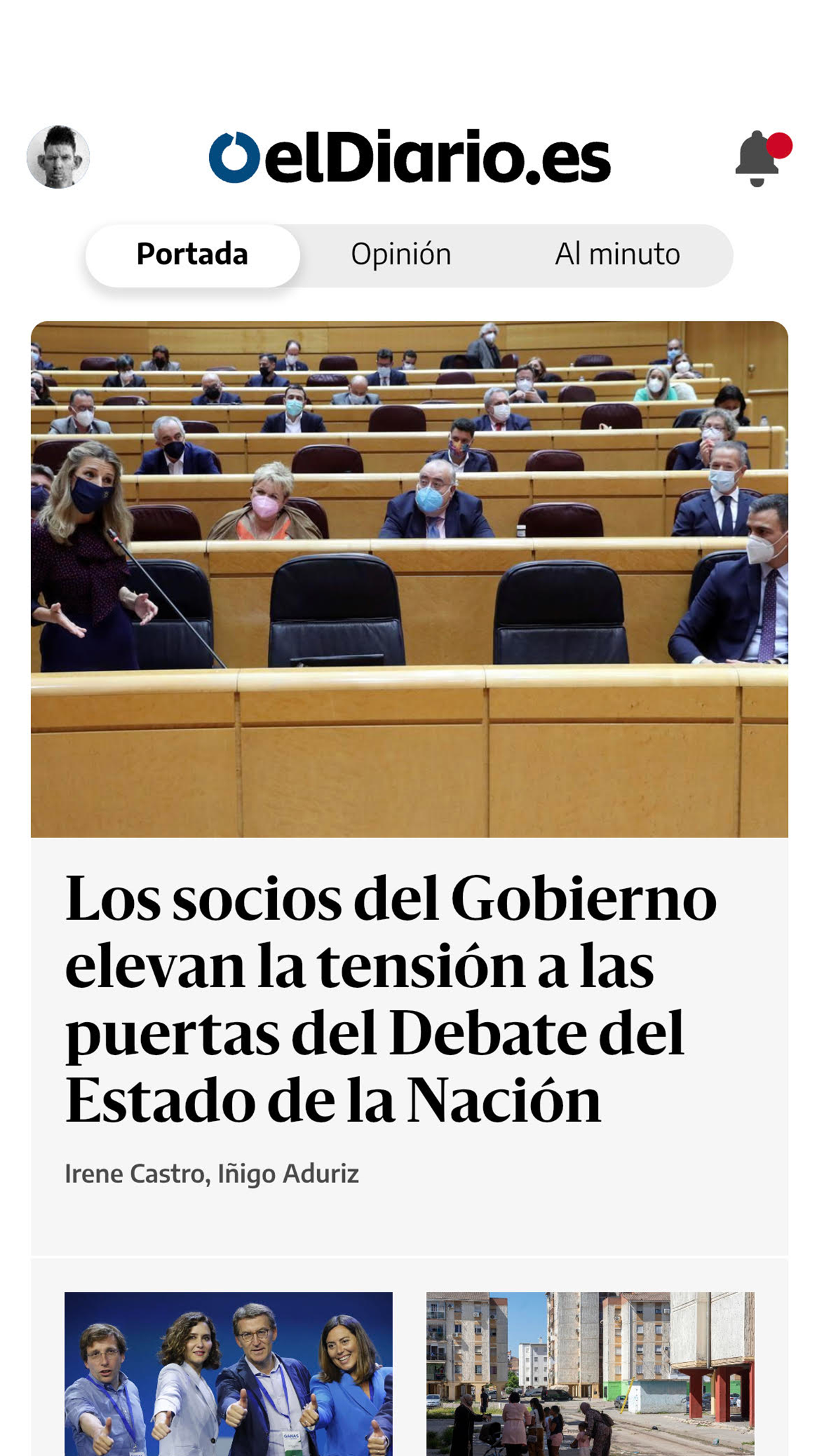

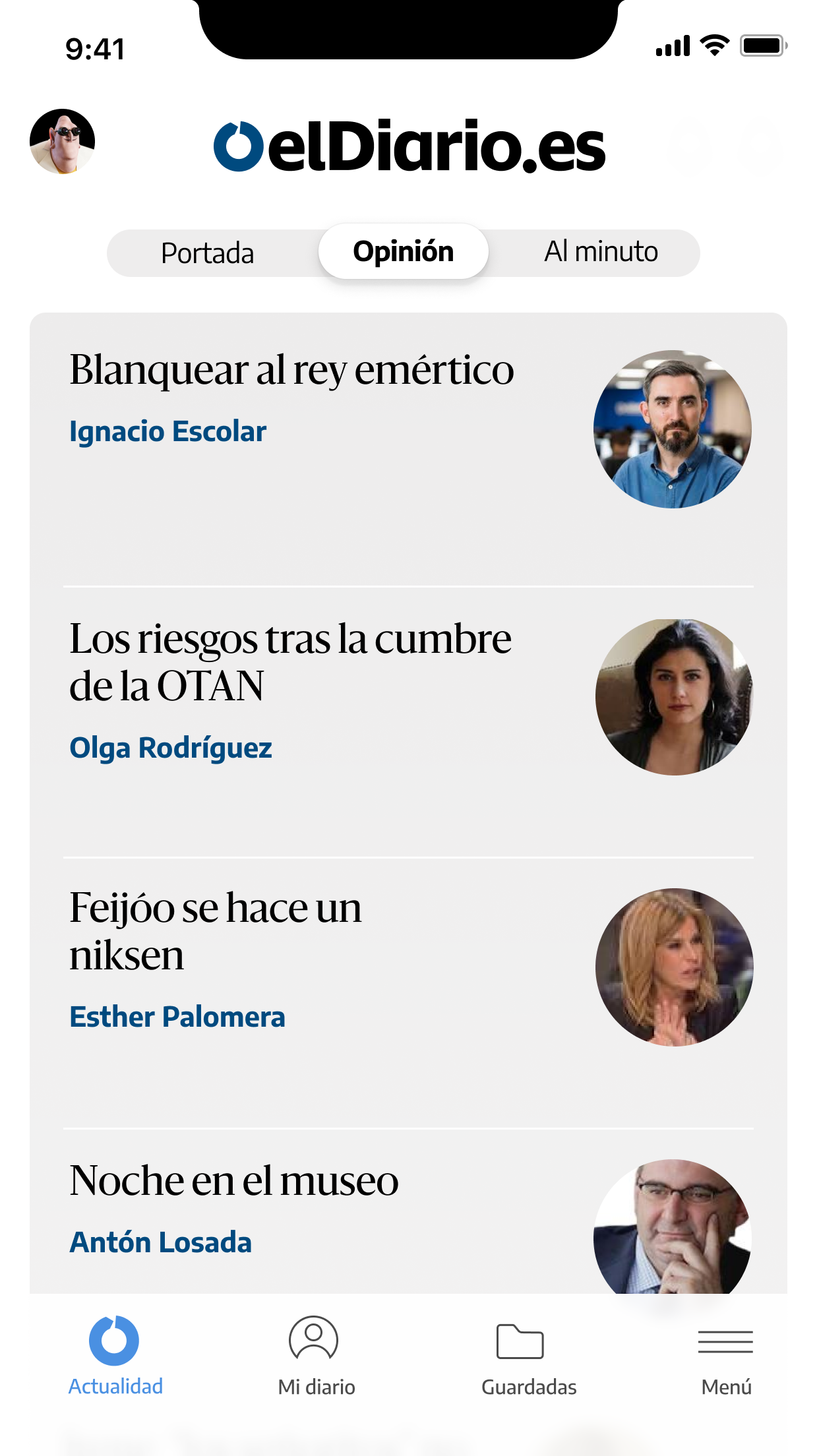
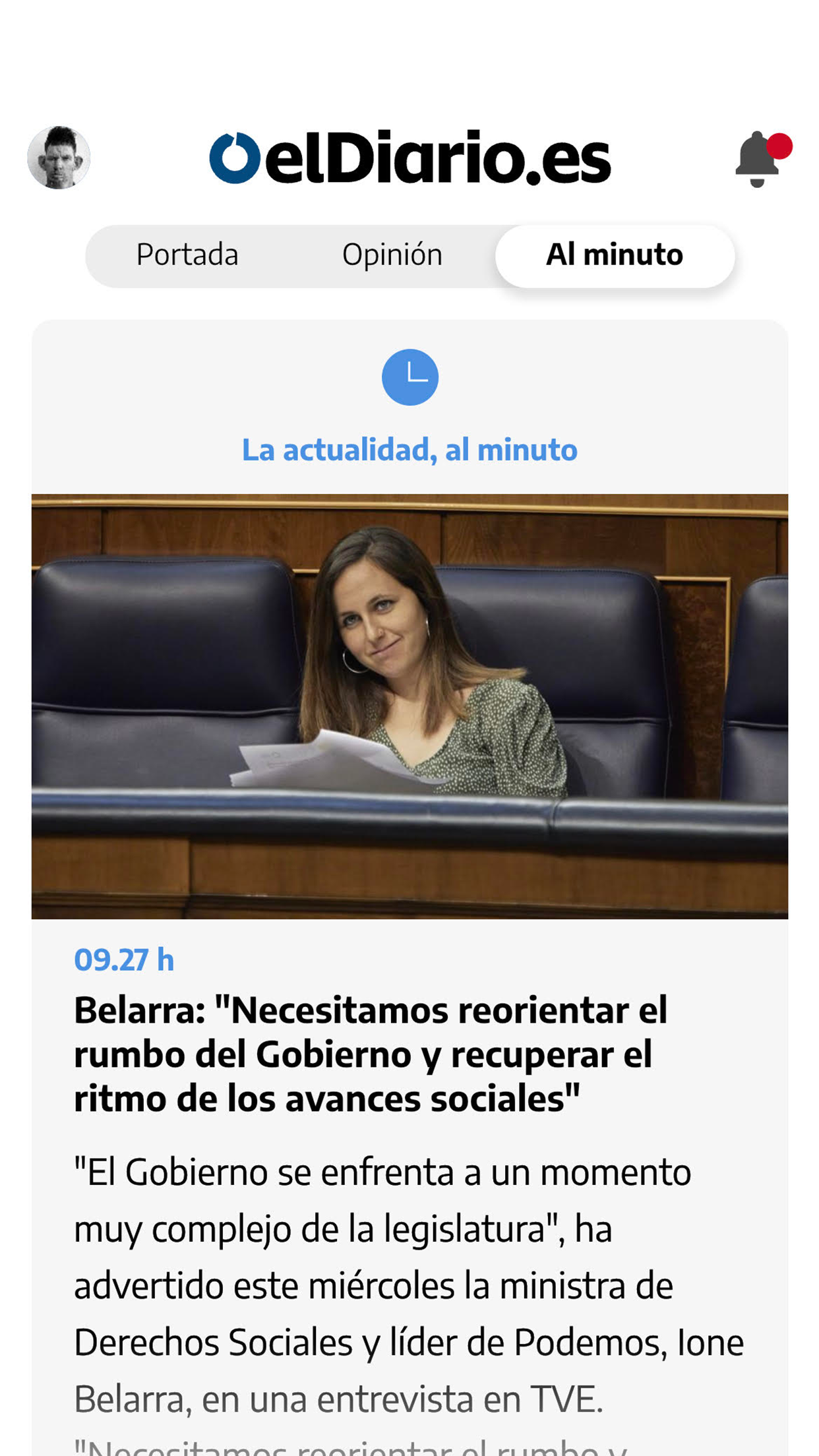
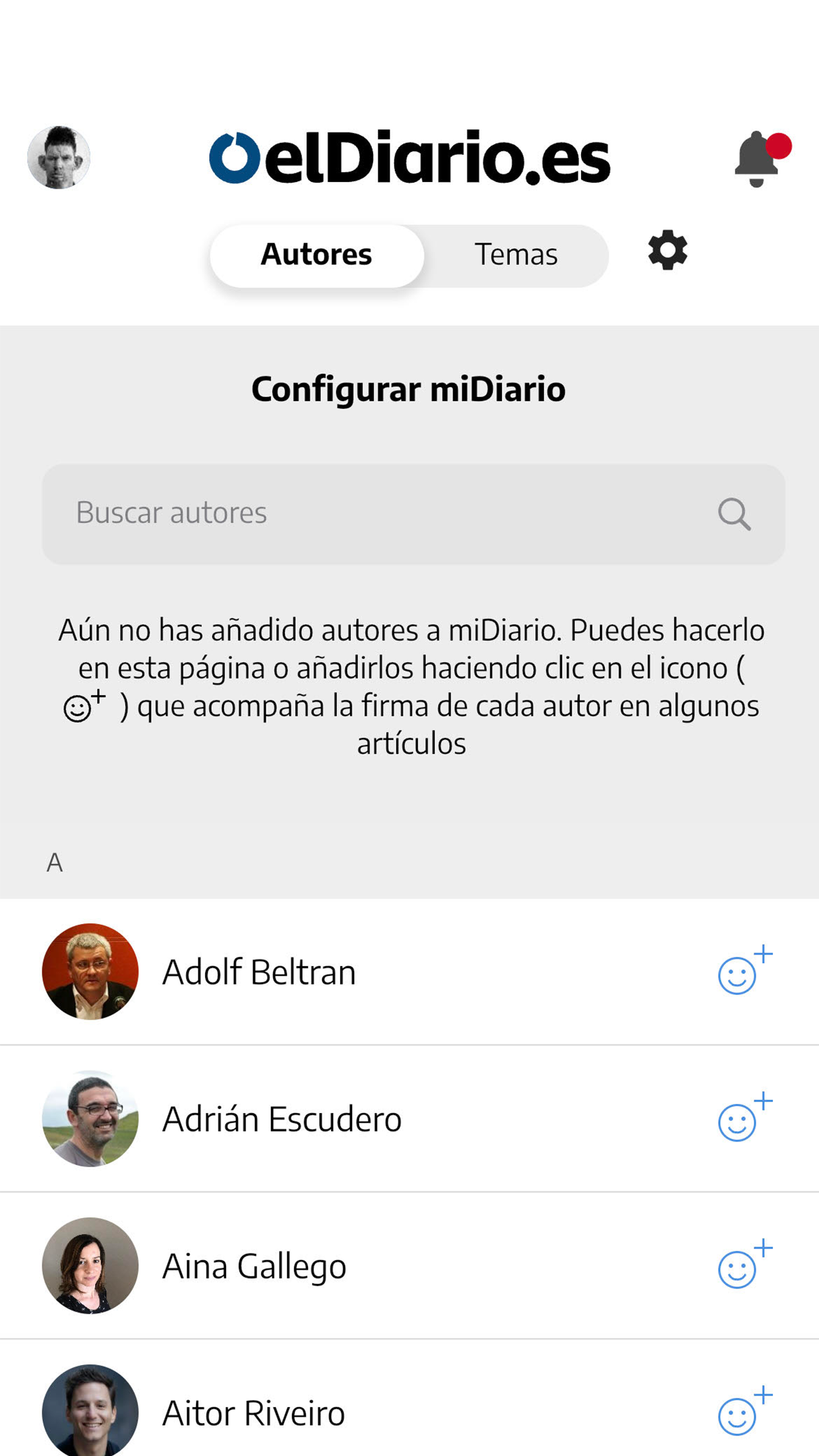
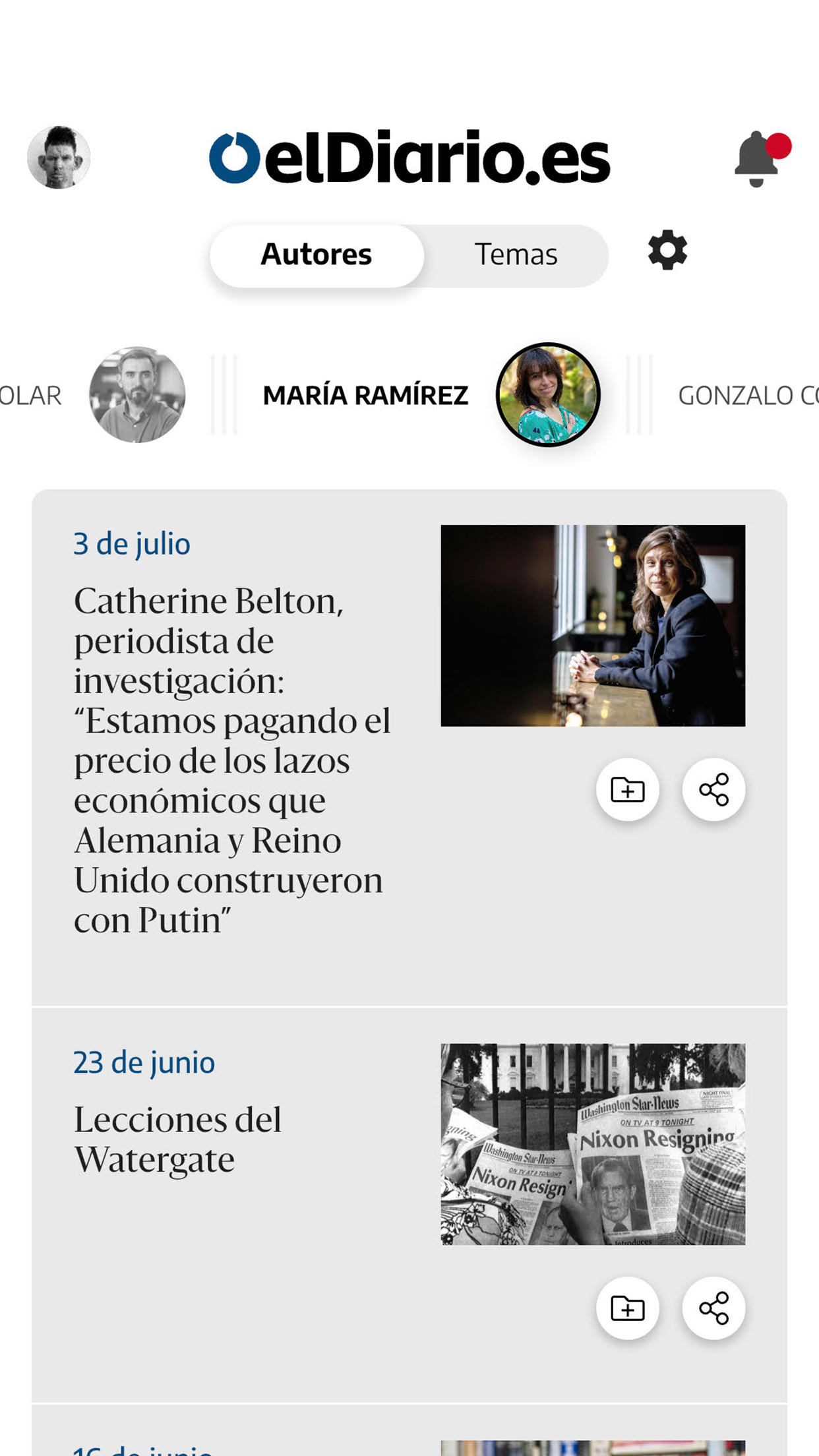
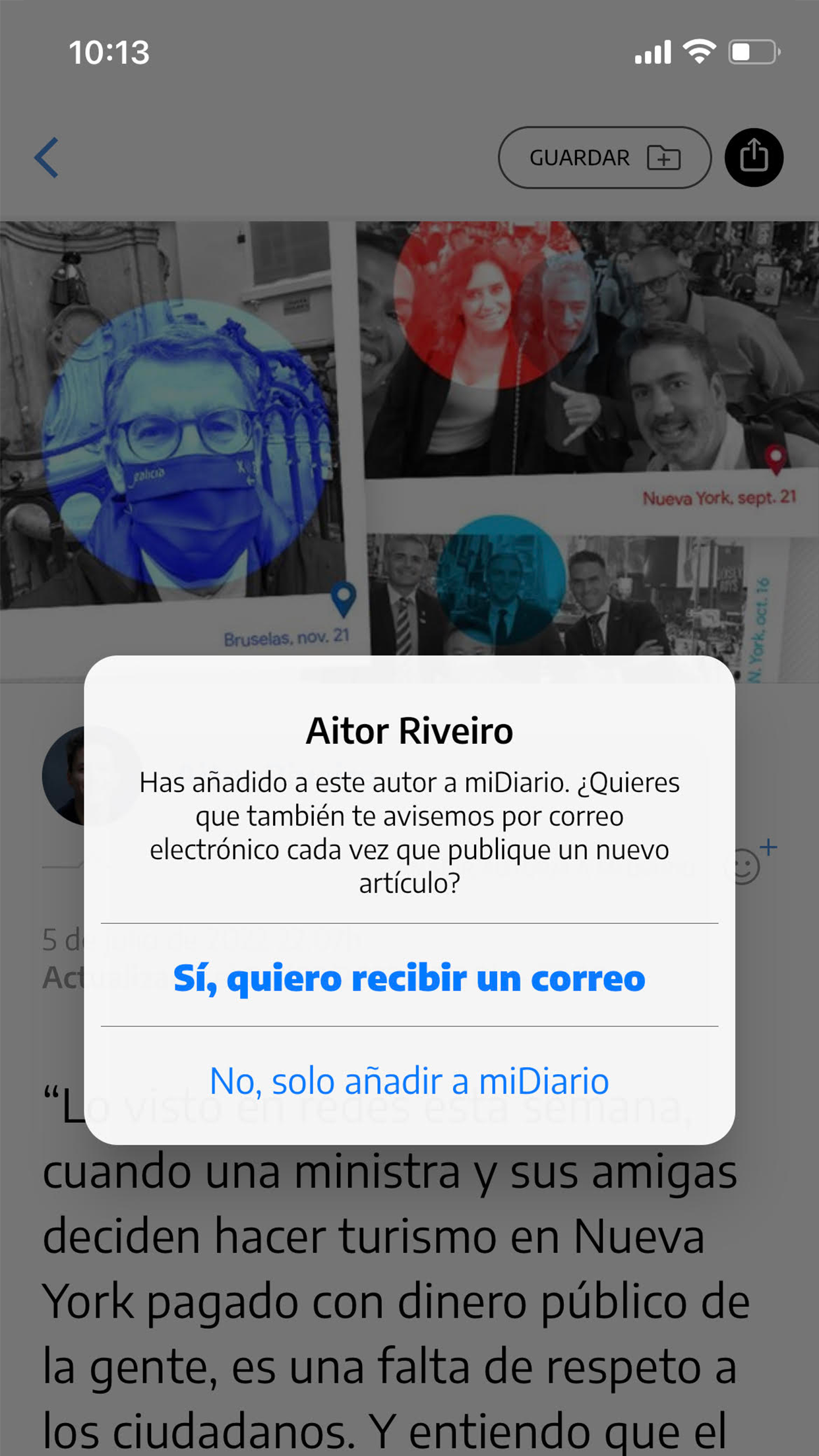
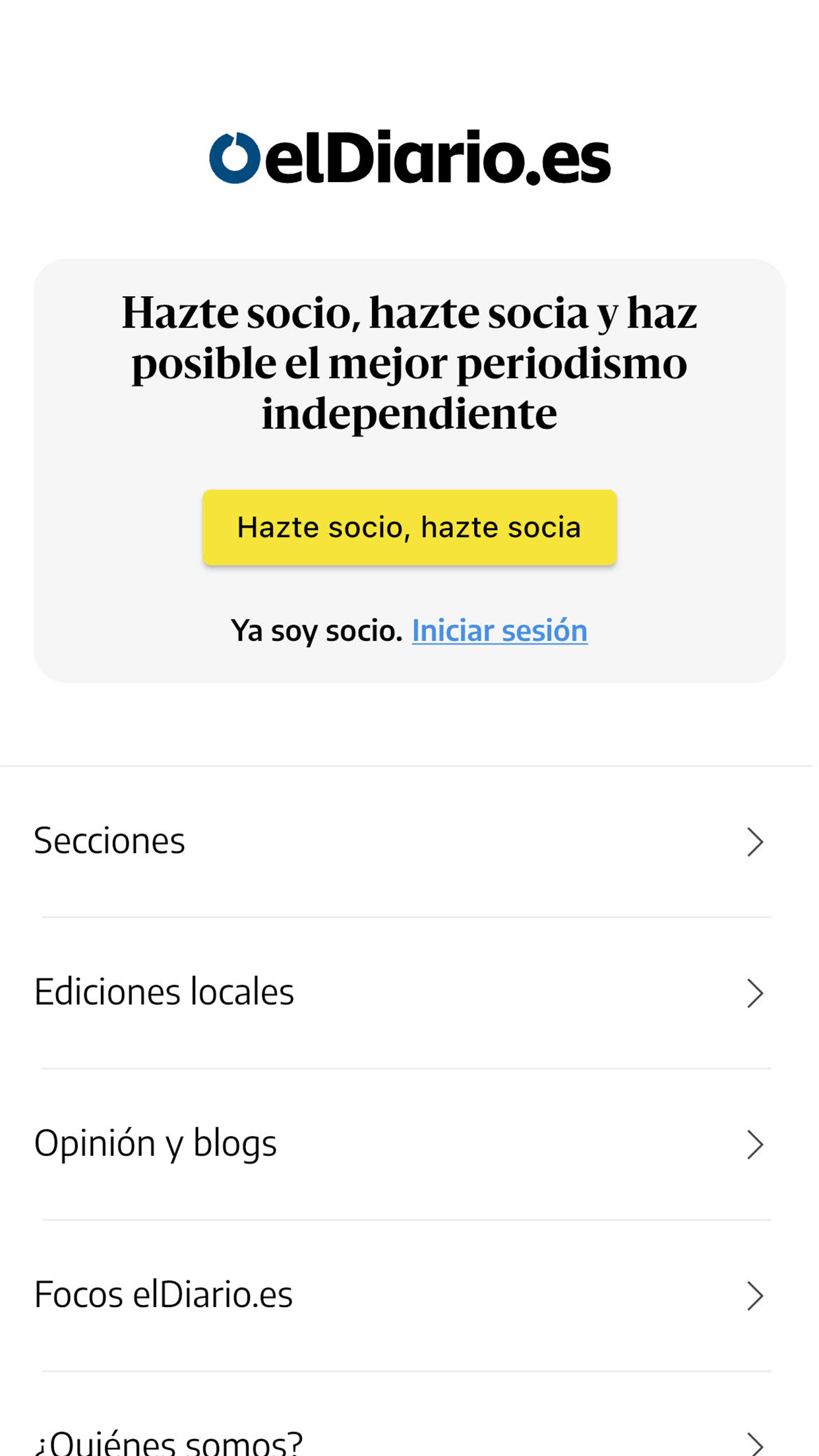
Welcome to the revamped elDiario.es app! This entirely new version is crafted to provide an optimal reading experience for news on mobile devices.
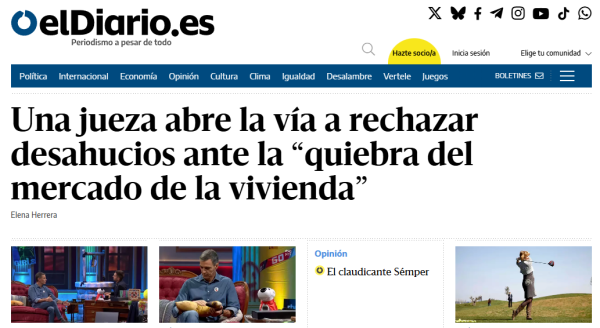
You can access all the content from elDiario.es, including breaking news, reports, analyses, and opinions, all readily available for you to enjoy top-notch independent journalism.
The updated application brings a variety of new features:
- Cover: The key topics of the day are organized based on informative criteria, ensuring you won’t miss anything significant.
- Opinion: The app includes a dedicated section for analyses written by elDiario.es columnists, featuring renowned writers all in one location.
- Up to the minute: Get the latest updates and all important alerts, keeping you informed about what’s essential and urgent. During weekends, this section shifts to offer more leisurely and comprehensive readings.
- Bell: In the upper right corner, you will find a bell icon that lights up several times each day, highlighting the day’s key essentials. Here, you can also discover content aimed at members, the podcast 'Un tema al día', and Juanlu Sánchez's newsletter 'Al Día'.
- In 'myDiary', you will experience a tailored browsing journey, allowing you to follow your favorite journalists and topics, as well as bookmark news and reports for later reading. You can also easily save your preferred authors directly from their articles.
Usage Process:
1. **Download and Install**: Search "elDiario.es" in the App Store (iOS, search App Store, Android, search Google Play) and click Install;
2. **Register/Login**: Open the app. New users can register an account using their phone number, while existing users can log in directly by entering their username and password;
3. **Browse Content**:

- View the day's important news on the homepage's "Cover," click "Opinion" for column analysis, and click "Latest News" for real-time updates (weekends are for casual, long-form content);
- When the "bell" in the upper right corner lights up, click to view the day's highlights, member content, podcasts, and newsletters;
4. **Personalize**: In "myDiary," follow your favorite journalists/topics, bookmark stories for later, and save favorite authors directly;
5. **Adjust Settings**: Change the font size in the app's preferences to optimize your reading experience.
If you haven’t joined us yet, you can now become part of our community through your mobile device.
Target Audience:
1. **Instant News Followers:** Users who need to quickly access breaking news and daily core information, and want to stay up-to-date with trending topics through the "Instant Updates" section.
2. **In-Depth Content Lovers:** Users who prefer column analysis, in-depth reports, opinion pieces, and leisurely weekend articles, and seek a high-quality, independent news reading experience.
3. **Personalized Reading Needers:** Users who want to customize their reading experience by following favorite journalists and topics, saving articles for later review, and enjoying a personalized reading plan.
Related Questions and Answers:
1. **Q: What types of news content are available in the elDiario.es app? **
A: You can access the entire platform's content, including breaking news, in-depth reports, current affairs analysis, opinion columns, and weekend-only, casual, long-form articles. We cover everything from daily news to in-depth insights.
2. **Q: What does it mean when the "bell" icon lights up? What do I see when I click on it? **
A: The "bell" icon lights up when there's a key update for the day. Clicking on it will reveal the core news highlights, as well as member-only content, the podcast "Un tema al día," and Juanlu Sánchez's newsletter "Al Día."
3. **Q: Can I join the member community directly in the app if I haven't registered? **
A: Yes, open the app and follow the prompts to complete the registration on your phone. You'll then be able to join the community and continue to use personalized features and access member content.
4. **Q: How do I save my favorite news stories for later? **
A: You can save news in the "myDiary" section or by tapping the bookmark icon within an article while reading it. You can then find your saved content directly in "myDiary" later.
5. **Q: The default font size is too small. Can I increase it? **
A: Yes, go to the "Settings" or "Preferences" menu in the app, find the font size option, and adjust it to a comfortable reading size.
6. **Q: Is there a difference between the "Latest News" section on weekends and weekdays? **
A: Yes. Weekdays focus on real-time updates and urgent information, while weekends switch to more relaxed, comprehensive, and casual reading to suit your weekend reading schedule.
- Version3.11.3
- UpdateOct 23, 2026
- Developereldiario.es
- CategoryNews & Magazines
- Requires AndroidAndroid 5.0+
- Downloads163K+
- Package Namees.eldiario.app
- Signature84910bdf9fa98e60c2d60f2c9164adf1
- Available on
- ReportFlag as inappropriate
-
NameSizeDownload
-
37.35 MB
-
35.47 MB
-
35.17 MB











High-quality journalism
Clean and fast user interface
Useful functionalities like personalized lists of articles
Regular updates improving app performance
Good content accessibility from mobile web
Engaging themes and subjects selection
Potential for offline reading capabilities
Frequent app crashes and bugs
Lack of essential features like comments section
Difficulties in article navigation and organization
Missing dark mode option
Inconsistent login sessions
Push notification issues
Challenges with saving articles or bookmarking
Interface could be more intuitive and clear