
EV Smart Book - Digital manuals & interactive learning
Unlock a world of knowledge with digital manuals, interactive resources & fun learning—anytime, anywhere!
- 2.3.7 Version
- 2.8 Score
- 255K+ Downloads
- Free License
- 3+ Content Rating

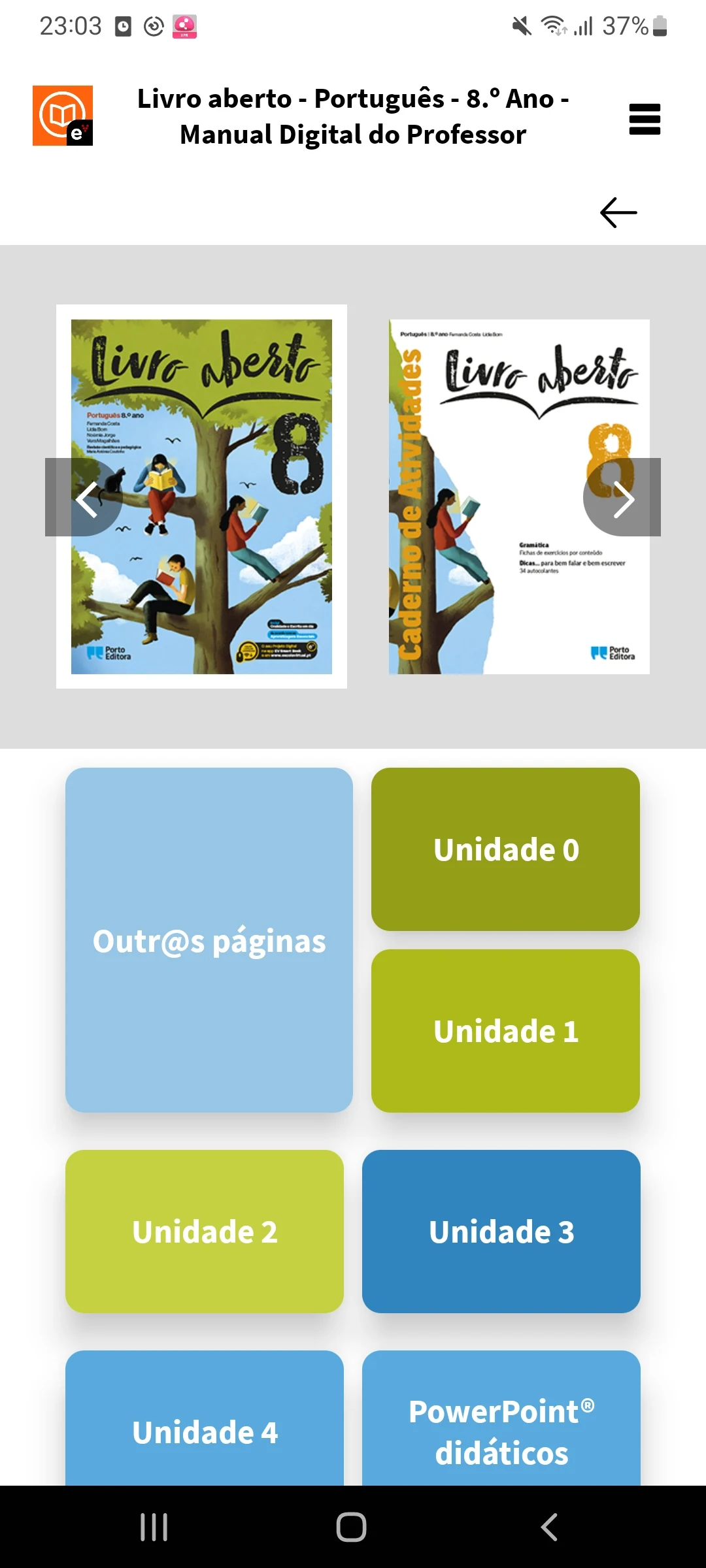
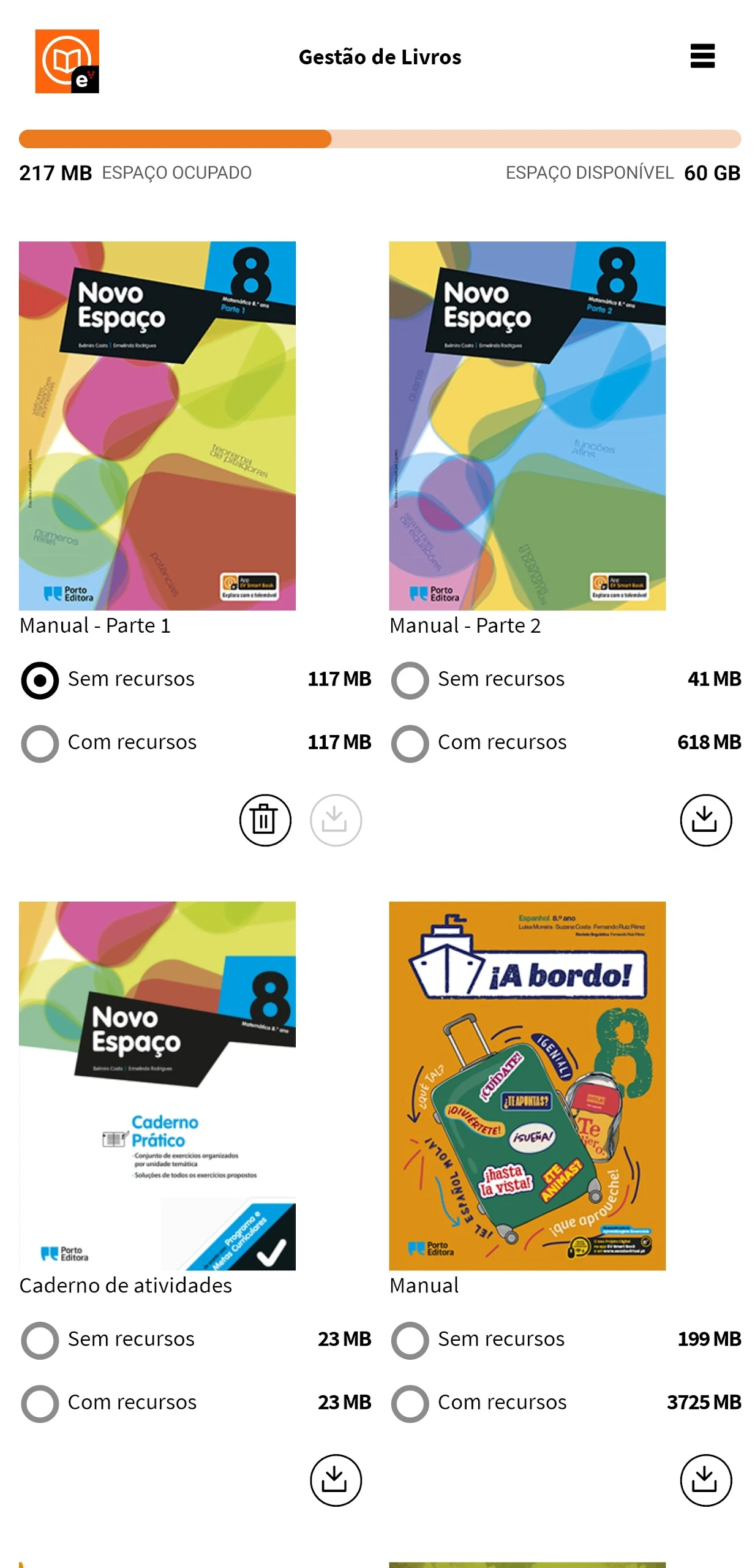
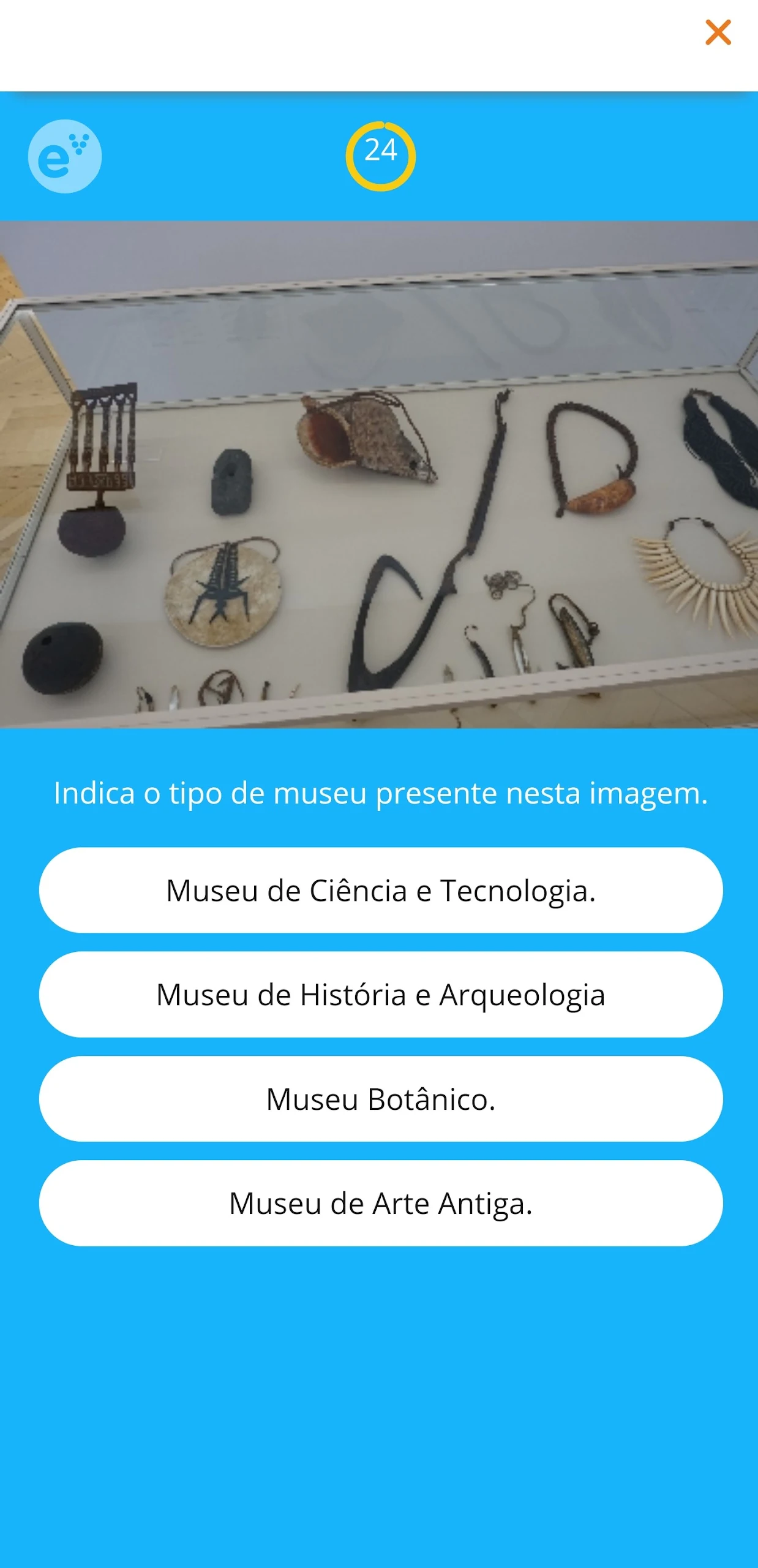

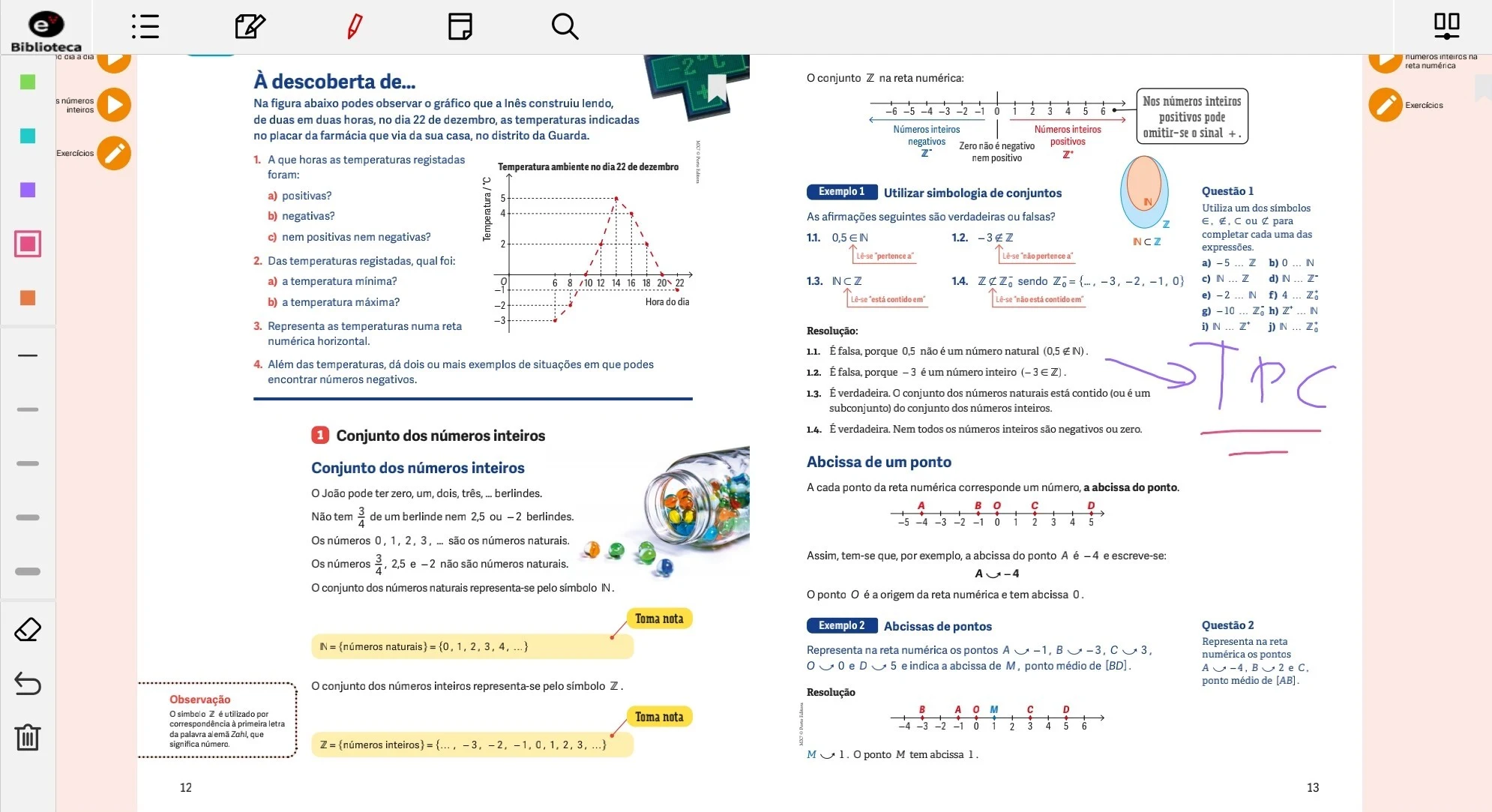

About the app
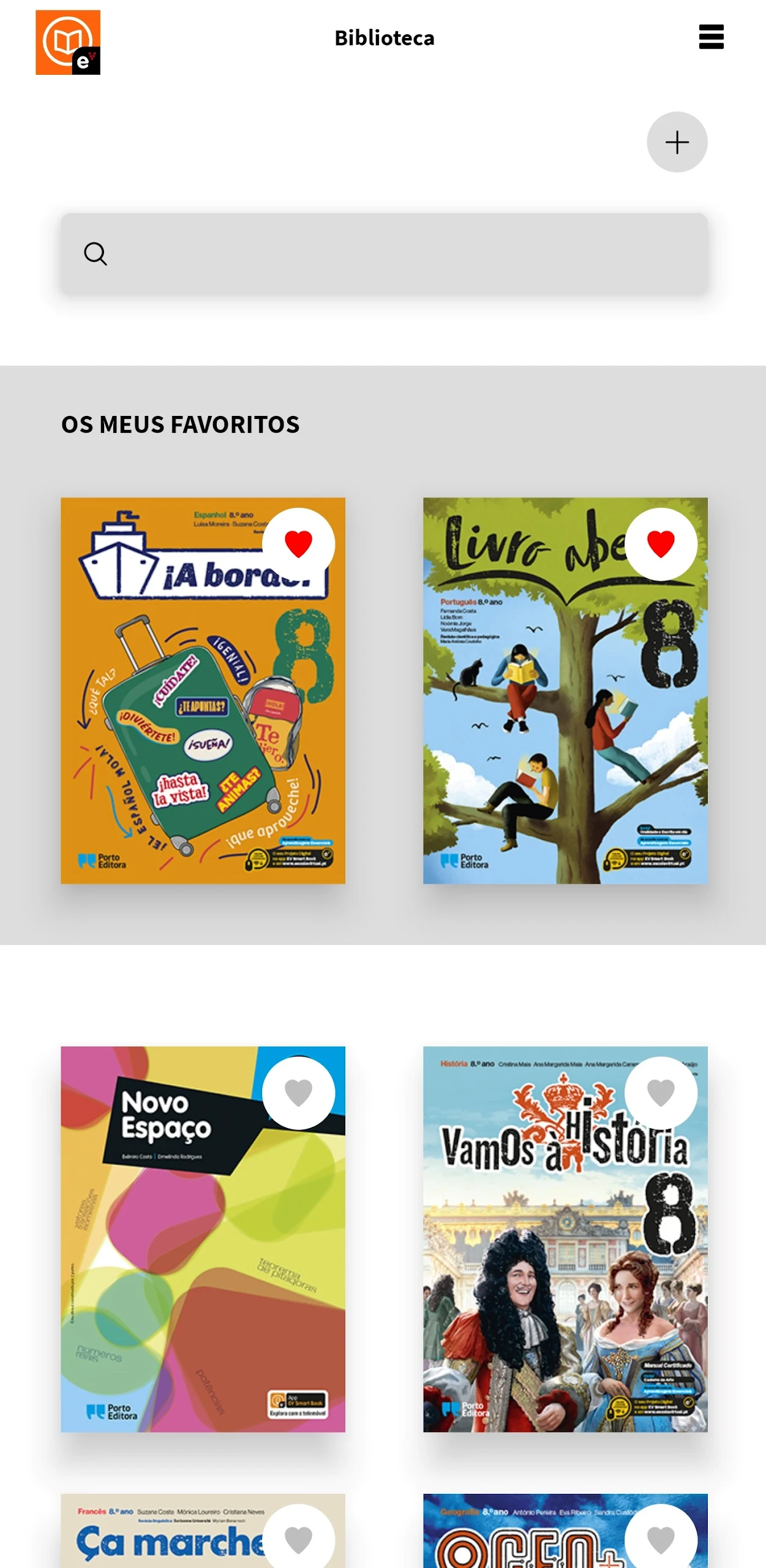
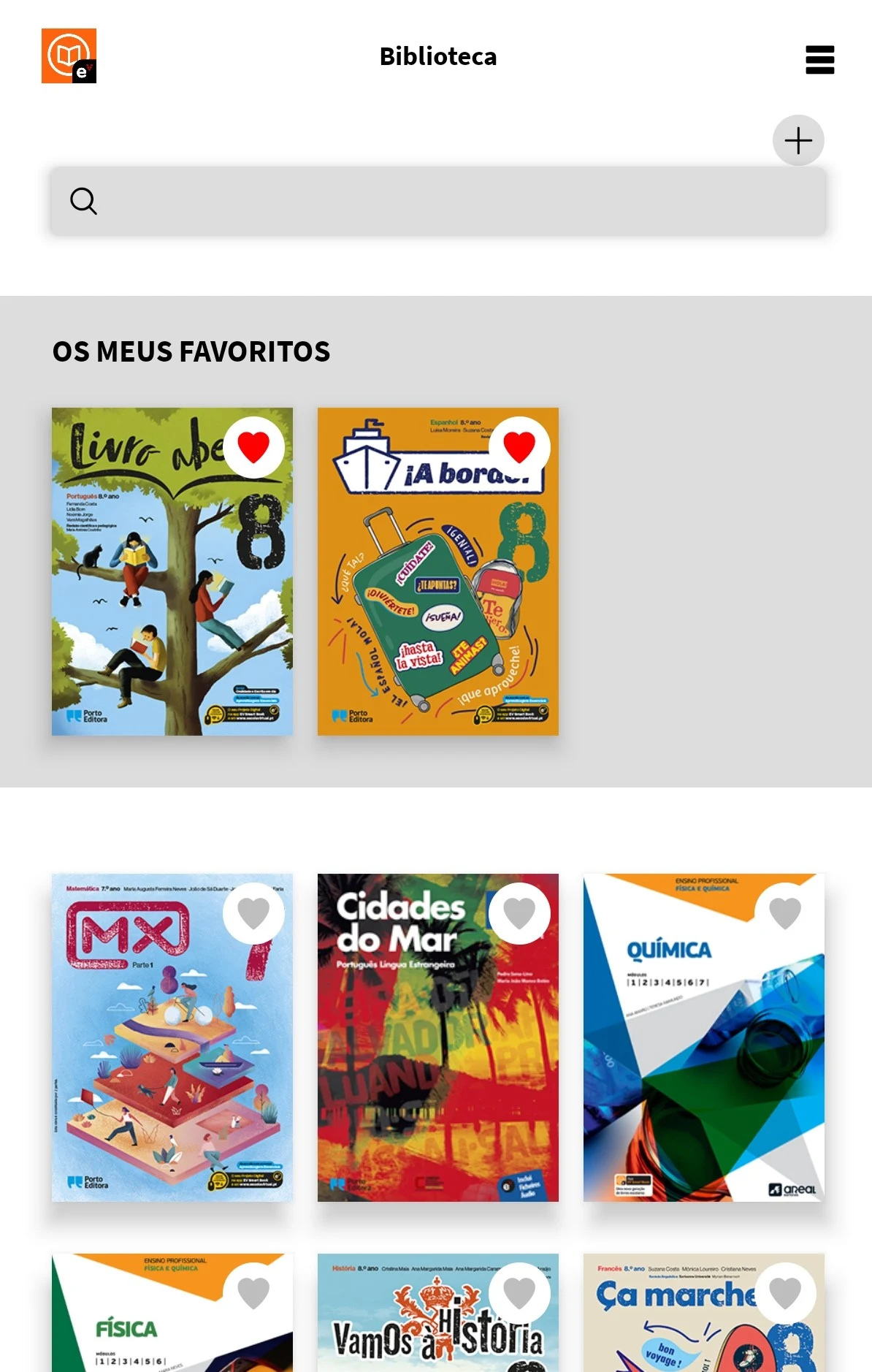
Your manuals can now fit right in your pocket!
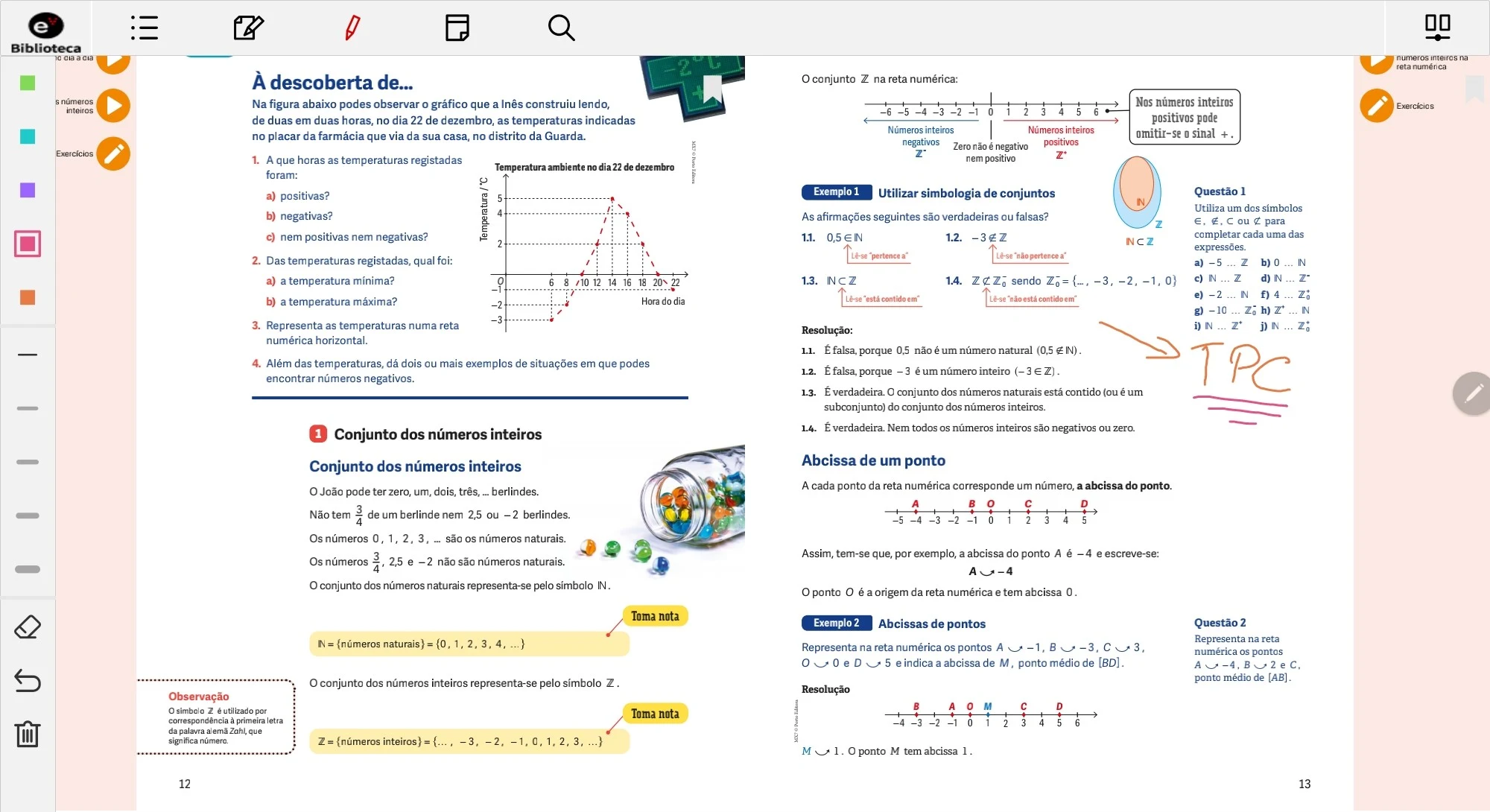
If you are a student from 1st to 12th grade attending a public school with a school manual from Porto Editora, Areal Editores, or Raiz Editora, simply create your account on the EV Smart Book app to gain automatic access to your Digital License.
Features:
- You'll find numerous resources designed to enhance your understanding of the material and assist you in preparing for exams in a more enjoyable and interactive manner.
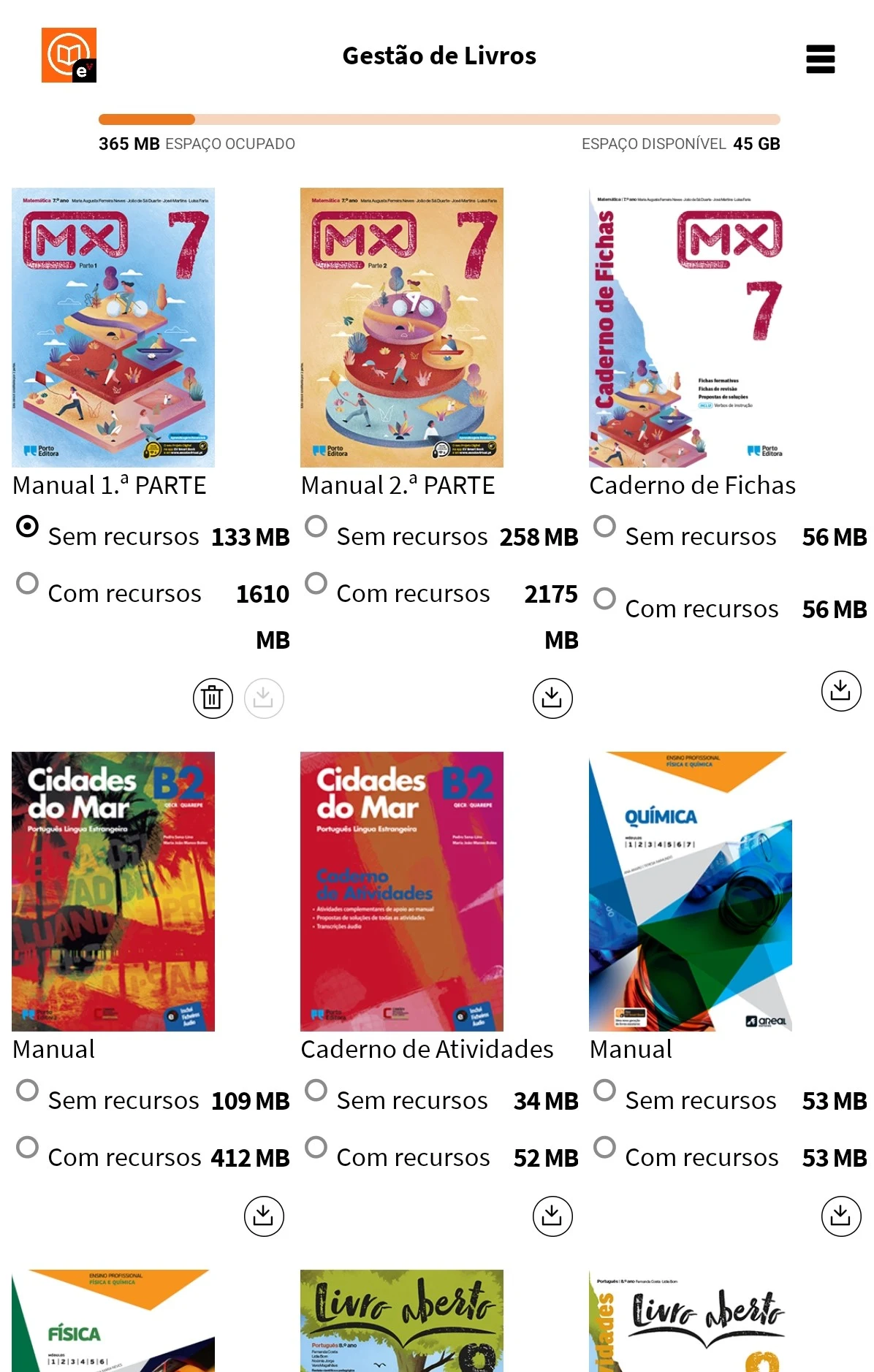
- You have the ability to download your books and refer to them at any time and from anywhere.
- Your digital manual is accessible both online and offline!
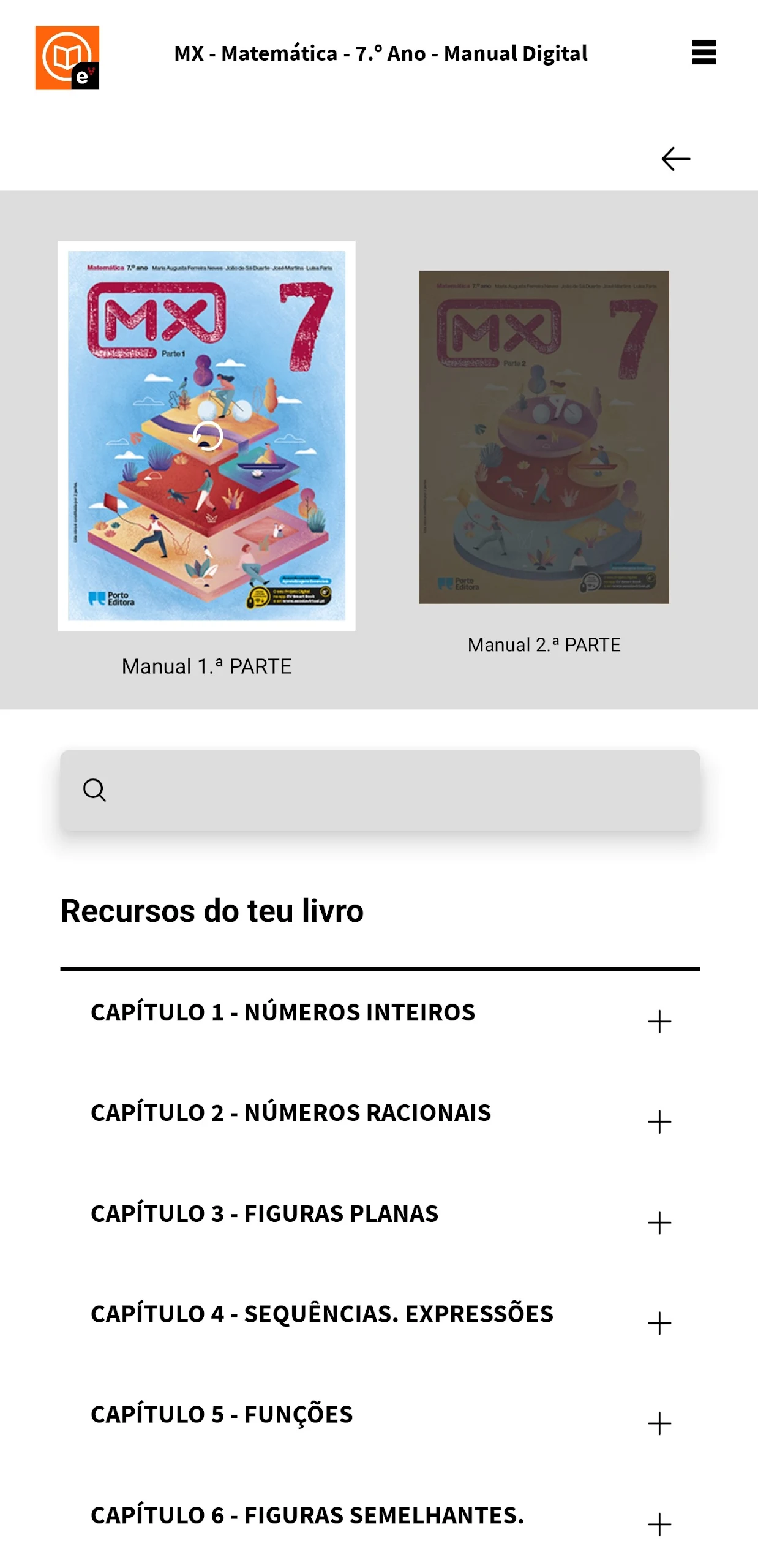
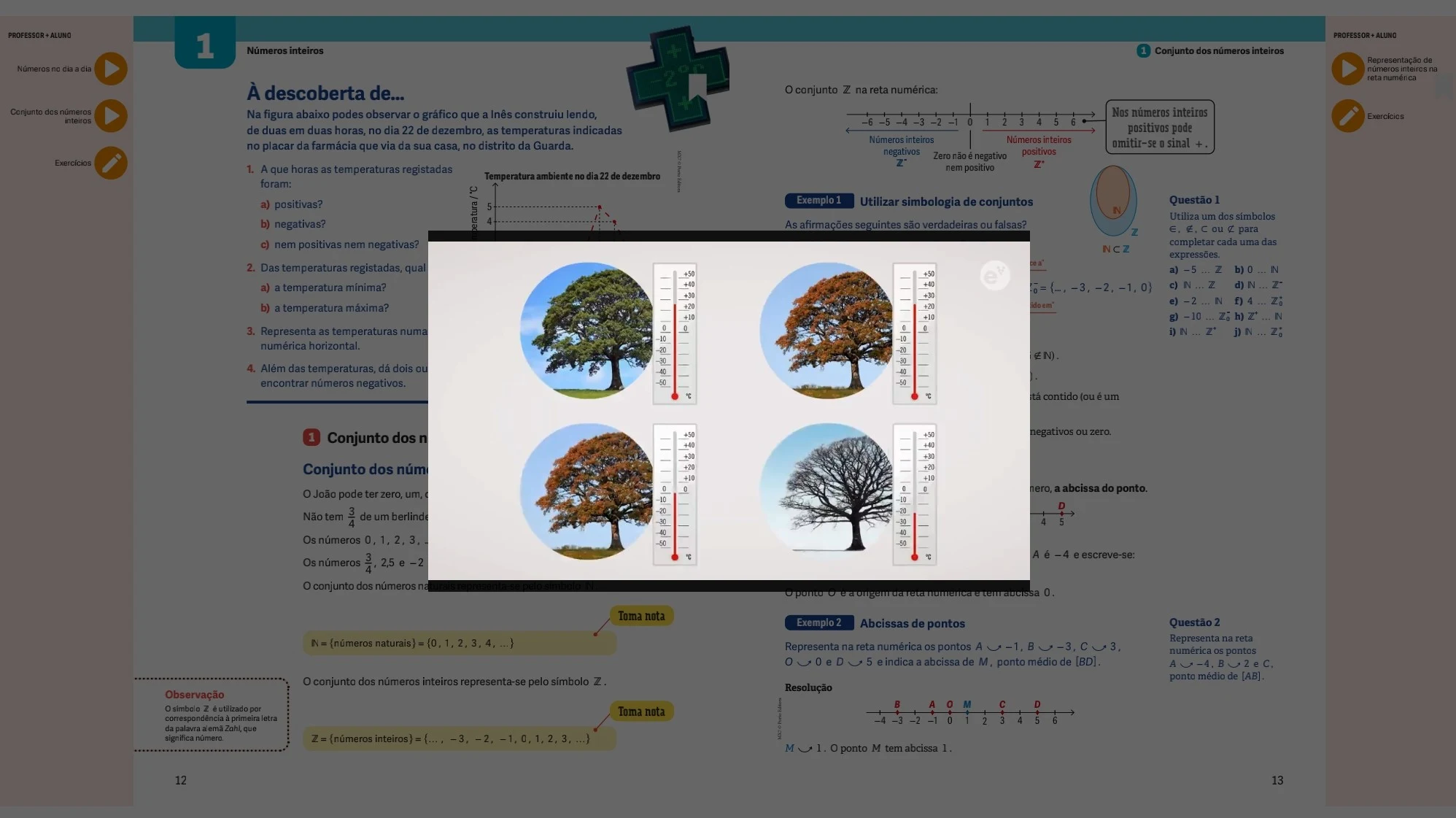
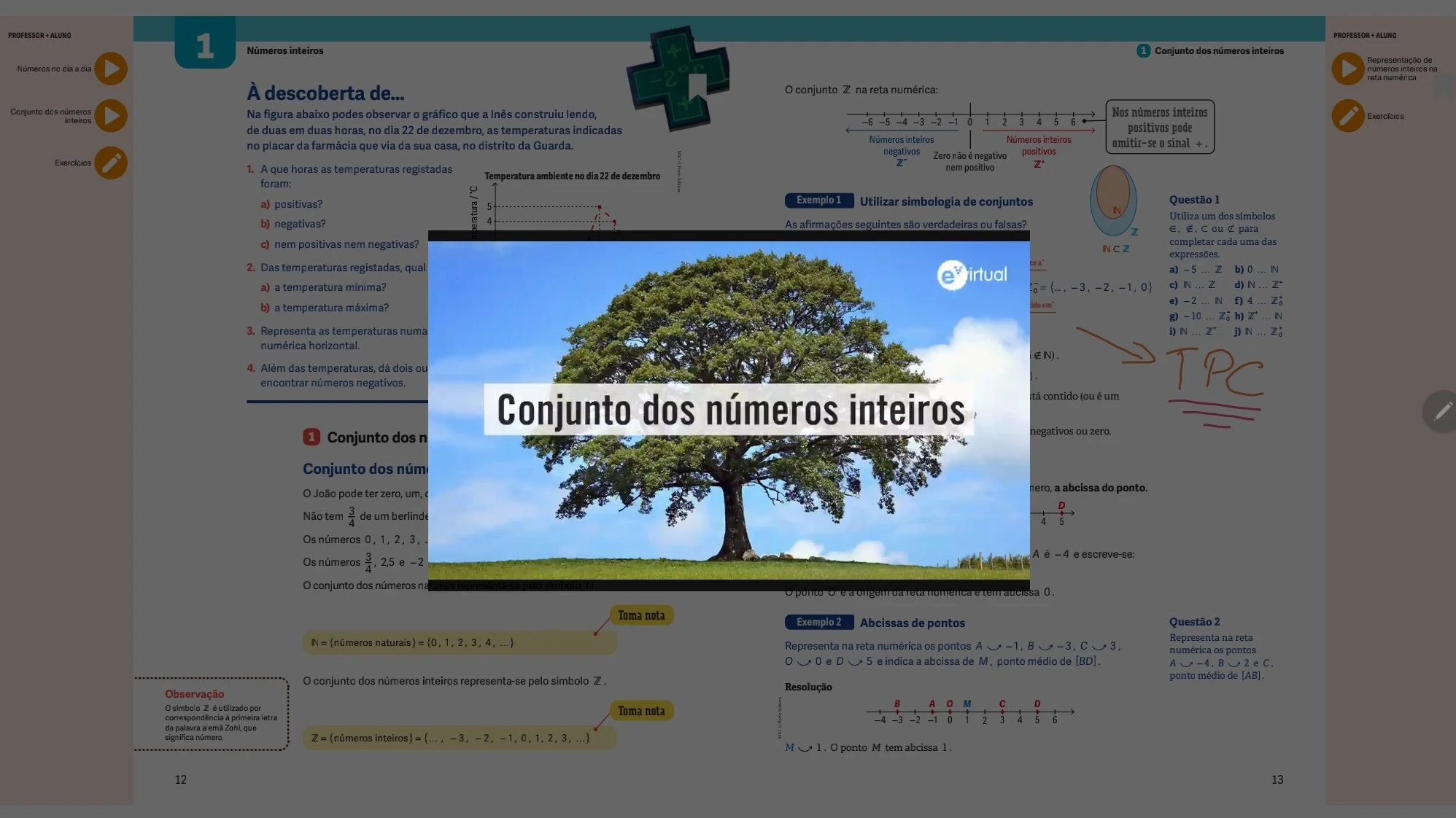
- Each page features resources such as videos, interactive elements, tutorials, and more, which aid in clarifying doubts and making learning more engaging.
Instructions:
1. Register and log in to your account. If you meet the requirements, your digital textbook authorization will be **automatically activated**.
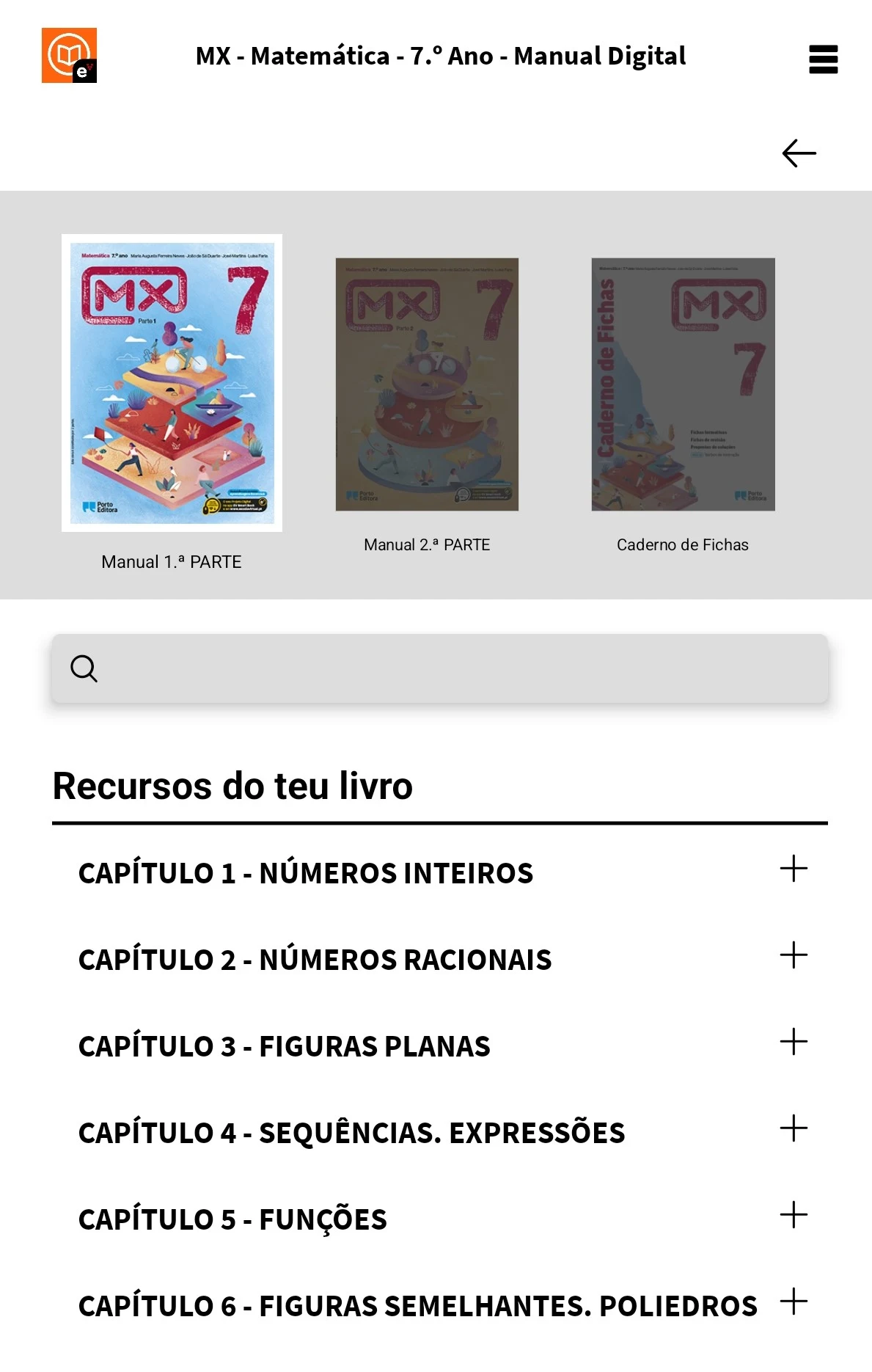
2. Browse the textbook online and use the videos, interactive content, and supplementary materials on the page.
3. Download the textbook; offline viewing is supported.
4. You can **search, add bookmarks, and take notes** within the book.
5. Log in to the same account on multiple devices; your notes and progress will **automatically sync**.
6. For books that are not automatically authorized, enter the **activation code** on the textbook's homepage to use it.
7. Active learning allows you to **receive rewards** in the virtual campus.
FAQs:
Q: I can't find EV Smart Book in the App Store. What should I do?
A: Please confirm that the region setting in your App Store is correct. The app may only be available in certain regions. If the region is correct, try searching for "EV Smart Book" in the App Store search bar. If you still can't find it, there may be a temporary technical issue with the app. We recommend trying again later or visiting the official app website to check for alternative download options.
Q: I didn't receive the verification code when registering an account. What can I do?
A: First, check your mobile network. A poor connection may cause a delay in receiving the verification code. If your connection is good, check your SMS blocker. The verification code message may have been blocked. If none of these situations occur, try changing your registered mobile number or contact the app's customer service to explain the situation and help resolve the registration issue.
Q: I can't open the downloaded textbook and receive an error message. What's going on?
A: First, check your device's storage space. If insufficient space is available, the file may not open properly. You may need to clear out some unused files. Second, confirm that you have the latest version of the app. Older versions may have compatibility issues. Update to the latest version in the App Store and try again. If the problem persists, try uninstalling and reinstalling the app and redownloading the textbook.
Q: Interactive elements within the app (such as videos and tutorials) won't load. What should I do?
A: First check your network connection. An unstable network can cause interactive elements to fail to load. Switch networks (for example, from mobile data to Wi-Fi, or vice versa) and try again. If your network is working properly, clear the app cache. Go to Settings > App Management > EV Smart Book, find the "Clear Cache" option, and restart the app to try loading.
Q: Notes and bookmarks added to the textbook don't appear on another device. What should I do?
A: Make sure both devices are logged into the same EV Smart Book account and have sync enabled. If syncing still doesn't work despite the above conditions, manually click the "Sync Data" option in the app settings and wait for the sync to complete. If the problem persists, contact customer service and provide information such as your device model and app version for troubleshooting.
Additionality:
exploring the manual, performing searches, bookmarking, or adding notes in the text are just some of the many functions offered. Everything stays synced across devices.
Download the app, learn, and earn rewards at Virtual School! The more actively you engage, the more benefits you receive!
NOTE: Some books not linked to the Digital License are still considered Smart Books. To activate these, simply enter the code located on the first page of the book.
- Version2.3.7
- UpdateSep 30, 2026
- DeveloperPorto Editora
- CategoryEducation
- Requires AndroidAndroid 5.0+
- Downloads255K+
- Package Namept.escolavirtual.smartbook
- Signature416453bb5b07eed78a5ad71151c15720
- Available on
- ReportFlag as inappropriate
-
NameSizeDownload
-
70.52 MB
-
98.19 MB
-
96.84 MB
















Easy access to digital books and resources
Convenient study tools available in one app
User-friendly interface for browsing
Ability to add books by code
Integration with educational features like note-taking
Access to a wide range of learning materials
Compatibility with various devices
Frequent error messages and loading issues
Inability to access purchased books
Unresponsive app, often showing a blank screen
Login problems across multiple platforms
Inconsistent book availability after activation
Poor performance with handwriting recognition
Lack of effective customer support and help resources
Limited functionality despite app updates