
Essential QR Scanner Code - QR Code & Barcode Scanner
Unleash seamless scanning with QR & barcode support, easy code creation & instant retrieval of your scan history!

- 1.6.5 Version
- 1.3 Score
- 241K+ Downloads
- In-app purchases License
- 3+ Content Rating

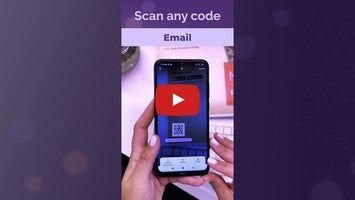
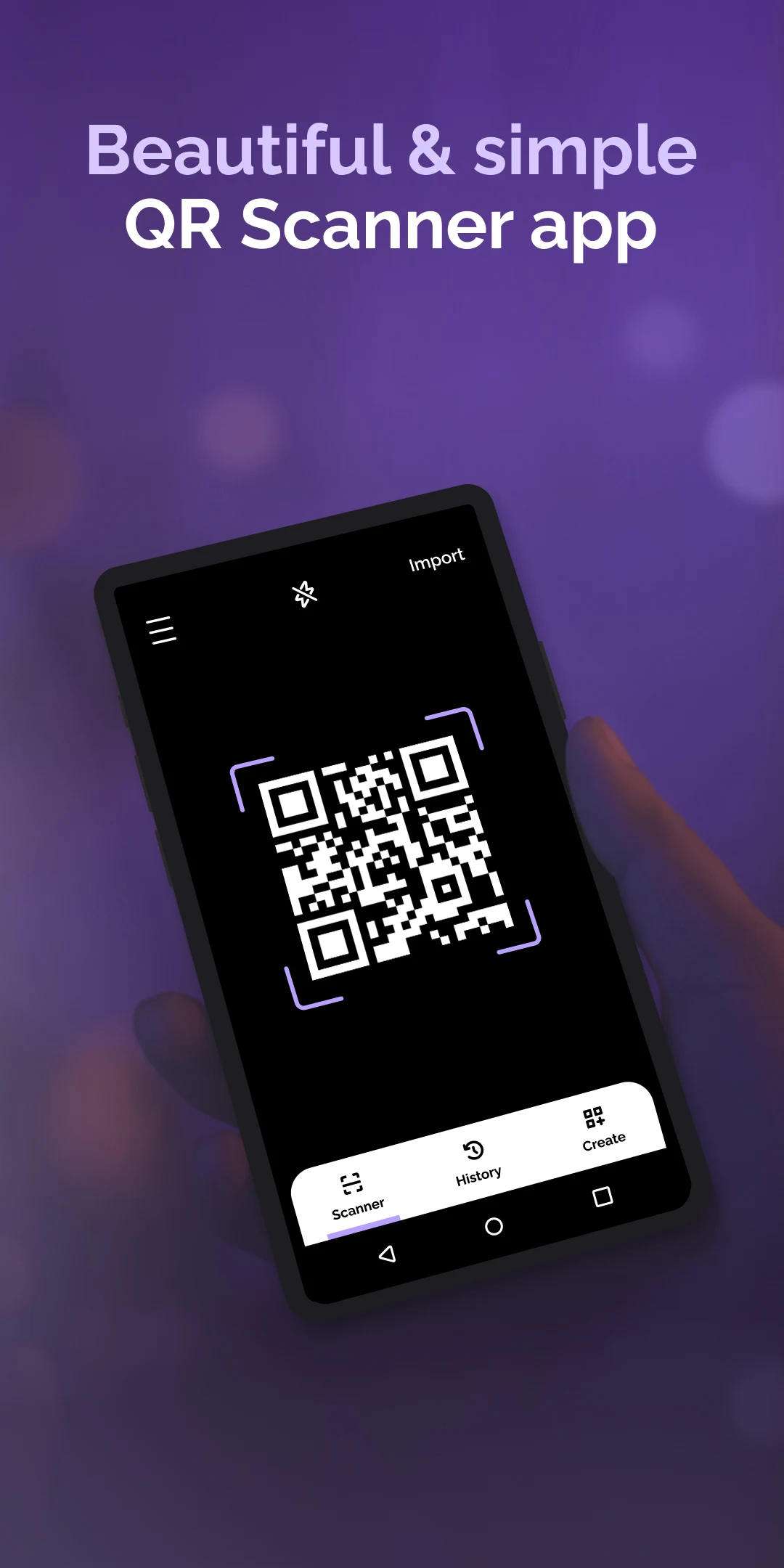
Welcome to the premier QR Code Scanner for Android - Your Ultimate Companion for QR and Barcode Scanning!
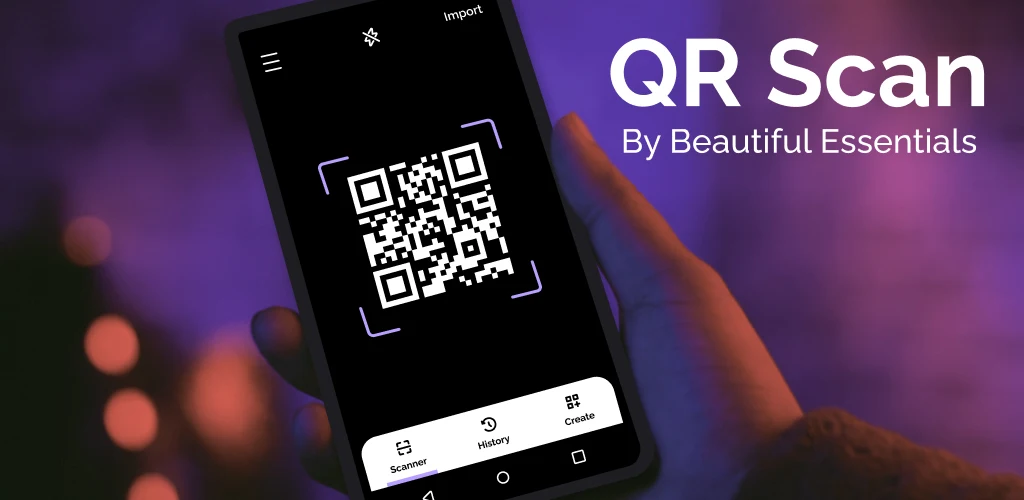
Introducing QR Scanner, an exceptional app meticulously designed for your mobile device. More than just a basic tool, it is an intuitive application that aims to transform your experience with scanning QR codes and barcodes.
Scan QR Codes and Barcodes for various functions including:
• Website URL scanning
• Quick access to contact details
• Calendar event codes
• WiFi network information
• Geolocation reader
Experience the capabilities of QR Scanner - a comprehensive app that can easily scan any QR code or barcode you come across. With its broad code support, you can trust that no code type will go unrecognized, allowing you to access important information without hassle.
Features:
Create and Share Personalized Codes:
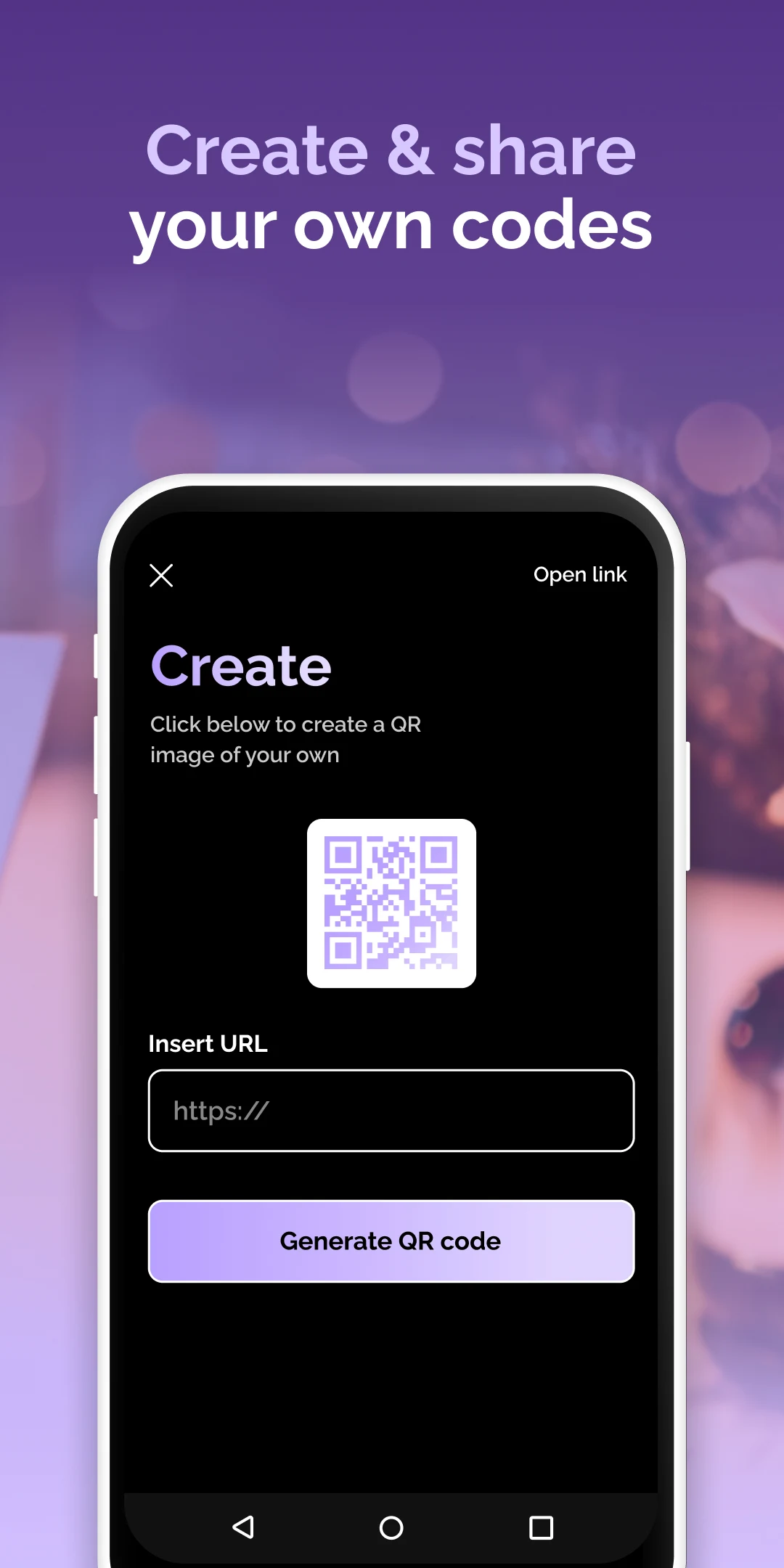
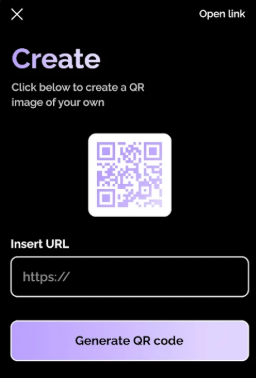
Gain the ability to design and distribute QR codes effortlessly. Generate customized codes for sharing information, links, or contacts with your colleagues, friends, or anyone else easily through the user-friendly interface of QR Scanner.
Access to Scan History:
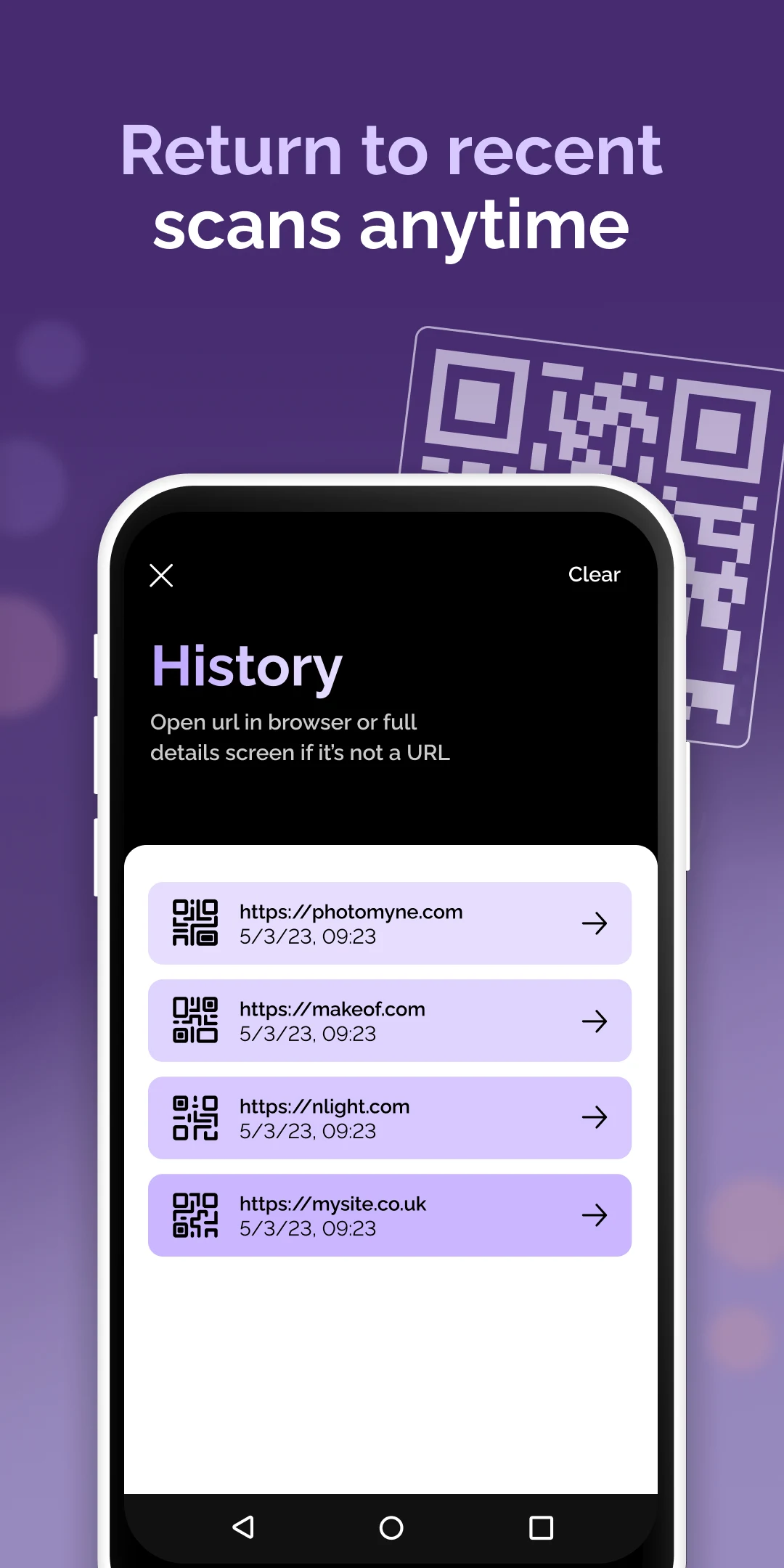
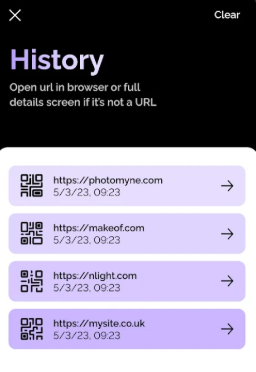
Your scan history is invaluable! The QR Scanner app meticulously saves every scanned item, creating an accessible archive right at your fingertips. It's easy to revisit your scanning activities whenever necessary.
Seamless and Immediate Recognition:
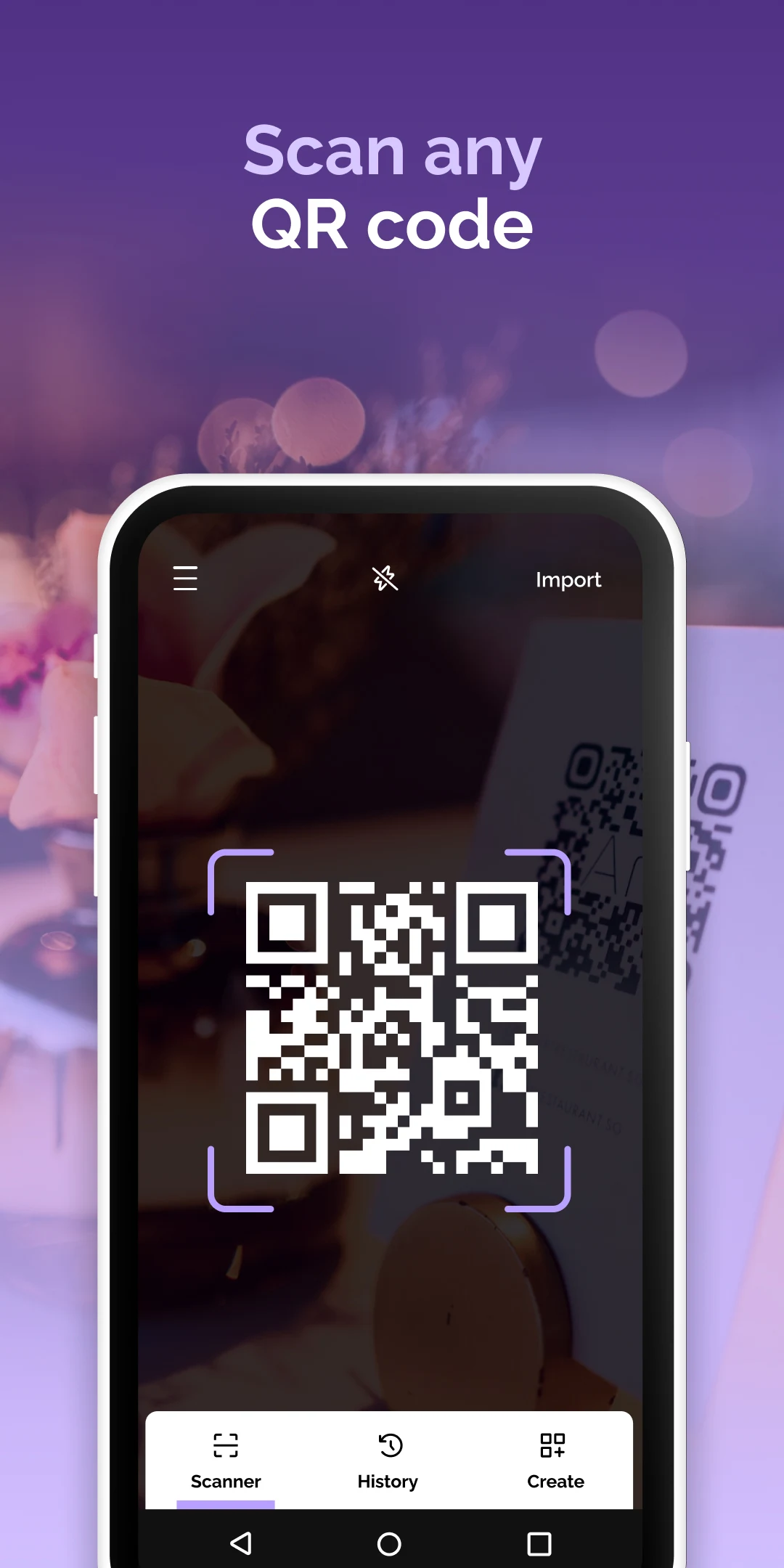
Experience the simplicity of scanning with QR Scanner. Just open the app, point your phone at a code, and watch as recognition happens instantly. It supports a wide variety of QR code types - from URLs to text and more - ensuring a smooth scanning process each time.
*Scan Anytime, Anywhere:
Adapt to any setting with the versatile features of QR Scanner. Use the integrated flashlight functionality to scan codes in low-light conditions, guaranteeing that you never miss a chance to decode a QR code or barcode.
Effective, dependable, and designed for ease of use, QR Scanner serves as the ultimate solution for all your QR code and barcode scanning requirements. Its user-focused design and smooth operations redefine your interaction with QR codes, enabling effortless scanning and opening up a world of endless possibilities!
Take advantage of the enhanced features offered by the QR code reader and Barcode Reader functionalities that augment the app's capabilities. Easily alternate between scanning QR codes and reading barcodes to further enrich your scanning experience.
Unleash the complete potential of your device with QR Scanner - your trustworthy QR Code Scanner for Android and barcode scanning solution.
How to Use:
1. Scan: Open the app, grant camera permissions, and point the camera at the QR code/barcode (use flash in low light). It will automatically recognize the code and supports switching scanning modes.
2. Generate QR Code: Select the generate function within the app, enter the content, and you can create and share the QR code.
3. View History: Scanned content is automatically saved; you can view the history directly within the app.
Frequently Asked Questions:
1. **Q**: What types of codes can this app scan?
**A**: We support scanning various QR codes and barcodes, including those corresponding to website links, contact information, calendar events, WiFi network information, and geolocation. We are compatible with all major code formats.
2. **Q**: Besides scanning, can I create my own QR codes?
**A**: Yes, we can generate personalized QR codes for sharing information, links, or contacts. The simple interface allows for quick design and distribution.
3. **Q**: Will scanned content be saved?
**A**: All scans are automatically saved, creating an accessible archive for easy revisiting.
4. **Q**: Can I scan in low light?
**A**: Yes, the app has a built-in flashlight feature that assists with scanning in low-light environments, preventing problems with QR codes or barcodes.
5. **Q**: Is scanning fast? Is the operation complex?
**A**: Scanning speed is fast. Simply open the app and point it at the code for instant recognition, eliminating the need for complex operations. The overall design focuses on ease of use, making it easy for even beginners to get started.
6. **Q**: Can I switch between scanning QR codes and barcodes?
**A**: You can easily switch between QR code scanning and barcode reading modes, meeting different scanning needs and enriching the user experience.
- Version1.6.5
- UpdateOct 28, 2026
- DeveloperBeautiful Essentials
- CategoryTools
- Requires AndroidAndroid 9+
- Downloads241K+
- Package Namecom.beautifulessentials.qrscan
- Signature9ff20bf24de5d6e50cdaffc7da60748f
- Available on
- ReportFlag as inappropriate
-
NameSizeDownload
-
25.19 MB
-
24.66 MB
-
24.99 MB

















Efficient and accurate scanning
Supports multiple formats
Rich and practical features
Simple and convenient operation
Ads interruption
Some features are paid
Scanning restrictions
Limited customization