
Digital Compass & GPS Compass - Smart GPS direction finder
Navigate effortlessly with precision GPS & compass features for hiking, camping, or travel adventures anywhere.
- 3.5 Version
- 1.3 Score
- 253K+ Downloads
- Free License
- 3+ Content Rating

About the app
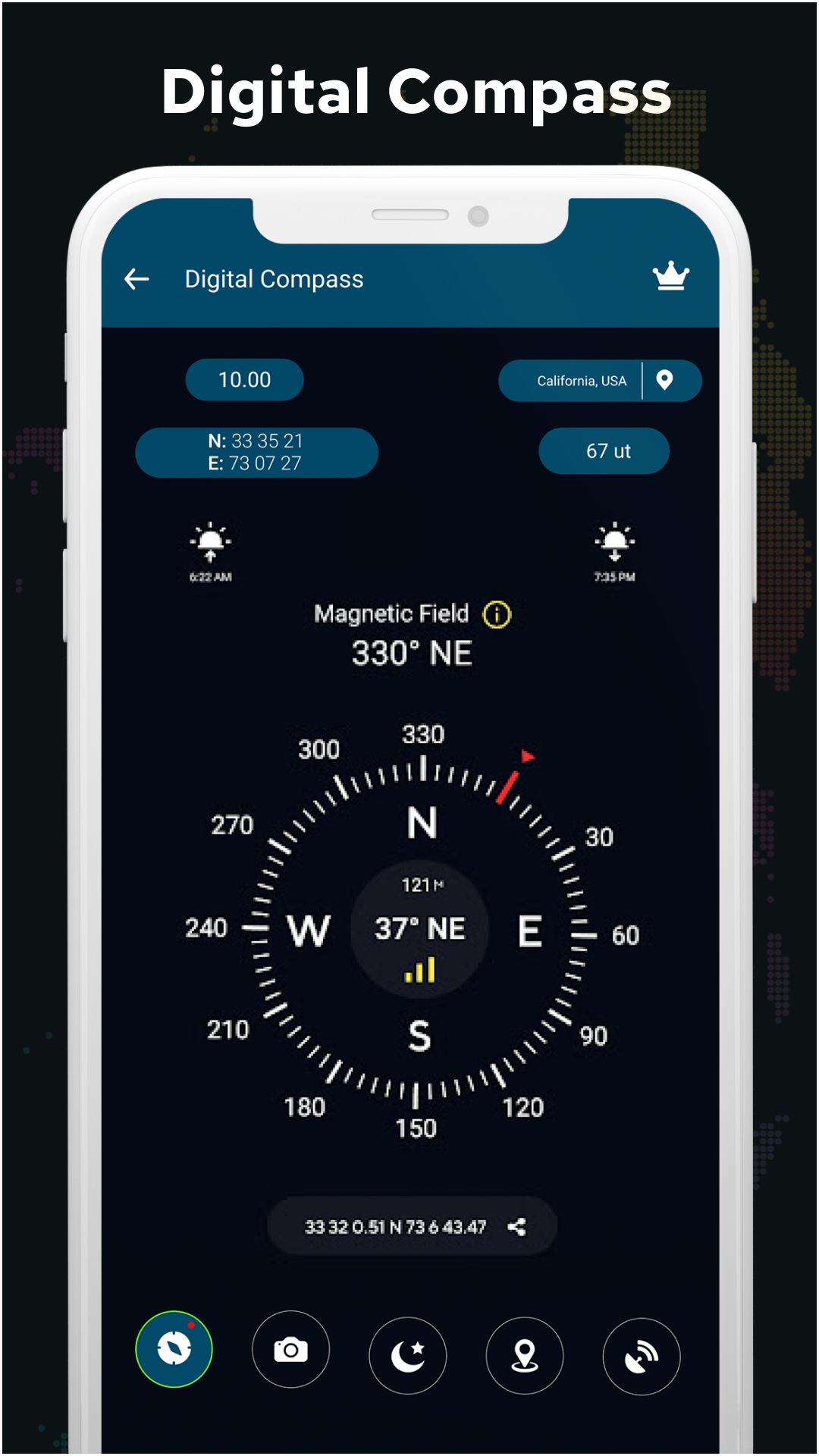
The Super Digital Compass app offers GPS coordinates that are perfect for outdoor activities such as traveling, camping, hiking, or boating. The Qibla compass serves as a smart GPS tool providing free latitude and longitude information. Moreover, the Vastu compass stands out as one of the most accurate apps for finding directions, even when offline.
While you've likely tried various digital compass applications, many tend to function reliably only in European countries, often lacking precision in Gulf countries and Asia. However, our direction compass is engineered to deliver accurate readings globally. This accuracy relies significantly on your device's performance.
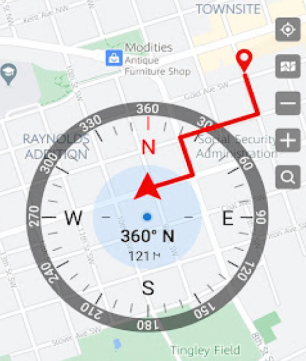
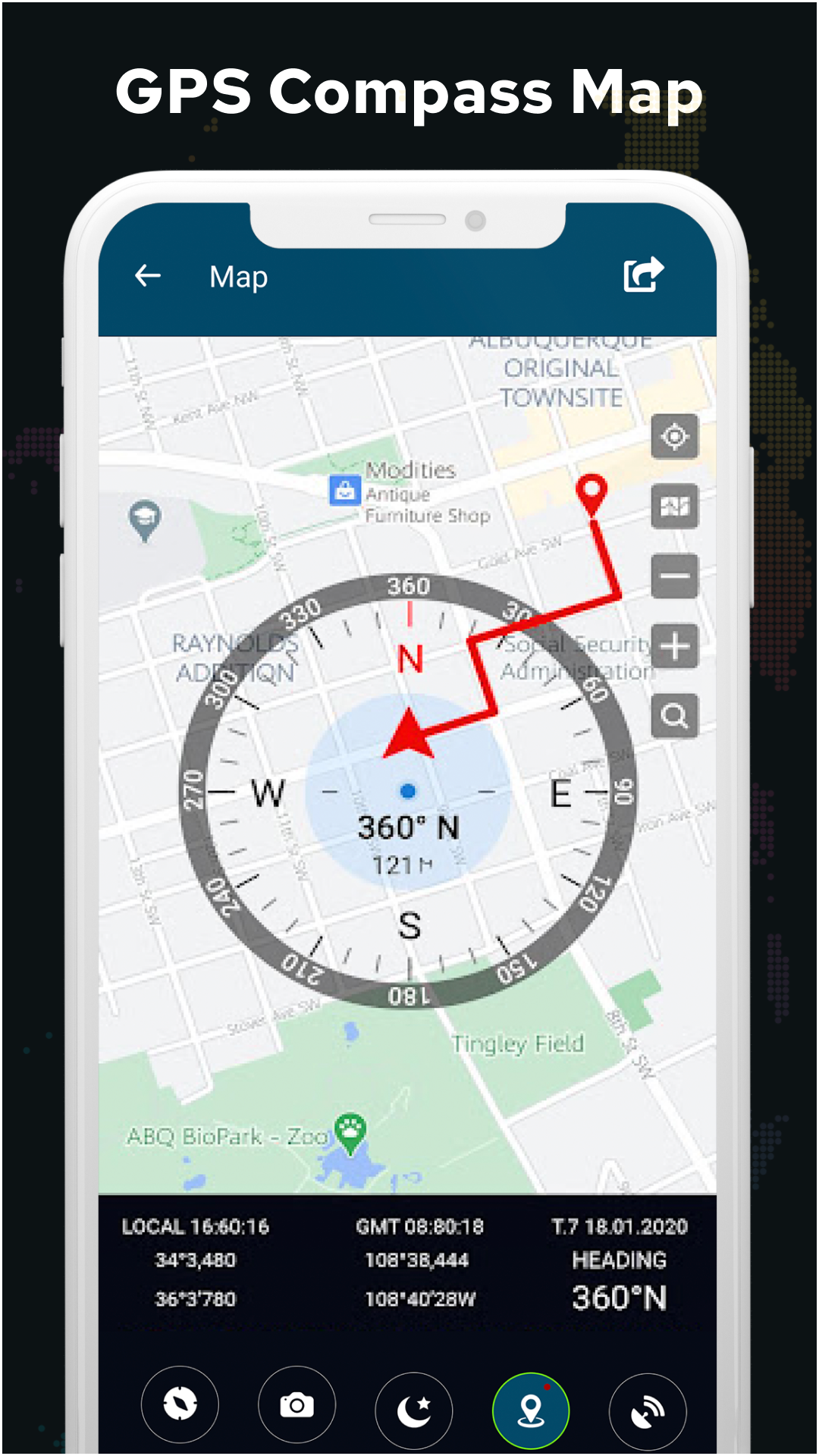
The Super Digital GPS compass is designed for those challenging situations where you may feel disoriented. You can verify your direction through the Digital GPS compass location map. This advanced digital compass provides a fee-based Google compass experience with GPS coordinates and latitude and longitude details. It features high-precision compass displays that ensure an ideal blend of user-friendliness and swift operation, making it perfect for various needs. Time2eat by compass navigation truly reflects your device's orientation to magnetic fields and true north.
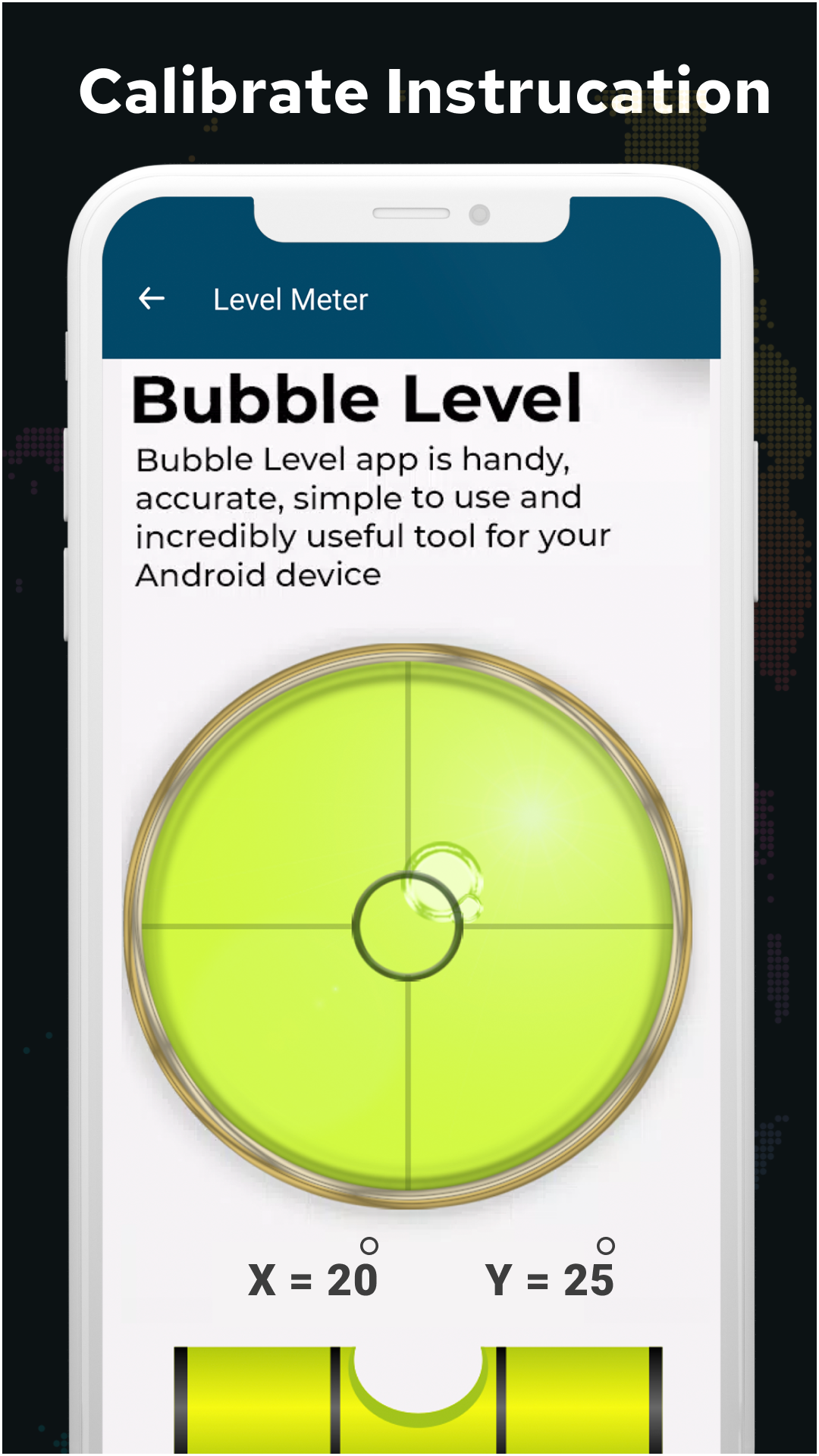
Available for Android, the Super Digital Compass Inclinometer measures vertical slopes and cardinal directions (north, east, west, south). The free compass version assists in calculating vehicle roll and pitch, functions as a spirit level for hanging pictures, and ensures surface leveling during construction projects using digital compass technology with a magnetic sensor. It's as intuitive to use as a bubble level, and it rapidly assesses angles and the steepness of slopes. This inclinometer also acts as a plumb line, pitch gauge, protractor, and bubble level.
The digital compass designed for satellite use helps locate bearings (azimuth) via built-in magnetic sensors. The smart compass for Android exhibits smooth and natural rotation akin to a traditional compass. It includes features like an offline Qibla compass with a magnetic sensor, adapting well to professional, maritime, and hiking enthusiasts with its GPS capabilities for outdoor settings.
Features of the Qibla Compass include
- An easy-to-use interface for determining Qibla direction, functioning similarly to a conventional compass.
- The flexibility to switch between true north and magnetic north.
- It locates both Qibla direction and GPS position.
- A compass shows direction across the four principal points: north, east, west, and south.
- Utilize your mobile's magnetic sensor to discover the northern direction.
- Beyond just one course, this app reveals primary and intermediate directions.
- The app provides orientations, GPS coordinates, and your current location with smooth animation of compass degrees.
- The app handles variations automatically, supporting magnetic and true north.
- Includes lighting and magnetic field computation capabilities.
- Offers various units of measurement, such as degrees or percentages.
- Provides immediate and clear feedback on steepness and angles.
- Exhibits incredibly smooth movements controlled by sensors.
- No internet connection is necessary; it works offline.
- Compasses feature 1° graduations.
Instructions for utilizing the Super Digital compass - Qibla compass:
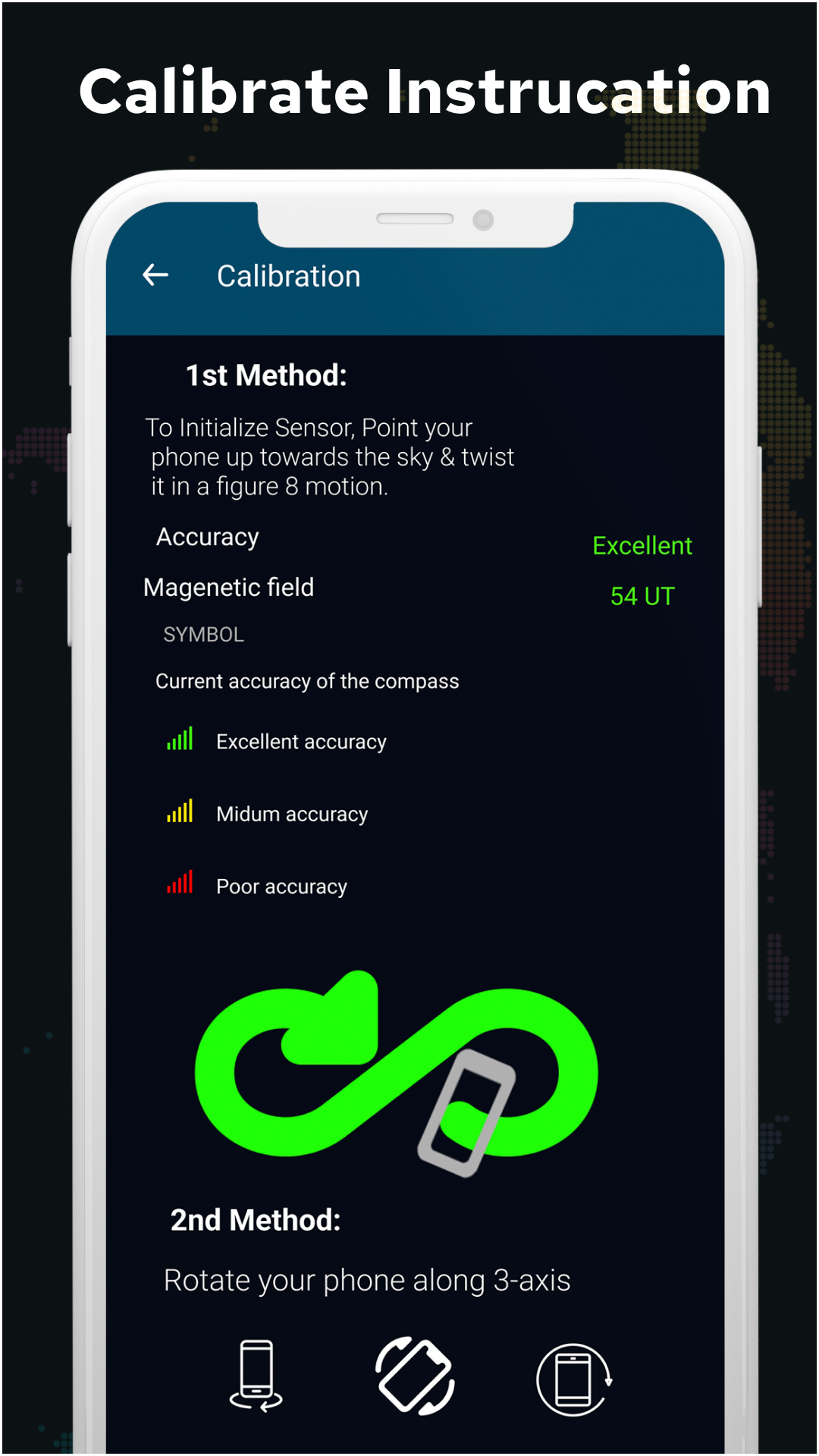
To operate the Qibla compass for direction, maintain your device flat and use it just like a conventional compass. Ensure your device is equipped with a magnetic sensor. Additionally, confirm that it has both an accelerometer and magnetometer; otherwise, functionality will be impaired. This allows you to find north, east, south, and west (north-east-west-south) for all outdoor pursuits.
Applicable Scenarios
1. Outdoor Travel:
Suitable for travel, camping, hiking, boating, etc. Offline direction finding and GPS latitude/longitude acquisition provide accurate positioning without geographical limitations.
2. Religious Worship:
Accurately find the direction of worship, supports switching between true north and magnetic north, and is usable offline for various scenarios.
3. Engineering/Daily Measurement:
Measure vertical slope and horizontal plane; can be used as a level and protractor; suitable for hanging paintings, furniture assembly, and small-scale construction.
4. Professional Navigation:
Suitable for navigation, geological exploration, etc. Switching to true north reduces magnetic interference, accurately measuring azimuth and slope to meet high-precision navigation needs.
5. Vehicle/Field Emergency:
Determine direction and calculate vehicle tilt/pitch angles when there is no network; quickly locate direction when lost in the wild or in vehicle emergencies.
FAQs
- **Q1: Can this app be used in mountainous areas without an internet connection? **
A: Yes. The app supports offline functionality. Core direction-finding features like the Vastu compass and Qibla compass operate without an internet connection. As long as your device has a magnetic sensor, accelerometer, and magnetometer, it can function properly in mountainous areas without an internet connection, making it suitable for outdoor hiking and other scenarios.
- **Q2: What are the practical uses of switching between true north and magnetic north? **
A: True north is the direction of geographic North Pole, while magnetic north is the direction of North Pole as indicated by the Earth's magnetic field. There is a discrepancy between the two. In scenarios requiring precise navigation, such as sailing and professional geological exploration, switching to true north can reduce errors caused by magnetic interference. For simple outdoor orientation, using magnetic north is more convenient. The app's switching function can adapt to different accuracy requirements.
- **Q3: Besides measuring slope, what other problems can an inclinometer solve for ordinary users? **
A: For the average user, an inclinometer can be used as a level. For example, it can be used to quickly determine if a picture frame is hung straight; to check if furniture (such as bookshelves and cabinets) is level when installing; and even to measure the angle of bends in DIY projects. It functions like a portable, multi-purpose measuring tool, and its operation is as simple as a bubble level.
- **Q4: What happens if my phone doesn't have a magnetic sensor? **
A: Without a magnetic sensor, the core functionality of the app will be affected. Because direction determination, Qibla direction positioning, and incline measurement all rely on magnetic sensors, without them, accurate direction may not be displayed, and some functions may even be unavailable. Therefore, please confirm whether your device is equipped with these sensors before use.
- **Q5: Will there be a difference in accuracy when using it in the Gulf countries compared to in Europe? **
A: There will not be a significant difference. This app is designed for global use, addressing the accuracy issues that many similar apps face in the Gulf countries and Asia. As long as your phone meets the performance requirements, it can provide readings in these regions that are as accurate as those in Europe.
- Version3.5
- UpdateOct 13, 2026
- DeveloperMarylandAppUSA
- CategoryTravel & Local
- Requires AndroidAndroid 4.4+
- Downloads253K+
- Package Namecom.kk.digital.compass.maps.free
- Signature0e87cde613572e9b5d080363e57cb2e7
- Available on
- ReportFlag as inappropriate
-
NameSizeDownload
-
14.90 MB
-
7.41 MB



















Widely applicable.
It offers precise global positioning, especially in the Gulf States and Asia, outperforming some similar apps.
It is feature-rich and supports offline use.
It offers intuitive operation, smooth sensor response, and multiple measurement units.
This feature depends on your device's hardware. It requires a magnetic sensor, accelerometer, and other sensors to function properly.
Some advanced features may require a fee.
Accuracy is significantly affected by device performance, so the user experience may vary depending on the device.